
このページはアプリまたはその開発者の公式ページではなく、情報提供および論評を目的として作成された独立した編集出版物です。明示的に別段の記載がない限り、アプリおよびその開発者は、MWM、Apple、Google Play、アプリのパブリッシャー、またはアプリの開発者と提携、承認、後援、認可、またはその他の公式的な関係はなく、このページのいかなる内容も、アプリがMWMのサービスを使用して開発されたことを意味するものではありません。すべての商標、ロゴ、スクリーンショット、その他のコンテンツはそれぞれの所有者の財産です。

Whats Web - Dual App Messenger
iPhoneおよびiPad向けの究極の生産性ツール。デュアルチャットをシームレスに管理し、番号を保存せずにメッセージを送信し、プロレベルのプライバシーで会話を保護しましょう。
ダウンロード
384K+ユーザー評価
評価数
9K+開発元
カテゴリ
Social Networking対応言語
1最新バージョン
2.3サイズ
174.8 MBリリース日
2025年1月15日デジタルワークフローをマスターする
現代のプロフェッショナルやサイドハスラーのために設計された当社のツールキットは、iPhoneおよびiPad全体で個人のプライバシーとビジネスの効率性の間のギャップを埋めます。
デュアルアカウントマスター
2台の電話を持ち運ぶ必要をなくし、単一のデバイスでプロフェッショナルと個人のプレゼンスを楽に管理できます。
散らからないネットワーキング
iCloud連絡先をクリーンで整理された状態に保ち、番号を保存せずに新しいクライアントやマーケットプレイスの販売者に即座にメッセージを送信できます。
よくある質問
について知っておくべきこと Whats Web - Dual App Messenger
Whats Web - Dual App Messengerとは何ですか?
Whats Web - Dual App Messengerは、複数のチャットアカウントを管理し、会話を保護し、デュアルチャットモードやダイレクトチャットなどの機能でメッセージを効率的に処理するためのアプリケーションです。
Whats Web: Dual Chat Messengerを使用して複数のチャットアカウントを管理できますか?
はい、Whats Web: Dual Chat Messengerを使用すると、ユーザーは1台のデバイスまたは複数のデバイスで複数のアカウントを管理できます。これにより、デュアルチャットモード機能を通じてメッセージは安全かつプライベートに保たれます。
Whats Web: Dual Chat Messengerのダイレクトチャット機能はどのように機能しますか?
Whats Web: Dual Chat Messengerのダイレクトチャット機能は、電話番号を保存せずに誰にでもインスタントメッセージを送信できます。ビジネスや新しい連絡先との迅速なコミュニケーションに最適です。
Whats Web - Dual App Messengerはチャットのバックアップと復元機能を提供しますか?
はい、Whats Web - Dual App Messengerはチャットのバックアップと復元機能を提供します。ユーザーは会話を簡単にバックアップおよび復元でき、重要なメッセージが常に安全でアクセス可能であることを保証します。
Whats Web: Dual Chat Messengerでチャットを保護するにはどうすればよいですか?
Whats Web: Dual Chat Messengerは、ユーザーがパスコードを設定できるようにすることでチャットを保護します。この機能により、不正アクセスが防止され、すべての会話のプライバシーと安全性が確保されます。
Whats Web: Dual Chat MessengerはWebチャットアクセスをサポートしていますか?
はい、Whats Web: Dual Chat MessengerはWebチャットアクセスをサポートしています。ユーザーはQRコードをスキャンして、簡単な接続でデスクトップまたはラップトップから会話をシームレスに管理できます。
Whats Web: Dual Chat Messengerのユーザーインターフェースはナビゲートしやすいですか?
はい、Whats Web: Dual Chat Messengerはシンプルで直感的なユーザーインターフェースを備えています。そのデザインは簡単なナビゲーションを保証し、新規ユーザーと経験豊富なユーザーの両方がチャットを迅速かつ楽に管理できるようにします。
Whats Web - Dual App Messengerはプライバシーとセキュリティ機能を提供しますか?
はい、Whats Web - Dual App Messengerは堅牢なプライバシーとセキュリティ機能を提供します。パスコード保護と目立たずにストーリーを表示できる機能が含まれており、ユーザー情報がプライベートかつ安全に保たれることを保証します。
以下のスクリーンショットと説明は、アプリの公式ストアリスティングから直接取得されたものであり、アプリ開発者の所有物です。
アプリストア
スクリーンショット
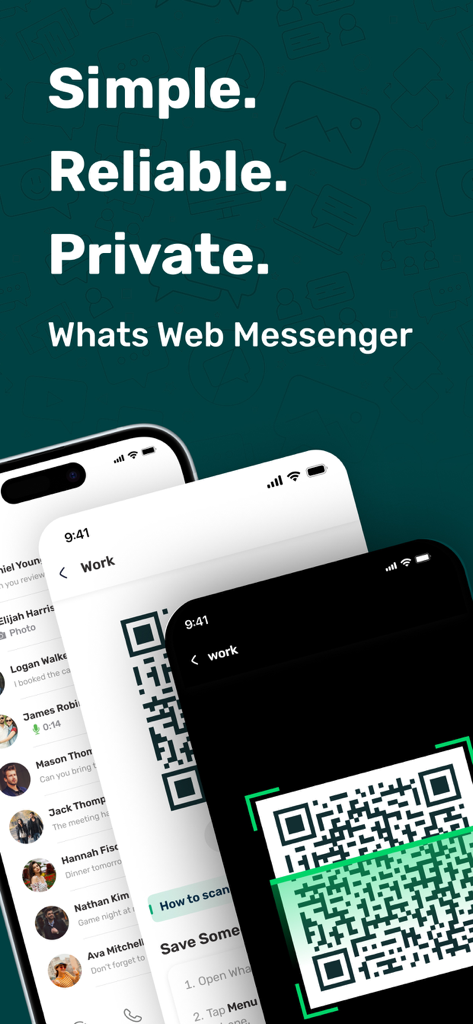
複数のモバイル画面でデュアルアカウントのQRコードスキャンを示すWhats Web Messengerアプリのインターフェース
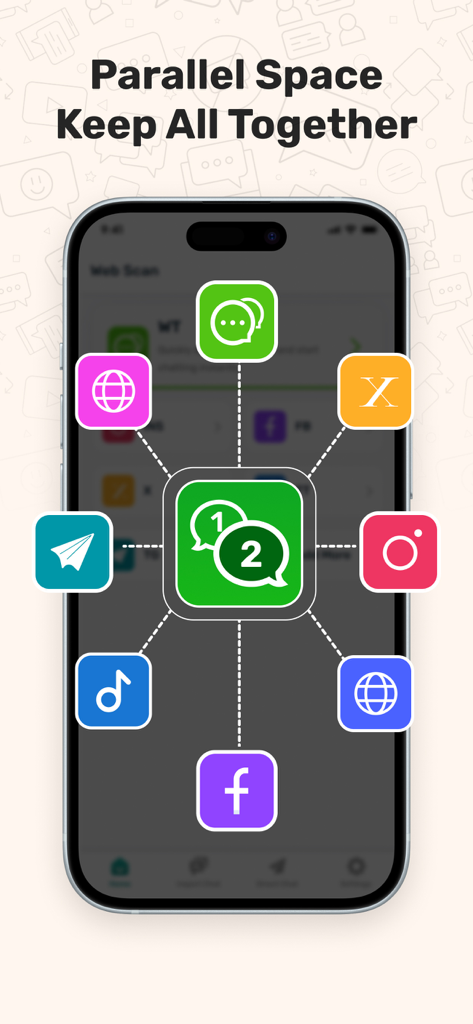
WhatsApp Facebook Instagramなどの複数のソーシャルメディアアカウントを接続する並列スペース機能をà示すWhats Webアプリ画面
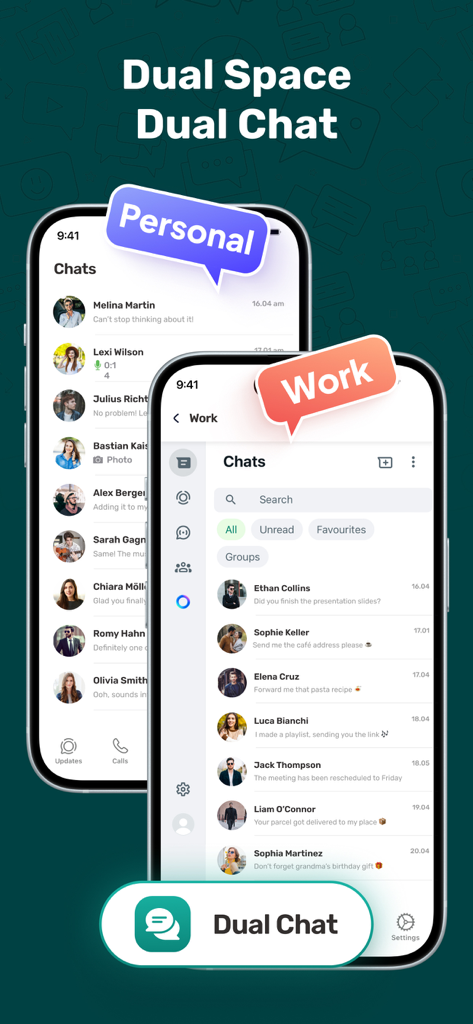
個人の仕事用メッセンジャーアカウントが分離されたデュアルチャットモードを示すWhats Webアプリのインターフェース
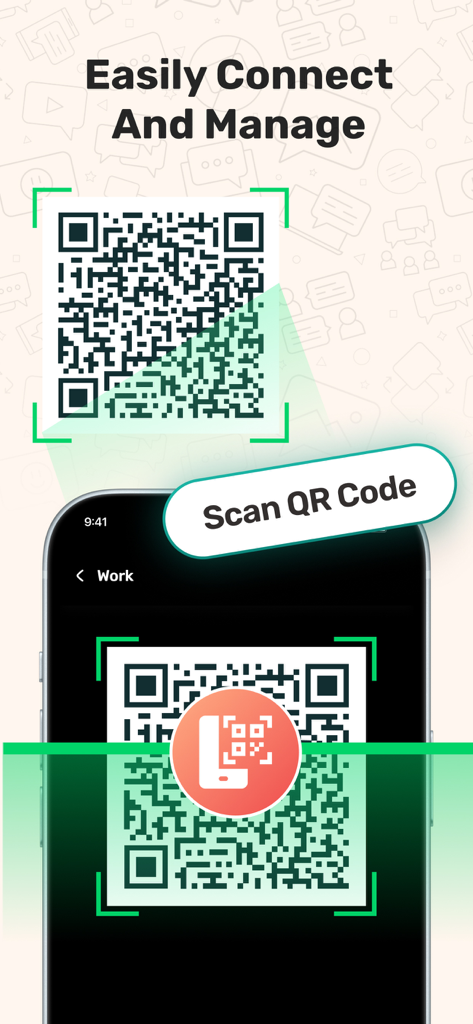
デュアルメッセンジャーアカウントを同期および管理するためにQRコードをスキャンする携帯電話
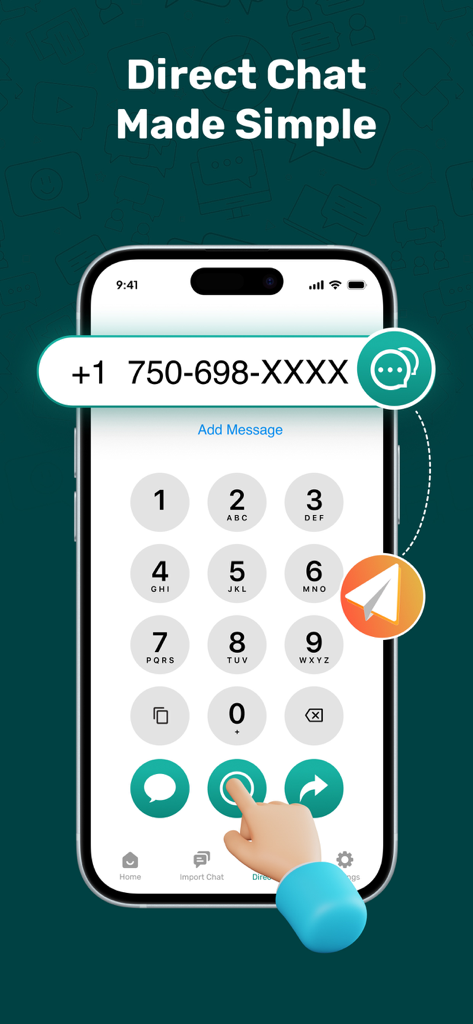
保存されていない連絡先にメッセージを送信するためのWhats Webアプリのダイレクトチャット機能を示すスマートフォン画面
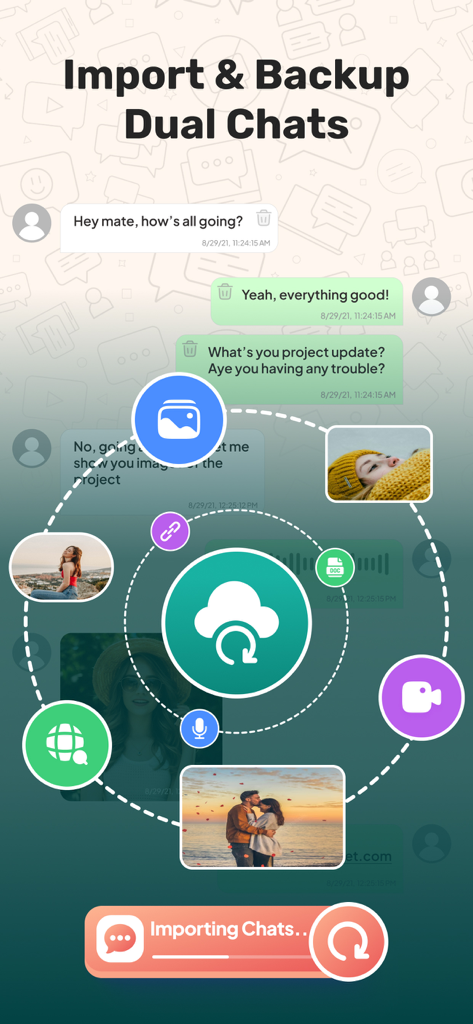
メディア同期アイコンを使用してデュアルメッセンジャーチャットのインポートとバックアップを行うインターフェース
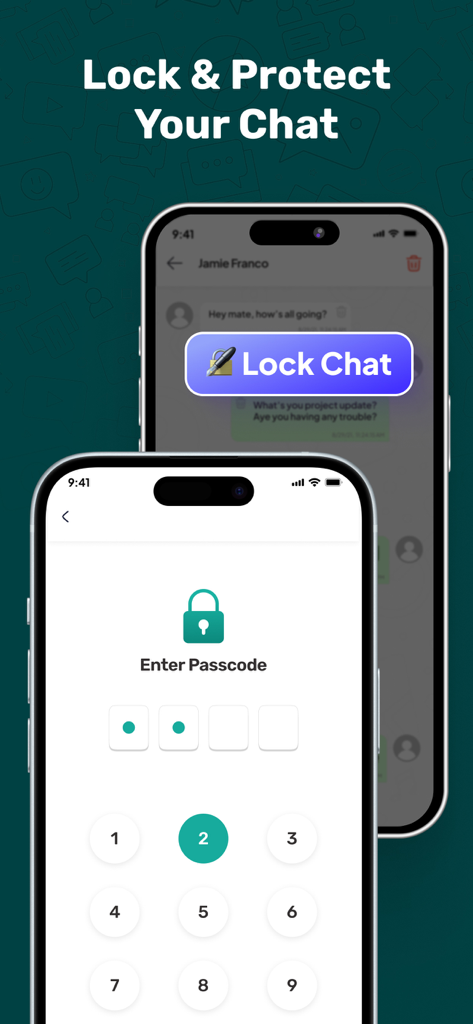
Whats Webアプリでの安全なプライベートメッセージング用のパスコードロック機能
説明
Download
類似アプリ
似た機能とユーザー体験を持つアプリ

WAAI: Web Messenger, Dual Chat
SEAMOBI TECH PTE LTD

WA Web - Dual Chat App
Guangdong Wuji Network Technology Co., Ltd.

Web scan 2024
Kanubhai Ukani

Status Saver WT - StoryBox
Pravin Gondaliya

WAMR - Undelete messages
Dweej Zalavadiya
WT Scan for Web 2026
Gaurang Radadiya

GB Version 2025
Javar Singh

Web Scan - Dual Chat
Ankur Kalkani

GB What+ : Dual Messenger chat
Zineb Rafai
このページはアプリまたはその開発者の公式ページではなく、情報提供および論評を目的として作成された独立した編集出版物です。明示的に別段の記載がない限り、アプリおよびその開発者は、MWM、Apple、Google Play、アプリのパブリッシャー、またはアプリの開発者と提携、承認、後援、認可、またはその他の公式的な関係はなく、このページのいかなる内容も、アプリがMWMのサービスを使用して開発されたことを意味するものではありません。すべての商標、ロゴ、スクリーンショット、その他のコンテンツはそれぞれの所有者の財産です。