
このページはアプリまたはその開発者の公式ページではなく、情報提供および論評を目的として作成された独立した編集出版物です。明示的に別段の記載がない限り、アプリおよびその開発者は、MWM、Apple、Google Play、アプリのパブリッシャー、またはアプリの開発者と提携、承認、後援、認可、またはその他の公式的な関係はなく、このページのいかなる内容も、アプリがMWMのサービスを使用して開発されたことを意味するものではありません。すべての商標、ロゴ、スクリーンショット、その他のコンテンツはそれぞれの所有者の財産です。

WT Scan for Web 2026
デュアルチャットサポート、連絡先保存不要のダイレクトメッセージ、そしてiPhoneとiPadで仕事とプライベートを分離するための強力なツールで、コミュニケーションをマスターしましょう。
ダウンロード
2M+ユーザー評価
評価数
31K+開発元
カテゴリ
Social Networking対応言語
14最新バージョン
34.0サイズ
48.9 MBリリース日
2022年5月13日コミュニケーションワークフローをマスターする
WhatsAppパワーユーザーのための究極のツールキット。日々の生産性と接続性を高めるために設計された高度な機能で、仕事とプライベートのバランスを取りましょう。
デュアルアカウント管理
1台のデバイスで2つのアカウントを簡単に実行したり、iPhoneとiPad間で個人用チャットとビジネス用チャットを同期したりできます。
インスタントダイレクトメッセージ
新しいクライアントやマーケットプレイスのバイヤーにすぐにリーチできます。連絡先に保存する手間なく、任意の番号にメッセージを送信できます。
よくある質問
について知っておくべきこと WT Scan for Web 2026
WT Scan for Web 2026 とは何ですか?
WT Scan for Web 2026 は、1台のデバイスで2つのWhatsAppアカウントを使用したり、複数のデバイスで1つのアカウントを使用したりできるアプリです。WhatsApp WebのQRコードをスキャンすることで、複数のデバイスからシームレスにチャットにアクセスできます。
WT Scan for Web 2026 のデュアルチャット機能はどのように使用しますか?
デュアルチャットを使用するには、WT Scan for Web 2026 を開いてQRコードを表示します。別のデバイスでWhatsApp Webの設定にアクセスし、そのQRコードをスキャンします。これによりアカウントがリンクされ、デュアルチャット機能が有効になります。
WT Scan for Web 2026 にはQRコードスキャナーとジェネレーターが含まれていますか?
はい、WT Scan for Web 2026 はQRコードをURLに変換するQRコードスキャンツールを提供しています。また、さまざまな用途に直接アプリ内で独自のQRコードを作成する機能も提供しています。
WT Scan for Web 2026 を使用して、番号を保存せずにWhatsAppメッセージを送信できますか?
はい、WT Scan for Web 2026 を使用すると、受信者の連絡先番号を事前に保存せずに直接WhatsAppメッセージを送信できます。この機能により、迅速なコミュニケーションが効率化されます。
WT Scan for Web 2026 のサブスクリプション料金はいくらですか?
WT Scan for Web 2026 では、週 $2.99、1ヶ月 $4.99、1年 $29.49 の自動更新サブスクリプションを提供しています。これらのサブスクリプションにより、すべてのアプリ機能が利用可能になり、広告が削除されます。
WT Scan for Web 2026 のサブスクリプションをキャンセルするにはどうすればよいですか?
購入後、iTunesアカウント設定にアクセスすることで、WT Scan for Web 2026 のサブスクリプションを管理し、自動更新をオフにすることができます。アクティブなサブスクリプションは、期間中にキャンセルすることはできません。
WT Scan for Web 2026 は公式のWhatsApp製品ですか?
いいえ、WT Scan for Web 2026 は独自に開発されたものです。公式のWhatsAppアプリケーションではなく、アプリの免責事項によると、WhatsApp Inc.とは一切関係がありません。
WT Scan for Web 2026 はテキスト関連のユーティリティ機能を提供していますか?
はい、WT Scan for Web 2026 には、テキストリピーター、ステータスキャプションオプション、テキストから絵文字へのコンバーターなどのテキストユーティリティが含まれており、さまざまなコミュニケーションや表現のニーズに対応します。
以下のスクリーンショットと説明は、アプリの公式ストアリスティングから直接取得されたものであり、アプリ開発者の所有物です。
アプリストア
スクリーンショット
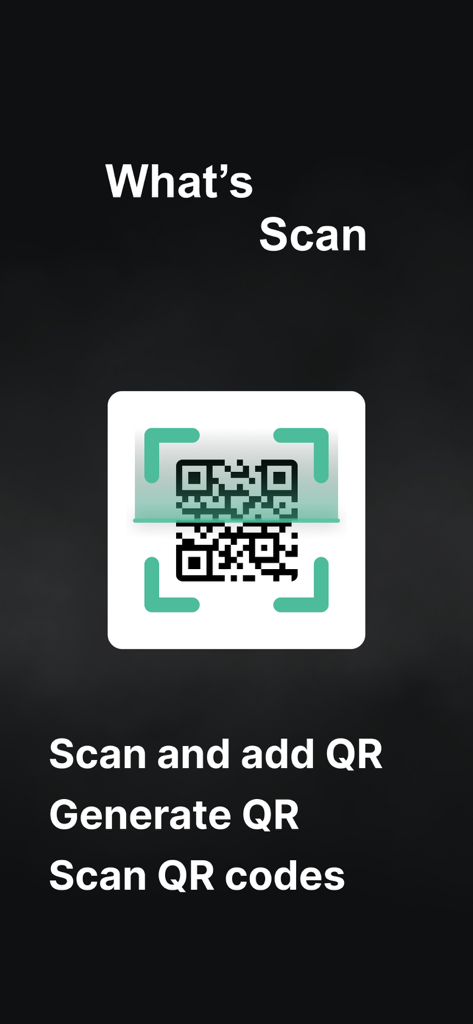
WT Scan for Web 2026アプリ画面、QRコードスキャンと生成機能が表示されている
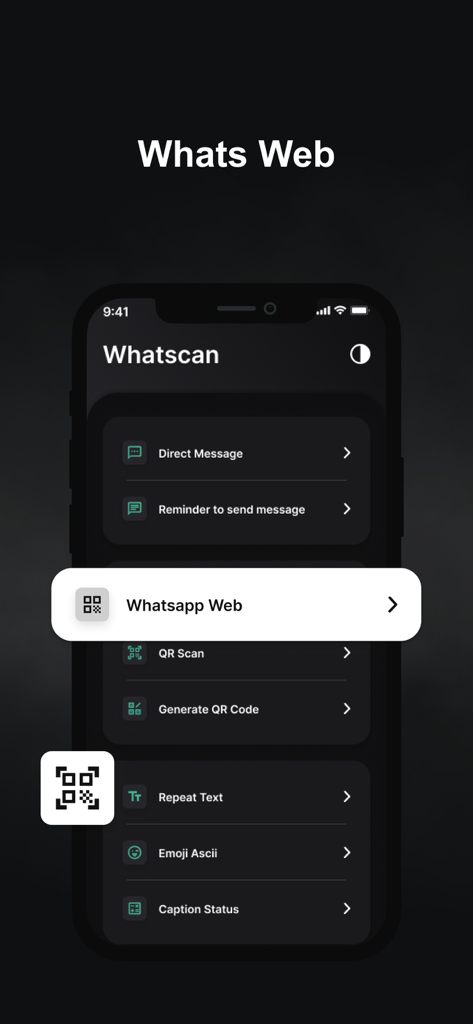
WT Scan for Webアプリのインターフェース、WhatsApp Webやダイレクトメッセージなどの機能がダークモードで表示されている
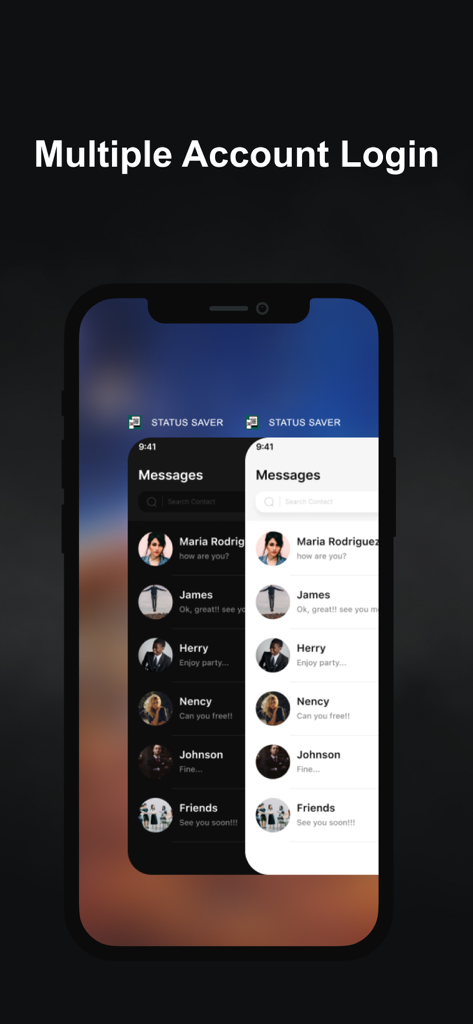
複数のアカウントログイン機能が表示されたスマートフォンのディスプレイ、ダークモードとライトモードのチャット画面が重なっている
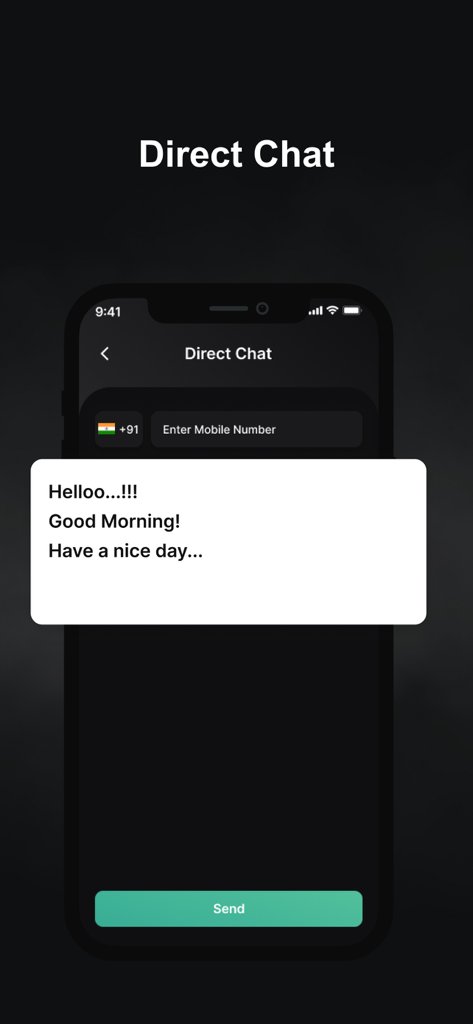
WT Scan for Webアプリのダイレクトチャット画面、メッセージボックスと電話番号フィールドが表示されている
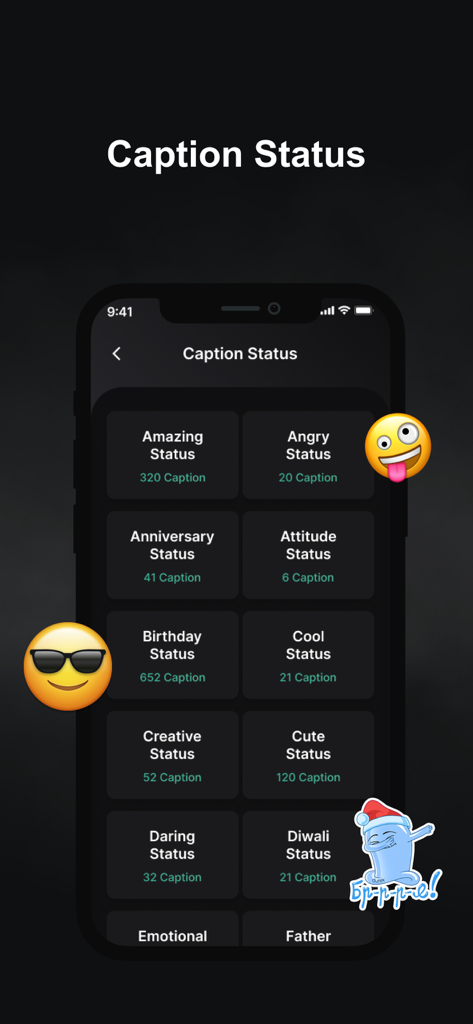
WT Scanアプリ内のソーシャルメディアステータス用キャプションカテゴリのリスト、AmazingやBirthdayなどのテーマが含まれている
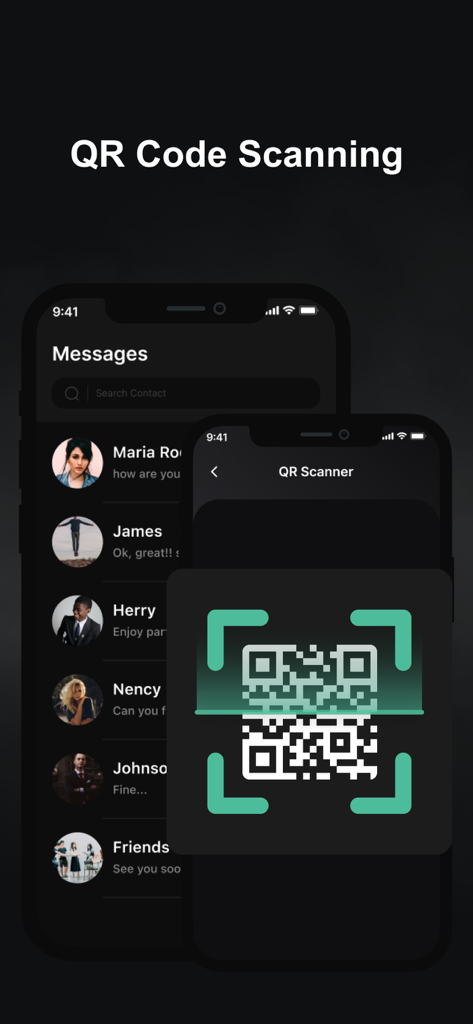
WT Scan for Web 2026アプリでのアカウント連携用QRコードスキャナーインターフェース
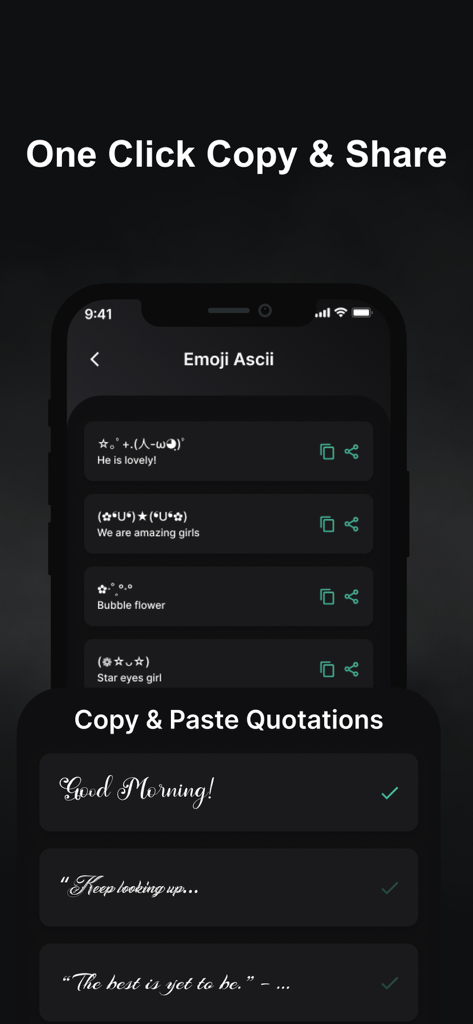
WT Scan for Webアプリのスクリーンショット、ASCII絵文字や、スタイリッシュなフォントのコピー&ペースト引用が表示されている
説明
Download
類似アプリ
似た機能とユーザー体験を持つアプリ

WAAI: Web Messenger, Dual Chat
SEAMOBI TECH PTE LTD

WA Web - Dual Chat App
Guangdong Wuji Network Technology Co., Ltd.

Web scan 2024
Kanubhai Ukani

Whats Web - Dual App Messenger
Pravin Gondaliya

Status Saver WT - StoryBox
Pravin Gondaliya

WAMR - Undelete messages
Dweej Zalavadiya

GB Version 2025
Javar Singh

Web Scan - Dual Chat
Ankur Kalkani

GB What+ : Dual Messenger chat
Zineb Rafai
このページはアプリまたはその開発者の公式ページではなく、情報提供および論評を目的として作成された独立した編集出版物です。明示的に別段の記載がない限り、アプリおよびその開発者は、MWM、Apple、Google Play、アプリのパブリッシャー、またはアプリの開発者と提携、承認、後援、認可、またはその他の公式的な関係はなく、このページのいかなる内容も、アプリがMWMのサービスを使用して開発されたことを意味するものではありません。すべての商標、ロゴ、スクリーンショット、その他のコンテンツはそれぞれの所有者の財産です。