WordBoard: Copy Paste Keyboard

WordBoard: Copy Paste Keyboard

ダウンロード: App Store
ロゴ: WordBoard: Copy Paste Keyboard

WordBoard: 外出先でのビジネス向け生産性キーボード

繰り返し入力する時間を無駄にするのをやめましょう。ワンタップでスニペット、テンプレート、プロフェッショナルな返信を即座に挿入できます。AI搭載で、より速く、よりスマートに作業できます。

ダウンロード: App Store

開発元

Bytesize Systems Pty Ltd

カテゴリ

Utilities

ダウンロード

104K+

ユーザー評価

4.9/5

評価数

5K+

対応言語

4

効率を実践で見る

このインターフェースを利用する 104K+ 人のユーザー.

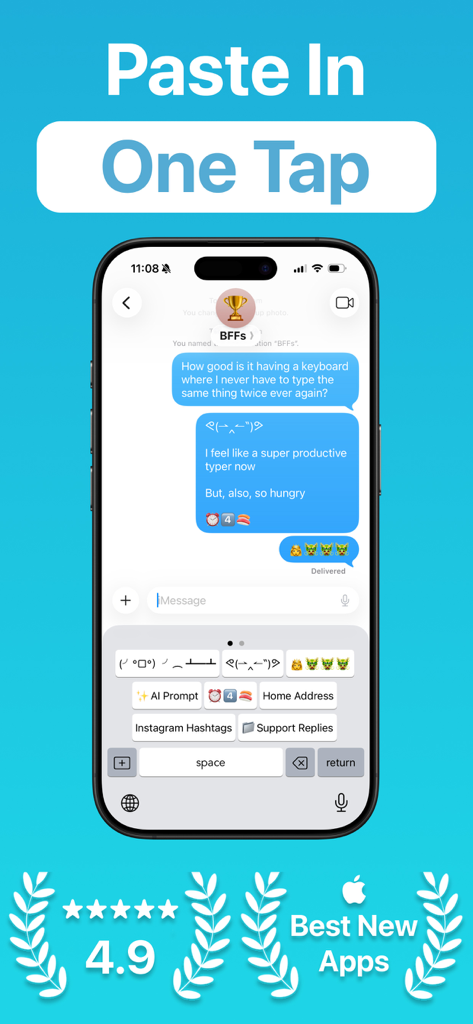
WordBoardアプリに、メッセージをより速く送信するためのワンタップテキストショートカットを備えたカスタムキーボードが表示されています。
WordBoardアプリに、メッセージをより速く送信するためのワンタップテキストショートカットを備えたカスタムキーボードが表示されています。

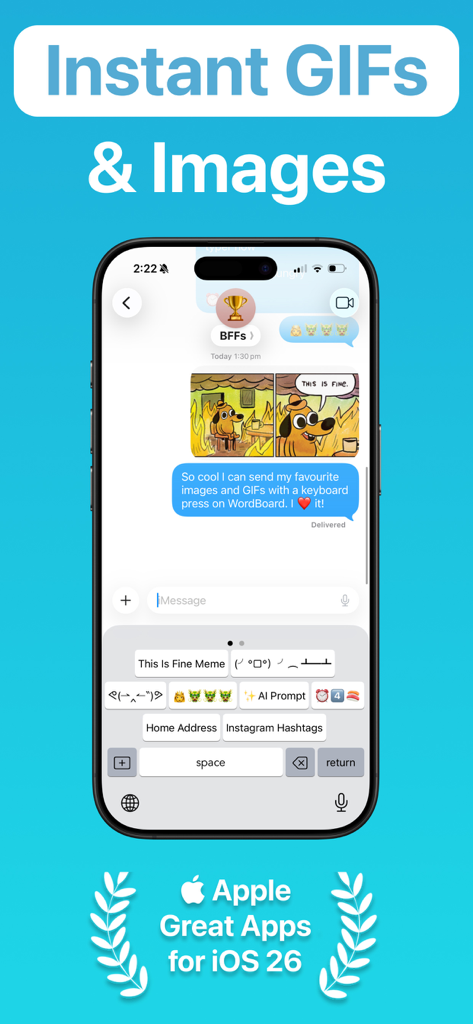
WordBoardカスタムキーボードインターフェースに、チャットメッセージ内でGIFや画像用のクイックショートカットボタンが表示されています。
WordBoardカスタムキーボードインターフェースに、チャットメッセージ内でGIFや画像用のクイックショートカットボタンが表示されています。

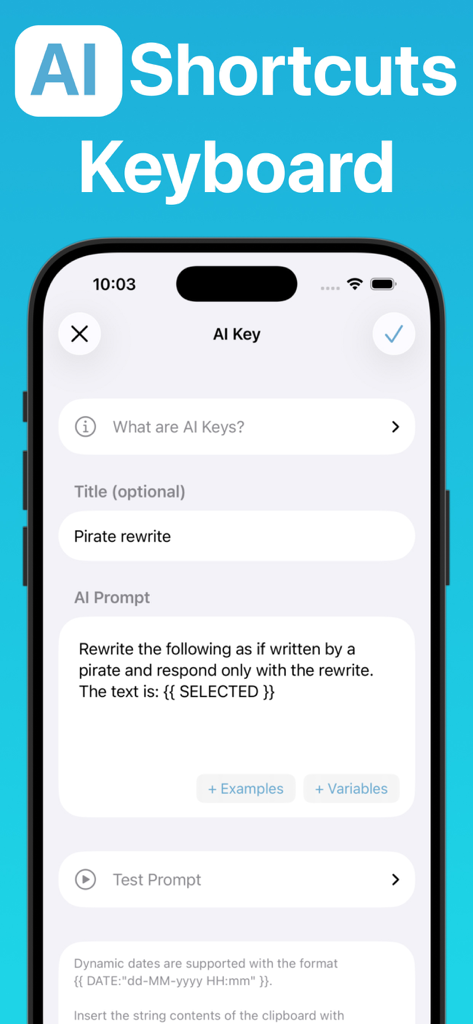
WordBoardアプリのインターフェースに、テキストを書き換えるためのカスタムAIショートカットキーの設定が表示されています。
WordBoardアプリのインターフェースに、テキストを書き換えるためのカスタムAIショートカットキーの設定が表示されています。

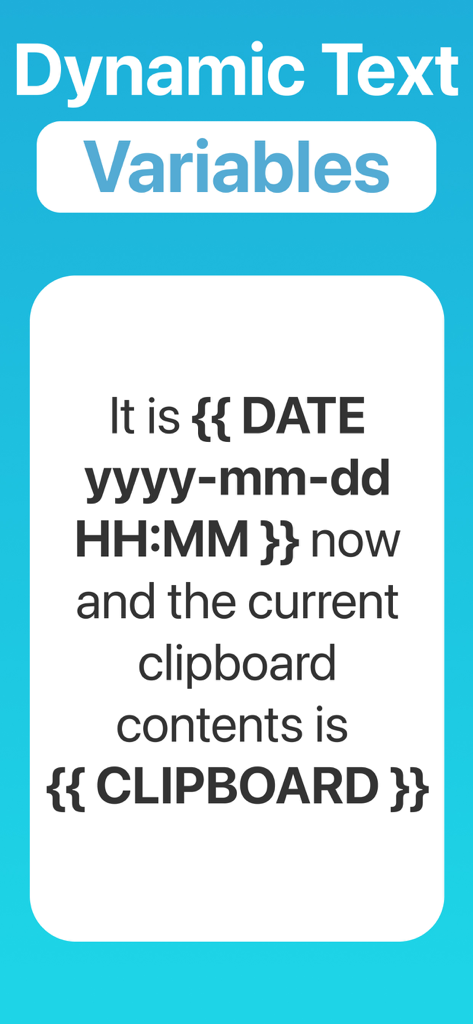
WordBoardアプリ画面に、日付やクリップボードの内容の動的テキスト変数が表示されています。
WordBoardアプリ画面に、日付やクリップボードの内容の動的テキスト変数が表示されています。

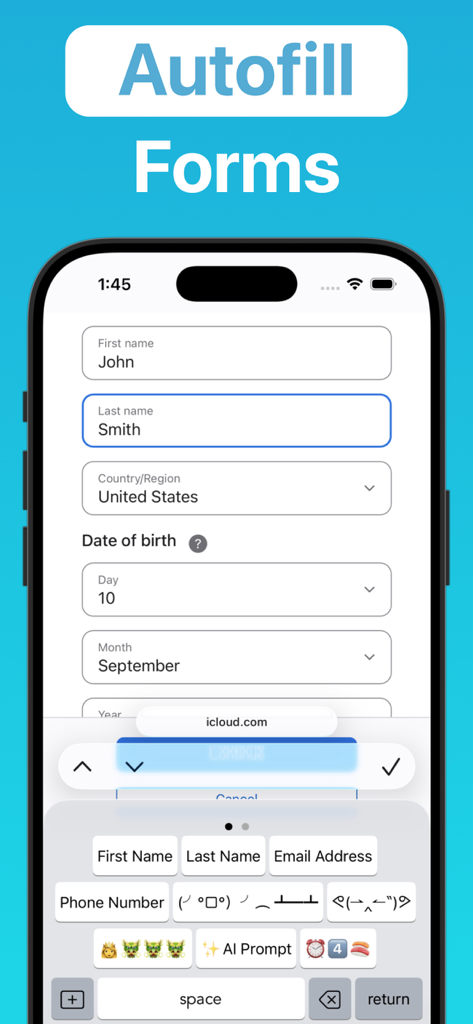
WordBoardアプリインターフェースに、個人情報ショートカットキーを使用してWebフォームに自動入力するカスタムキーボードが表示されています。
WordBoardアプリインターフェースに、個人情報ショートカットキーを使用してWebフォームに自動入力するカスタムキーボードが表示されています。

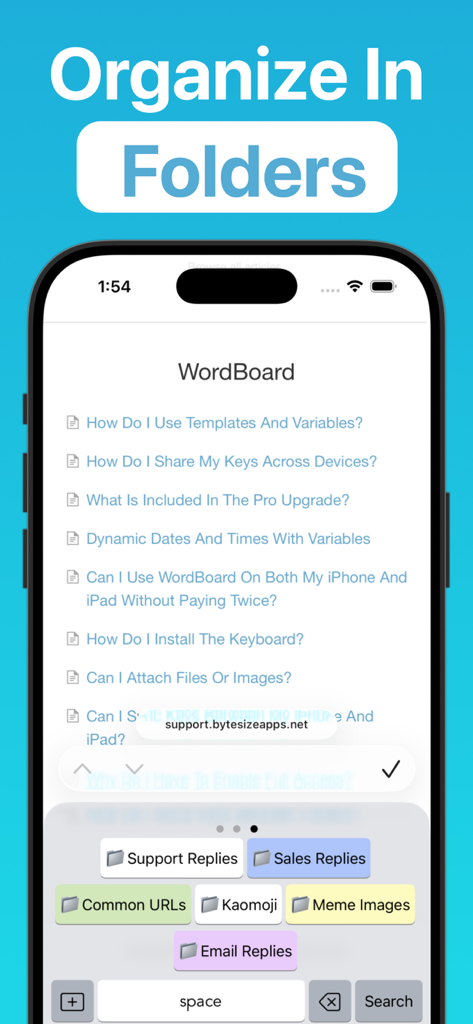
WordBoardアプリインターフェースに、サポート返信、セールス返信、および一般的なURL用の整理されたフォルダを備えたカスタムキーボードが表示されています。
WordBoardアプリインターフェースに、サポート返信、セールス返信、および一般的なURL用の整理されたフォルダを備えたカスタムキーボードが表示されています。

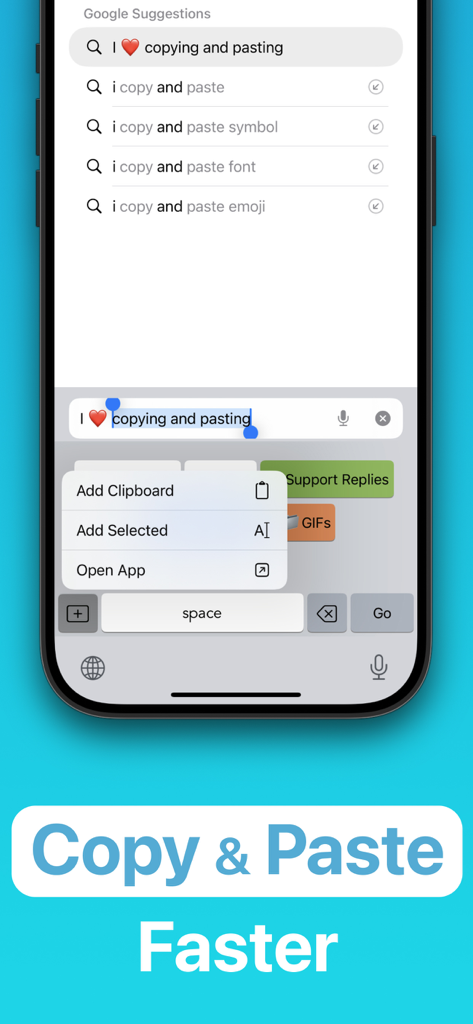
WordBoardアプリインターフェースに、モバイルデバイスでテキストをより速くコピー&ペーストするためのカスタムキーボードショートカットが表示されています。
WordBoardアプリインターフェースに、モバイルデバイスでテキストをより速くコピー&ペーストするためのカスタムキーボードショートカットが表示されています。

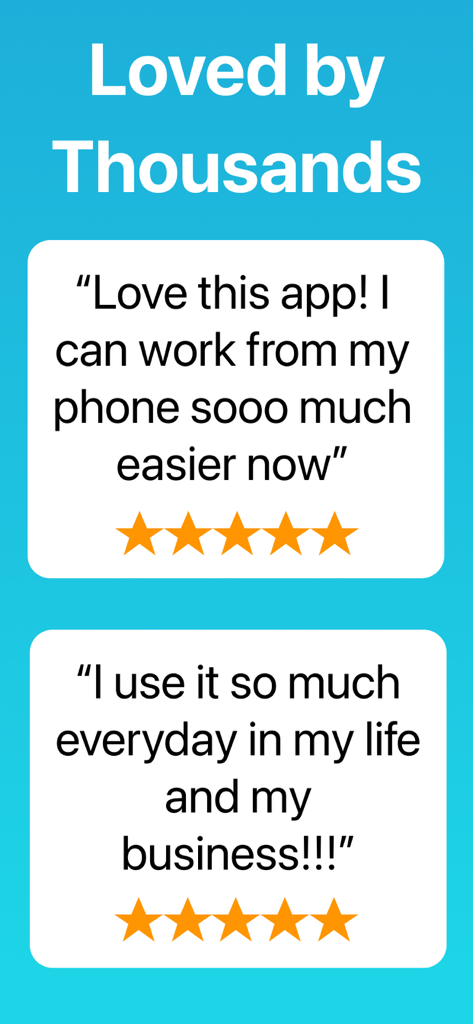
WordBoardアプリの肯定的な5つ星ユーザーレビュー2件。ビジネスや日常生活で何千人もの人に愛用されていることが示されています。
WordBoardアプリの肯定的な5つ星ユーザーレビュー2件。ビジネスや日常生活で何千人もの人に愛用されていることが示されています。

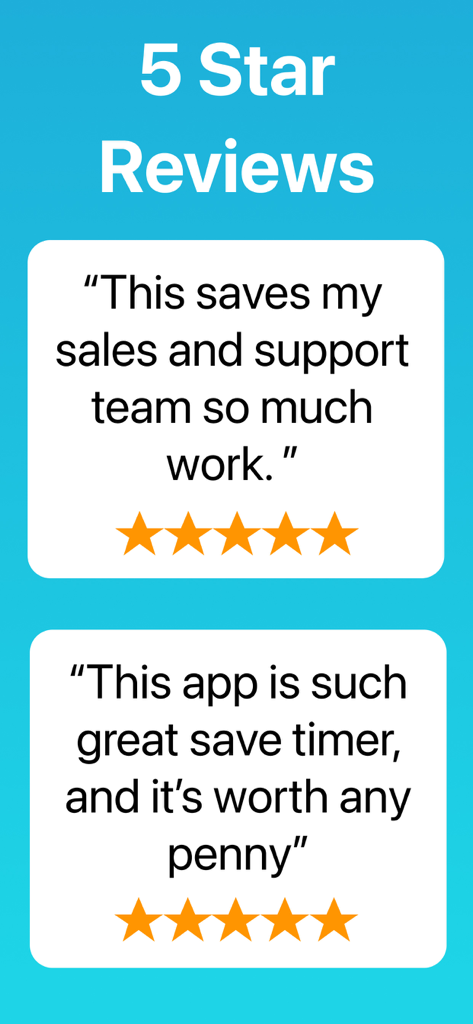
WordBoardキーボードアプリのユーザーの声と5つ星レビュー。
WordBoardキーボードアプリのユーザーの声と5つ星レビュー。

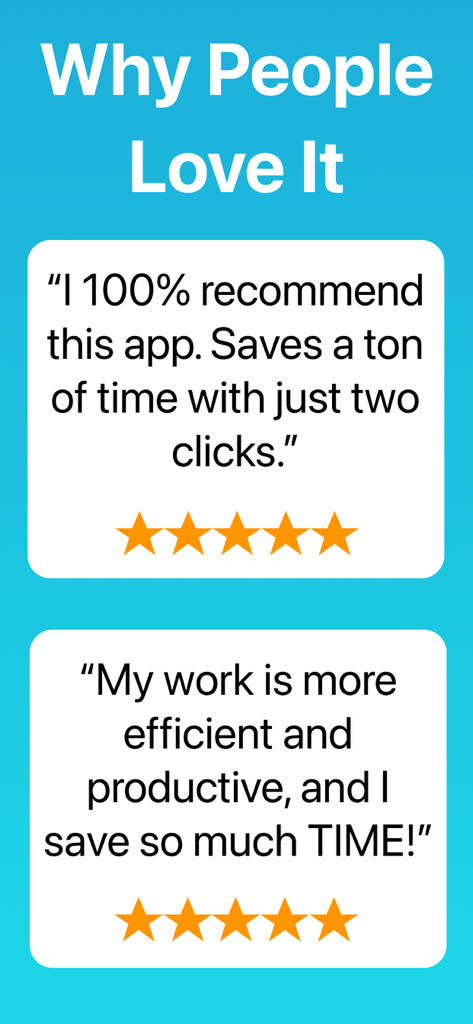
WordBoardキーボードアプリの肯定的なユーザーレビュー。時間節約と生産性を強調しています。

WordBoardキーボードアプリの肯定的なユーザーレビュー。時間節約と生産性を強調しています。

プロフェッショナルのための究極の生産性ツール

このアプリを際立たせるツール、 104K+ 人のユーザーが選択.

ワンタップスニペット

ビジネスアドレス、支払いリンク、または複雑なテンプレートをワンタップで送信できます。同じことを何度も入力するのをやめて、即座に応答を開始しましょう。

📂

スマートプロフォルダ

ビジネスライフを整理しましょう。セールス、サポート、フィールドワークごとに返信をカテゴリ分けし、数秒で最適なフレーズを見つけましょう。

🤖

AI搭載リファインメント

AIキーでコミュニケーションを向上させましょう。スニペットをその場で書き換えたり、翻訳したり、トーンを調整したりして、あらゆる顧客のニーズに完璧に合わせましょう。

アプリについて

について知っておくべきこと WordBoard: Copy Paste Keyboard.

説明

Hate typing the same thing over and over, one key at a time? WordBoard is your personal custom keyboard for phrases, text shortcuts, text expanding, and a copy & paste clipboard keyboard, now with AI With WordBoard you control what each key does and save time typing. Insert a snippet, template, quick reply, photo, or GIF with a tap of the keyboard. And now with AI Keys (on Apple Intelligence compatible devices) you can go beyond shortcuts: rewrite text, translate, or transform your words in creative ways. “Best New App” – Apple “useful for those who run their businesses from their mobile phones” – TechCrunch FOR A LIFE ON THE GO One customer asks for your business address. Another asks for payment options. Your friend wants your home address. Instead of typing each one from scratch, WordBoard delivers the right phrase instantly with smart autofill. 1 KEY FOR SO MUCH DATA Add a key that types your email address, postal address, hashtag, quick response, email template, ASCII art, or any other text shortcut you use often. Our most productive users have 20+ saved responses for every part of life. VARIABLES AND TEMPLATES Insert variables like {{ DATE yyyy-mm-dd HH:MM }} for date/time or {{ CLIPBOARD }} for clipboard contents, and WordBoard will replace them automatically. FOLDERS Organize your snippets and phrases in folders and pages. Group customer support replies, marketing lines, or personal quick responses in one place. SWAP FAST BETWEEN KEYBOARDS Use the standard iOS keyboard for normal typing and switch instantly to WordBoard for autofill snippets and quick text shortcuts. WordBoard loads fast, keeps formatting intact, and makes sure your replies are quick and professional. WHAT CUSTOMERS ARE SAYING “This is such a practical keyboard for those that constantly use the same verbiage. It’s very similar to text replacement only the formatting remains the same vs. text replacement that bunches it all up into one paragraph.” “We are a commercial painting company and are using WordBoard to pull in standard wording into generic bid forms. This allows us to have an estimator work entirely in the field from an iPad Pro, and be far more efficient than our previous method involving Tablet PCs.” “So convenient!! Amazing app I’ve been going back and forth using my notes in order to keep up with clients! So good for my business!!” “Best shortcut keyboard ever! … If you have phrases you use repetitively, this is your huckleberry.” SAVE TIME, TYPE SMARTER WordBoard is the ultimate shortcut and copy & paste clipboard keyboard for snippets, phrases, and text shortcuts. Never remember replacements again. Works on iPhone, iPad, and iPod Touch. Start with 6 free keys or upgrade to Pro for unlimited keys, hashtag imports, and contact info integration. To enable your keys in the keyboard, allow full access in settings. This only lets WordBoard share data between the app and keyboard. We never use network access. Download WordBoard today and type faster with custom snippets, phrases, autofill, and now AI Keys.

最新バージョン

8.2.2

サイズ

54.5 MB

リリース日

2015年2月4日

時間を再確保する準備はできましたか?

繰り返し入力に終止符を打ち、フォーマットされたショートカットを即座に利用している10万人以上のプロフェッショナルに加わりましょう。今すぐWordBoardをダウンロードして、モバイルデバイスを最も効率的なビジネスツールに変えましょう。

ダウンロード: App Store

App information, icons, screenshots, and descriptions displayed on this page are sourced from the Apple App Store and are the property of their respective developers. Download estimates and rankings are based on MWM's proprietary models and may not reflect actual figures. This page is provided for informational and analytical purposes only.

Believe this page infringes your intellectual property? File a dispute