ZIP Extractor - Unzip, Unrar
ダウンロード: App Store

このページはアプリまたはその開発者の公式ページではなく、情報提供および論評を目的として作成された独立した編集出版物です。明示的に別段の記載がない限り、アプリおよびその開発者は、MWM、Apple、Google Play、アプリのパブリッシャー、またはアプリの開発者と提携、承認、後援、認可、またはその他の公式的な関係はなく、このページのいかなる内容も、アプリがMWMのサービスを使用して開発されたことを意味するものではありません。すべての商標、ロゴ、スクリーンショット、その他のコンテンツはそれぞれの所有者の財産です。


ロゴ: ZIP Extractor - Unzip, Unrar
ダウンロード: App Store

ZIP Extractor - Unzip, Unrar

iPhoneまたはiPadでZIP、RAR、7zipファイルを開く最も簡単な方法。パスワードでデータを保護し、iCloud、Google Drive、Dropboxのファイルをワンクリックで効率的に管理します。

主要数値

ダウンロード

343K+

ユーザー評価

4.4/5

評価数

5K+

開発元

Dynamic Apps & Games LLC

カテゴリ

Utilities

対応言語

1

最新バージョン

12.1

サイズ

65.0 MB

リリース日

2018年12月19日
機能

プロフェッショナルなモバイルファイル管理

デスクトップなしでドキュメントを抽出、圧縮、保護できる、モバイルプロフェッショナルのためのオールインワンソリューション。

ユニバーサルアーカイブ対応

iOSネイティブツールでは扱えないZIP、RAR、7Zファイルを即座に開き、抽出できるため、締め切りに遅れることはありません。

統合クラウドハブ

iCloud、Google Drive、Dropbox間で直接ファイルを圧縮・解凍し、ワークフローをシームレスに連携させます。

以下のスクリーンショットと説明は、アプリの公式ストアリスティングから直接取得されたものであり、アプリ開発者の所有物です。

アプリストア

スクリーンショット
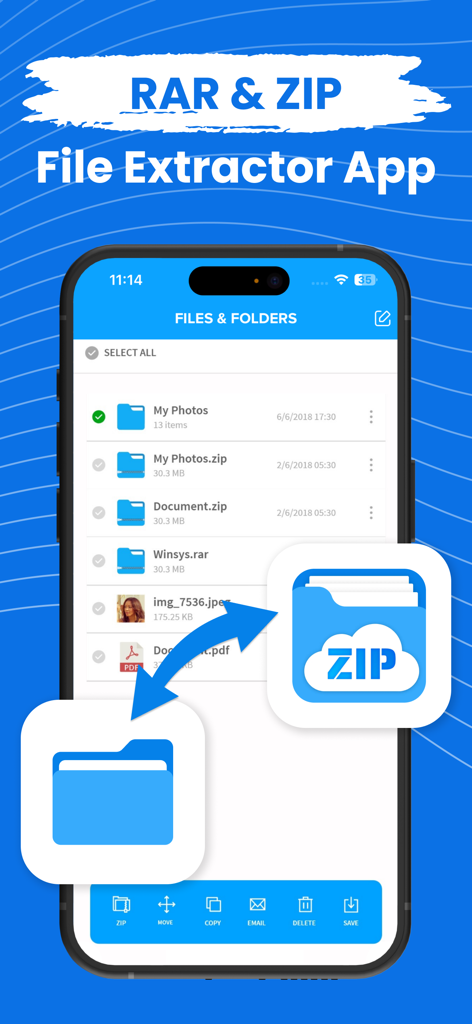
ZIP Extractor - Unzip, Unrar - 様々なファイル形式と管理オプションが表示された、ZIPおよびRAR抽出アプリのファイルマネージャーインターフェイスを示すiPhone画面。
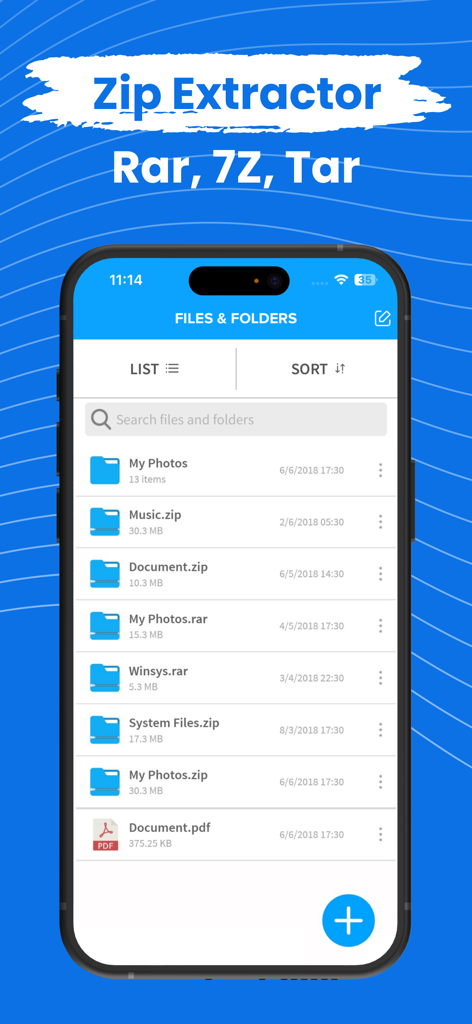
様々なファイル形式と管理オプションが表示された、ZIPおよびRAR抽出アプリのファイルマネージャーインターフェイスを示すiPhone画面。

ZIP Extractor - Unzip, Unrar - zipおよびrarアーカイブを含むファイルとフォルダのリストを表示するZIP Extractorモバイルアプリのインターフェイス。
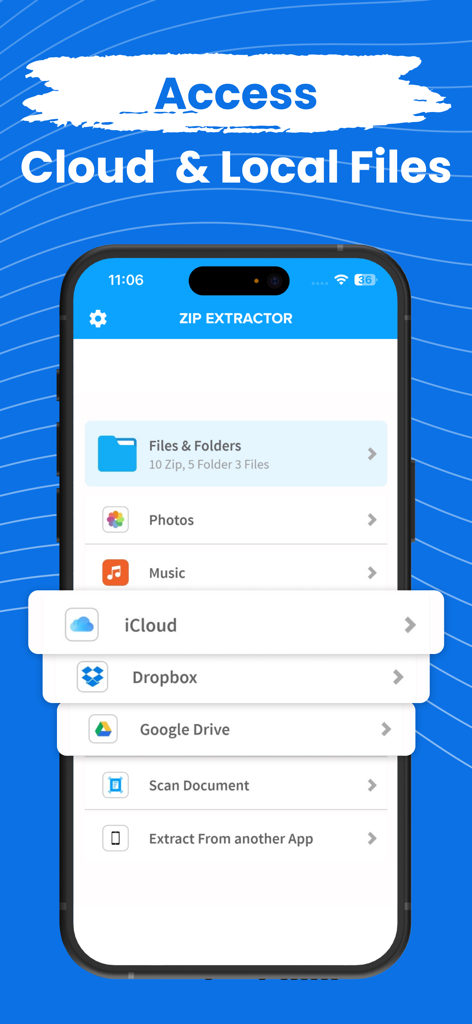
zipおよびrarアーカイブを含むファイルとフォルダのリストを表示するZIP Extractorモバイルアプリのインターフェイス。

ZIP Extractor - Unzip, Unrar - ローカルファイルと、iCloud、Dropbox、Google Driveなどのクラウドストレージへのアクセスオプションを表示するZIP Extractorアプリのインターフェイス
ローカルファイルと、iCloud、Dropbox、Google Driveなどのクラウドストレージへのアクセスオプションを表示するZIP Extractorアプリのインターフェイス

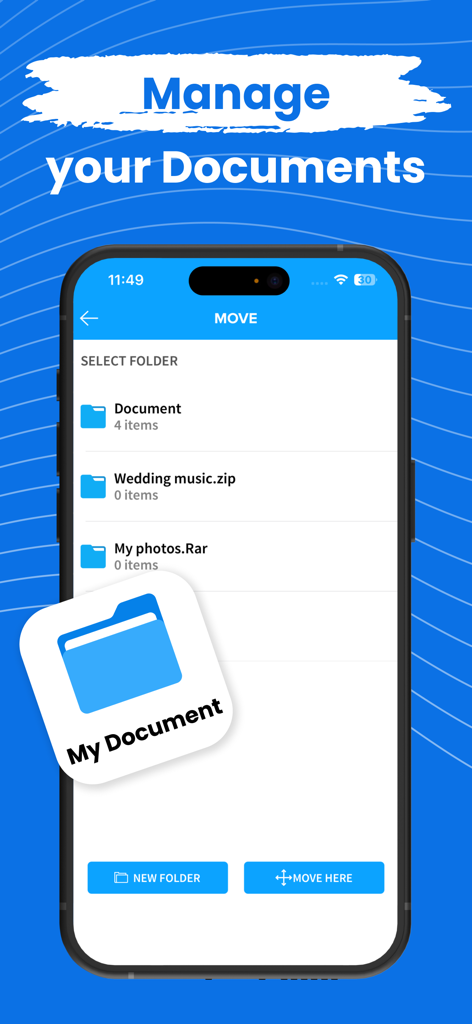
ZIP Extractor - Unzip, Unrar - ZIP Extractorアプリでのドキュメント管理とフォルダ編成を示すユーザーインターフェイス

ZIP Extractorアプリでのドキュメント管理とフォルダ編成を示すユーザーインターフェイス

説明

Zip or Unzip your files, photos or music in easiest way! Compress your files into zip from your iPhone and iPad, Photos, Music, Files anything you can zip in the app and unzip also. You can also zip or unzip files from iCloud, Google drive or Dropbox Zip file will be automatically stored in the application and you can see or extract from the there. Open and decompress compressed file formats: ZIP, RAR, 7zip etc.. Safe your files with password and don't let anyone allow to see your data. All your files can be stored in one app only and you can use it from anywhere! Zip Subscription options:

 1. Title of publication or service: Zip
 2. Length of subscription & Price of subscription, and price per unit if appropriate: - Annual (First 3 day free trial) - Monthly (First 3 day free trial) 3. Price of subscription: - 3 day free trial then $49.99 per year - 3 day free trial then $8.99 per month 
4. Payment will be charged to iTunes Account at confirmation of purchase 
 5. Subscription automatically renews unless auto-renew is turned off at least 24-hours before the end of the current period. You can turn of the auto-renew subscription from iPhone setting 
6. Account will be charged for renewal within 24-hours prior to the end of the current period, and identify the cost of the renewal 
7. Subscriptions may be managed by the user and auto-renewal may be turned off by going to the user's Account Settings after purchase 8. Any unused portion of a free trial period, if offered, will be forfeited when the user purchases a subscription to that publication where applicable 
9. Terms of use: https://dynamicappsgamesllc.wordpress.com/terms-of-service 10. For full Privacy Policy and our Terms of Service: https://dynamicappsgamesllc.wordpress.com/privacy-policy https://dynamicappsgamesllc.wordpress.com/terms-of-service 
11. Zip adds the great features above and are available through an auto-renewing subscription. Subscriptions will be charged to your credit card through your iTunes account. Your subscription will automatically renew unless cancelled at least 24 hours before the end of your current subscription, and you can cancel a subscription during the active period. You can manage your subscription at any time, either by viewing your account in iTunes from your Mac or PC, or Account Settings on your device after purchase 
12. Contact us at : https://dynamicappsgamesllc.wordpress.com/support/ Thank you! Disclaimer: You will be required to sign up for an auto-renewable In-App Purchase before you are able to access the app. To manage your subscription or turn off auto - renewal : 1. Go to Settings -> iTunes & AppStore 2. Tap your Apple ID at the top of the screen. 3. Tap on view Apple ID. You might need to sign in or use Touch ID. 4. Tap subscriptions. 5. Tap the subscription you want to manage. 6. Use the options to manage your subscription. Privacy Policy - https://extractziprar.com/privacy-policy/ Terms of Service - https://extractziprar.com/terms-of-use/

Download

ダウンロード: App Store

このページはアプリまたはその開発者の公式ページではなく、情報提供および論評を目的として作成された独立した編集出版物です。明示的に別段の記載がない限り、アプリおよびその開発者は、MWM、Apple、Google Play、アプリのパブリッシャー、またはアプリの開発者と提携、承認、後援、認可、またはその他の公式的な関係はなく、このページのいかなる内容も、アプリがMWMのサービスを使用して開発されたことを意味するものではありません。すべての商標、ロゴ、スクリーンショット、その他のコンテンツはそれぞれの所有者の財産です。








