Zoho Sign - Fill & eSign Docs
ダウンロード: App Store

このページはアプリまたはその開発者の公式ページではなく、情報提供および論評を目的として作成された独立した編集出版物です。明示的に別段の記載がない限り、アプリおよびその開発者は、MWM、Apple、Google Play、アプリのパブリッシャー、またはアプリの開発者と提携、承認、後援、認可、またはその他の公式的な関係はなく、このページのいかなる内容も、アプリがMWMのサービスを使用して開発されたことを意味するものではありません。すべての商標、ロゴ、スクリーンショット、その他のコンテンツはそれぞれの所有者の財産です。

ロゴ: Zoho Sign - Fill & eSign Docs
ダウンロード: App Store

Zoho Sign - Fill & eSign Docs

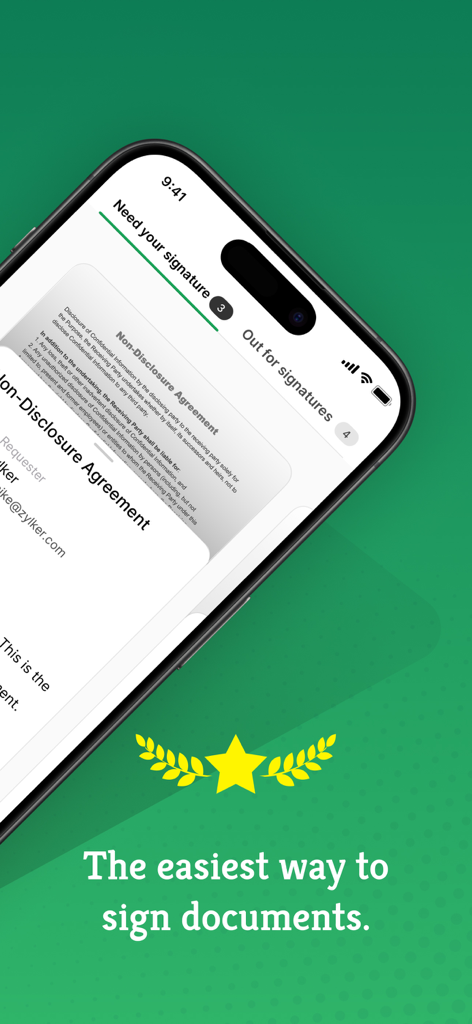
法的な拘束力のある電子署名でワークフローを効率化。アジャイルなプロフェッショナル向けに設計されたZoho Signを使えば、iPhone、iPad、またはMacから直接、契約を管理し、ドキュメントをリアルタイムで追跡できます。

主要数値

ダウンロード

42K+

ユーザー評価

4.9/5

評価数

2K+

開発元

Zoho Corporation

カテゴリ

Business

対応言語

20

最新バージョン

6.6

サイズ

153.4 MB

リリース日

2017年7月12日
機能

書類なしで取引を完了

現代のモバイルプロフェッショナル向けに設計された、安全で法的な拘束力のある電子署名プラットフォームでワークフローを効率化します。

エンタープライズグレードのセキュリティ

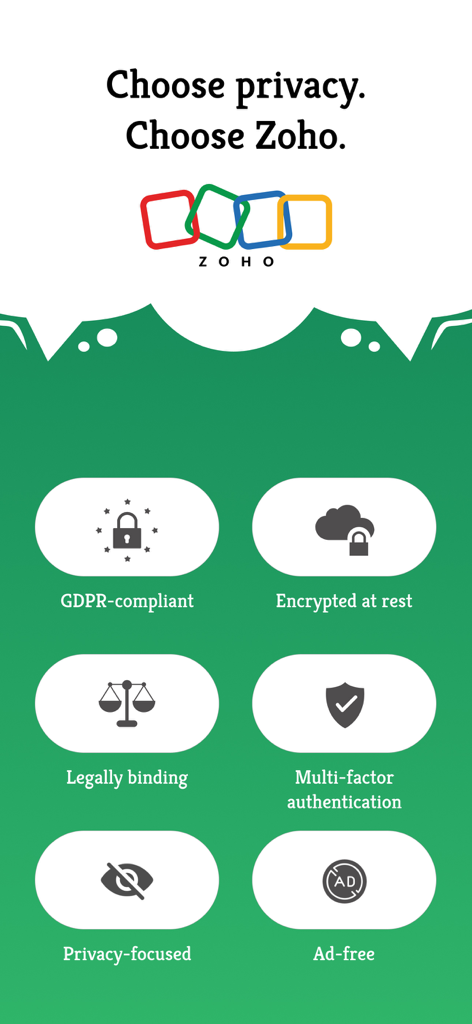
ESIGN法、HIPAA、GDPRに準拠しています。すべてのドキュメントには、完全な監査証跡、タイムスタンプ、IP追跡が含まれており、安心してお使いいただけます。

定型契約の自動化

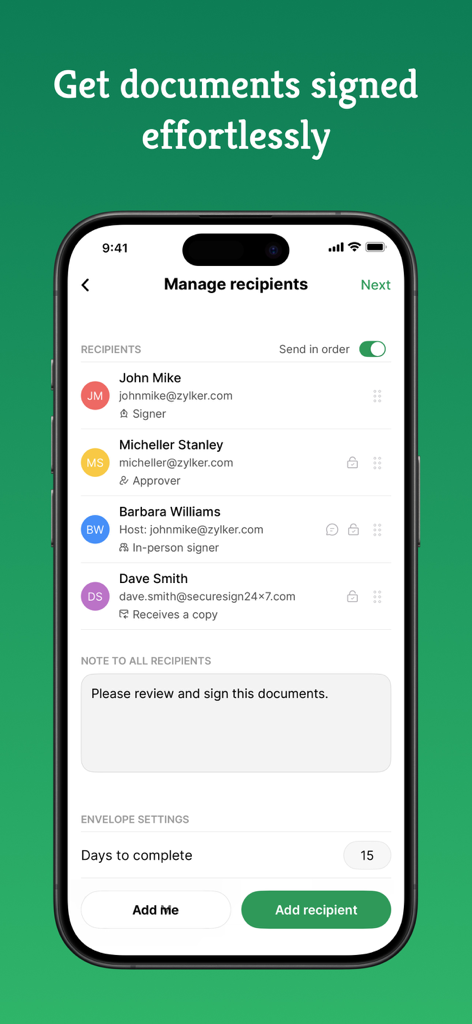
再利用可能なテンプレートと自動フォローアップで時間を節約できます。シーケンシャル署名を設定すれば、ドキュメントの承認プロセスが自動化されます。

以下のスクリーンショットと説明は、アプリの公式ストアリスティングから直接取得されたものであり、アプリ開発者の所有物です。

アプリストア

スクリーンショット
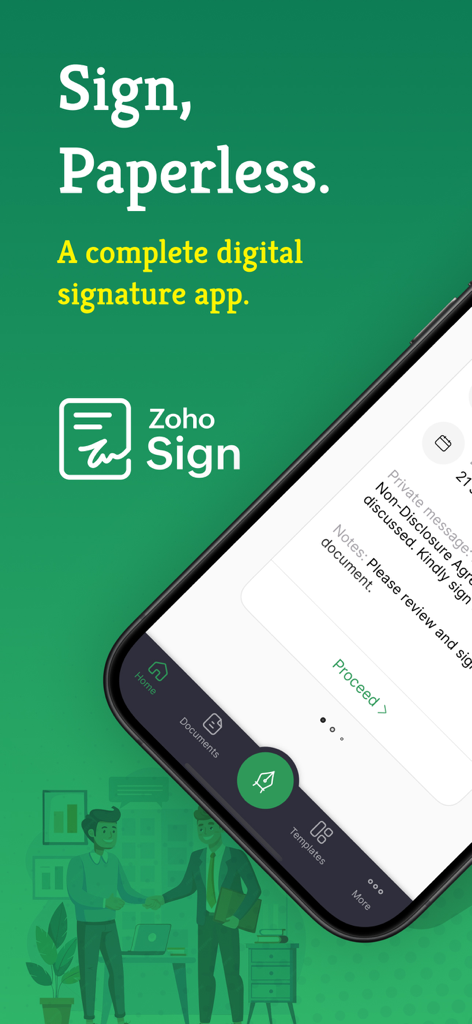
Zoho Sign - Fill & eSign Docs -

Zoho Sign - Fill & eSign Docs -

Zoho Sign - Fill & eSign Docs -

Zoho Sign - Fill & eSign Docs -

Zoho Sign - Fill & eSign Docs -

Zoho Sign - Fill & eSign Docs -

Zoho Sign - Fill & eSign Docs -

Zoho Sign - Fill & eSign Docs -

説明

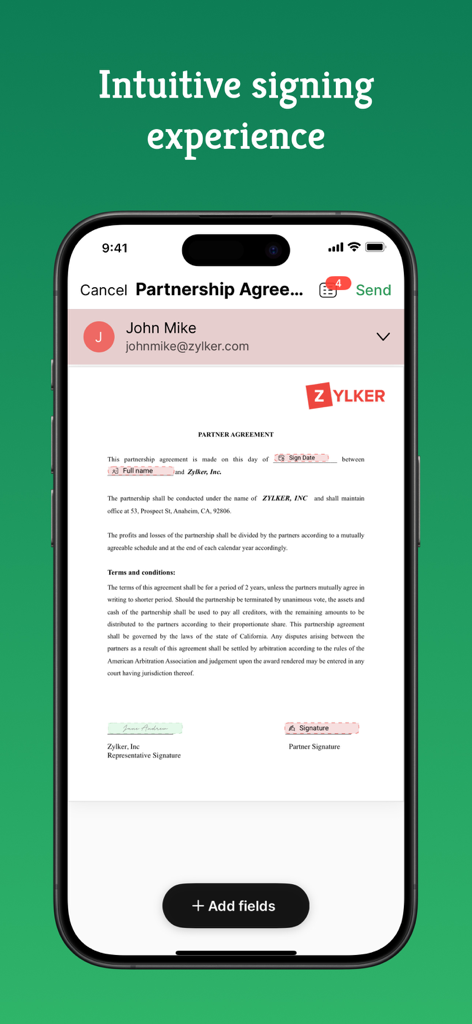
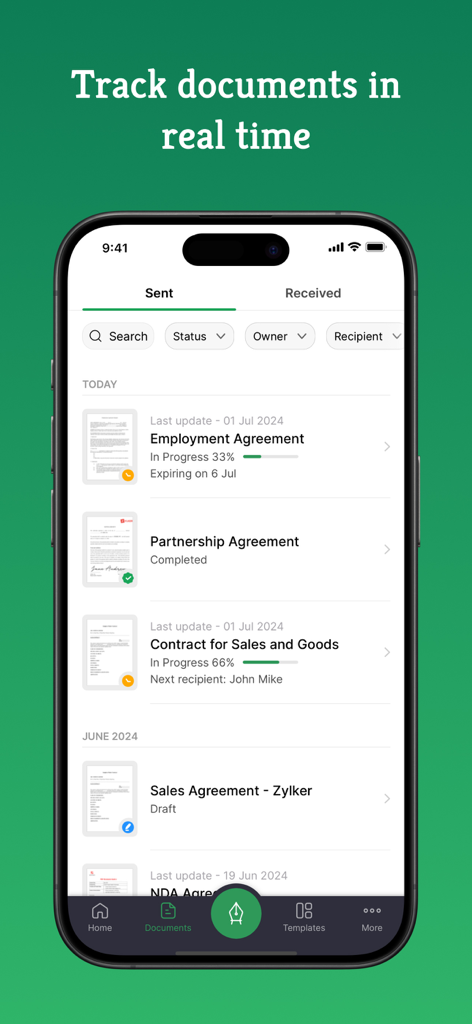
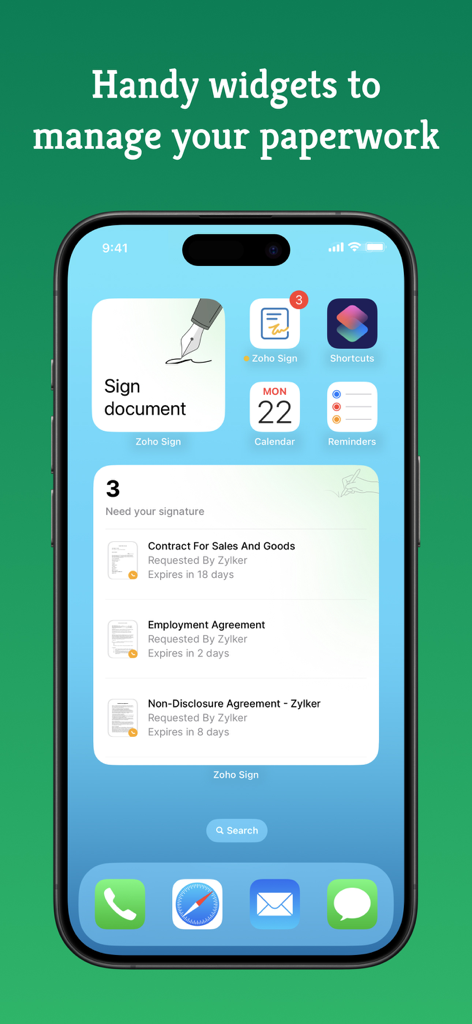
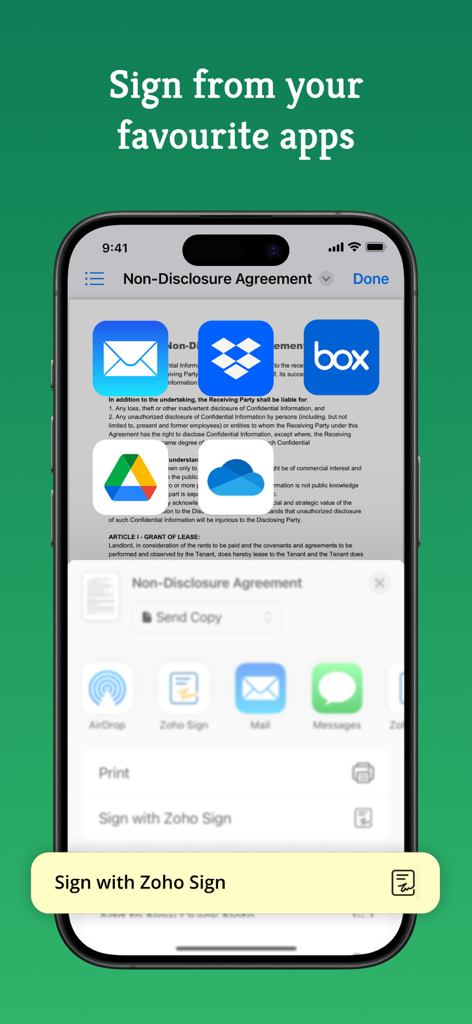
Zoho Sign is a robust digital signature solution that lets you securely sign documents from anywhere, at any time, directly on your iPhone, iPad, or MacBook. Built entirely on the cloud, our e-signature app seamlessly integrates with your everyday applications, providing a smooth and efficient online signing experience on the go. Trusted by users worldwide, Zoho Sign combines simplicity with top-notch security, making it one of the most reliable electronic signature apps on the market. "Zoho Sign is a comprehensive tool that serves all signing purposes. From sequential signing to automated follow-ups and document tracking, Zoho Sign does it all."  - Devendra Kandalkar, ACG World Key features: - Sign and send legally binding agreements, contracts, and forms across devices (iPhone, iPad, Mac) in various formats (PDF, DOCX, PNG, and more). - Export signed documents to cloud storage apps like Google Drive, Dropbox, and OneDrive. - Create reusable, custom templates for enhanced productivity. - Customize and manage SignForms with QR codes for easy signing without the app. - Add customizable fields (signatures, dates, text, and more). - Incorporate logic and advanced fields for dynamic data collection. - Collect signatures in person on your iPhone or iPad to speed up contract execution. - Collect payments during signing with the Zoho Checkout integration. - Verify signer identity using dynamic KBA (knowledge-based authentication). - Get real-time push notifications for every action taken on your document. - Switch between multiple Zoho Sign accounts or view everything in one place through the unified inbox. Additional features: - Send reminders for prompt document signing. - Initiate signing directly from your inbox. - Reassign signing tasks when needed. - Share completed documents via iMessage. - Use split-screen on iPad for multitasking. - Set up Siri shortcuts for signing using face ID, tracking, and scanning documents. - Add Zoho Sign's widget to your Control Center to quickly scan, sign, and browse. - Find signed documents instantly with Spotlight Search. - Get key details summarized with Zia's text summarization. Common documents to eSign with Zoho Sign: - Invoices - Sales contracts - Business proposals - Purchase orders - Lease agreements - Partnership agreements - Employment offers and more. Security and compliance: - Data is securely transmitted via an SSL/TLS connection and encrypted with AES 256-bit encryption while at rest. - Zoho Sign complies with the ESIGN Act, UETA, GDPR, HIPAA, and other industry-standard regulations, ensuring legal digital signatures and data protection compliance. - All documents are legally binding with a comprehensive audit trail including timestamps, the signer's email address, device IP, and completion details. - Biometric authentication like Touch ID and passcodes prevent unauthorized access. - Security codes ensure only authorized individuals can access and sign the documents. Legal & Security: - Certification of Completion: Get automatic audit trails for completed documents with time stamps and IP addresses. - Increase security using Touch ID and Passcode to block unauthorized access. - Set security codes and share it directly with the recipients to prevent unauthorized access. - Compliant with ESIGN act and industry standard laws. Plans and pricing: Free plan: Sign up for our free eSign app and get five documents per month at no cost. Standard plan: - Monthly: 12 USD/month - Yearly: 120 USD/year - Includes 25 documents per month for signing Professional plan: - Monthly: 18 USD/month - Yearly: 180 USD/year - Unlimited document signing Subscription details: Subscriptions are charged to your iTunes account upon purchase. Subscriptions renew automatically unless cancelled at least 24 hours before the end of the current period. Auto-renewal can be disabled in Account Settings after purchase. Privacy Policy: https://zoho.com/privacy Terms of use: https://zoho.com/terms

Download

ダウンロード: App Store

このページはアプリまたはその開発者の公式ページではなく、情報提供および論評を目的として作成された独立した編集出版物です。明示的に別段の記載がない限り、アプリおよびその開発者は、MWM、Apple、Google Play、アプリのパブリッシャー、またはアプリの開発者と提携、承認、後援、認可、またはその他の公式的な関係はなく、このページのいかなる内容も、アプリがMWMのサービスを使用して開発されたことを意味するものではありません。すべての商標、ロゴ、スクリーンショット、その他のコンテンツはそれぞれの所有者の財産です。