AAC Evaluation Genie
다운로드: App Store

이 페이지는 앱이나 개발자의 공식 페이지가 아니며, 정보 제공 및 논평을 목적으로 작성된 독립 편집 간행물입니다. 명시적으로 달리 언급되지 않는 한, 해당 앱이나 개발자는 MWM, Apple, Google Play, 앱 퍼블리셔 또는 앱 개발자와 제휴, 보증, 후원, 승인 또는 공식적으로 연결되어 있지 않으며, 이 페이지의 어떤 내용도 해당 앱이 MWM의 서비스를 사용하여 개발되었음을 의미하지 않습니다. 모든 상표, 로고, 스크린샷 및 기타 콘텐츠는 해당 소유자의 자산입니다.


로고: AAC Evaluation Genie
다운로드: App Store

AAC Evaluation Genie

더 효율적인 기기 테스트를 위해 임상가가 설계한 포괄적이고 증거 기반 프레임워크로 언어 표현 및 접근 능력 식별.

주요 수치

다운로드

8K+

사용자 평점

3.2/5

총 평가 수

0

개발사

Celeste Helling

카테고리

Education

지원 언어

1

최신 버전

4.4

크기

108.5 MB

출시일

2012년 7월 14일
기능

손끝에서 이루어지는 정밀 평가

모든 AAC 평가를 위한 강력한 프레임워크를 구축하도록 설계된 13가지 포괄적인 임상 하위 테스트로 몇 시간의 준비 시간을 절약하세요.

포괄적인 기술 매핑

13가지 타겟 하위 테스트를 통해 시각 추적, 핵심 어휘 및 언어 패턴을 평가하여 이상적인 의사소통 방법을 식별합니다.

데이터 기반 정당화

고객을 위한 기기 테스트를 정당화하고 보험 자금을 확보하는 데 필요한 정량적 데이터 및 증거 기반 통찰력을 수집합니다.

다음 스크린샷과 설명은 앱의 공식 스토어 목록에서 직접 가져온 것이며 앱 개발자의 자산입니다.

앱 스토어

스크린샷
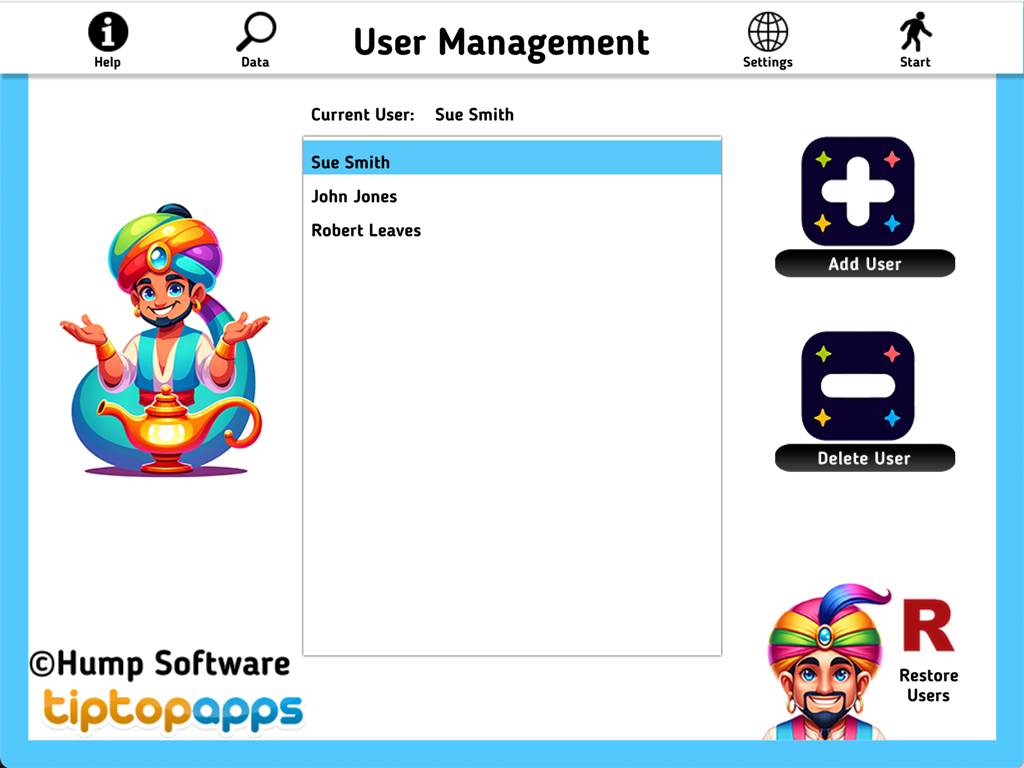
AAC Evaluation Genie - 학생 추가 및 삭제 옵션이 있는 AAC 평가 지니 사용자 관리 인터페이스
학생 추가 및 삭제 옵션이 있는 AAC 평가 지니 사용자 관리 인터페이스

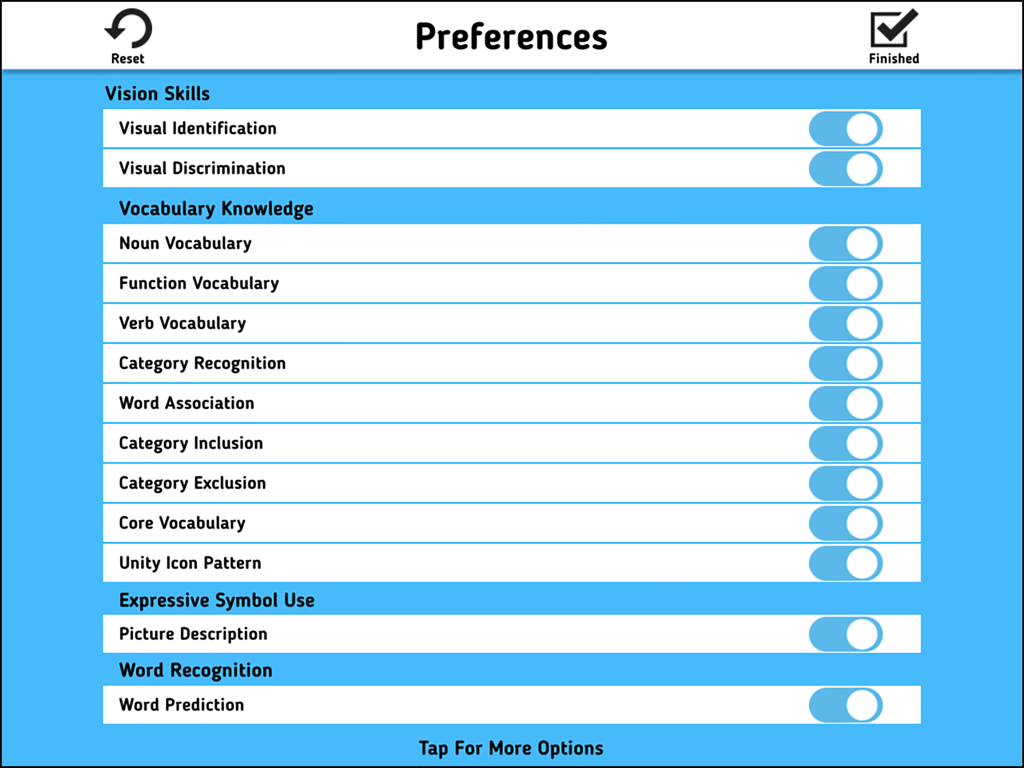
AAC Evaluation Genie - 평가를 위해 임상 하위 테스트를 선택하는 토글 스위치를 보여주는 AAC 평가 지니 환경 설정 메뉴
평가를 위해 임상 하위 테스트를 선택하는 토글 스위치를 보여주는 AAC 평가 지니 환경 설정 메뉴

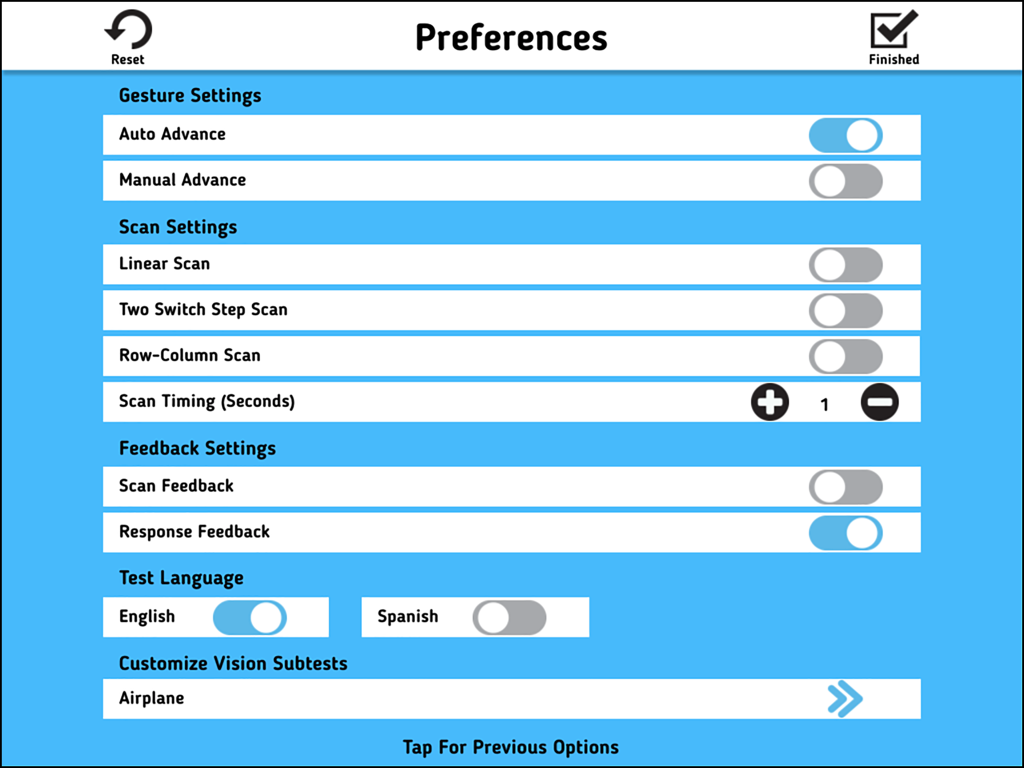
AAC Evaluation Genie - 제스처 및 스캔 구성을 보여주는 AAC 평가 지니의 환경 설정 화면
제스처 및 스캔 구성을 보여주는 AAC 평가 지니의 환경 설정 화면

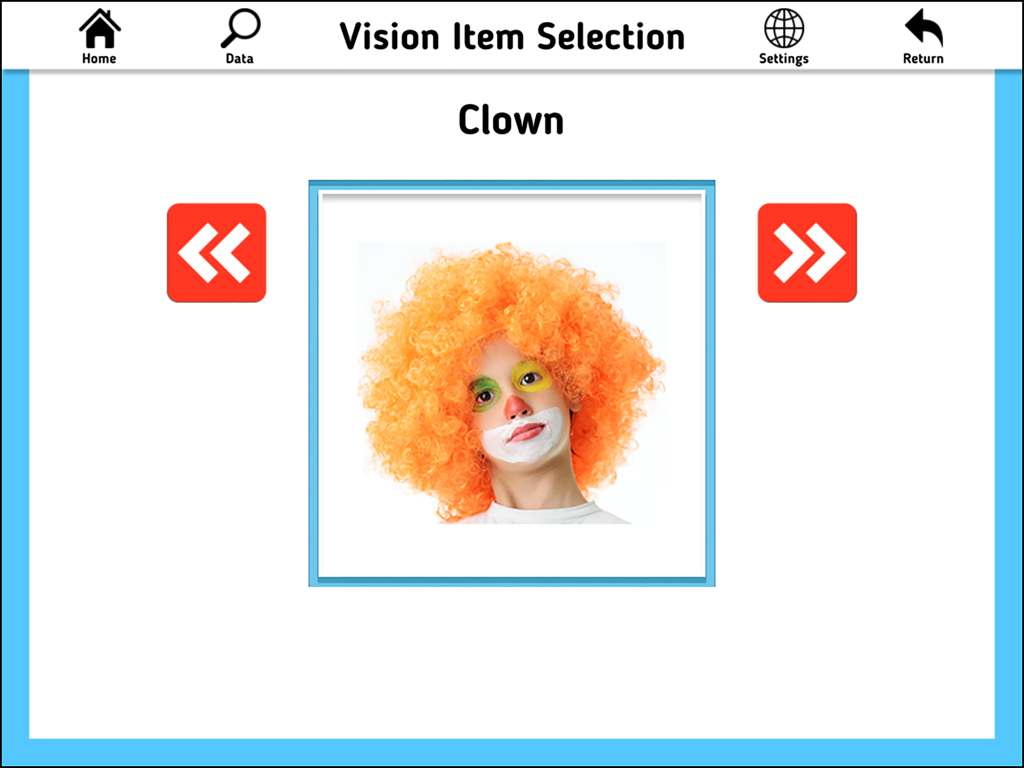
AAC Evaluation Genie - 광대 사진이 있는 시각 항목 선택 하위 테스트를 보여주는 AAC 평가 지니 앱 화면.
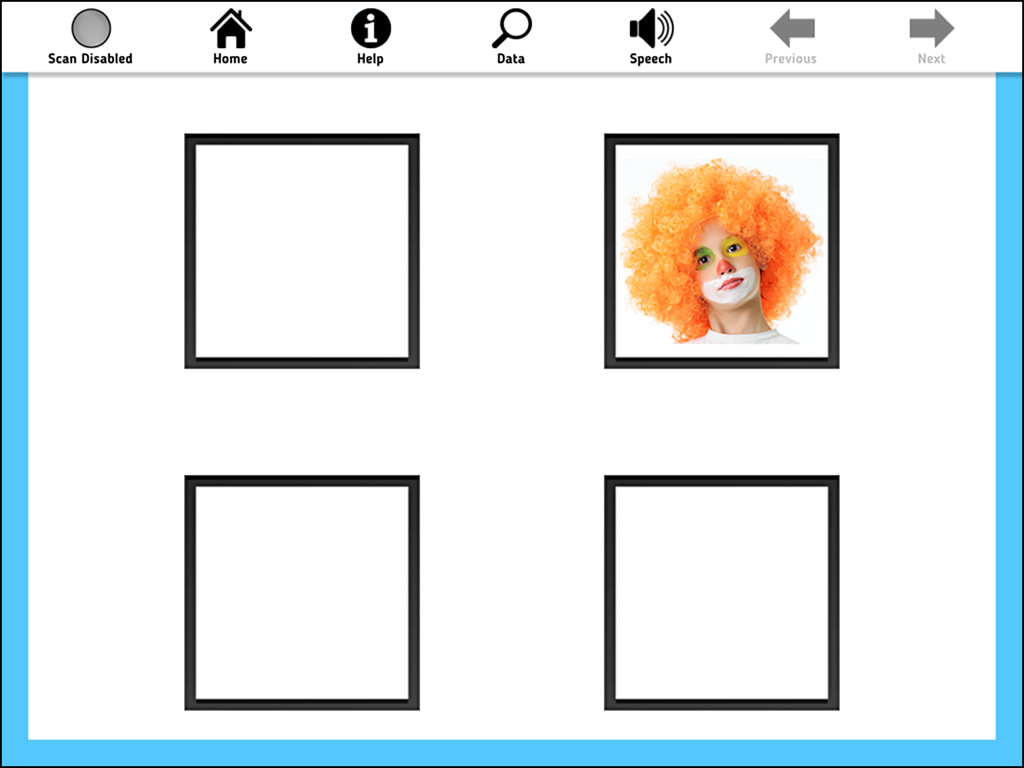
광대 사진이 있는 시각 항목 선택 하위 테스트를 보여주는 AAC 평가 지니 앱 화면.

AAC Evaluation Genie - 네 개의 상자 격자에 광대 사진이 있는 AAC 평가 지니의 시각적 식별 하위 테스트 화면.
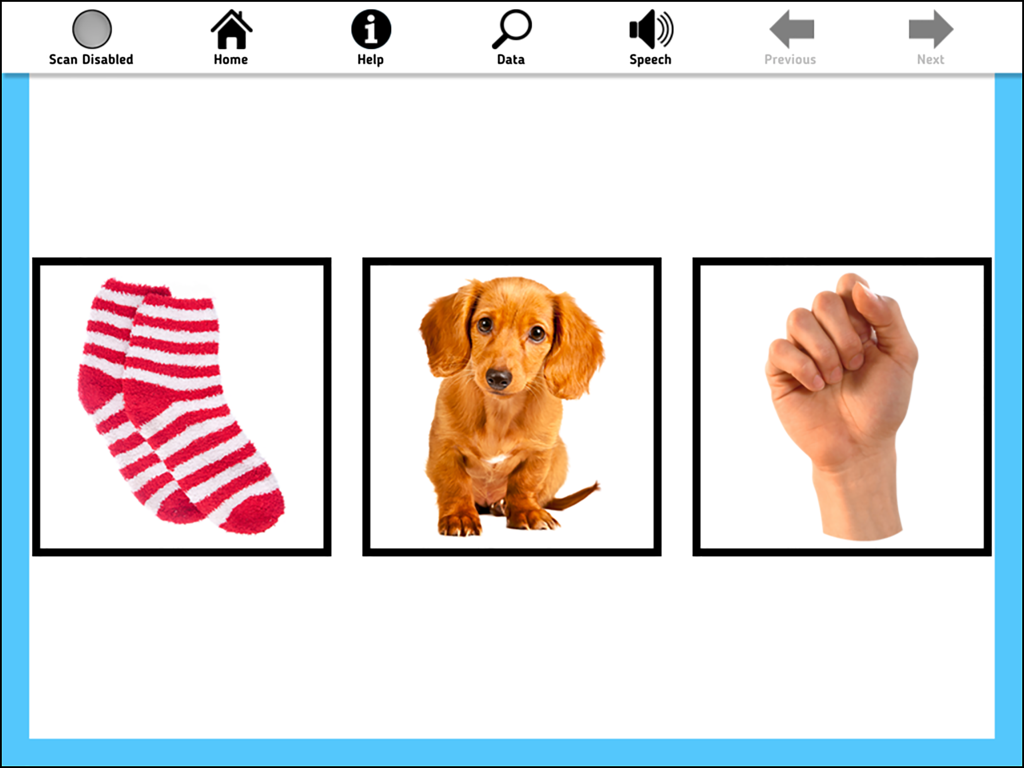
네 개의 상자 격자에 광대 사진이 있는 AAC 평가 지니의 시각적 식별 하위 테스트 화면.

AAC Evaluation Genie - 양말, 강아지, 주먹 사진을 평가용으로 표시하는 AAC 평가 지니 인터페이스
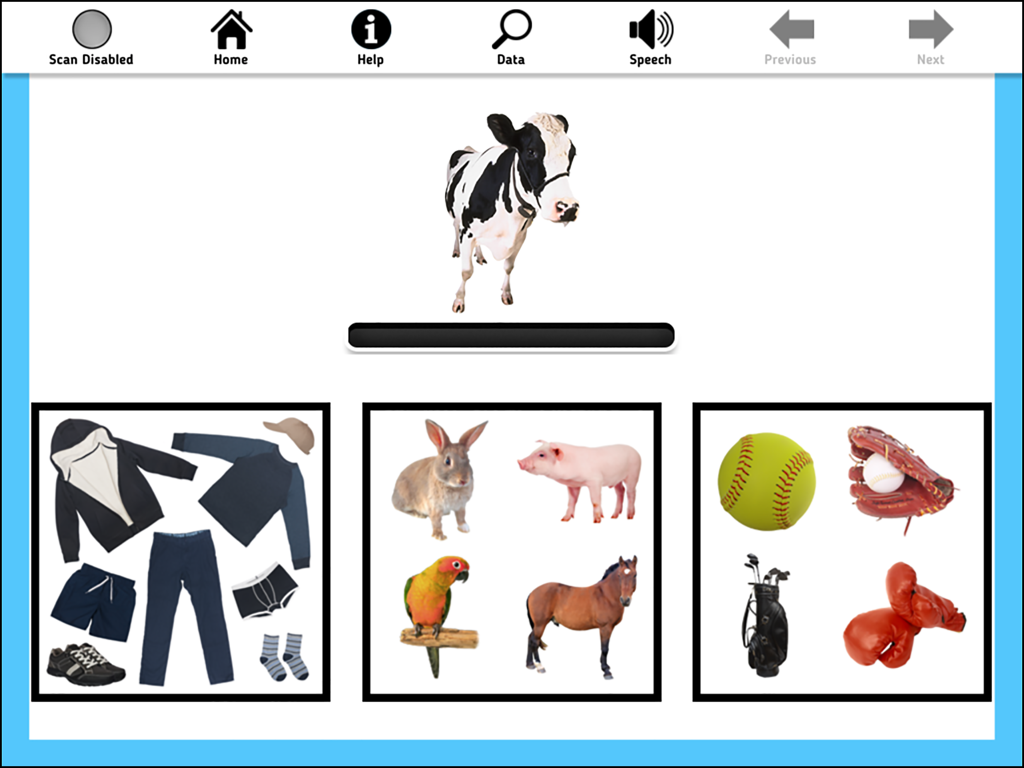
양말, 강아지, 주먹 사진을 평가용으로 표시하는 AAC 평가 지니 인터페이스

AAC Evaluation Genie - 세 가지 항목 카테고리(의류, 동물, 스포츠 용품) 위에 소 사진을 보여주는 AAC 평가 지니 하위 테스트 인터페이스
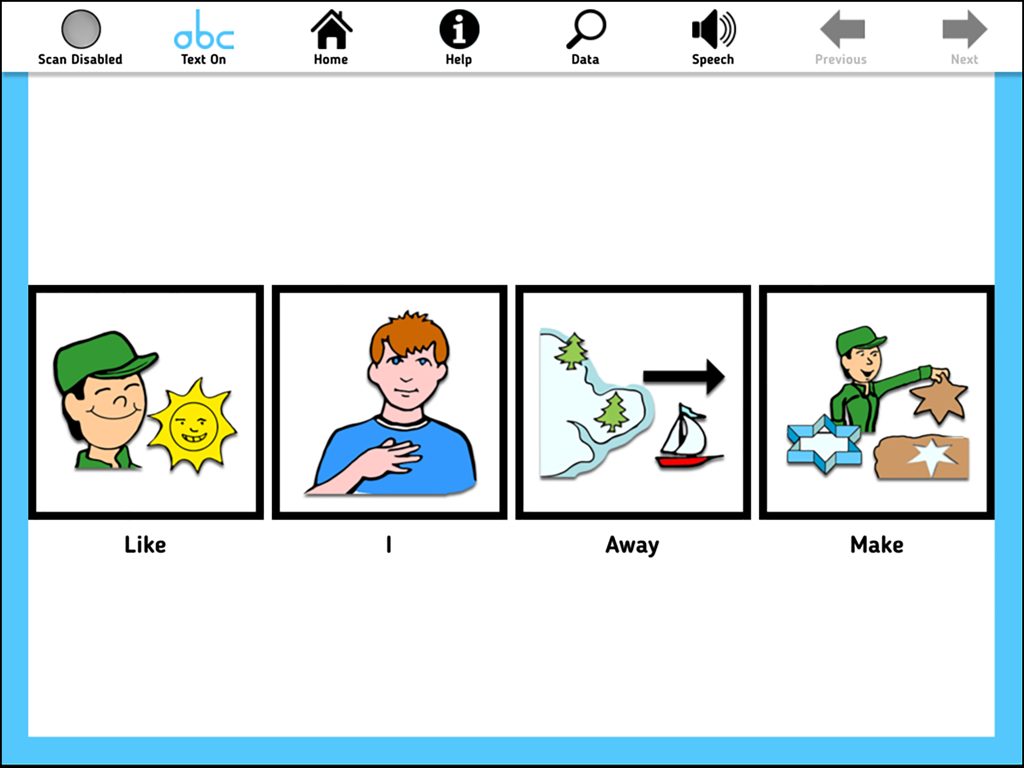
세 가지 항목 카테고리(의류, 동물, 스포츠 용품) 위에 소 사진을 보여주는 AAC 평가 지니 하위 테스트 인터페이스

AAC Evaluation Genie - 좋아요, 나, 멀리, 만들기와 같은 네 가지 기호 아이콘이 있는 하위 테스트를 보여주는 iPad 인터페이스
좋아요, 나, 멀리, 만들기와 같은 네 가지 기호 아이콘이 있는 하위 테스트를 보여주는 iPad 인터페이스

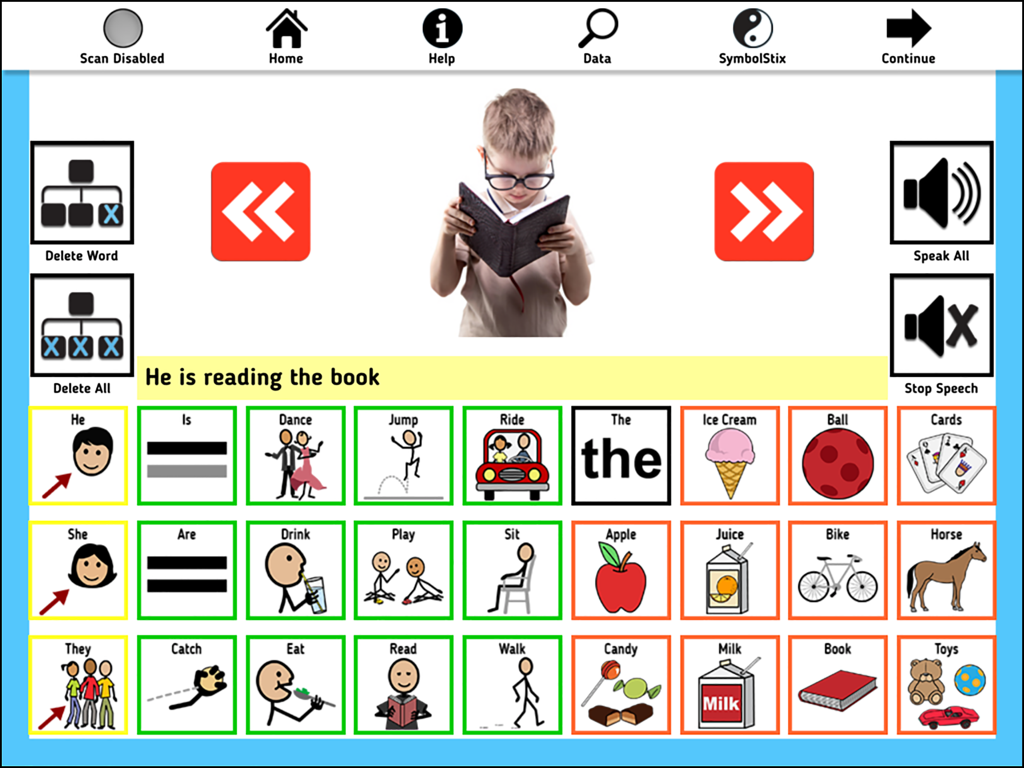
AAC Evaluation Genie - 의사소통 기호와 책을 읽는 소년을 보여주는 AAC 평가 지니 그림 설명 화면
의사소통 기호와 책을 읽는 소년을 보여주는 AAC 평가 지니 그림 설명 화면

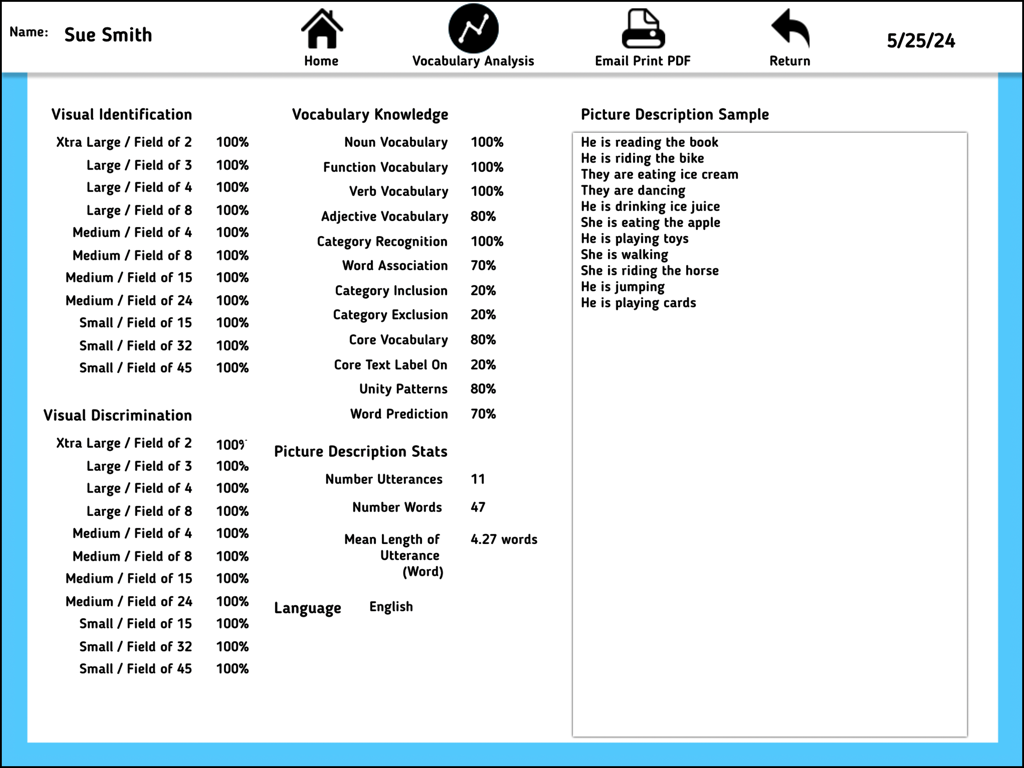
AAC Evaluation Genie - 사용자에 대한 임상 평가 점수 및 어휘 분석을 보여주는 AAC 평가 지니 앱의 상세 보고서 화면.

사용자에 대한 임상 평가 점수 및 어휘 분석을 보여주는 AAC 평가 지니 앱의 상세 보고서 화면.

설명

Are you looking for a fast and efficient process to streamline AAC evaluations? AAC Evaluation Genie is a powerful and intuitive app designed specifically for speech-language pathologists, occupational therapists, special educators, and assistive technology specialists. Developed by a certified speech-language pathologist, this innovative tool transforms the way professionals assess and evaluate augmentative and alternative communication (AAC) needs. AAC Evaluation Genie is a clinical tool intended to assist professionals in identifying skill areas related to language representation methods commonly found on augmentative communication systems. The purpose of AAC Evaluation Genie is not to identify a particular speech-generating device, but to build a framework for selecting an appropriate augmentative communication system for ongoing evaluation and/or device trial. Key Features: 13 Comprehensive Subtests: Administer detailed evaluations with screening options available for each subtest, ensuring a thorough assessment of AAC skills. AAC Evaluation Genie includes direct and switch scan user access methods. 1. Visual Identification: Evaluates the ability to progressively track and identify a single icon. Visual Discrimination: Evaluates the ability to progressively track and discriminate a single icon. 2. Noun Vocabulary: Evaluates the user’s ability to identify common noun vocabulary. 3. Function Vocabulary: Evaluates the user’s ability to identify common noun vocabulary by stated function. 4. Verb Vocabulary: Evaluates the user’s ability to identify common verb (action word) vocabulary. 5. Category Recognition: Evaluates the user’s ability to identify common noun vocabulary by category group inclusion. 6. Adjective Vocabulary: Evaluates the user’s ability to identify common adjective (describing word) vocabulary. 7. Word Association: Evaluates the user’s ability to identify a noun by associated feature or function. 8. Category Inclusion: Evaluates the user’s ability to identify common noun vocabulary by category inclusion. 9. Category Exclusion: Evaluates the user’s ability to identify common noun vocabulary by category exclusion. 10. Core Vocabulary: Evaluates the recognition and identification of common core vocabulary words not easily represented with pictures using either Pixon® or SymbolStix® symbol sets. 11. Unity Icon Patterns: Evaluates the identification of vocabulary organized by Minspeak Unity® semantic/linguistic patterns. 12. Picture Description: Evaluates the user’s ability to describe basic pictures using a simulated AAC display. Choose either Pixon® or SymbolStix® symbol set for testing. 13. Word Prediction: Evaluates the user’s ability to read text and select a target word from a list of four choices. AAC Evaluation Genie provides a robust framework for practitioners to conduct efficient, effective, and comprehensive AAC assessments. Join the community of forward-thinking professionals enhancing their practice with cutting-edge technology. Download AAC Evaluation Genie today and revolutionize your approach to AAC assessment!

Download

다운로드: App Store

이 페이지는 앱이나 개발자의 공식 페이지가 아니며, 정보 제공 및 논평을 목적으로 작성된 독립 편집 간행물입니다. 명시적으로 달리 언급되지 않는 한, 해당 앱이나 개발자는 MWM, Apple, Google Play, 앱 퍼블리셔 또는 앱 개발자와 제휴, 보증, 후원, 승인 또는 공식적으로 연결되어 있지 않으며, 이 페이지의 어떤 내용도 해당 앱이 MWM의 서비스를 사용하여 개발되었음을 의미하지 않습니다. 모든 상표, 로고, 스크린샷 및 기타 콘텐츠는 해당 소유자의 자산입니다.








