AI Document Scanner

AI Document Scanner

다운로드: App Store
로고: AI Document Scanner

AI 문서 스캐너: 주머니 속의 전문가급 생산성

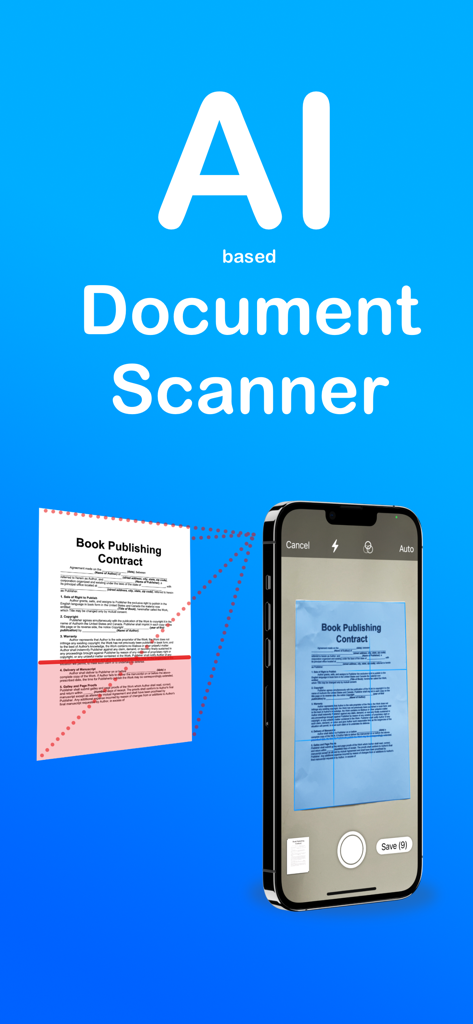
iPhone을 고성능 AI 스캐너로 변신시키세요. 타의 추종을 불허하는 정확성과 선명도로 문서를 손쉽게 디지털화하고, OCR로 텍스트를 추출하며, 이동 중에도 계약서에 서명하세요.

다운로드: App Store

개발사

sunn Saubert

카테고리

Productivity

다운로드

19K+

사용자 평점

4.3/5

총 평가 수

300

지원 언어

10

선명함을 경험하세요

이 인터페이스를 사용하는 19K+ 명의 사용자.

iPhone에서 종이 계약서를 스캔하는 AI 문서 스캐너 앱 인터페이스

iPhone에서 종이 계약서를 스캔하는 AI 문서 스캐너 앱 인터페이스

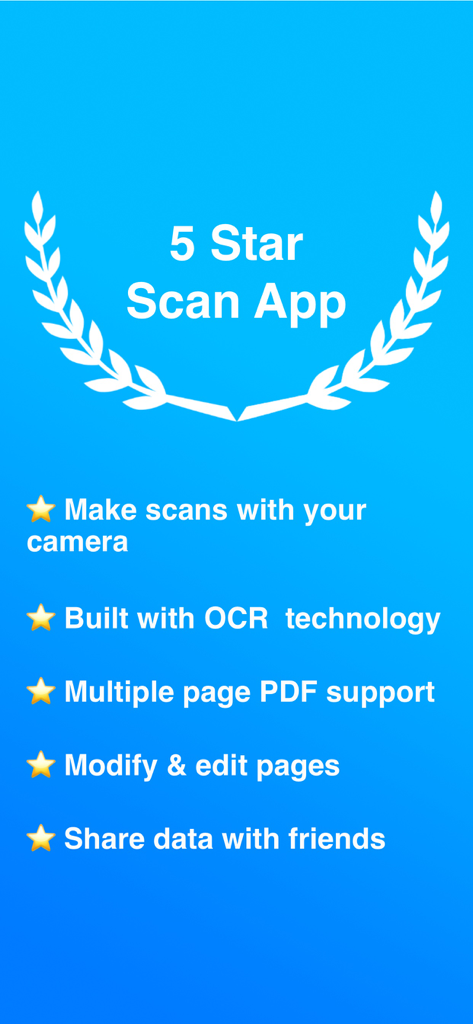
OCR 및 다중 페이지 PDF 지원을 포함한 AI 문서 스캐너 기능 목록

OCR 및 다중 페이지 PDF 지원을 포함한 AI 문서 스캐너 기능 목록

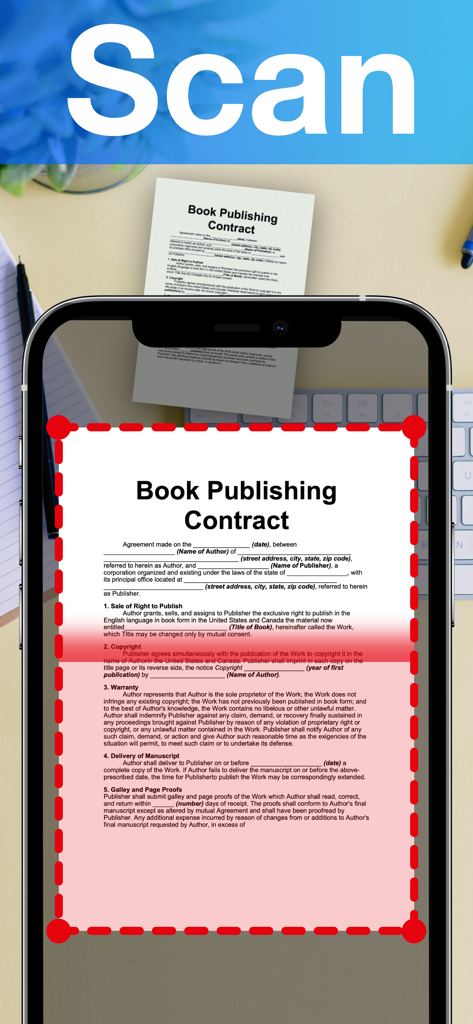
자동 가장자리 감지 기능을 사용하여 iPhone에서 전문 계약서를 스캔하는 AI 문서 스캐너 앱.

자동 가장자리 감지 기능을 사용하여 iPhone에서 전문 계약서를 스캔하는 AI 문서 스캐너 앱.

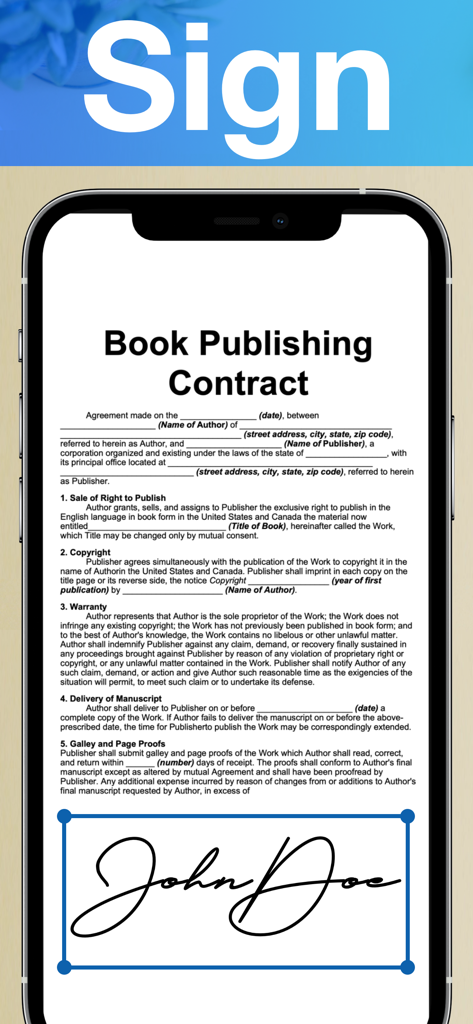
도서 출판 계약서에 디지털 서명을 적용하는 AI 문서 스캐너 앱이 표시된 스마트폰 화면.

도서 출판 계약서에 디지털 서명을 적용하는 AI 문서 스캐너 앱이 표시된 스마트폰 화면.

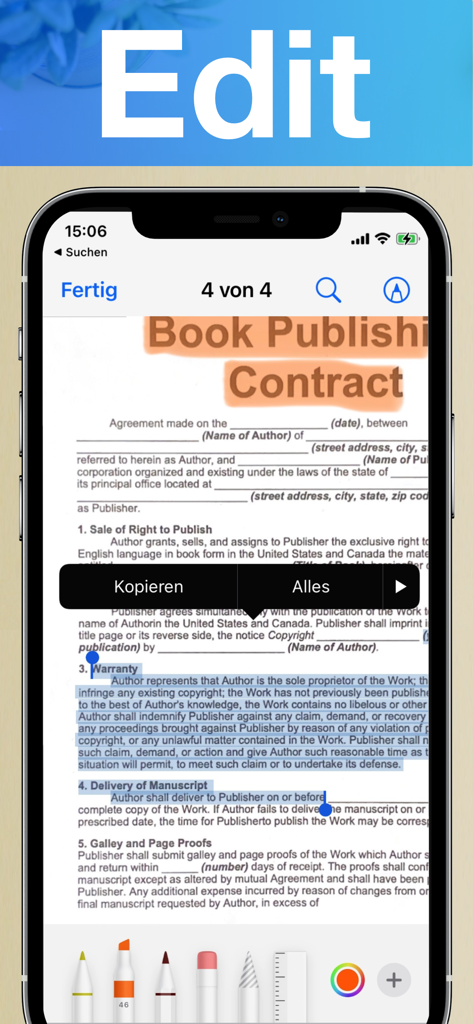
iPhone 화면 보여주는 AI 문서 스캐너의 편집 및 주석 기능을 스캔한 계약서 위에서 작동하는 모습

iPhone 화면 보여주는 AI 문서 스캐너의 편집 및 주석 기능을 스캔한 계약서 위에서 작동하는 모습

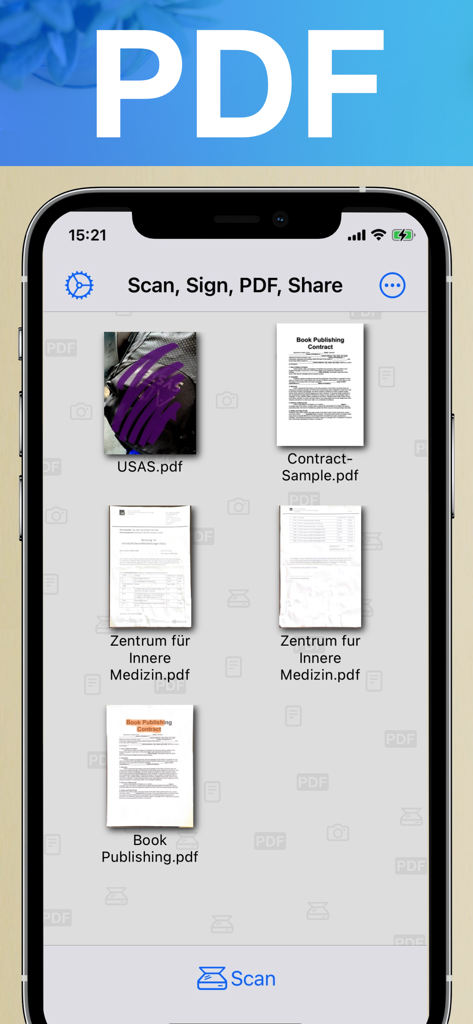
iPhone 화면에 정리된 스캔된 PDF 문서 및 계약서 모음을 보여주는 AI 문서 스캐너 앱의 인터페이스.

iPhone 화면에 정리된 스캔된 PDF 문서 및 계약서 모음을 보여주는 AI 문서 스캐너 앱의 인터페이스.

AI 기반의 정밀함으로 워크플로우를 혁신하세요

이 앱을 돋보이게 하는 도구, 19K+ 명의 사용자가 선택.

🤖

선명한 AI 인텔리전스

자동으로 그림자를 제거하고 텍스트를 보정합니다. 당사의 OCR 기술은 실물 스캔본을 수초 만에 편집 및 검색 가능한 디지털 텍스트로 변환합니다.

✍️

어디서나 서명 및 주석 추가

화면에서 바로 계약을 완료하고 하이라이트를 추가하세요. 프린터나 펜 없이도 전문성을 유지하며 더 빠르게 업무를 처리할 수 있습니다.

📁

스마트 자동 정리

AI가 자동으로 파일을 분류하고 태그를 지정하게 하세요. 비즈니스를 깔끔하게 유지해 주는 지능형 폴더로 필요한 파일을 즉시 찾아낼 수 있습니다.

앱 소개

에 대해 알아야 할 모든 것 AI Document Scanner.

설명

Features available for subscribers: Introducing AI Document Scanner, the cutting-edge app designed to revolutionize how you handle documents on your iPhone. Whether you're a professional needing efficient document management or someone looking to streamline your daily tasks, AI Document Scanner offers a suite of powerful features to enhance your productivity and convenience. Here’s how you can benefit: Advanced AI-Powered Scanning: Experience the next level of document scanning with AI technology. AI Document Scanner automatically detects and enhances text, graphics, and images, ensuring crystal-clear and high-quality scans every time. The AI algorithms adjust lighting, remove shadows, and correct distortions for professional-grade results. Optical Character Recognition (OCR): Convert scanned images into editable and searchable text with built-in OCR technology. AI Document Scanner accurately extracts text from documents, allowing you to edit, copy, and search content with ease. Perfect for transforming printed materials into digital text for editing or referencing. Multi-Page Scanning: Easily scan multi-page documents into a single file. Organize and handle large documents, reports, or manuals without the hassle of managing separate files. AI Document Scanner ensures smooth navigation through multiple pages for seamless document management. Annotation and Editing Tools: Annotate your scanned documents with ease. Add notes, highlights, and signatures directly within the app. AI Document Scanner provides a suite of editing tools to mark up your documents, making it easy to add important details, comments, or personal signatures on the go. Automatic Document Detection: Simplify the scanning process with automatic edge detection and cropping. AI Document Scanner identifies the edges of your document and crops it precisely, ensuring you capture only what you need. This feature saves you time and delivers clean, perfectly framed scans every time. Intelligent Document Organization: Organize your documents effortlessly with smart folders and tagging features. AI Document Scanner categorizes and tags your documents automatically based on content, making it easier to search and find what you need. This intelligent organization streamlines your workflow and enhances efficiency. Share and Export: Easily share your scanned documents via email, messaging apps, or by generating a shareable link. Export your scans in various formats, including PDF and JPEG, to ensure compatibility with different platforms and software. User-Friendly Interface: Enjoy an intuitive and user-friendly interface designed for all skill levels. AI Document Scanner offers a seamless experience with simple navigation, making it easy to scan, edit, and manage documents without any technical hassle. Transform the way you handle documents with AI Document Scanner. Download the app today and unlock a world of possibilities for scanning, editing, and managing your documents directly from your iPhone. Say goodbye to traditional scanners and enjoy the convenience of a powerful document solution in your pocket. --- Terms of Use: https://www.apple.com/legal/internet-services/itunes/dev/stdeula/

최신 버전

4.80

크기

12.2 MB

출시일

2016년 4월 21일

AI와 함께 종이 없는 환경을 준비하셨나요?

매주 수 시간을 절약하는 수천 명의 전문가들과 함께하세요. 지금 AI 문서 스캐너를 다운로드하고 주머니 속에서 전문가급 스캔, OCR 및 스마트 정리 기능을 경험해 보세요.

다운로드: App Store

App information, icons, screenshots, and descriptions displayed on this page are sourced from the Apple App Store and are the property of their respective developers. Download estimates and rankings are based on MWM's proprietary models and may not reflect actual figures. This page is provided for informational and analytical purposes only.

Believe this page infringes your intellectual property? File a dispute