All Document Reader

All Document Reader

다운로드: App Store
로고: All Document Reader

모든 문서 리더: 올인원 모바일 오피스 스위트

앱 전환은 그만. 학생 및 이동 중인 전문가를 위해 설계된 강력하고 가벼운 단일 작업 공간에서 PDF, Word 문서, 스프레드시트 및 프레젠테이션을 손쉽게 보고, 편집하고, 스캔하세요.

개발사

Aditya Sharma

카테고리

Productivity

다운로드

87K+

사용자 평점

4.4/5

총 평가 수

1K+

지원 언어

26

생산성을 한눈에

이 인터페이스를 사용하는 87K+ 명의 사용자.

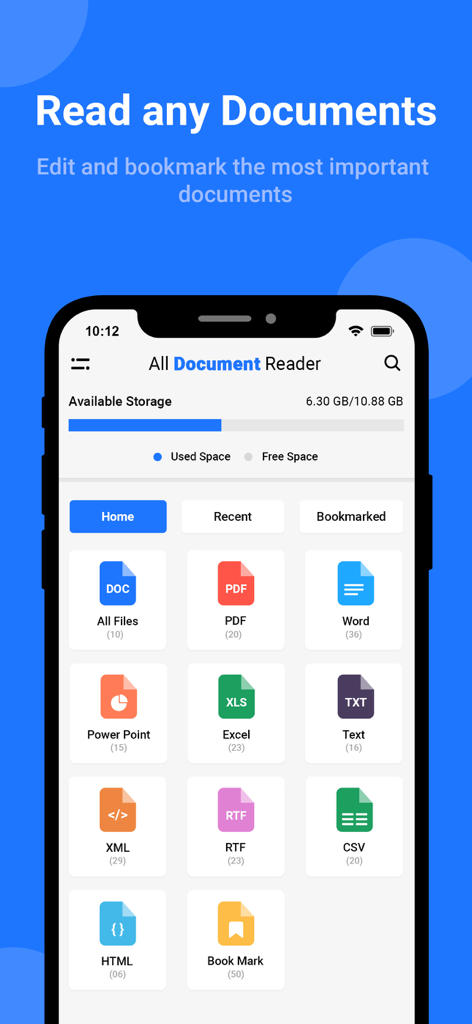
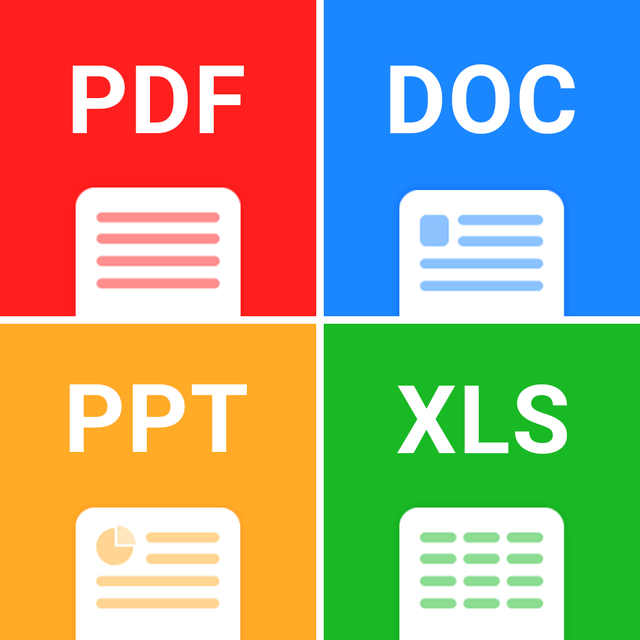
모든 문서 리더 앱 대시보드에 PDF, Word, Excel, PowerPoint와 같은 다양한 파일 형식 아이콘이 표시됨

모든 문서 리더 앱 대시보드에 PDF, Word, Excel, PowerPoint와 같은 다양한 파일 형식 아이콘이 표시됨

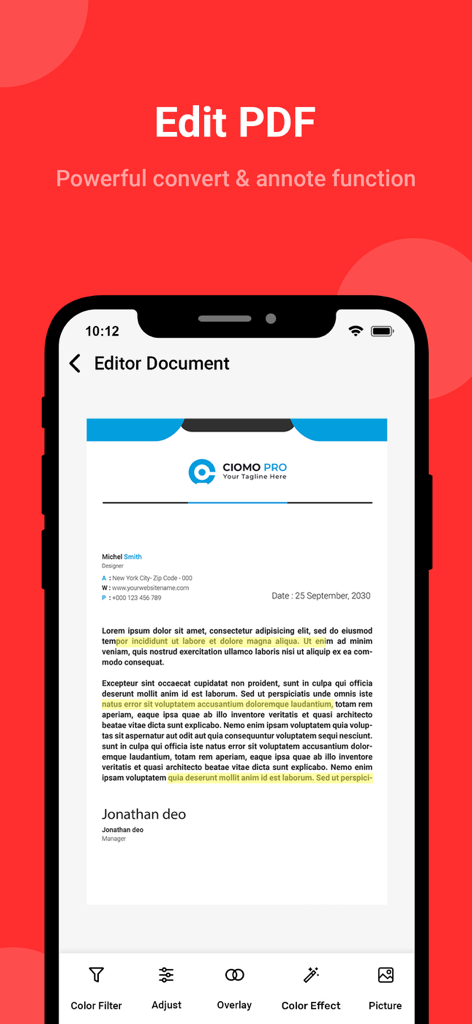
텍스트 강조 표시 및 문서 조정 도구가 있는 PDF 편집기 인터페이스

텍스트 강조 표시 및 문서 조정 도구가 있는 PDF 편집기 인터페이스

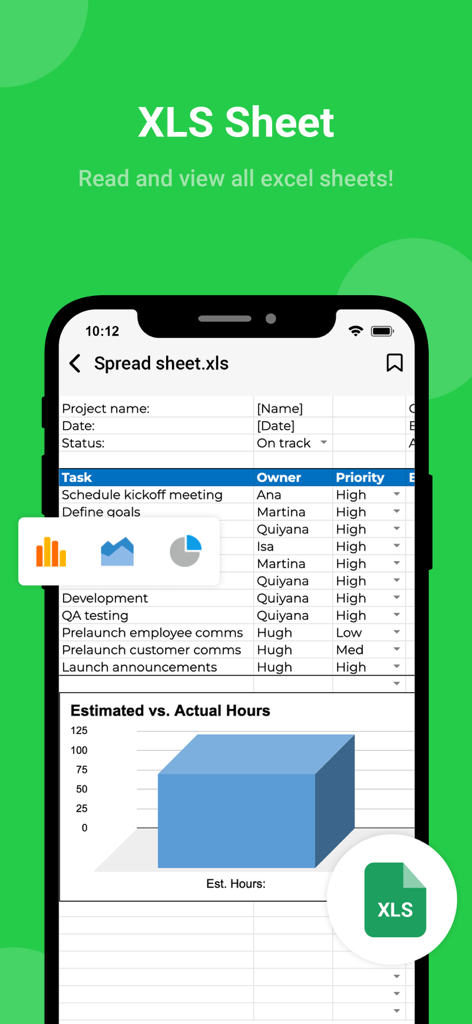
작업 목록과 막대 차트가 있는 Excel 스프레드시트를 표시하고 XLS 시트 보기 기능을 강조하는 모바일 앱 스크린샷

작업 목록과 막대 차트가 있는 Excel 스프레드시트를 표시하고 XLS 시트 보기 기능을 강조하는 모바일 앱 스크린샷

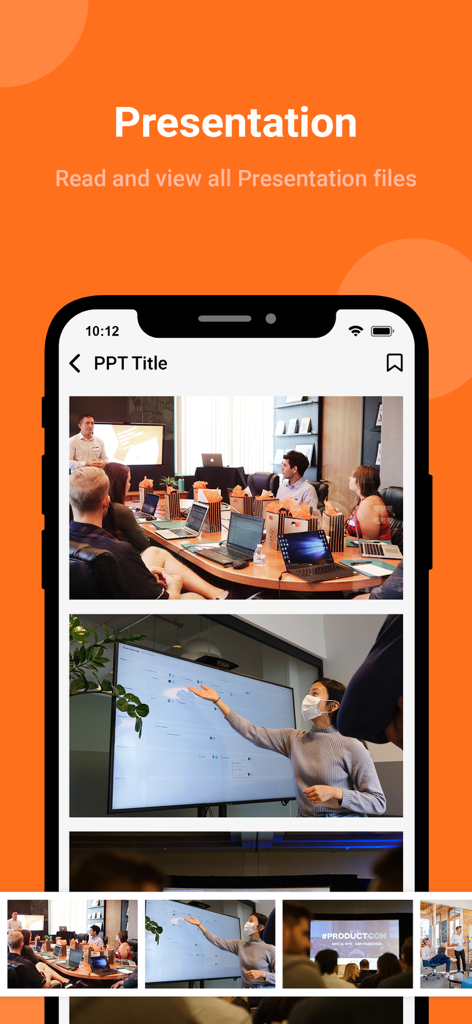
모든 문서 리더 앱 내에서 슬라이드 썸네일과 전문 회의 사진이 포함된 PowerPoint 프레젠테이션을 표시하는 스마트폰 화면

모든 문서 리더 앱 내에서 슬라이드 썸네일과 전문 회의 사진이 포함된 PowerPoint 프레젠테이션을 표시하는 스마트폰 화면

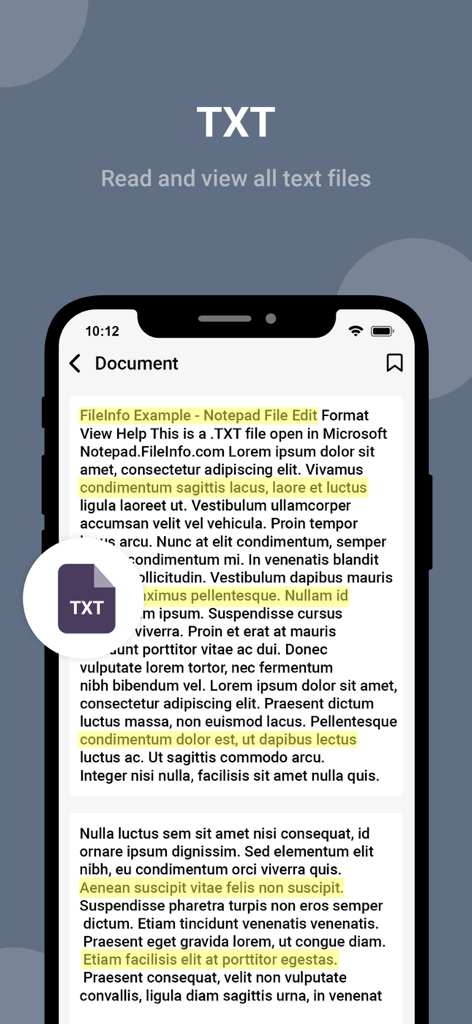
강조 표시된 문장이 있는 텍스트 파일을 보여주는 모든 문서 리더 앱 인터페이스

강조 표시된 문장이 있는 텍스트 파일을 보여주는 모든 문서 리더 앱 인터페이스

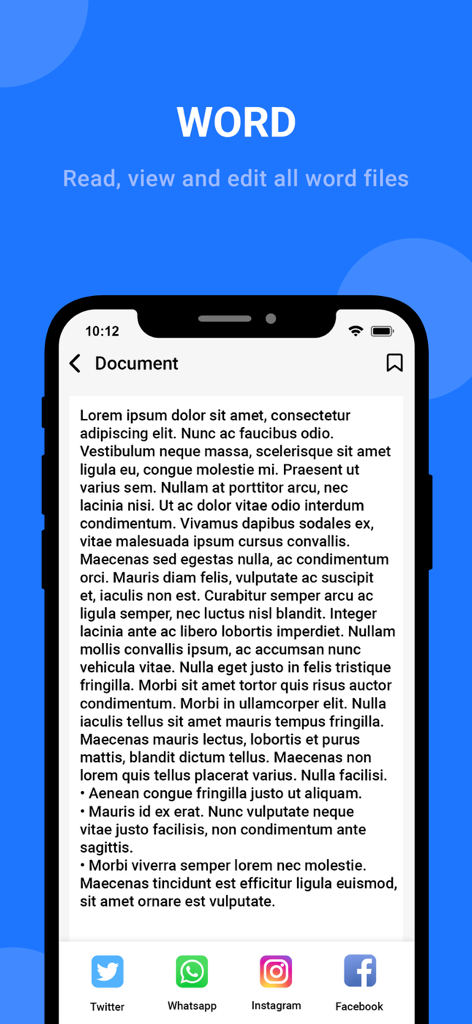
소셜 미디어 공유 옵션이 있는 Word 문서를 보여주는 모든 문서 리더 앱의 모바일 인터페이스

소셜 미디어 공유 옵션이 있는 Word 문서를 보여주는 모든 문서 리더 앱의 모바일 인터페이스

완벽한 문서 제어 센터

이 앱을 돋보이게 하는 도구, 87K+ 명의 사용자가 선택.

🚀

범용 파일 지원

PDF, Docx, Xlsx, PPT를 즉시 엽니다. 더 이상 '지원되지 않는 파일' 오류나 다른 앱 간 전환은 없습니다.

📱

찍고, 스캔하고, 변환하세요

이동 중인 전문가를 위해 맞춤 제작된 강력한 내장 스캐너로 실물 서류를 전문적인 디지털 PDF로 변환하세요.

🔍

간편한 정리

사용자 지정 폴더와 스마트 검색으로 작업 공간을 깔끔하게 유지하고 몇 초 안에 필요한 것을 정확히 찾으세요.

앱 소개

에 대해 알아야 할 모든 것 All Document Reader.

설명

Have you ever felt confused and struggled with managing documents? Have you ever found it inconvenient to open multiple different applications to work on your documents? If so, let all document viewers help you manage your documents easily and efficiently. With an all-in-one document reader and editor app - A multi-functional and convenient utility that helps you handle all tasks related to open office, documents, text, spreadsheets, and more quickly and conveniently. Not only is it designed to be simple and easy to use, but all document reader app also allows users to create and manage multiple folders, making it easier than ever to sort and categorize your documents. ◆ Support all formats, any type file opener! ◆ PDF reader - PDF viewer, PDF opener from the file manager or directly from other apps. - Search, scroll, zoom in and out of PDF file - Easily print, share and preview PDF files through another app. - Read PDF files like a book. ◆ Word reader - Docx reader - All doc viewer with a simple and elegant reader screen that has essential controls. - Quickly find any desired Docx file with a simple docx search option. ◆ Spreadsheet reader - reader xlsx: - Reader Xlsx, file viewer for all excel file formats. - Open excel files: xls, txt, xls viewer in high-quality viewing mode. ◆ PPT Files opener: - Support vierwer PPT files, ppt reader with high resolution and fast performance. - Delete, search documents files easily ◆ Main features of our office viewer app • Scan all documents, powerful photo scanner, doc scanner with high quality • Easy folder creation and management • All files reader and any documents viewer from our document reader app • All file reader and editor directly on your phone • Mark an important Word document reader by adding labels and callouts • Supports many formats, any file viewer • Advanced search documents by various criteria such as creation time, recent editing time, etc. • Share multiple documents with one touch on multiple platforms • Sorting all documents in hand by size, recent open date, etc. ◆ Why should you choose our word document opener app? - Simple and easy-to-use interface for document reader - Scan photos, scan ID cards, convert images to PDF quickly - File manager in one application - Synchronization between devices - All document reader and viewer are security - Multi-language support - All documents in hand: DOC, DOCX, XLS, PPT, TXT, PDF files - 'Zoom documents' and 'search documents' with 1 touch With convenient and diverse features, office reader app is an indispensable application for anyone looking for a simple and easy-to-use document reader tool. Don't hesitate any longer, experience file reader for all format now to save time and improve work productivity. We are working our best on making the office opener application better and more useful for you. This all document manage app is still in development so your feedback is welcome. Get unlimited access to all premium features of All Document Reader Subscribe Monthly All Document Reader Pro at $1.99 and Yearly All Document Reader Pro at $9.99 to use ads free versions of the premium app which can cancel anytime. • Privacy Policy: https://sites.google.com/view/aditya-sharma-privacy • Terms of Service: https://sites.google.com/view/aditya-sharma-termsofuse Thank you. Have a nice day

최신 버전

1.7

크기

37.6 MB

출시일

2023년 9월 7일

문서 마스터할 준비가 되셨나요?

앱 과부하를 버리고 가볍고 올인원 도구를 사용하는 87,000명 이상의 전문가 및 학생들과 함께하세요. 이동 중에도 모든 파일 형식을 열고, 스캔하고, 편집하세요.

다운로드: App Store

App information, icons, screenshots, and descriptions displayed on this page are sourced from the Apple App Store and are the property of their respective developers. Download estimates and rankings are based on MWM's proprietary models and may not reflect actual figures. This page is provided for informational and analytical purposes only.

Believe this page infringes your intellectual property? File a dispute