AllCast Screen Mirroring to TV

AllCast Screen Mirroring to TV

다운로드: App Store
로고: AllCast Screen Mirroring to TV

AllCast TV 화면 미러링: 4K 동영상 및 사진을 모든 스마트 TV로 즉시 스트리밍

좋아하는 콘텐츠를 대형 화면으로 경험하세요. 케이블이나 추가 하드웨어 없이 iPhone 또는 iPad를 삼성, LG, Roku 등으로 원활하게 미러링하세요.

다운로드: App Store

개발사

Petrut Mugurel Stuparu

카테고리

Photo & Video

다운로드

1M+

사용자 평점

2.0/5

총 평가 수

700

지원 언어

1

대형 화면 경험

이 인터페이스를 사용하는 1M+ 명의 사용자.

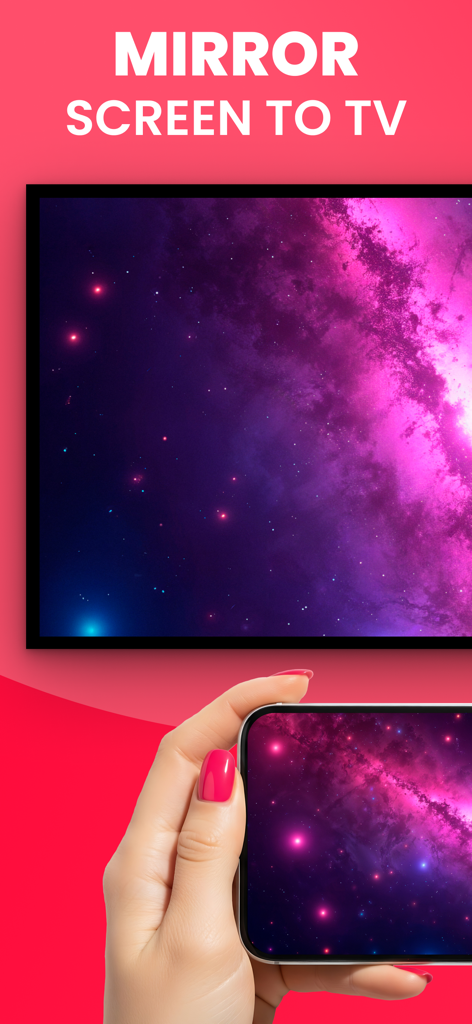
스마트폰으로 보라색 은하 이미지를 TV 화면에 미러링하는 모습

스마트폰으로 보라색 은하 이미지를 TV 화면에 미러링하는 모습

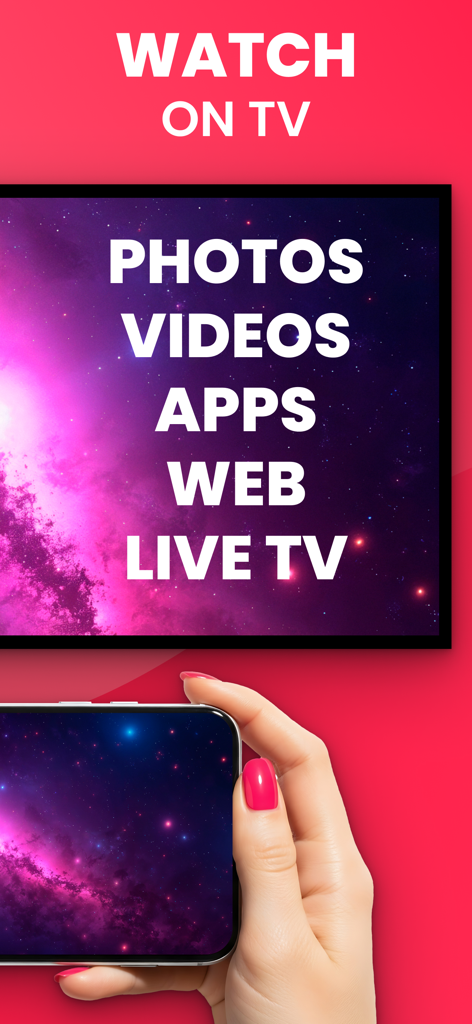
사진 및 동영상 옵션을 보여주며 TV 화면으로 디스플레이를 미러링하는 스마트폰
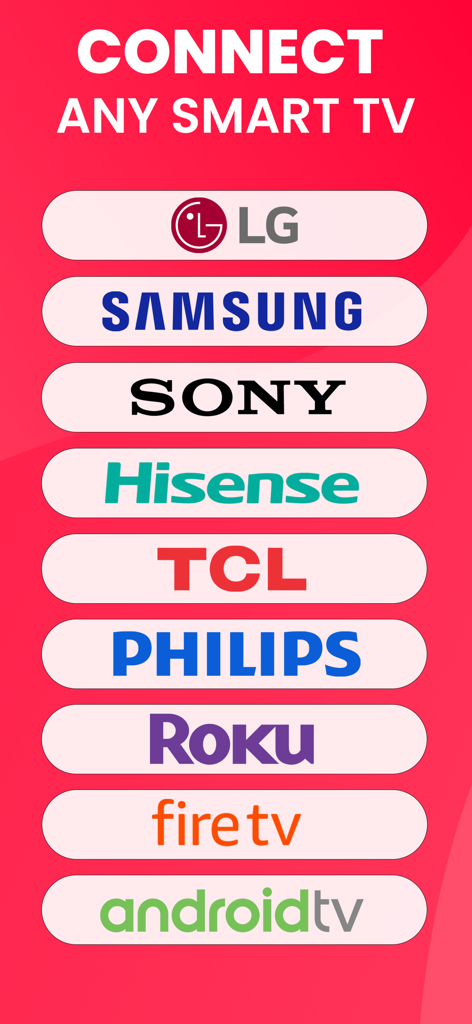
사진 및 동영상 옵션을 보여주며 TV 화면으로 디스플레이를 미러링하는 스마트폰

LG 삼성 소니를 포함한 화면 미러링 지원 스마트 TV 브랜드 목록
LG 삼성 소니를 포함한 화면 미러링 지원 스마트 TV 브랜드 목록

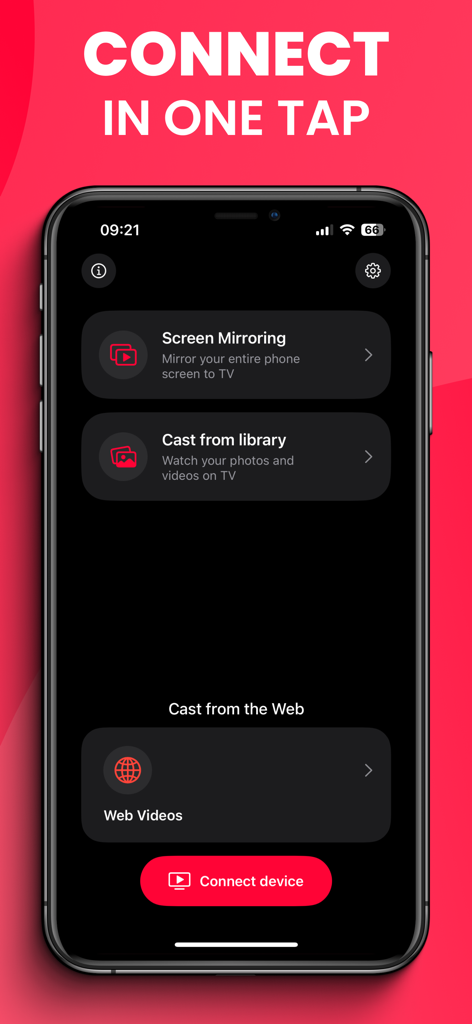
화면 미러링 및 웹 동영상 옵션이 있는 AllCast 앱의 메인 화면
화면 미러링 및 웹 동영상 옵션이 있는 AllCast 앱의 메인 화면

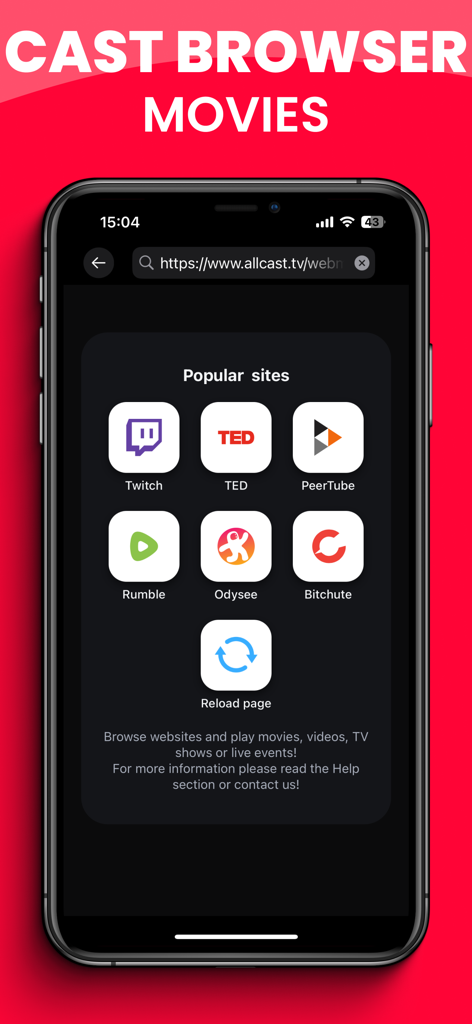
TV로 웹 캐스팅하기 위한 인기 동영상 스트리밍 사이트를 보여주는 스마트폰 화면
TV로 웹 캐스팅하기 위한 인기 동영상 스트리밍 사이트를 보여주는 스마트폰 화면

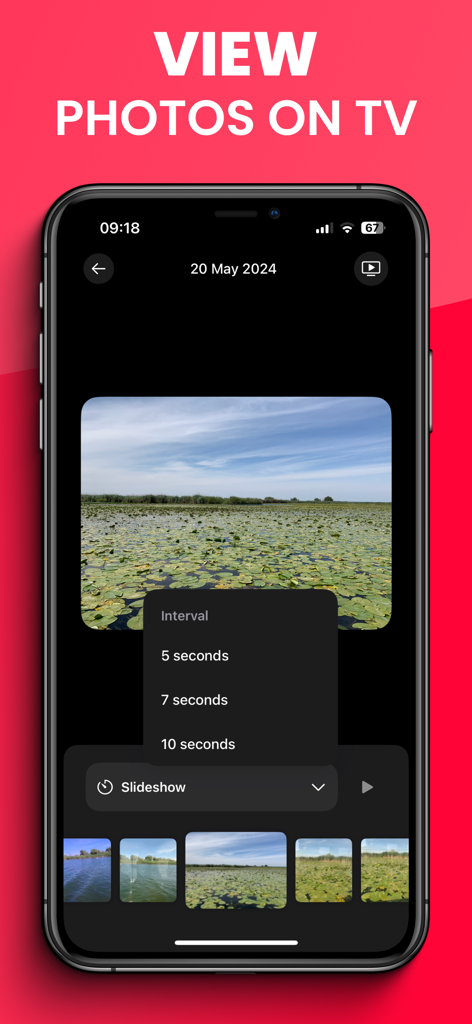
TV 전송을 위한 사진 슬라이드쇼 메뉴를 표시하는 AllCast 앱 인터페이스
TV 전송을 위한 사진 슬라이드쇼 메뉴를 표시하는 AllCast 앱 인터페이스

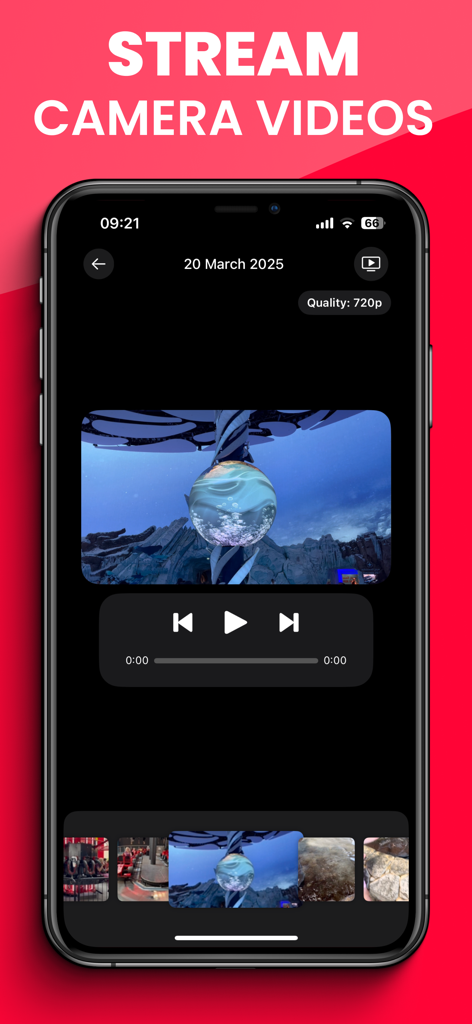
TV로 카메라 롤 동영상을 스트리밍하기 위한 AllCast 앱 인터페이스

TV로 카메라 롤 동영상을 스트리밍하기 위한 AllCast 앱 인터페이스

좋아하는 모든 것, 이제 대형 화면으로

이 앱을 돋보이게 하는 도구, 1M+ 명의 사용자가 선택.

📺

보편적 호환성

iPhone을 삼성, LG, Roku 또는 Sony TV에 즉시 연결하세요. AirPlay가 없어도 괜찮습니다.

선명한 4K HDR 화질

매우 낮은 지연 시간으로 기억에 남는 순간과 좋아하는 웹 동영상을 선명한 해상도로 경험하세요.

📱

무선 및 즉시 설정

동글과 HDMI 케이블은 잊으세요. 한 번의 탭으로 전체 화면을 미러링하거나 특정 미디어를 전송하세요.

리뷰 분석

사용자 리뷰 인사이트.

감정 점수

15%
부정적

요약

This app receives overwhelmingly negative feedback, with a significant number of users reporting that its core screen mirroring functionality does not work, even after purchasing a subscription. Many describe the app's mandatory payment model as a "scam" due to the inability to use the service effectively or obtain refunds. Common complaints include persistent connection issues, problems mirroring specific content like YouTube, and overall poor user experience including crashes or unskippable ads for premium users. A small minority of users, however, praise the app's speed and ability to mirror videos in original quality.

주요 테마

App Functionality(32)
Subscription Model(31)
Connection Reliability(7)
User Experience & Bugs(7)
Content Compatibility(5)
Video Quality & Speed(2)

앱 소개

에 대해 알아야 할 모든 것 AllCast Screen Mirroring to TV.

설명

Mirror your iPhone or iPad to any Smart TV instantly — with FullHD / 4K quality / HDR and no delay! Enhance your viewing experience with AllCast TV Screen Mirroring and cast your phone’s screen, photos, and videos to the big screen. Enjoy seamless streaming on Samsung, LG, Sony, Philips, TCL, Roku, Chromecast, Fire TV, and other Smart TVs, no extra hardware or cables needed! AllCast makes it easy to enjoy your favorite content in full size: • Screen Mirroring: Mirror your entire iPhone or iPad display to your TV in real time, with sound and minimal latency! • Cast Photos & Videos: Share memories with friends and family as slideshows or video playback on big screen! • Stream Movies & Shows: Watch your favorite films, series, and web videos directly on your Smart TV! • Gaming on TV: Play mobile games on the big screen with smooth performance! • Work & Study: Share presentations, documents, or live demos in classrooms and meetings! How It Works: 1. Connect your iPhone/iPad and Smart TV to the same Wi-Fi network (VPN off). 2. Open AllCast TV Screen Mirroring. 3. Select your TV (Samsung, LG, Sony, TCL, Roku, Chromecast, Fire TV, Philips, etc.). 4. Choose “Screen Mirroring” or “Cast media” and enjoy instant streaming! Key Features • 4K Quality for camera recordings and FullHD for screen mirroring! • Low latency streaming • High compatibility even on older TV models, using DLNA protocol! • Easy setup — no cables, no extra hardware needed • Universal use cases: family movie nights, gaming, education, business presentations Enjoy the freedom to share, present, and play - all on the biggest screen in the room! Turn your living room into a home theater, your office into a smart meeting space, and your phone into the ultimate casting device with AllCast TV Screen Mirroring! Payment will be charged to your Apple ID account at the time of purchase confirmation. Subscription renews automatically unless it is canceled at least 24 hours before the end of the current period. Your account will be charged for renewal within 24 hours prior to the end of the current period. You can manage and cancel your subscriptions by going to your account settings on the App Store after purchase!

최신 버전

8.1.3

크기

42.4 MB

출시일

2011년 11월 30일

대형 화면을 볼 준비가 되셨나요?

케이블을 포기한 100만 명 이상의 사용자와 함께하세요. 지금 AllCast를 다운로드하고 iPhone을 선명한 4K 화질로 모든 스마트 TV에 미러링하세요.

다운로드: App Store

App information, icons, screenshots, and descriptions displayed on this page are sourced from the Apple App Store and are the property of their respective developers. Download estimates and rankings are based on MWM's proprietary models and may not reflect actual figures. This page is provided for informational and analytical purposes only.

Believe this page infringes your intellectual property? File a dispute