
이 페이지는 앱이나 개발자의 공식 페이지가 아니며, 정보 제공 및 논평을 목적으로 작성된 독립 편집 간행물입니다. 명시적으로 달리 언급되지 않는 한, 해당 앱이나 개발자는 MWM, Apple, Google Play, 앱 퍼블리셔 또는 앱 개발자와 제휴, 보증, 후원, 승인 또는 공식적으로 연결되어 있지 않으며, 이 페이지의 어떤 내용도 해당 앱이 MWM의 서비스를 사용하여 개발되었음을 의미하지 않습니다. 모든 상표, 로고, 스크린샷 및 기타 콘텐츠는 해당 소유자의 자산입니다.

Ampere: Charging Animation App
모든 충전을 시각적인 표현으로 만드세요. 1,000개 이상의 독특한 애니메이션, 맞춤 사운드, 매일 업데이트되는 콘텐츠를 통해 당신의 개성을 완벽하게 표현하세요.
다운로드
48K+사용자 평점
총 평가 수
2K+개발사
카테고리
Graphics & Design지원 언어
1최신 버전
1.2크기
62.1 MB출시일
2021년 11월 24일충전 중에도 당신만의 미학을 소유하세요
1,000개 이상의 인기 애니메이션과 맞춤 사운드로 당신의 독특한 아이폰 스타일에 맞춰 배터리 충전의 지루함을 없애세요.
무제한 시각적 트렌드
사이버펑크, 네온, 미니멀리스트 테마를 포함한 27개 카테고리의 일일 업데이트로 앞서나가세요.
맞춤 사운드스케이프 및 아이콘
70개 이상의 독점 사운드와 아이콘을 레이어링하여 시각적인 경험을 넘어 다감각적인 충전 효과를 만들어보세요.
자주 묻는 질문
에 대해 알아야 할 모든 것 Ampere: Charging Animation App
How do I set up charging animations using the Ampere app?
Users set up Ampere charging animations via the "Shortcuts" app. The process involves creating an automation to "Open App" for Ampere when the charger is connected. A detailed guide is available inside the app.
What features does Ampere: Charging Animation App offer?
Ampere: Charging Animation App offers a gallery of unique charging animations across 27 categories, animation previews, and customization options. Users can add icons, charging sounds, and change colors. It has over 1000 animations with daily updates and no ads.
How many charging animations are available in Ampere?
The Ampere app features over 1000 charging animations with daily updates. The free version provides access to 27 charging animations, one from each category, as shown in Screenshot #1.
Does Ampere: Charging Animation App display ads?
No, the Ampere: Charging Animation App does not display any ads. This is explicitly stated as one of its main features within the app's content description.
Is the Ampere: Charging Animation App free to use?
Yes, Ampere offers a free version with access to 27 charging animations, one in each category. Full, unlimited access to all features and content requires an auto-renewable subscription called "Ampere Premium (Pro)."
What does the Ampere Premium (Pro) subscription include?
The Ampere Premium (Pro) subscription unlocks all charging animations, provides daily new animations, and enables the ability to edit animations within the app. It grants full, unlimited access to all features.
How much does the Ampere Premium (Pro) subscription cost?
The Ampere Premium (Pro) subscription costs 3.99 US$ weekly, which includes a 3-day free trial period. Subscription prices may vary by location based on regional pricing.
How can I edit charging animations in Ampere?
Ampere: Charging Animation App allows users to customize animations. They can add icons and charging sounds, and change colors. Over 70 icons and 70 sounds are available for editing, as shown in Screenshot #3.
Are new animations added to Ampere regularly?
Yes, the Ampere app provides daily updates, adding new charging animations to the gallery every day. This feature is included with the Ampere Premium (Pro) subscription, as highlighted in Screenshot #5.
How many categories of charging animations does Ampere offer?
Ampere: Charging Animation App offers 27 distinct categories of charging animations. These categories include Neon, Technology, Flame, Flowers, Geometric, and Lines, catering to various preferences, as depicted in Screenshot #4.
How do I preview animations in the Ampere app?
The Ampere app allows users to preview how a selected charging animation will look on their device before setting it. This feature is demonstrated in Screenshot #2, ensuring user satisfaction.
Where can I find the Privacy Policy for Ampere: Charging Animation App?
The Privacy Policy for Ampere: Charging Animation App is available online. It can be accessed directly via the provided link: https://sites.google.com/view/charging-animation-app-privacy/.
Where can I find the Terms of Use for Ampere: Charging Animation App?
The Terms of Use for Ampere: Charging Animation App are available online. Users can review them by visiting the link: https://sites.google.com/view/charging-animation-app-terms/.
다음 스크린샷과 설명은 앱의 공식 스토어 목록에서 직접 가져온 것이며 앱 개발자의 자산입니다.
앱 스토어
스크린샷
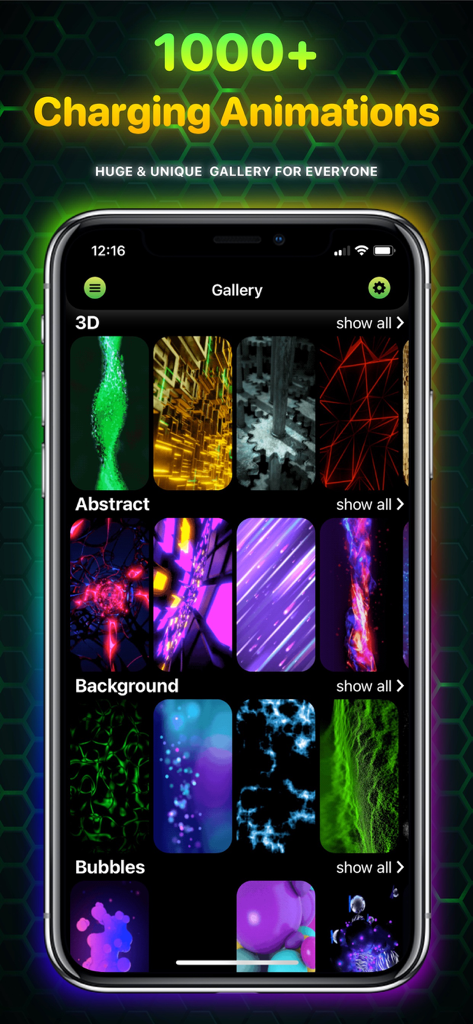
Ampere 앱 갤러리 화면에 스타일별로 분류된 다양한 충전 애니메이션 표시
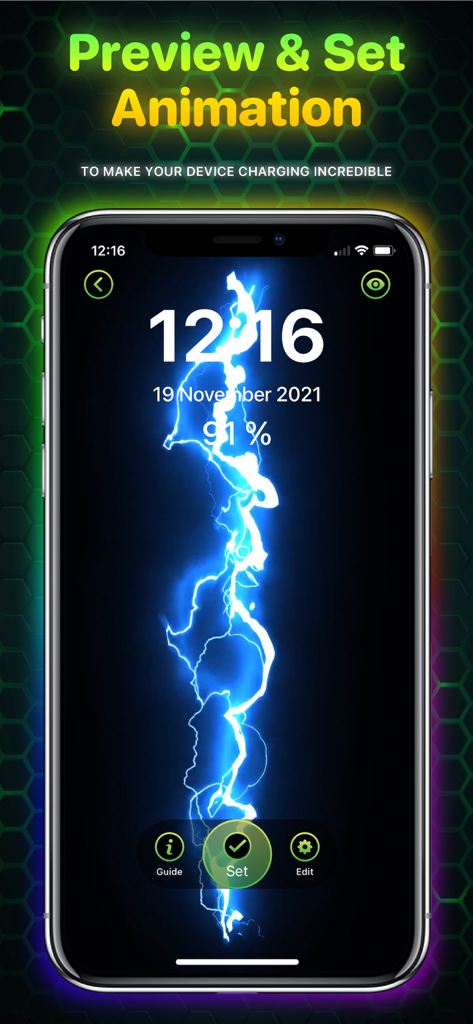
아이폰 화면에 파란색 번개 충전 애니메이션 미리보기
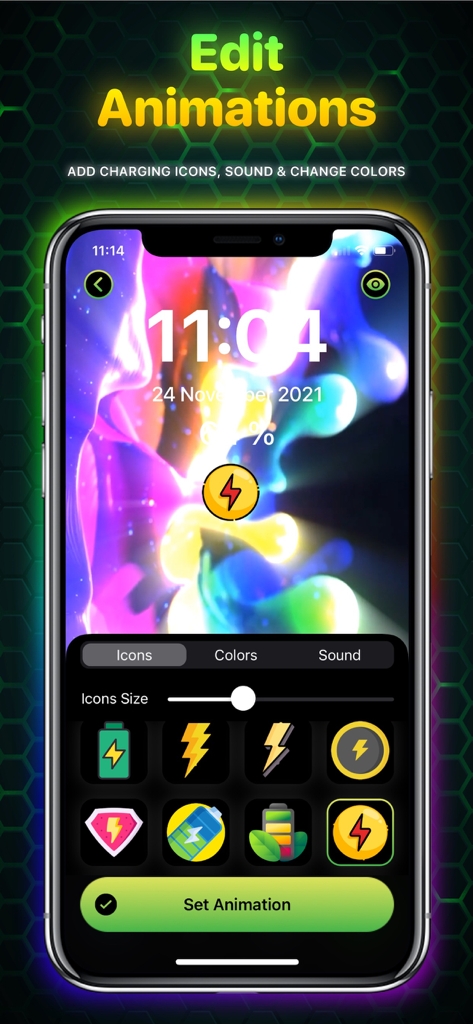
아이콘 및 색상 포함 충전 애니메이션 사용자 지정 옵션을 보여주는 Ampere 앱 인터페이스
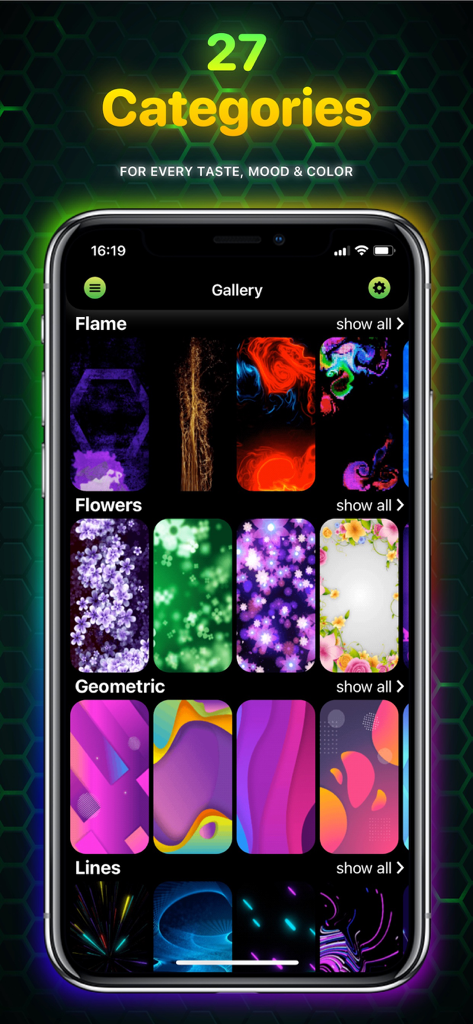
불꽃, 꽃, 기하학, 선과 같은 다양한 충전 애니메이션 카테고리가 있는 Ampere 앱 갤러리를 보여주는 스마트폰.
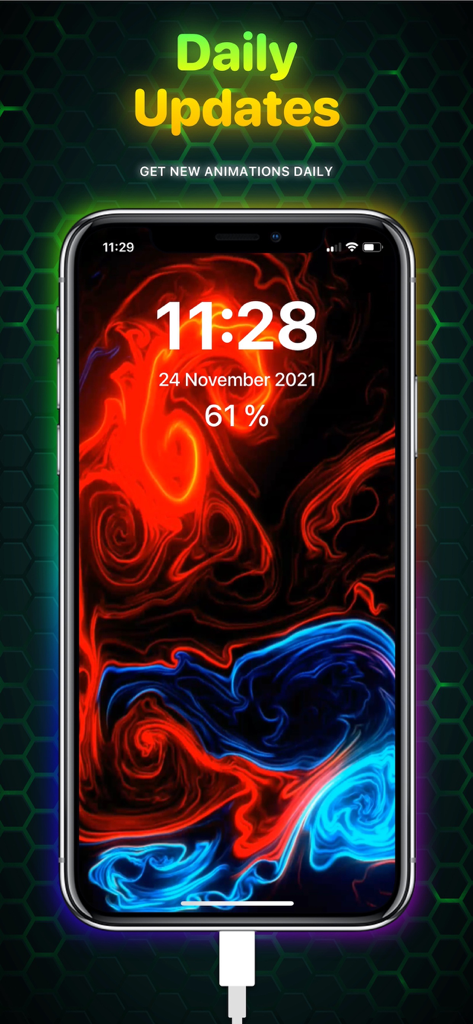
일일 업데이트를 강조하는 텍스트와 함께 생생한 빨간색 및 파란색 유체 충전 애니메이션을 보여주는 아이폰 화면.
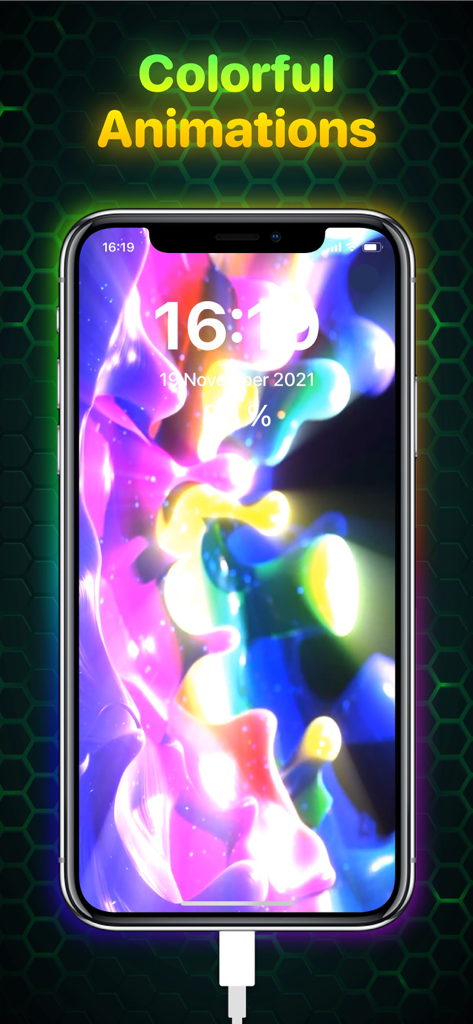
충전기에 연결된 동안 추상적인 모양과 함께 생생한 빛나는 다채로운 충전 애니메이션을 표시하는 아이폰 화면
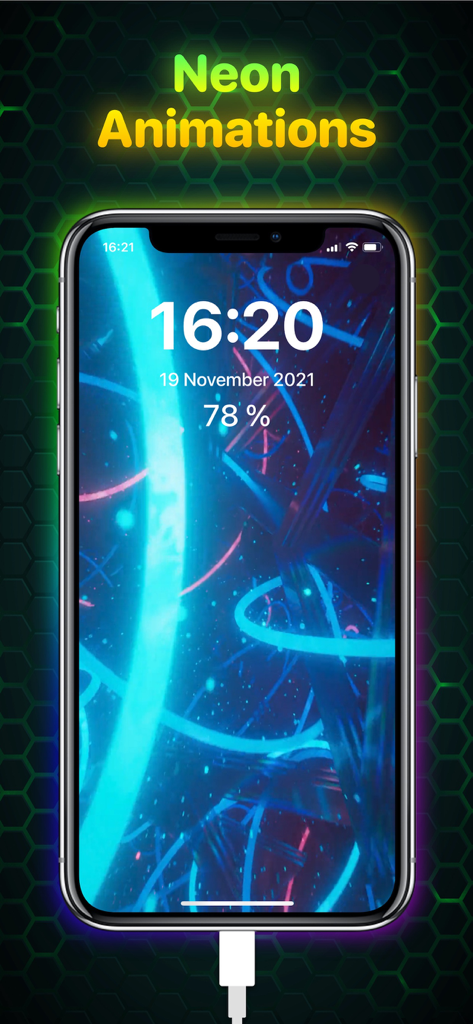
시간과 배터리 백분율이 표시된 생생한 네온 파란색 충전 애니메이션을 표시하는 아이폰 화면
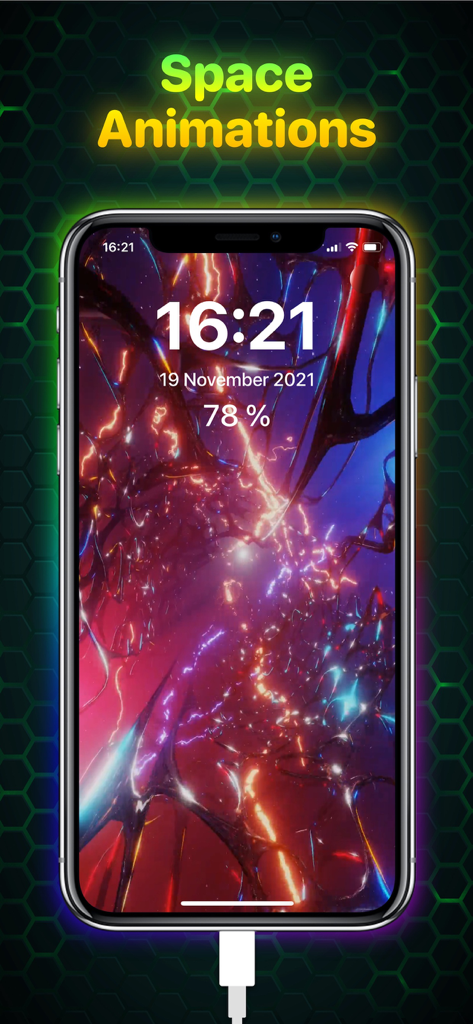
Ampere 앱을 사용하여 아이폰에서 생생한 우주 테마 충전 애니메이션
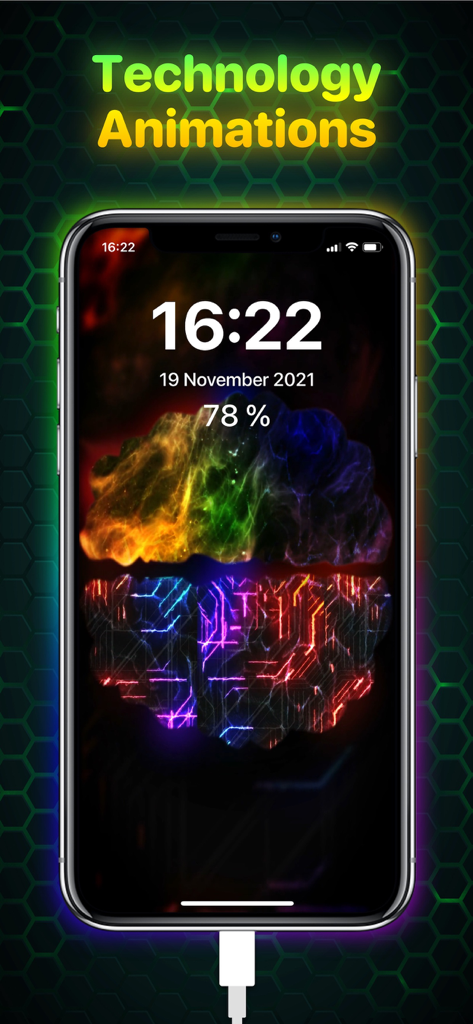
회로 패턴과 빛나는 기술 충전 애니메이션이 있는 아이폰 디스플레이
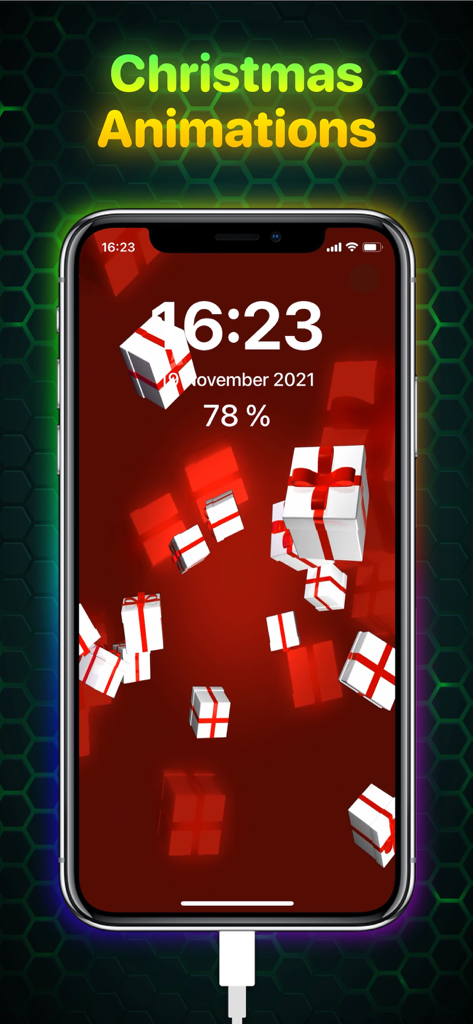
빨간색 배경에 3차원 선물 상자가 있는 크리스마스 충전 애니메이션을 표시하는 아이폰 화면
설명
Download
비슷한 앱
같은 카테고리의 상위 앱

Kling AI: AI Image&Video Maker
LOHAS GAMES PTE. LTD.

iScreen - Widgets & Wallpaper
Xiamen ShenZhuo Information Technology Co., Ltd.

Dreamina AI: Image&Video Maker
BYTEDANCE PTE. LTD.

Home AI - AI Interior Design
HUBX YAZILIM HIZMETLERI ANONIM SIRKETI

ibis Paint X
ibis inc.

ThemeKit: Widget & Icon Themes
Woohoo Tech. Ltd.

Sketchbook®
Sketchbook, Inc.

Colorful Widget- Widget&Themes
Guangzhou ZHIFENG Information Technology Co.,Ltd.

ReRoom AI: Interior Design
GM UniverseApps Limited
이 페이지는 앱이나 개발자의 공식 페이지가 아니며, 정보 제공 및 논평을 목적으로 작성된 독립 편집 간행물입니다. 명시적으로 달리 언급되지 않는 한, 해당 앱이나 개발자는 MWM, Apple, Google Play, 앱 퍼블리셔 또는 앱 개발자와 제휴, 보증, 후원, 승인 또는 공식적으로 연결되어 있지 않으며, 이 페이지의 어떤 내용도 해당 앱이 MWM의 서비스를 사용하여 개발되었음을 의미하지 않습니다. 모든 상표, 로고, 스크린샷 및 기타 콘텐츠는 해당 소유자의 자산입니다.