AR Draw: Trace & Sketch Master

AR Draw: Trace & Sketch Master

다운로드: App Store
로고: AR Draw: Trace & Sketch Master

AR Draw: Trace & Sketch Master – 휴대폰을 전문 아트 프로젝터로 변환

비례 걱정은 그만하고 창작을 시작하세요. AR 기술을 사용하여 갤러리의 모든 사진을 쉽게 종이에 트레이싱할 수 있습니다. DIY 프로젝트, 맞춤 선물, 아티스트로서의 자신감 구축에 완벽합니다.

개발사

Try the Colors s. r. o.

카테고리

Graphics & Design

다운로드

1K+

사용자 평점

5.0/5

총 평가 수

0

지원 언어

52

창의적인 여정을 시각화하세요

이 인터페이스를 사용하는 1K+ 명의 사용자.

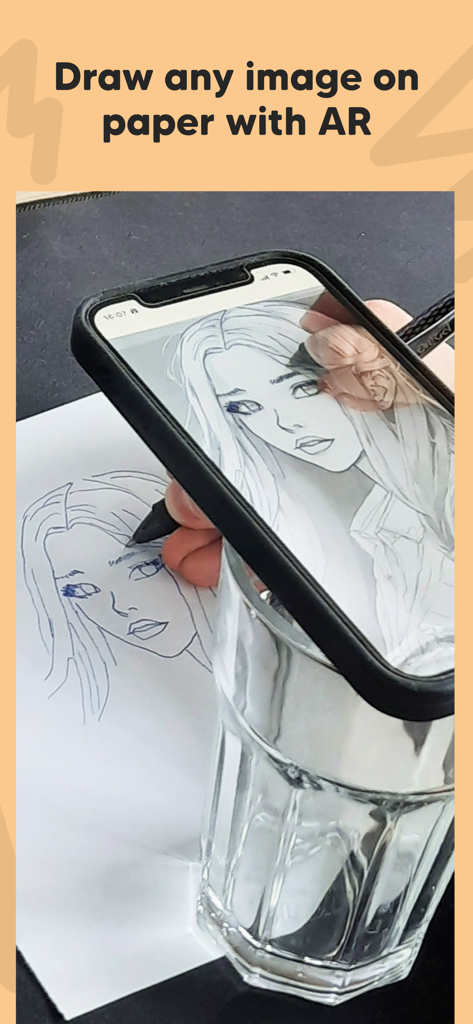
종이에 트레이싱하기 위해 증강 현실을 사용하여 초상화를 투사하는 스마트폰
종이에 트레이싱하기 위해 증강 현실을 사용하여 초상화를 투사하는 스마트폰

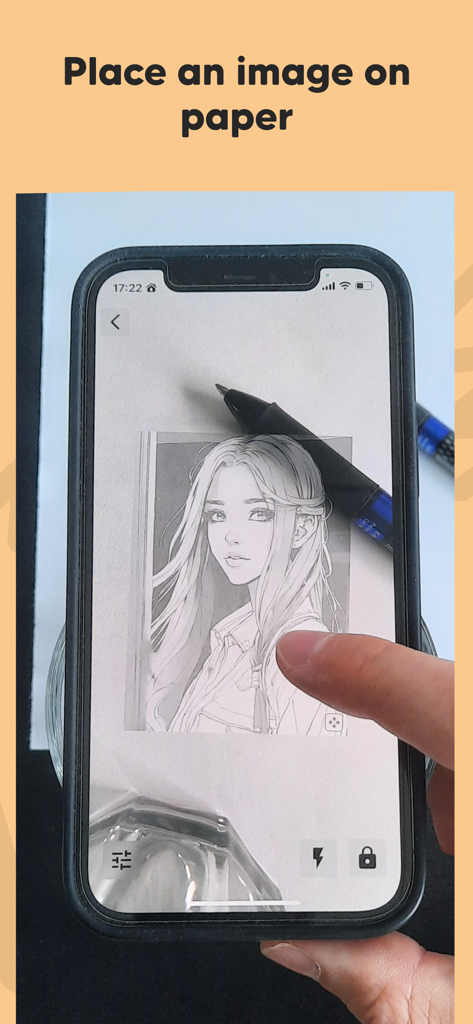
트레이싱을 위해 종이에 그림을 투사하는 증강 현실을 사용하는 스마트폰
트레이싱을 위해 종이에 그림을 투사하는 증강 현실을 사용하는 스마트폰

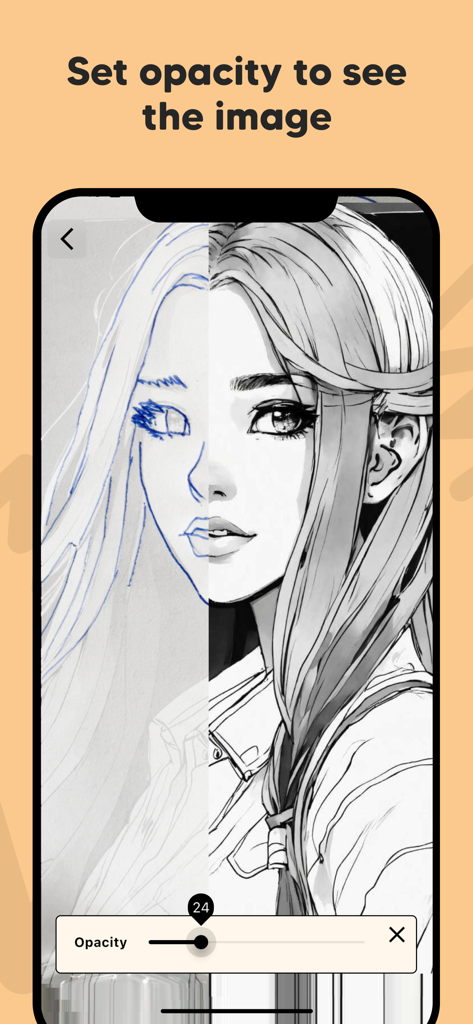
스마트폰 화면에 트레이싱 및 스케치를 위해 초상화 이미지의 불투명도를 조절하는 불투명도 슬라이더 표시
스마트폰 화면에 트레이싱 및 스케치를 위해 초상화 이미지의 불투명도를 조절하는 불투명도 슬라이더 표시

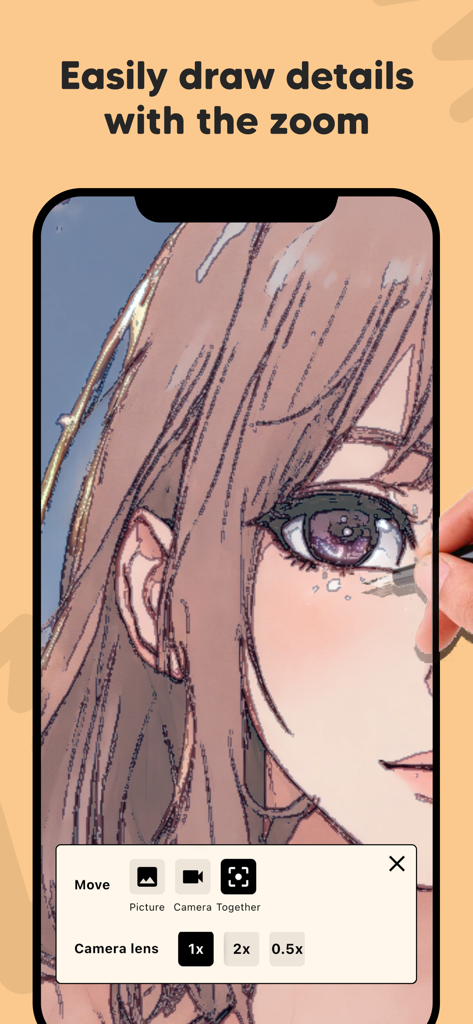
AR Draw 앱이 확대된 애니메이션 스케치와 카메라 렌즈 컨트롤을 보여주는 스마트폰 화면
AR Draw 앱이 확대된 애니메이션 스케치와 카메라 렌즈 컨트롤을 보여주는 스마트폰 화면

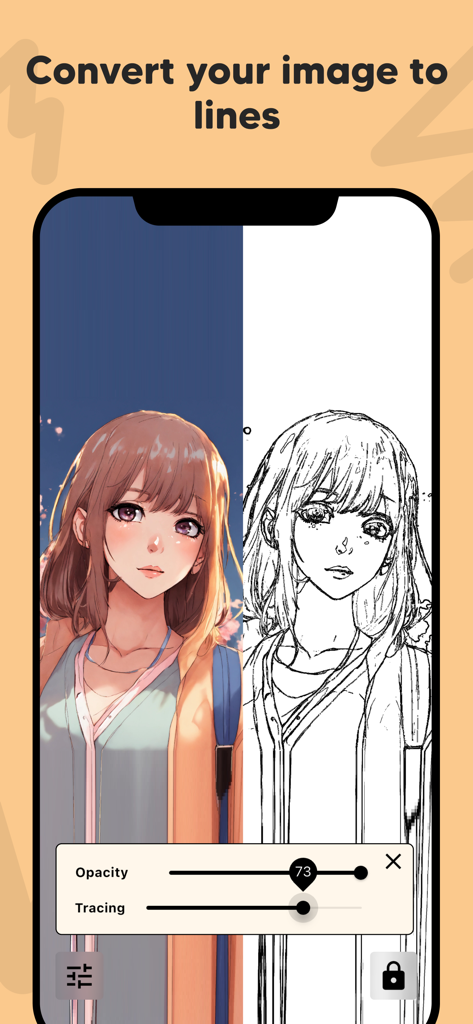
AR Draw 앱 인터페이스에서 트레이싱을 위해 흑백 라인 아트로 변환된 컬러 애니메이션 초상화를 보여주는 분할 화면 보기

AR Draw 앱 인터페이스에서 트레이싱을 위해 흑백 라인 아트로 변환된 컬러 애니메이션 초상화를 보여주는 분할 화면 보기

창의력을 한 단계 높이세요

이 앱을 돋보이게 하는 도구, 1K+ 명의 사용자가 선택.

📱

마법의 AR 투사

어떤 레퍼런스 이미지든 종이나 캔버스에 직접 투사하여 기술 수준에 관계없이 매번 완벽한 비례를 맞출 수 있습니다.

즉각적인 라인 아트

복잡한 사진을 깔끔하고 트레이싱 가능한 윤곽선으로 자동 변환하여 미적 팬 아트나 맞춤 선물을 만드는 데 완벽합니다.

🔍

전문가 수준의 정밀도

불투명도를 조절하고 확대하여 복잡한 디테일을 표현할 수 있어 창의적인 불안 없이 전문 일러스트레이터의 제어력을 제공합니다.

앱 소개

에 대해 알아야 할 모든 것 AR Draw: Trace & Sketch Master.

설명

Bring your drawings to life with AR Draw: Trace & Sketch Master! This innovative app uses augmented reality to help you effortlessly trace and sketch any image onto paper, making it perfect for artists, hobbyists, students, and beginners. Key Features: Draw Any Image on Paper: Select any image from your gallery and project it onto your real-world paper using AR technology. Easy Image Placement: Position the image on your paper exactly where you want it, ensuring accurate sketches every time. Adjust Image Opacity: Make tracing simple by setting the image opacity. See both your drawing and the reference image clearly as you sketch. Zoom for Fine Details: Zoom in to capture intricate details and create precise illustrations with ease. Image to Line Conversion: Convert your photos into clear outlines or line art for easier tracing and drawing. How It Works: Choose an image from your device or take a new photo. Place the image on your drawing paper using your device’s camera and AR preview. Adjust the opacity and zoom for perfect visibility and detail. Start tracing—your device will show your hand and the paper with the image overlay, making it easy to sketch accurately. With AR Draw: Trace & Sketch Master, anyone can create beautiful drawings by tracing faces, objects, landscapes, or cartoons. Whether you're practicing new techniques, learning to draw, or making custom gifts, this app makes drawing more accessible than ever. Perfect For: Artists & Designers Students & Teachers Kids & Adults Anyone learning to draw No expensive equipment required—just your phone, paper, and a pencil! Download AR Draw: Trace & Sketch Master now and become a tracing and sketching pro using the power of AR! By using this app, you agree to Apple's standard End User License Agreement (EULA), available here: https://www.apple.com/legal/internet-services/itunes/dev/stdeula/

최신 버전

1.0.14

크기

72.6 MB

출시일

2025년 7월 29일

전문가처럼 스케치할 준비 되셨나요?

수천 명의 크리에이터가 사진을 멋진 손그림 아트로 바꾸고 있습니다. 지금 AR Draw를 다운로드하고 첫 번째 걸작을 오늘부터 시작하세요.

다운로드: App Store

App information, icons, screenshots, and descriptions displayed on this page are sourced from the Apple App Store and are the property of their respective developers. Download estimates and rankings are based on MWM's proprietary models and may not reflect actual figures. This page is provided for informational and analytical purposes only.

Believe this page infringes your intellectual property? File a dispute