AR Drawing App: Sketch & Paint
다운로드: App Store

이 페이지는 앱이나 개발자의 공식 페이지가 아니며, 정보 제공 및 논평을 목적으로 작성된 독립 편집 간행물입니다. 명시적으로 달리 언급되지 않는 한, 해당 앱이나 개발자는 MWM, Apple, Google Play, 앱 퍼블리셔 또는 앱 개발자와 제휴, 보증, 후원, 승인 또는 공식적으로 연결되어 있지 않으며, 이 페이지의 어떤 내용도 해당 앱이 MWM의 서비스를 사용하여 개발되었음을 의미하지 않습니다. 모든 상표, 로고, 스크린샷 및 기타 콘텐츠는 해당 소유자의 자산입니다.

로고: AR Drawing App: Sketch & Paint
다운로드: App Store

AR Drawing App: Sketch & Paint

휴대폰을 강력한 AR 프로젝터로 바꿔보세요. AR을 사용하여 모든 표면에 놀라운 작품을 손쉽게 정밀하고 간편하게 따라 그리고, 스케치하고, 칠하세요.

주요 수치

다운로드

15K+

사용자 평점

4.5/5

총 평가 수

100

개발사

Reena Williams

카테고리

Graphics & Design

지원 언어

14

최신 버전

2.5

크기

184.4 MB

출시일

2024년 5월 16일
기능

모든 표면을 나만의 캔버스로 바꾸세요

초보자든 DIY 전문가든, AR 도구를 사용하면 디지털의 편리함으로 놀라운 실제 아트를 스케치하고, 따라 그리고, 만들 수 있습니다.

항상 완벽한 윤곽선

비율 걱정은 그만하세요. AR을 사용하여 모든 이미지를 종이나 캔버스에 투사하여 즉시 완벽한 스케치를 따라 그리세요.

궁극의 DIY 동반자

저널링, 쿠키 장식, 목공예에 완벽합니다. 좋아하는 손으로 하는 취미에 디지털 정밀도를 더하세요.

다음 스크린샷과 설명은 앱의 공식 스토어 목록에서 직접 가져온 것이며 앱 개발자의 자산입니다.

앱 스토어

스크린샷
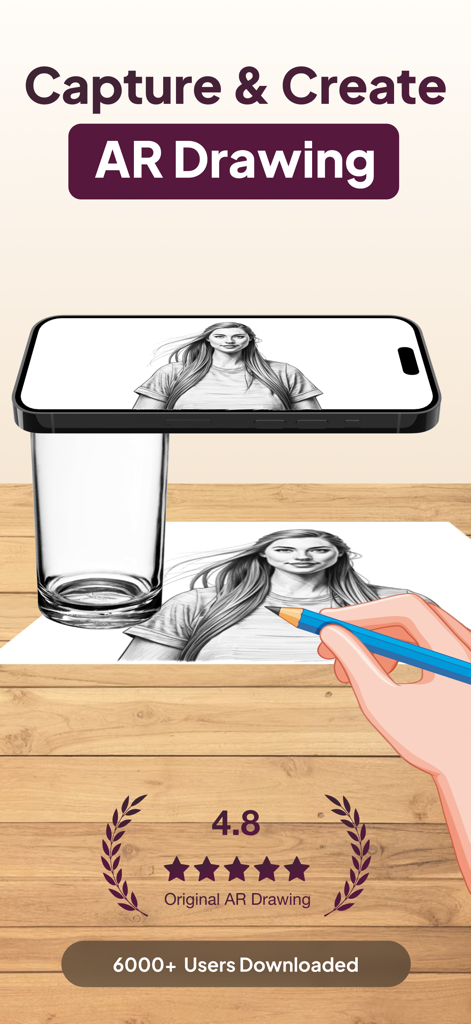
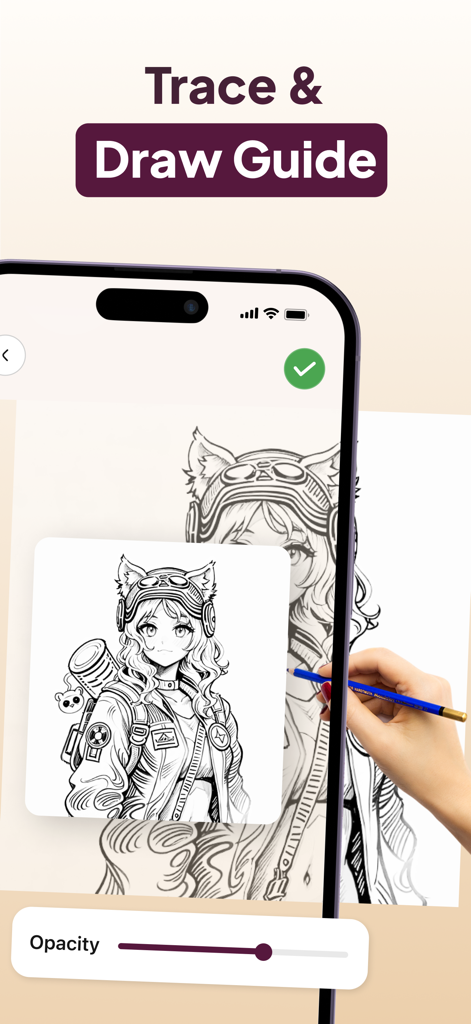
AR Drawing App: Sketch & Paint - 스마트폰에서 투사된 AR 드로잉 앱을 사용하여 종이에 초상화를 따라 그리는 손
스마트폰에서 투사된 AR 드로잉 앱을 사용하여 종이에 초상화를 따라 그리는 손

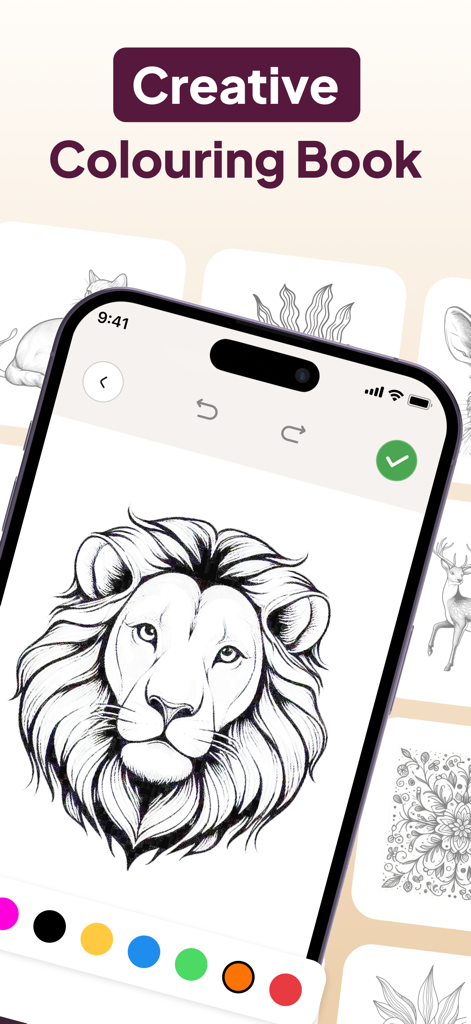
AR Drawing App: Sketch & Paint - AR 드로잉 앱에서 색상 팔레트가 하단에 표시된 사자 머리 윤곽선 색칠을 보여주는 아이폰 화면
AR 드로잉 앱에서 색상 팔레트가 하단에 표시된 사자 머리 윤곽선 색칠을 보여주는 아이폰 화면

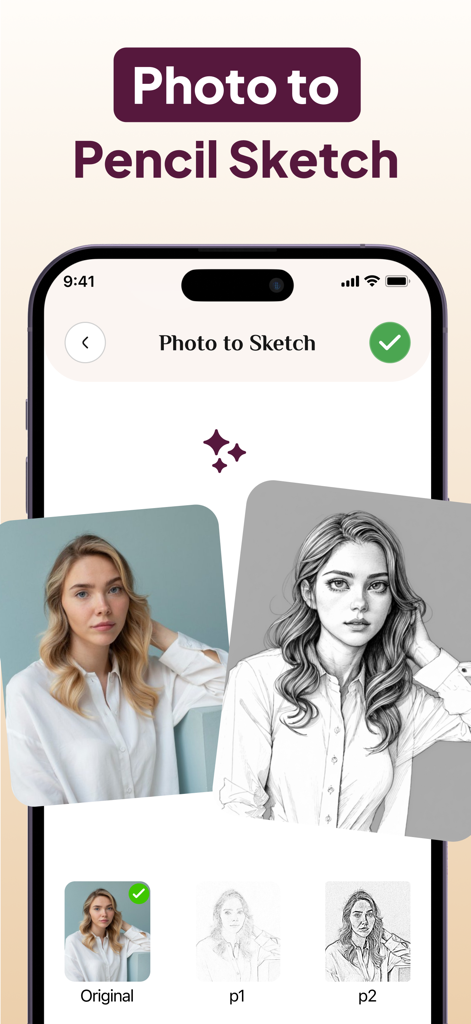
AR Drawing App: Sketch & Paint - 초상화 변환을 보여주는 AR 드로잉 앱의 사진 대 연필 스케치 기능
초상화 변환을 보여주는 AR 드로잉 앱의 사진 대 연필 스케치 기능

AR Drawing App: Sketch & Paint - 사람이 AR 드로잉 앱을 사용하여 종이에 연필로 애니메이션 캐릭터를 따라 그리는 모습
사람이 AR 드로잉 앱을 사용하여 종이에 연필로 애니메이션 캐릭터를 따라 그리는 모습

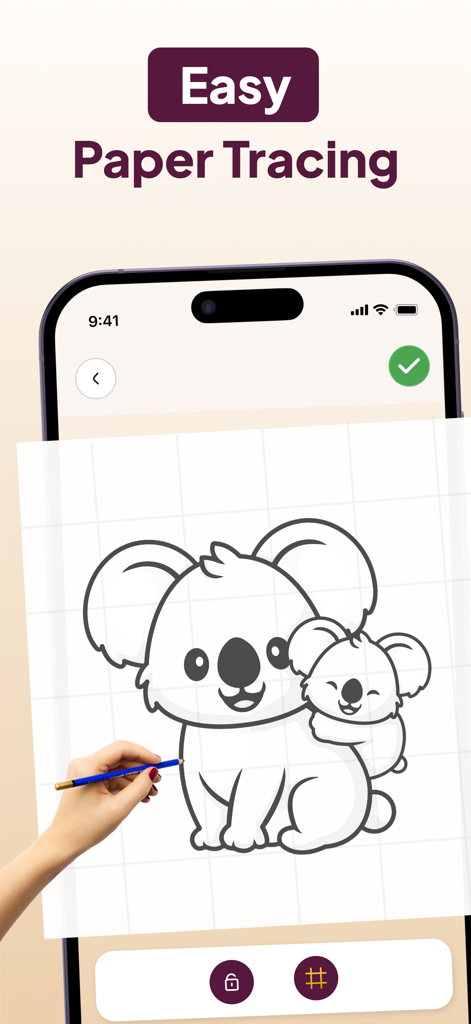
AR Drawing App: Sketch & Paint - 손으로 연필을 들고 종이를 쉽게 따라 그릴 수 있도록 코알라 스케치를 표시하는 스마트폰 화면
손으로 연필을 들고 종이를 쉽게 따라 그릴 수 있도록 코알라 스케치를 표시하는 스마트폰 화면

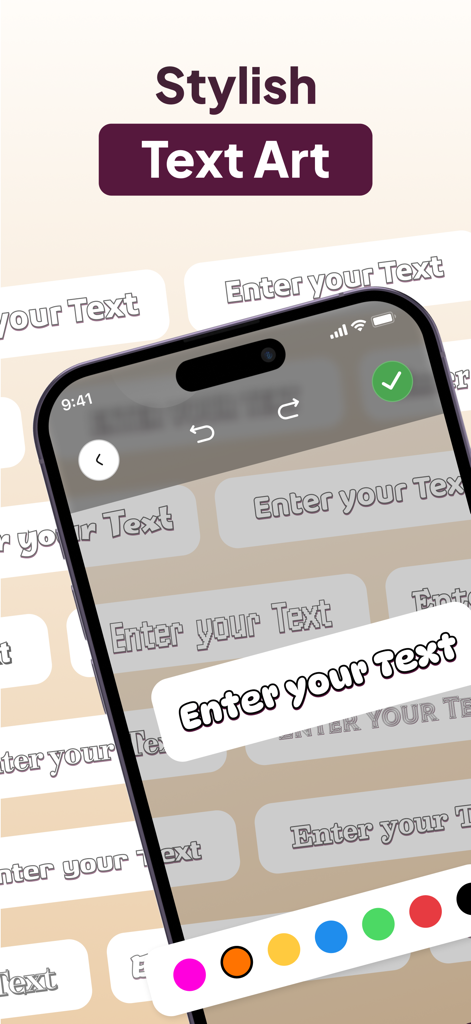
AR Drawing App: Sketch & Paint - 사용자 정의를 위한 색상 팔레트와 스타일리시한 텍스트 아트 옵션을 보여주는 AR 드로잉 앱 인터페이스.

사용자 정의를 위한 색상 팔레트와 스타일리시한 텍스트 아트 옵션을 보여주는 AR 드로잉 앱 인터페이스.

설명

Transform your creative process with the AR Drawing App: Sketch & Paint, a revolutionary app designed for artists, kids, and hobbyists alike! Combining augmented reality technology with easy-to-use tools, this app lets you sketch, paint, and trace like never before. Whether you're a beginner or a professional, this app is your gateway to stunning digital and AR art creations. Key Features: - Augmented Reality Drawing: Project your art onto real-world surfaces using your device's camera and trace your sketches with precision. - Virtual Canvas: Choose from various canvas types and unleash your imagination with vibrant colors and tools. - Photo & Camera Integration: Import images or use your camera to create art inspired by your surroundings. - Trace & Project: Use the AR projector to trace and draw on paper with incredible accuracy. - Flashlight Mode: Enhance visibility while drawing in low-light environments. - Customizable Colors & Brushes: Select from a wide range of colors, brush sizes, and styles to perfect your artwork. - Kid-Friendly Interface: Designed with simplicity and safety in mind for younger artists. - Save & Share: Save your projects as high-quality images and share them with friends, family, or social media. Maximize your artistic potential with the AR Drawing App and redefine how you create art! From simple sketches to complex designs, this app empowers you to express yourself uniquely. Download the AR Drawing App: Sketch & Paint today and dive into the world of augmented reality art! Subscribe to get Pro access to all features. You will be charged after the purchase confirmation. Subscriptions auto-renew 24 hours before the expiration date. You can manage your subscriptions in Account Settings on the App Store. Privacy Policy https://sites.google.com/view/drawing-colouring-book/privacy-policy Terms & Condition https://sites.google.com/view/drawing-colouring-book/terms-conditions

Download

다운로드: App Store

이 페이지는 앱이나 개발자의 공식 페이지가 아니며, 정보 제공 및 논평을 목적으로 작성된 독립 편집 간행물입니다. 명시적으로 달리 언급되지 않는 한, 해당 앱이나 개발자는 MWM, Apple, Google Play, 앱 퍼블리셔 또는 앱 개발자와 제휴, 보증, 후원, 승인 또는 공식적으로 연결되어 있지 않으며, 이 페이지의 어떤 내용도 해당 앱이 MWM의 서비스를 사용하여 개발되었음을 의미하지 않습니다. 모든 상표, 로고, 스크린샷 및 기타 콘텐츠는 해당 소유자의 자산입니다.







