이 페이지는 앱이나 개발자의 공식 페이지가 아니며, 정보 제공 및 논평을 목적으로 작성된 독립 편집 간행물입니다. 명시적으로 달리 언급되지 않는 한, 해당 앱이나 개발자는 MWM, Apple, Google Play, 앱 퍼블리셔 또는 앱 개발자와 제휴, 보증, 후원, 승인 또는 공식적으로 연결되어 있지 않으며, 이 페이지의 어떤 내용도 해당 앱이 MWM의 서비스를 사용하여 개발되었음을 의미하지 않습니다. 모든 상표, 로고, 스크린샷 및 기타 콘텐츠는 해당 소유자의 자산입니다.
AR Drawing: Draw To Trace Art
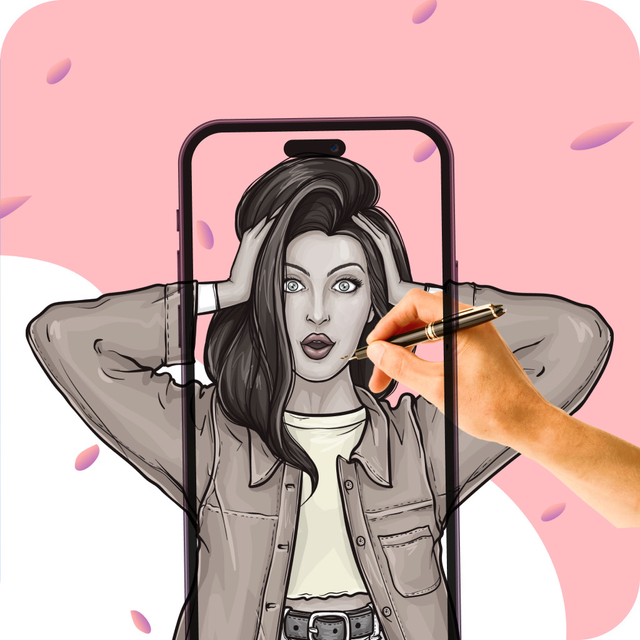
크리에이터를 위한 궁극의 AR 프로젝터. BTS 초상화 따라 그리기, 고죠 스케치 마스터하기, 사진을 멋진 예술 작품으로 즉시 변환하세요. 화면에서 캔버스로, 그림 그리기가 이렇게 쉽고 재미있었던 적은 없었습니다.
주요 수치
다운로드
2K+
사용자 평점
1.0/5
총 평가 수
0
개발사
Zain ul Abdin
카테고리
Graphics & Design
지원 언어
1
최신 버전
2.6
크기
49.8 MB
출시일
2024년 7월 11일
기능
좋아하는 팬덤의 예술을 마스터하세요
증강 현실을 사용하여 상상과 현실의 격차를 해소하세요. 경험이 전혀 없어도 트렌디한 애니메이션과 K-Pop 팬 아트를 따라 그리고 스케치하고 만들 수 있습니다.
정밀 AR 트레이싱
카메라를 겨냥하고 좋아하는 아이돌이나 캐릭터를 어떤 표면에든 투사하여 언제나 완벽하고 전문적인 수준의 스케치를 만드세요.
애니메이션 및 팬 아트 튜토리얼
차세대 크리에이터를 위해 특별히 설계된 고죠, BTS 멤버 등 트렌디한 캐릭터의 단계별 가이드를 잠금 해제하세요.
다음 스크린샷과 설명은 앱의 공식 스토어 목록에서 직접 가져온 것이며 앱 개발자의 자산입니다.
앱 스토어
스크린샷
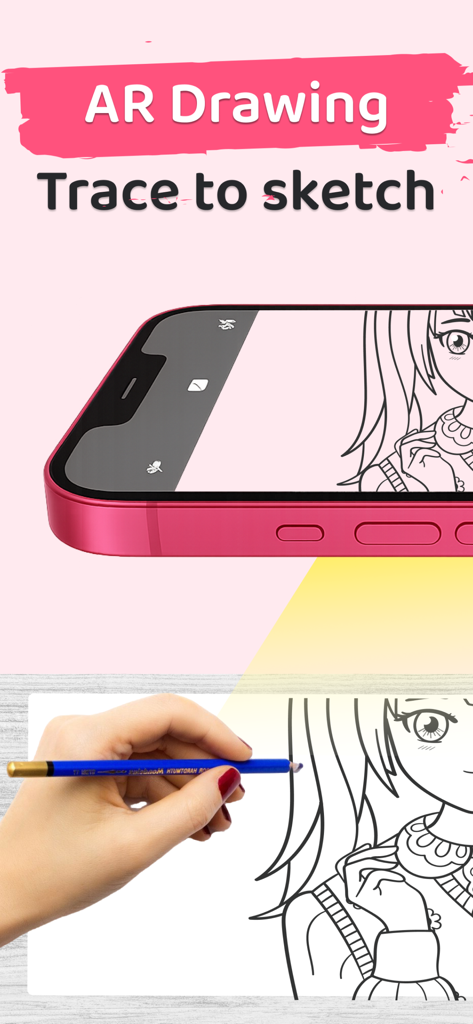
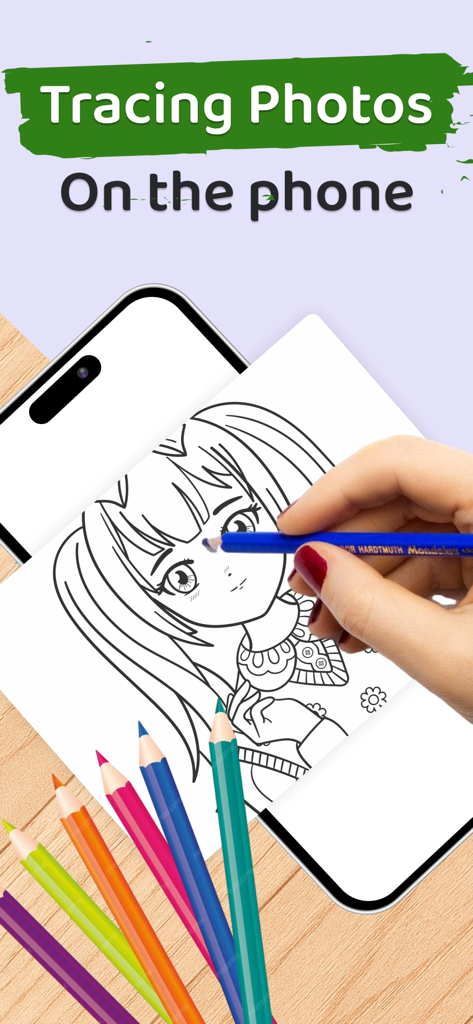
스마트폰으로 AR 기술을 사용하여 사용자가 연필로 따라 그릴 수 있도록 종이에 애니메이션 캐릭터를 투사하고 있습니다.
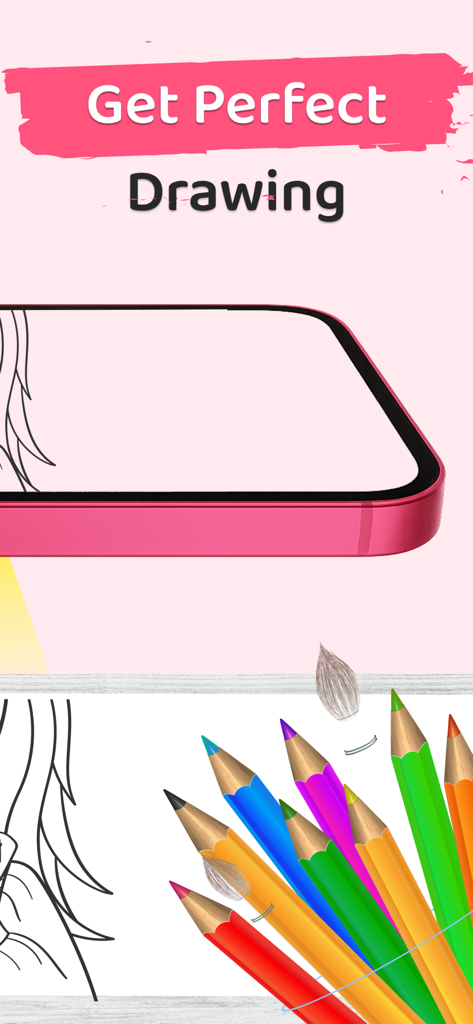
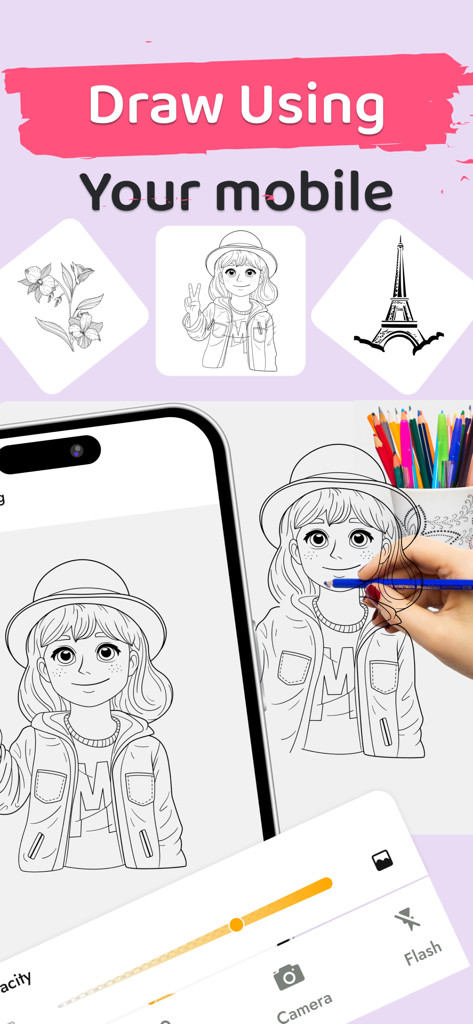
아래에 색연필이 있는 스케치 윤곽선이 표시된 스마트폰
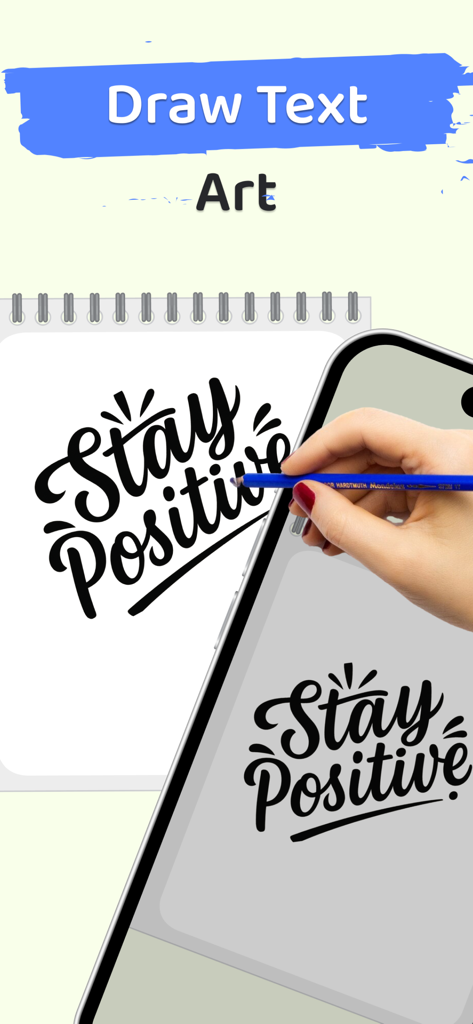
AR 드로잉 앱을 사용하여 스마트폰으로 'Stay Positive'라는 문자를 실제 노트에 따라 그리는 사람
모바일폰의 AR 드로잉 앱을 사용하여 종이에 만화 소녀 일러스트를 따라 그리는 사람
스마트폰으로 종이에 투사된 애니메이션 캐릭터 스케치를 따라 그리는 사람
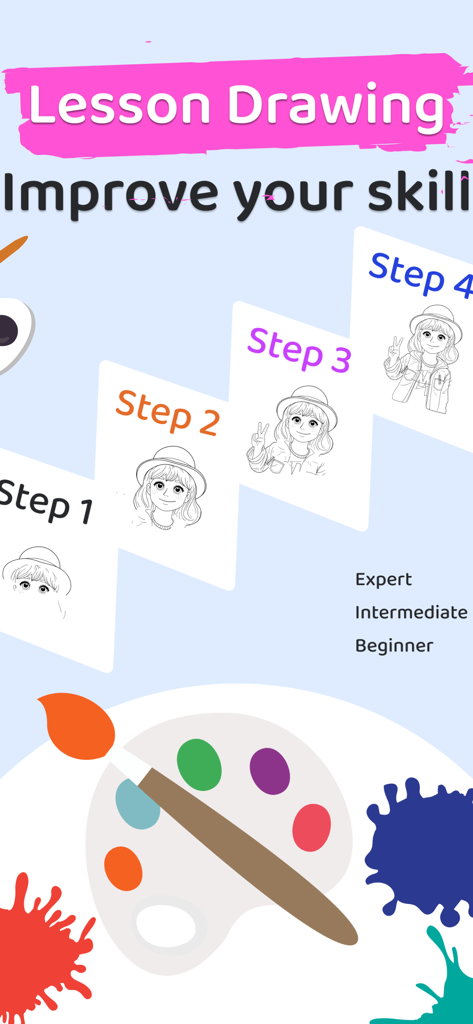
AR 드로잉 앱에서 만화 소녀 캐릭터의 단계별 그리기 수업
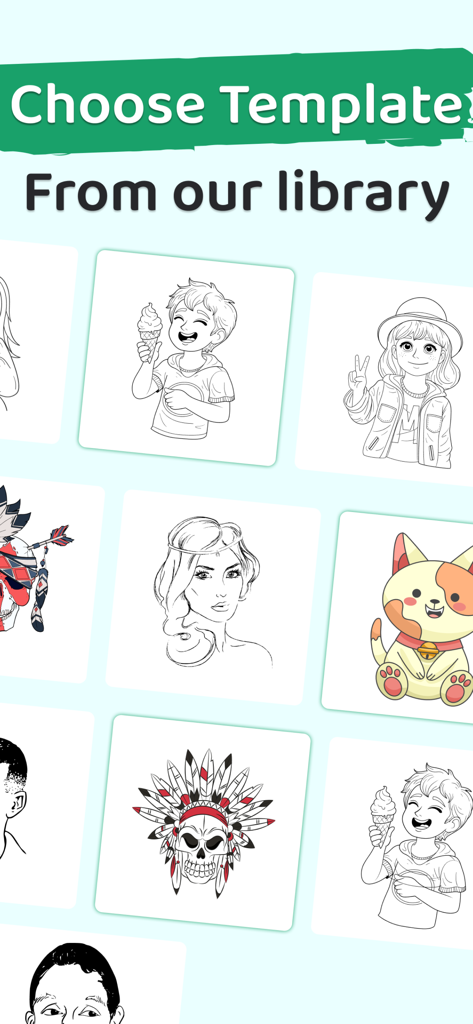
애니메이션 캐릭터와 동물을 포함한 AR 드로잉 앱 라이브러리의 따라 그리기 스케치 및 템플릿 컬렉션
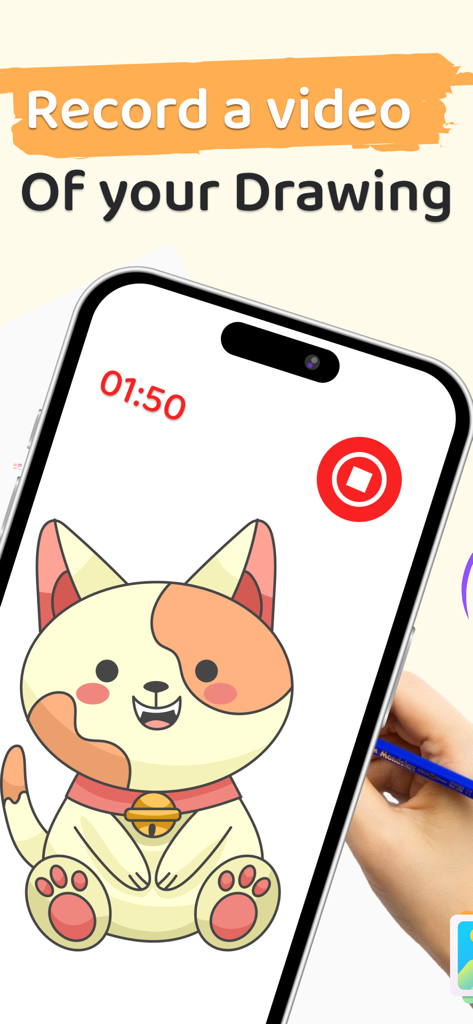
소셜 미디어 프로세스 비디오를 위해 고양이 그림이 녹화되고 있는 것을 보여주는 스마트폰 화면
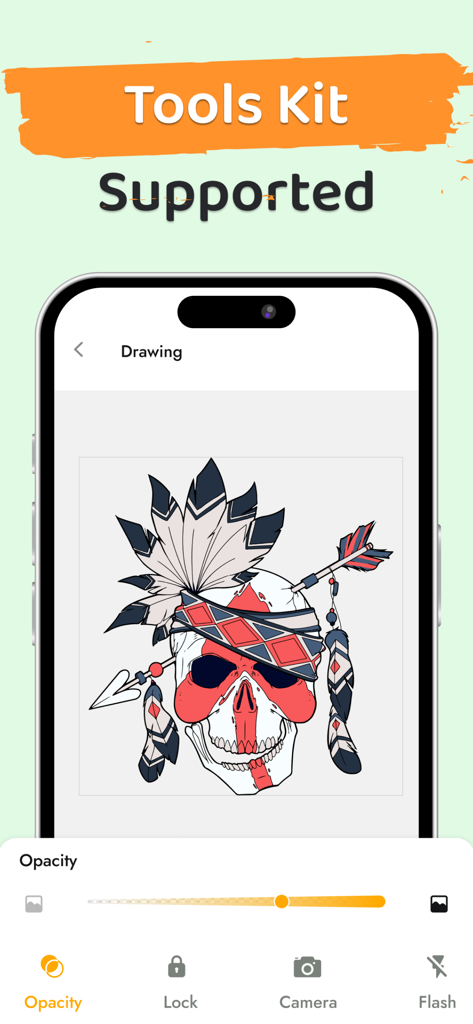
AR 드로잉 앱 인터페이스에 불투명도 슬라이더와 그리기 도구가 있는 해골 일러스트가 표시됩니다.
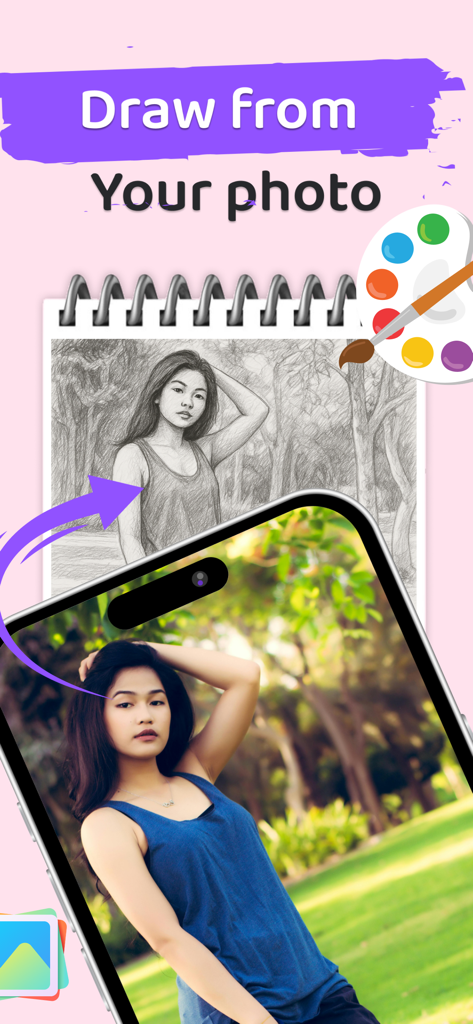
AR 드로잉 앱을 사용하여 드로잉 패드에 사실적인 연필 스케치로 변환되는 초상화 사진을 보여주는 스마트폰.
설명
Unlock your artistic potential with AR Drawing, an innovative app that lets you trace photos, sketch, and create stunning artwork using augmented reality (AR) technology. Perfect for both beginners and professional artists, this app simplifies the drawing process, providing an easy way to learn, practice, and improve your skills.
Key Features of AR Drawing:
Real-Time Photo Tracing with AR
Simply point your camera at a photo, and AR Drawing will project it onto your screen, allowing you to trace over it with ease. Perfect for practicing your sketching and learning how to draw accurately, this feature ensures that your artwork is precise and lifelike.
Drawing Tools and Sketching Features
AR Drawing offers a variety of brushes, pencils, and colors to help you create detailed, beautiful artwork. Adjust line thickness, shading, and opacity to match your artistic style, whether you're drawing portraits, landscapes, or comic characters.
Photo to Sketch Transformation
Turn your photos into sketches instantly with AR Drawing. This feature lets you upload any photo and convert it into a sketched image, which you can then trace, modify, and perfect. It's a great way to practice your drawing or create custom art.
Step-by-Step Drawing Tutorials
Learn how to draw with detailed, step-by-step tutorials. From basic sketches to advanced techniques, AR Drawing offers helpful guides to improve your skills and teach you new drawing styles. Whether you’re learning how to draw anime characters or mastering portraits, these tutorials will help you get there.
Anime Drawing Tutorials
For anime lovers, AR Drawing provides easy-to-follow guides to help you draw your favorite anime characters. Learn how to draw faces, eyes, and bodies with our comprehensive anime tutorials, designed to teach you everything from basic sketches to more advanced styles.
Interactive Drawing Games
Improve your skills while having fun with drawing games. These interactive challenges let you practice tracing and sketching in a game-like environment. The app makes learning to draw more enjoyable and rewarding.
Create Original Artwork
In addition to tracing photos, AR Drawing also gives you the freedom to create original art. Use the various drawing tools to sketch freely, experiment with new styles, and bring your creative ideas to life.
Art Projector Mode
AR Drawing’s projector mode allows you to project images onto any surface for easy tracing. This feature is perfect for larger projects or if you prefer working on physical canvases.
Simple and Fun Drawing Experience
Whether you’re a beginner or an experienced artist, AR Drawing is designed to be simple and fun. With its intuitive interface and easy navigation, the app offers an enjoyable way to develop your artistic skills.
What You Can Draw:
Anime characters: Gojo, Goku, Naruto, and more using our AR anime drawing tools.
BTS members: Try AR drawing BTS JK, Jimin, or V directly from your gallery!
AR Drawing is the perfect app for artists of all levels. Whether you’re learning to draw, practicing sketching, or creating your own artwork, this app offers the tools, tutorials, and fun activities you need to enhance your skills. Download AR Drawing now and start drawing today.
SUBSCRIPTION INFORMATION:
Unlock all AR drawing tools & anime packs with Pro!
• Payment will be charged to iTunes Account at confirmation of purchase
• Subscription automatically renews unless auto-renew is turned off at least 24-hours before the end of the current period
• Account will be charged for renewal within 24-hours prior to the end of the current period, and identify the cost of the renewal
• Subscriptions may be managed by the user and auto-renewal may be turned off by going to the user's Account Settings after purchase
Privacy Policy: https://mtasolutionsapps.blogspot.com/2024/07/ar-drawing-privacy-policy.html
Terms of Use: https://www.apple.com/legal/internet-services/itunes/dev/stdeula/
이 페이지는 앱이나 개발자의 공식 페이지가 아니며, 정보 제공 및 논평을 목적으로 작성된 독립 편집 간행물입니다. 명시적으로 달리 언급되지 않는 한, 해당 앱이나 개발자는 MWM, Apple, Google Play, 앱 퍼블리셔 또는 앱 개발자와 제휴, 보증, 후원, 승인 또는 공식적으로 연결되어 있지 않으며, 이 페이지의 어떤 내용도 해당 앱이 MWM의 서비스를 사용하여 개발되었음을 의미하지 않습니다. 모든 상표, 로고, 스크린샷 및 기타 콘텐츠는 해당 소유자의 자산입니다.