Arduino Science Journal
다운로드: App Store

이 페이지는 앱이나 개발자의 공식 페이지가 아니며, 정보 제공 및 논평을 목적으로 작성된 독립 편집 간행물입니다. 명시적으로 달리 언급되지 않는 한, 해당 앱이나 개발자는 MWM, Apple, Google Play, 앱 퍼블리셔 또는 앱 개발자와 제휴, 보증, 후원, 승인 또는 공식적으로 연결되어 있지 않으며, 이 페이지의 어떤 내용도 해당 앱이 MWM의 서비스를 사용하여 개발되었음을 의미하지 않습니다. 모든 상표, 로고, 스크린샷 및 기타 콘텐츠는 해당 소유자의 자산입니다.

로고: Arduino Science Journal
다운로드: App Store

Arduino Science Journal

학생과 교육자가 실제 실험을 수행하고 데이터를 수집하며 주변의 모든 과학을 발견할 수 있는 무료 휴대용 노트북입니다.

주요 수치

다운로드

108K+

사용자 평점

4.3/5

총 평가 수

0

개발사

Arduino LLC

카테고리

Education

지원 언어

1

최신 버전

6.7.0

크기

43.2 MB

출시일

2020년 9월 7일
기능

주머니를 전문가 수준의 과학 실험실로

학생들이 데이터를 통해 물리적 세계를 탐구하도록 지원하세요. 언제 어디서든 실험을 측정, 문서화 및 분석하기 위해 내장된 모바일 센서 또는 외부 하드웨어를 활용하세요.

즉각적인 센서 탐색

비싼 실험 장비 없이도 즉시 빛, 소리, 움직임을 측정할 수 있는 기기의 잠재력을 최대한 활용하세요.

실시간 데이터 시각화

원시 측정값을 대화형 그래프와 차트로 변환하여 복잡한 과학 개념을 시각적이고 쉽게 이해할 수 있도록 합니다.

다음 스크린샷과 설명은 앱의 공식 스토어 목록에서 직접 가져온 것이며 앱 개발자의 자산입니다.

앱 스토어

스크린샷
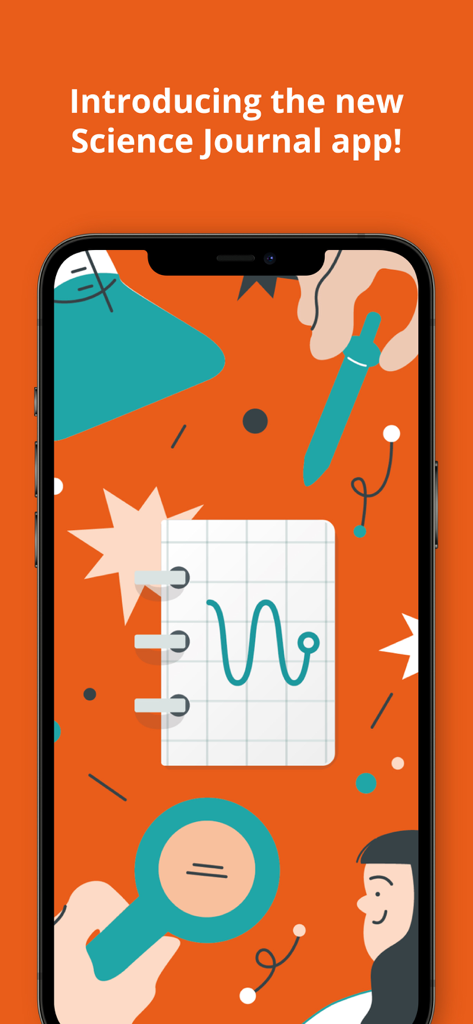
Arduino Science Journal - 아두이노 과학 저널 앱 환영 화면과 과학 삽화

아두이노 과학 저널 앱 환영 화면과 과학 삽화

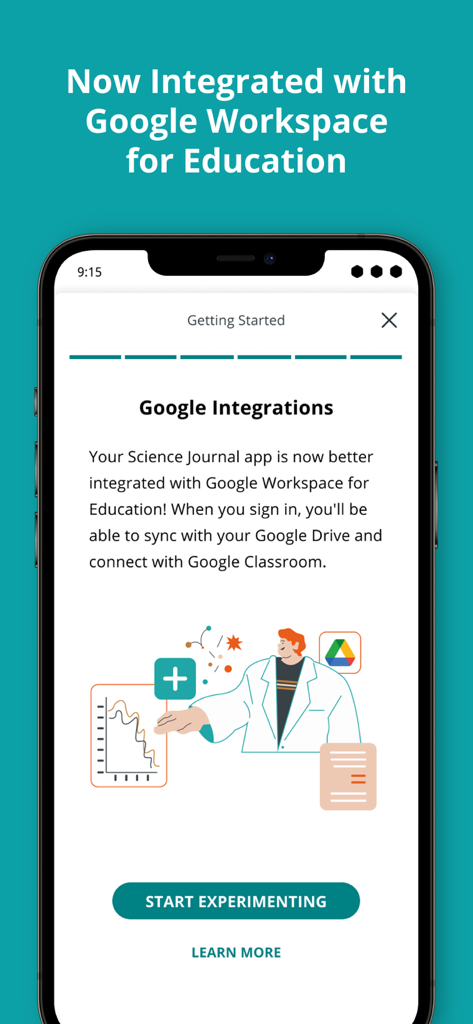
Arduino Science Journal - 아두이노 과학 저널 앱이 Google Drive 및 Classroom 동기화를 위한 Google Workspace for Education 통합을 보여줍니다.
아두이노 과학 저널 앱이 Google Drive 및 Classroom 동기화를 위한 Google Workspace for Education 통합을 보여줍니다.

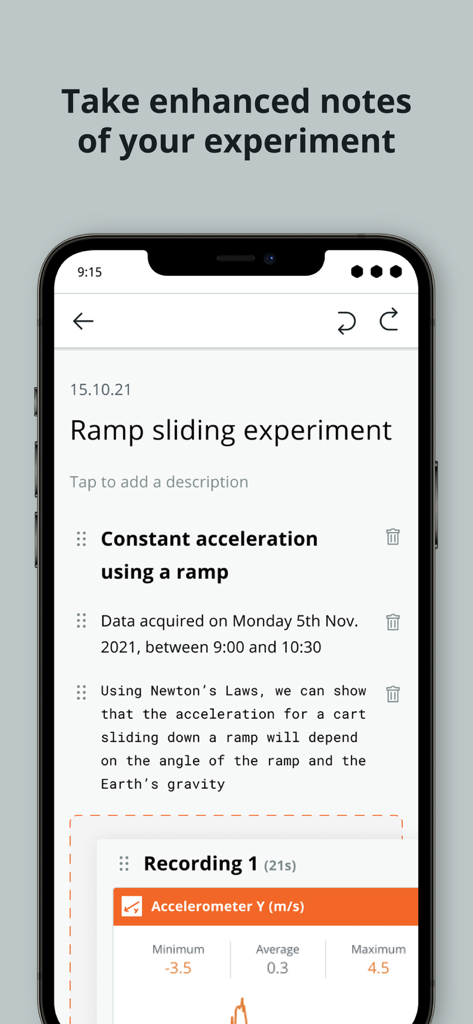
Arduino Science Journal - 아두이노 과학 저널 화면에 물리학 실험에 대한 노트와 센서 데이터가 표시됩니다.
아두이노 과학 저널 화면에 물리학 실험에 대한 노트와 센서 데이터가 표시됩니다.

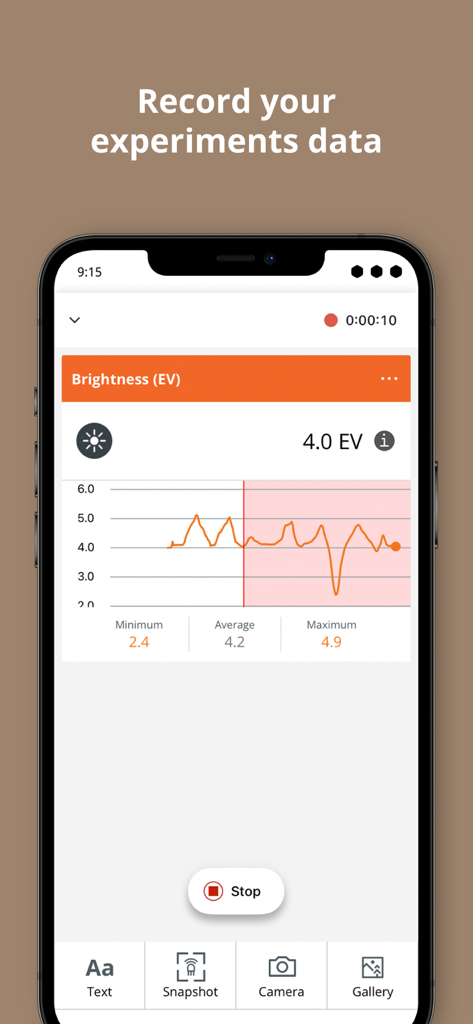
Arduino Science Journal - 아두이노 과학 저널 앱 인터페이스에 실시간 밝기 센서 그래프와 실험 데이터 기록이 표시됩니다.
아두이노 과학 저널 앱 인터페이스에 실시간 밝기 센서 그래프와 실험 데이터 기록이 표시됩니다.

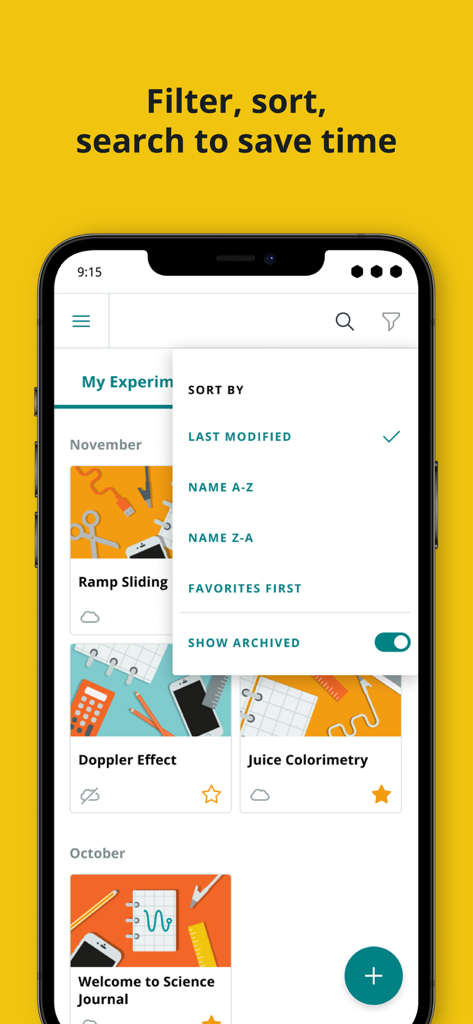
Arduino Science Journal - 아두이노 과학 저널 앱이 iPhone에서 실험 목록과 정렬 및 필터 메뉴를 열어 보여줍니다.

아두이노 과학 저널 앱이 iPhone에서 실험 목록과 정렬 및 필터 메뉴를 열어 보여줍니다.

설명

The Arduino Science Journal (formerly Science Journal, an initiative by Google) is free and allows you to gather data about the world around you by harnessing the sensors in your smartphone as well as sensors connected to Arduino. The Science Journal transforms smartphones and tablets into science notebooks that encourage students to explore their world. The Arduino Science Journal app is recommended for students from 10 to 18 years of age. About Arduino Science Journal With the Arduino Science Journal, you can learn interactively, conduct experiments and iterate on findings. • Enhance your existing lesson plans: use the Science Journal with activities and assignments you have already prepared • Classroom & home-school friendly: you don’t have to be in a classroom setting to start exploring. The Arduino Science Journal can be used to run experiments straight away, as long as you have your smartphone or tablet with you! • Move learning outside: the use of mobile devices along with the types of experiments we offer encourage students to get out of their seats and open their eyes to the world around them through the power of science • Science and data have no secrets: you can easily record your observations, store your data sensors in real-time and analyse them, just as a proper scientist! • Connect the digital and the physical world from your pocket: go through a series of simple tutorials and start having fun with science With built-in device sensors as well as external hardware, you can measure light, sound, movement, and much more. You can also compare results, and even set triggers. Together with the external hardware, (not included with the app), students are enabled to conduct more complex experiments, and advance in their scientific studies. As long as the external sensors are compatible with a Bluetooth-connecting device such as a microcontroller, there is no end to what experiments the students can make. Some popular sensors that the app can work with are: light, conductivity, temperature, force, gas, heart rate, respiration, radiation, pressure, magnetism, and many more. The app is classroom-friendly, since students can sign in on any device and access their experiments to continue exploring the world, wherever they are! Permissions notice: • Bluetooth: needed to scan for Bluetooth sensor devices. • Camera: needed to take pictures to document experiments and for the brightness sensor. • Photo Library: needed to store pictures taken to document experiments and for adding existing photos from your library to experiments. • Microphone: needed for sound intensity sensor. • Push notifications: needed to inform you of recording status when backgrounding the app. Benefits of using the Arduino Science Journal • It’s free and simple to use • Easy setup: download the app and start exploring with your phone’s built-in sensors • Cross-platform support • Portable: enhance your home learning or bring your device outside to study the world around you • Fully compatible with Arduino hardware: keep experimenting with the Arduino Science Kit Physics Lab, as well as the Arduino Nano 33 BLE Sense board • Google Drive integration, as well as local download --- Terms and Conditions: https://www.arduino.cc/en/sj-terms-conditions Privacy Policy: https://www.arduino.cc/en/privacy-policy Children's Privacy Policy: https://www.arduino.cc/en/privacy-policy/children-privacy-policy

Download

다운로드: App Store

이 페이지는 앱이나 개발자의 공식 페이지가 아니며, 정보 제공 및 논평을 목적으로 작성된 독립 편집 간행물입니다. 명시적으로 달리 언급되지 않는 한, 해당 앱이나 개발자는 MWM, Apple, Google Play, 앱 퍼블리셔 또는 앱 개발자와 제휴, 보증, 후원, 승인 또는 공식적으로 연결되어 있지 않으며, 이 페이지의 어떤 내용도 해당 앱이 MWM의 서비스를 사용하여 개발되었음을 의미하지 않습니다. 모든 상표, 로고, 스크린샷 및 기타 콘텐츠는 해당 소유자의 자산입니다.