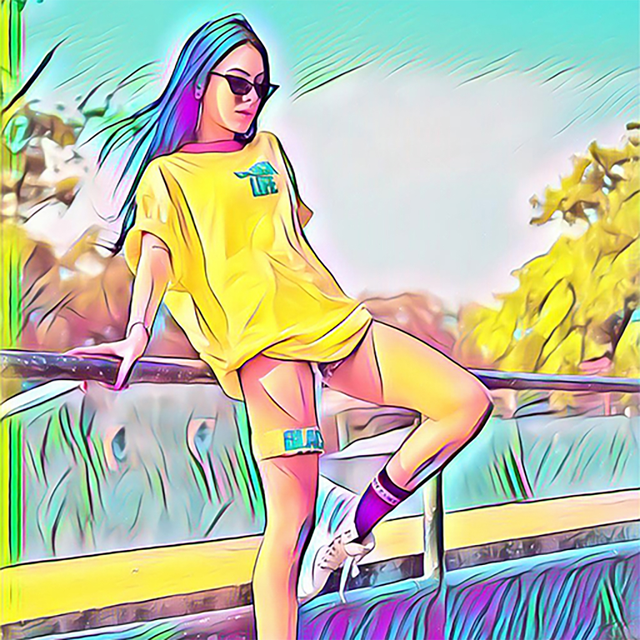
ArtistA: Cartoon Photo Editor

ArtistA: Cartoon Photo Editor

다운로드: App Store다운로드: Google Play
로고: ArtistA: Cartoon Photo Editor

ArtistA: 모든 사진을 AI 명작으로 변환

탭 한 번으로 멋진 유화와 연필 스케치를 만드세요. 수천 명의 비주얼 스토리텔러와 함께 고급 AI를 사용하여 일상적인 순간을 갤러리 수준의 예술 작품으로 바꿔보세요.

다운로드: App Store

개발사

LYREBIRD STUDIO FZE

카테고리

Photo & Video

다운로드

391K+

사용자 평점

4.4/5

총 평가 수

5K+

지원 언어

11

나의 디지털 아트 갤러리

이 인터페이스를 사용하는 391K+ 명의 사용자.

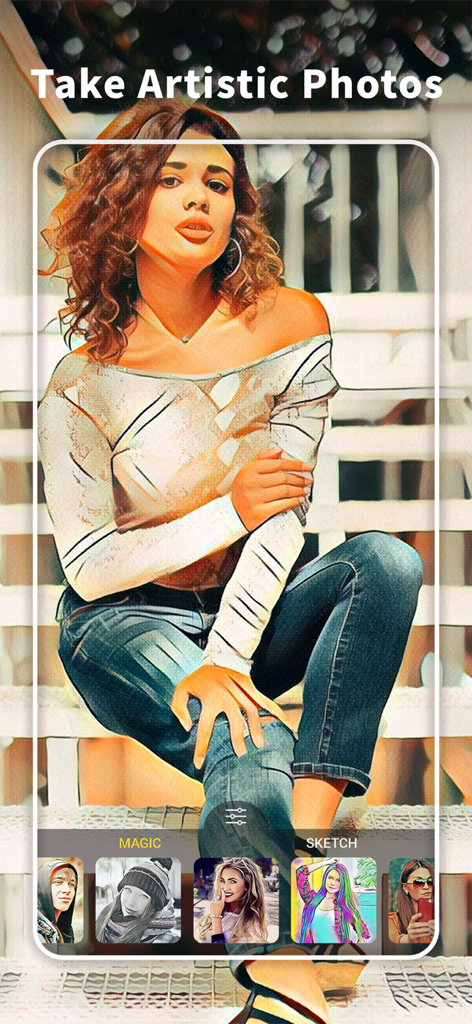
ArtistA 앱 인터페이스를 사용하여 예술적인 카툰 필터가 적용된 계단에 앉아 있는 여성
ArtistA 앱 인터페이스를 사용하여 예술적인 카툰 필터가 적용된 계단에 앉아 있는 여성

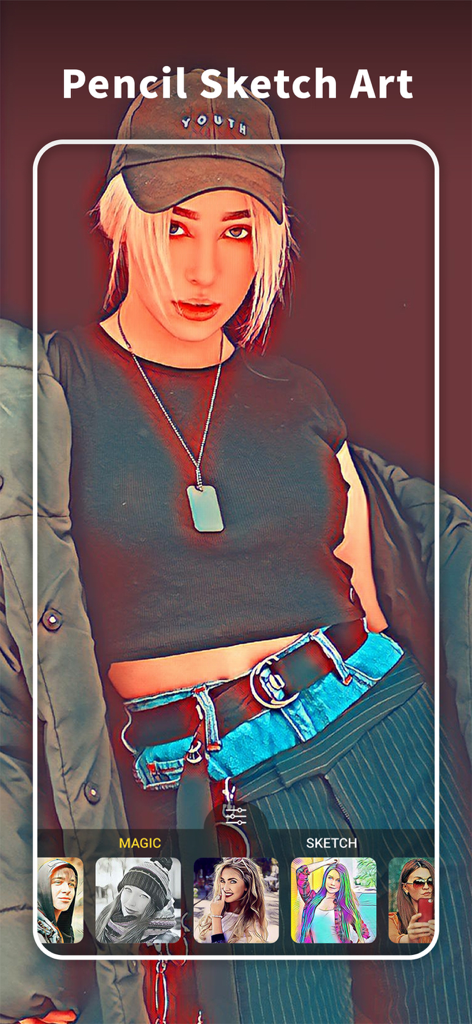
ArtistA 사진 편집기 앱 인터페이스에 인물 사진에 대한 연필 스케치 아트 효과가 표시됨
ArtistA 사진 편집기 앱 인터페이스에 인물 사진에 대한 연필 스케치 아트 효과가 표시됨

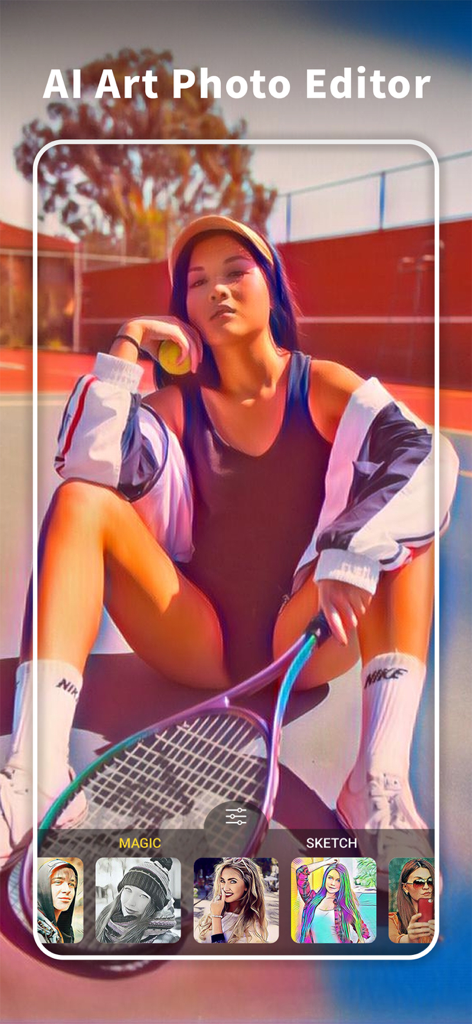
ArtistA 앱의 사용자 인터페이스에 AI 아트 필터가 적용된 인물 사진이 표시됨
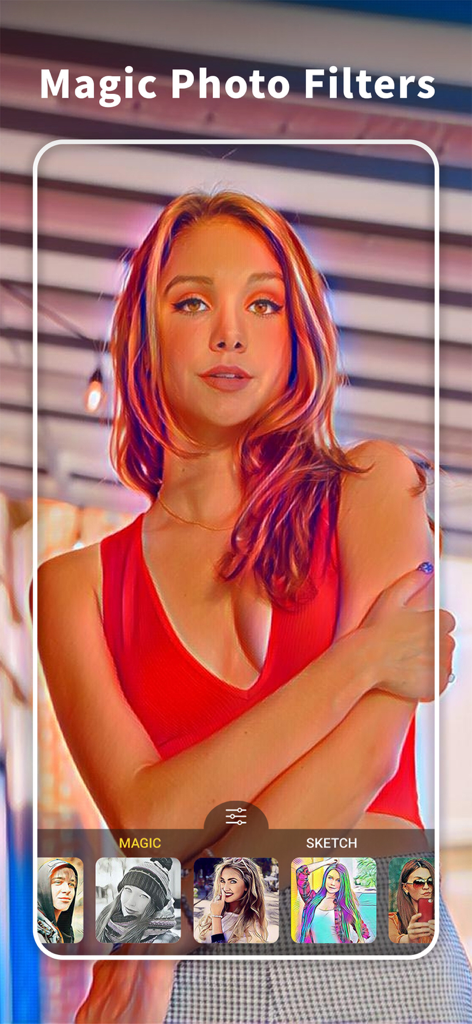
ArtistA 앱의 사용자 인터페이스에 AI 아트 필터가 적용된 인물 사진이 표시됨

ArtistA 앱 인터페이스에 인물 사진에 적용된 마법 사진 필터 및 예술 효과가 표시됨
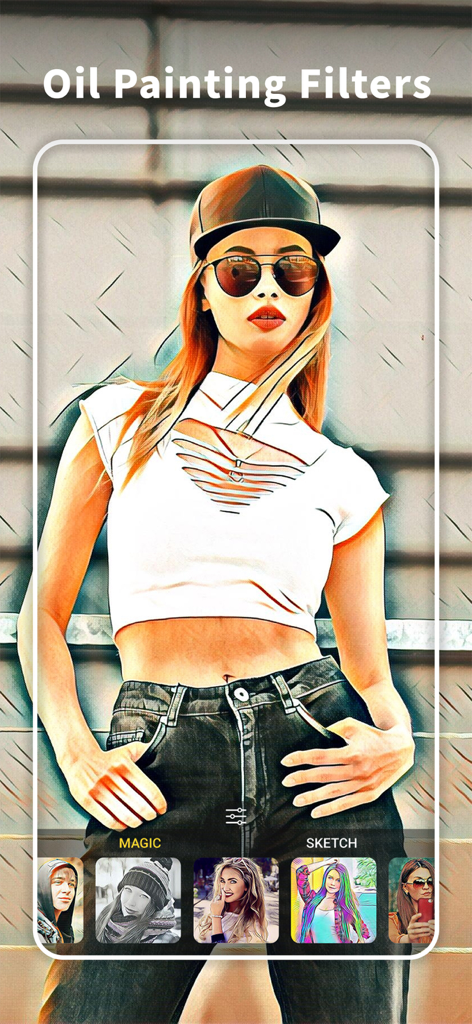
ArtistA 앱 인터페이스에 인물 사진에 적용된 마법 사진 필터 및 예술 효과가 표시됨

ArtistA 앱에서 예술적인 유화 필터 효과가 적용된 여성 인물 사진
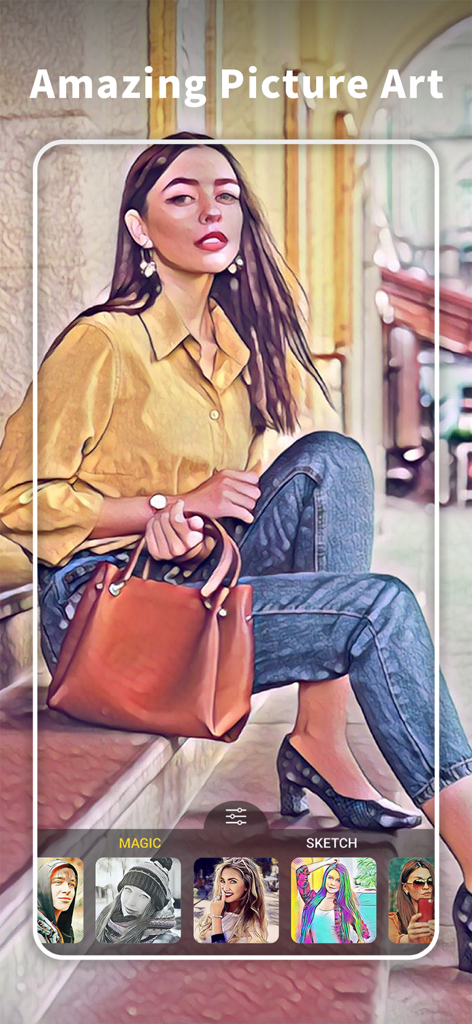
ArtistA 앱에서 예술적인 유화 필터 효과가 적용된 여성 인물 사진

ArtistA 앱 인터페이스에서 예술적인 유화 필터로 편집된 여성 인물 사진
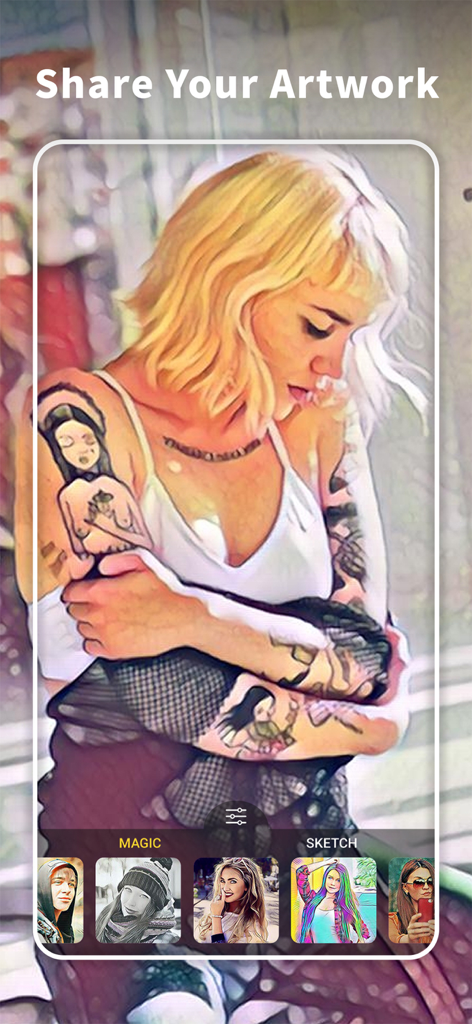
ArtistA 앱 인터페이스에서 예술적인 유화 필터로 편집된 여성 인물 사진

ArtistA 카툰 사진 편집기 인터페이스에 인물 사진에 적용된 예술적인 필터와 마법 및 스케치 효과 선택 항목이 표시됨
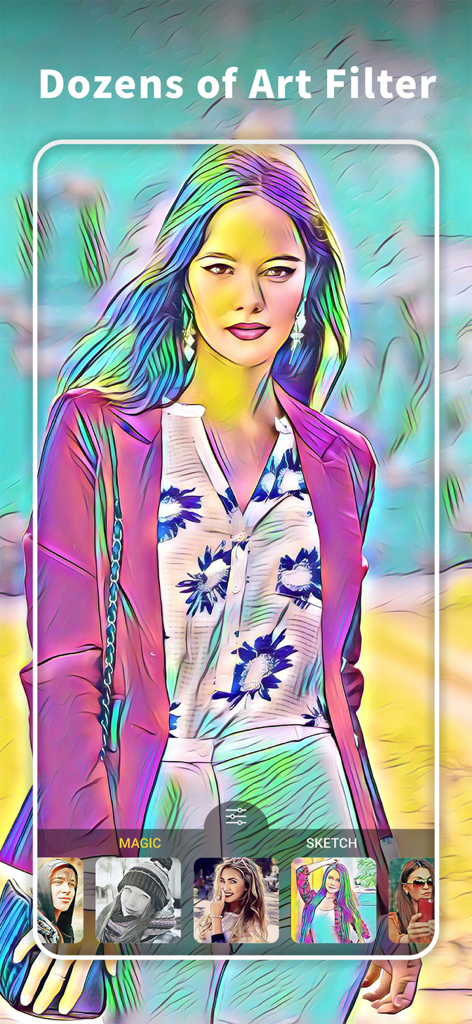
ArtistA 카툰 사진 편집기 인터페이스에 인물 사진에 적용된 예술적인 필터와 마법 및 스케치 효과 선택 항목이 표시됨

ArtistA 앱 인터페이스에 다채로운 예술적인 필터가 적용된 인물 사진이 표시됨

ArtistA 앱 인터페이스에 다채로운 예술적인 필터가 적용된 인물 사진이 표시됨

나만의 AI 아트 스튜디오

이 앱을 돋보이게 하는 도구, 391K+ 명의 사용자가 선택.

🎨

고급 AI 아트 필터

사진의 독특한 조명과 질감에 자동으로 맞춰져 진정한 예술적인 모습을 선사하는 100개 이상의 필터 중에서 선택하세요.

간편한 원탭 편집

바쁜 크리에이터를 위해 디자인되어 몇 초 만에 갤러리 품질의 결과물을 얻을 수 있습니다. 기술이 필요 없이 순수한 디지털 마법입니다.

🌟

소셜 미디어에서 돋보이기

눈길을 사로잡는 효과와 세계 도시에서 영감을 받은 스타일로 디지털 정체성을 향상시켜 프로필을 잊을 수 없게 만드세요.

앱 소개

에 대해 알아야 할 모든 것 ArtistA: Cartoon Photo Editor.

설명

ArtistA Photo Editor invites you to an amazing art experience with dozens of art filters and effects including oil painting and sketch filters. Your photo gallery can easily turn into a mobile art gallery with this astonishing photo editor. You can become the center of attention with ArtistA just in seconds! ArtistA’s art filters are specially crafted with advanced AI to enhance the artistic feeling in your photos even more! Try any of 100+ photo filters and effects to turn your photos into a pencil sketch masterpiece with an art filter! Just transform your regular photo into an oil painting with the oil painting filters of ArtistA! ArtistA is a great one tap AI photo editor that lets you create magnificently great pieces of art or a photo sketch from your own photo gallery or from your selfies. AI features of ArtistA will let you make an oil painting with your pics for instance, using any of epic fx, as well as pencil sketch filters or color pop filters. Feel the fun with magic art filter with famous city names around the world: All of the marvellous art filters of ArtistA are dedicated to famous cities around the globe so that each of the unique art filter can have its own identity. You can easily adjust the density of the artistic effect applied simply by scrolling your fingertip towards left or right through the screen. Change the way your photos look using oil painting filters with ArtistA: Experiment with various different art styles and filters, you’ll see none of them will be the same. With ArtistA’s wide range FX library, you will have a great opportunity to express your art in different ways! The filters adapt to the photos being processed, thus different pieces of art will be produced each time! You can create your own oil painting effect using any art filter and color pop fx! Edit filters to match what’s on your mind: Challenge your imagination with ArtistA’s awesome filters. It is very easy to fine tune the selected filter once it is applied on your photo! You can basically create your own filter lust by playing with the editing tools after you apply an FX! For instance with pencil sketch art filter. Reorder your FX library easily: Select any of the art photo filters you would like to see on your main FX dashboard with one tap. You can select or deselect the filters from the main art library easily! Creating oil painting and color pop art has never been that easy before! Reorganize art filter libraries according to your taste! You may want to see pencil sketch or oil painting filters more on your dashboard. Would you like to stand out with your astonishing and unique social media feed? You can do it with one tap thanks to ArtistA’s one tap editing tools and pencil sketch art filter! Just create your own masterpiece oil painting, color pop or pencil sketch with ArtistA, in seconds and post it on your social media! ArtistA PRO: You can subscribe to have an ad free experience and to get access to all effects and filters within ArtistA. Subscriptions are auto renewable and are billed monthly or annually at the rate selected depending on the subscription plan. Subscription automatically renews unless auto-renew is turned off at least 24-hours before the end of the current period. Account will be charged for renewal within 24-hours prior to the end of the current period. Payment will be charged to iTunes Account at confirmation of purchase. Subscriptions can be managed, and auto-renewal can be turned off in Account Settings in iTunes after the purchase. Any unused portion of a free trial period, if offered, will be forfeited when the user purchases a subscription to that publication, where applicable. - Terms of Use: https://lyrebirdstudio.net/terms.htm - Privacy Policy: https://lyrebirdstudio.net/privacy_policy.htm

최신 버전

1.1.2

크기

73.1 MB

출시일

2019년 5월 2일

나만의 명작을 만들 준비가 되셨나요?

ArtistA의 AI를 사용하여 평범한 사진을 멋진 예술 작품으로 바꾸는 391,000명 이상의 크리에이터와 함께하세요. 지금 다운로드하고 모든 피드에서 돋보이기 시작하세요.

다운로드: App Store다운로드: Google Play
FAQ

자주 묻는 질문

에 대해 알아야 할 모든 것 ArtistA: Cartoon Photo Editor

ArtistA: Cartoon Photo Editor란 무엇인가요?

ArtistA: Cartoon Photo Editor는 AI 기반 앱으로 사진을 예술 작품으로 변환합니다. 유화 및 스케치 등 수십 가지 아트 필터와 효과를 제공하여 사진 갤러리를 모바일 아트 갤러리로 만듭니다.

ArtistA는 어떻게 예술적인 사진 효과를 만드나요?

ArtistA는 고급 AI를 사용하여 아트 필터를 제작하고 향상시킵니다. 100가지 이상의 사진 필터와 효과를 적용하여 사용자는 사진을 연필 스케치나 유화와 같은 걸작으로 즉시 변환할 수 있습니다.

ArtistA로 사진을 연필 스케치로 만들 수 있나요?

네, ArtistA는 사진을 연필 스케치 걸작으로 만들 수 있습니다. 이 앱은 사진 갤러리나 셀카에서 이러한 효과를 만드는 특정 아트 필터를 제공합니다.

ArtistA는 사진에 유화 필터를 제공하나요?

네, ArtistA는 유화 필터를 제공합니다. 이러한 필터는 일반 사진을 유화로 변환하여 사용자가 AI 기능과 멋진 FX로 독특한 예술 작품을 만들 수 있도록 합니다.

ArtistA에서 필터 강도를 조절할 수 있나요?

네, ArtistA에서 예술 효과의 밀도를 조절할 수 있습니다. 사용자는 필터를 적용한 후 화면에서 손가락을 좌우로 스크롤하여 강도를 미세 조정하면 됩니다.

ArtistA PRO에는 어떤 기능이 포함되어 있나요?

ArtistA PRO는 광고 없는 경험과 ArtistA 앱 내의 모든 효과 및 필터에 대한 전체 액세스를 제공합니다. 중단 없이 사용자의 예술적 능력을 향상시킵니다.

ArtistA PRO 구독은 어떻게 청구되나요?

ArtistA PRO 구독은 자동 갱신되며 선택한 요금제에 따라 월별 또는 연별로 청구됩니다. 결제는 구매 확인 시 iTunes 계정으로 청구됩니다.

ArtistA PRO 자동 갱신을 비활성화할 수 있나요?

네, ArtistA PRO 자동 갱신을 비활성화할 수 있습니다. 사용자는 현재 기간이 종료되기 최소 24시간 전에 iTunes 계정 설정에서 구독을 관리하고 자동 갱신을 비활성화할 수 있습니다.

ArtistA: Cartoon Photo Editor는 무료 체험을 제공하나요?

ArtistA의 구독 약관에 따르면, 무료 체험 제공 시 사용되지 않은 부분은 구독 구매 시 소멸됩니다. 이는 무료 체험이 가능할 수 있음을 나타냅니다.

ArtistA의 이용 약관은 어디에 있나요?

ArtistA의 공식 이용 약관은 https://lyrebirdstudio.net/terms.htm에서 찾을 수 있습니다. 이 문서는 앱의 서비스 조건을 설명합니다.

ArtistA의 개인 정보 보호 정책은 어디에서 찾을 수 있나요?

ArtistA의 개인 정보 보호 정책은 https://lyrebirdstudio.net/privacy_policy.htm에서 확인할 수 있습니다. 이 문서는 사용자 데이터가 어떻게 처리되는지 자세히 설명합니다.

App information, icons, screenshots, and descriptions displayed on this page are sourced from the Apple App Store and are the property of their respective developers. Download estimates and rankings are based on MWM's proprietary models and may not reflect actual figures. This page is provided for informational and analytical purposes only.

Believe this page infringes your intellectual property? File a dispute