Assyst – testing and exams
다운로드: App Store

이 페이지는 앱이나 개발자의 공식 페이지가 아니며, 정보 제공 및 논평을 목적으로 작성된 독립 편집 간행물입니다. 명시적으로 달리 언급되지 않는 한, 해당 앱이나 개발자는 MWM, Apple, Google Play, 앱 퍼블리셔 또는 앱 개발자와 제휴, 보증, 후원, 승인 또는 공식적으로 연결되어 있지 않으며, 이 페이지의 어떤 내용도 해당 앱이 MWM의 서비스를 사용하여 개발되었음을 의미하지 않습니다. 모든 상표, 로고, 스크린샷 및 기타 콘텐츠는 해당 소유자의 자산입니다.


로고: Assyst – testing and exams
다운로드: App Store

Assyst – testing and exams

고급 맞춤형 시험을 만들고, 레거시 형식을 가져오고, 모든 시험을 마스터하세요. 대학 시험부터 기업 교육까지, 모바일에 최적화된 테스트 제품군으로 지식 평가를 한 단계 끌어올리세요.

주요 수치

다운로드

67K+

사용자 평점

4.8/5

총 평가 수

2K+

개발사

Denis Butko

카테고리

Education

지원 언어

18

최신 버전

4.3.9

크기

100.2 MB

출시일

2021년 11월 9일
기능

모든 시험을 정밀하게 마스터하세요

복잡한 의학 시험부터 기업 신입 사원 교육까지, Assyst는 고부가가치 평가를 만들고, 공유하고, 마스터하는 데 필요한 전문가 수준의 도구를 제공합니다.

고급 질문 로직

STEM, 법률 및 의학을 위해 설계된 객관식, 순서 지정 및 텍스트 입력 질문으로 기본 플래시카드를 넘어서세요.

보편적인 파일 지원

레거시 .qst 및 .qsz 형식을 원활하게 가져오거나 웹 링크를 통해 테스트 파일을 추가하여 데스크톱 자료를 모바일 학습 가이드로 전환하세요.

다음 스크린샷과 설명은 앱의 공식 스토어 목록에서 직접 가져온 것이며 앱 개발자의 자산입니다.

앱 스토어

스크린샷
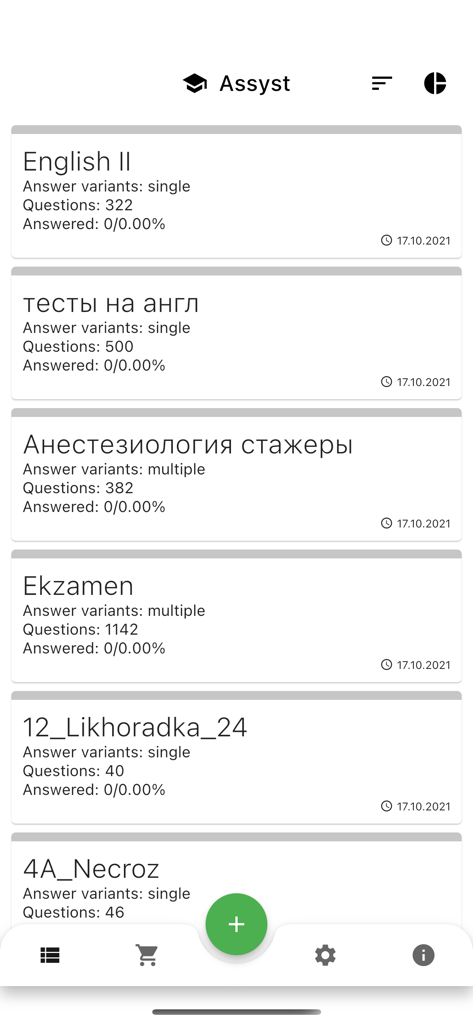
Assyst – testing and exams - Assyst 앱의 메인 화면으로, 영어 및 의학 과목을 포함한 다양한 테스트 및 시험 목록을 표시합니다.
Assyst 앱의 메인 화면으로, 영어 및 의학 과목을 포함한 다양한 테스트 및 시험 목록을 표시합니다.

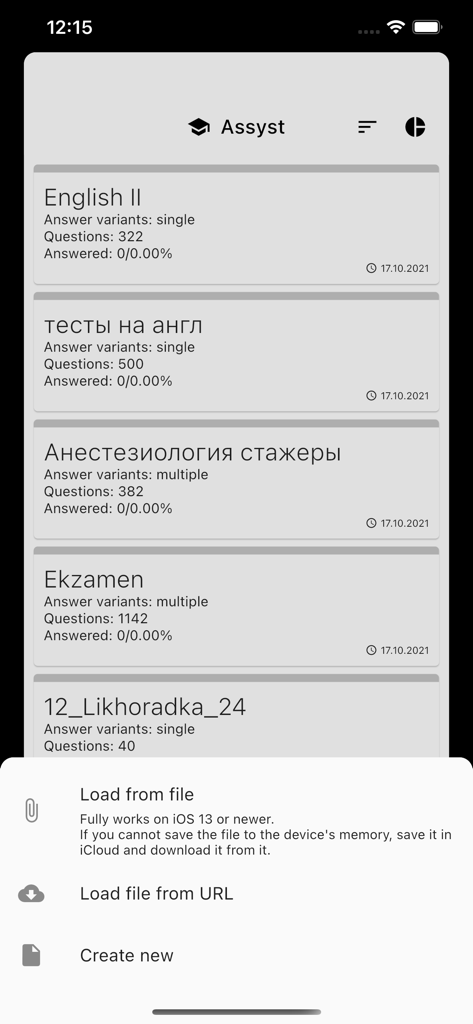
Assyst – testing and exams - Assyst 앱 대시보드로, 시험 목록과 테스트 로드 또는 생성 옵션이 있는 메뉴를 보여줍니다.
Assyst 앱 대시보드로, 시험 목록과 테스트 로드 또는 생성 옵션이 있는 메뉴를 보여줍니다.

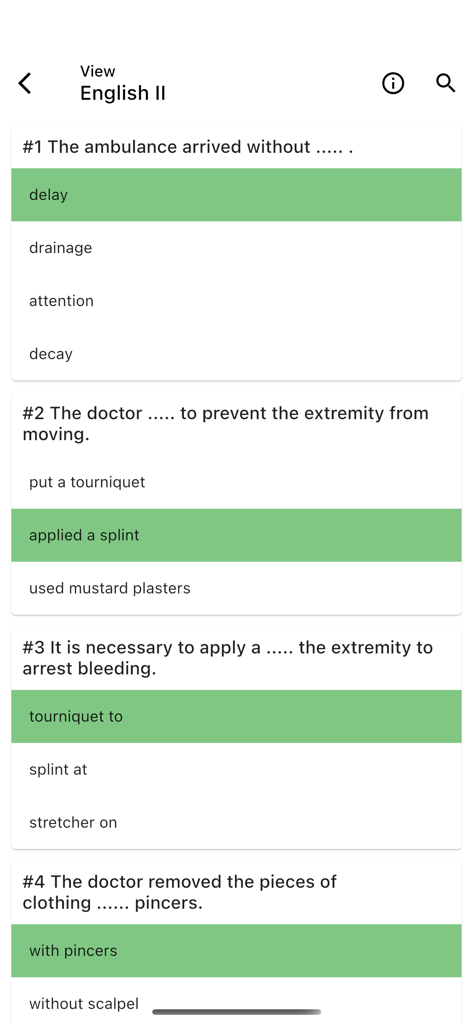
Assyst – testing and exams - Assyst 앱의 모바일 화면으로, 정답이 녹색으로 강조 표시된 영어 시험의 객관식 질문을 표시합니다.
Assyst 앱의 모바일 화면으로, 정답이 녹색으로 강조 표시된 영어 시험의 객관식 질문을 표시합니다.

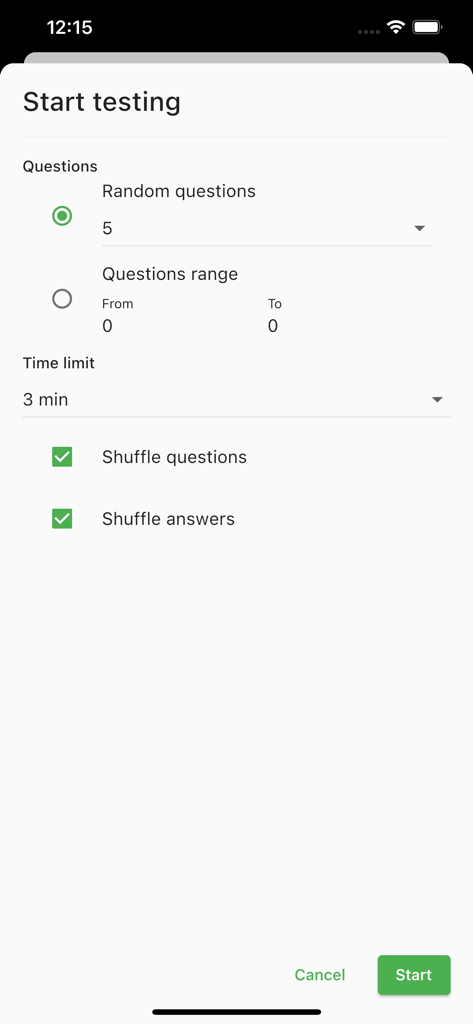
Assyst – testing and exams - Assyst 앱 인터페이스로, 질문 수, 시간 제한 및 셔플링을 포함한 테스트 설정 옵션을 보여줍니다.
Assyst 앱 인터페이스로, 질문 수, 시간 제한 및 셔플링을 포함한 테스트 설정 옵션을 보여줍니다.

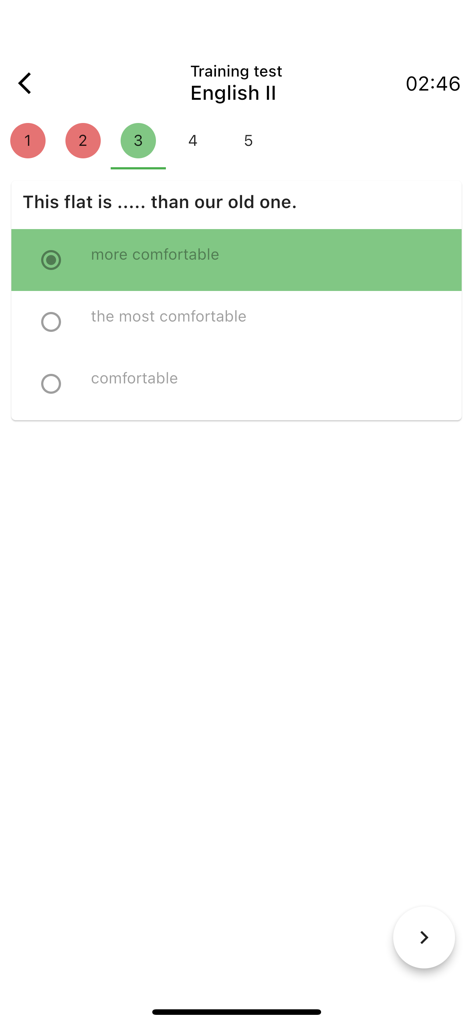
Assyst – testing and exams - 선택한 답과 카운트다운 타이머가 있는 객관식 영어 문법 시험을 보여주는 Assyst 앱의 모바일 인터페이스.
선택한 답과 카운트다운 타이머가 있는 객관식 영어 문법 시험을 보여주는 Assyst 앱의 모바일 인터페이스.

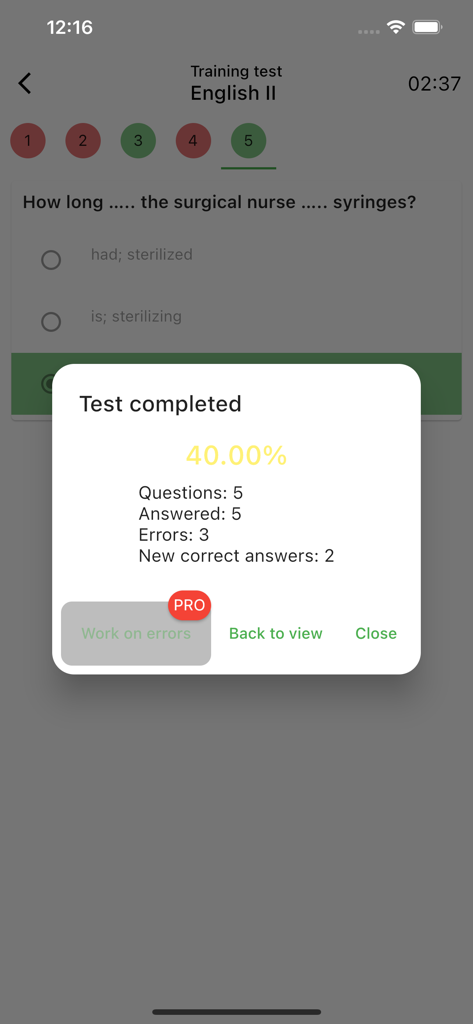
Assyst – testing and exams - Assyst 앱에서 테스트 완료 결과와 성과 점수를 보여주는 모바일 화면.
Assyst 앱에서 테스트 완료 결과와 성과 점수를 보여주는 모바일 화면.

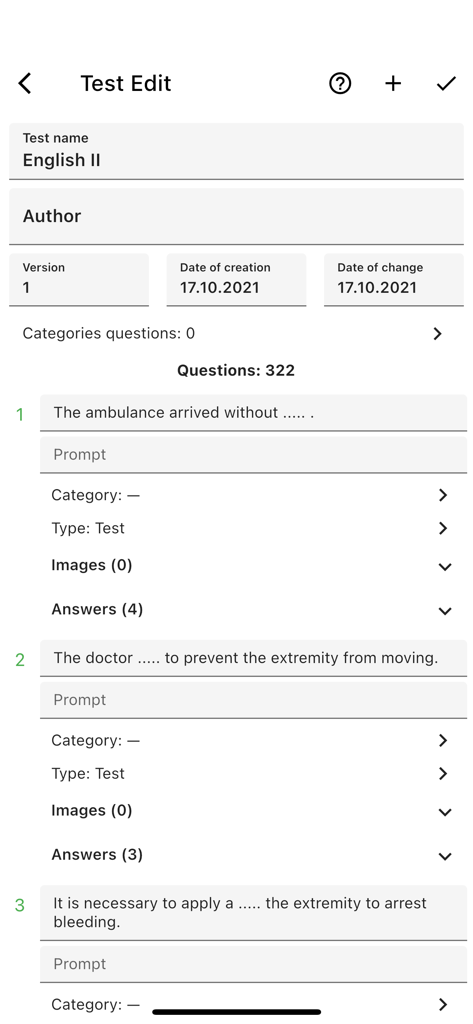
Assyst – testing and exams - 시험 문제 편집 및 관리 옵션을 보여주는 Assyst 앱의 인터페이스.
시험 문제 편집 및 관리 옵션을 보여주는 Assyst 앱의 인터페이스.

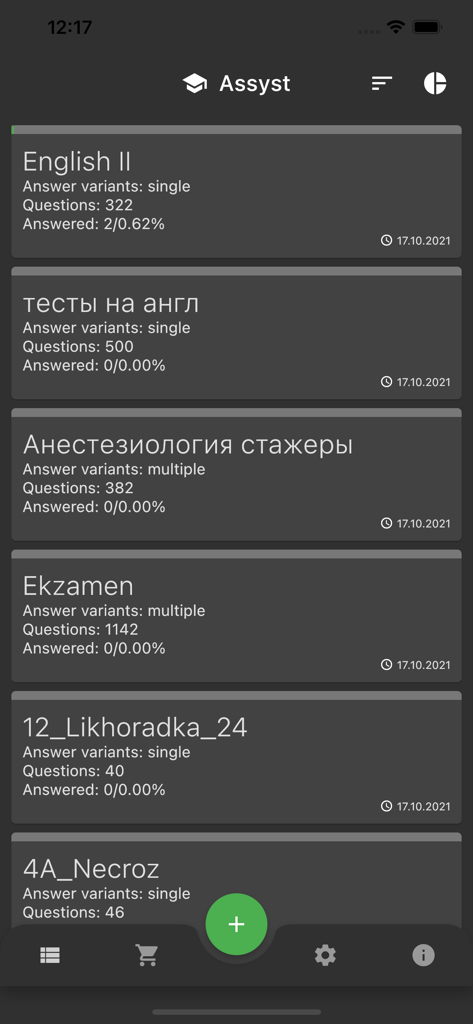
Assyst – testing and exams - 질문 수와 진행률 추적이 포함된 시험 모듈 목록을 보여주는 Assyst 앱 대시보드.

질문 수와 진행률 추적이 포함된 시험 모듈 목록을 보여주는 Assyst 앱 대시보드.

설명

Assistant - great way to create your own test, prepare for exams, test your knowledge and improve your memory. Well suited for employee testing, advanced training, for assessing candidates before hiring, for school and student tests. The program is a mobile replacement for the outdated desktop application Assist, designed for training tests in qst and qsz ​​formats, which are actively used in training in higher educational institutions of the CIS You can also write your own tests with one or parts of the answers. The created tests, as well as the opposite, can be sent as a qst or qsz file through any messenger, social or mail application. Key Features - Reading both qst and qsz ​​formats - Compilation of new and editing tests - Adding files by link from the Internet - Ability to share the test in other applications - View test content with all answer options - View test content only with correct answers - Practice test or exam - Ability to solve all questions or a few random ones - View the number of correctly answered questions from the total - Time limit for solving the test Writing tests - The question can have one (radio) or several (checkbox) correct answers - There may be questions in which you need to set the correct sequence of answers - There may be questions that need the correct answer in the text box. Answers can be both text and numerical - The test can have an unlimited number of questions, and a question has an unlimited number of answers - Questions and answers can be moved - You can add a hint to the question, which will be visible after answering the question - You can attach one or more images to the question - One image can be attached to the answer In the future release of a version for computers with operating systems Windows, MacOS and Linux. The application is under active development. If you find problems and wishes, write in reviews and e-mail. If you have problems opening files, please send them to denchik-dev@yandex.ru for analysis and error correction.

Download

다운로드: App Store

이 페이지는 앱이나 개발자의 공식 페이지가 아니며, 정보 제공 및 논평을 목적으로 작성된 독립 편집 간행물입니다. 명시적으로 달리 언급되지 않는 한, 해당 앱이나 개발자는 MWM, Apple, Google Play, 앱 퍼블리셔 또는 앱 개발자와 제휴, 보증, 후원, 승인 또는 공식적으로 연결되어 있지 않으며, 이 페이지의 어떤 내용도 해당 앱이 MWM의 서비스를 사용하여 개발되었음을 의미하지 않습니다. 모든 상표, 로고, 스크린샷 및 기타 콘텐츠는 해당 소유자의 자산입니다.








