Audio Compressor MP3

Audio Compressor MP3

다운로드: App Store
로고: Audio Compressor MP3

오디오 압축기 MP3: 품질 손실 없이 파일 90% 압축

'저장 공간 부족' 알림에 대한 걱정은 이제 그만. 선명한 음질을 유지하면서 음성 메모와 음악을 배치로 손쉽게 압축하여 Discord, WhatsApp 또는 이메일에서 쉽게 공유하세요.

다운로드: App Store

개발사

ARJUN ADHIKARI

카테고리

Medical

다운로드

1K+

사용자 평점

1.0/5

총 평가 수

0

지원 언어

1

모든 탭에서 느껴지는 간편함

이 인터페이스를 사용하는 1K+ 명의 사용자.

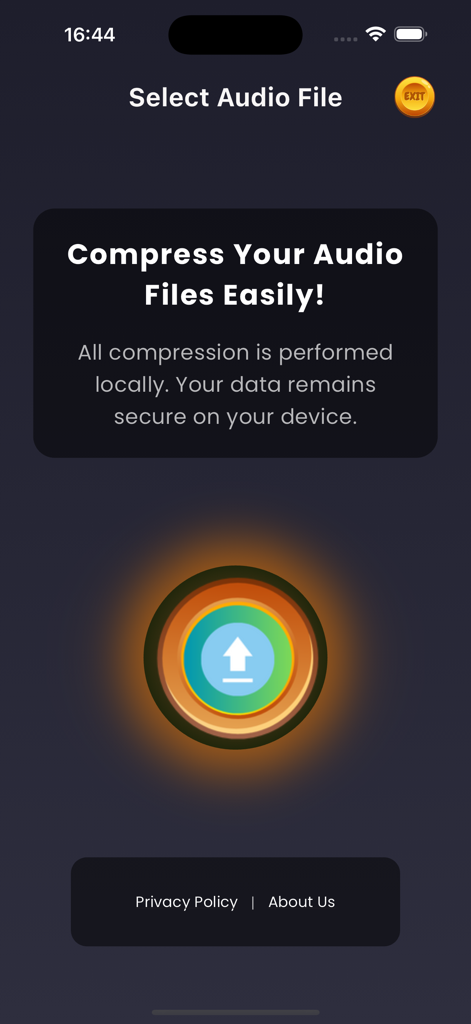
중앙 업로드 버튼과 로컬 데이터 보안 메시지가 표시되는 오디오 압축기 MP3 앱 홈 화면
중앙 업로드 버튼과 로컬 데이터 보안 메시지가 표시되는 오디오 압축기 MP3 앱 홈 화면

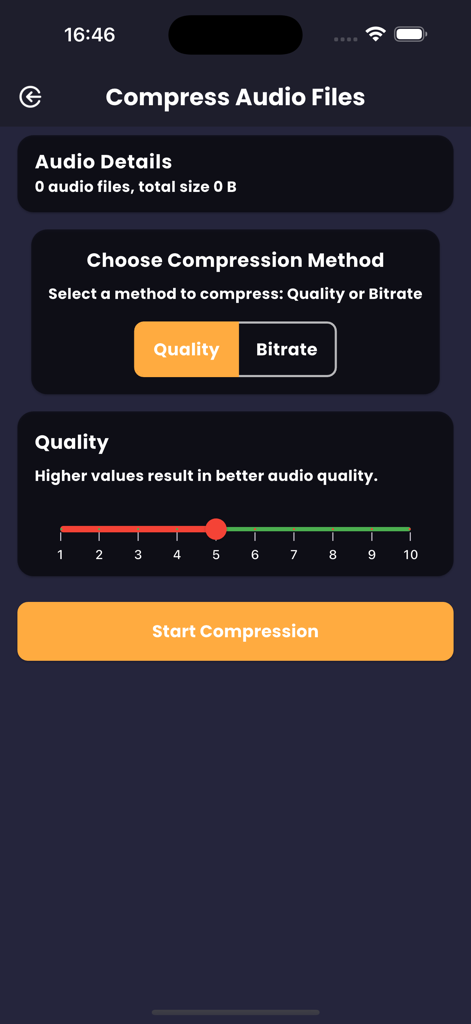
품질 선택 슬라이더와 함께 압축 설정이 표시되는 오디오 압축기 MP3 앱 화면
품질 선택 슬라이더와 함께 압축 설정이 표시되는 오디오 압축기 MP3 앱 화면

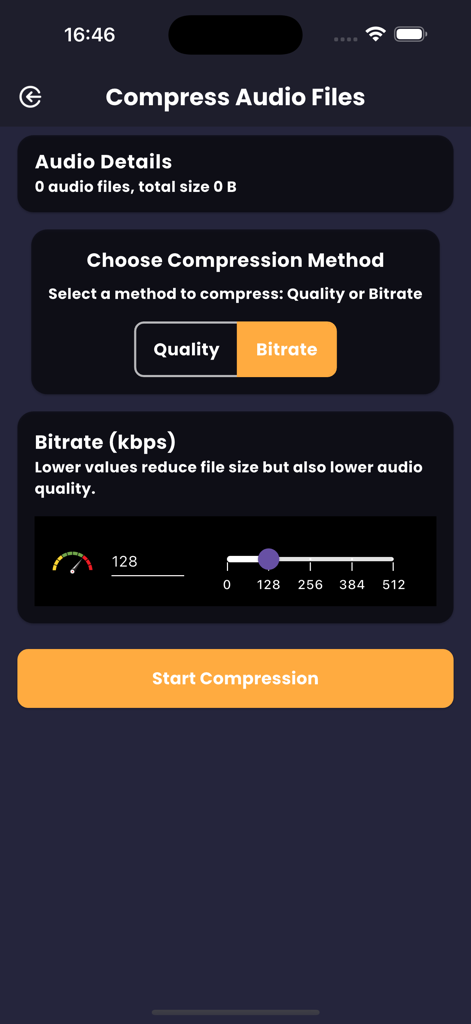
비트 전송률 선택 슬라이더와 압축 시작 버튼이 있는 오디오 압축 옵션이 표시되는 화면
비트 전송률 선택 슬라이더와 압축 시작 버튼이 있는 오디오 압축 옵션이 표시되는 화면

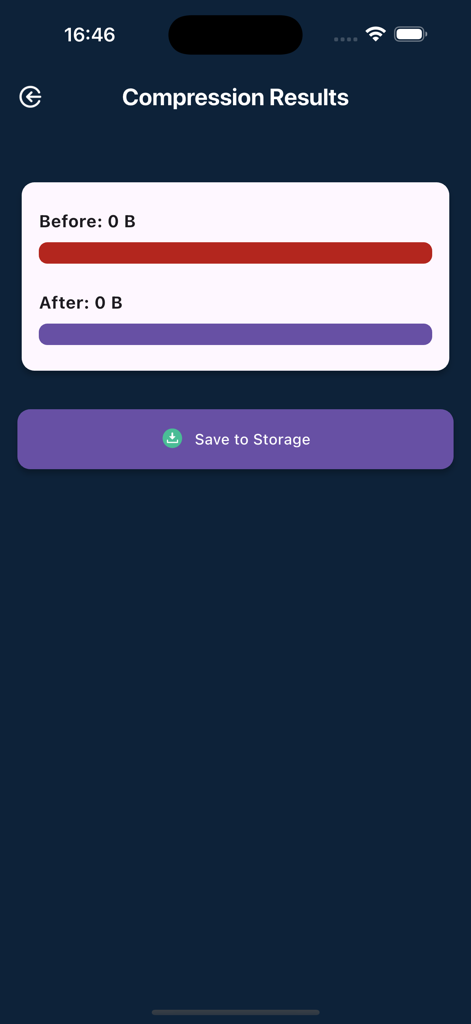
압축 전후 파일 크기와 저장 버튼이 표시되는 오디오 압축 결과 화면
압축 전후 파일 크기와 저장 버튼이 표시되는 오디오 압축 결과 화면

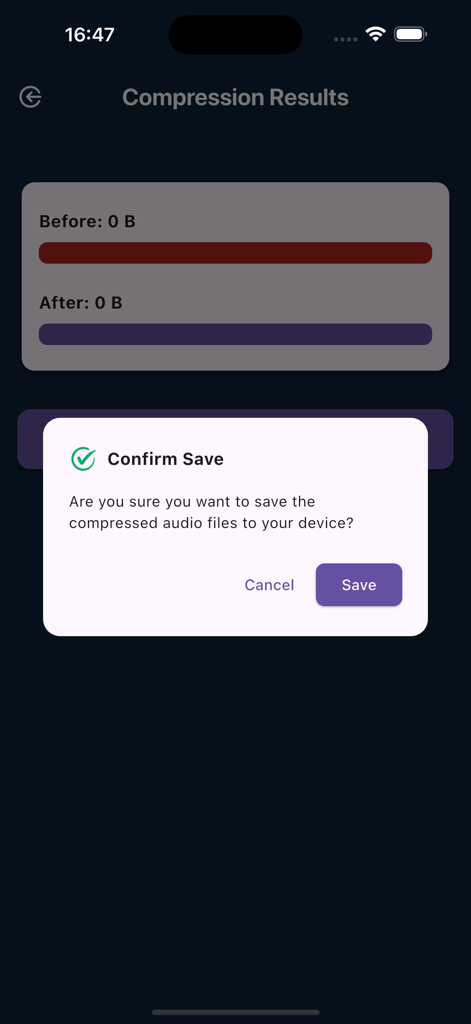
오디오 압축기 MP3 앱 내에서 압축된 오디오 파일을 저장할지 묻는 확인 팝업
오디오 압축기 MP3 앱 내에서 압축된 오디오 파일을 저장할지 묻는 확인 팝업

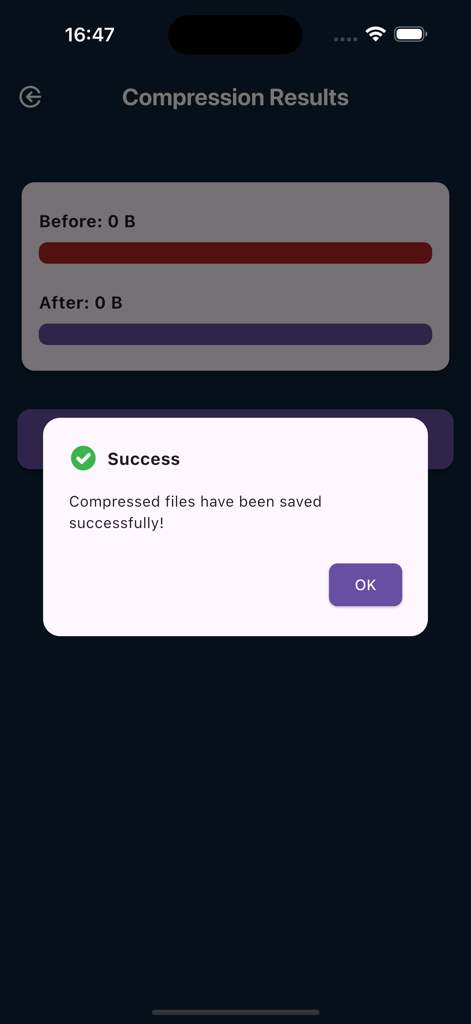
오디오 압축기 MP3 앱에서 압축된 파일이 성공적으로 저장되었음을 확인하는 성공 메시지
오디오 압축기 MP3 앱에서 압축된 파일이 성공적으로 저장되었음을 확인하는 성공 메시지

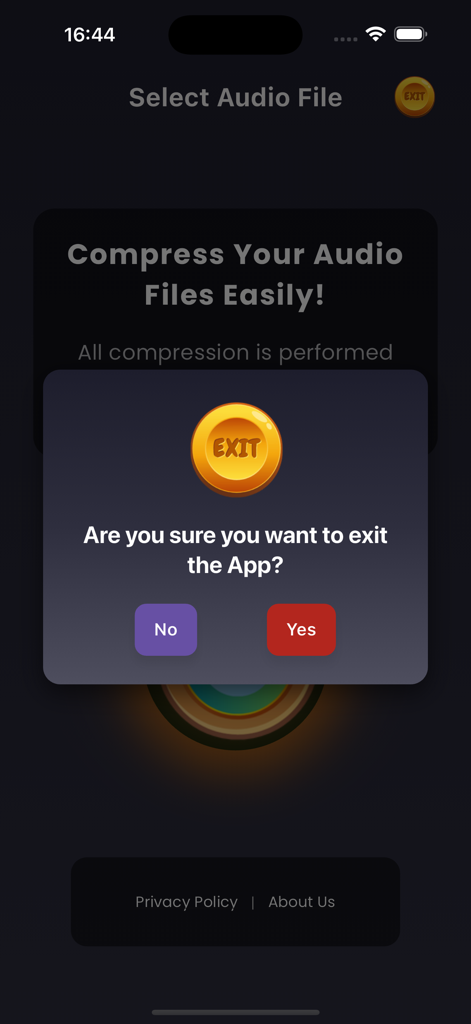
오디오 압축기 MP3 앱에서 사용자에게 종료할지 묻는 종료 확인 대화 상자

오디오 압축기 MP3 앱에서 사용자에게 종료할지 묻는 종료 확인 대화 상자

전문적인 압축, 최대 저장 공간 확보

이 앱을 돋보이게 하는 도구, 1K+ 명의 사용자가 선택.

📉

휴대폰 공간 확보

MP3, M4A, AAC 파일을 최대 90%까지 압축하세요. 음질이나 저장 공간을 희생하지 않고 모든 오디오 라이브러리를 기기에 보관하세요.

번개처럼 빠른 배치 처리

하나씩 변환하는 데 시간을 낭비하지 마세요. 최대 효율을 위해 여러 녹음 파일을 한 번에 선택하고 탭 한 번으로 압축하세요.

📤

제한 없는 공유

Discord, Gmail 또는 WhatsApp에 최적화된 오디오를 즉시 공유하세요. 파일 크기 제한을 우회하고 작업을 더 빠르게 보내려면 비트 전송률 및 품질 설정을 조정하세요.

앱 소개

에 대해 알아야 할 모든 것 Audio Compressor MP3.

설명

Audio Compressor": Effortless and High-Quality MP3 Compression Say goodbye to bulky audio files with our friendly and efficient "Audio Compressor"! Whether you're looking to save space or optimize your audio files, our powerful and easy-to-use "Audio Compressor" makes it easy to compress your audio files, especially with MP3 compression. Awesome Features: Select One or Multiple Files: Choose single or multiple audio files for compression with ease. Check File Size: View the size of your audio files before saving them. Quality Scale Compression: Adjust the quality scale from 1 to 10 for optimal audio quality. Bit Rate Compression: Pick bit rates of 128, 256, 384, or 512 kbps, depending on the format. Play Before You Compress: Test the sound quality of your files before starting the compression. Quick Compression: Start compressing your files with a single tap. See Results: Compare the original and compressed file sizes. Play the compressed audio to check the quality. Save Compressed Audio: Save your compressed audio files directly to your files for easy access. Supports MP3 Compression: Specially optimized for compressing MP3 files without losing quality. Supports Multiple Formats: Compress MP3, AAC, M4A, MP2, and AC3 audio files easily. The "Audio Compressor" is the perfect solution for anyone looking to reduce the size of their audio files quickly and easily. This app simplifies the process of compressing MP3, AAC, M4A, MP2, and AC3 audio files, helping you save valuable storage space on your device without sacrificing audio quality. Its user-friendly interface ensures a seamless compression experience, allowing you to shrink your audio files in just a few simple steps. You can compress your audio files up to 90% of their original size without compromising quality, making it easier to store and play your favorite compressed sounds. This app lets you compress MP3, AAC, M4A, MP2, and AC3 audio files in just one click. You can also resize the bitrate and quality scale of an audio file with our advanced compression mode. Supported Audio Files: MP3, M4A, AAC, MP2, AC3 Why Choose "Audio Compressor"? Our app makes compressing different standard input sound formats a breeze. With a user-friendly interface, you can compress audio files up to 90% of their original size without losing quality. Free up space on your device and make managing your audio files seamless and efficient. How to Use "Audio Compressor": Tap the upload button. Choose the audio files of any format (MP3, M4A, AAC, MP2, AC3). Select the compression level on your favorite compression methods. The higher the value, the better the quality, hence size increases. Start compression. Check the output for the compressed file and save the compressed audio file to your internal storage. Try it now and discover how easy it is to reduce the size of your audio files with "Audio Compressor"! Developer's Note: Hello, I'm SMAIT SOFTWARE LDA, an individual developer based in Lisbon, Portugal. "Audio Compressor" was developed with the aim of providing a simple yet powerful tool for managing audio files. Your support and feedback are incredibly valuable to us, and we are committed to continually improving the app to meet your needs. We Value Your Feedback! We are dedicated to providing a high-quality experience with "Audio Compressor". Your feedback helps us improve and provide the best service possible. If you enjoy using the app, please take a moment to rate it and leave a review. If you have any suggestions or encounter any issues, feel free to reach out to us at smaitsoftware@gmail.com. Thank you for your support! Company: SMAIT SOFTWARE LDA Location: Lisbon, Portugal Website: smaitsoftware.com Email: smaitsoftware@gmail.com

최신 버전

2.0.5

크기

51.7 MB

출시일

2024년 10월 2일

휴대폰 저장 공간을 되찾을 준비가 되셨나요?

크기가 큰 오디오 파일과 '저장 공간 부족' 알림으로 인해 속도가 느려지는 것을 막으세요. 선명한 음질을 유지하면서 녹음 파일을 최대 90%까지 줄이세요. 지금 오디오 압축기를 다운로드하고 더 스마트하게 공유를 시작하세요.

다운로드: App Store

App information, icons, screenshots, and descriptions displayed on this page are sourced from the Apple App Store and are the property of their respective developers. Download estimates and rankings are based on MWM's proprietary models and may not reflect actual figures. This page is provided for informational and analytical purposes only.

Believe this page infringes your intellectual property? File a dispute