
이 페이지는 앱이나 개발자의 공식 페이지가 아니며, 정보 제공 및 논평을 목적으로 작성된 독립 편집 간행물입니다. 명시적으로 달리 언급되지 않는 한, 해당 앱이나 개발자는 MWM, Apple, Google Play, 앱 퍼블리셔 또는 앱 개발자와 제휴, 보증, 후원, 승인 또는 공식적으로 연결되어 있지 않으며, 이 페이지의 어떤 내용도 해당 앱이 MWM의 서비스를 사용하여 개발되었음을 의미하지 않습니다. 모든 상표, 로고, 스크린샷 및 기타 콘텐츠는 해당 소유자의 자산입니다.


Authenticator App | 2FA Auth
당신은 해킹당할 수 없습니다. 이 앱은 당신에게 디지털 불침번을 제공합니다. 온라인 계정을 잠그고 키는 당신이 쥐는 겁니다.
다운로드
100k+사용자 평점
총 평가 수
331개발사
카테고리
Utilities지원 언어
77최신 버전
2.3.0크기
84.3 MB출시일
2024년 9월 13일주요 기능 및 영향력 평가
Authenticator App | 2FA Auth 앱 분석
강력한 2단계 인증 (TOTP 방식)
이 앱은 계정 보안을 강화하고 무단 접근 위험을 최소화하여 사용자의 디지털 자산을 보호합니다.
계정 가져오기/내보내기
이 도구는 QR 코드 또는 개인 키를 통해 2단계 인증 계정을 쉽게 백업하고 새 장치로 마이그레이션하여, 사용자가 계정 관리의 유연성을 높일 수 있게 해줍니다.
폭넓은 호환성
이 앱은 구글, 인스타그램, 페이스북 등 수많은 인기 온라인 서비스와 원활하게 연동되어, 사용자가 거의 모든 디지털 계정을 보호할 수 있게 합니다.
암호 관리
이 도구는 복잡한 암호를 기억할 필요 없이 안전하게 저장하고 자동 입력하는 기능을 제공하여, 사용자가 빠르고 편리한 로그인 경험을 할 수 있도록 돕습니다.
자주 묻는 질문
에 대해 알아야 할 모든 것 Authenticator App | 2FA Auth
What is the Authenticator App?
The Authenticator App is a two-factor authentication (2FA) solution that secures online accounts by generating unique Time-Based One-Time Passwords (TOTP). It ensures only authorized users can access accounts.
How does the Authenticator App enhance account security?
The Authenticator App uses Time-Based One-Time Passwords (TOTP) that change every 30 seconds. This adds an extra layer of security, significantly reducing unauthorized access risk even if your password is compromised.
Is the Authenticator App free to use?
Yes, the Authenticator App is completely free to download and use. This ensures that enhanced security features are accessible to everyone without any cost.
Can Authenticator App be used without an internet connection?
Yes, the Authenticator App includes an Offline Capability feature. It continues to protect your accounts even without an active internet connection, ensuring uninterrupted protection.
Does Authenticator App support password management?
Yes, Authenticator App offers password management. It securely stores and autofills your passwords for effortless and quick logins, eliminating the need to remember complex credentials.
How can users add accounts to the Authenticator App?
Users can easily add new accounts to the Authenticator App by scanning QR codes or entering private keys. This feature streamlines the process of managing 2FA accounts.
What online services are compatible with Authenticator App?
Authenticator App is compatible with thousands of popular online services, including Google, Instagram, Facebook, Twitter, LinkedIn, Dropbox, Snapchat, Github, Tesla, Coinbase, and Bitcoin wallets.
Does Authenticator App store user data on external servers?
No, the Authenticator App explicitly states 'NO Data JUST Security.' It secures all online accounts on your device, ensuring local storage and protection of user information through encryption.
Does Authenticator App offer account backup and sync features?
Yes, the Authenticator App provides seamless account sync and backup capabilities. This ensures your 2FA accounts are protected and available across all your devices.
How does Authenticator App protect access to the app itself?
Authenticator App protects access to the app itself using Face ID, Fingerprint, or PIN Lock. Users must authenticate to open the application, adding an extra layer of security.
다음 스크린샷과 설명은 앱의 공식 스토어 목록에서 직접 가져온 것이며 앱 개발자의 자산입니다.
앱 스토어
스크린샷
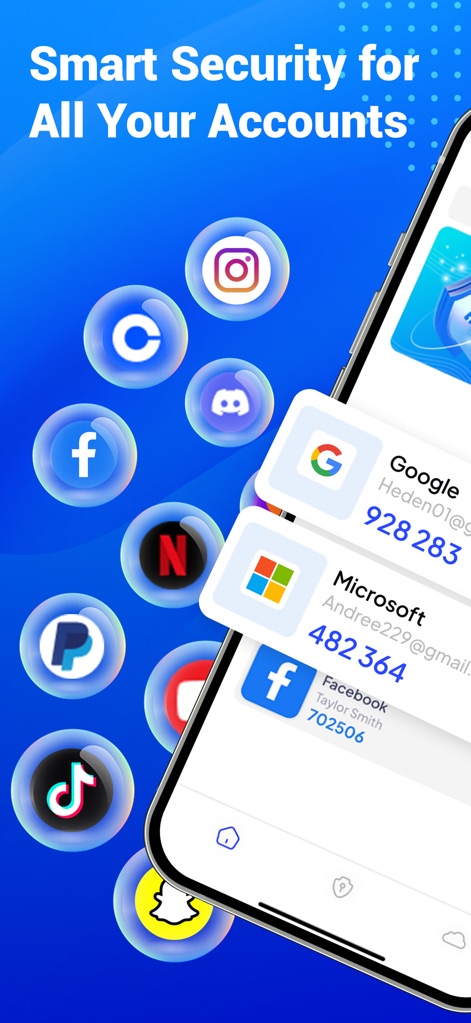
이 앱은 Google, Facebook, Microsoft 등 다양한 온라인 서비스 아이콘과 함께 각 서비스에 대한 실시간 TOTP 코드를 생성하여 사용자의 모든 계정에 대한 강력한 보안을 제공합니다.
모든 계정 스마트 보안
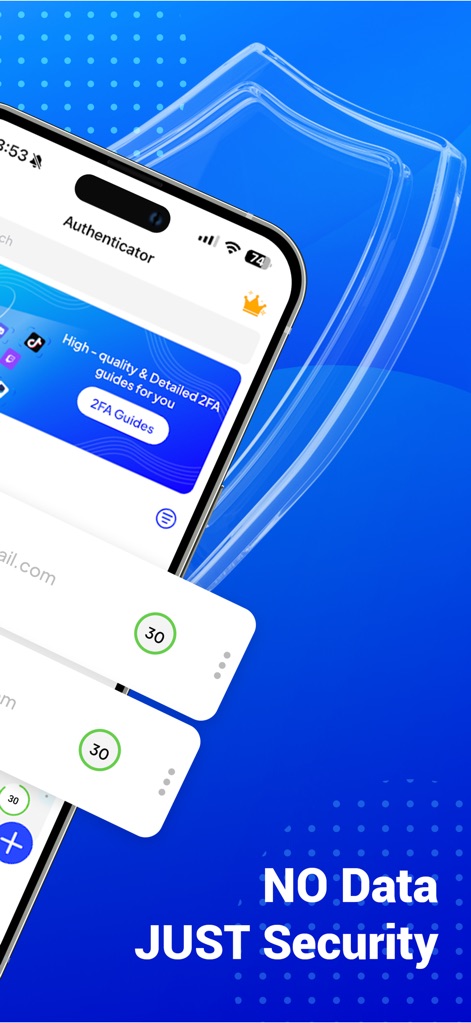
이 앱은 'Authenticator'라는 깔끔한 인터페이스를 통해 높은 수준의 2단계 인증 가이드를 제공하며, 백그라운드의 보안 실드 그래픽으로 사용자의 데이터 보호에 대한 강력한 의지를 나타냅니다.
데이터 제로, 보안 우선
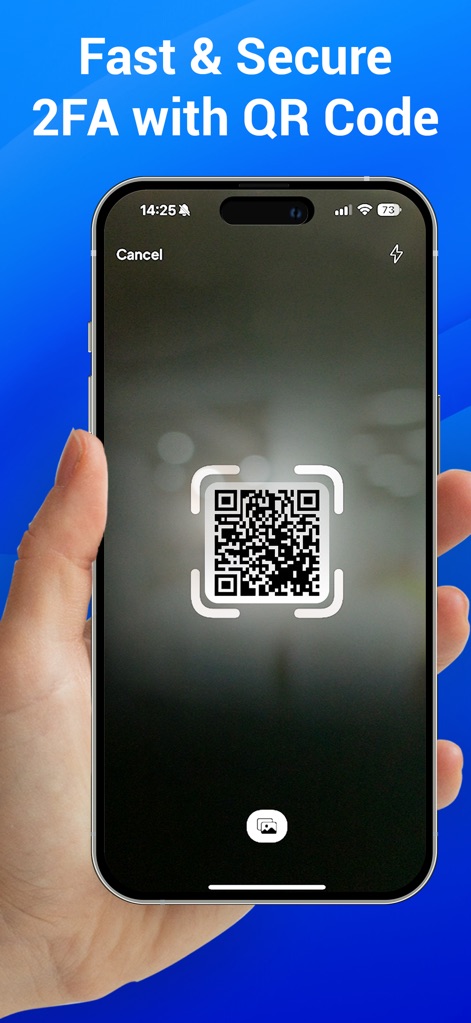
사용자는 QR 코드 스캔 화면을 활용하여 새로운 2단계 인증 계정을 빠르게 추가할 수 있으며, 간편한 계정 추가 인터페이스는 보안 설정을 더욱 직관적으로 만듭니다.
QR 코드 간편 추가
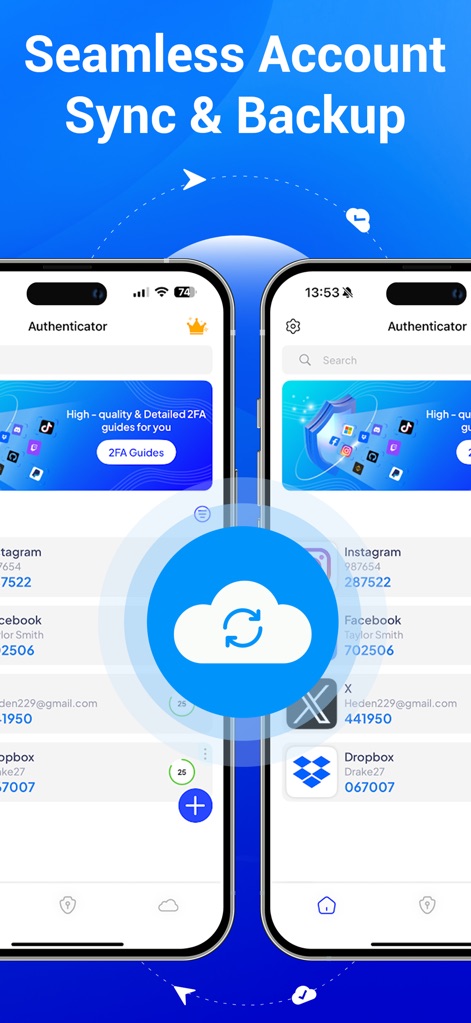
이 앱은 여러 기기 간의 계정 목록 동기화를 통해 사용자가 어디서든 계정에 접근할 수 있도록 지원하며, 중앙의 클라우드 백업 아이콘은 중요한 인증 정보를 안전하게 보관함을 보여줍니다.
계정 동기화 및 백업
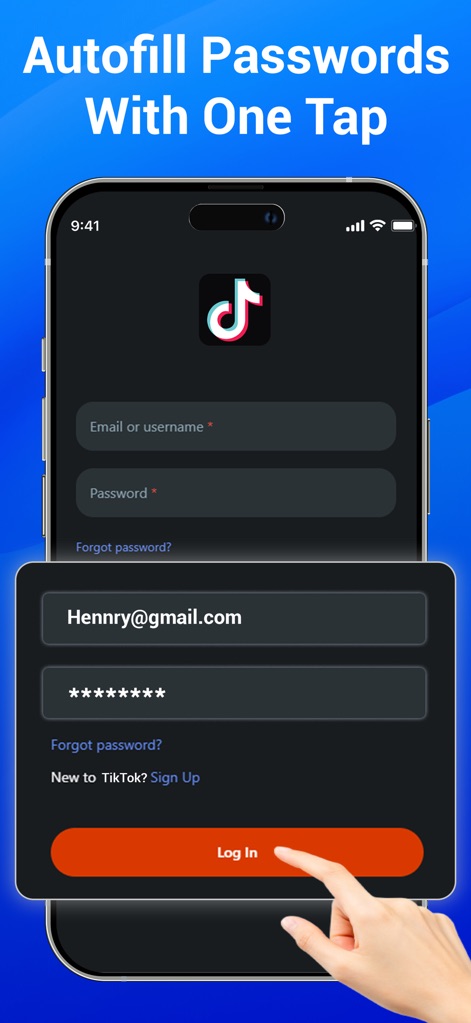
사용자는 다양한 서비스의 로그인 화면에서 이 앱을 통해 저장된 자격 증명(이메일 및 비밀번호)을 한 번의 탭으로 자동 입력하여, 빠르고 안전하게 계정에 접속할 수 있습니다.
원탭 비밀번호 자동 채우기
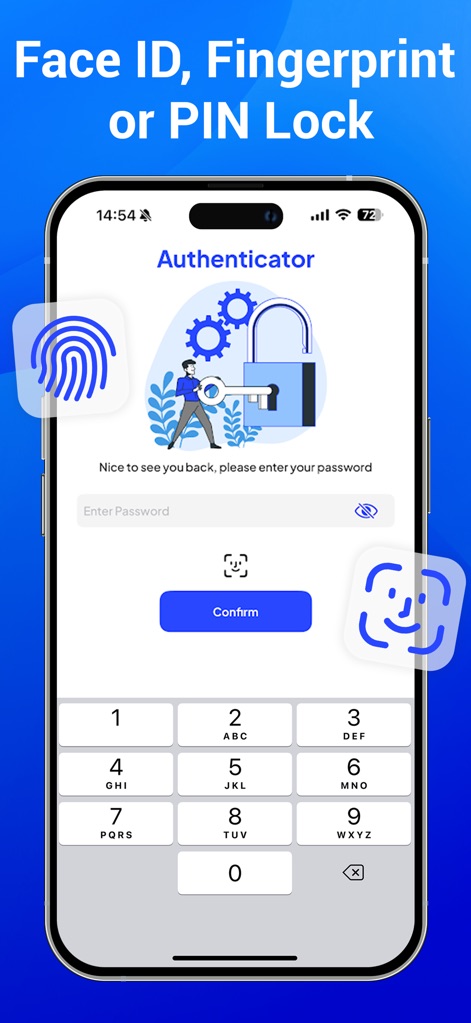
이 앱은 Face ID 또는 지문 인식과 같은 생체 인식 아이콘을 통해 높은 수준의 접근 보안을 제공하며, PIN 잠금 해제를 위한 숫자 키패드는 사용자가 선호하는 방식으로 앱을 보호할 수 있도록 합니다.
생체 인식, PIN 잠금
설명
Download
비슷한 앱
유사한 기능과 사용자 경험을 가진 앱

Google Authenticator
Google LLC

Duo Mobile
Duo Security LLC

Authenticator App - 2FA &. MFA
APPLY DIJITAL HIZMETLER TICARET LIMITED SIRKETI

authenticator . app
Mustafa Uz

SafeNet MobilePASS+
Thales DIS (Singapore) Pte Ltd

Čítačka
Tatra banka, a.s.

Authenticator App - SafeAuth
Brilliant App Limited

Authenticator App - 2FA Auth
UNIVERSE DIJITAL HIZMETLER LIMITED SIRKETI

Authenticator App : Scan & 2FA
XSOFT GLOBAL LIMITED
이 페이지는 앱이나 개발자의 공식 페이지가 아니며, 정보 제공 및 논평을 목적으로 작성된 독립 편집 간행물입니다. 명시적으로 달리 언급되지 않는 한, 해당 앱이나 개발자는 MWM, Apple, Google Play, 앱 퍼블리셔 또는 앱 개발자와 제휴, 보증, 후원, 승인 또는 공식적으로 연결되어 있지 않으며, 이 페이지의 어떤 내용도 해당 앱이 MWM의 서비스를 사용하여 개발되었음을 의미하지 않습니다. 모든 상표, 로고, 스크린샷 및 기타 콘텐츠는 해당 소유자의 자산입니다.