Authenticator App: 2FA, MFA
다운로드: App Store

이 페이지는 앱이나 개발자의 공식 페이지가 아니며, 정보 제공 및 논평을 목적으로 작성된 독립 편집 간행물입니다. 명시적으로 달리 언급되지 않는 한, 해당 앱이나 개발자는 MWM, Apple, Google Play, 앱 퍼블리셔 또는 앱 개발자와 제휴, 보증, 후원, 승인 또는 공식적으로 연결되어 있지 않으며, 이 페이지의 어떤 내용도 해당 앱이 MWM의 서비스를 사용하여 개발되었음을 의미하지 않습니다. 모든 상표, 로고, 스크린샷 및 기타 콘텐츠는 해당 소유자의 자산입니다.


로고: Authenticator App: 2FA, MFA
다운로드: App Store

Authenticator App: 2FA, MFA

암호화된 iCloud 백업, 원활한 기기 간 동기화 및 암호화폐 및 소셜 미디어부터 전문 도구에 이르기까지 모든 고가치 계정에 대한 즉각적인 Face ID 액세스로 최고의 마음의 평화를 경험하세요.

주요 수치

다운로드

247K+

사용자 평점

4.3/5

총 평가 수

800

개발사

Hearttell US Limited

카테고리

Productivity

지원 언어

20

최신 버전

1.6.1

크기

50.4 MB

출시일

2023년 12월 27일
기능

디지털 정체성을 위한 최고의 보호

iPhone, Apple Watch 및 Mac 전반에 걸친 고급 암호화 및 원활한 동기화로 재정, 소셜 및 전문 계정을 보호하세요.

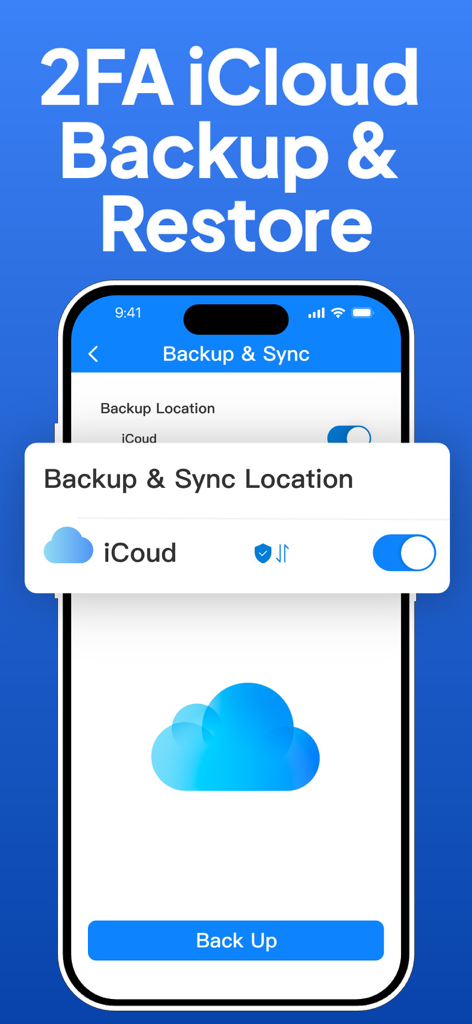
암호화된 iCloud 백업

계정 액세스를 절대 잃지 마세요. 코드는 안전하게 백업 및 암호화되어 새 기기에서 즉시 복구할 수 있습니다.

원활한 Apple 생태계 동기화

Apple Watch, iPad 또는 Mac에서 즉시 인증 코드를 받으세요. 휴대폰을 찾을 필요 없이 안전하게 유지하세요.

다음 스크린샷과 설명은 앱의 공식 스토어 목록에서 직접 가져온 것이며 앱 개발자의 자산입니다.

앱 스토어

스크린샷
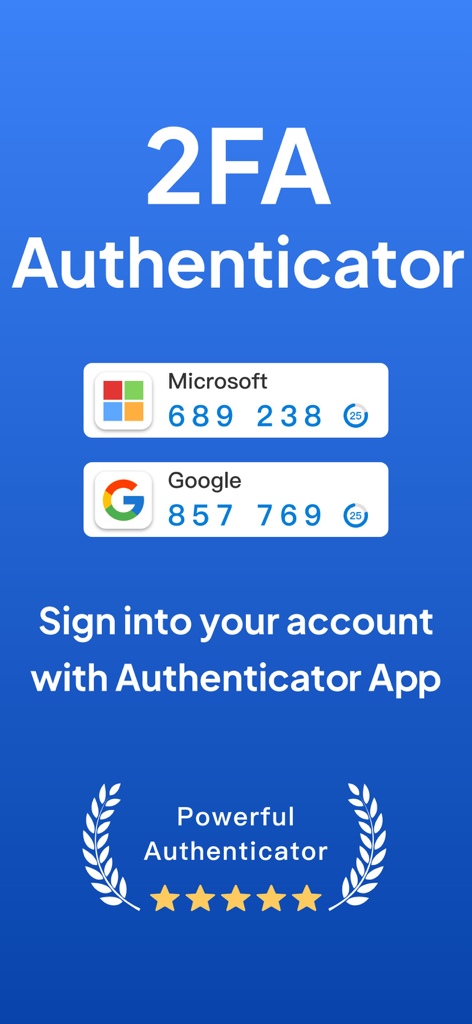
Authenticator App: 2FA, MFA - Microsoft 및 Google 계정에 대한 보안 로그인 코드를 표시하는 2FA Authenticator 앱
Microsoft 및 Google 계정에 대한 보안 로그인 코드를 표시하는 2FA Authenticator 앱

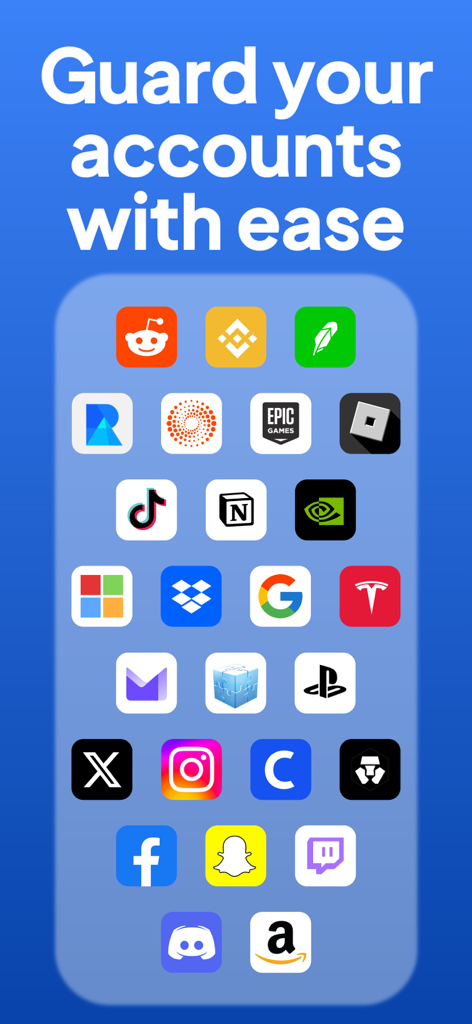
Authenticator App: 2FA, MFA - 인기 있는 플랫폼과 호환되어 안전한 계정 보호를 제공하는 Authenticator 앱 인터페이스
인기 있는 플랫폼과 호환되어 안전한 계정 보호를 제공하는 Authenticator 앱 인터페이스

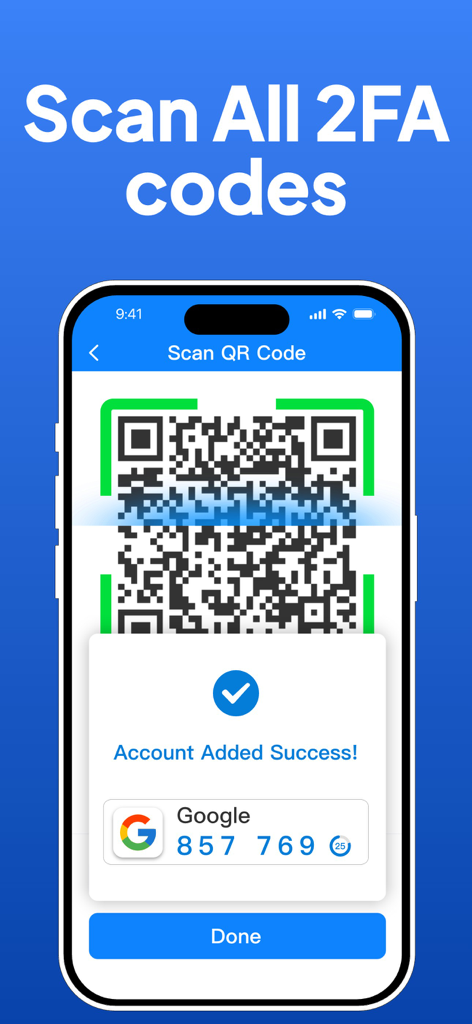
Authenticator App: 2FA, MFA - Authenticator 앱에서 QR 코드 스캔을 통해 성공적으로 2FA 계정을 설정하는 것을 보여주는 iPhone 화면
Authenticator 앱에서 QR 코드 스캔을 통해 성공적으로 2FA 계정을 설정하는 것을 보여주는 iPhone 화면

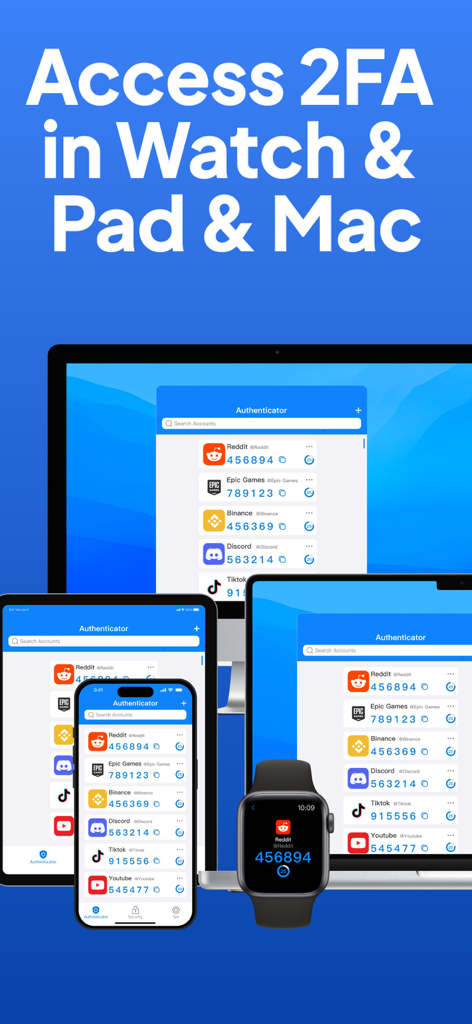
Authenticator App: 2FA, MFA - Authenticator 앱 인터페이스가 iPhone, iPad, Mac 및 Apple Watch에서 2FA 코드를 표시함
Authenticator 앱 인터페이스가 iPhone, iPad, Mac 및 Apple Watch에서 2FA 코드를 표시함

Authenticator App: 2FA, MFA - Authenticator 앱의 인터페이스가 2FA 보안을 위한 iCloud 백업 및 복원 옵션을 보여줌
Authenticator 앱의 인터페이스가 2FA 보안을 위한 iCloud 백업 및 복원 옵션을 보여줌

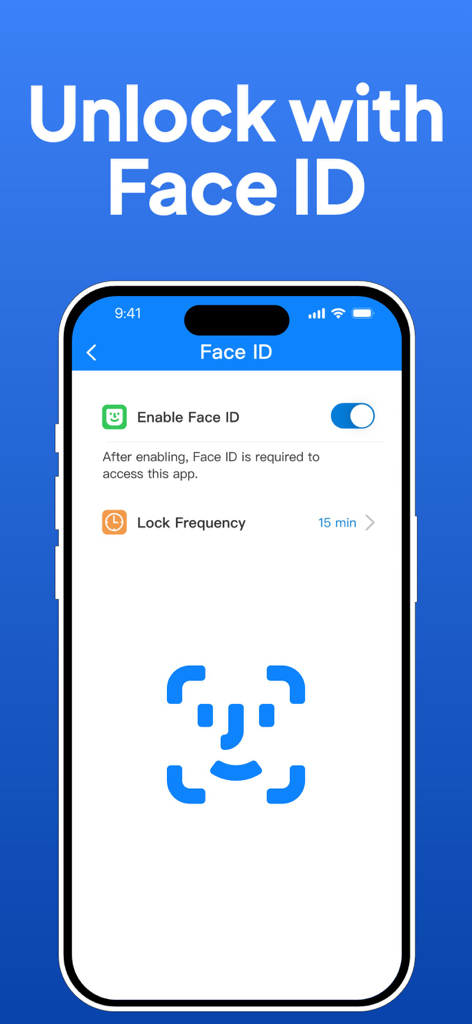
Authenticator App: 2FA, MFA - Authenticator 앱의 인터페이스가 안전한 액세스를 위해 Face ID 잠금 해제 설정을 보여줌
Authenticator 앱의 인터페이스가 안전한 액세스를 위해 Face ID 잠금 해제 설정을 보여줌

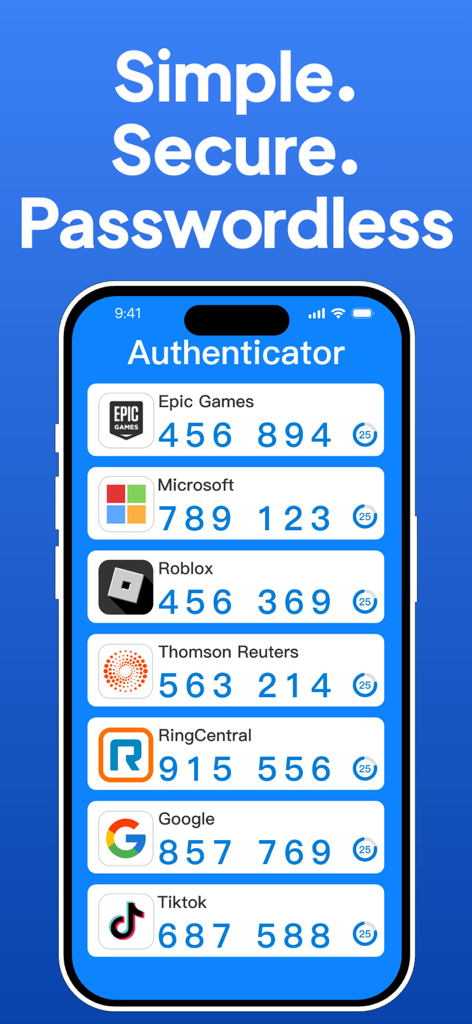
Authenticator App: 2FA, MFA - 다양한 온라인 계정에 대한 2FA 코드가 있는 Authenticator 앱 인터페이스를 보여주는 스마트폰

다양한 온라인 계정에 대한 2FA 코드가 있는 Authenticator 앱 인터페이스를 보여주는 스마트폰

설명

Authenticator is the ultimate solution for secure, convenient two-factor authentication (2FA) across your digital life. Empower your digital life with secure sign-ins across all online accounts using the strength of multi-factor authentication, passwordless convenience, and seamless password autofill.Optimized for iPhone and Apple Watch, and compatible with iPad and Mac, it's designed to work effortlessly with a multitude of services including Google, Facebook, Amazon, Microsoft, Instagram, WhatsApp, TikTok, LinkedIn, Twitter, YouTube, Blizzard, Thomson Reuters, Epic Games, Stripe, Federal Student Aid, AMFI, Warzone Mobile, Drake Tax, RealMe, Login.gov, RingCentra, Textbroker, Godaddy, Ring, Outlook, Xbox, eBay, PayPal, Snapchat, Dropbox, Spotify, Reddit, Pinterest, Shopify, Airbnb, Uber, Zoom, Slack, Coinbase, Roblox, GitHub, Twitch, Binance, Salesforce, Tesla, Nvidia, ProtonMail, Robinhood, Uphold, PlayStation, Threads, Fortnite, Crypto, Notion, Yahoo, Hulu, Netflix, Disney+, Venmo, Trello, Asana, Strava, Duolingo, DoorDash, Postmates, Grubhub, Discord, Bittrex, 1Password, Озон.Ключ and more. Comprehensive Features: - Extensive Compatibility: Authenticator integrates with a vast array of platforms, enhancing the security of your online presence across various services. - Encrypted iCloud Backup: Securely store your 2FA codes with encryption, ensuring you have access to your accounts even if your device is lost. The backup functionality is robust, supporting both manual backup and quick restoration. - Seamless Synchronization: Effortlessly sync your authentication tokens across iPhone, Apple Watch, iPad, and Mac. - Offline OTP Generation: Generate One-Time Passwords (OTPs) even in areas without internet connectivity, keeping your accounts secure at all times. - Advanced Security with Face ID & Touch ID: Utilize cutting-edge security features on your iPhone and Apple Watch for swift and secure access. - Efficient Setup & Management: Configure and manage all your accounts easily with QR code scanning and centralized account management. Subscription Details: Unlock the full potential of the app with advanced two-factor authentication (2FA) features by choosing from our yearly, monthly, or weekly plans, each offering an initial free trial to explore more. Additionally, we offer a one-time purchase option that provides full access to all our authenticator and two-factor (2FA) security features without the need for a subscription. Payments can be made through your Apple account, and subscriptions will auto-renew unless turned off at least 24 hours before the end of the current subscription period. Join our plans to find the best deal for enhanced security and authentication! Key Links: Privacy Policy: https://downloadauthenticator.com/privacy-policy/ Terms of Service: https://downloadauthenticator.com/terms-of-use/ With Authenticator, you can confidently secure your online accounts on a wide range of popular platforms, ensuring a safe and streamlined digital experience.

Download

다운로드: App Store

이 페이지는 앱이나 개발자의 공식 페이지가 아니며, 정보 제공 및 논평을 목적으로 작성된 독립 편집 간행물입니다. 명시적으로 달리 언급되지 않는 한, 해당 앱이나 개발자는 MWM, Apple, Google Play, 앱 퍼블리셔 또는 앱 개발자와 제휴, 보증, 후원, 승인 또는 공식적으로 연결되어 있지 않으며, 이 페이지의 어떤 내용도 해당 앱이 MWM의 서비스를 사용하여 개발되었음을 의미하지 않습니다. 모든 상표, 로고, 스크린샷 및 기타 콘텐츠는 해당 소유자의 자산입니다.








