Authenticator App - Fast 2FA

Authenticator App - Fast 2FA

다운로드: App Store
로고: Authenticator App - Fast 2FA

Authenticator App - 빠른 2FA: 디지털 생활을 위한 완벽한 보안

암호화된 클라우드 동기화 및 오프라인 지원 코드로 1,000개 이상의 계정을 보호하세요. 전문가 수준의 보안 및 소셜, 금융, 직업적 신원에 대한 개인화된 구성을 통해 최고의 마음의 평화를 경험하세요.

다운로드: App Store

개발사

珉予 翟

카테고리

Productivity

다운로드

16K+

사용자 평점

4.4/5

총 평가 수

400

지원 언어

1

한눈에 보는 보안

이 인터페이스를 사용하는 16K+ 명의 사용자.

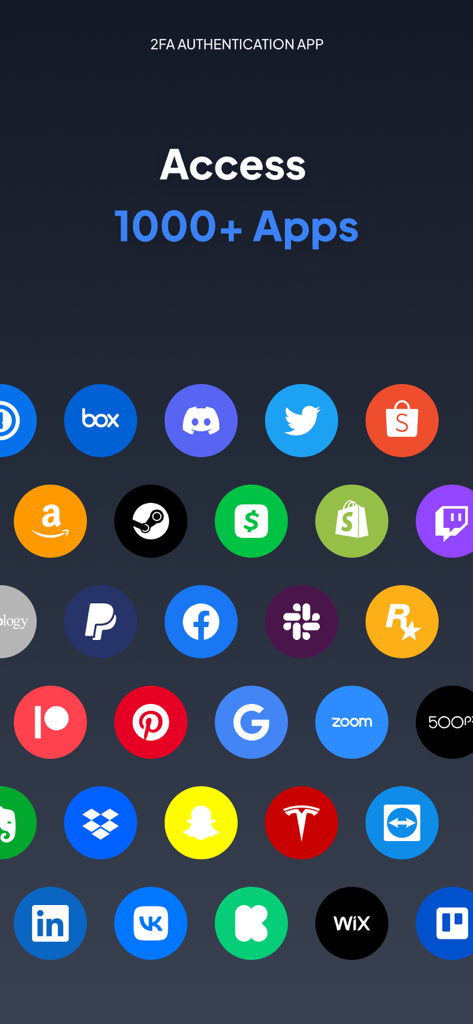
Authenticator 앱 화면에 Google, Facebook, Amazon을 포함한 1000개 이상의 앱에 대한 액세스가 표시됩니다.

Authenticator 앱 화면에 Google, Facebook, Amazon을 포함한 1000개 이상의 앱에 대한 액세스가 표시됩니다.

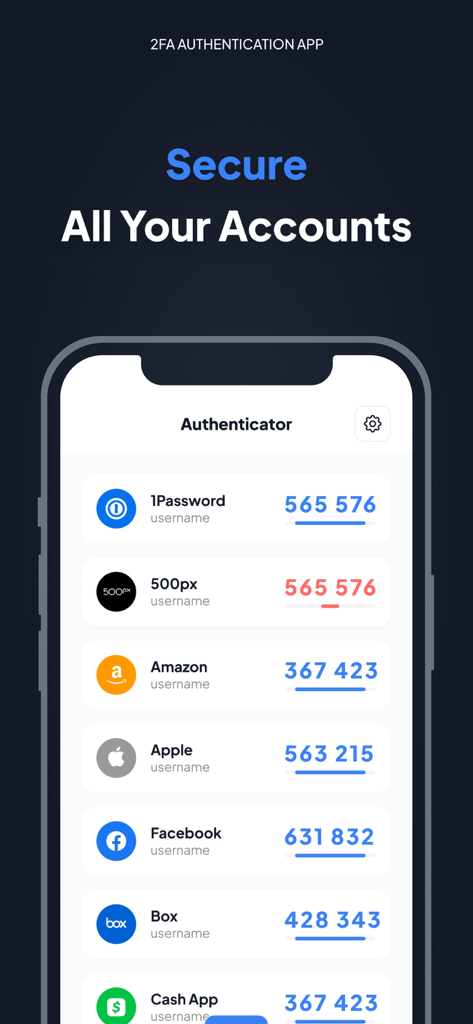
Amazon 및 Apple과 같은 계정에 대한 2FA 코드를 보여주는 Authenticator 앱 인터페이스.

Amazon 및 Apple과 같은 계정에 대한 2FA 코드를 보여주는 Authenticator 앱 인터페이스.

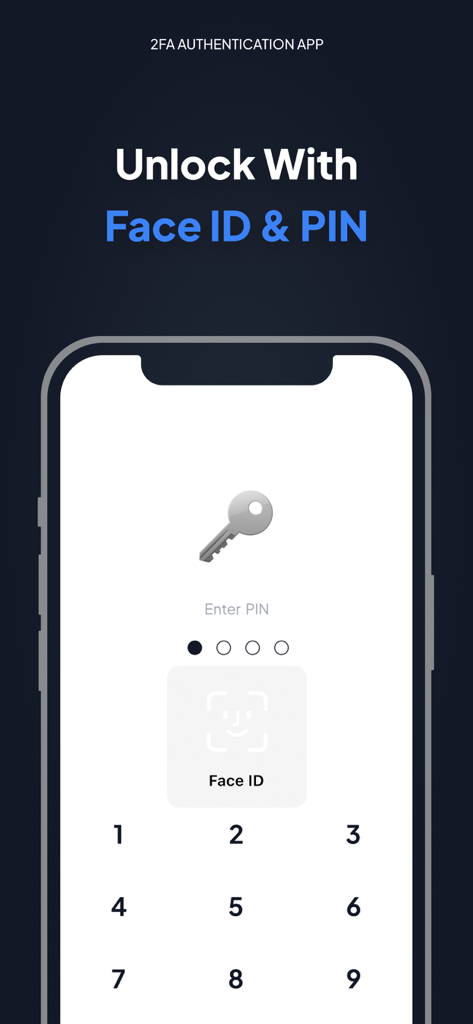
Authenticator 앱 잠금 해제 화면에 Face ID 및 PIN 보안 옵션이 표시됩니다.

Authenticator 앱 잠금 해제 화면에 Face ID 및 PIN 보안 옵션이 표시됩니다.

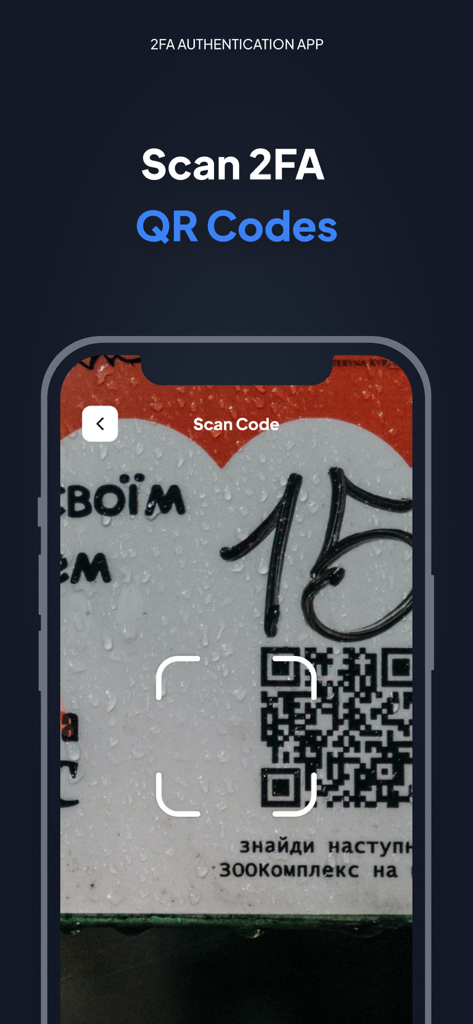
iPhone에서 2FA QR 코드 스캔 기능을 보여주는 Authenticator 앱 인터페이스

iPhone에서 2FA QR 코드 스캔 기능을 보여주는 Authenticator 앱 인터페이스

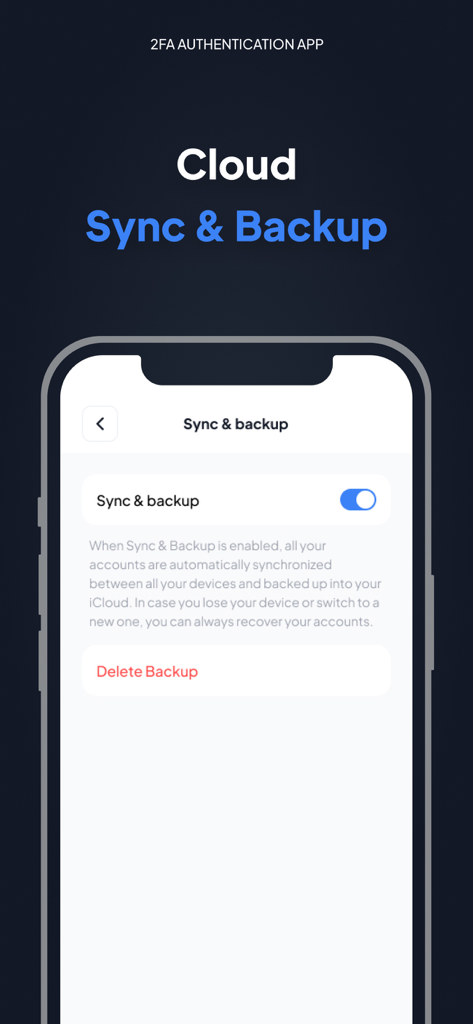
Authenticator App Fast 2FA 인터페이스의 클라우드 동기화 및 백업 설정

Authenticator App Fast 2FA 인터페이스의 클라우드 동기화 및 백업 설정

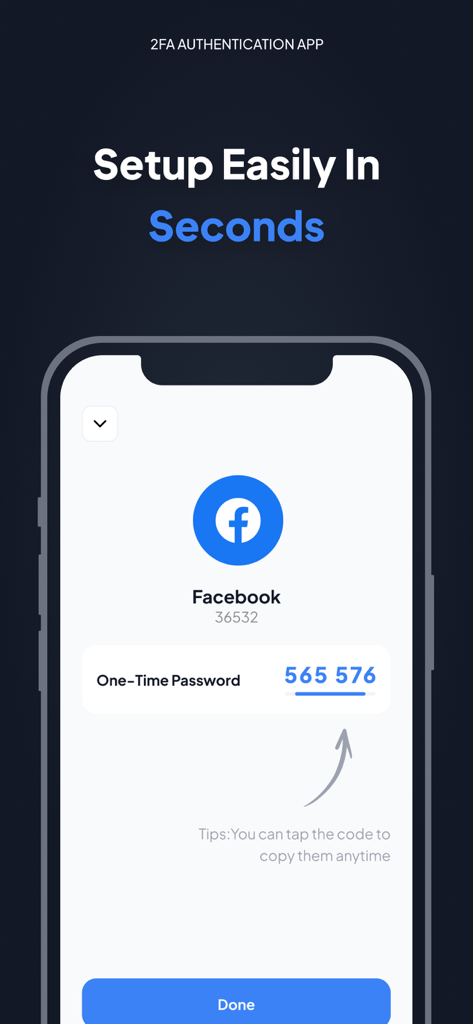
Authenticator 앱의 Facebook 2단계 인증 일회용 비밀번호 코드를 보여주는 iPhone 스크린샷.

Authenticator 앱의 Facebook 2단계 인증 일회용 비밀번호 코드를 보여주는 iPhone 스크린샷.

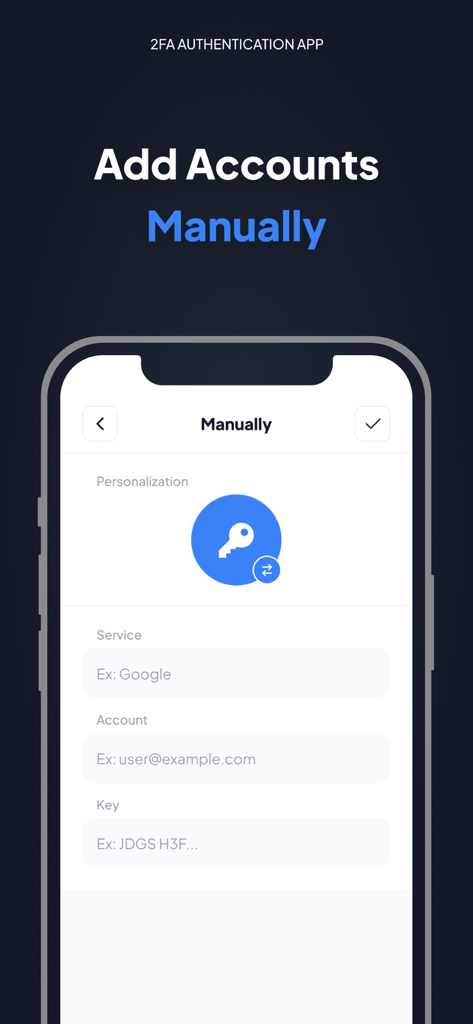
서비스 이름, 계정 이메일, 보안 키 필드를 보여주는 Authenticator 앱의 수동 계정 추가 화면.

서비스 이름, 계정 이메일, 보안 키 필드를 보여주는 Authenticator 앱의 수동 계정 추가 화면.

모든 계정을 위한 견고한 보안

이 앱을 돋보이게 하는 도구, 16K+ 명의 사용자가 선택.

🛡️

에어갭 개인 정보 보호

iPhone에서 로컬로 보안 TOTP 코드를 생성하세요. 인터넷을 통해 데이터가 교환되지 않으므로 계정 액세스는 전적으로 귀하의 손에 달려 있습니다.

☁️

암호화된 iCloud 백업

휴대폰을 잃어버려도 액세스 권한을 잃지 마세요. 보안 토큰은 Apple 장치 전반에 걸쳐 자동으로 동기화 및 암호화되어 원활한 복구를 지원합니다.

스마트 구성

1,000개 이상의 서비스를 쉽게 관리하세요. 사용자 정의 아이콘과 세련된 UI를 사용하여 암호화폐, 소셜 및 직업 계정을 즉시 식별하세요.

앱 소개

에 대해 알아야 할 모든 것 Authenticator App - Fast 2FA.

설명

Authenticator app is a highly recommended 2FA authentication application for securing your multiple accounts on different platforms such as social media, internet and many such 1000s of services Make your security impeccable by adding two-factor authentication (2FA) to protect your accounts from hackers. Just enable two-factor authentication in your provider's account settings, scan the provided QR code and you're good to go. Once configured, you can get the verification code without the need for an internet or mobile connection. ============ Top Features - Super Safe & Secure Your password is very secure and the application does not exchange data with the Internet, so no one else can know it but you. - Cloud Sync & Backup A secure, encrypted backup is automatically made in the Authenticator App in case your device is lost or replaced with a new one. And all your accounts will be automatically synced across all Apple devices - No Password Stored The Authenticator App generates time-based one-time passwords (TOTP) that are stored on the user's phone and do not require Internet access. As a result, the Authenticator App generates secure codes even when offline, which will allow you to authenticate securely even when the device is in airplane mode. - Supports All Popular Accounts The Authenticator app supports the most popular services, including Facebook, Coinbase, Amazon, Google, Instagram, Roblox and other vendors that support 2fa services, up to 1000+ - Setup Guide Don't know how to set up? No problem, we have prepared a setup method for you for almost all platforms that offer 2fa services. Just follow the steps to set it up. - Scan QR Code Just click on the QR code to scan it and you can setup easily in seconds without any hassle - Enter Code Manually Enter a secret key to the app for secure authentication. - Personalization The application allows you to set unique icons for your account, which can be selected from the list provided. This helps you to easily identify and categorize your accounts. More features will be coming soon… ============ Authenticator PRO Choose from different purchase options: • 1 month subscription • 1 year subscription Payment will be charged to your Apple ID account at the time of purchase confirmation. Subscription renews automatically unless it is canceled at least 24 hours before the end of the current period. Your account will be charged for renewal within 24 hours prior to the end of the current period. You can manage and cancel your subscriptions by going to your account settings on the App Store after purchase. By completing your subscription, you agree to ZING's Terms of Service & Privacy Policy. Privacy Policy:https://docs.google.com/document/d/1MbkvoLc3zLq-P3tGJ0r8YtkI0rEj7ZBJ96tOtMjBbzQ/edit?usp=sharing Terms of Service: https://docs.google.com/document/d/1HN6jXfvs3dj7V11thiFUkjXyiJfg4PHu2ezoFgZ6raE/edit?usp=sharing

최신 버전

1.5.6

크기

29.3 MB

출시일

2022년 10월 12일

지금 디지털 보안을 관리하세요

암호화된 클라우드 동기화 및 오프라인 2FA로 1,000개 이상의 계정을 보호하세요. 가장 신뢰할 수 있는 iPhone용 인증 앱을 다운로드하고 다시는 잠기지 않을 걱정을 하지 마세요.

다운로드: App Store

App information, icons, screenshots, and descriptions displayed on this page are sourced from the Apple App Store and are the property of their respective developers. Download estimates and rankings are based on MWM's proprietary models and may not reflect actual figures. This page is provided for informational and analytical purposes only.

Believe this page infringes your intellectual property? File a dispute