Authenticator App ‘

Authenticator App ‘

다운로드: App Store
로고: Authenticator App ‘

Authenticator 앱: 전문적인 2FA로 디지털 라이프를 안전하게 보호하세요

클라우드 백업 및 원활한 동기화로 가장 민감한 계정을 보호하세요. 내장된 개인 정보 보호 브라우저로 완전히 익명으로 탐색하면서 Google, Discord 및 암호화폐 플랫폼 전반의 자산을 보호하세요.

다운로드: App Store

개발사

FLEXI TECH LIMITED

카테고리

Utilities

다운로드

447K+

사용자 평점

3.6/5

총 평가 수

3K+

지원 언어

8

한눈에 보는 보안

이 인터페이스를 사용하는 447K+ 명의 사용자.

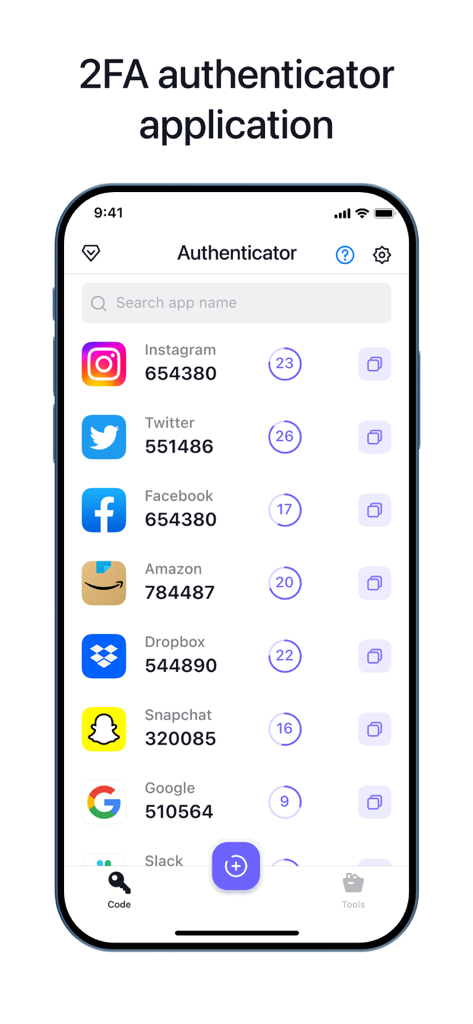
다양한 온라인 계정에 대한 2단계 인증 코드를 표시하는 인증 앱 인터페이스.
다양한 온라인 계정에 대한 2단계 인증 코드를 표시하는 인증 앱 인터페이스.

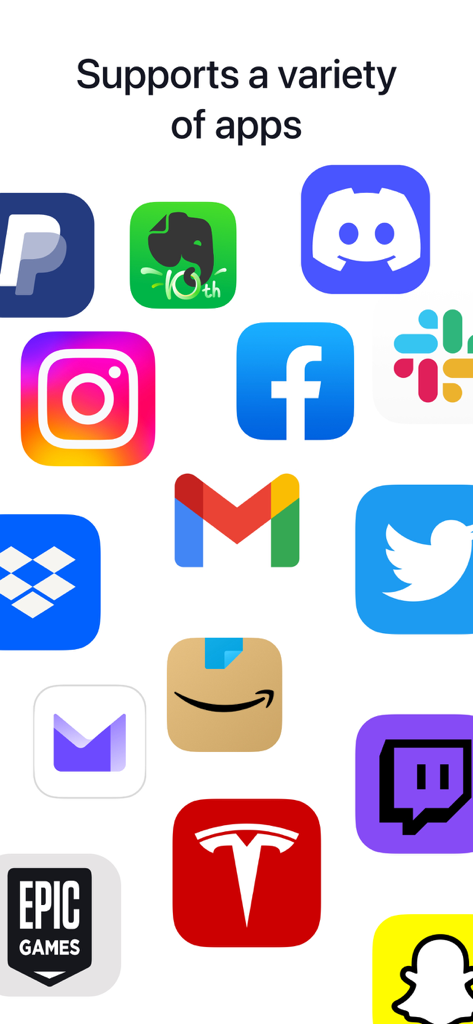
Authenticator 앱에서 지원하는 다양한 계정을 보여주는 Facebook, Gmail, Amazon과 같은 인기 앱 아이콘 모음.
Authenticator 앱에서 지원하는 다양한 계정을 보여주는 Facebook, Gmail, Amazon과 같은 인기 앱 아이콘 모음.

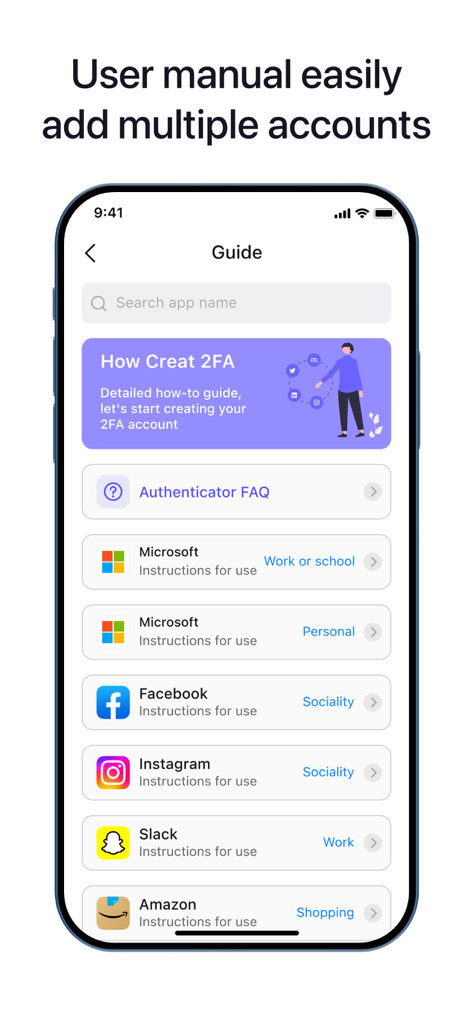
Authenticator 앱 설정 가이드 화면에는 Microsoft, Facebook, Instagram과 같은 2단계 인증 지원 플랫폼 목록이 표시됩니다.
Authenticator 앱 설정 가이드 화면에는 Microsoft, Facebook, Instagram과 같은 2단계 인증 지원 플랫폼 목록이 표시됩니다.

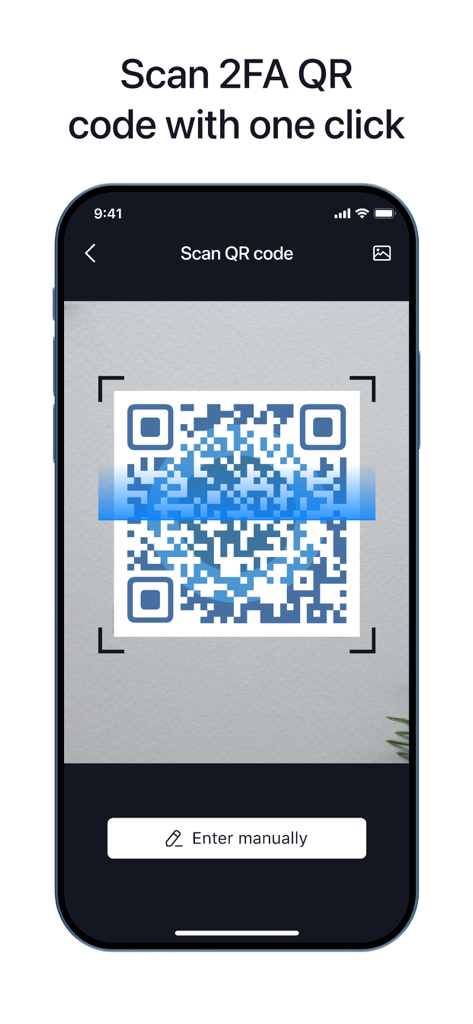
2FA 설정을 위해 QR 코드를 스캔하는 Authenticator 앱을 보여주는 스마트폰 화면
2FA 설정을 위해 QR 코드를 스캔하는 Authenticator 앱을 보여주는 스마트폰 화면

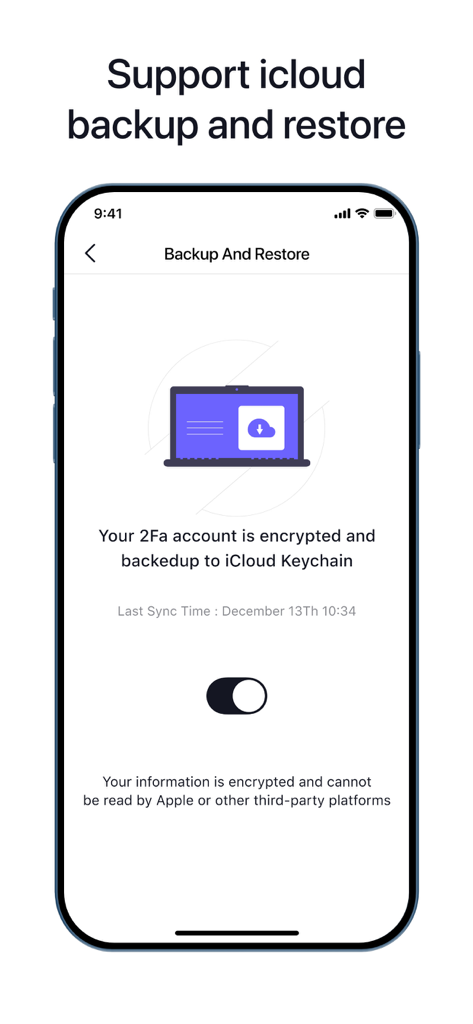
iPhone에서 Authenticator 앱의 iCloud 백업 및 복원 설정 페이지를 보여주는 스크린샷.
iPhone에서 Authenticator 앱의 iCloud 백업 및 복원 설정 페이지를 보여주는 스크린샷.

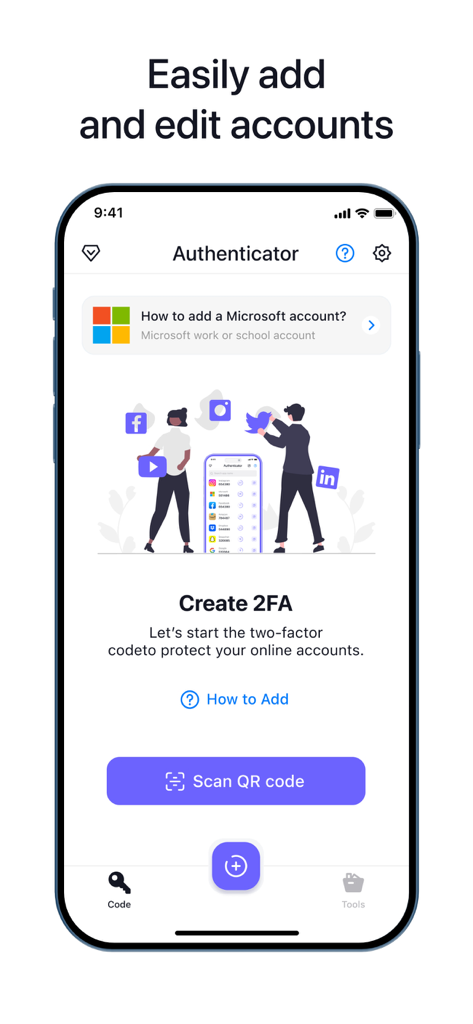
QR 코드 스캔 버튼으로 2단계 인증 설정을 위한 Authenticator 앱 인터페이스

QR 코드 스캔 버튼으로 2단계 인증 설정을 위한 Authenticator 앱 인터페이스

디지털 세계를 강화하세요

이 앱을 돋보이게 하는 도구, 447K+ 명의 사용자가 선택.

🔄

클라우드 백업 및 동기화

계정에 대한 액세스를 잃지 마세요. 암호화된 클라우드 백업으로 모든 iOS 장치에서 2FA 토큰을 안전하게 동기화하세요.

모든 플랫폼에 대한 즉시 설정

은행부터 소셜 미디어까지 모든 것을 몇 초 만에 안전하게 보호하세요. 복잡한 로그인 없이 QR 코드를 스캔하여 계정을 추가하기만 하면 됩니다.

🛡️

스텔스 모드 브라우징

종료하는 순간 모든 기록 및 데이터를 자동으로 삭제하는 통합 개인 정보 보호 브라우저로 디지털 발자국을 보호하세요.

앱 소개

에 대해 알아야 할 모든 것 Authenticator App ‘.

설명

Authenticator' App can generate two-factor authentication code to protect your online accounts. It help’s you protect your account secure. FEATURES: - Easy to Setup No login required, just scan QR code to add your accounts - Backup & Sync: Store and generate secure two-factor and multi-factor (2FA & MFA) authentication tokens - All Popular Accounts: Supports the most popular services including Google, Facebook, Discord, Twitch, Bitwarden, Instagram, Roblox and thousands of other providers. - Secure Private Browser No data is saved, when you exit the app, all data and history is removed. Everything that goes on in the browser is removed when you leave. TERMS & PRIVACY * Terms of Use: https://www.greyshapps.com/terms.html * Privacy Policy: https://www.greyshapps.com/privacy.html SUPPORT You can help us by reporting bugs and requesting features via Email:support@greyshapps.com SUBSCRIPTION PRICING AND TERMS: The App offers an auto-renewing monthly subscription at USD 7.99/month (or currency equivalent) and an auto-renewing yearly subscription at USD 39.99/year (or currency equivalent) to provide you with unlimited access to all PRO Features while you maintain an active subscription. Payment will be charged to the credit card connected to your iTunes Account when you confirm the initial subscription purchase. Subscriptions automatically renew unless auto-renew is turned off at least 24-hours before the end of the current subscription period. Your account will be charged for renewal within 24-hours prior to the end of the current period, and the cost of the renewal will be identified. You may manage your subscription and auto-renewal may be turned off by going to your Account Settings after the purchase. Any unused portion of a free trial period, if offered, will be forfeited when you purchase a subscription, where applicable.

최신 버전

1.9.1

크기

75.8 MB

출시일

2022년 10월 31일

오늘 디지털 신원을 안전하게 보호하세요

원활한 2FA 보호 및 완전한 개인 정보 보호를 위해 저희를 신뢰하는 447,000명 이상의 사용자와 함께하세요. 지금 다운로드하여 가장 중요한 계정에 대한 액세스를 다시는 잃지 않도록 하세요.

다운로드: App Store

App information, icons, screenshots, and descriptions displayed on this page are sourced from the Apple App Store and are the property of their respective developers. Download estimates and rankings are based on MWM's proprietary models and may not reflect actual figures. This page is provided for informational and analytical purposes only.

Believe this page infringes your intellectual property? File a dispute