Authenticator App++
Authenticator App++
다운로드: App Store

이 페이지는 앱이나 개발자의 공식 페이지가 아니며, 정보 제공 및 논평을 목적으로 작성된 독립 편집 간행물입니다. 명시적으로 달리 언급되지 않는 한, 해당 앱이나 개발자는 MWM, Apple, Google Play, 앱 퍼블리셔 또는 앱 개발자와 제휴, 보증, 후원, 승인 또는 공식적으로 연결되어 있지 않으며, 이 페이지의 어떤 내용도 해당 앱이 MWM의 서비스를 사용하여 개발되었음을 의미하지 않습니다. 모든 상표, 로고, 스크린샷 및 기타 콘텐츠는 해당 소유자의 자산입니다.


로고: Authenticator App++
다운로드: App Store

Authenticator App++

고급 2FA 및 통합 비밀번호 관리로 보호 수준을 높이세요. 현대 전문가를 위해 맞춤 제작된 TOTP, FaceID 및 군용 등급 암호화로 1,000개 이상의 서비스를 보호하세요.

주요 수치

다운로드

4K+

사용자 평점

1.0/5

총 평가 수

0

개발사

WuHan ChongYue Future Technology Co., Ltd.

카테고리

Utilities

지원 언어

33

최신 버전

1.2.5

크기

27.7 MB

출시일

2024년 6월 16일
기능

디지털 생활을 위한 엘리트 보안

군용 등급 2FA, 암호화된 비밀번호 저장 및 모든 업무 및 개인 계정에 대한 원활한 생체 인식 액세스를 결합한 궁극의 보호 제품군을 경험하세요.

이중 계층 2FA 방어

시간 기반 일회용 비밀번호(TOTP)를 즉시 생성하여 암호화폐, 소셜 및 업무 계정을 무단 액세스로부터 보호하세요.

통합 비밀번호 저장소

여러 앱을 번갈아 사용하는 것을 중지하세요. 오직 당신만이 잠금 해제할 수 있는 안전하고 암호화된 단일 위치에 모든 로그인 자격 증명을 저장하고 관리하세요.

다음 스크린샷과 설명은 앱의 공식 스토어 목록에서 직접 가져온 것이며 앱 개발자의 자산입니다.

앱 스토어

스크린샷
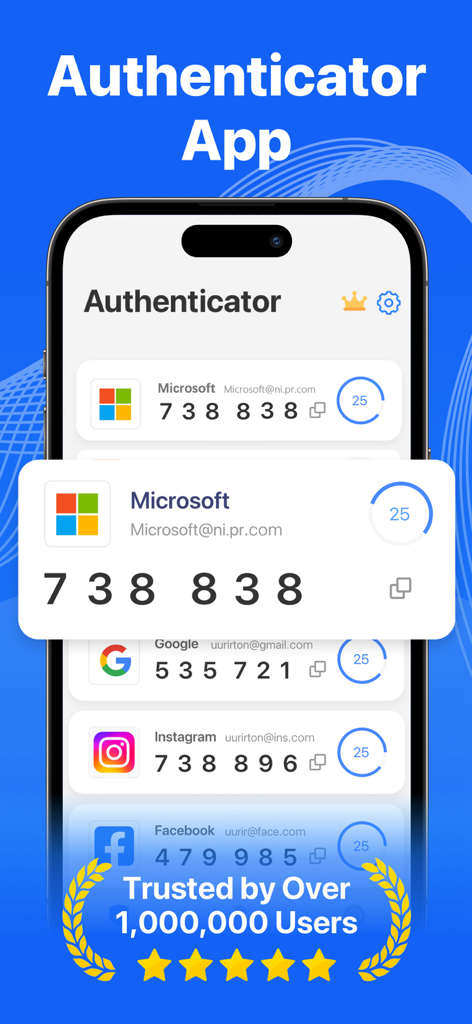
Authenticator App++ - Microsoft 및 Google 계정에 대한 2FA 인증 코드를 보여주는 iPhone의 Authenticator App 인터페이스
Microsoft 및 Google 계정에 대한 2FA 인증 코드를 보여주는 iPhone의 Authenticator App 인터페이스

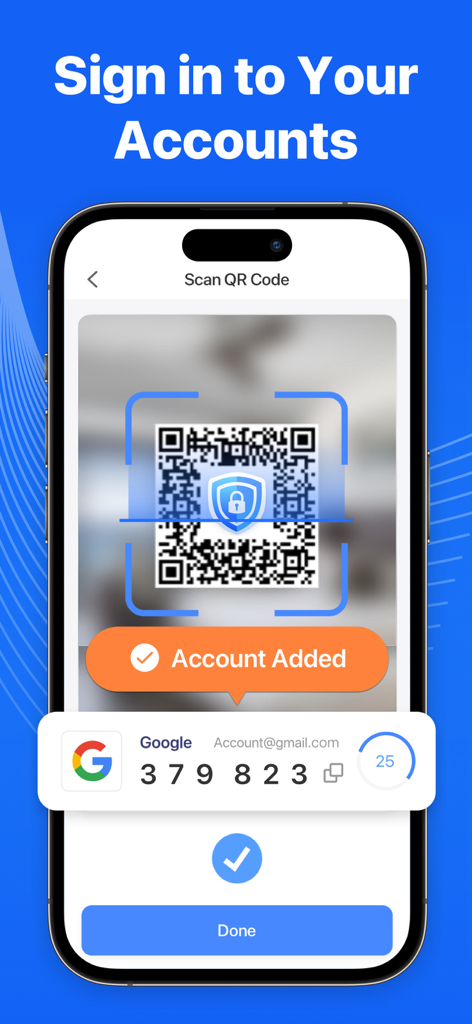
Authenticator App++ - Authenticator App plus plus에 2FA 계정을 추가하기 위해 QR 코드를 스캔하는 것을 보여주는 iPhone 화면
Authenticator App plus plus에 2FA 계정을 추가하기 위해 QR 코드를 스캔하는 것을 보여주는 iPhone 화면

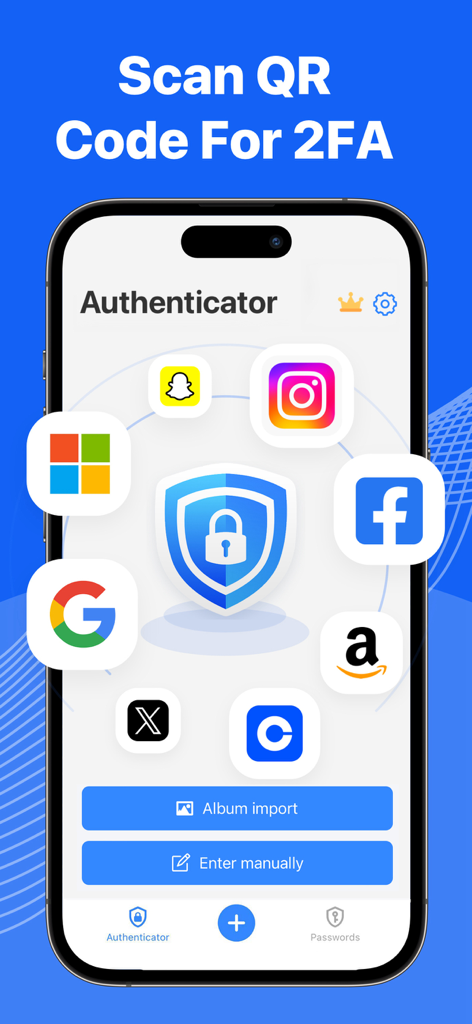
Authenticator App++ - Google Facebook Instagram 및 Amazon 아이콘으로 둘러싸인 중앙 보안 방패를 보여주는 Authenticator App 인터페이스 (2FA 설정용)
Google Facebook Instagram 및 Amazon 아이콘으로 둘러싸인 중앙 보안 방패를 보여주는 Authenticator App 인터페이스 (2FA 설정용)

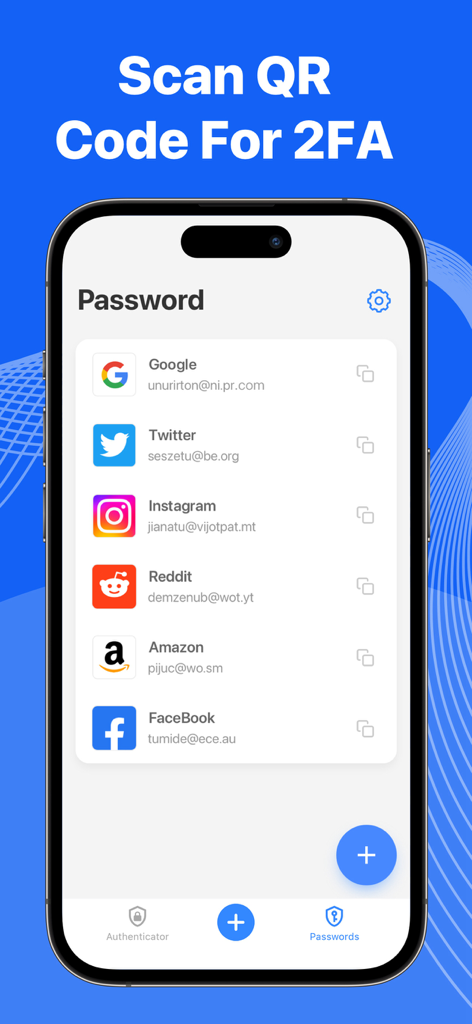
Authenticator App++ - Google Twitter 및 Instagram 계정을 특징으로 하는 Authenticator App++의 비밀번호 관리 목록을 보여주는 iPhone 스크린샷

Google Twitter 및 Instagram 계정을 특징으로 하는 Authenticator App++의 비밀번호 관리 목록을 보여주는 iPhone 스크린샷

설명

The 2FA Authenticator app tool helps you protect your account from hackers by adding a layer of security. Two Factor Authenticator is a simple and safe application for mobile authentication apps (2FA Authenticator) that generates Time-based One-time authentication Passwords (TOTP). Apps that work with two-factor verification apps could be used for securing your multiple accounts on different platforms such as Social Media, the Internet, and many such 1000+ services! Key Features: - Two Factor Authentification Authenticate 2FA doubles the account's security by requiring a regular password and a Time-based One-time Password (TOTP). Authenticator App generates TOTP on the user’s device. - Easy to Scan QR Code: Just one tap QR scan for easy access and hassle-free registration and get a one-time password. - Secure & Private All data stored in Authenticator is always encrypted that you are the only one who can access your data with 2step authorization. - Manage your passwords Manage & Storage your account passwords, and keeps them safe and secure behind the one password that only you know. - Secure use TouchID & FaceID Confirm your identity with the application using Touch ID or Face ID. TERMS OF SUBSCRIPTION: – Payment will be charged to iTunes Account at confirmation of purchase. – Subscription automatically renews unless auto-renew is turned off at least 24 hours before the end of the current period. – Account will be charged for renewal within 24 hours before the end of the current period. The cost depends on the selected plan. – Subscriptions may be managed by the user and auto-renewal may be turned off by going to the user's Account Settings after purchase. Privacy Policy: https://www.nrhapp.top/html/PrivacyPolicy.html Terms of Use: https://www.nrhapp.top/html/Terms.html

Download

다운로드: App Store

이 페이지는 앱이나 개발자의 공식 페이지가 아니며, 정보 제공 및 논평을 목적으로 작성된 독립 편집 간행물입니다. 명시적으로 달리 언급되지 않는 한, 해당 앱이나 개발자는 MWM, Apple, Google Play, 앱 퍼블리셔 또는 앱 개발자와 제휴, 보증, 후원, 승인 또는 공식적으로 연결되어 있지 않으며, 이 페이지의 어떤 내용도 해당 앱이 MWM의 서비스를 사용하여 개발되었음을 의미하지 않습니다. 모든 상표, 로고, 스크린샷 및 기타 콘텐츠는 해당 소유자의 자산입니다.








