
이 페이지는 앱이나 개발자의 공식 페이지가 아니며, 정보 제공 및 논평을 목적으로 작성된 독립 편집 간행물입니다. 명시적으로 달리 언급되지 않는 한, 해당 앱이나 개발자는 MWM, Apple, Google Play, 앱 퍼블리셔 또는 앱 개발자와 제휴, 보증, 후원, 승인 또는 공식적으로 연결되어 있지 않으며, 이 페이지의 어떤 내용도 해당 앱이 MWM의 서비스를 사용하여 개발되었음을 의미하지 않습니다. 모든 상표, 로고, 스크린샷 및 기타 콘텐츠는 해당 소유자의 자산입니다.

Authenticator ©
생체 인식 보안 및 원활한 iCloud 동기화로 계정을 보호하세요. iPhone을 위해 설계된 안전한 보관소에서 비밀번호와 인증 토큰을 관리하세요.
다운로드
1M+사용자 평점
총 평가 수
8K+개발사
카테고리
Business지원 언어
33최신 버전
1.4.1크기
52.9 MB출시일
2022년 11월 5일간소화된 고급 보호
iPhone을 위해 특별히 설계된 엔터프라이즈급 2FA 및 통합 비밀번호 관리로 디지털 라이프를 안전하게 보호하세요.
원활한 생체 인식 액세스
FaceID 또는 TouchID를 사용하여 보관소를 즉시 잠금 해제하세요. 마스터 핀을 기억하는 번거로움 없이 최대한의 보안을 경험하세요.
iCloud 백업 및 동기화
잠길까 봐 걱정하지 마세요. 토큰과 비밀번호는 모든 기기에서 동기화되며 새 기기에서도 쉽게 복원됩니다.
다음 스크린샷과 설명은 앱의 공식 스토어 목록에서 직접 가져온 것이며 앱 개발자의 자산입니다.
앱 스토어
스크린샷
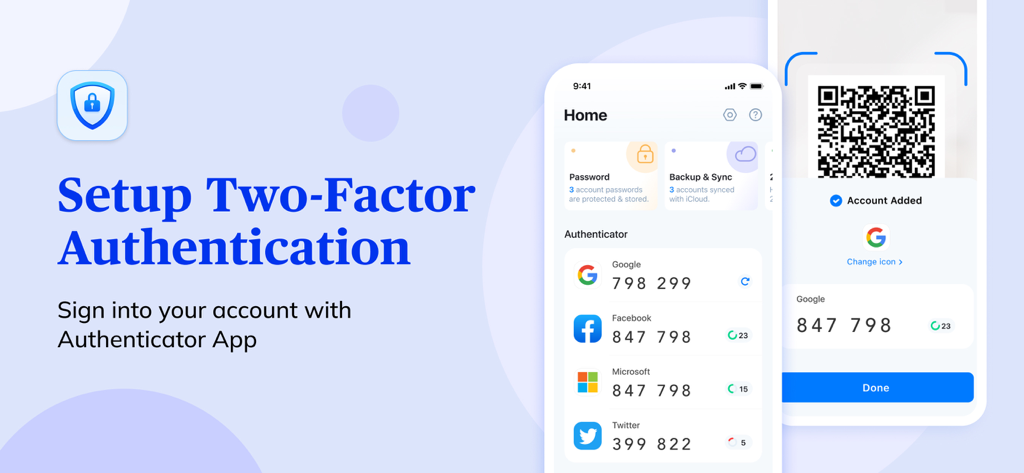
Google, Facebook, Microsoft용 2단계 인증 코드가 표시되고 QR 코드 스캔 기능이 있는 Authenticator 앱 인터페이스
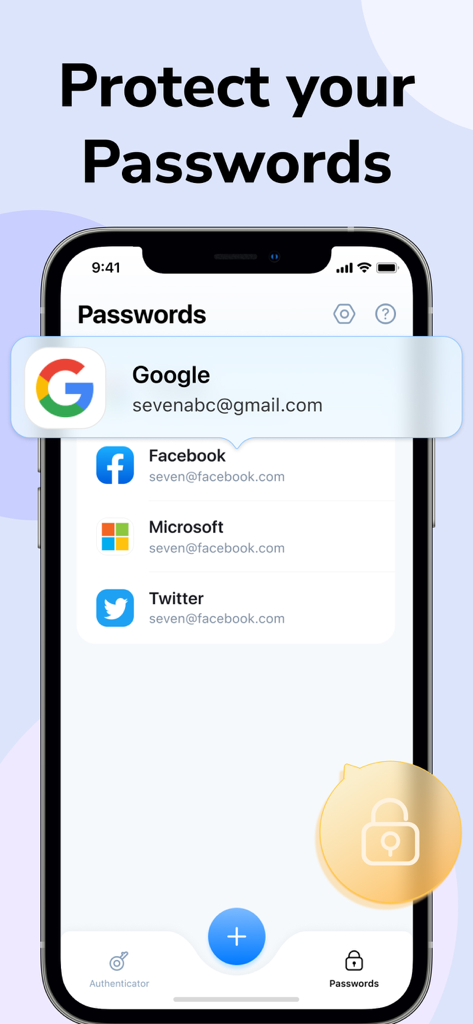
Google, Facebook 등 포함 계정 목록이 있는 Authenticator 앱의 비밀번호 관리 기능이 표시된 iPhone 화면
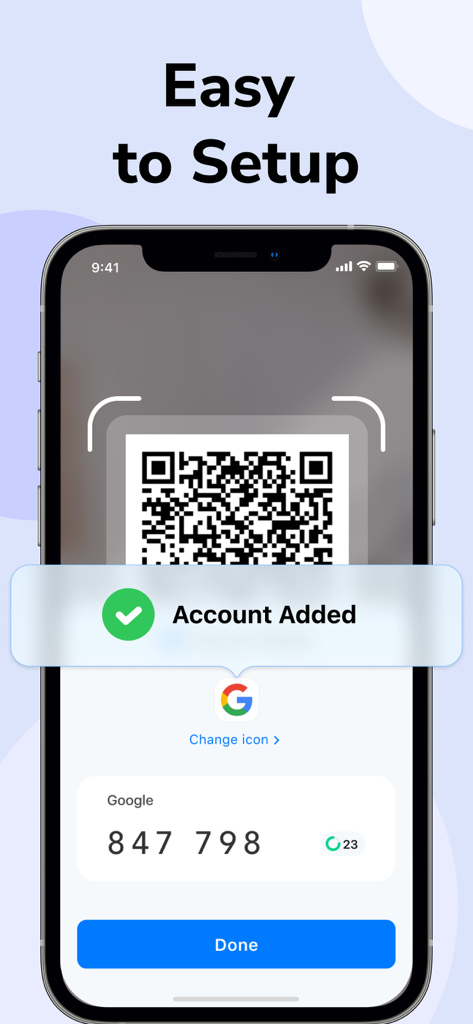
Authenticator 앱에서 Google 계정을 추가하는 QR 코드 스캔의 쉬운 설정 프로세스를 표시하는 iPhone 화면
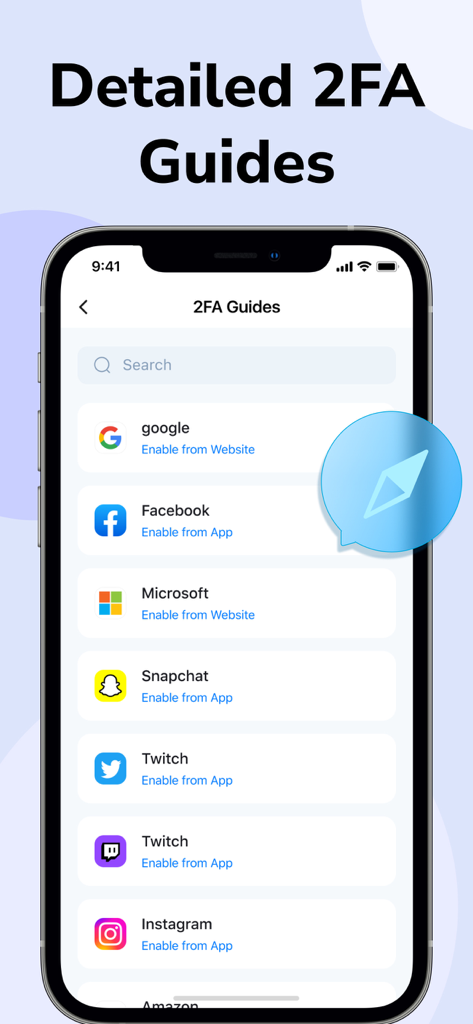
Google, Facebook 등 인기 앱에 대한 자세한 2FA 설정 가이드
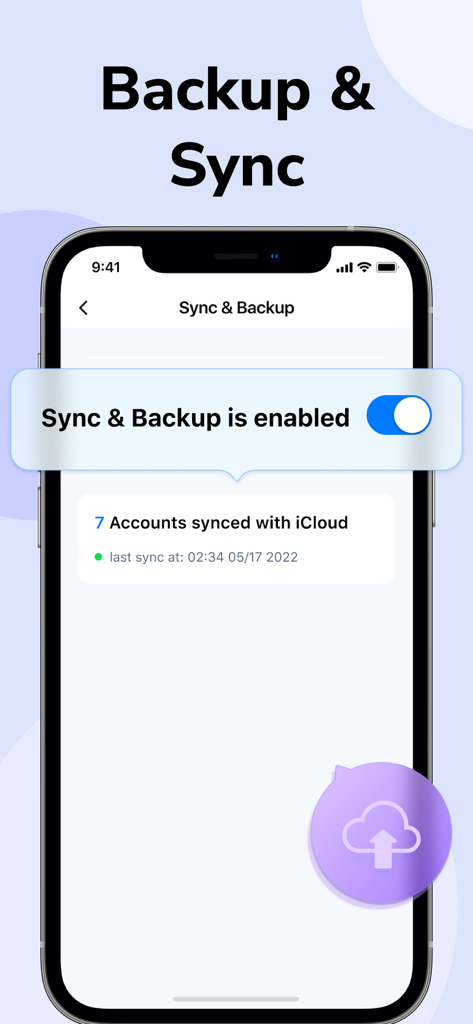
iCloud에 7개 계정이 동기화된 Authenticator 앱의 동기화 및 백업 기능이 활성화된 것을 보여주는 스마트폰 화면
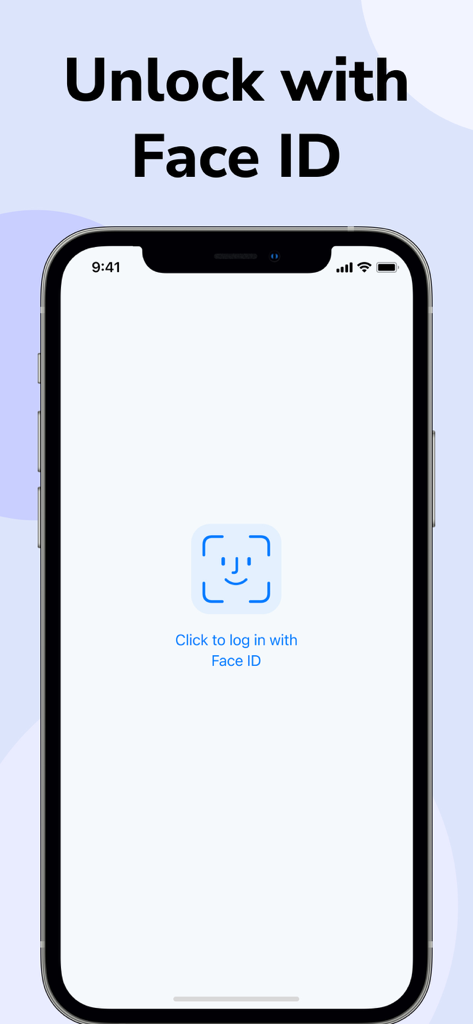
안전한 액세스를 위한 Face ID 인증 기능을 갖춘 Authenticator 앱 로그인 화면
설명
Download
비슷한 앱
유사한 기능과 사용자 경험을 가진 앱

Proton Pass - Password Manager
Proton AG

Dashlane Password Manager
Dashlane

Password Manager - mSecure
mSeven Software, LLC

Kepttor Password Manager
MACREL SRL SEMPLIFICATA

DataVault Manager - Encrypted
MIKHAIL SHERSHNEV

Authenticator ·
SMM service, s.r.o.

Bitwarden Password Manager
Bitwarden Inc

Authenticator App ⁸
AGILE CODE LIMITED

Authenticator App ℗
RHO DEVELOPERS LLC
이 페이지는 앱이나 개발자의 공식 페이지가 아니며, 정보 제공 및 논평을 목적으로 작성된 독립 편집 간행물입니다. 명시적으로 달리 언급되지 않는 한, 해당 앱이나 개발자는 MWM, Apple, Google Play, 앱 퍼블리셔 또는 앱 개발자와 제휴, 보증, 후원, 승인 또는 공식적으로 연결되어 있지 않으며, 이 페이지의 어떤 내용도 해당 앱이 MWM의 서비스를 사용하여 개발되었음을 의미하지 않습니다. 모든 상표, 로고, 스크린샷 및 기타 콘텐츠는 해당 소유자의 자산입니다.