Auto Scroll and Read

Auto Scroll and Read

다운로드: App Store
로고: Auto Scroll and Read

자동 스크롤 및 읽기: 손 쉬운 손 없는 브라우징

사용자 지정 가능한 자동 스크롤로 독서 경험을 변화시키세요. 만화 몰아보기, 뉴스 따라잡기, 또는 손가락 하나 까딱하지 않고 긴 기사 읽기에 완벽합니다.

개발사

Alfredo Grassau

카테고리

Utilities

다운로드

6K+

사용자 평점

4.2/5

총 평가 수

0

지원 언어

11

흐름 경험하기

이 인터페이스를 사용하는 6K+ 명의 사용자.

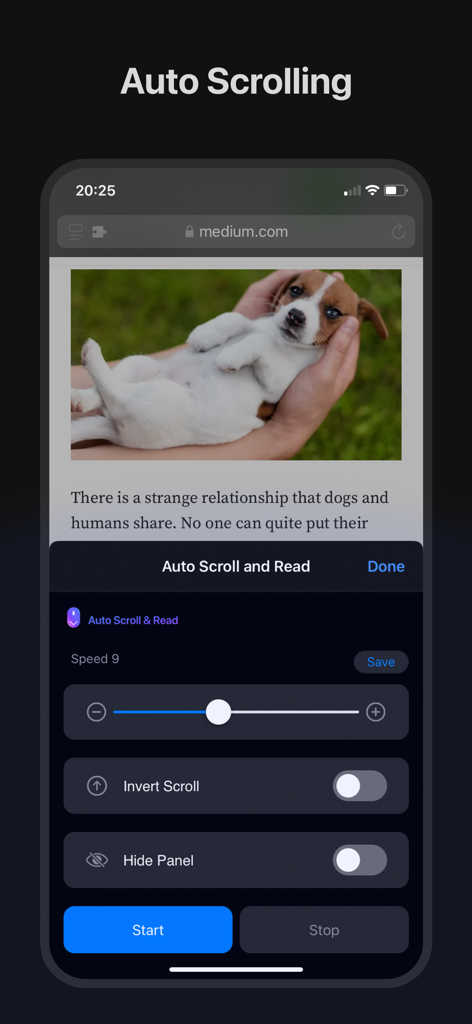
뉴스 기사 위에 자동 스크롤 컨트롤과 속도 슬라이더를 표시하는 자동 스크롤 앱 인터페이스를 보여주는 스마트폰 화면
뉴스 기사 위에 자동 스크롤 컨트롤과 속도 슬라이더를 표시하는 자동 스크롤 앱 인터페이스를 보여주는 스마트폰 화면

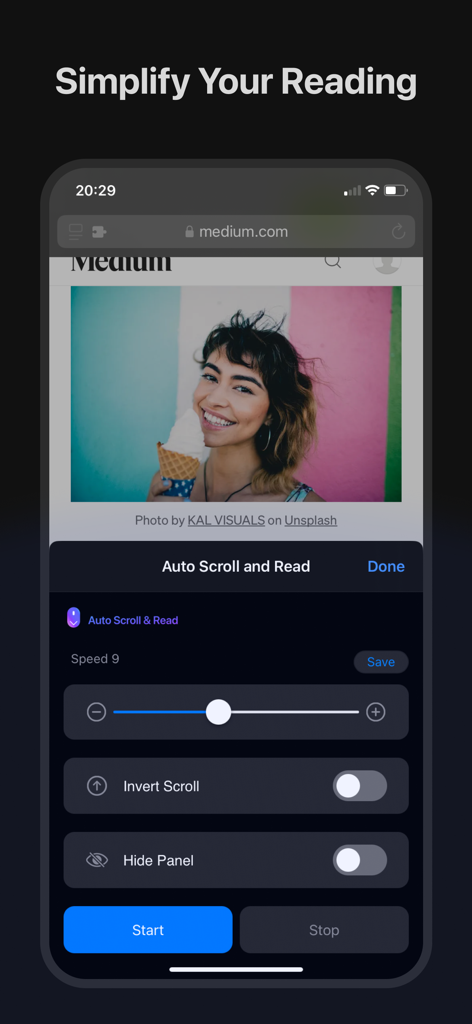
웹 기사 위에 사용자 지정 가능한 속도 컨트롤 및 스크롤 설정을 보여주는 자동 스크롤 및 읽기 앱 스크린샷을 표시하는 iPhone
웹 기사 위에 사용자 지정 가능한 속도 컨트롤 및 스크롤 설정을 보여주는 자동 스크롤 및 읽기 앱 스크린샷을 표시하는 iPhone

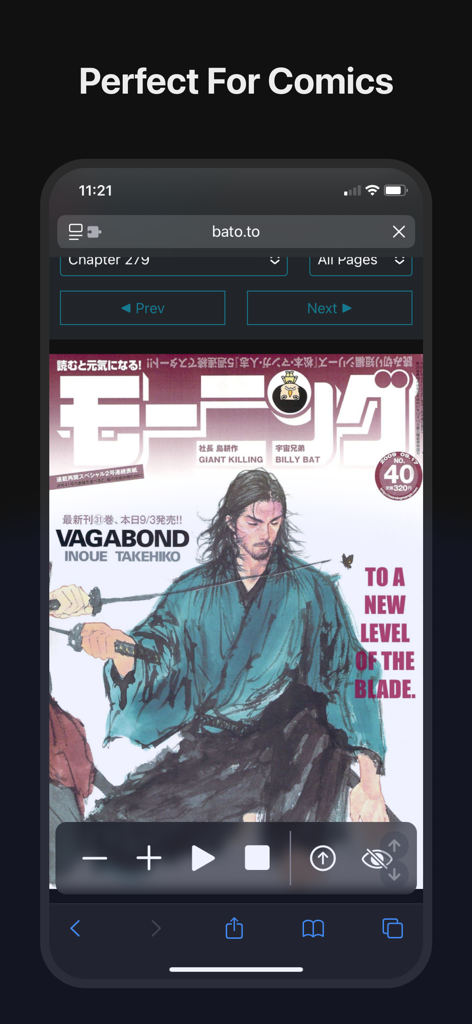
손 없는 독서를 위한 자동 스크롤 및 읽기 컨트롤이 있는 만화 페이지를 표시하는 iPhone
손 없는 독서를 위한 자동 스크롤 및 읽기 컨트롤이 있는 만화 페이지를 표시하는 iPhone

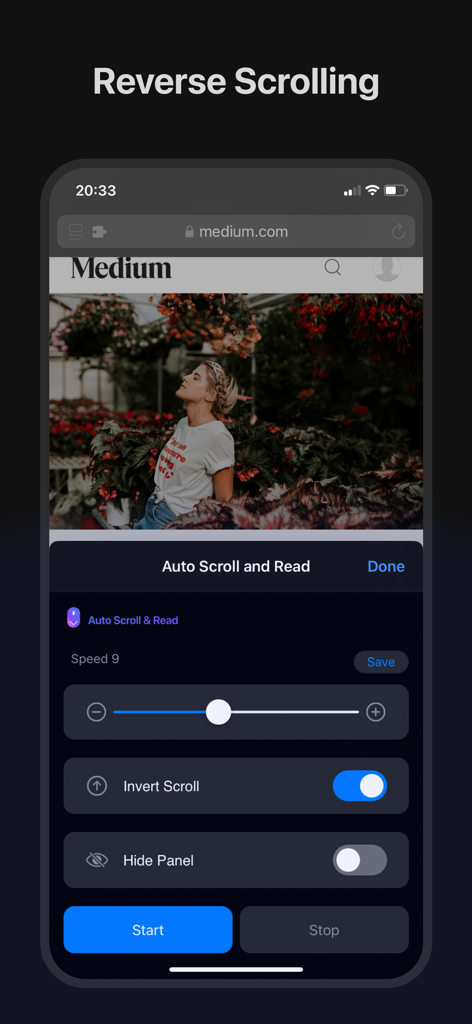
iPhone에서 역방향 스크롤 기능을 보여주는 자동 스크롤 및 읽기 앱 인터페이스

iPhone에서 역방향 스크롤 기능을 보여주는 자동 스크롤 및 읽기 앱 인터페이스

Medium 기사 위에 스크롤 속도 컨트롤과 시작 버튼을 표시하는 iPad의 자동 스크롤 및 읽기 확장 프로그램 인터페이스

Medium 기사 위에 스크롤 속도 컨트롤과 시작 버튼을 표시하는 iPad의 자동 스크롤 및 읽기 확장 프로그램 인터페이스

손쉬운 독서, 손 없이

이 앱을 돋보이게 하는 도구, 6K+ 명의 사용자가 선택.

🤲

진정한 손 없는 멀티태스킹

요리 중 레시피를 읽거나 출퇴근 중 뉴스를 볼 때 완벽합니다. 계속 스와이프하거나 넘길 필요 없이 콘텐츠에 집중하세요.

📖

만화 및 웹툰 최적화

세로 만화를 읽도록 의도된 방식대로 경험하세요. 스토리에 몰입할 수 있는 연속적이고 유연한 흐름을 즐기세요.

⏱️

정밀한 속도 제어

이상적인 스크롤 속도를 설정하고 저장하세요. 복잡한 기사와 긴 디지털 책에 집중을 유지하는 생산성 페이서로 사용하세요.

앱 소개

에 대해 알아야 할 모든 것 Auto Scroll and Read.

설명

Auto Scroll and Read - Your Ultimate Browsing Companion Transform the way you browse the web with the "Auto Scroll and Read" Safari extension! Whether you’re reading long articles, catching up on the latest news, or enjoying your favorite blog, this powerful tool is designed to make your online experience more comfortable and efficient. Key Features: Auto Scroll: Say goodbye to manual scrolling! With Auto Scroll and Read, you can automatically scroll through any webpage, letting you focus on content without the distraction of constant finger swipes or mouse movements. Customizable Scrolling Speed: Everyone has their own reading pace. Set the scrolling speed that suits you best and save it as your favorite for quick access. Whether you prefer a slow, leisurely pace or a brisk, fast-paced scroll, our extension adapts to your needs. Read comics: read comics, mangas and manhwas hands free. Reverse Scrolling: Effortlessly Scroll from Bottom to Top. Save Your Preferences: Found your perfect scrolling speed? Save it with just a tap! Auto Scroll and Read allows you to easily save and apply your favorite scrolling settings, ensuring a seamless experience every time you browse. Intuitive User Interface: Designed with simplicity in mind, our user-friendly interface makes it easy for anyone to get started. With a few taps, you can customize your settings and start enjoying a smoother browsing experience. Cross-Device Compatibility: Auto Scroll and Read is available on macOS, iOS, and iPadOS, ensuring that you have a consistent and optimized browsing experience across all your Apple devices. Multi-Language Support: We believe in making our tools accessible to everyone. That’s why Auto Scroll and Read is localized in over 10 languages, making it easier for users around the world to enjoy an enhanced browsing experience in their native language. Perfect for Every Type of Content: News Articles: Stay updated with the latest headlines without the hassle of manual scrolling. Blogs: Dive deep into long reads and lose yourself in stories without worrying about scrolling. Social Media: Scroll through your favorite platforms at a consistent pace without lifting a finger. eBooks and PDFs: Enjoy your digital books and documents with continuous, smooth scrolling.

최신 버전

1.0.44

크기

8.4 MB

출시일

2024년 8월 26일

엄지손가락에 휴식을 줄 준비가 되셨나요?

수동 스크롤을 버리고 매끄럽고 손 없는 독서 경험을 즐기는 6,000명 이상의 사용자와 함께하세요. 지금 iPhone, iPad, Mac용 Safari 확장 프로그램을 다운로드하세요.

다운로드: App Store

App information, icons, screenshots, and descriptions displayed on this page are sourced from the Apple App Store and are the property of their respective developers. Download estimates and rankings are based on MWM's proprietary models and may not reflect actual figures. This page is provided for informational and analytical purposes only.

Believe this page infringes your intellectual property? File a dispute