Auto Scroll PDF – 2x Faster

Auto Scroll PDF – 2x Faster

다운로드: App Store
로고: Auto Scroll PDF – 2x Faster

자동 스크롤 PDF – 2배 더 빠르게: 핸즈프리 스크롤로 독서 목록을 마스터하세요

학생 및 전문가를 위한 최고의 생산성 향상 도구. 사용자 정의 가능한 자동 스크롤, 스마트 하이라이팅 및 완전한 기기 내 개인 정보 보호 기능으로 문서를 2배 더 빠르게 읽으세요.

다운로드: App Store

개발사

seiya kawano

카테고리

Productivity

다운로드

500

사용자 평점

1.0/5

총 평가 수

0

지원 언어

1

움직이는 집중력

이 인터페이스를 사용하는 500 명의 사용자.

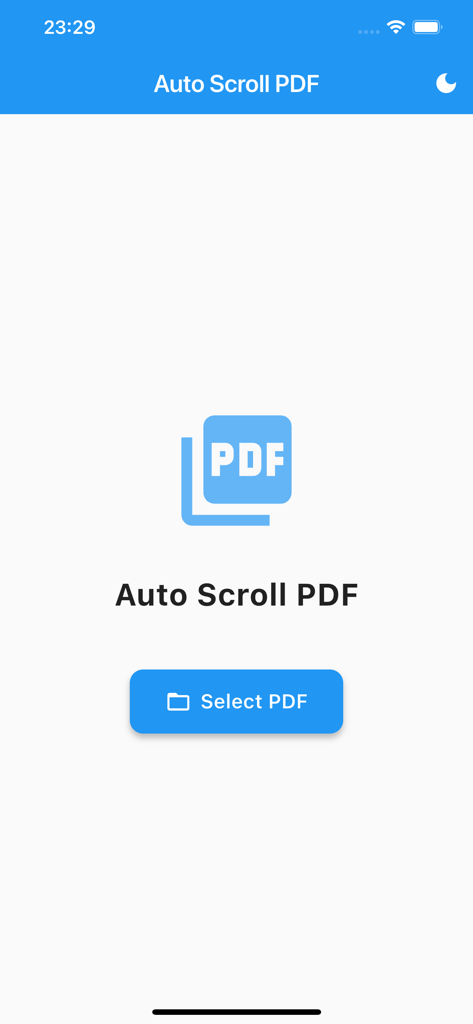
자동 스크롤 PDF 앱의 홈 화면. PDF 선택 버튼과 다크 모드 토글이 표시됩니다.

자동 스크롤 PDF 앱의 홈 화면. PDF 선택 버튼과 다크 모드 토글이 표시됩니다.

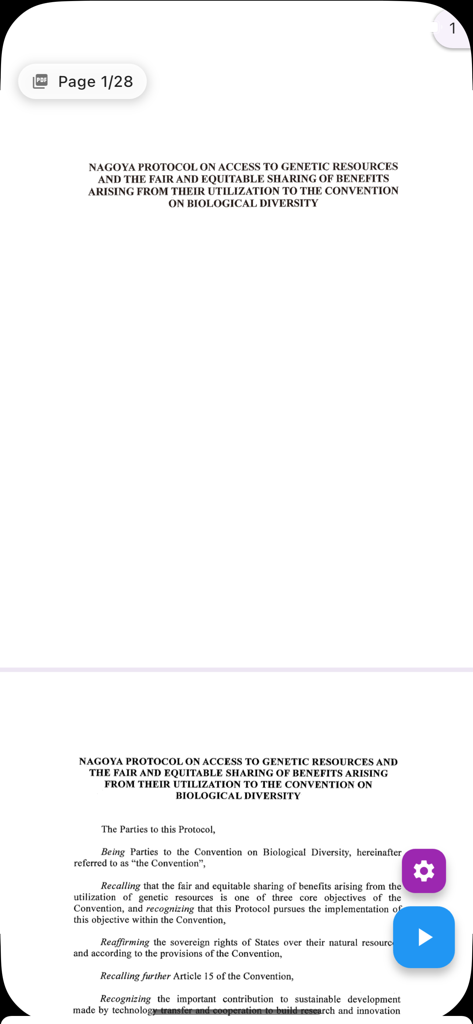
자동 스크롤 PDF 앱에서 PDF 문서가 읽히는 모습. 핸즈프리 재생 컨트롤과 페이지 탐색 기능이 있습니다.

자동 스크롤 PDF 앱에서 PDF 문서가 읽히는 모습. 핸즈프리 재생 컨트롤과 페이지 탐색 기능이 있습니다.

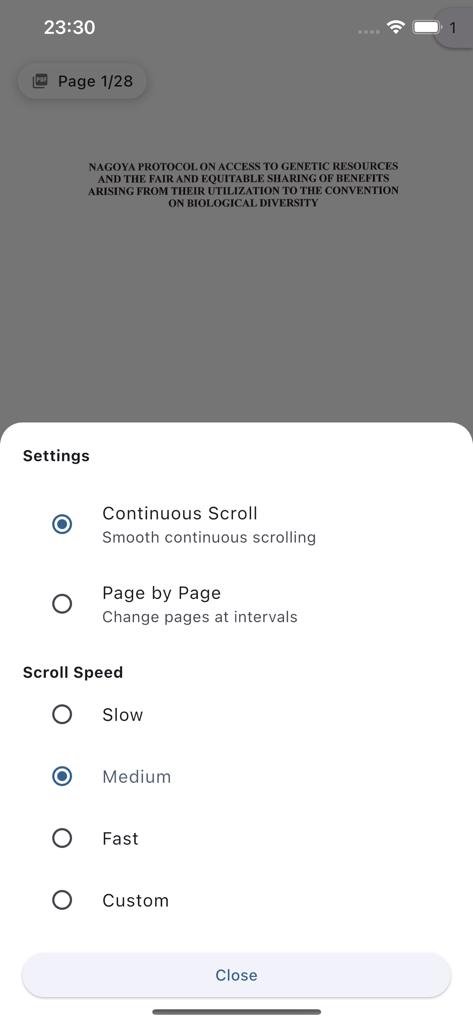
자동 스크롤 PDF 앱의 설정 메뉴. 연속 스크롤링 및 조절 가능한 읽기 속도 옵션이 표시됩니다.

자동 스크롤 PDF 앱의 설정 메뉴. 연속 스크롤링 및 조절 가능한 읽기 속도 옵션이 표시됩니다.

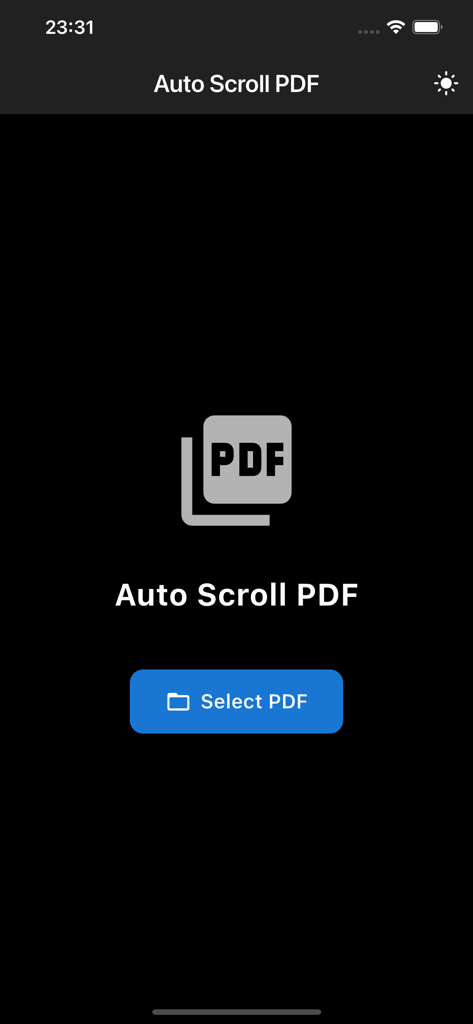
자동 스크롤 PDF 앱의 다크 모드 홈 화면. PDF 선택 버튼과 앱 로고가 표시됩니다.

자동 스크롤 PDF 앱의 다크 모드 홈 화면. PDF 선택 버튼과 앱 로고가 표시됩니다.

독서 목록을 마스터하세요

이 앱을 돋보이게 하는 도구, 500 명의 사용자가 선택.

🚀

자동 독서 흐름

수동 스크롤의 마찰을 제거하세요. 사용자 지정 속도를 설정하고 앱이 텍스트를 따라 눈을 이동시키는 동안 깊은 몰입 상태를 유지하세요.

💡

능동적 회상 하이라이팅

독서를 업무로 전환하세요. 중요한 통찰력을 색상으로 구분하고 스마트 점프 기능을 사용하여 인용 및 시험 준비를 위해 주요 섹션을 다시 방문하세요.

핸즈프리 생산성

출퇴근 시간 또는 점심 시간을 높은 성과를 내는 시간으로 바꾸세요. 식사, 음료 또는 메모 중에 핸즈프리 상태로 보고서 및 논문을 읽으세요.

앱 소개

에 대해 알아야 할 모든 것 Auto Scroll PDF – 2x Faster.

설명

Automatically scroll through long PDFs hands-free, cutting reading time in half. Perfect for students and professionals reviewing papers, documents, and ebooks. Key Features: • Adjustable auto-scroll speed (slow/medium/fast + custom) • Seamless continuous scrolling across pages • Text highlighting to mark important sections • Auto-save and instant restore of reading position • Jump to any section via PDF outline • Dark mode for comfortable reading Save Time & Boost Productivity: Free your hands from constant scrolling while reading lengthy documents. Adjust the scroll speed to match your reading pace and maintain focus without interruptions. Smart Highlighting System: Color-code important passages and save them for quick reference. Jump back to highlighted sections instantly for efficient review and citation work. Complete Privacy: All processing happens on your device. No data is ever transmitted externally. Transform your commute, breaks, and evening reading sessions into productive moments. Read while taking notes or enjoying coffee - completely hands-free. Experience the future of PDF reading with Auto Scroll PDF.

최신 버전

1.0.1

크기

32.0 MB

출시일

2025년 9월 16일

2배 더 빠르게 독서 목록을 정복할 준비가 되셨나요?

수동 스크롤을 멈추고 정보를 흡수하세요. 자동 스크롤 PDF를 사용하여 집중력을 유지하고, 개인 정보를 보호하며, 핸즈프리 문서 읽기를 손쉽게 하는 고성과자들과 함께하세요.

다운로드: App Store

App information, icons, screenshots, and descriptions displayed on this page are sourced from the Apple App Store and are the property of their respective developers. Download estimates and rankings are based on MWM's proprietary models and may not reflect actual figures. This page is provided for informational and analytical purposes only.

Believe this page infringes your intellectual property? File a dispute