Baby Photo Editor +

Baby Photo Editor +

다운로드: App Store
로고: Baby Photo Editor +

Baby Photo Editor +: 모든 기념일을 시대를 초월한 추억으로 바꾸세요

임신의 빛에서 첫 걸음까지, 1000개 이상의 독창적인 스티커와 맞춤 글꼴로 소중한 가족 순간을 4단계로 변환하세요.

다운로드: App Store

개발사

Nighp Software LLC

카테고리

Lifestyle

다운로드

6K+

사용자 평점

4.6/5

총 평가 수

0

지원 언어

8

순간을 마법으로

이 인터페이스를 사용하는 6K+ 명의 사용자.

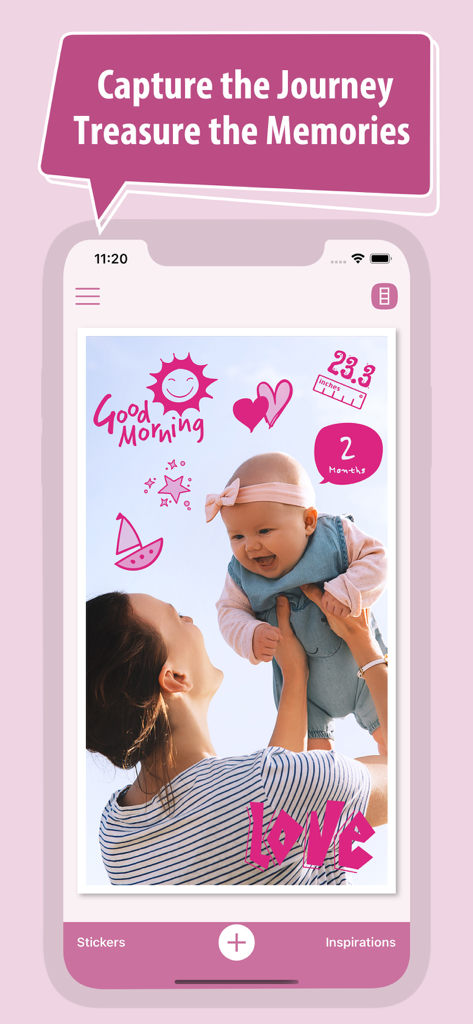
분홍색 기념일 스티커와 앱 인터페이스의 텍스트로 편집된 엄마와 아기 사진
분홍색 기념일 스티커와 앱 인터페이스의 텍스트로 편집된 엄마와 아기 사진

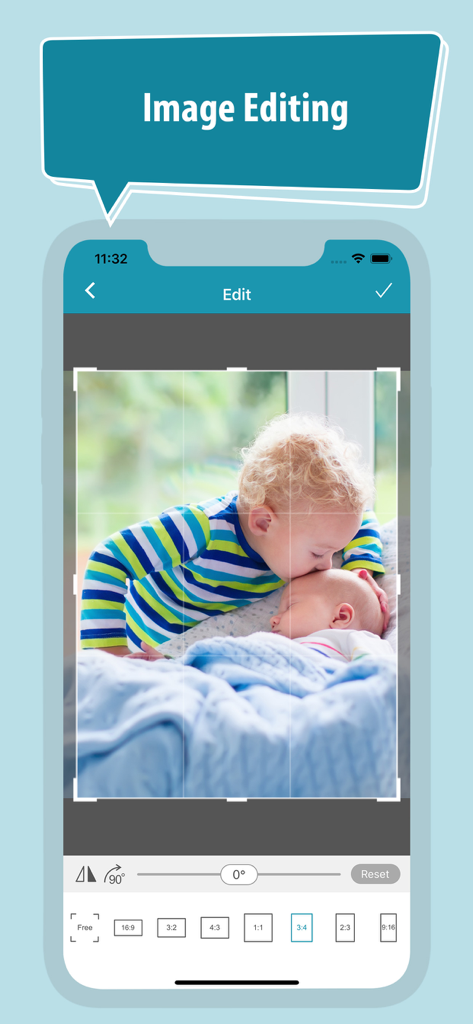
아기 사진 편집기 앱 인터페이스에 형제자매 사진에 대한 이미지 자르기 및 회전 도구가 표시됨
아기 사진 편집기 앱 인터페이스에 형제자매 사진에 대한 이미지 자르기 및 회전 도구가 표시됨

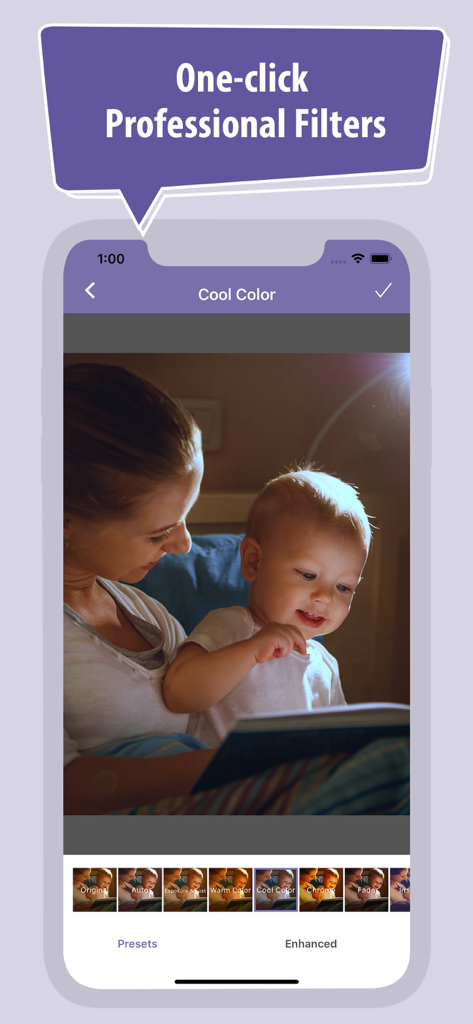
아기 사진 편집기 앱을 사용하여 멋진 색상의 전문 필터가 적용된 책을 읽는 엄마와 아기
아기 사진 편집기 앱을 사용하여 멋진 색상의 전문 필터가 적용된 책을 읽는 엄마와 아기

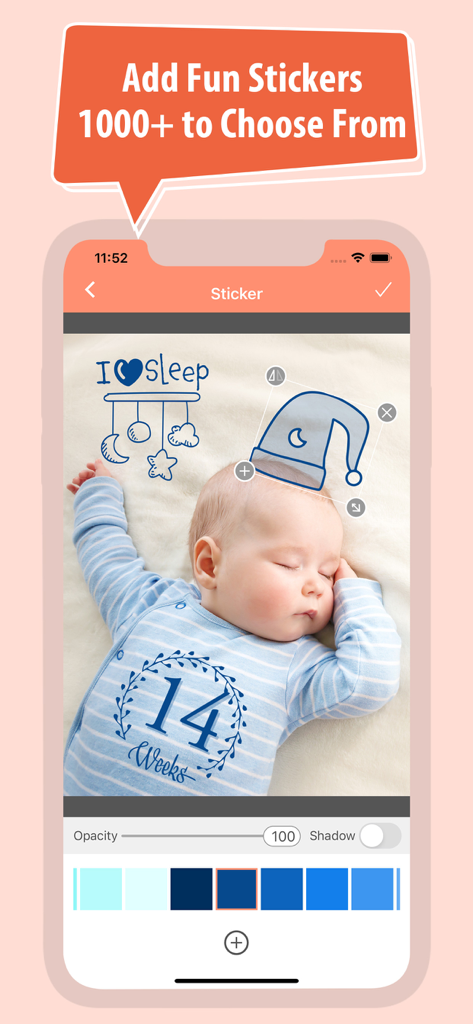
기념일 및 장식 스티커가 있는 잠자는 아기를 보여주는 베이비 포토 에디터 앱 스크린샷
기념일 및 장식 스티커가 있는 잠자는 아기를 보여주는 베이비 포토 에디터 앱 스크린샷

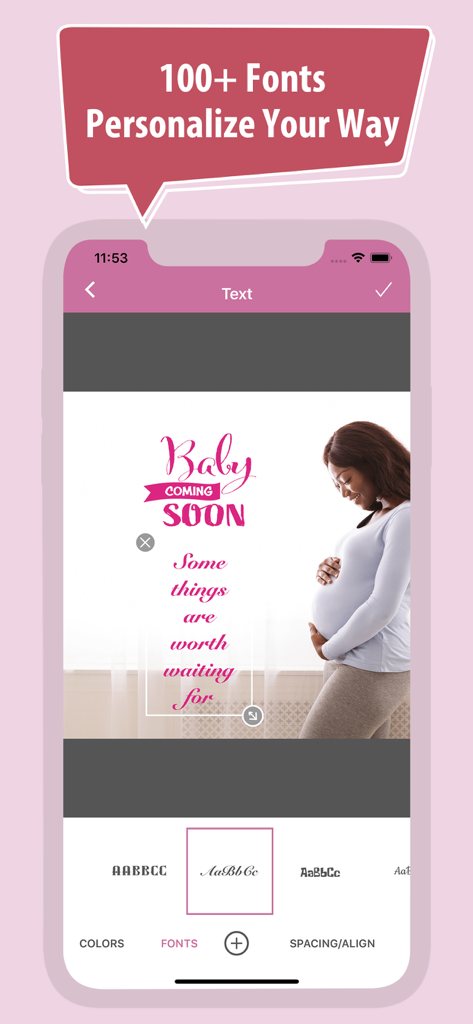
임신 기념일 사진에 텍스트 및 글꼴 사용자 지정이 표시된 모바일 앱 인터페이스
임신 기념일 사진에 텍스트 및 글꼴 사용자 지정이 표시된 모바일 앱 인터페이스

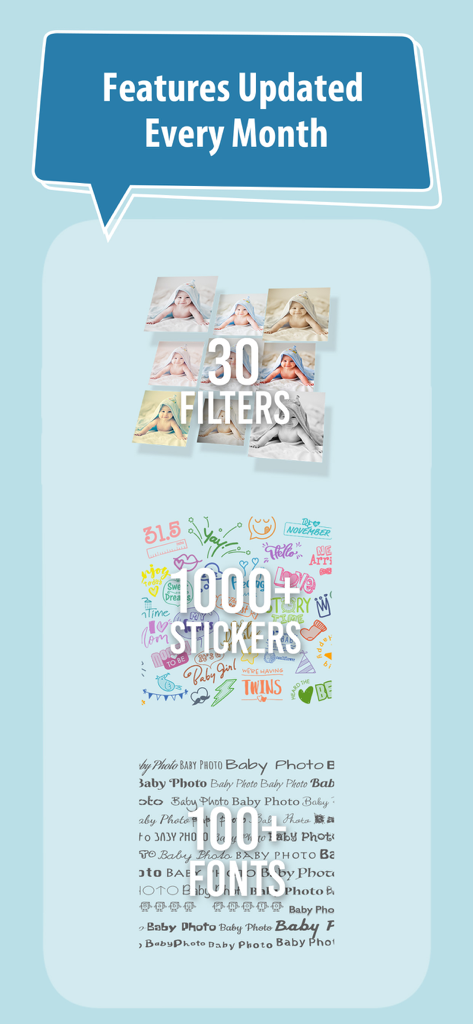
필터, 스티커, 글꼴을 포함한 Baby Photo Editor 기능 쇼케이스

필터, 스티커, 글꼴을 포함한 Baby Photo Editor 기능 쇼케이스

여정을 기록하고 추억을 소중히 간직하세요

이 앱을 돋보이게 하는 도구, 6K+ 명의 사용자가 선택.

🧸

모든 기념일을 축하하세요

임신, 월별 성장, 소중한 명절 추억을 위한 1000개 이상의 수제 스티커로 모든 "첫" 순간을 표시하세요.

📸

디자이너 수준의 편집

예술적인 필터와 100개 이상의 우아한 글꼴을 적용하여 전문가 수준의 촬영처럼 보이는 멋지고 공유 가능한 스토리를 만드세요.

완벽함까지 단 몇 초

직관적인 4단계 워크플로를 통해 커피가 식기 전에 아름다운 추억을 만들고 가족과 공유할 수 있습니다.

앱 소개

에 대해 알아야 할 모든 것 Baby Photo Editor +.

설명

Your pregnancy journey – and your baby’s growth – are one-of-a-kind experiences. And as they say, moments don’t last. That’s why we put together our Baby Photo Editor: The best photo album app designed specifically to capture precious moments for your family. It’s an amazing tool that lets you record the special moments, growth milestones, mischief, and miracles that come with raising a child. Download our free app and check out Baby Photo Editor’s great features: 1. 1000+ original stickers with different themes: pregnancy, birthdays, holidays, and family, perfect for logging every one of baby’s “firsts.” 2. Over 100 beautiful, customized fonts that let you add details and memories to each photo, perfect for capturing every story your baby has to tell. 3. More than 30 preset filters deliver a full spectrum of photo effects. Enhance your photos with a single tap and add natural/special art styles and themes to your digital photo albums. 4. Share your albums with family & friends via email, text message, and social media Best of all, Baby Photo Editor is easy to use! The editing process can be completed in 4 quick steps: 1. Choose the photo you want to edit from your phone’s album. Resize, crop, and rotate the photo as needed. 2. Apply filters to adjust brightness, contrast, tone, and saturation, as well as any special art effects to give your photos some pop. 3. Add sticker/clip art and text. 4. Save your work by clicking the check mark. Then, just export your photo and you’re ready to share! It’s never been easier to record your baby’s journey and create unforgettable stories along the way. Let Baby Photo Editor join you on the trip! The Baby Photo Editor is a FREE app with ads support. The free version provides access to all features and functions in the Baby Photo Editor. You can remove ads by upgrading to a monthly or annual subscription. Paid Subscription Details: • Remove all ads • Payment charged to your iTunes Account at confirmation of purchase • Automatic subscription renewal (Auto-renew can be turned off; please confirm at least 24 hours before the end of the current period) • Account will be charged for renewal within 24 hours prior to the end of the current period, based on your current membership plan • All subscription, payment, and account details can be managed under Account Settings Terms of Use: https://babyphotoeditor.com/terms.html

최신 버전

1.03

크기

68.3 MB

출시일

2020년 9월 3일

아기의 첫 순간을 영원한 추억으로 만드세요

수천 명의 자랑스러운 부모들과 함께 모든 기적과 기념일을 포착하세요. 지금 바로 Baby Photo Editor +를 다운로드하고 4가지 간단한 단계로 우리 아기의 이야기를 만들기 시작하세요.

다운로드: App Store

App information, icons, screenshots, and descriptions displayed on this page are sourced from the Apple App Store and are the property of their respective developers. Download estimates and rankings are based on MWM's proprietary models and may not reflect actual figures. This page is provided for informational and analytical purposes only.

Believe this page infringes your intellectual property? File a dispute