Blackie
Blackie
다운로드: App Store

이 페이지는 앱이나 개발자의 공식 페이지가 아니며, 정보 제공 및 논평을 목적으로 작성된 독립 편집 간행물입니다. 명시적으로 달리 언급되지 않는 한, 해당 앱이나 개발자는 MWM, Apple, Google Play, 앱 퍼블리셔 또는 앱 개발자와 제휴, 보증, 후원, 승인 또는 공식적으로 연결되어 있지 않으며, 이 페이지의 어떤 내용도 해당 앱이 MWM의 서비스를 사용하여 개발되었음을 의미하지 않습니다. 모든 상표, 로고, 스크린샷 및 기타 콘텐츠는 해당 소유자의 자산입니다.

로고: Blackie
다운로드: App Store

Blackie

수동 제어, 포커스 피킹, 실시간 아날로그 필름 모드로 비전을 마스터하세요. 사진 순수주의자를 위해 설계된 Blackie는 광고와 구독 없이 프리미엄의 방해 없는 경험을 제공합니다.

주요 수치

다운로드

158K+

사용자 평점

4.0/5

총 평가 수

200

개발사

Brutality Arts s. r. o.

카테고리

Photo & Video

지원 언어

1

최신 버전

5.0

크기

26.4 MB

출시일

2016년 1월 25일
기능

흑백 사진의 예술을 마스터하세요

Blackie는 사진작가들이 방해나 광고 없이 흑백 사진의 시대를 초월하는 본질을 포착할 수 있는 전용 미니멀리스트 환경을 제공합니다.

프로페셔널 수동 제어

실제 아날로그 카메라 경험을 위해 수동 포커스 피킹, ISO, 셔터 속도 제어로 비전을 완벽하게 제어하세요.

실시간 창의적 흐름

보이는 대로 얻을 수 있습니다. 스캔된 아날로그 필름 그레인과 조명 필터를 실시간으로 미리 보고 완벽한 샷을 즉시 구성하세요.

다음 스크린샷과 설명은 앱의 공식 스토어 목록에서 직접 가져온 것이며 앱 개발자의 자산입니다.

앱 스토어

스크린샷
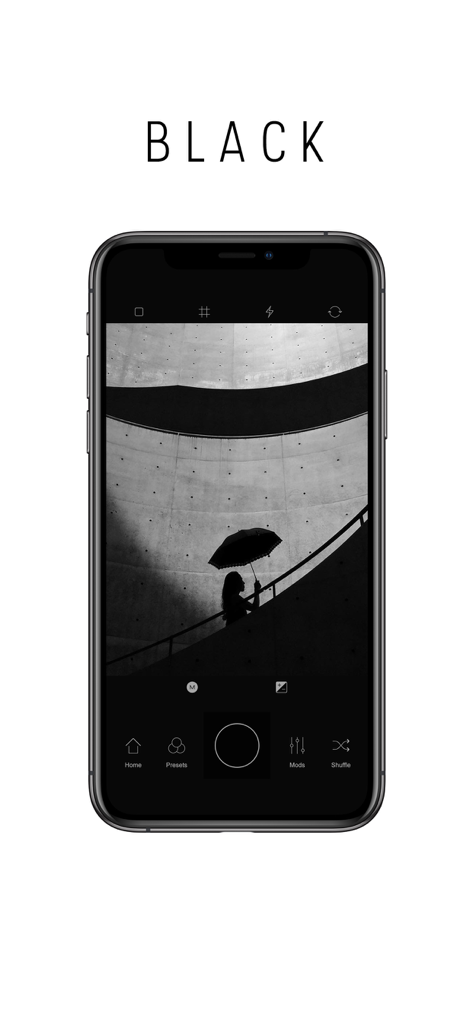
Blackie - 미니멀리즘 흑백 거리 사진을 보여주는 iPhone의 Blackie 앱 인터페이스
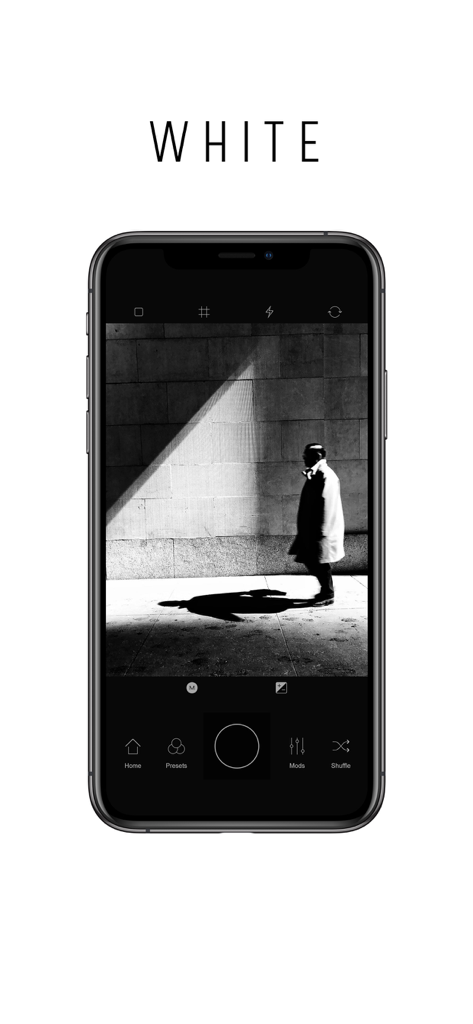
미니멀리즘 흑백 거리 사진을 보여주는 iPhone의 Blackie 앱 인터페이스

Blackie - 사람이 걷는 고대비 흑백 거리 사진이 포함된 Blackie 앱 인터페이스를 보여주는 스마트폰 화면
사람이 걷는 고대비 흑백 거리 사진이 포함된 Blackie 앱 인터페이스를 보여주는 스마트폰 화면

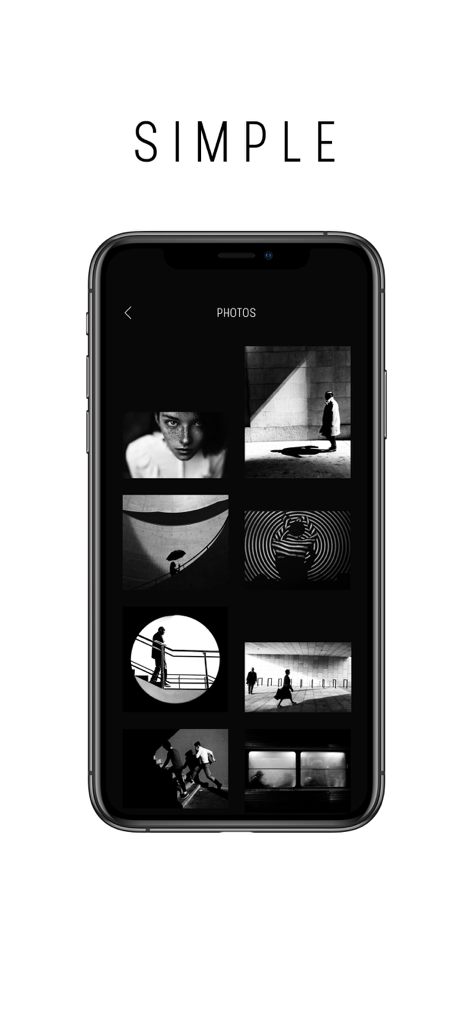
Blackie - iPhone 화면에 예술적인 흑백 이미지가 표시되는 Blackie 흑백 사진 앱의 미니멀리스트 사진 갤러리 인터페이스
iPhone 화면에 예술적인 흑백 이미지가 표시되는 Blackie 흑백 사진 앱의 미니멀리스트 사진 갤러리 인터페이스

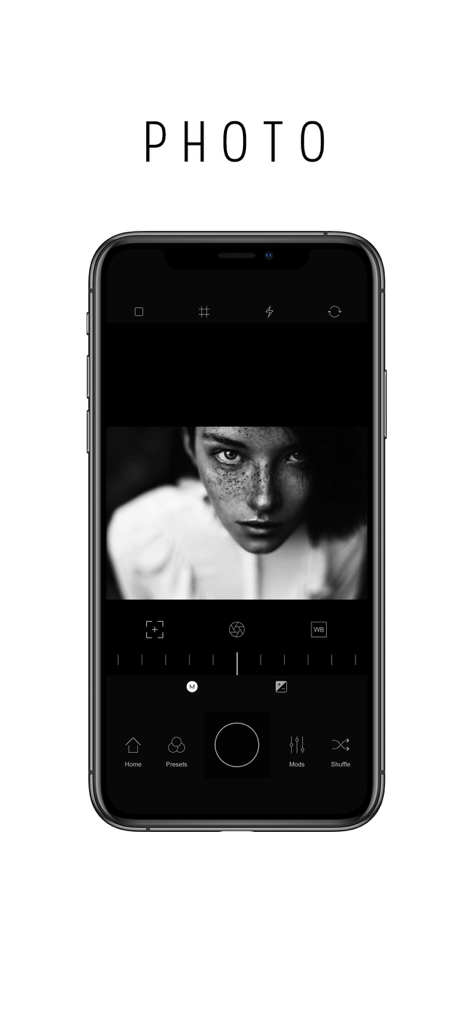
Blackie - 흑백 인물 사진이 있는 Blackie 앱 수동 카메라 인터페이스

흑백 인물 사진이 있는 Blackie 앱 수동 카메라 인터페이스
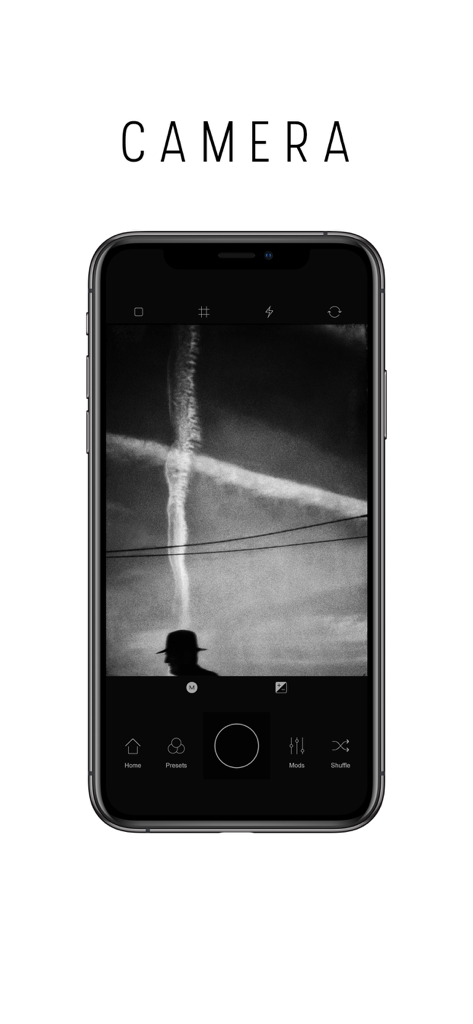
Blackie - 고대비 흑백 거리 사진이 있는 Blackie 앱 카메라 인터페이스를 보여주는 스마트폰 화면

고대비 흑백 거리 사진이 있는 Blackie 앱 카메라 인터페이스를 보여주는 스마트폰 화면

설명

The perfect app for the Black & White photography. It doesn't matter if you've just started or you are a professional. The Blackie has something for everyone. Its minimal design and easy use with many features will make it your go-to app when you're in the mood for the Black & White. It will help you explore all the possibilities of the Black & White photography and achieve the best result. • Fast. Blackie opens in camera mode, so you can instantly capture moments around you and give them vintage feeling. • What you see is what you get. All effects are previewed in Real-time. • Shuffle your best. The smart shuffle works exceptionally. You only need to shuffle a couple of times and snap the best one. • Customize. If you have time, you can manage every effect in your photo with Mods by yourself. • Simple Minimal Design. The way that Blackie works is unique. The experience is clear and fast. No need for unnecessary buttons. • Just save it! Captured photo goes instantly to your photos library. It is up to you when you are ready to share it with the world. • No in-app purchases and no ads. Nothing to bother you while making memories. • Settings Save Original Photo On / Off. Save Photos with Compression (JPEG) On / (TIFF) Off. Modify UI to Lighting Conditions. (Black or White design). • Camera Manual Controls Manual Focus with Focus Peaking. Lenses. Manual Exposure. Shutter Speed and ISO. Manual White Balance. EV. • Grids 9x Grid Types with custom Opacity. Center Lines On / Off. Grid Color Black / White. • Presets 8x Slots for custom Presets. • Mods Crop and Rotate. Films. 5x Scanned Analog Films. 3x Digitally Created. Brightness. Contrast. Color Filters. 6x Types Red, Orange, Yellow, Green, Blue and Infra. Vignette Overlay. 5x Types with rotations and inverted light. Fade. Low, Mid, High mods. Shadows. Highlights. Sharp. 2x Types Clarity and Bloom. Grain. Frame. Black & White frame with custom size. • Post processing Before / After function. Tags: #blackieapp #blackie Note: iPhone 3GS, iPhone 4/4S, iPod 4th generation, iPad2, iPad Mini 1st generation, iPad3 is Missing Sharp and Grain Mods. All iPads preview and capture is in Square Mode only.

Download

다운로드: App Store

이 페이지는 앱이나 개발자의 공식 페이지가 아니며, 정보 제공 및 논평을 목적으로 작성된 독립 편집 간행물입니다. 명시적으로 달리 언급되지 않는 한, 해당 앱이나 개발자는 MWM, Apple, Google Play, 앱 퍼블리셔 또는 앱 개발자와 제휴, 보증, 후원, 승인 또는 공식적으로 연결되어 있지 않으며, 이 페이지의 어떤 내용도 해당 앱이 MWM의 서비스를 사용하여 개발되었음을 의미하지 않습니다. 모든 상표, 로고, 스크린샷 및 기타 콘텐츠는 해당 소유자의 자산입니다.









