Box for EMM
Box for EMM
다운로드: App Store

이 페이지는 앱이나 개발자의 공식 페이지가 아니며, 정보 제공 및 논평을 목적으로 작성된 독립 편집 간행물입니다. 명시적으로 달리 언급되지 않는 한, 해당 앱이나 개발자는 MWM, Apple, Google Play, 앱 퍼블리셔 또는 앱 개발자와 제휴, 보증, 후원, 승인 또는 공식적으로 연결되어 있지 않으며, 이 페이지의 어떤 내용도 해당 앱이 MWM의 서비스를 사용하여 개발되었음을 의미하지 않습니다. 모든 상표, 로고, 스크린샷 및 기타 콘텐츠는 해당 소유자의 자산입니다.


로고: Box for EMM
다운로드: App Store

Box for EMM

콘텐츠 클라우드를 어디든 휴대하세요. 모든 기기에서 엔터프라이즈급 보호 및 원활한 IT 규정 준수로 프로젝트에 안전하게 액세스하고, 스캔하고, 전자 서명하세요.

주요 수치

다운로드

616K+

사용자 평점

2.8/5

총 평가 수

0

개발사

Box, Inc.

카테고리

Business

지원 언어

20

최신 버전

5.53.1

크기

285.6 MB

출시일

2014년 6월 5일
기능

구속되지 않고 안전한 엔터프라이즈 콘텐츠

Box for EMM은 조직의 가장 엄격한 보안 및 규정 준수 표준을 충족하면서 모바일 워크포스가 손쉽게 협업할 수 있도록 지원합니다.

철통같은 데이터 보호

회사 기기와 개인 기기 모두에서 데이터 유출을 방지하는 엔터프라이즈급 암호화 및 EMM 제어로 규정을 준수하세요.

전문적인 모바일 스튜디오

OCR을 통해 문서를 스캔하고, 계약서에 전자 서명하고, Apple Pencil을 사용하여 모바일 기기 또는 태블릿에서 직접 파일에 주석을 달 수 있습니다.

다음 스크린샷과 설명은 앱의 공식 스토어 목록에서 직접 가져온 것이며 앱 개발자의 자산입니다.

앱 스토어

스크린샷
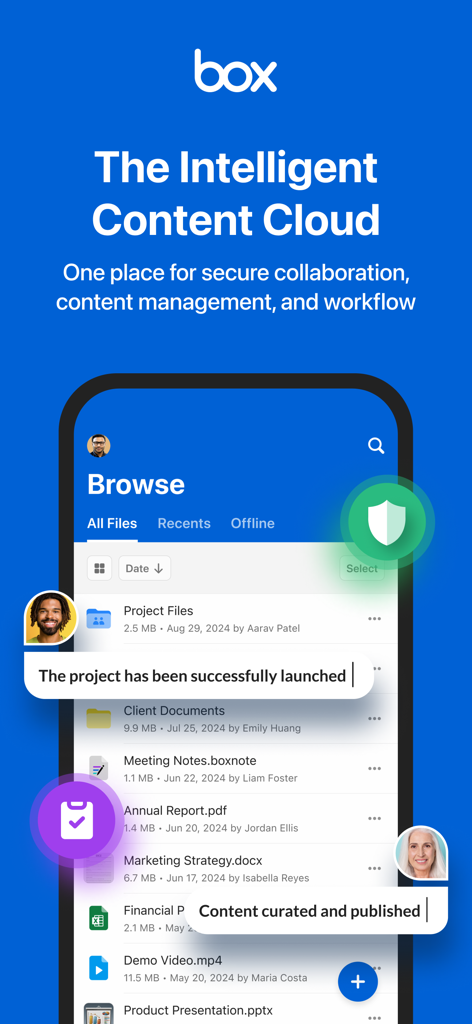
Box for EMM - 안전한 파일 관리 및 팀 협업을 보여주는 Box for EMM 모바일 앱 인터페이스
안전한 파일 관리 및 팀 협업을 보여주는 Box for EMM 모바일 앱 인터페이스

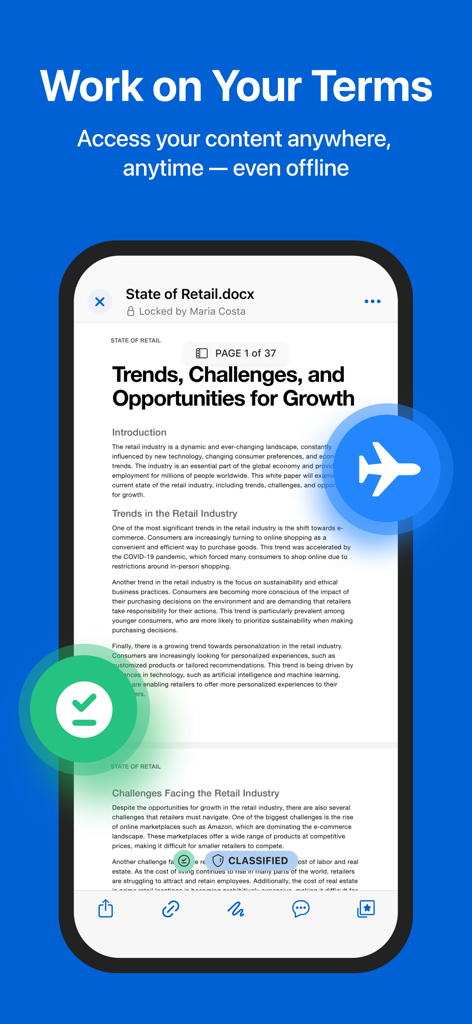
Box for EMM - 오프라인 액세스 및 분류 상태가 있는 보안 문서 미리 보기를 보여주는 Box for EMM 모바일 앱
오프라인 액세스 및 분류 상태가 있는 보안 문서 미리 보기를 보여주는 Box for EMM 모바일 앱

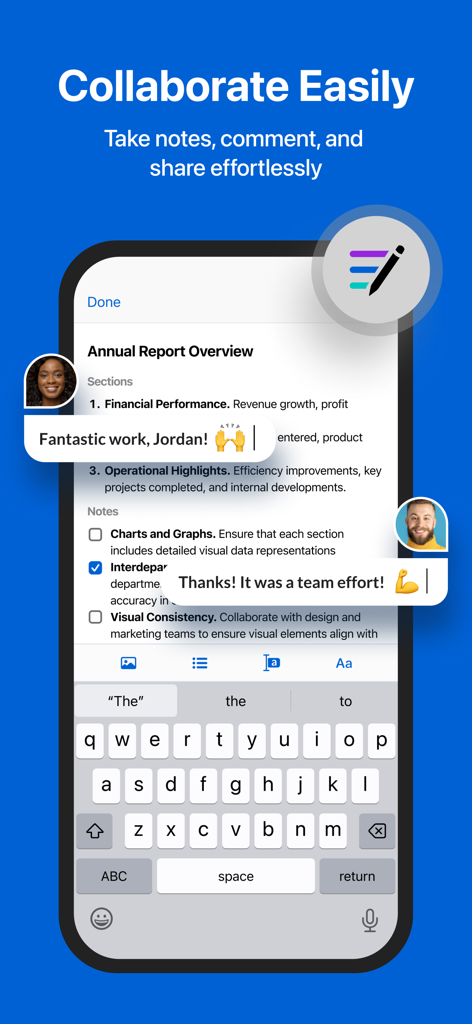
Box for EMM - 메모 및 댓글이 포함된 연례 보고서에 대해 협업하는 팀원을 보여주는 Box for EMM 앱 스크린샷
메모 및 댓글이 포함된 연례 보고서에 대해 협업하는 팀원을 보여주는 Box for EMM 앱 스크린샷

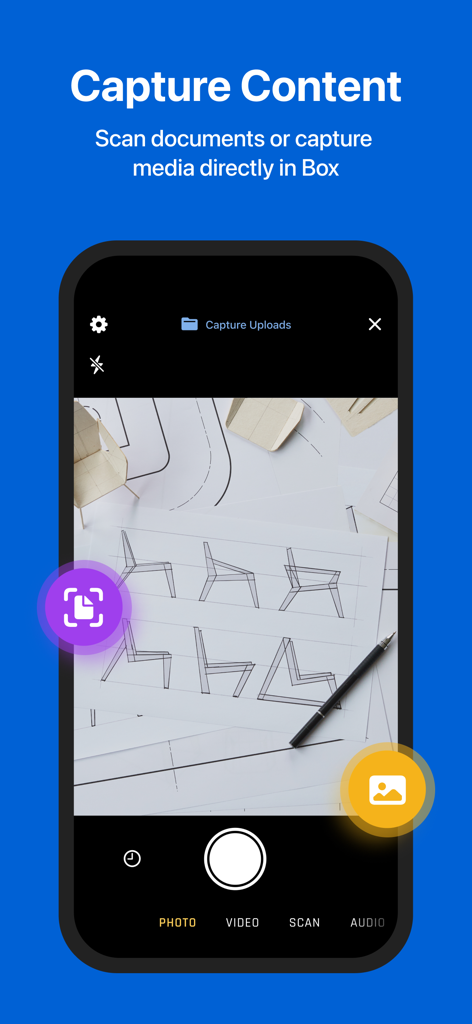
Box for EMM - 문서 스캔 및 미디어 캡처를 위한 Box for EMM 모바일 앱 인터페이스
문서 스캔 및 미디어 캡처를 위한 Box for EMM 모바일 앱 인터페이스

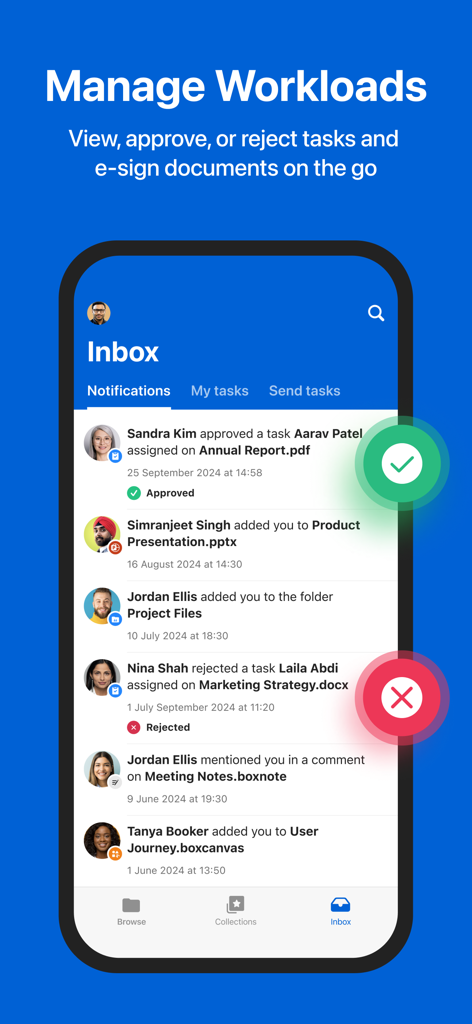
Box for EMM - 작업 항목 승인 또는 거부 옵션이 있는 받은 편지함과 작업 알림을 보여주는 Box for EMM 앱 인터페이스
작업 항목 승인 또는 거부 옵션이 있는 받은 편지함과 작업 알림을 보여주는 Box for EMM 앱 인터페이스

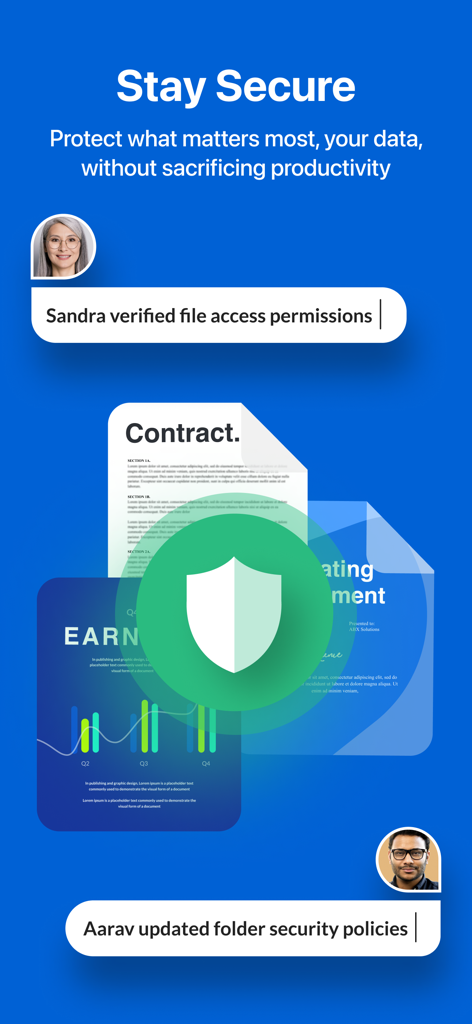
Box for EMM - 엔터프라이즈 보안 기능 및 파일 액세스 확인을 보여주는 Box for EMM 앱 인터페이스

엔터프라이즈 보안 기능 및 파일 액세스 확인을 보여주는 Box for EMM 앱 인터페이스

설명

Your content. Your terms. Take the Content Cloud with you to seamlessly and securely capture, scan, access, create, edit, annotate and share your projects, files and documents. Whether you’re collaborating with coworkers, or scanning and protecting personal documents, stay connected and manage all your content with 10GB of free cloud storage. With Box, you: • Securely connect to all your content anywhere, anytime • Find exactly what you’re looking for when you need it • Review and comment without switching to different apps • Scan, record, and upload content seamlessly • Tackle to-dos and capture ideas with note-taking and audio recording • Share photos, videos, presentations, and other files – ** Featured by Apple in Best New Apps and Best New Business Apps ** “Box is an excellent choice for viewing, editing and sharing your files securely in the cloud.” ‐ CNET Manage and quickly locate files: • Upload and view hundreds of files types, like PDFs, Microsoft Office files, Google Workspace docs, and many more • Create Box Notes to jot down ideas, manage to-do lists, and coordinate projects in real-time • Work offline with access to files and folders • Search for files by name and content type in real time • Search within PDFs, Microsoft Office files, Google Workspace docs, and more • Edit, e-sign, annotate, and more with hundreds of partner app integrations Scan, capture, and save to mobile: • Scan anything from receipts and invoices, to documents and contracts, and OCR (Optical Character Recognition) converts files to searchable PDFs • Capture, edit, crop, rotate and recolor photos • Record audio and video; review before upload with pause and resume controls Collaborate and share content: • Securely share content with coworkers, friends, and family with a single click • Work together in real time with Box Notes • Type or draw in feedback on multiple document types with Annotations • Transcribe handwriting to typed with Apple Pencil on iPad Secure your files and protect privacy: • Prevent leaks across both company and personal devices • Meet policy requirements and guard your data with enterprise-level security and compliance, file-level encryption, and security controls • Choose from flexible EMM options for device- or app-level control Terms of Service: http://box.com/static/html/terms.html Privacy Policy: http://www.box.com/static/html/privacy.html

Download

다운로드: App Store

이 페이지는 앱이나 개발자의 공식 페이지가 아니며, 정보 제공 및 논평을 목적으로 작성된 독립 편집 간행물입니다. 명시적으로 달리 언급되지 않는 한, 해당 앱이나 개발자는 MWM, Apple, Google Play, 앱 퍼블리셔 또는 앱 개발자와 제휴, 보증, 후원, 승인 또는 공식적으로 연결되어 있지 않으며, 이 페이지의 어떤 내용도 해당 앱이 MWM의 서비스를 사용하여 개발되었음을 의미하지 않습니다. 모든 상표, 로고, 스크린샷 및 기타 콘텐츠는 해당 소유자의 자산입니다.








