Brushstroke Pro for iPad
다운로드: App Store

이 페이지는 앱이나 개발자의 공식 페이지가 아니며, 정보 제공 및 논평을 목적으로 작성된 독립 편집 간행물입니다. 명시적으로 달리 언급되지 않는 한, 해당 앱이나 개발자는 MWM, Apple, Google Play, 앱 퍼블리셔 또는 앱 개발자와 제휴, 보증, 후원, 승인 또는 공식적으로 연결되어 있지 않으며, 이 페이지의 어떤 내용도 해당 앱이 MWM의 서비스를 사용하여 개발되었음을 의미하지 않습니다. 모든 상표, 로고, 스크린샷 및 기타 콘텐츠는 해당 소유자의 자산입니다.

로고: Brushstroke Pro for iPad
다운로드: App Store

Brushstroke Pro for iPad

크리에이터와 추억을 간직하는 사람들을 위한 최고의 iPad 스튜디오. 사실적인 3D 질감의 고해상도 그림을 만들고, 작품에 서명하고, 즉시 집에서 사용할 전문가용 프린트를 주문하세요.

주요 수치

다운로드

7K+

사용자 평점

4.7/5

총 평가 수

200

개발사

Code Organa LLC

카테고리

Photo & Video

지원 언어

10

최신 버전

4.5.2

크기

116.0 MB

출시일

2023년 6월 28일
기능

추억을 갤러리 품질의 걸작으로 승격시키세요

Brushstroke Pro는 정교한 3D 모델링과 전문적인 아트 팔레트를 결합하여 iPad를 강력한 디지털 스튜디오로 바꿔줍니다. 실제 예술처럼 보이고 느껴지며 인쇄되는 고해상도 그림을 만드세요.

비교할 수 없는 예술적 충실도

유화, 수채화, 아크릴 등 90가지 이상의 스타일 중에서 선택하고, 모든 붓 터치를 사실적으로 흡수하고 반응하는 3D 모델링 표면과 결합하세요.

나만의 독창적인 작품을 만드세요

실제 서명을 가져오거나 iPad에서 새 서명을 만들어 작품에 서명하여, 당신이 만드는 모든 작품이 독특하고 개성 있는 원본이 되도록 하세요.

다음 스크린샷과 설명은 앱의 공식 스토어 목록에서 직접 가져온 것이며 앱 개발자의 자산입니다.

앱 스토어

스크린샷
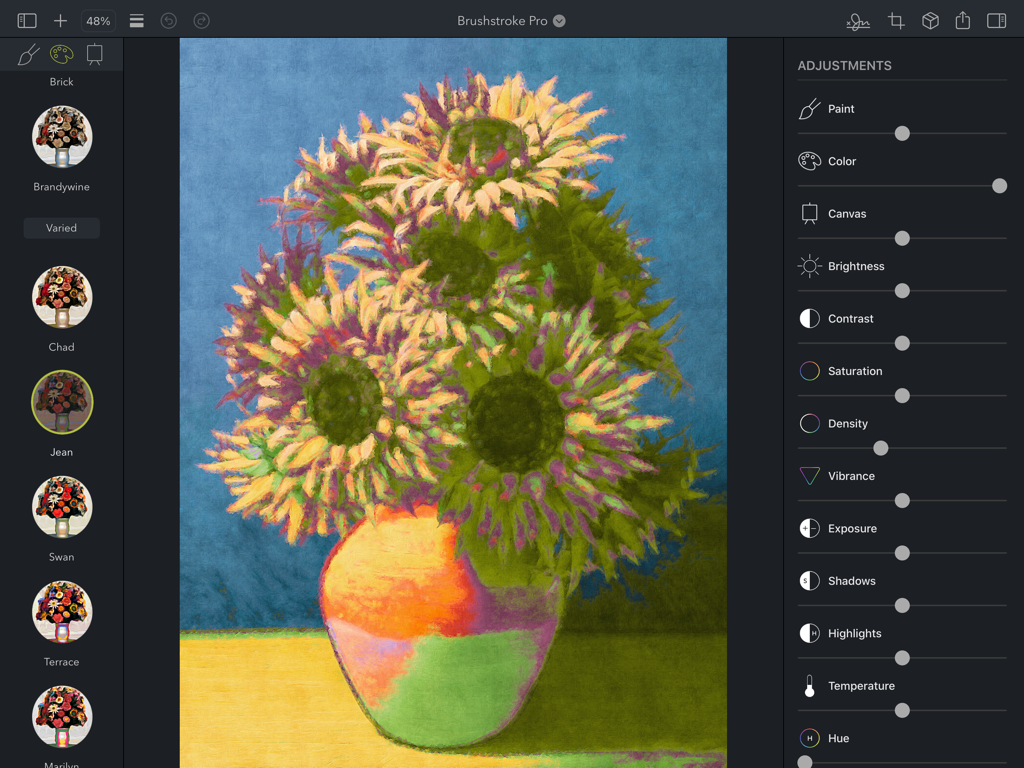
Brushstroke Pro for iPad - Brushstroke Pro iPad 앱의 해바라기 그림 편집 화면을 보여주는 스크린샷으로, 아트 스타일과 조정 슬라이더가 있습니다.
Brushstroke Pro iPad 앱의 해바라기 그림 편집 화면을 보여주는 스크린샷으로, 아트 스타일과 조정 슬라이더가 있습니다.

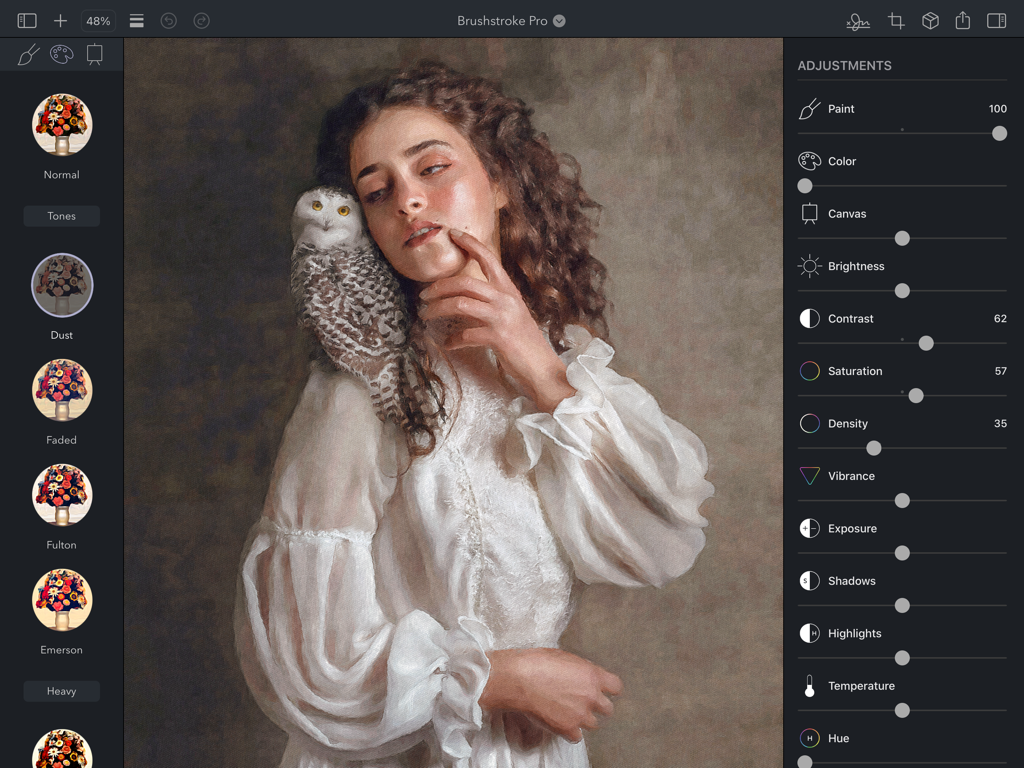
Brushstroke Pro for iPad - Brushstroke Pro의 iPad 인터페이스로, 예술적인 유화 초상화에 대한 전문적인 편집 조정을 보여줍니다.
Brushstroke Pro의 iPad 인터페이스로, 예술적인 유화 초상화에 대한 전문적인 편집 조정을 보여줍니다.

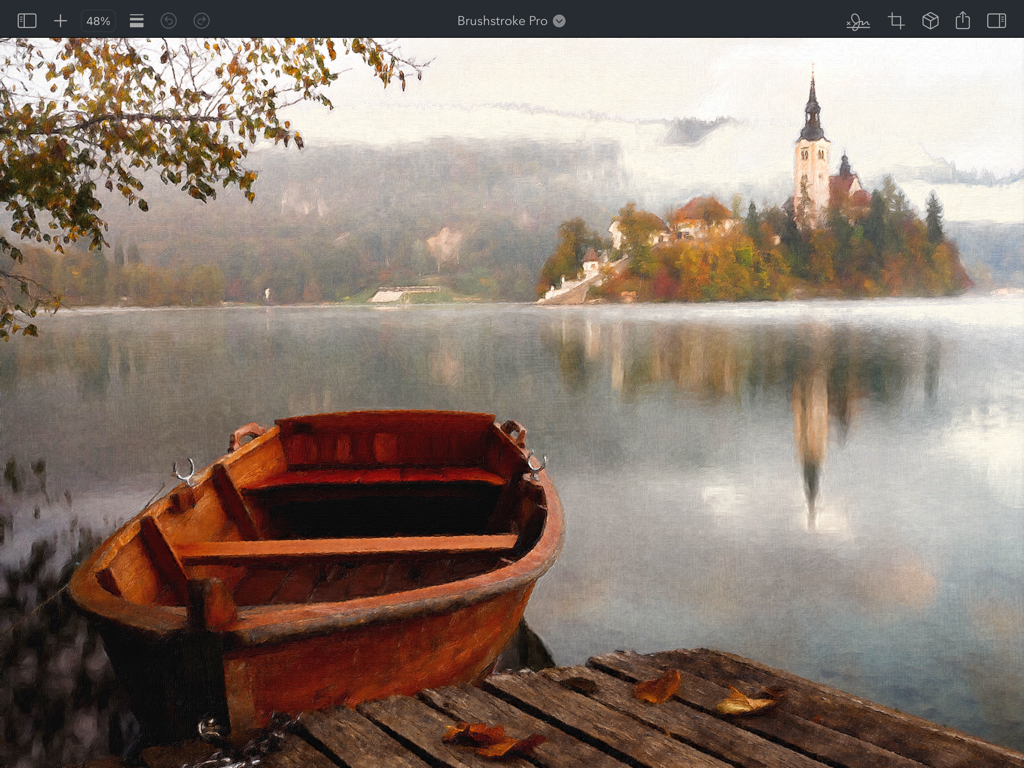
Brushstroke Pro for iPad - Brushstroke Pro for iPad에서 제작된 섬 교회와 호수에 있는 나무 보트의 디지털 풍경화
Brushstroke Pro for iPad에서 제작된 섬 교회와 호수에 있는 나무 보트의 디지털 풍경화

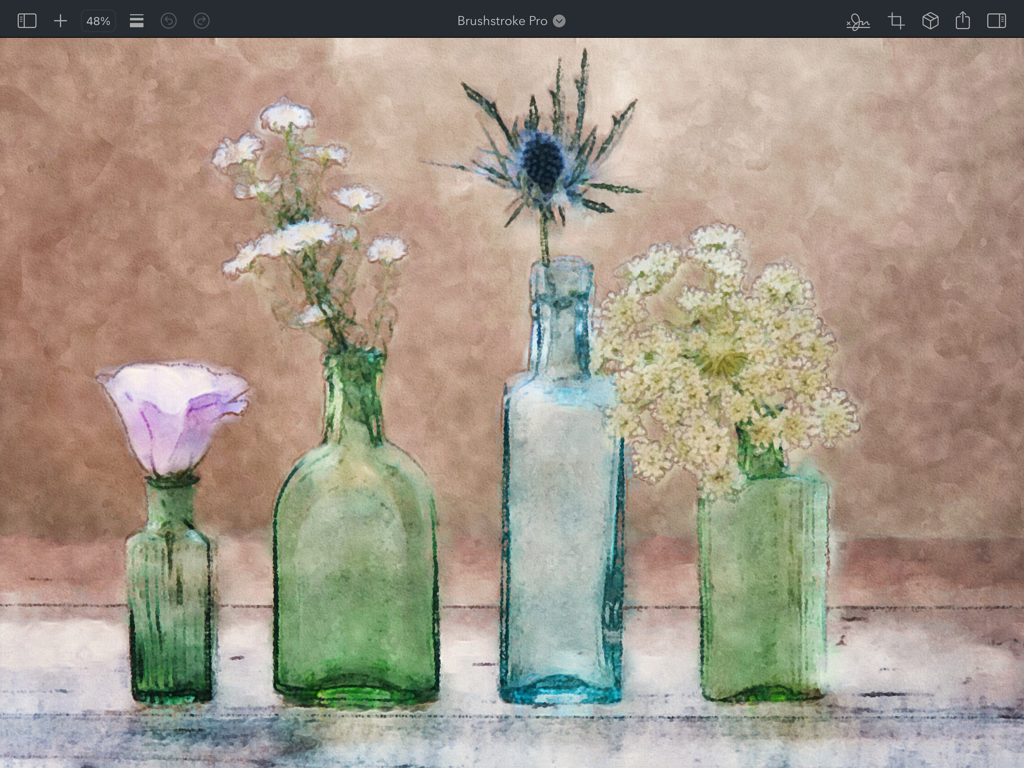
Brushstroke Pro for iPad - 캔버스 질감의 유리병에 담긴 수채화 꽃 정물화

캔버스 질감의 유리병에 담긴 수채화 꽃 정물화

Brushstroke Pro for iPad - 전문 조정 슬라이더가 있는 디지털 그림을 보여주는 iPad의 Brushstroke Pro 앱 인터페이스
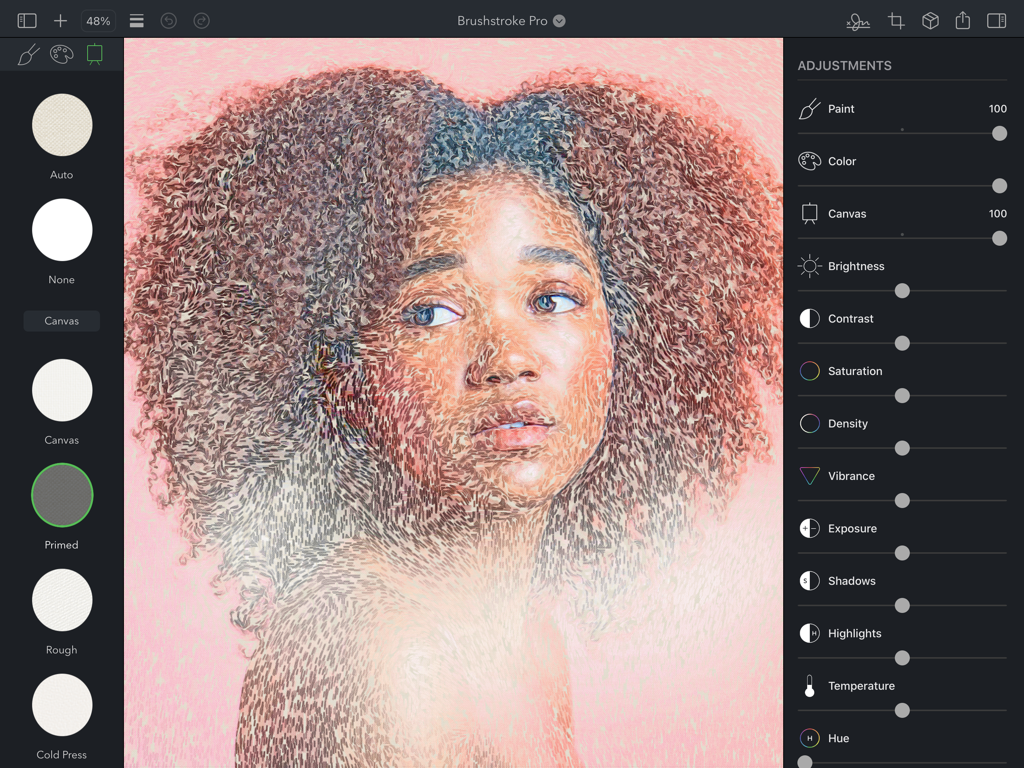
전문 조정 슬라이더가 있는 디지털 그림을 보여주는 iPad의 Brushstroke Pro 앱 인터페이스

Brushstroke Pro for iPad - iPad의 Brushstroke Pro에서 편집 도구와 캔버스 질감을 보여주는 여성 디지털 그림
iPad의 Brushstroke Pro에서 편집 도구와 캔버스 질감을 보여주는 여성 디지털 그림

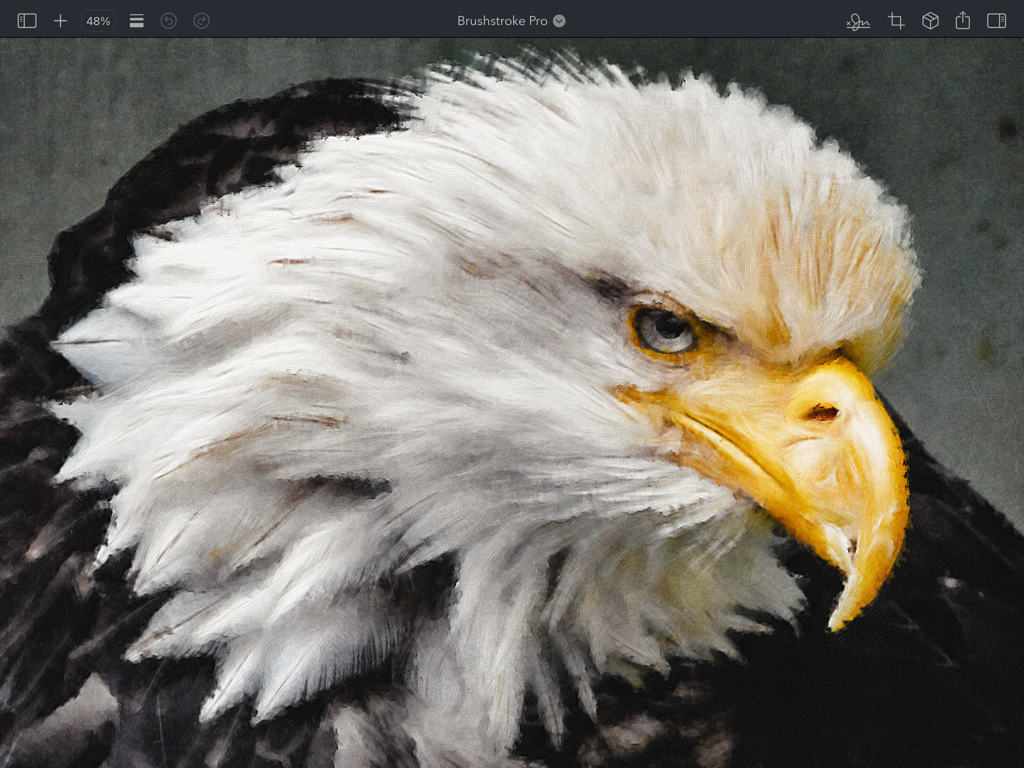
Brushstroke Pro for iPad - iPad의 Brushstroke Pro로 제작된 대머리 독수리 머리의 사실적인 디지털 유화
iPad의 Brushstroke Pro로 제작된 대머리 독수리 머리의 사실적인 디지털 유화

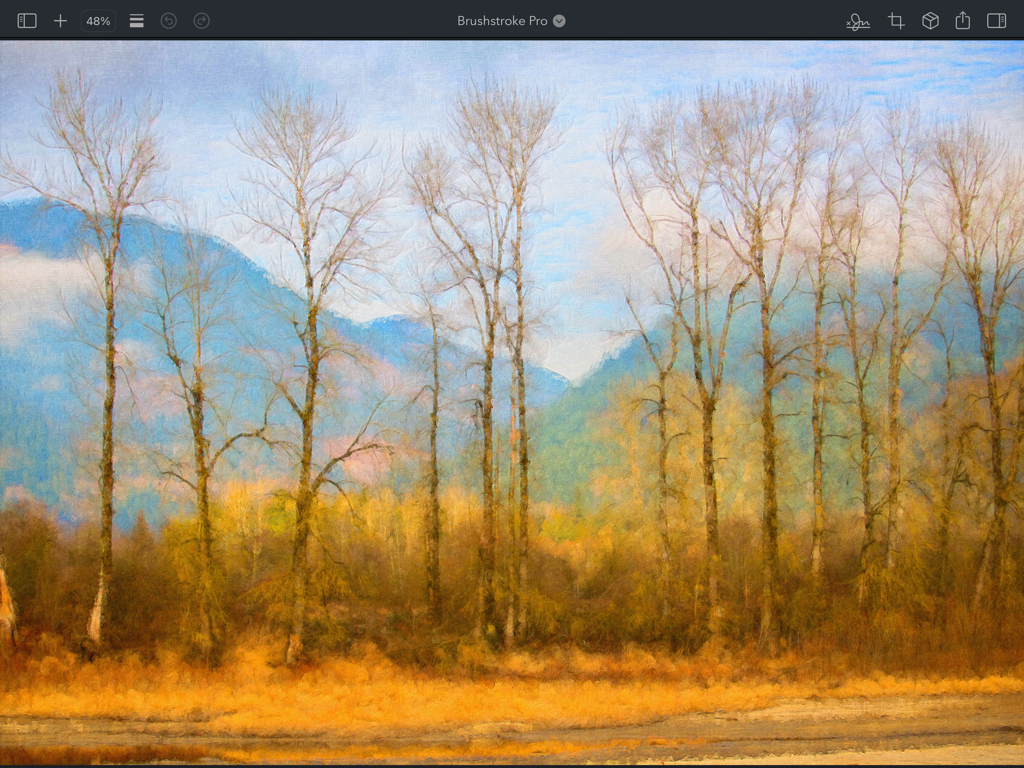
Brushstroke Pro for iPad - iPad의 Brushstroke Pro 앱에서 제작된 키 큰 겨울 나무와 푸른 산의 디지털 유화
iPad의 Brushstroke Pro 앱에서 제작된 키 큰 겨울 나무와 푸른 산의 디지털 유화

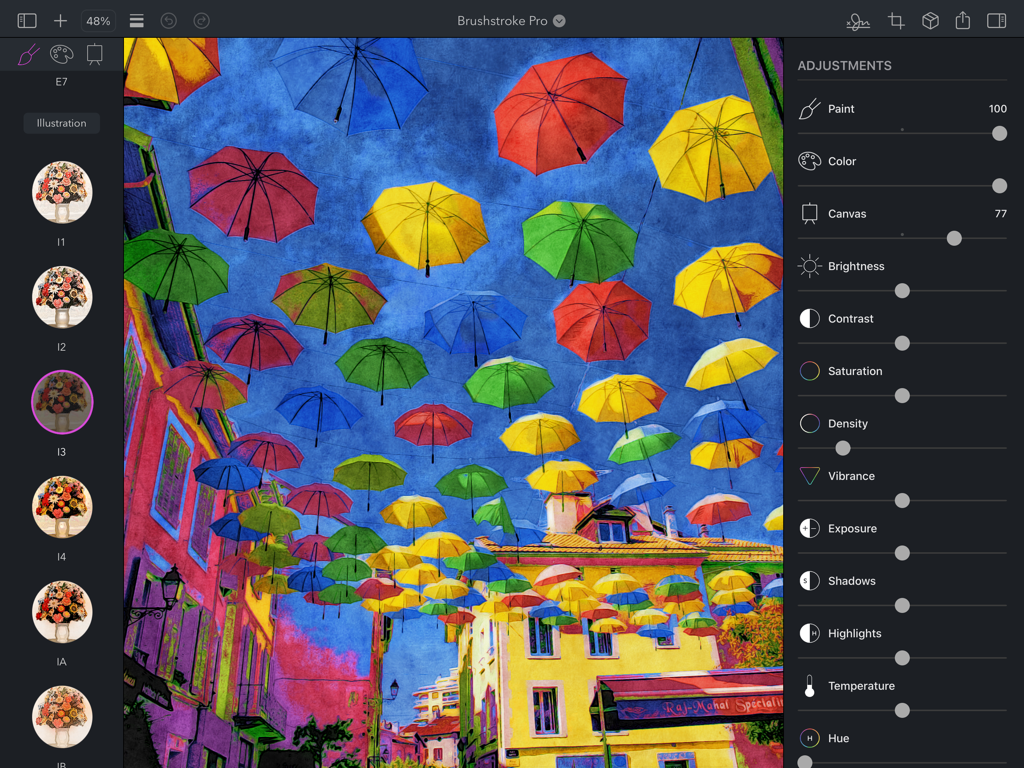
Brushstroke Pro for iPad - 전문 조정 슬라이더가 있는 그림으로 변환된 다채로운 거리 우산 사진을 보여주는 Brushstroke Pro iPad 앱용 인터페이스
전문 조정 슬라이더가 있는 그림으로 변환된 다채로운 거리 우산 사진을 보여주는 Brushstroke Pro iPad 앱용 인터페이스

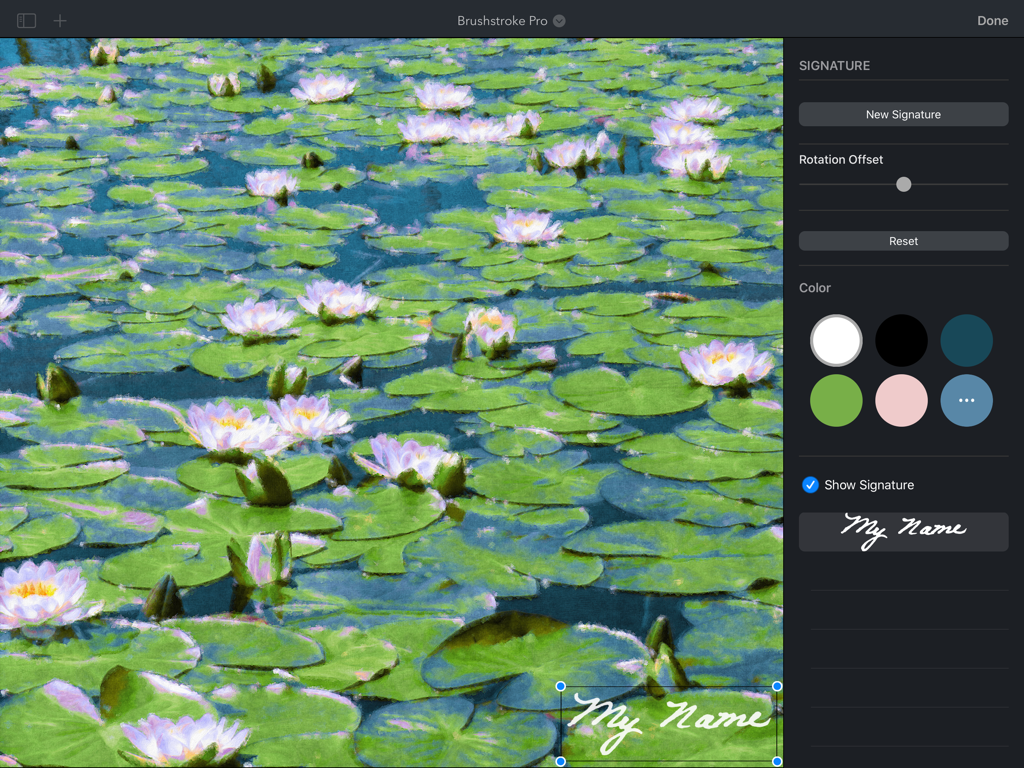
Brushstroke Pro for iPad - Brushstroke Pro iPad 앱에서 수련 디지털 그림에 맞춤 서명 추가

Brushstroke Pro iPad 앱에서 수련 디지털 그림에 맞춤 서명 추가

설명

Brushstroke Pro turns your photos and videos into beautiful paintings instantly. Now on iPadOS, Brushstroke Pro builds on our already feature-rich Brushstroke app with improved visual fidelity and detail, allowing you to create stunning high-resolution artwork with a few clicks, no brushes or cleanup required. Save your art as a project to continue your paintings later, create multiple signatures, import your real-world signature from a photo, create film-quality 4K video paintings, and much more. Create Your Own Masterpiece Transform ordinary photos and videos into something magical with over 90 painting and art styles. Explore familiar mediums like oil, watercolor, and acrylic, or create unique looks with styles inspired by illustrations, experimental art, and more. Customize your work of art with different canvases, color palettes, adjustments, and your signature to create your own masterpiece. Realistic Color Palettes Color palettes alter the color and tonality of your artwork to evoke different moods and feelings. Brushstroke Pro contains over 70 palettes inspired by and modeled after works by well-known artists and schools of art. Specialized algorithms intelligently apply the palettes to your art, realizing your vision as an artist. 3D-Modeled Canvases Choose from more than 30 canvases and other surfaces to paint on, from canvases and papers to wood and stone, each modeled realistically in 3D. Paint pools, absorbs and changes density based on each surface’s individual weave, texture and granularity, all while interacting with the unique characteristics of the chosen paint style. Professional Adjustments Add your finishing touch. Brushstroke Pro contains a complete set of professional-grade lighting and color adjustments, as well as painting-specific adjustments that let you fine-tune your work to create something that’s truly your own. Change paint thickness and density, adjust canvas depth, blend your color palette, tweak lighting, and much more for just the right look. Sign Your Art Make your painting your own by signing it. Create a signature on your iPad, or import your real-world signature from a photo or the camera. Select a signature color and your signature is realistically applied to your painting. Save multiple signatures and pick just the right one for each unique work of art. Make It Real Turn your digital painting into a real-world one. We've teamed up with CanvasPop to provide the highest quality prints available with a 100% “Love It” lifetime guarantee that ensures you love your print or your money back. Choose a canvas, framed print or poster, then select a frame, matte, and size, and you’ll have your masterpiece delivered and hanging on your wall in no time - or ready to be given as a gift for a special occasion. Also on Mac Brushstroke Pro is also available as a separate purchase on Mac, allowing you to save projects to iCloud and share projects between your iPad and Mac, so you can pick up wherever you left off.

Download

다운로드: App Store

이 페이지는 앱이나 개발자의 공식 페이지가 아니며, 정보 제공 및 논평을 목적으로 작성된 독립 편집 간행물입니다. 명시적으로 달리 언급되지 않는 한, 해당 앱이나 개발자는 MWM, Apple, Google Play, 앱 퍼블리셔 또는 앱 개발자와 제휴, 보증, 후원, 승인 또는 공식적으로 연결되어 있지 않으며, 이 페이지의 어떤 내용도 해당 앱이 MWM의 서비스를 사용하여 개발되었음을 의미하지 않습니다. 모든 상표, 로고, 스크린샷 및 기타 콘텐츠는 해당 소유자의 자산입니다.