Certificate Maker: Diploma AI

Certificate Maker: Diploma AI

다운로드: App Store
로고: Certificate Maker: Diploma AI

상장 메이커: Diploma AI – 전문적인 졸업장 및 성적 증명서를 즉시 디자인하세요

신뢰할 수 있는 AI 기반 상장으로 학생들에게 힘을 실어주고 성공을 축하하세요. 몇 분 만에 전문적인 결과물을 중시하는 강사, 소규모 비즈니스 소유자, 홈스쿨링 학부모에게 완벽합니다.

다운로드: App Store

개발사

ChristApp, LLC

카테고리

Photo & Video

다운로드

7K+

사용자 평점

1.6/5

총 평가 수

0

지원 언어

1

한눈에 보는 전문성

이 인터페이스를 사용하는 7K+ 명의 사용자.

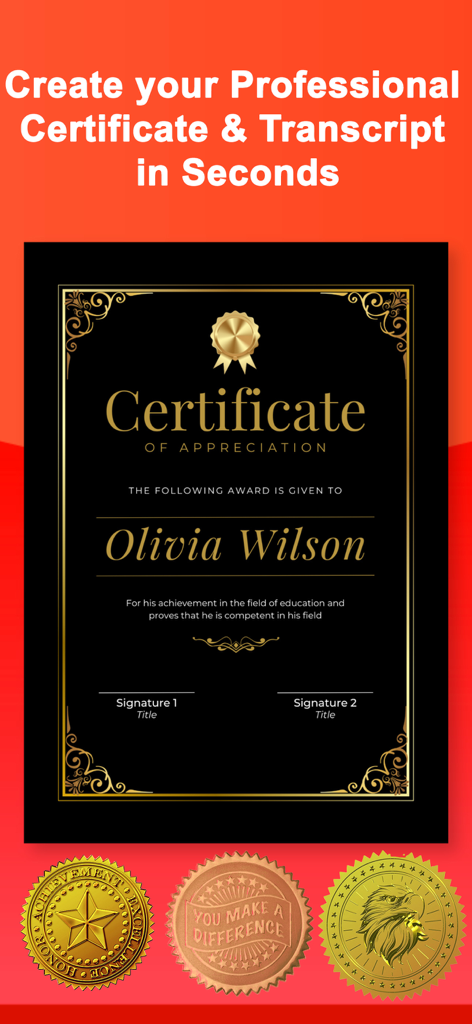
전문적인 느낌의 금색 인장이 있는 검은색과 금색의 감사장 템플릿

전문적인 느낌의 금색 인장이 있는 검은색과 금색의 감사장 템플릿

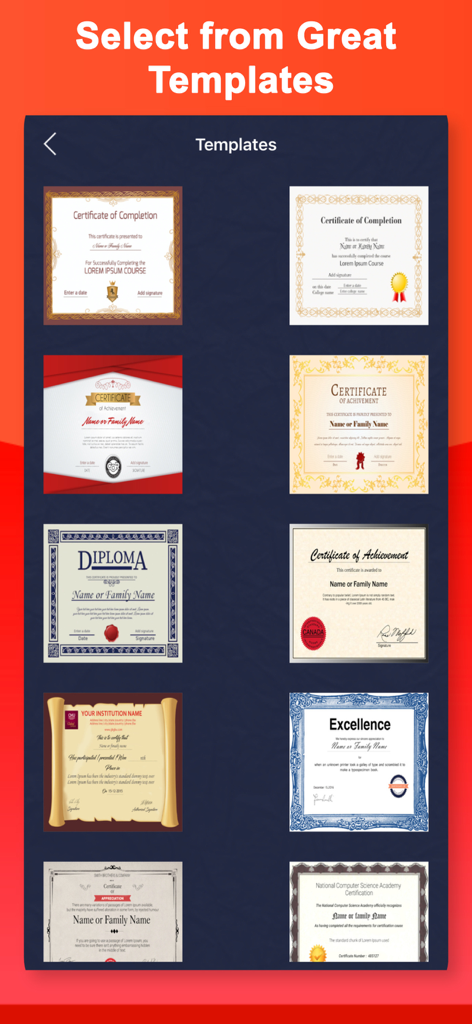
앱에서 사용 가능한 전문 상장 및 졸업장 템플릿 라이브러리
앱에서 사용 가능한 전문 상장 및 졸업장 템플릿 라이브러리

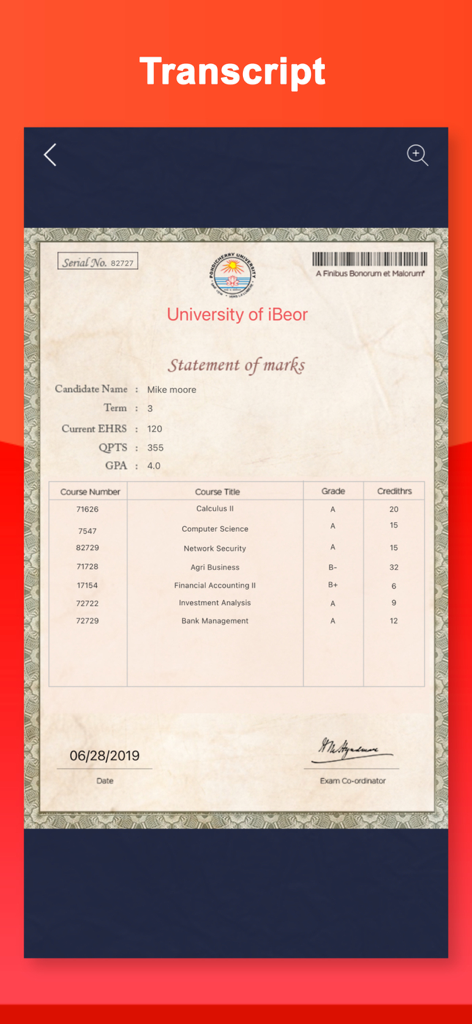
교과목 성적과 학생 평점이 표시된 전문 학업 성적 증명서 템플릿
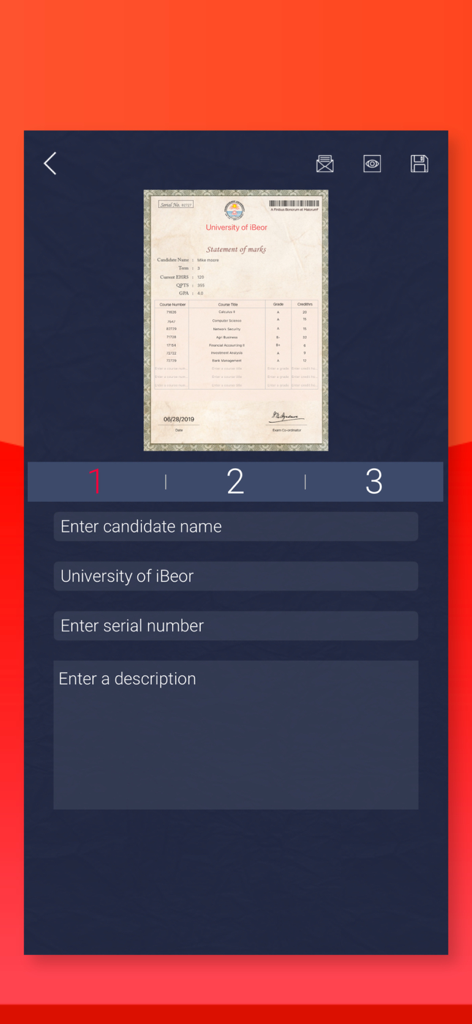
교과목 성적과 학생 평점이 표시된 전문 학업 성적 증명서 템플릿

텍스트 입력 필드가 있는 전문 대학 성적 증명서 편집용 모바일 인터페이스
텍스트 입력 필드가 있는 전문 대학 성적 증명서 편집용 모바일 인터페이스

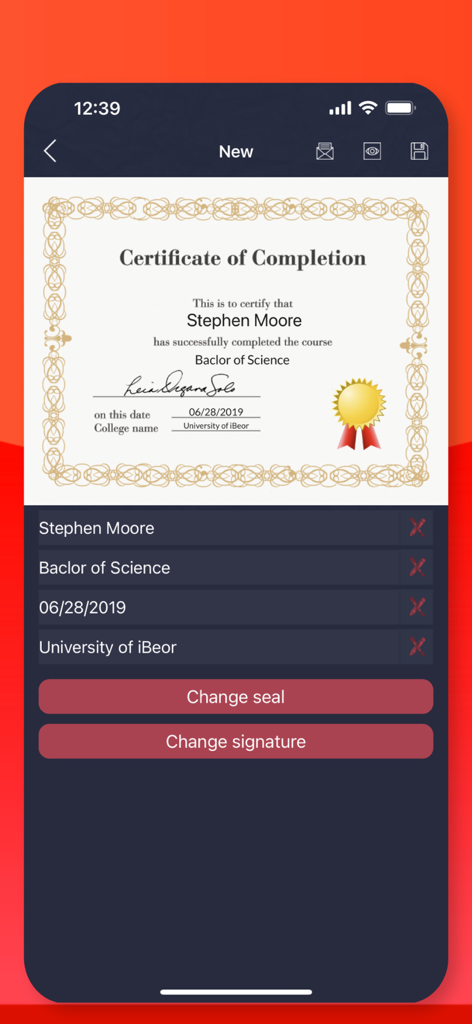
맞춤 설정 가능한 텍스트 및 서명 필드가 있는 전문 수료증 편집용 모바일 앱 인터페이스
맞춤 설정 가능한 텍스트 및 서명 필드가 있는 전문 수료증 편집용 모바일 앱 인터페이스

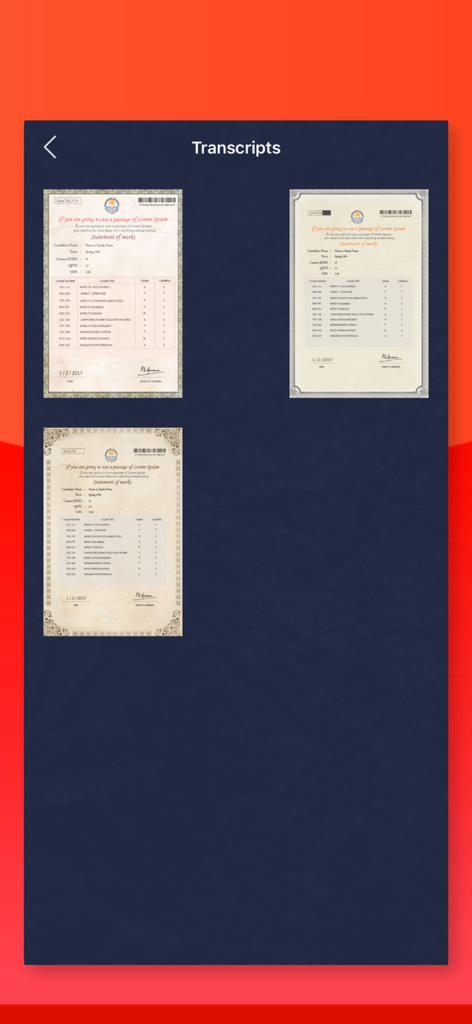
상장 메이커 앱에서 사용 가능한 다양한 전문 학업 성적 증명서 템플릿

상장 메이커 앱에서 사용 가능한 다양한 전문 학업 성적 증명서 템플릿

전문적인 인정을 통해 성공을 응원하세요

이 앱을 돋보이게 하는 도구, 7K+ 명의 사용자가 선택.

🎨

AI 기반 전문 템플릿

디자인 학교는 건너뛰세요. 지능형 엔진을 사용하여 로고, 폰트, 색상으로 고급 템플릿을 손쉽게 맞춤화할 수 있습니다.

✍️

신뢰할 수 있는 서명 및 보안 인장

공식 문서처럼 보이는 문서로 신뢰를 구축하세요. 수기 디지털 서명, 보안 워터마크, 엠보싱 인장을 추가하여 완성도를 높이세요.

📲

즉시 내보내기 및 소셜 공유

시상식을 위해 인쇄 가능한 PDF를 생성하거나 고해상도 JPEG를 소셜 미디어에 직접 공유하여 커뮤니티의 성취를 축하하세요.

앱 소개

에 대해 알아야 할 모든 것 Certificate Maker: Diploma AI.

설명

Create your own beautiful and Professional Diploma, Certificate or Transcript with advance features to impress friends. Now you can create your own personalized certificates in an instant! Just select your favorite certificate design, enter your personalized text and save Introducing Diploma Maker - the ultimate app for creating professional and personalized diplomas! Are you tired of spending hours designing diplomas from scratch? Look no further! Diploma Maker is here to simplify the process and save you valuable time. Whether you need to create diplomas for schools, universities, or any other educational institution, this app has got you covered. With Diploma Maker, you can easily customize every aspect of your diplomas. Choose from a wide range of professionally designed templates or create your own unique design. Add your institution's logo, customize the text, and even include signatures for an authentic touch. Not only does Diploma Maker offer a user-friendly interface, but it also provides advanced features to make your diplomas stand out. Adjust the font styles, colors, and sizes to match your institution's branding. Add borders, watermarks, and seals to enhance the overall look and feel. Worried about security? Diploma Maker has you covered. The app includes built-in security features to prevent unauthorized duplication or tampering of your diplomas. Rest assured that your certificates will be protected and recognized as genuine. Sharing and printing your diplomas has never been easier. Diploma Maker allows you to export your certificates in various formats, including PDF and JPEG. You can also directly print them or share them digitally with your students or graduates. Key Features: User-friendly interface for easy diploma creation Customizable templates and design options Ability to add logos, signatures, and watermarks Advanced formatting options for font styles, colors, and sizes Built-in security features to prevent tampering Export and print options in multiple formats Seamless sharing of diplomas with students and graduates Don't waste any more time and effort on manual diploma creation. Download Diploma Maker now and experience the convenience of creating professional and personalized diplomas with just a few taps! There are numerous templates and great tools to use to make your generated Cert. looks real. Have fun and God Bless

최신 버전

1.0.5

크기

50.8 MB

출시일

2017년 2월 8일

단 몇 초 만에 전문적인 상장을 만들 준비가 되셨나요?

AI를 사용해 깊은 인상을 남기는 정통 졸업장과 성적 증명서를 제작하는 수천 명의 커뮤니티 리더, 교육자, 소규모 비즈니스 소유자들과 함께하세요.

다운로드: App Store

App information, icons, screenshots, and descriptions displayed on this page are sourced from the Apple App Store and are the property of their respective developers. Download estimates and rankings are based on MWM's proprietary models and may not reflect actual figures. This page is provided for informational and analytical purposes only.

Believe this page infringes your intellectual property? File a dispute