Chime Clock
Chime Clock
다운로드: App Store

이 페이지는 앱이나 개발자의 공식 페이지가 아니며, 정보 제공 및 논평을 목적으로 작성된 독립 편집 간행물입니다. 명시적으로 달리 언급되지 않는 한, 해당 앱이나 개발자는 MWM, Apple, Google Play, 앱 퍼블리셔 또는 앱 개발자와 제휴, 보증, 후원, 승인 또는 공식적으로 연결되어 있지 않으며, 이 페이지의 어떤 내용도 해당 앱이 MWM의 서비스를 사용하여 개발되었음을 의미하지 않습니다. 모든 상표, 로고, 스크린샷 및 기타 콘텐츠는 해당 소유자의 자산입니다.

로고: Chime Clock
다운로드: App Store

Chime Clock

우아하고 사용자 정의 가능한 알림으로 집중력을 유지하고, 시간 감각을 극복하고, 생산성을 되찾으세요. 광고 없는 앱에서 향수와 딥 워크의 완벽한 조화를 경험하세요.

주요 수치

다운로드

18K+

사용자 평점

2.7/5

총 평가 수

0

개발사

Tan Chia Ling

카테고리

Lifestyle

지원 언어

9

최신 버전

1.3

크기

6.0 MB

출시일

2018년 8월 31일
기능

화면 몰입 없이 흐름을 관리하세요

Chime Clock은 전통적인 시간 측정의 우아함과 현대적인 생산성 도구를 결합하여 하루 종일 현재에 집중하고, 집중하며, 정리된 상태를 유지하도록 돕습니다.

시간 감각 상실 방지

딥 워크 또는 ADHD 관리에 완벽한 리듬 앵커를 뇌에 제공하는 부드러운 시간별 알림으로 중심을 잡으세요.

스크롤 습관 깨기

휴대폰을 들지 않고도 시간을 확인하여 알림을 확인하고 집중력을 잃는 유혹을 제거하세요.

다음 스크린샷과 설명은 앱의 공식 스토어 목록에서 직접 가져온 것이며 앱 개발자의 자산입니다.

앱 스토어

스크린샷
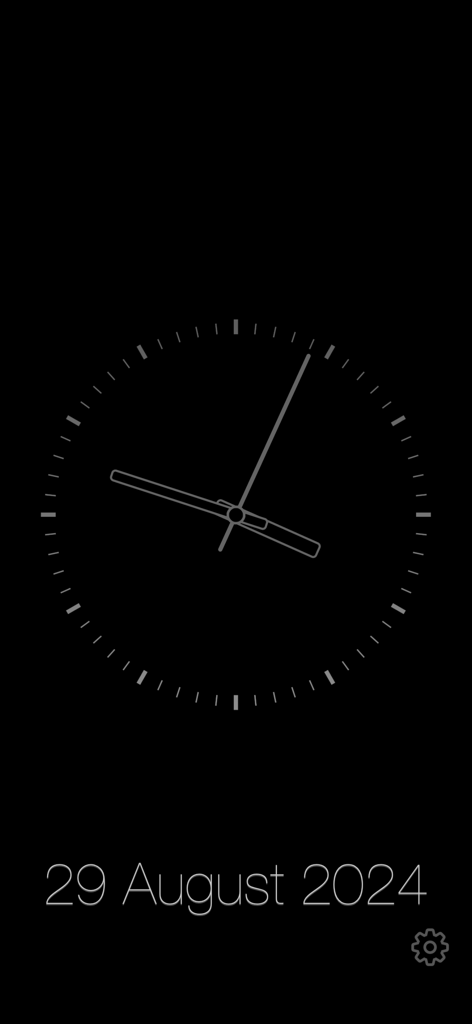
Chime Clock - 어두운 배경의 Chime Clock 앱에서 날짜가 표시된 미니멀리스트 아날로그 시계 디스플레이.
어두운 배경의 Chime Clock 앱에서 날짜가 표시된 미니멀리스트 아날로그 시계 디스플레이.

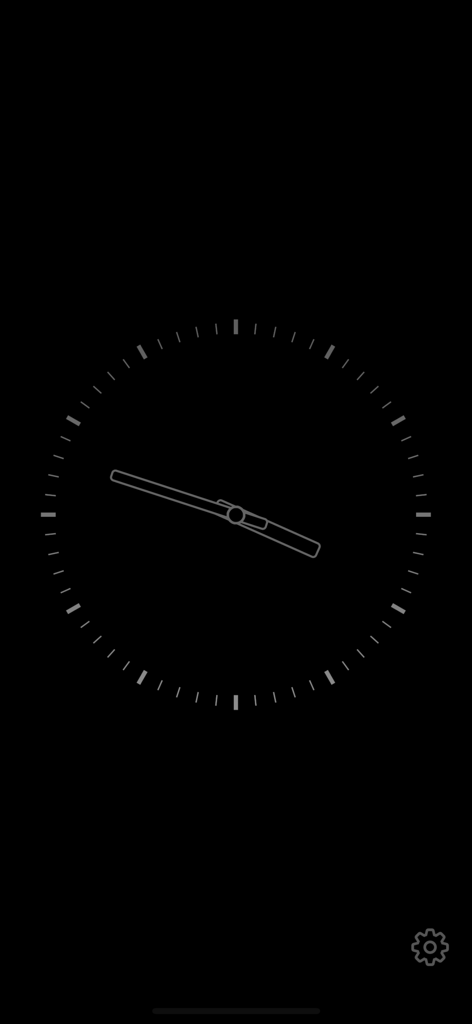
Chime Clock - 검은색 배경의 미니멀리스트 아날로그 시계 인터페이스

검은색 배경의 미니멀리스트 아날로그 시계 인터페이스

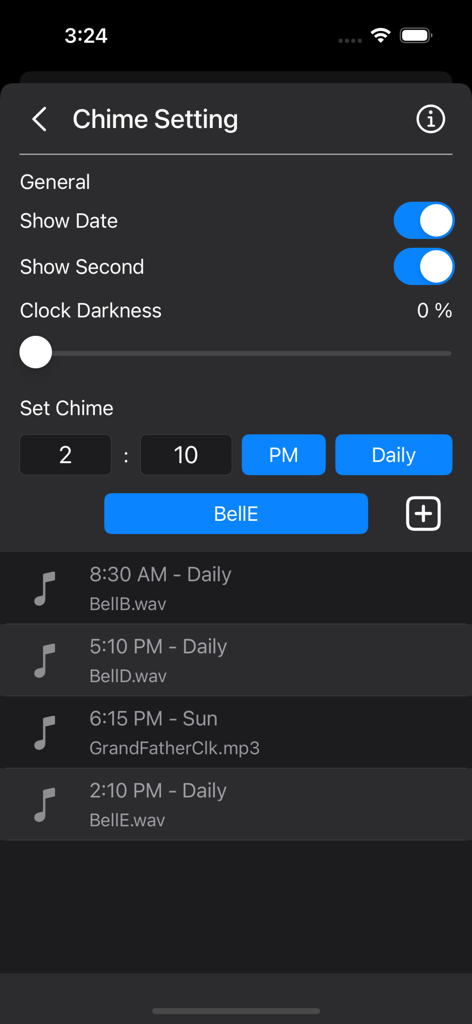
Chime Clock - 차임 예약 설정 및 맞춤 사운드 옵션을 보여주는 Chime Clock 앱 설정 인터페이스
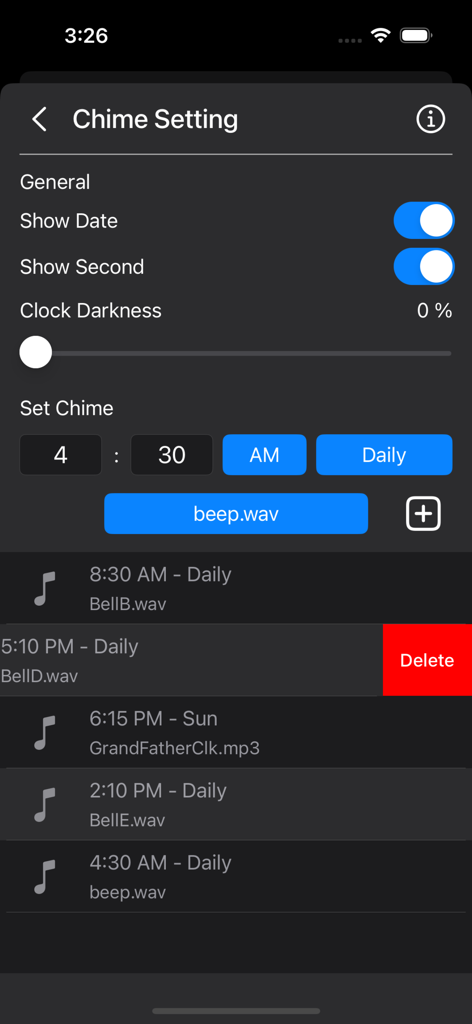
차임 예약 설정 및 맞춤 사운드 옵션을 보여주는 Chime Clock 앱 설정 인터페이스

Chime Clock - 일일 차임 알림 예약 및 맞춤 사운드 선택을 위한 Chime Clock 앱 설정 인터페이스
일일 차임 알림 예약 및 맞춤 사운드 선택을 위한 Chime Clock 앱 설정 인터페이스

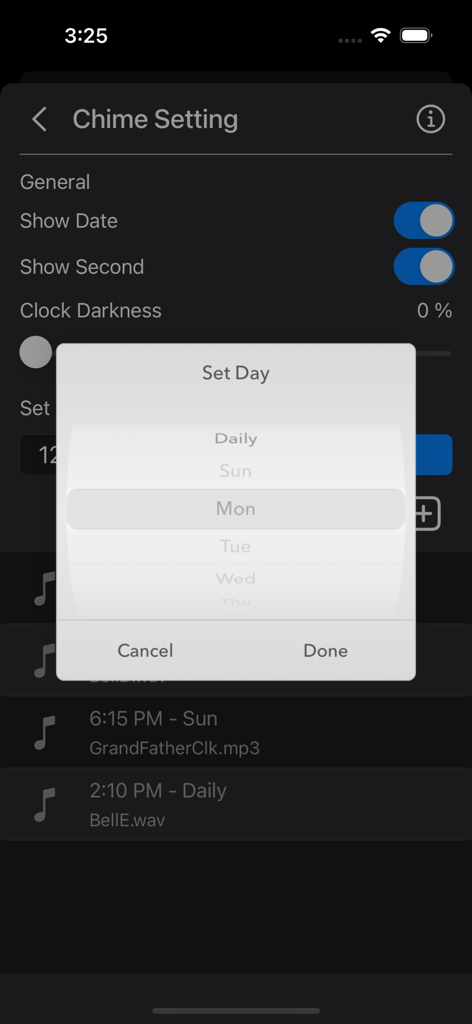
Chime Clock - 차임 알림 예약을 위한 요일 선택 메뉴가 있는 Chime Clock 앱 설정 화면
차임 알림 예약을 위한 요일 선택 메뉴가 있는 Chime Clock 앱 설정 화면

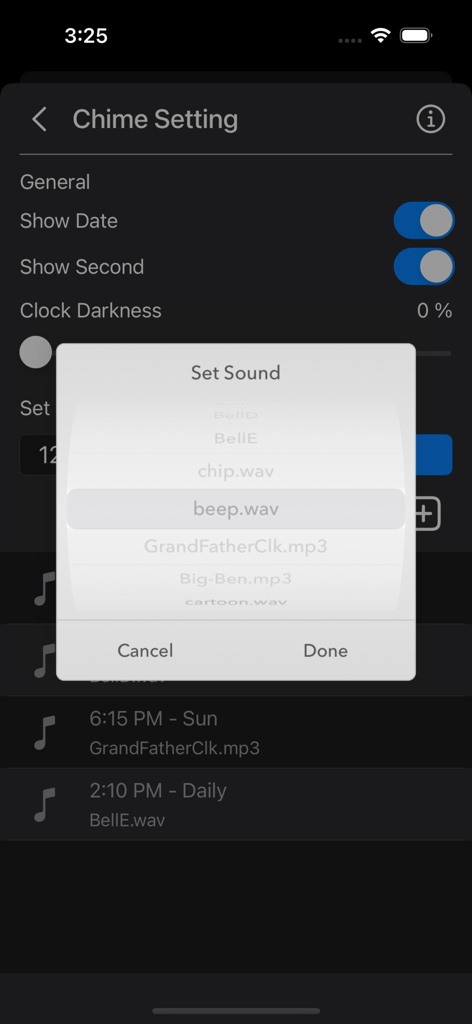
Chime Clock - 시간별 알림에 대한 맞춤 사운드 선택을 보여주는 Chime Clock 앱 인터페이스

시간별 알림에 대한 맞춤 사운드 선택을 보여주는 Chime Clock 앱 인터페이스

설명

The Chime Clock App helps you keep track of time effortlessly. Set chimes for specific days and times, choose from a variety of preset sounds, or add your own favorite sounds. Use it in various settings—whether in class, at work, at home, as a morning alarm, during meetings, or whenever you want to know the time without checking the clock. Features: •- Clock Display -• • Show or hide the date • Show or hide the seconds • Dim the screen to conserve battery life •- Chime Function [Offline Mode] -• • Manually set chime times • Choose from 5 default bell sounds, plus Big Ben and Grandfather Clock options • Schedule chimes for specific days (e.g., Daily, Sunday, or Monday through Saturday) • Add custom notification sounds For custom notification sounds: • Copy custom sounds into the Chime Clock folder in the Files app. • Sound clips need to be under 30 seconds and in MP3 or WAV format. - Works seamlessly on both iPhone and iPad. - Lightweight, compact app optimized for everyday use. - Ad-free and built with privacy in mind. Info: A clock chime is a melody that plays at set intervals, usually on the hour, to signify the passing of time. These chimes are commonly heard from grandfather clocks, carillons, or bell towers, and different melodies are often tied to specific locations or towers. A striking clock, also called a chiming clock, audibly strikes the hours on a bell or gong. In the typical 12-hour striking system, the clock strikes once at 1:00 AM, twice at 2:00 AM, and continues up to twelve times at 12:00 PM. It then repeats the process from 1:00 PM to 12:00 AM. Note: Ensure notifications are enabled for the chimes to work properly. Notification sound will be disabled if the phone is in Low Power Mode, Do Not Disturb mode, or Sleep mode. Thank you for your support! Visit nitrio.com for more iOS apps.

Download

다운로드: App Store

이 페이지는 앱이나 개발자의 공식 페이지가 아니며, 정보 제공 및 논평을 목적으로 작성된 독립 편집 간행물입니다. 명시적으로 달리 언급되지 않는 한, 해당 앱이나 개발자는 MWM, Apple, Google Play, 앱 퍼블리셔 또는 앱 개발자와 제휴, 보증, 후원, 승인 또는 공식적으로 연결되어 있지 않으며, 이 페이지의 어떤 내용도 해당 앱이 MWM의 서비스를 사용하여 개발되었음을 의미하지 않습니다. 모든 상표, 로고, 스크린샷 및 기타 콘텐츠는 해당 소유자의 자산입니다.