
이 페이지는 앱이나 개발자의 공식 페이지가 아니며, 정보 제공 및 논평을 목적으로 작성된 독립 편집 간행물입니다. 명시적으로 달리 언급되지 않는 한, 해당 앱이나 개발자는 MWM, Apple, Google Play, 앱 퍼블리셔 또는 앱 개발자와 제휴, 보증, 후원, 승인 또는 공식적으로 연결되어 있지 않으며, 이 페이지의 어떤 내용도 해당 앱이 MWM의 서비스를 사용하여 개발되었음을 의미하지 않습니다. 모든 상표, 로고, 스크린샷 및 기타 콘텐츠는 해당 소유자의 자산입니다.


ClinicalKey Student Bookshelf
iPad 또는 iPhone으로 전체 디지털 라이브러리를 휴대하세요. Elsevier의 신뢰할 수 있는 교과서에 오프라인으로 액세스하고, 여러 기기에서 노트를 동기화하며, 임상 성공을 위해 설계된 통합 플래시카드 및 형광펜으로 지식을 쌓으세요.
다운로드
322K+사용자 평점
총 평가 수
700개발사
카테고리
Medical지원 언어
33최신 버전
11.2.1크기
185.0 MB출시일
2018년 2월 2일주머니 속 전체 의학 라이브러리
세계 최고 수준의 Elsevier 교과서에 오프라인으로 액세스하고 현대 의대생을 위해 설계된 강력한 능동 학습 도구로 의학 교육과정을 마스터하세요.
무거운 교과서를 버리세요
단 하나의 기기에서 Netter의 해부학 및 Robbins 병리학과 같은 최고 수준의 교재에 액세스하세요. 100권 이상의 분량을 무게 없이 휴대하세요.
고효율 학습 도구
텍스트를 하이라이트 및 즉석 플래시카드로 전환하세요. USMLE 및 임상 실습에서 좋은 성적을 받는 데 도움이 되도록 설계된 능동 회상 도구를 활용하세요.
자주 묻는 질문
에 대해 알아야 할 모든 것 ClinicalKey Student Bookshelf
ClinicalKey Student Bookshelf 앱은 무엇인가요?
ClinicalKey Student Bookshelf 앱은 여러 기기에서 개인 책장에 액세스할 수 있도록 제공합니다. 이 앱에는 노트 작성, 하이라이트, 플래시카드 만들기 등 의학 지식 향상을 위한 도구가 포함되어 있습니다.
ClinicalKey Student Bookshelf 앱의 시스템 요구 사항은 무엇인가요?
ClinicalKey Student Bookshelf 앱은 iOS 15 이상이 필요합니다. 또한 사용자는 앱 기능을 이용하기 위해 활성 ClinicalKey Student 계정이 있어야 합니다.
ClinicalKey Student Bookshelf 앱으로 플래시카드를 만들 수 있나요?
네, ClinicalKey Student Bookshelf 앱을 사용하면 이미지 및 키워드 플래시카드를 만들어 개념 학습을 더 빠르게 할 수 있습니다.
ClinicalKey Student Bookshelf 앱에서 내 책에 어떻게 액세스하나요?
책에 액세스하려면 앱을 다운로드한 후 CK Student 이메일과 비밀번호로 로그인하세요. 또한 앱 책장에 동기화하려면 CK Student 웹사이트에서 제목을 실행해야 합니다.
ClinicalKey Student Bookshelf 앱은 어떤 언어를 지원하나요?
ClinicalKey Student Bookshelf 앱은 영어, 스페인어, 프랑스어, 독일어, 포르투갈어로 제공되어 다양한 사용자층을 만족시킵니다.
ClinicalKey Student Bookshelf 앱을 사용하기 위해 인터넷 연결이 필요한가요?
네, 대학 네트워크에서 초기 로그인 및 ClinicalKey Student Bookshelf 앱 내 책 컬렉션 동기화를 위해 인터넷 연결이 필요합니다.
ClinicalKey Student Bookshelf 앱에서 메모를 작성하고 텍스트를 하이라이트할 수 있나요?
네, ClinicalKey Student Bookshelf 앱을 사용하면 사용자가 메모를 작성하고 공유할 수 있으며, 학습 자료 내에서 중요한 텍스트를 하이라이트할 수 있습니다.
ClinicalKey Student Bookshelf 앱에 읽어주기 기능이 있나요?
네, ClinicalKey Student Bookshelf 앱에는 "소리 내어 읽기" 기능이 포함되어 있어 사용자가 책을 들으며 다른 방식으로 학습할 수 있습니다.
ClinicalKey Student Bookshelf 앱 내에서 콘텐츠를 검색할 수 있나요?
네, ClinicalKey Student Bookshelf 앱은 학습 자료 전체에서 개념, 이미지 및 주석을 빠르게 찾을 수 있는 전역 검색 기능을 제공합니다.
ClinicalKey Student Bookshelf에서 주석과 하이라이트가 기기 간에 동기화되나요?
네, ClinicalKey Student Bookshelf 앱은 주석과 하이라이트를 포함한 저장된 항목이 모든 기기에서 즉시 동기화되도록 보장합니다.
다음 스크린샷과 설명은 앱의 공식 스토어 목록에서 직접 가져온 것이며 앱 개발자의 자산입니다.
앱 스토어
스크린샷
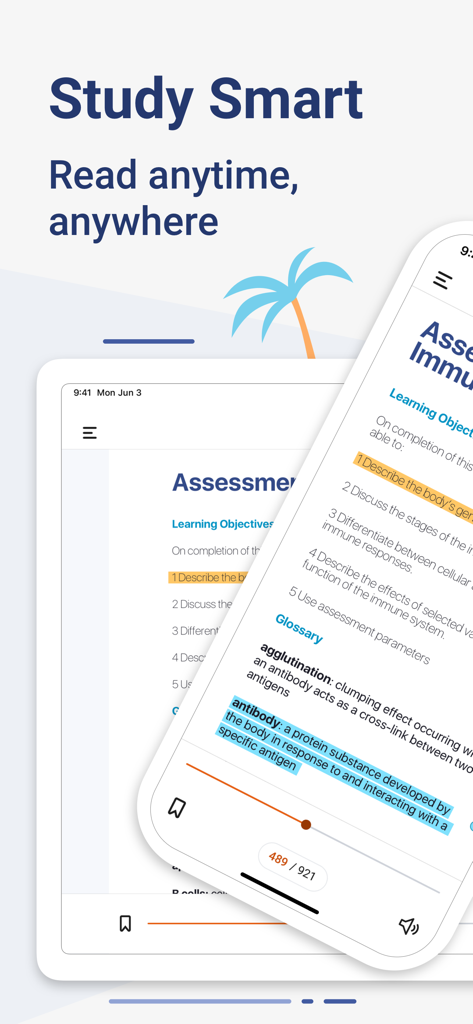
태블릿과 휴대폰에 의료 교과서 하이라이트 및 학습 목표를 표시하는 ClinicalKey Student Bookshelf 앱.
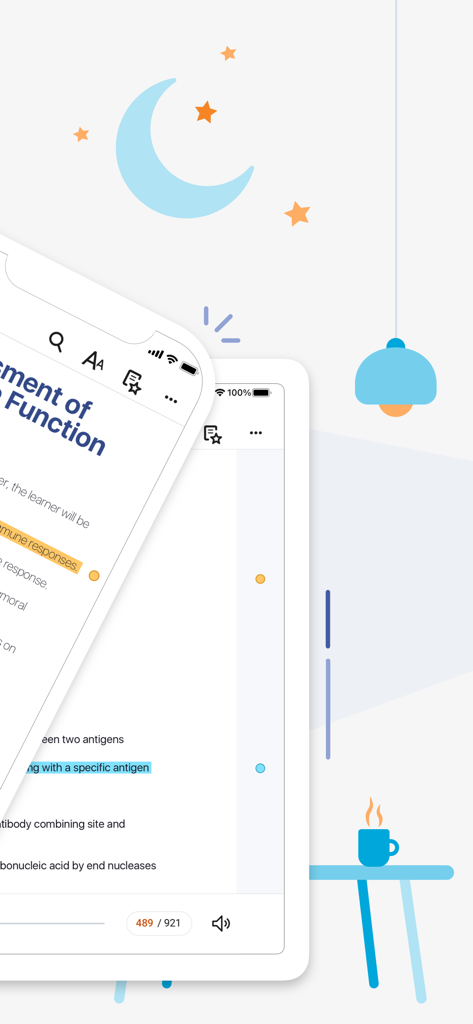
스마트폰과 태블릿에 하이라이트된 의학 교과서 페이지를 보여주는 ClinicalKey Student Bookshelf 앱
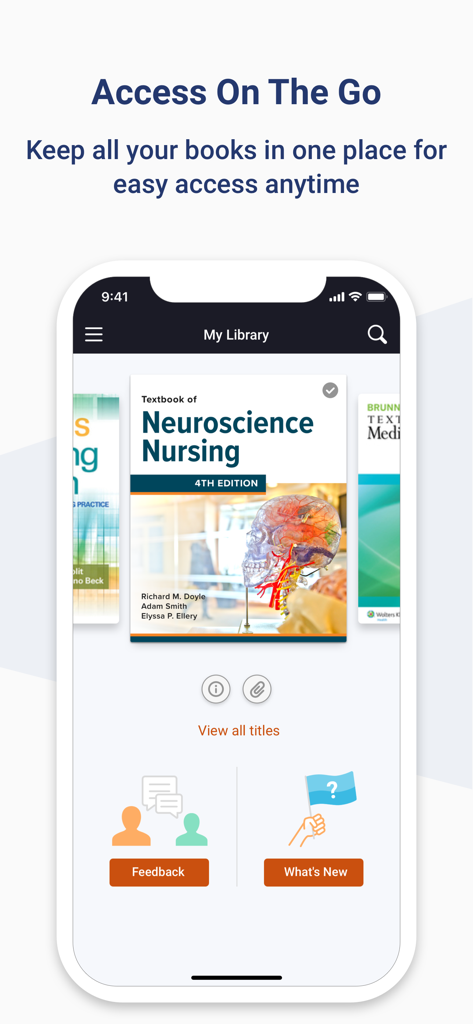
모바일 화면에 의학 교과서를 보여주는 ClinicalKey Student Bookshelf 앱 인터페이스
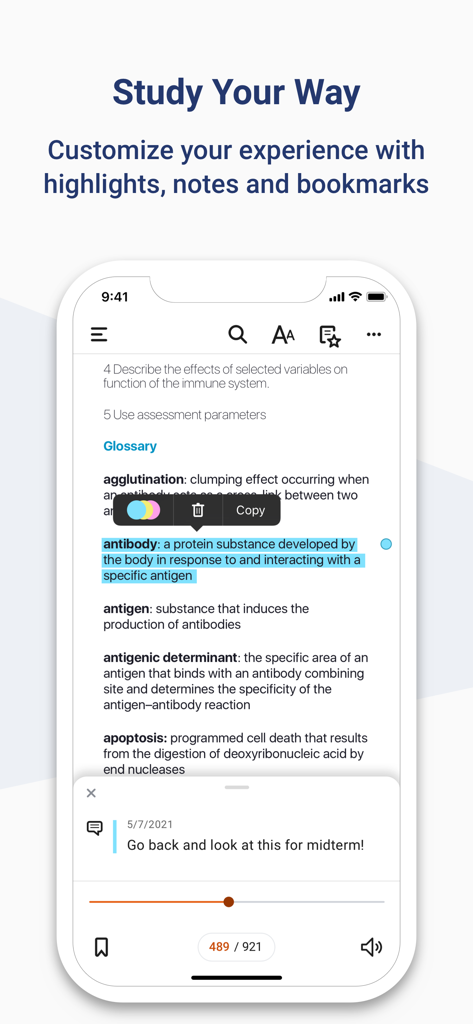
텍스트 하이라이트 및 맞춤형 학습 노트를 보여주는 ClinicalKey Student Bookshelf 앱 인터페이스.
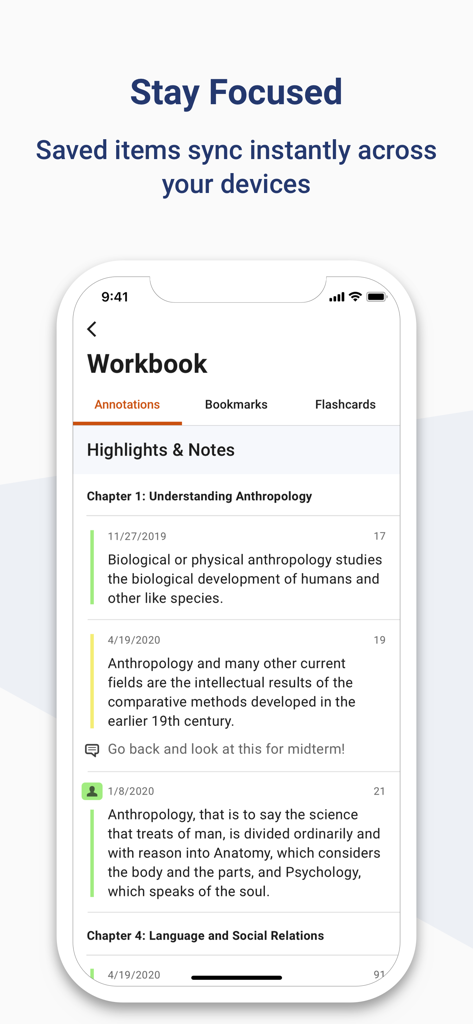
워크북 섹션에 동기화된 의학 학습 하이라이트 및 노트를 보여주는 ClinicalKey Student 앱 인터페이스.
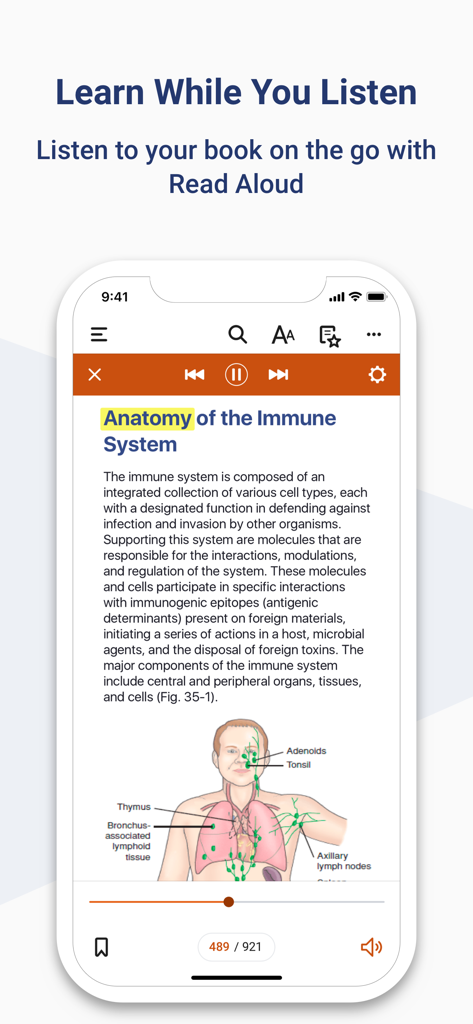
해부학 교과서 페이지와 함께 읽어주기 기능을 보여주는 ClinicalKey Student Bookshelf 앱 인터페이스
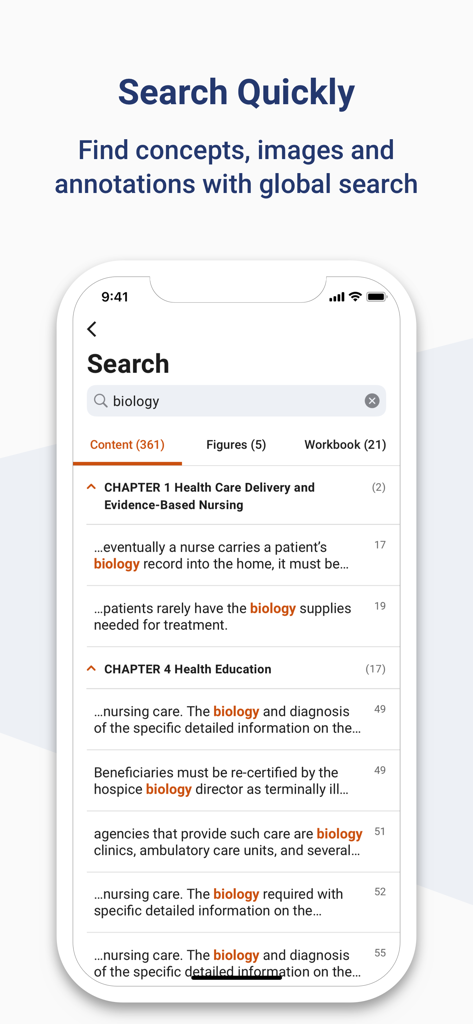
의학 교과서 내에서 '생물학'이라는 용어에 대한 전체 검색 결과를 보여주는 ClinicalKey Student Bookshelf 앱 스크린샷
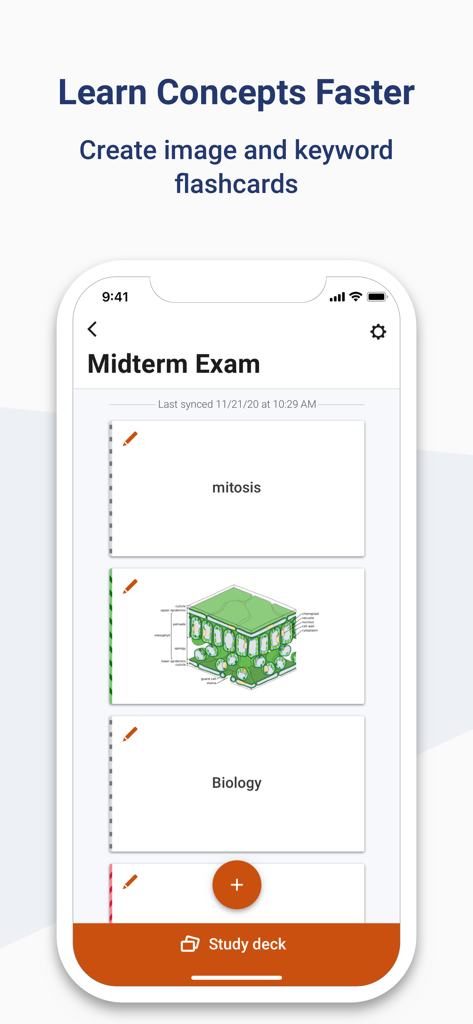
시험 준비를 위한 이미지 및 키워드 플래시카드를 표시하는 ClinicalKey Student Bookshelf 앱 화면
설명
Download
비슷한 앱
유사한 기능과 사용자 경험을 가진 앱

Pearson+ | Study Prep & eTexts
Pearson Education, Inc.

Biblia Reina Valera Santa 1960
Antonio Reis

Bookshelf
VitalSource Technologies LLC
ReadAnywhere
McGraw-Hill Higher Education
Elsevier eBooks on VitalSource
Elsevier Inc.

Perlego: Books & Textbooks
PERLEGO LIMITED

Tibetan Dictionary
Tim Lewis

Minha Biblioteca
Minha Biblioteca Ltda.

FAR/AIM - FAA Pilot Reference
Tekk Innovations LLC
이 페이지는 앱이나 개발자의 공식 페이지가 아니며, 정보 제공 및 논평을 목적으로 작성된 독립 편집 간행물입니다. 명시적으로 달리 언급되지 않는 한, 해당 앱이나 개발자는 MWM, Apple, Google Play, 앱 퍼블리셔 또는 앱 개발자와 제휴, 보증, 후원, 승인 또는 공식적으로 연결되어 있지 않으며, 이 페이지의 어떤 내용도 해당 앱이 MWM의 서비스를 사용하여 개발되었음을 의미하지 않습니다. 모든 상표, 로고, 스크린샷 및 기타 콘텐츠는 해당 소유자의 자산입니다.