Codea
Codea
다운로드: App Store

이 페이지는 앱이나 개발자의 공식 페이지가 아니며, 정보 제공 및 논평을 목적으로 작성된 독립 편집 간행물입니다. 명시적으로 달리 언급되지 않는 한, 해당 앱이나 개발자는 MWM, Apple, Google Play, 앱 퍼블리셔 또는 앱 개발자와 제휴, 보증, 후원, 승인 또는 공식적으로 연결되어 있지 않으며, 이 페이지의 어떤 내용도 해당 앱이 MWM의 서비스를 사용하여 개발되었음을 의미하지 않습니다. 모든 상표, 로고, 스크린샷 및 기타 콘텐츠는 해당 소유자의 자산입니다.

로고: Codea
다운로드: App Store

Codea

iPad를 위한 가장 우아한 코드 편집기를 경험하세요. 창의적인 사고를 위해 설계된 시각적 환경에서 대화형 2D 및 3D 프로젝트를 구축한 다음, 결과물을 Xcode로 직접 내보내세요.

주요 수치

다운로드

183K+

사용자 평점

4.7/5

총 평가 수

100

개발사

Two Lives Left

카테고리

Developer Tools

지원 언어

10

최신 버전

3.15

크기

197.5 MB

출시일

2011년 10월 26일
기능

iPad를 창의적인 파워하우스로

Codea는 터치를 위해 설계된 최초의 코드 편집기로, 소파에 앉아서도 쉽게 게임, 시뮬레이션, 대화형 아트를 만들 수 있습니다.

코드를 터치하세요

구문 오류의 어려움을 겪지 마세요. 색상, 이미지, 사운드를 탭하면 시각적 편집기가 나타나 손가락으로 디자인할 수 있습니다.

프로토타입에서 앱 스토어까지

프로젝트를 Xcode로 내보내 아이디어를 한 단계 더 발전시키세요. 모바일 스케치를 전 세계에 출시할 준비가 된 전문 iOS 앱으로 만드세요.

다음 스크린샷과 설명은 앱의 공식 스토어 목록에서 직접 가져온 것이며 앱 개발자의 자산입니다.

앱 스토어

스크린샷
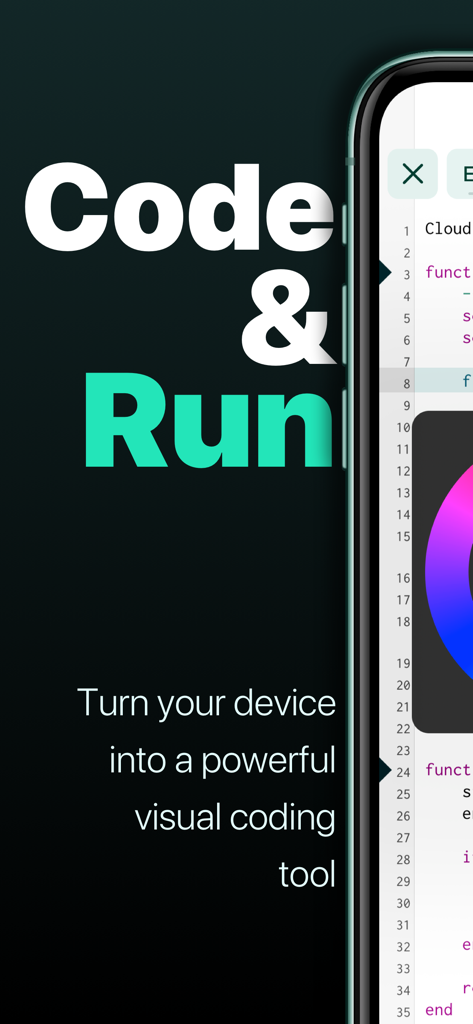
Codea - 코드와 시각적 색상 선택 휠이 있는 Codea 앱 인터페이스를 보여주는 스마트폰
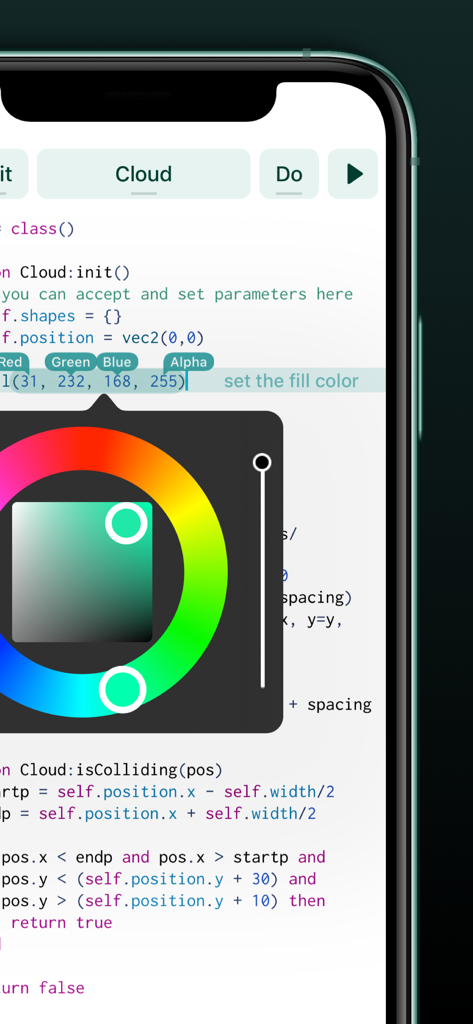
코드와 시각적 색상 선택 휠이 있는 Codea 앱 인터페이스를 보여주는 스마트폰

Codea - Codea 모바일 앱 편집기 내 Lua 코드 위에 오버레이된 시각적 색상 선택 도구
Codea 모바일 앱 편집기 내 Lua 코드 위에 오버레이된 시각적 색상 선택 도구

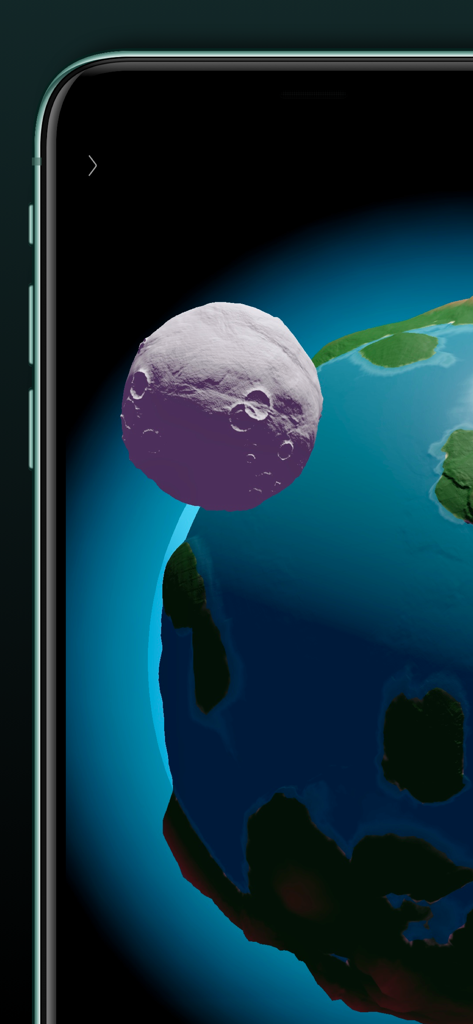
Codea - Codea에서 지구와 달의 3D 렌더링

Codea에서 지구와 달의 3D 렌더링

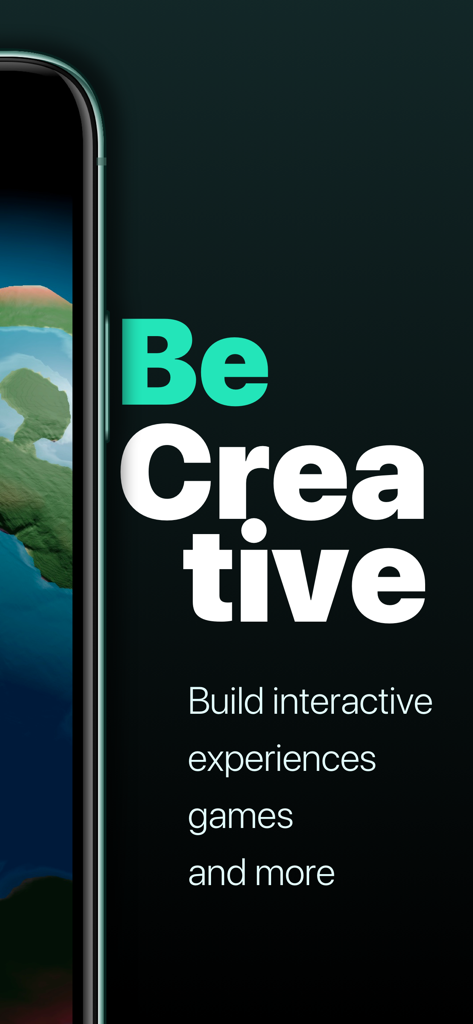
Codea - Codea 앱의 프로모션 화면, '창의적이 되어라' 문구와 함께 대화형 경험, 게임 등을 제작하세요.
Codea 앱의 프로모션 화면, '창의적이 되어라' 문구와 함께 대화형 경험, 게임 등을 제작하세요.

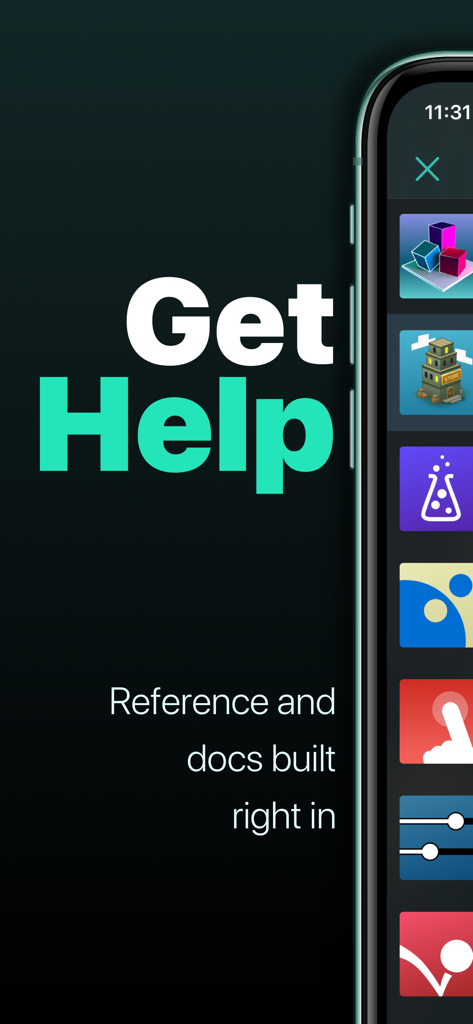
Codea - Codea 앱의 '도움말 받기' 섹션과 내장된 참조 및 문서 기능을 보여주는 화면
Codea 앱의 '도움말 받기' 섹션과 내장된 참조 및 문서 기능을 보여주는 화면

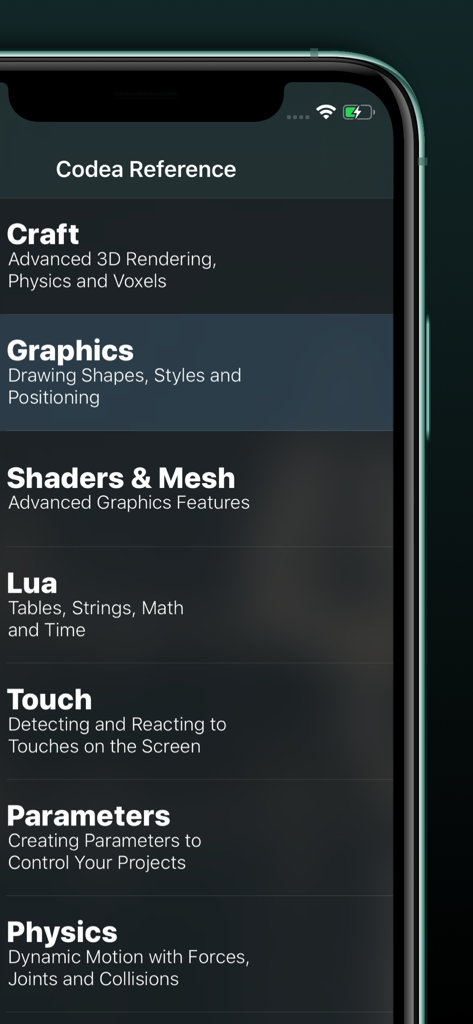
Codea - Codea 앱 참조 가이드를 보여주는 모바일 화면, Craft Graphics, Lua, Physics 등의 주제 포함
Codea 앱 참조 가이드를 보여주는 모바일 화면, Craft Graphics, Lua, Physics 등의 주제 포함

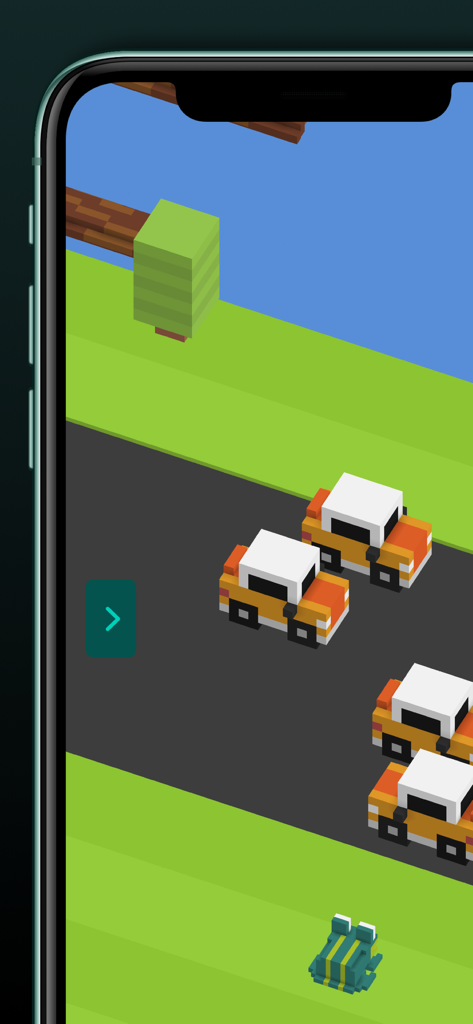
Codea - Codea에서 제작된 3D 복셀 게임, 도로 위의 개구리와 자동차 등장
Codea에서 제작된 3D 복셀 게임, 도로 위의 개구리와 자동차 등장

Codea - ARKit, 셰이더 및 그래픽 도구와 같은 프로 기능을 보여주는 Codea 앱 스크린샷

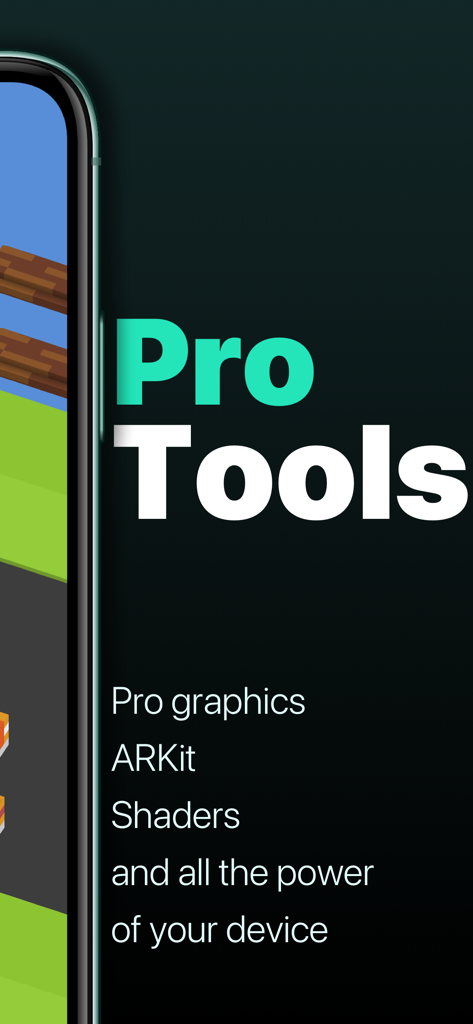
ARKit, 셰이더 및 그래픽 도구와 같은 프로 기능을 보여주는 Codea 앱 스크린샷

설명

"It’s kind of like the Garage Band of coding." – Wired "Codea for iPad is a super slick way to write and run programs on your iPad." – Gizmodo Codea lets you create games and simulations — or just about any visual idea you have. Turn your thoughts into interactive creations that make use of iPad features like Multi-Touch and the accelerometer. We think Codea is the most beautiful code editor you'll use, and it's easy. Codea is designed to let you touch your code. Want to change a color, or an image? Tapping will bring up visual editors that let you choose exactly what you want. Codea is built on the Lua programming language. A simple, elegant language that doesn't rely too much on symbols — a perfect match for iPad. Here's how you use it: type your code. Press play to watch it run. Interact with it. Get creative. FEATURES • A fully featured 2D and 3D renderer • Lots of great example projects to learn from, including games • Touch your code: tap colors, images and sounds to adjust them • Export your finished projects to Xcode to produce real apps • Complete in-line reference documentation accessible from keyboard • Intelligent syntax highlighting and auto-completing code editor • Import your own assets from Dropbox • Full 2D and 3D physics engines for complex motion • Add parameters so you can tweak variables at runtime • Interact with accelerometer and multi-touch on your device • Generate retro-game sound effects • GLSL Shader Language support with live shader editor • Bluetooth keyboard support and keyboard shortcuts • Air Code: code live from your PC using WiFi • Much, much more IMPORTANT INFORMATION • Join the forums at https://talk.codea.io to ask questions, share ideas and get help when you need it • If you need help or wish to get in contact with us, please use the support link on this page • Privacy policy https://codea.io/privacy • Terms https://www.apple.com/legal/internet-services/itunes/dev/stdeula/ SUBSCRIPTION • Codea is free to use for projects up to 500 lines, after which you can subscribe to Codea Pro for access to advanced features and unlimited project size • Monthly and yearly plans available • Lifetime one-time purchase also available • Pricing may vary by region. Your subscription will automatically renew unless auto-renew is turned off at least 24 hours before the end of the current period. You can manage or cancel your subscription in your App Store account settings.

Download

다운로드: App Store

이 페이지는 앱이나 개발자의 공식 페이지가 아니며, 정보 제공 및 논평을 목적으로 작성된 독립 편집 간행물입니다. 명시적으로 달리 언급되지 않는 한, 해당 앱이나 개발자는 MWM, Apple, Google Play, 앱 퍼블리셔 또는 앱 개발자와 제휴, 보증, 후원, 승인 또는 공식적으로 연결되어 있지 않으며, 이 페이지의 어떤 내용도 해당 앱이 MWM의 서비스를 사용하여 개발되었음을 의미하지 않습니다. 모든 상표, 로고, 스크린샷 및 기타 콘텐츠는 해당 소유자의 자산입니다.