
이 페이지는 앱이나 개발자의 공식 페이지가 아니며, 정보 제공 및 논평을 목적으로 작성된 독립 편집 간행물입니다. 명시적으로 달리 언급되지 않는 한, 해당 앱이나 개발자는 MWM, Apple, Google Play, 앱 퍼블리셔 또는 앱 개발자와 제휴, 보증, 후원, 승인 또는 공식적으로 연결되어 있지 않으며, 이 페이지의 어떤 내용도 해당 앱이 MWM의 서비스를 사용하여 개발되었음을 의미하지 않습니다. 모든 상표, 로고, 스크린샷 및 기타 콘텐츠는 해당 소유자의 자산입니다.


Coding For Kids: Learn To Code
1,000개 이상의 수상 경력에 빛나는 레벨을 통해 화면 시청 시간을 두뇌 강화 모험으로 바꾸세요. 4-8세 자녀에게 디지털 미래에 필요한 문제 해결 도구를 제공하세요.
다운로드
666K+사용자 평점
총 평가 수
4K+개발사
카테고리
Education지원 언어
4최신 버전
4.4.5크기
151.6 MB출시일
2017년 7월 11일놀이가 미래 기술과 만나는 곳
1,000개 이상의 인터랙티브 레벨을 통해 자녀에게 프로그래밍의 기초를 소개하는 수상 경력에 빛나는 커리큘럼으로 화면 시청 시간을 생산적인 학습 여정으로 바꾸세요.
핵심 코딩 논리 마스터하기
자녀는 초기 학습자를 위해 고안된 직관적인 퍼즐을 풀면서 순서, 루프, 함수와 같은 복잡한 개념을 이해할 것입니다.
비판적 사고 능력 향상
코드를 넘어, 저희 게임은 학교와 삶을 위한 기술인 기억력, 패턴 인식 및 논리적 추론을 날카롭게 하도록 제작되었습니다.
자주 묻는 질문
에 대해 알아야 할 모든 것 Coding For Kids: Learn To Code
코딩 교육 앱: 코딩 배우기란 무엇인가요?
KidloLand 코딩 학교로도 알려진 코딩 교육 앱: 코딩 배우기는 200개 이상의 재미있는 게임과 1000개 이상의 레벨을 통해 어린이들에게 기본적인 코딩 개념을 가르치는 교육용 앱입니다.
코딩 교육 앱: 코딩 배우기는 어떤 코딩 개념을 가르치나요?
코딩 교육 앱: 코딩 배우기는 순차, 반복, 함수, 디버깅, 배열, 고급 문제 해결, 좌표 이동 등 필수적인 프로그래밍 개념을 가르칩니다.
코딩 교육 앱: 코딩 배우기는 수상 경력이 있는 앱인가요?
네, 코딩 교육 앱: 코딩 배우기는 수상 경력이 있는 앱입니다. NAPPA Award, Academics' Choice Smart Media Award, Tillywig Brain Child Award, Mom's Choice Gold Award를 수상했으며 Educational App Store에서 별 다섯 개 인증을 받았습니다.
KidloLand 코딩 학교에는 몇 개의 레벨이 있나요?
KidloLand 코딩 학교는 기본적인 코딩 원리를 가르치고 패턴 인식 및 논리적 순서 지정과 같은 기술을 개발하도록 설계된 1000개 이상의 레벨을 제공합니다.
어린이들은 KidloLand 코딩 학교를 사용하여 어떤 기술을 개발하나요?
어린이들은 KidloLand 코딩 학교를 플레이하면서 문제 해결 능력, 기억력, 논리적 사고, 패턴 인식 및 논리적 순서대로 행동을 배열하는 능력을 개발합니다.
코딩 교육 앱: 코딩 배우기의 구독은 어떻게 작동하나요?
코딩 교육 앱: 코딩 배우기는 연간 또는 월간 자동 갱신 구독을 제공합니다. 결제는 Apple 계정으로 청구되며, 자동 갱신이 24시간 전에 해제되지 않는 한 갱신이 이루어집니다.
KidloLand 코딩 학교 구독을 취소할 수 있나요?
네, Apple 계정 설정의 구독 섹션을 통해 언제든지 KidloLand 코딩 학교 구독 갱신을 취소할 수 있습니다. 활성 구독 기간 중에는 취소가 허용되지 않습니다.
KidloLand 코딩 학교는 광고가 없고 어린이에게 안전한가요?
네, KidloLand 코딩 학교는 완전히 광고가 없으며 어린이에게 안전하도록 설계되었습니다. 아이들이 코딩을 배울 수 있는 교육적이고 안전한 환경을 제공합니다.
KidloLand 코딩 학교의 개인 정보 보호 정책은 어디에서 찾을 수 있나요?
KidloLand 코딩 학교의 개인 정보 보호 정책은 http://www.kidlo.com/privacypolicy.php에서 확인할 수 있습니다. 이 문서는 앱에서 개인 정보를 처리하는 방법을 자세히 설명합니다.
KidloLand 코딩 학교는 누가 추천하나요?
교사들이 KidloLand 코딩 학교를 추천합니다. 이는 교육적 가치와 학습 환경에 대한 적합성을 확인합니다.
다음 스크린샷과 설명은 앱의 공식 스토어 목록에서 직접 가져온 것이며 앱 개발자의 자산입니다.
앱 스토어
스크린샷
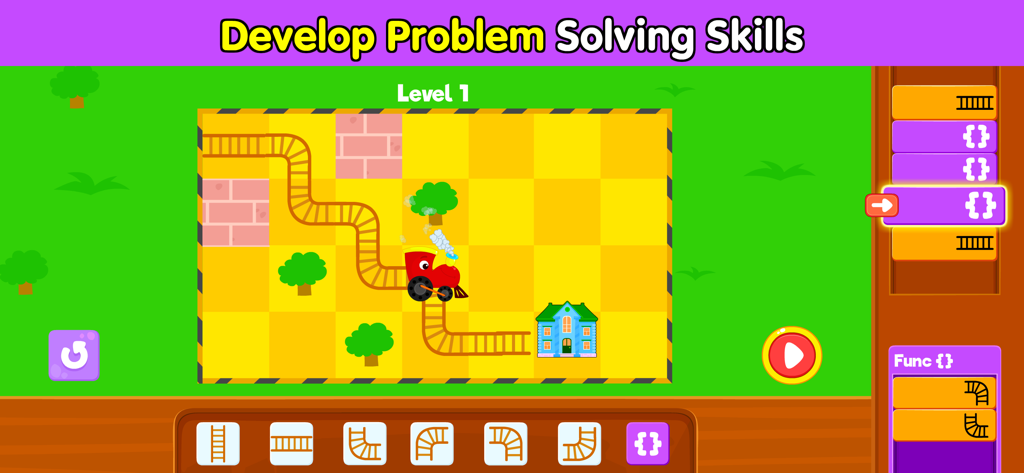
문제 해결 능력을 키우기 위한 기차 퍼즐이 등장하는 어린이 코딩 게임 레벨
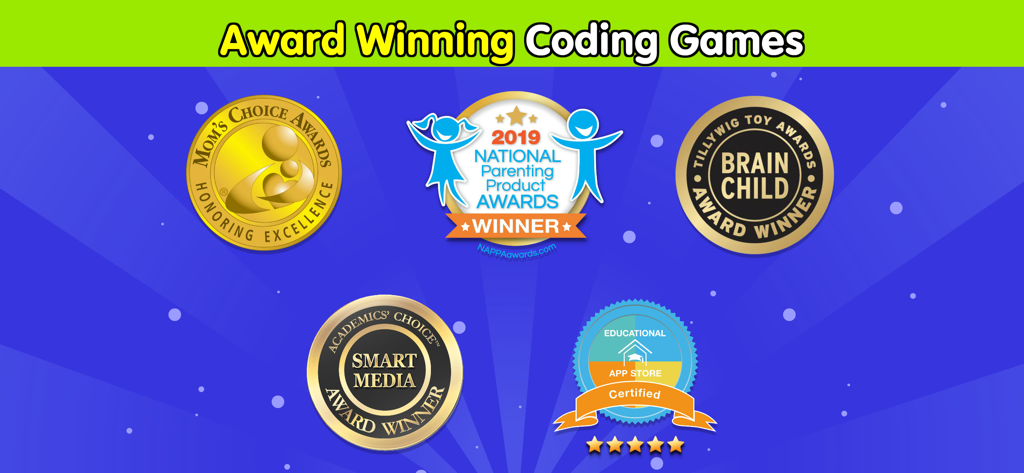
어린이 코딩 앱에 대한 Moms Choice Gold, NAPPA 및 Academics Choice 수상 배지.
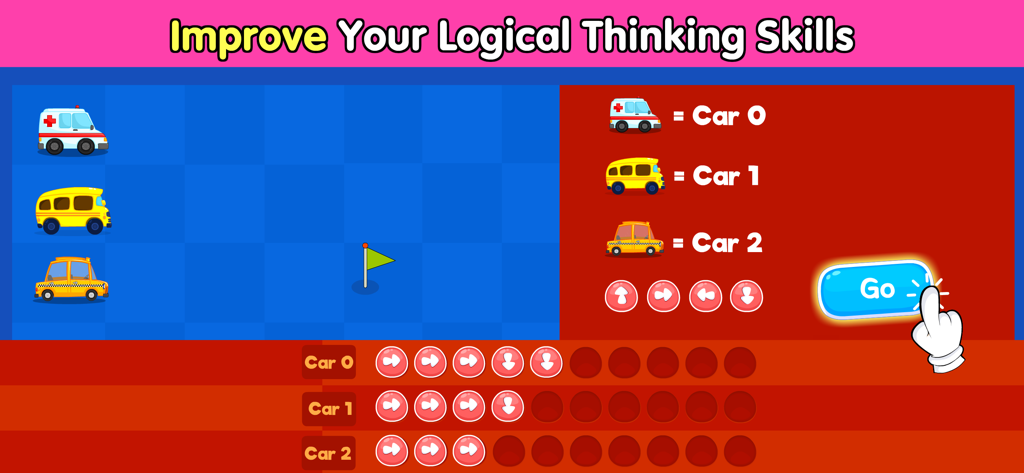
논리적 사고를 향상시키기 위해 자동차 움직임을 프로그래밍하는 어린이를 위한 교육용 코딩 게임 화면
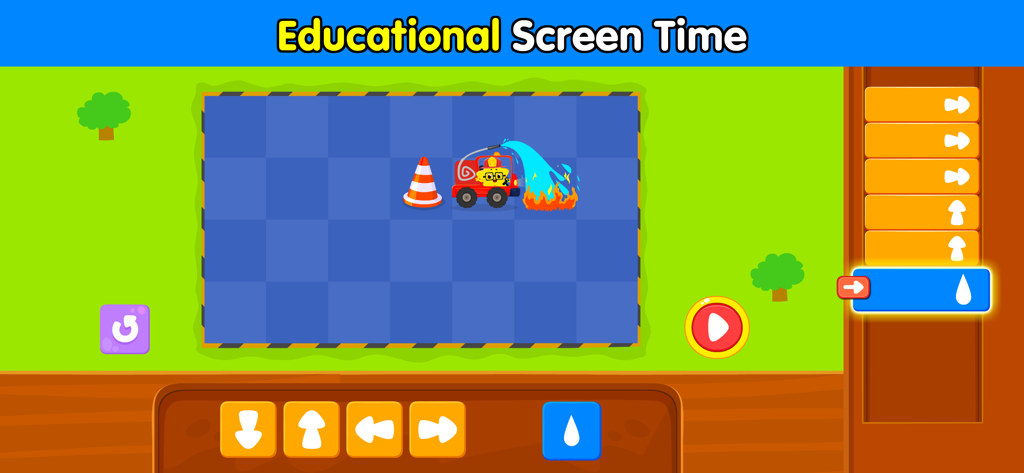
방향 명령을 사용하여 불을 끄는 소방차를 특징으로 하는 어린이 코딩 퍼즐.
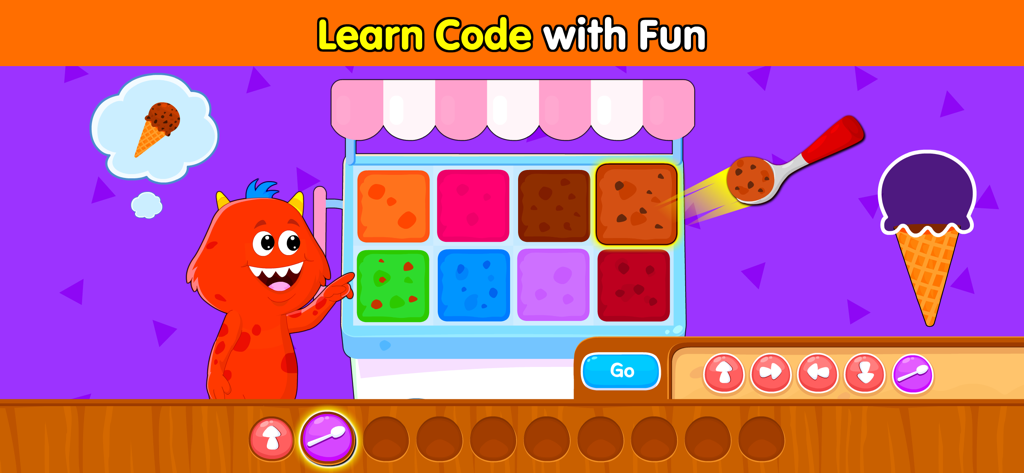
아이스크림 테마 코딩 순서 게임을 하는 빨간색 괴물.
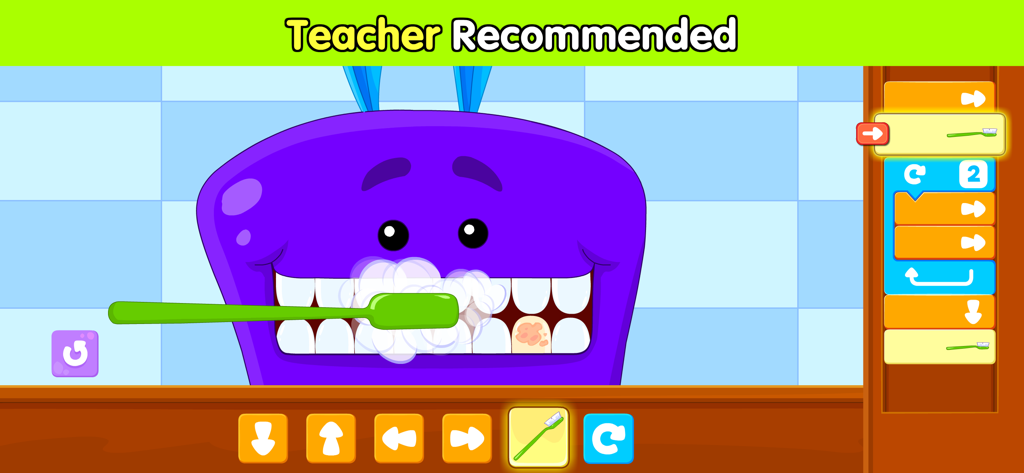
치과 테마를 가진 어린이 코딩 퍼즐을 추천하는 교사
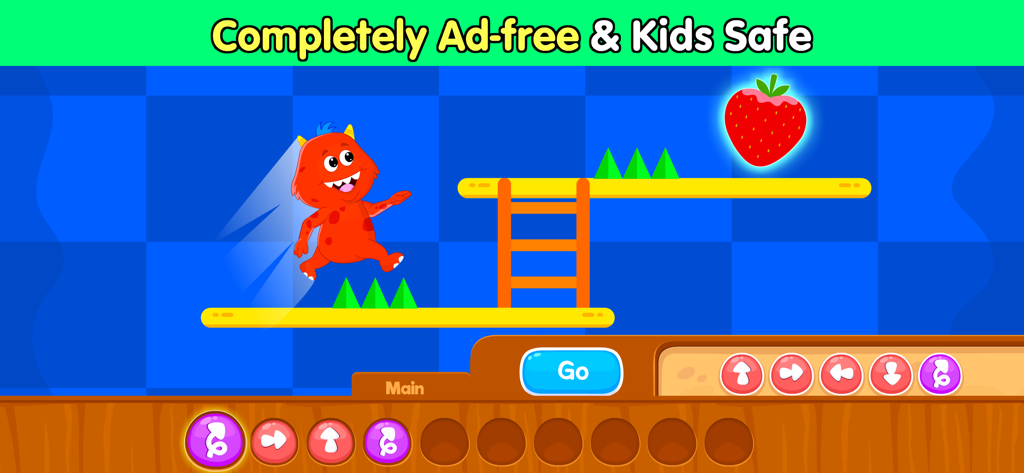
어린이 안전 코딩 앱 인터페이스 내 플랫폼 게임 레벨에서 점프하는 빨간색 괴물 캐릭터
설명
Download
비슷한 앱
유사한 기능과 사용자 경험을 가진 앱
Code Land: Kids Coding Games
Learny Land S.L.

Kodable Basics
SurfScore, Inc

Tynker: Coding for Kids
Neuron Fuel, Inc.

编程猫在线-随时随地学编程
Guangdong TanYue Online Non disciplinary Training School Company Limited
Tynker Junior: Coding for Kids
Neuron Fuel, Inc.

Code Kingdom: Treasure
MORE CHINESE EDUCATION & TECHNOLOGY CO.,LIMITED
Scratch Tutorial - Coding Game
海涛 赵

Move the Turtle: Learn to Code
Krzysztof Haft-Szatynski

ScratchJr
Scratch Foundation, Inc.
이 페이지는 앱이나 개발자의 공식 페이지가 아니며, 정보 제공 및 논평을 목적으로 작성된 독립 편집 간행물입니다. 명시적으로 달리 언급되지 않는 한, 해당 앱이나 개발자는 MWM, Apple, Google Play, 앱 퍼블리셔 또는 앱 개발자와 제휴, 보증, 후원, 승인 또는 공식적으로 연결되어 있지 않으며, 이 페이지의 어떤 내용도 해당 앱이 MWM의 서비스를 사용하여 개발되었음을 의미하지 않습니다. 모든 상표, 로고, 스크린샷 및 기타 콘텐츠는 해당 소유자의 자산입니다.