
이 페이지는 앱이나 개발자의 공식 페이지가 아니며, 정보 제공 및 논평을 목적으로 작성된 독립 편집 간행물입니다. 명시적으로 달리 언급되지 않는 한, 해당 앱이나 개발자는 MWM, Apple, Google Play, 앱 퍼블리셔 또는 앱 개발자와 제휴, 보증, 후원, 승인 또는 공식적으로 연결되어 있지 않으며, 이 페이지의 어떤 내용도 해당 앱이 MWM의 서비스를 사용하여 개발되었음을 의미하지 않습니다. 모든 상표, 로고, 스크린샷 및 기타 콘텐츠는 해당 소유자의 자산입니다.

Tynker Junior: Coding for Kids
세계 최고의 코딩 플랫폼으로 화면 시청 시간을 STEM 이점으로 전환하세요. 10만 개 학교에서 신뢰하는 플랫폼입니다. 특히 4-7세의 글자를 모르는 아이들을 위해 디자인되었으며, 글자 없는 인터페이스로 아이들이 놀이를 통해 논리와 창의성을 마스터할 수 있습니다.
다운로드
620K+사용자 평점
총 평가 수
9K+개발사
카테고리
Education지원 언어
1최신 버전
4.6.1080크기
414.5 MB출시일
2018년 12월 13일미래의 언어로 자녀에게 힘을 주세요
4-7세의 글자를 모르는 아이들을 위해 디자인된 틴커 주니어는 글자 없는 코딩 블록, 창의적인 스튜디오, 200개 이상의 인터랙티브 챌린지로 화면 시청 시간을 두뇌 발달 모험으로 바꿔줍니다.
읽기가 필요 없어요
아이들은 직관적이고 글자 없는 그림 블록과 어린 학습자를 위해 특별히 디자인된 친근한 음성 안내를 사용하여 복잡한 논리를 마스터할 수 있습니다.
퍼즐과 창의성의 만남
수중 미스터리 해결부터 음악 작곡, 스토리 애니메이션까지, 아이들은 코딩 개념을 적용하여 가장 wildest 아이디어를 현실로 만듭니다.
자주 묻는 질문
에 대해 알아야 할 모든 것 Tynker Junior: Coding for Kids
Tynker Junior는 무엇인가요?
Tynker Junior는 4-7세 어린이, 특히 읽기 전 아이들을 대상으로 코딩의 기초를 배울 수 있도록 설계된 인터랙티브 앱입니다. 캐릭터를 조작하고 기본적인 프로그래밍 기술을 개발하기 위해 다채로운 블록 코딩을 사용합니다.
Tynker Junior는 누구를 위한 것인가요?
Tynker Junior는 특히 4-7세 어린이를 위한 것입니다. 읽기 전 아이들을 포함한 어린 학습자들을 대상으로 하며, 단어가 없는 그림 블록과 음성 안내가 포함된 재설계된 사용자 인터페이스를 특징으로 합니다.
Tynker Junior는 어떻게 아이들에게 코딩을 가르치나요?
Tynker Junior는 서로 연결되는 다채로운 단어 없는 그림 블록을 사용하여 코딩을 가르칩니다. 200개 이상의 챌린지, 5개의 퍼즐 기반 모험, 5개의 프로젝트 생성 스튜디오, 그리고 비디오 코스가 포함되어 있습니다.
Tynker Junior는 구독 서비스를 제공하나요?
네, Tynker Junior는 프리미엄 콘텐츠에 액세스하기 위한 구독 서비스를 제공합니다. 사용자는 월간 플랜 또는 분기별 플랜 중에서 선택할 수 있습니다. 이들은 자동 갱신 옵션입니다.
Tynker Junior 월간 구독료는 얼마인가요?
Tynker Junior의 월간 구독료는 월 $24.99입니다. 가격은 USD 기준이며 지역에 따라 다를 수 있습니다.
Tynker Junior 분기별 구독료는 얼마인가요?
Tynker Junior의 분기별 구독료는 분기당 $59.99입니다. 가격은 USD 기준이며 지역에 따라 다를 수 있습니다.
어린이들이 Tynker Junior로 어떤 코딩 개념을 배우나요?
어린이들은 원인과 결과, 문제 해결, 루프, 조건 논리, 디버깅, 시퀀싱, 패턴 인식을 배웁니다. 이러한 개념을 사용하여 애니메이션, 스토리, 음악, 수학 예술을 만듭니다.
Tynker Junior에는 음악 및 예술 창작 활동이 포함되어 있나요?
네, Tynker Junior에는 어린이들이 수학 예술을 생성하고 음악을 작곡할 수 있는 아트 및 뮤직 스튜디오가 포함되어 있습니다. 또한 인터랙티브 애니메이션과 스토리를 만드는 애니메이션 스튜디오도 있습니다.
Tynker Junior는 어린이들에게 컴퓨터 작동 방식을 가르칠 수 있나요?
네, Tynker Junior에는 "컴퓨터에 대한 모든 것 비디오 코스"가 포함되어 있습니다. 이 코스는 컴퓨팅 기초, 인터넷 작동 방식, 디지털 시민 의식, 간단한 데이터 수집 등을 가르칩니다.
Tynker Junior 구독을 어떻게 취소하나요?
Tynker Junior 구독을 취소하려면 현재 기간이 종료되기 최소 24시간 전에 iTunes 설정에서 자동 갱신을 비활성화해야 합니다. 환불은 제공되지 않습니다.
Tynker Junior 코딩 챌린지에는 어떤 종류의 논리가 사용되나요?
Tynker Junior는 어린이들에게 조건 논리를 소개합니다. 이를 통해 변화하는 상황을 처리하고 코딩 프로젝트에 조건을 적용할 수 있습니다.
Tynker Junior는 아직 읽을 수 없는 어린이에게 적합한가요?
네, Tynker Junior는 읽기 전 아이들을 위해 설계되었습니다. 탭 기반 인터페이스, 단어 없는 그림 블록, 친절한 음성 안내를 통해 어린 아이들을 안내합니다.
다음 스크린샷과 설명은 앱의 공식 스토어 목록에서 직접 가져온 것이며 앱 개발자의 자산입니다.
앱 스토어
스크린샷
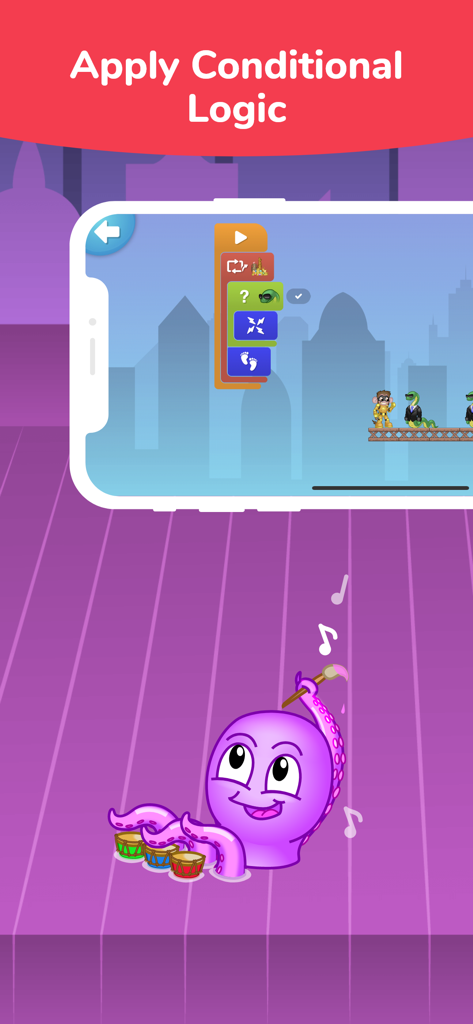
틴커 주니어 앱 스크린샷은 조건부 논리를 위한 시각적 코딩 블록과 드럼을 치는 만화 문어를 보여줍니다
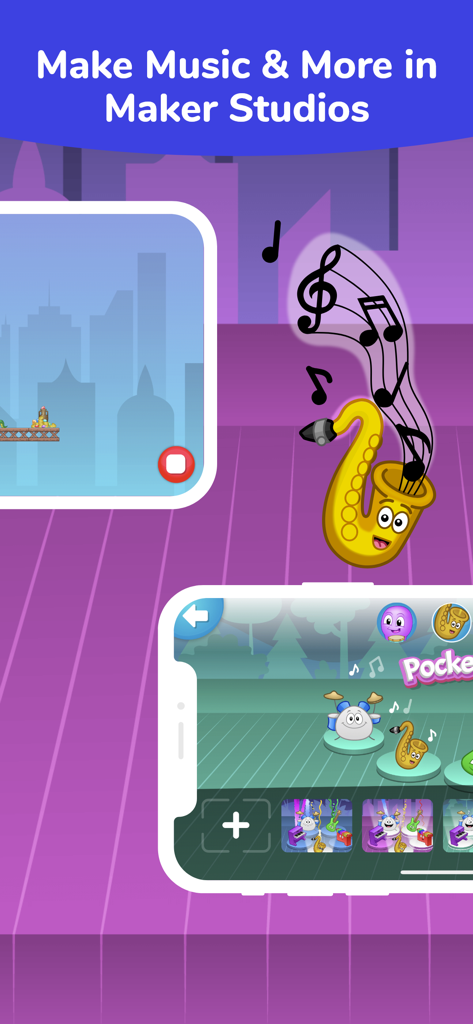
틴커 주니어 앱에서 만화 악기가 특징인 음악 제작을 위한 어린이 친화적인 인터페이스
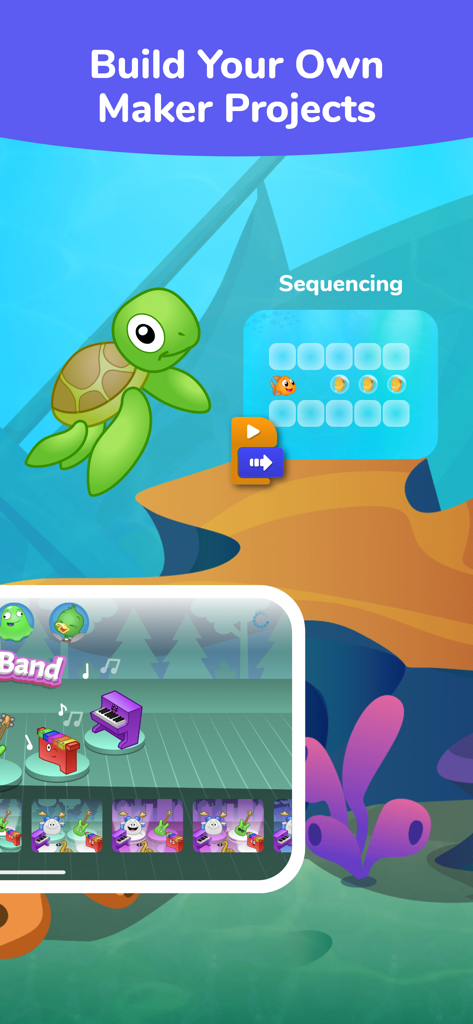
틴커 주니어 앱 인터페이스는 어린이들을 위한 창의적인 메이커 프로젝트와 시퀀싱 퍼즐을 보여줍니다
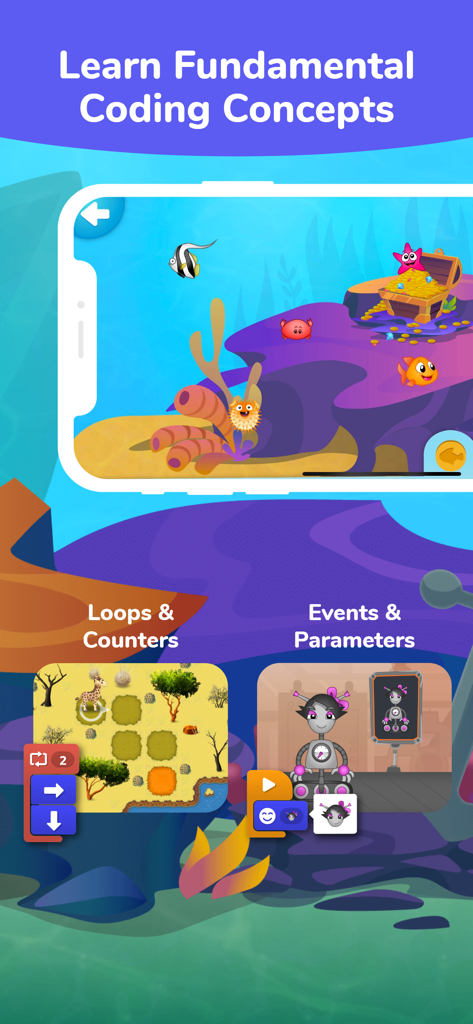
틴커 주니어 앱 인터페이스는 로봇과 동물이 있는 루프 및 이벤트에 대한 시각적 블록 코딩 수업을 보여줍니다
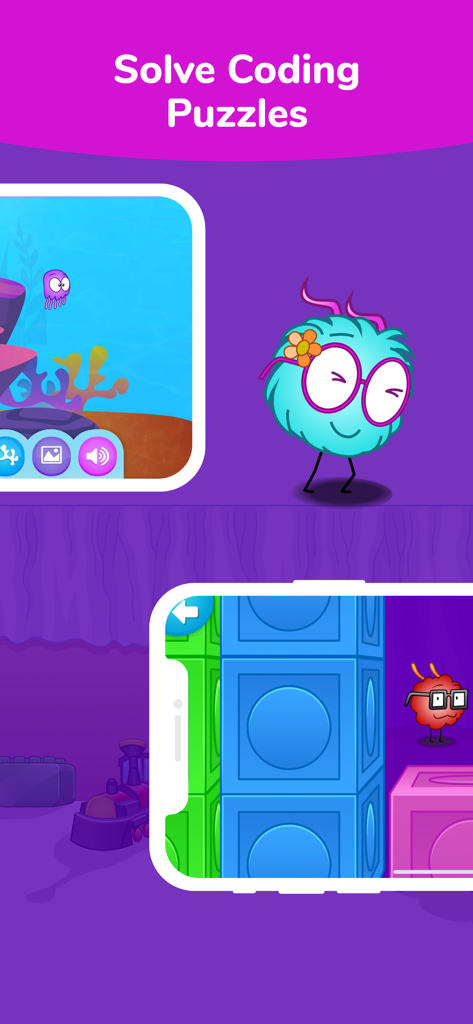
틴커 주니어 앱 화면은 귀여운 캐릭터와 시각적 블록 기반 인터페이스로 코딩 퍼즐을 푸는 아이들을 보여줍니다
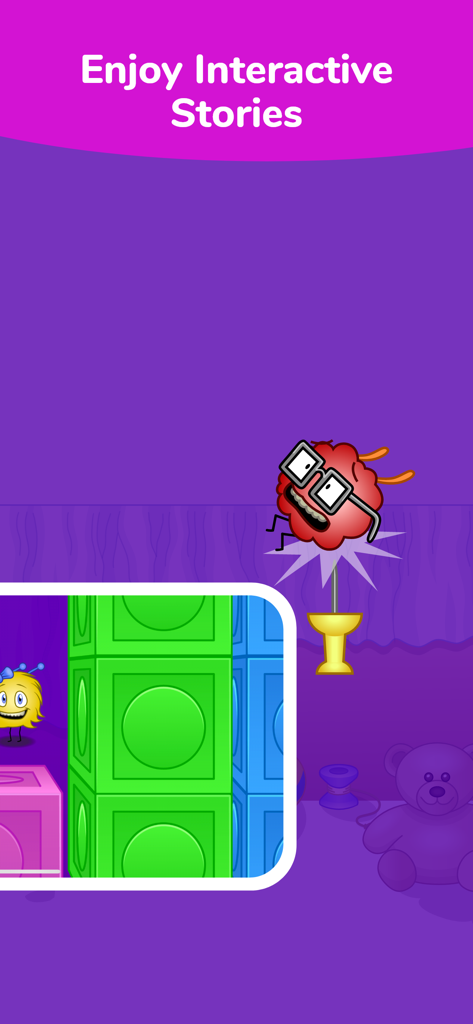
틴커 주니어 앱 스크린샷은 귀여운 캐릭터와 함께 인터랙티브 스토리를 선보입니다
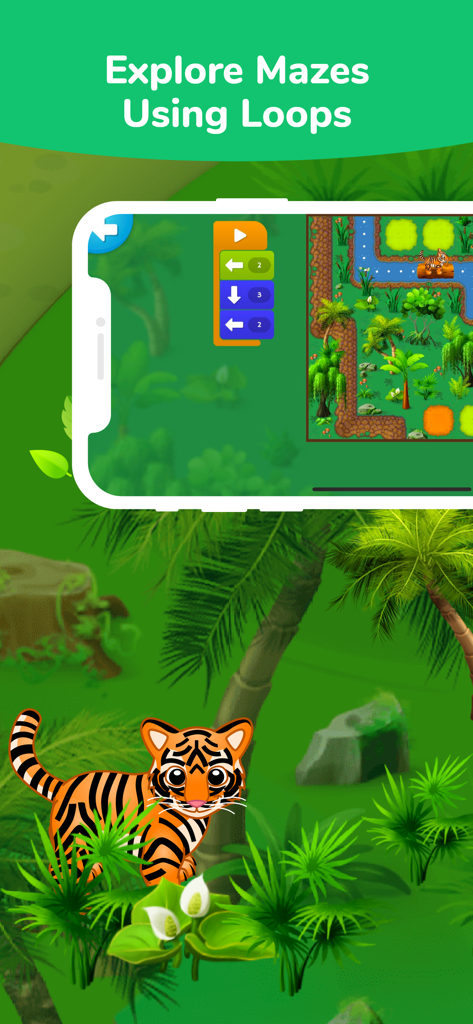
어린이들을 위한 코딩 인터페이스는 루프 블록을 사용하여 정글 미로를 탐색하는 호랑이 캐릭터를 보여줍니다
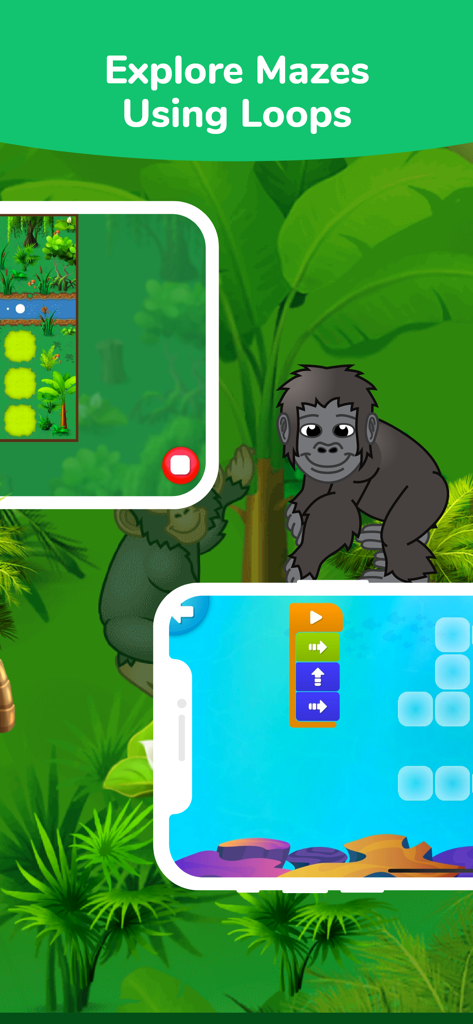
틴커 주니어 앱 인터페이스는 정글 미로와 고릴라를 사용하여 어린이들에게 코딩 루프를 가르칩니다
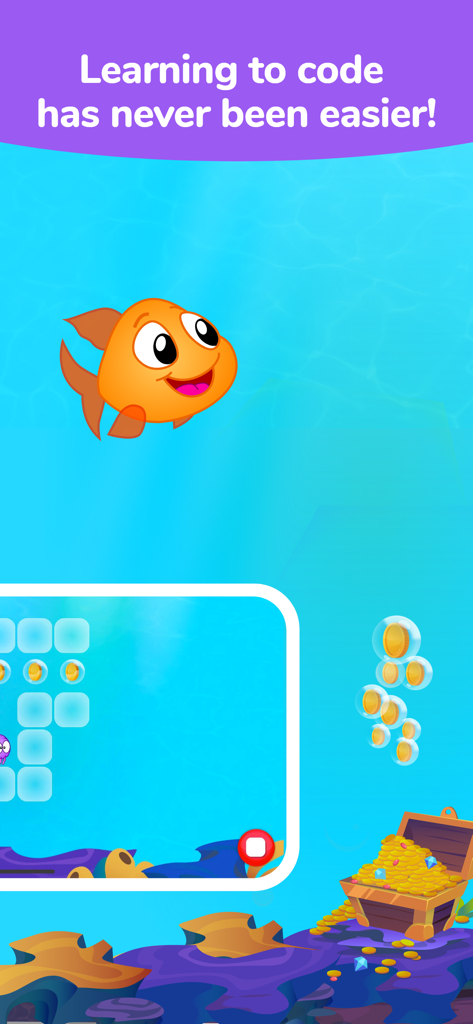
틴커 주니어 코딩 앱은 수중 모험에서 만화 금붕어를 특징으로 합니다
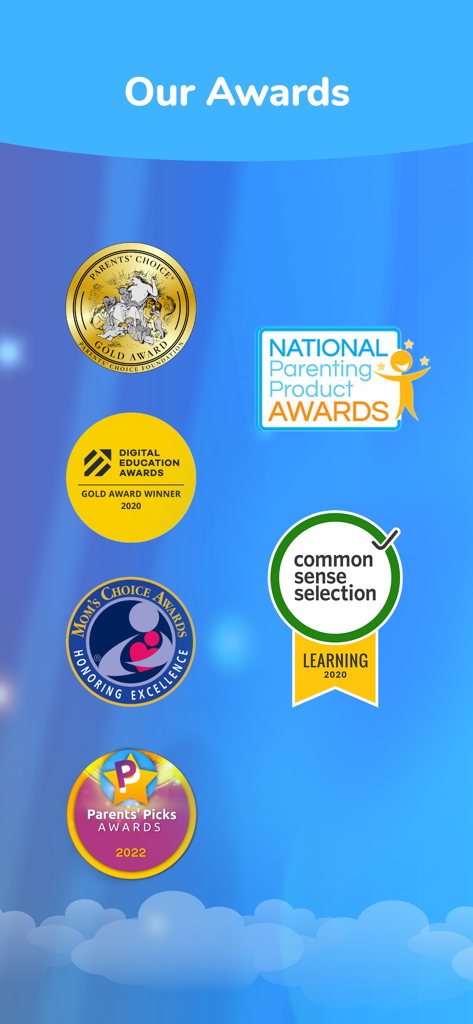
틴커 주니어가 받은 권위 있는 교육 및 육아 상 목록으로, Parents Choice Gold 및 Common Sense Selection 포함
설명
Download
비슷한 앱
유사한 기능과 사용자 경험을 가진 앱
Code Land: Kids Coding Games
Learny Land S.L.

Kodable Basics
SurfScore, Inc

Tynker: Coding for Kids
Neuron Fuel, Inc.

Coding For Kids: Learn To Code
KidloLand Kids & Toddler Games

编程猫在线-随时随地学编程
Guangdong TanYue Online Non disciplinary Training School Company Limited

Code Kingdom: Treasure
MORE CHINESE EDUCATION & TECHNOLOGY CO.,LIMITED
Scratch Tutorial - Coding Game
海涛 赵

Move the Turtle: Learn to Code
Krzysztof Haft-Szatynski

ScratchJr
Scratch Foundation, Inc.
이 페이지는 앱이나 개발자의 공식 페이지가 아니며, 정보 제공 및 논평을 목적으로 작성된 독립 편집 간행물입니다. 명시적으로 달리 언급되지 않는 한, 해당 앱이나 개발자는 MWM, Apple, Google Play, 앱 퍼블리셔 또는 앱 개발자와 제휴, 보증, 후원, 승인 또는 공식적으로 연결되어 있지 않으며, 이 페이지의 어떤 내용도 해당 앱이 MWM의 서비스를 사용하여 개발되었음을 의미하지 않습니다. 모든 상표, 로고, 스크린샷 및 기타 콘텐츠는 해당 소유자의 자산입니다.