
이 페이지는 앱이나 개발자의 공식 페이지가 아니며, 정보 제공 및 논평을 목적으로 작성된 독립 편집 간행물입니다. 명시적으로 달리 언급되지 않는 한, 해당 앱이나 개발자는 MWM, Apple, Google Play, 앱 퍼블리셔 또는 앱 개발자와 제휴, 보증, 후원, 승인 또는 공식적으로 연결되어 있지 않으며, 이 페이지의 어떤 내용도 해당 앱이 MWM의 서비스를 사용하여 개발되었음을 의미하지 않습니다. 모든 상표, 로고, 스크린샷 및 기타 콘텐츠는 해당 소유자의 자산입니다.


Compress Videos & Resize Video
소중한 추억을 삭제하지 마세요. 최대 90%까지 동영상 파일을 줄이면서도 모든 디테일을 선명하게 유지하는 2백만 명 이상의 사용자와 함께하세요. 간단하고, 안전하며, 워터마크가 없습니다.
다운로드
2M+사용자 평점
총 평가 수
43K+개발사
카테고리
Photo & Video지원 언어
1최신 버전
2.13크기
15.3 MB출시일
2019년 8월 14일저장 공간 확보에 필요한 모든 것
좋아하는 추억을 삭제하는 것을 멈추세요. 강력한 도구를 사용하여 최대 90%까지 동영상 파일을 줄이면서도 사랑하는 고화질 품질을 유지할 수 있습니다.
'저장 공간 전체' 알림 퇴치
몇 초 만에 기가바이트의 공간을 되찾으세요. 전체 라이브러리를 압축하여 현재 기기에서 최대 10배 더 많은 동영상을 저장할 수 있습니다.
프로 품질, 작은 크기
지능형 압축 엔진은 동영상 품질을 선명하게 유지합니다. 선명도나 디테일의 눈에 띄는 손실 없이 파일을 줄이세요.
자주 묻는 질문
에 대해 알아야 할 모든 것 Compress Videos & Resize Video
Compress Videos & Resize Video란 무엇인가요?
Compress Videos & Resize Video는 아이폰 또는 아이패드 기기에서 파일 크기를 줄여 저장 공간을 절약하기 위해 동영상을 압축하는 앱으로, 품질 저하 없이 사용할 수 있습니다.
Compress Videos & Resize Video가 동영상 품질을 저하시키나요?
아니요, Compress Videos & Resize Video는 동영상 품질을 저하시키지 않습니다. 지능형 압축 엔진을 통해 눈에 띄는 차이 없이 파일 크기를 최대 90% 이상 줄일 수 있습니다.
Compress Videos & Resize Video가 내 아이폰의 공간을 어떻게 절약해주나요?
Compress Videos & Resize Video는 동영상 파일 크기를 줄여 사용자가 저장 공간을 확보할 수 있도록 합니다. 아이폰 또는 아이패드에서 최대 10배 더 많은 동영상을 저장할 수 있도록 도와줍니다.
Compress Videos & Resize Video는 사용자 개인정보를 존중하나요?
예, Compress Videos & Resize Video는 사용자 개인정보를 존중합니다. 동영상은 기기에서 직접 처리되며 원격 서버로 업로드되지 않으며, 워터마크도 포함되지 않습니다.
Compress Videos & Resize Video가 지원하는 동영상 파일 형식은 무엇인가요?
Compress Videos & Resize Video는 H.264, MPEG-4, HEVC, .m4v, .mp4, .mov 형식을 포함하여 아이폰에서 지원하는 모든 동영상 파일 형식을 지원합니다.
Compress Videos & Resize Video에서 압축된 동영상은 어디에 저장되나요?
압축된 동영상은 메인 사진 라이브러리와 "압축된 동영상"이라는 기기의 전용 앨범에 모두 저장됩니다. 이 앨범은 앱에서 자동으로 생성됩니다.
광고 없이 Compress Videos & Resize Video를 사용하려면 어떻게 해야 하나요?
사용자는 Compress Videos & Resize Video의 Pro 버전을 업그레이드하여 광고를 제거할 수 있습니다. Pro 버전은 여러 동영상을 한 번에 압축하고 일일 무제한 압축 기능도 제공합니다.
Compress Videos & Resize Video Pro 버전은 결제 및 갱신을 어떻게 처리하나요?
Pro 버전 결제는 구매 확인 시 iTunes 계정으로 청구됩니다. 기간 종료 24시간 전에 취소하지 않는 한 동일한 가격으로 매년 자동 갱신됩니다.
Compress Videos & Resize Video를 사용하여 한 번에 여러 동영상을 압축할 수 있나요?
예, Compress Videos & Resize Video의 Pro 버전은 사용자가 한 번에 여러 동영상을 압축하고 매일 무제한으로 동영상을 압축할 수 있도록 허용합니다.
Compress Videos & Resize Video에서 동영상 압축에 권장되는 설정은 무엇인가요?
최상의 결과를 위해 Compress Videos & Resize Video는 프레임 속도를 24, 동영상 크기를 80%로 설정하는 것을 권장합니다. 이렇게 하면 눈에 띄는 품질 차이 없이 파일 크기를 크게 줄일 수 있습니다.
다음 스크린샷과 설명은 앱의 공식 스토어 목록에서 직접 가져온 것이며 앱 개발자의 자산입니다.
앱 스토어
스크린샷
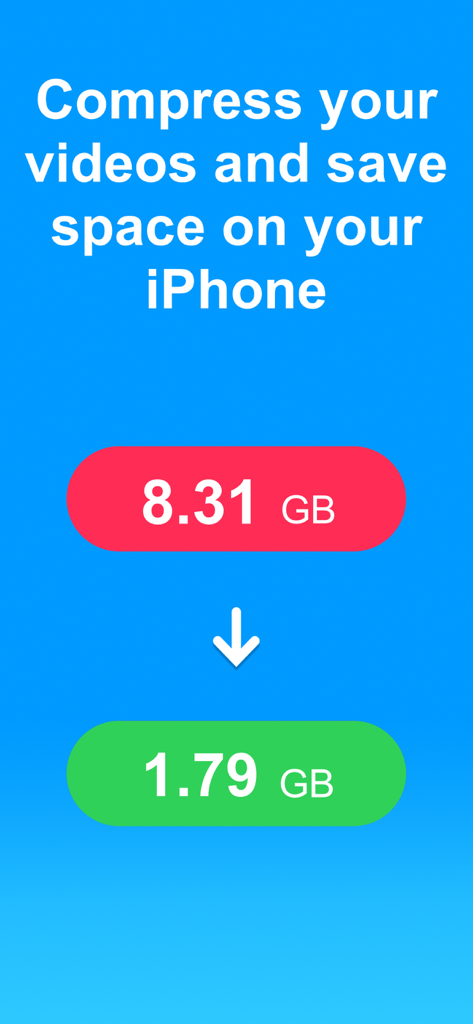
iPhone 공간 확보를 위해 동영상 압축 전 8.31GB에서 1.79GB로 줄이는 과정을 보여주는 인포그래픽
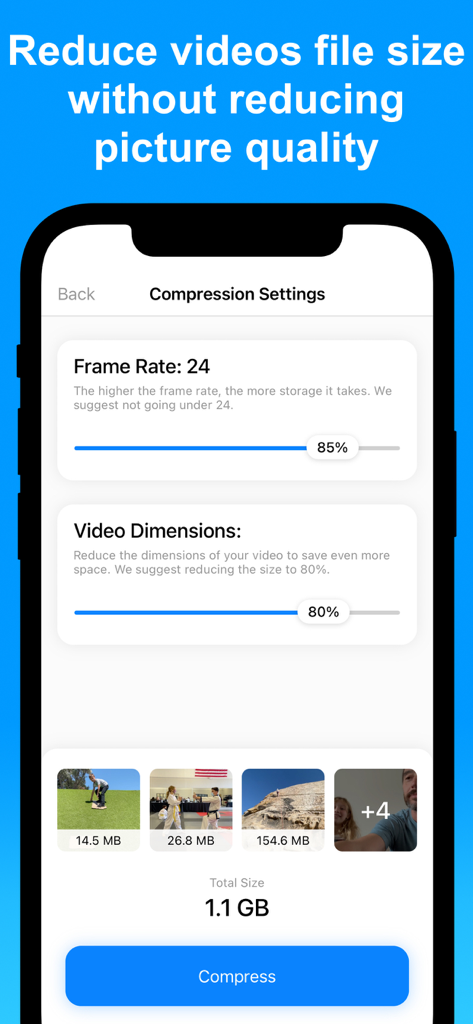
iPhone 화면에서 프레임 속도 및 해상도와 같은 조절 가능한 동영상 압축 설정
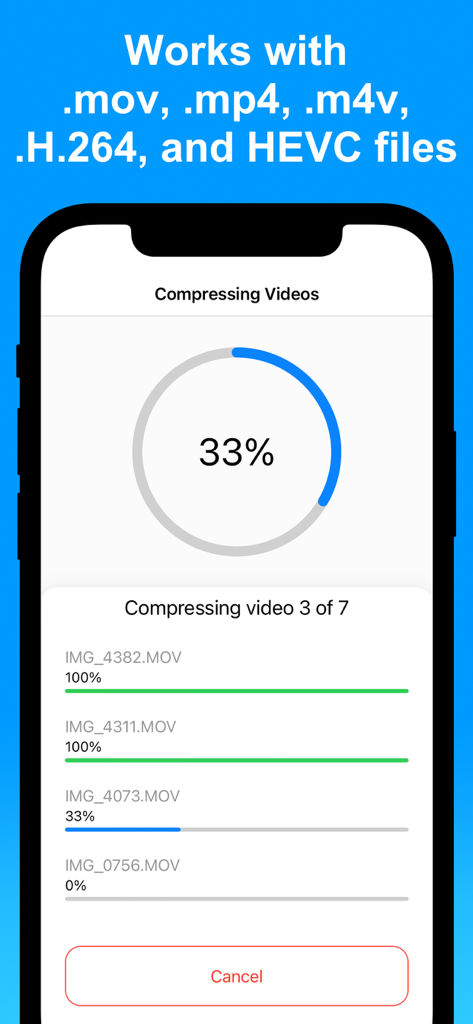
앱에서 여러 동영상을 동시에 압축하는 진행 상황을 보여주는 iPhone 화면
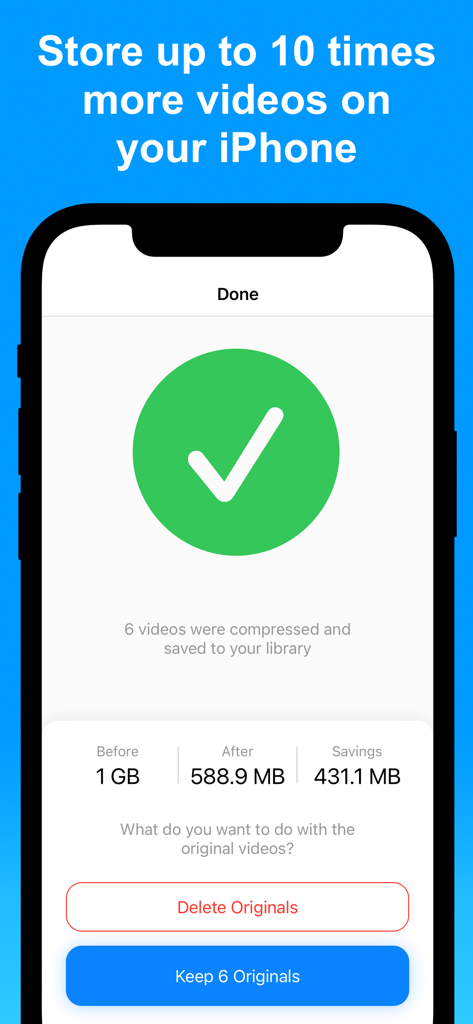
성공적인 동영상 압축 결과와 저장 공간 절약 효과를 보여주는 iPhone 앱 인터페이스
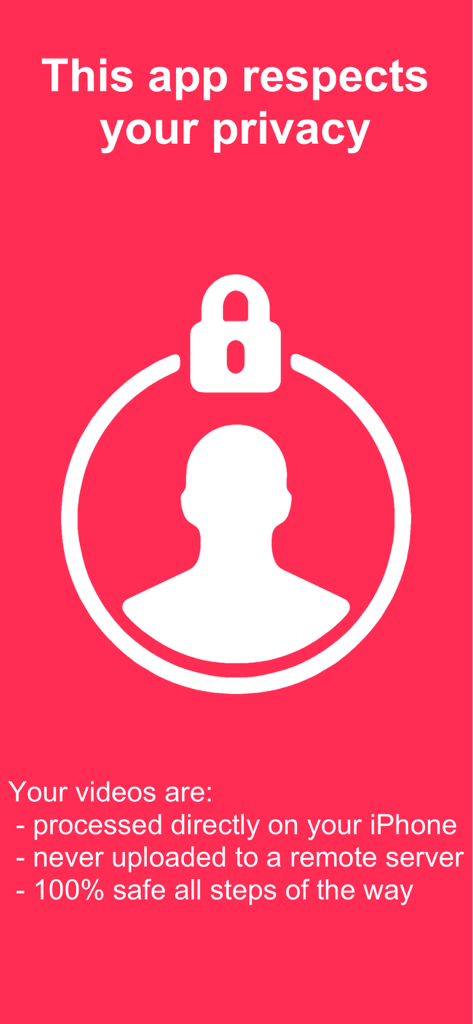
기기 내 로컬 처리로 개인 정보 보호를 보여주는 Compress Videos 앱의 개인 정보 보호 정보 화면
설명
Download
비슷한 앱
유사한 기능과 사용자 경험을 가진 앱

Video compressor - save space
俊杰 阮

SlimSpace - Compressor
琛 王

转换猫-视频音频图片格式转换
ZHN Co., Ltd.

Video Compressor - HQ Compress
LightByte Co., Ltd.

The Video Compressor
Dalian Hengwei Electronics Co., Ltd

Media Converter - video to mp3
俊杰 阮

Easy Video Compressor - Resize
Osawa Shunsuke

Video Compress - Shrink Vids
Brachmann Online Marketing GmbH & Co. KG

Panda - Video Compressor
Farluner Apps Grzegorz Balcerzak
이 페이지는 앱이나 개발자의 공식 페이지가 아니며, 정보 제공 및 논평을 목적으로 작성된 독립 편집 간행물입니다. 명시적으로 달리 언급되지 않는 한, 해당 앱이나 개발자는 MWM, Apple, Google Play, 앱 퍼블리셔 또는 앱 개발자와 제휴, 보증, 후원, 승인 또는 공식적으로 연결되어 있지 않으며, 이 페이지의 어떤 내용도 해당 앱이 MWM의 서비스를 사용하여 개발되었음을 의미하지 않습니다. 모든 상표, 로고, 스크린샷 및 기타 콘텐츠는 해당 소유자의 자산입니다.