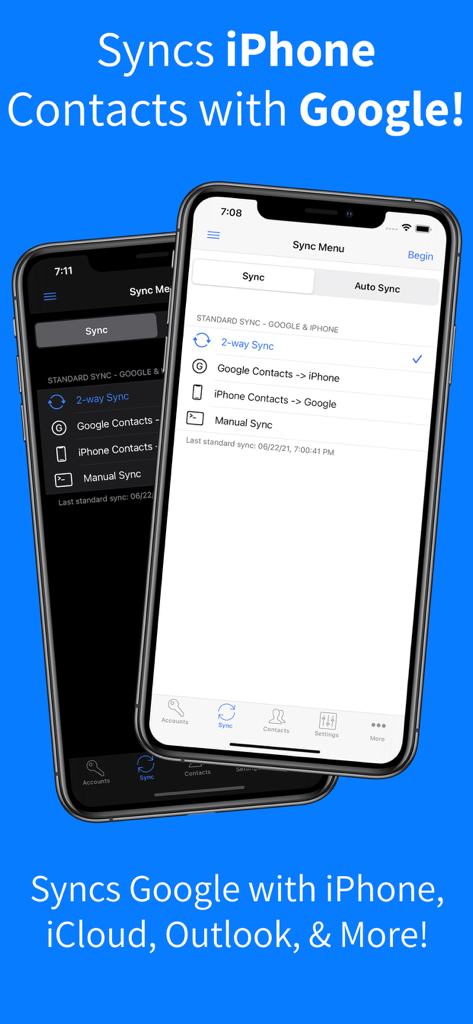
iPhone 연락처를 Google과 동기화하는 Contacts Sync Pro 앱 인터페이스
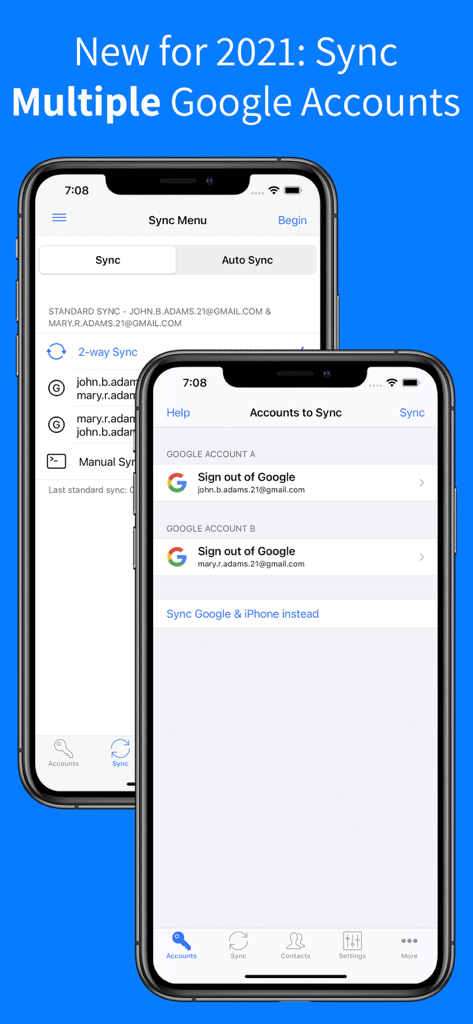
Contacts Sync Pro 앱에서 여러 Google 계정을 동기화하는 인터페이스
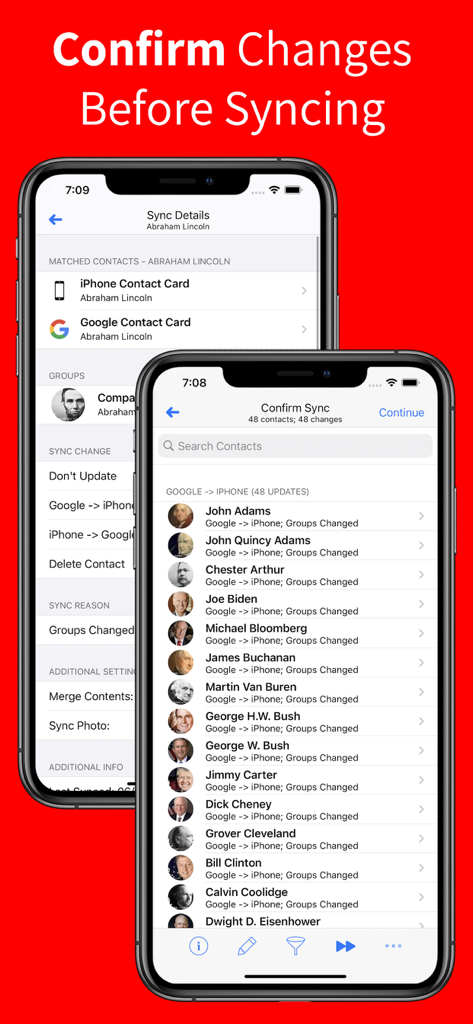
Contacts Sync Pro에서 Google에서 iPhone으로의 연락처 업데이트를 보여주는 동기화 확인 화면
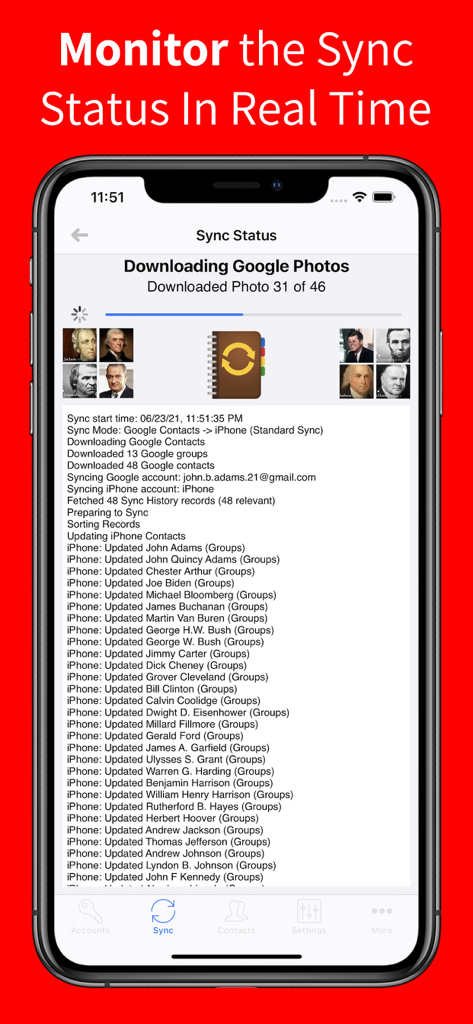
iPhone에서 연락처 업데이트 진행 상황을 보여주는 실시간 동기화 상태 화면
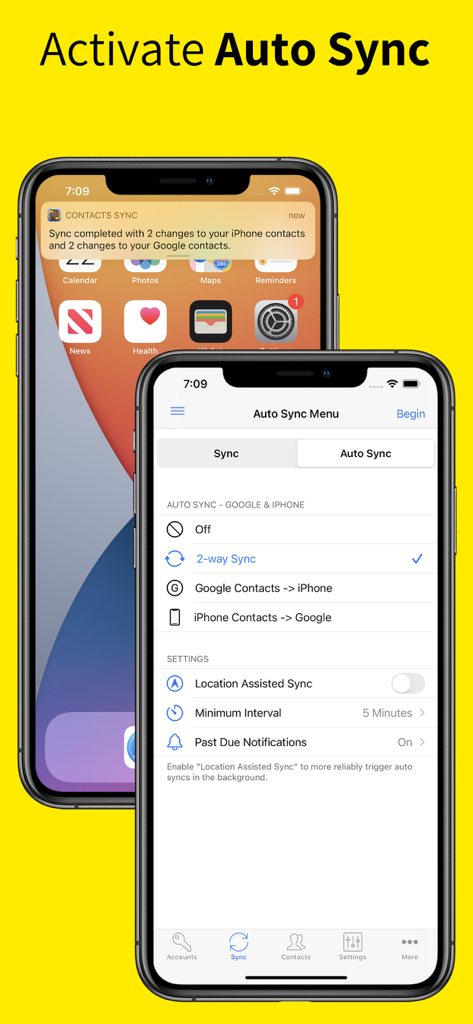
Google과 iPhone 간의 양방향 연락처 동기화를 위한 자동 동기화 설정을 보여주는 Contacts Sync Pro의 인터페이스
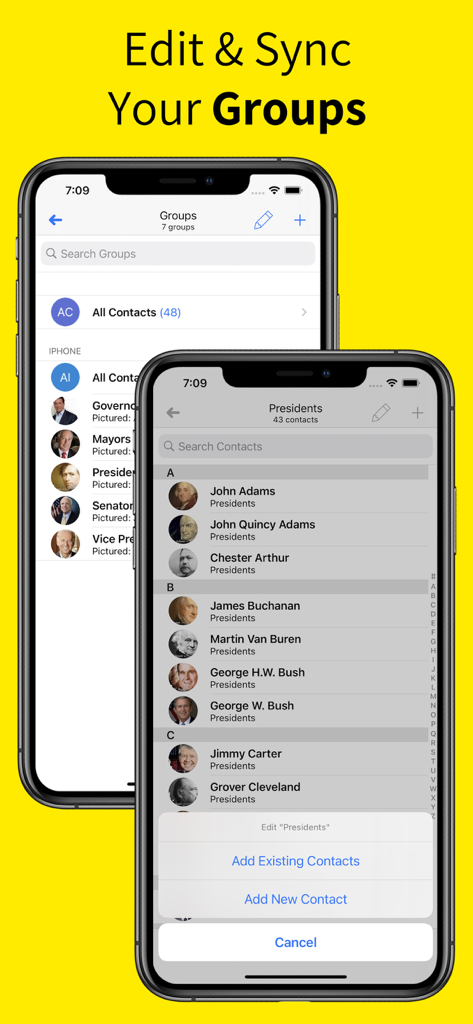
iPhone에서 연락처 그룹을 편집하고 동기화하는 방법을 보여주는 Contacts Sync Pro 앱의 인터페이스
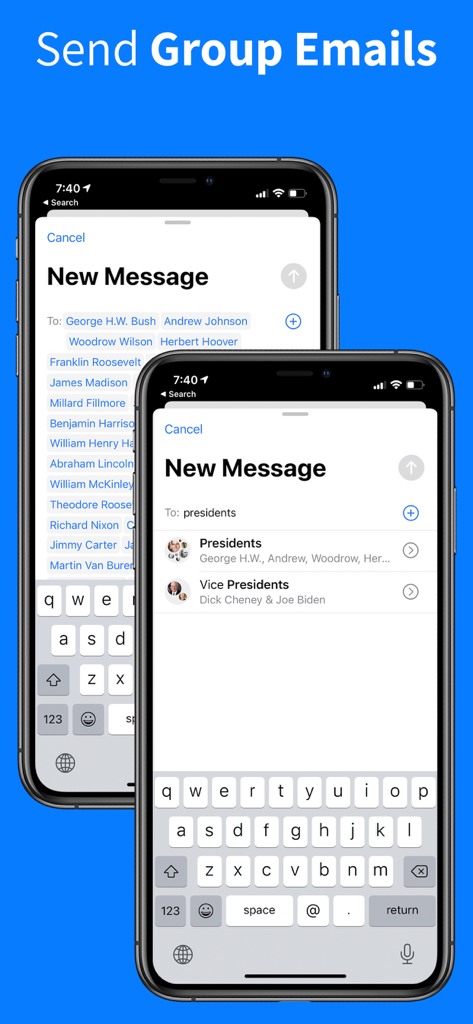
iPhone에서 그룹 이메일 기능을 보여주는 Contacts Sync Pro 앱의 인터페이스
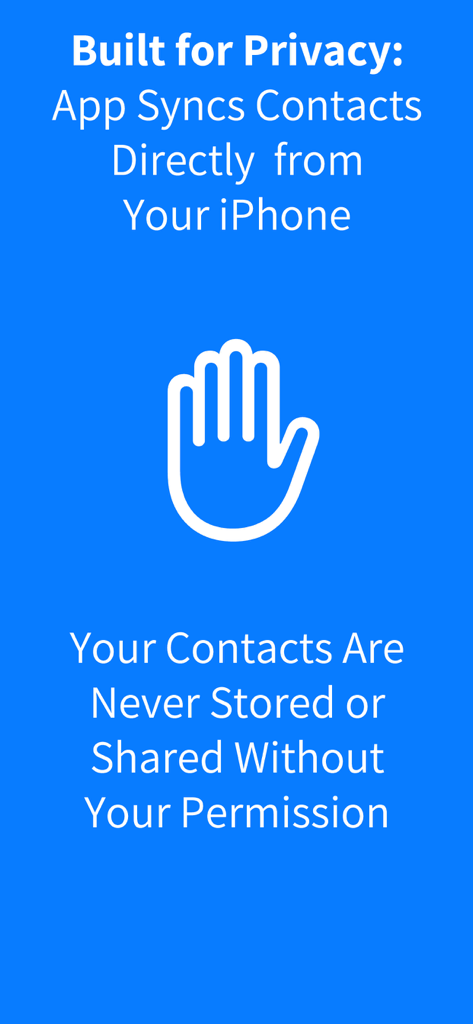
연락처 보안 및 사용자 권한을 강조하는 Contacts Sync Pro 개인 정보 보호 정보
원활한 통합으로 네트워크를 마스터하세요
이 앱을 돋보이게 하는 도구, 264K+ 명의 사용자가 선택.
🔄
진정한 2방향 동기화
수동으로 앞뒤로 작업하는 것을 중단하세요. iPhone, Google 또는 Outlook 계정에서 이루어진 모든 업데이트는 모든 기기에서 즉시 반영되어 완벽한 데이터 무결성을 보장합니다.
🏷️
지능형 그룹 매핑
조직을 그대로 유지하세요. Google 레이블과 Outlook 카테고리는 iPhone 그룹으로 직접 동기화되어 전문적인 그룹 메시징 및 이메일 작성을 손쉽게 합니다.
⚡
자동 백그라운드 동기화
'설정하고 잊어버리는' 솔루션으로 최고의 생산성을 경험하세요. 앱은 24시간 연중무휴로 작동하여 사용자가 손가락 하나 까딱하지 않아도 변경 사항을 동기화하고 중복을 제거합니다.
앱 소개
에 대해 알아야 할 모든 것 Contacts Sync Pro.
설명
••• SYNC GOOGLE, ICLOUD, & OUTLOOK!
••• #1 SYNC APP FOR 14+ YEARS!
••• TRUSTED BY 10,000,000+ USERS!
With Contacts Sync Pro, you can quickly & easily sync your Google or Outlook contacts with iPhone, giving you access to your contacts wherever you go. This app distinguishes itself with its reliability, ease of use, speed, and with a true "2-way sync" that merges changes made to either account. This is the #1 app for syncing contacts both in terms of downloads & reviews.
Also of significance, this app syncs your Google labels or Outlook categories with your iPhone lists. For instance, you may have organized your Google contacts into groups such as "friends," "family," and "coworkers." After a sync, your iPhone and Google groups will match. With your groups configured on iPhone, you can easily send group emails or group messages.
SYNC THE FOLLOWING ACCOUNTS:
• Sync Google with iPhone
• Sync Outlook with iPhone
• Sync 2 Google accounts
SYNC ANY IPHONE ACCOUNT:
• Choose to sync all of your iPhone contacts, or choose to sync contacts from a specific iPhone account, such as iCloud, a local iPhone address book, Outlook, or a CardDAV account
SYNC TYPES:
• Choose from one of the following sync types: 2-Way Sync, 1-Way Sync, and Manual Sync
• Choose a 2-Way Sync to sync changes in both directions
• Choose a 1-Way Sync to transfer changes in one direction only
• Choose a Manual Sync to sync specific contacts only
SYNCS ALL FIELDS:
• Syncs all fields including names, phonetic names, nicknames, email addresses, phone numbers, postal addresses, company names, job titles, departments, birthdays, anniversaries, events, notes, web page addresses, relationships, instant messaging accounts, & social profiles
• Syncs contact photos
• Syncs custom labels & custom fields
INITIAL SYNC:
• During the initial sync, the contents of matching contacts will be merged
CONFIRM CHANGES BEFORE SYNCING:
• Review each change before the sync actually begins
AUTOMATIC SYNC:
• Automatically syncs contacts in the background 24/7
APPLY FILTERS INCLUDING GROUP FILTER:
• Apply the group filter, new contact filter, and more!
DUPLICATE CONTACTS:
• Eliminate duplicate contacts in Google directly from the app, and then sync to remove the same duplicates from iPhone
최신 버전
10.4.1
크기
32.4 MB
출시일
2013년 8월 22일
업계 최고의 동기화 도구를 신뢰하는 1천만 명의 전문가와 함께하세요
수동 입력에 시간을 낭비하지 마세요. Google, Outlook, iCloud를 위한 가장 안정적인 2방향 동기화로 연락처를 자동화하세요.
App information, icons, screenshots, and descriptions displayed on this page are sourced from the Apple App Store and are the property of their respective developers. Download estimates and rankings are based on MWM's proprietary models and may not reflect actual figures. This page is provided for informational and analytical purposes only.
Believe this page infringes your intellectual property? File a dispute