Copy My Data
Copy My Data
다운로드: App Store

이 페이지는 앱이나 개발자의 공식 페이지가 아니며, 정보 제공 및 논평을 목적으로 작성된 독립 편집 간행물입니다. 명시적으로 달리 언급되지 않는 한, 해당 앱이나 개발자는 MWM, Apple, Google Play, 앱 퍼블리셔 또는 앱 개발자와 제휴, 보증, 후원, 승인 또는 공식적으로 연결되어 있지 않으며, 이 페이지의 어떤 내용도 해당 앱이 MWM의 서비스를 사용하여 개발되었음을 의미하지 않습니다. 모든 상표, 로고, 스크린샷 및 기타 콘텐츠는 해당 소유자의 자산입니다.

로고: Copy My Data
다운로드: App Store

Copy My Data

디지털 라이프를 완벽하게 제어하세요. 복잡한 클라우드 설정 없이 직관적인 도구 하나로 사진을 쉽게 이전하고, 연락처를 보호하고, 파일을 관리하는 580,000명 이상의 사용자들과 함께하세요.

주요 수치

다운로드

583K+

사용자 평점

4.6/5

총 평가 수

3K+

개발사

Herbert Lederer

카테고리

Utilities

지원 언어

1

최신 버전

1.0.2

크기

12.8 MB

출시일

2022년 11월 21일
기능

손쉬운 디지털 라이프 마스터

클라우드 동기화의 복잡함을 건너뛰세요. 직관적인 도구로 모든 iOS 기기에서 가장 중요한 데이터를 이동, 백업 및 정리하는 데 완벽한 제어 권한을 얻으세요.

원활한 기기 이전

새로운 iPhone 또는 iPad로 기기를 변경하시나요? iCloud의 번거로움 없이 몇 번의 탭만으로 사진, 동영상 및 문서를 손쉽게 전송하세요.

철통같은 연락처 백업

전문적이고 개인적인 관계망을 보호하세요. 업그레이드 중에도 연결이 끊어지지 않도록 전체 연락처 목록을 안전하게 백업하세요.

다음 스크린샷과 설명은 앱의 공식 스토어 목록에서 직접 가져온 것이며 앱 개발자의 자산입니다.

앱 스토어

스크린샷
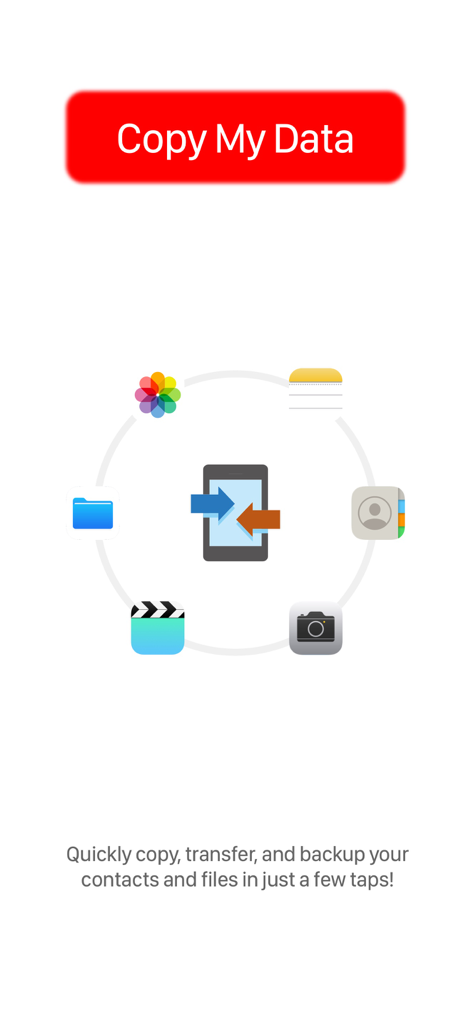
Copy My Data - 사진, 연락처, 파일 전송 아이콘이 표시된 Copy My Data 앱 스플래시 화면
사진, 연락처, 파일 전송 아이콘이 표시된 Copy My Data 앱 스플래시 화면

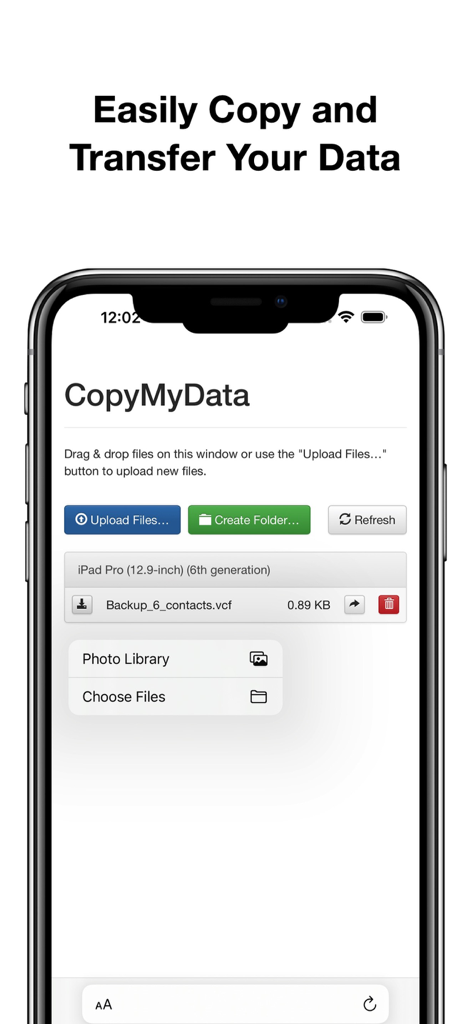
Copy My Data - 파일 및 연락처 전송을 위한 Copy My Data 앱 인터페이스를 보여주는 스마트폰 화면
파일 및 연락처 전송을 위한 Copy My Data 앱 인터페이스를 보여주는 스마트폰 화면

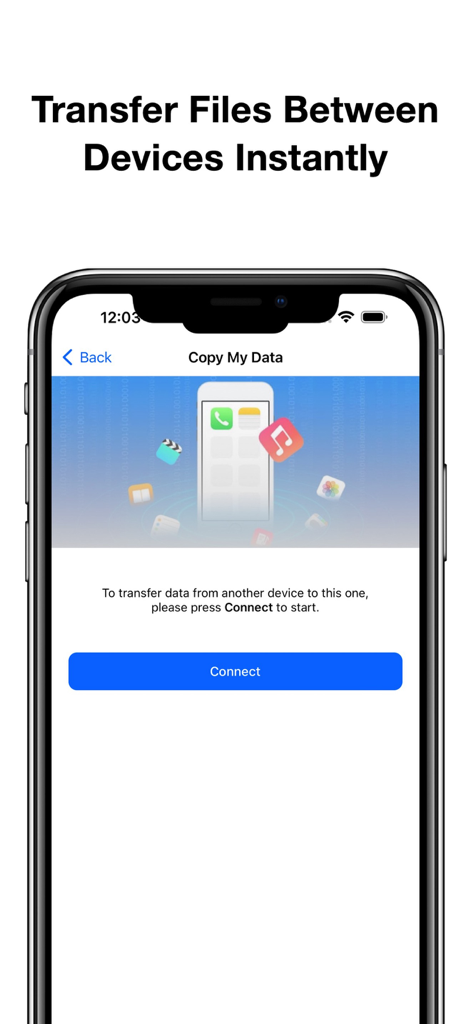
Copy My Data - 파란색 연결 버튼이 있는 파일 전송 설정 화면을 보여주는 Copy My Data 앱 인터페이스 스크린샷.
파란색 연결 버튼이 있는 파일 전송 설정 화면을 보여주는 Copy My Data 앱 인터페이스 스크린샷.

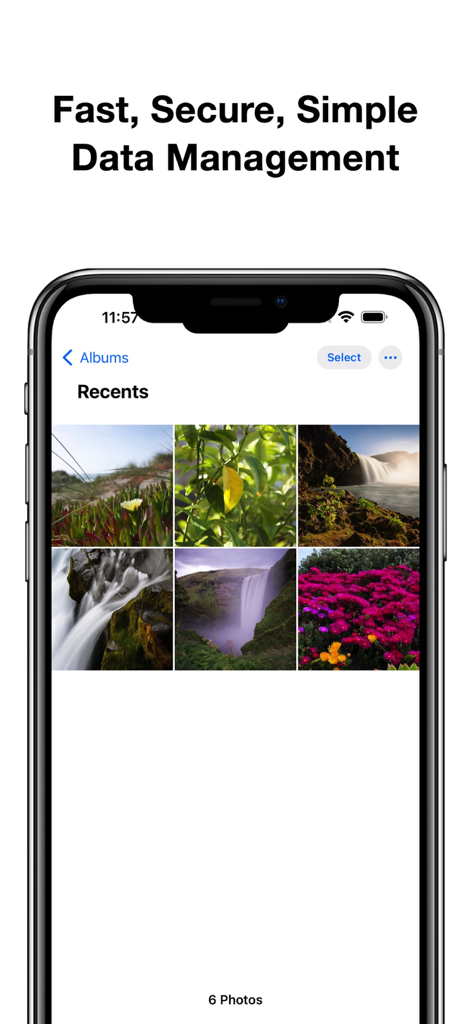
Copy My Data - 빠르고 안전한 데이터 관리라는 제목 아래 자연 이미지가 있는 사진 갤러리를 보여주는 iPhone 화면
빠르고 안전한 데이터 관리라는 제목 아래 자연 이미지가 있는 사진 갤러리를 보여주는 iPhone 화면

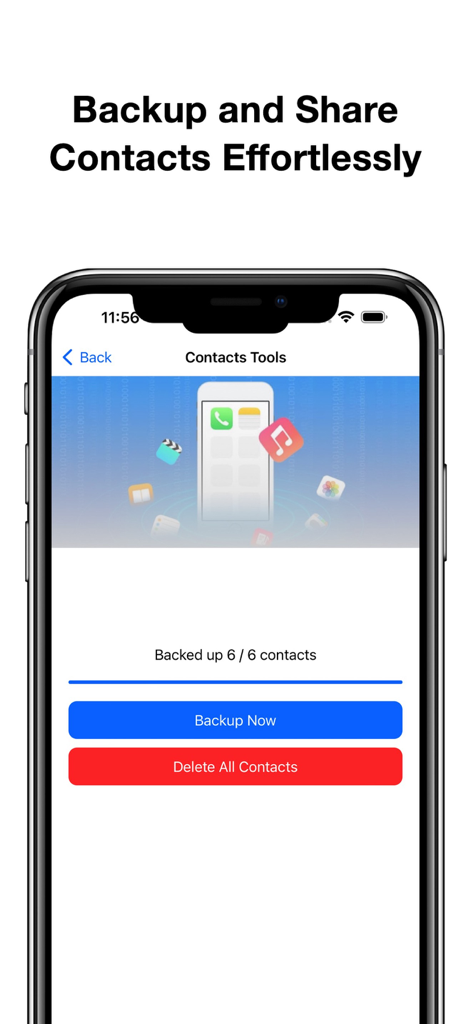
Copy My Data - 연락처 백업 및 관리를 위한 Copy My Data 앱 화면.

연락처 백업 및 관리를 위한 Copy My Data 앱 화면.

설명

Copy My Data is the essential app for effortlessly managing your digital files. With our intuitive interface, you can easily copy and transfer any files between devices in just a few taps. Whether you’re moving important documents, sharing photos, or transferring videos, our app ensures a smooth and secure experience. Key Features: - Effortless File Transfers: Quickly copy and transfer any files between your devices. Simply select the files you want to move, and our app handles the rest. - Access from Photos and Files App: Seamlessly retrieve files directly from your device’s Photos and Files apps. Enjoy the convenience of managing all your important data from one centralized location. - Favorite Media Collection: Add your favorite photos and videos to the app for easy access and sharing. Create personalized collections to keep your cherished memories close at hand. - Backup and Copy Contacts: Safeguard your important contacts with our reliable backup feature. Easily copy your contacts to ensure they are secure and easily accessible whenever you need them. - Regularly Updated Wallpaper Collection: Explore our stunning and regularly updated collection of wallpapers to personalize your device. Choose from a variety of beautiful designs that enhance your home screen and make your device truly yours. Flexible Subscription Plans Unlock the full potential of Copy My Data with our flexible subscription plans designed to enhance your experience: - Weekly Subscription: Enjoy full Pro access for one week, perfect for short-term users who need premium features temporarily. - Monthly Subscription: Our most popular plan allows you to enjoy a full month of premium features for seamless data management and enhanced functionality. - Yearly Subscription: Experience uninterrupted Pro access for an entire year, providing you with all the features without the hassle of monthly payments. - Lifetime Subscription: Make a one-time payment for lifetime access to all Pro features, ensuring you’ll always enjoy the best experience without ongoing payments. Subscription and Billing Information - Payment: Subscriptions are charged based on the plan you select and processed through your iTunes account after purchase confirmation. - Auto-Renewal: All subscriptions automatically renew unless you disable auto-renewal at least 24 hours before the end of the current subscription period. Renewal charges will be applied within 24 hours of the end of your current subscription term. - Managing Subscriptions: You can manage or cancel your subscription at any time via your Account Settings, giving you full control over payment options and subscription status. Free Trial and Refunds - Trial Period: If you take advantage of a free trial, any unused portion will be forfeited upon subscription purchase. - Refund Policy: Refunds are not provided for unused portions of the subscription. Please review Apple's App Store policies for more detailed information. - For any inquiries or assistance, feel free to contact our support team through the provided channels. Privacy Policy: https://telegra.ph/privacy-policy-09-30-35 Terms of Service: https://telegra.ph/terms-of-use-09-30

Download

다운로드: App Store

이 페이지는 앱이나 개발자의 공식 페이지가 아니며, 정보 제공 및 논평을 목적으로 작성된 독립 편집 간행물입니다. 명시적으로 달리 언급되지 않는 한, 해당 앱이나 개발자는 MWM, Apple, Google Play, 앱 퍼블리셔 또는 앱 개발자와 제휴, 보증, 후원, 승인 또는 공식적으로 연결되어 있지 않으며, 이 페이지의 어떤 내용도 해당 앱이 MWM의 서비스를 사용하여 개발되었음을 의미하지 않습니다. 모든 상표, 로고, 스크린샷 및 기타 콘텐츠는 해당 소유자의 자산입니다.








