Core Image Tools
Core Image Tools
다운로드: App Store

이 페이지는 앱이나 개발자의 공식 페이지가 아니며, 정보 제공 및 논평을 목적으로 작성된 독립 편집 간행물입니다. 명시적으로 달리 언급되지 않는 한, 해당 앱이나 개발자는 MWM, Apple, Google Play, 앱 퍼블리셔 또는 앱 개발자와 제휴, 보증, 후원, 승인 또는 공식적으로 연결되어 있지 않으며, 이 페이지의 어떤 내용도 해당 앱이 MWM의 서비스를 사용하여 개발되었음을 의미하지 않습니다. 모든 상표, 로고, 스크린샷 및 기타 콘텐츠는 해당 소유자의 자산입니다.

로고: Core Image Tools
다운로드: App Store

Core Image Tools

사진을 위한 가벼운 맥가이버 칼. iPhone, iPad, Mac 및 Vision Pro 전반에 걸쳐 간단한 원탭 워크플로로 크기를 조정하고, 색상 키를 적용하고, 3D 에셋을 만드세요.

주요 수치

다운로드

200

사용자 평점

1.0/5

총 평가 수

0

개발사

Lino Bailey

카테고리

Graphics & Design

지원 언어

1

최신 버전

4.0

크기

41.6 MB

출시일

2025년 7월 5일
기능

Apple 에코시스템 전체를 위한 전문가용 툴박스

복잡한 레이어와 비싼 구독료는 건너뛰세요. iPhone, Mac 및 Vision Pro 전반에 걸쳐 속도, 정밀도 및 고성능 결과를 위해 설계된 100개 이상의 강력한 이미지 편집 도구에 액세스하세요.

전문가를 위한 기술적 정밀도

실제 픽셀 크기 조정, 3D 텍스처 매핑 및 개발자 및 인디 크리에이터를 위한 전문 앱 아이콘 생성을 통해 기본 필터를 넘어서세요.

마찰 없는 멀티 디바이스 워크플로

수동 파일 관리의 필요성을 제거하여 데스크톱 및 모바일 장치 간에 쉽게 반복할 수 있는 '선택, 적용, 저장' 루프입니다.

다음 스크린샷과 설명은 앱의 공식 스토어 목록에서 직접 가져온 것이며 앱 개발자의 자산입니다.

앱 스토어

스크린샷
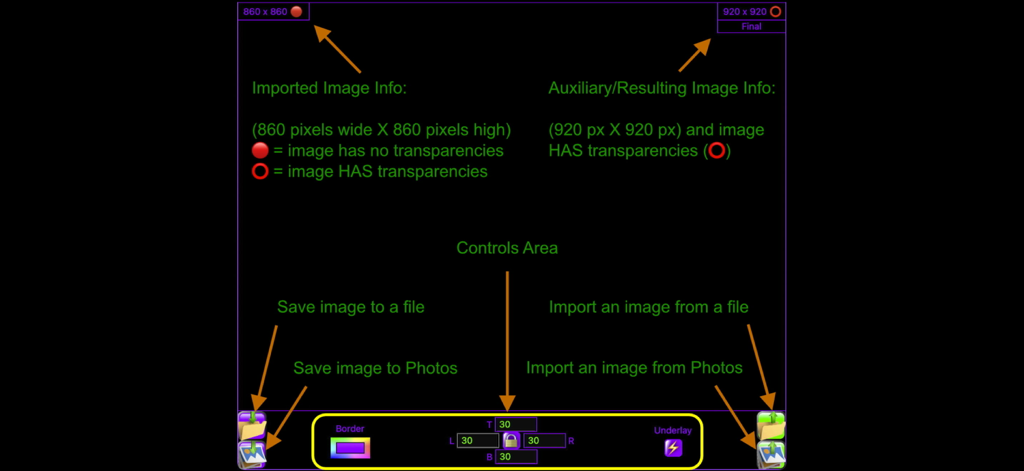
Core Image Tools - 이미지 메타데이터 및 파일 컨트롤을 포함한 Core Image Tools 앱의 사용자 인터페이스를 설명하는 다이어그램
이미지 메타데이터 및 파일 컨트롤을 포함한 Core Image Tools 앱의 사용자 인터페이스를 설명하는 다이어그램

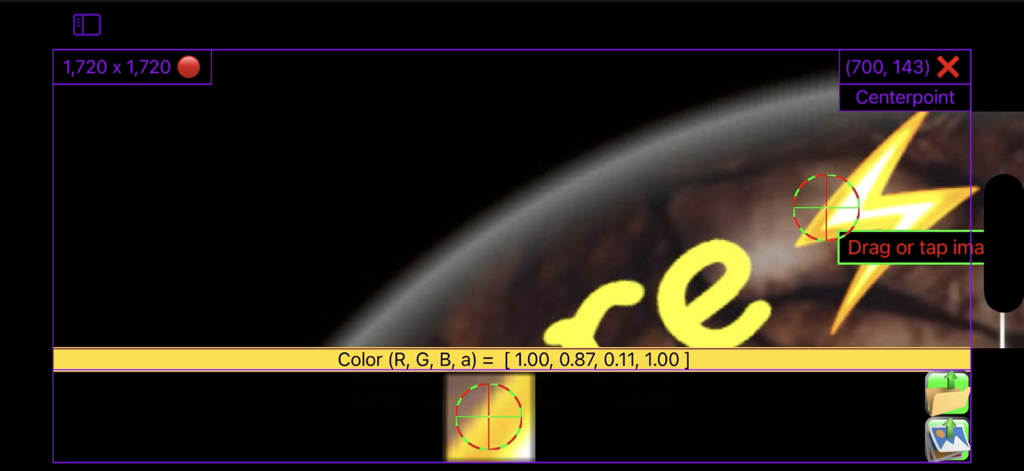
Core Image Tools - 이미지 편집을 위한 기술 좌표 및 RGBA 색상 데이터를 보여주는 Core Image Tools 앱의 사용자 인터페이스
이미지 편집을 위한 기술 좌표 및 RGBA 색상 데이터를 보여주는 Core Image Tools 앱의 사용자 인터페이스

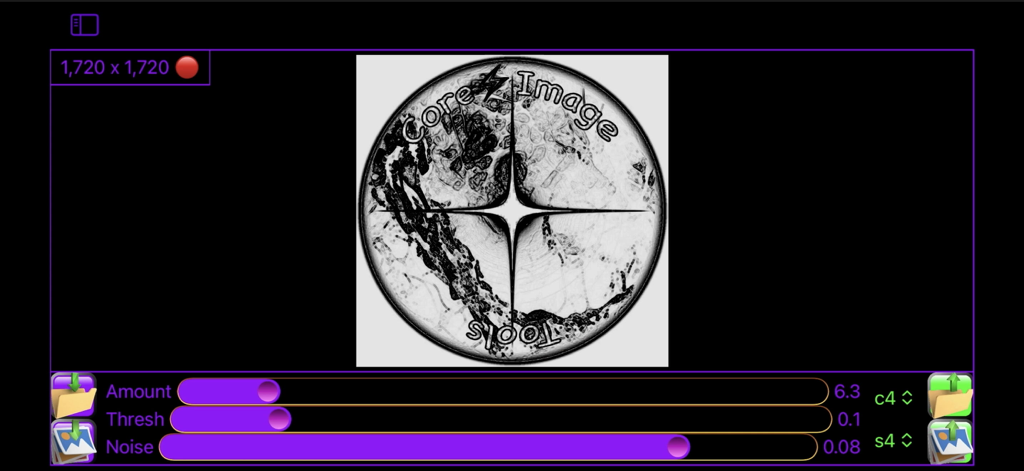
Core Image Tools - 원형 로고에 대한 양 임계값 및 노이즈에 대한 이미지 편집 슬라이더를 보여주는 Core Image Tools 애플리케이션 인터페이스
원형 로고에 대한 양 임계값 및 노이즈에 대한 이미지 편집 슬라이더를 보여주는 Core Image Tools 애플리케이션 인터페이스

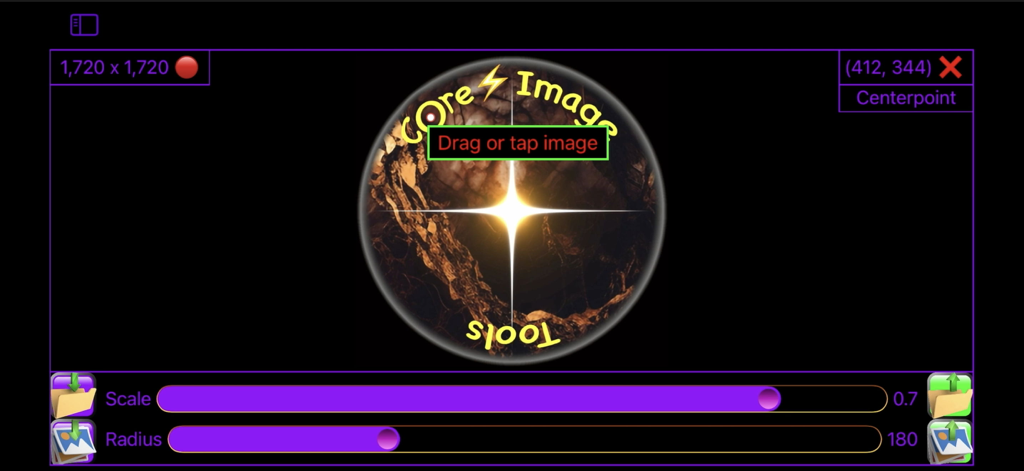
Core Image Tools - 크기 및 반경 조정 슬라이더를 보여주는 Core Image Tools 모바일 애플리케이션 인터페이스
크기 및 반경 조정 슬라이더를 보여주는 Core Image Tools 모바일 애플리케이션 인터페이스

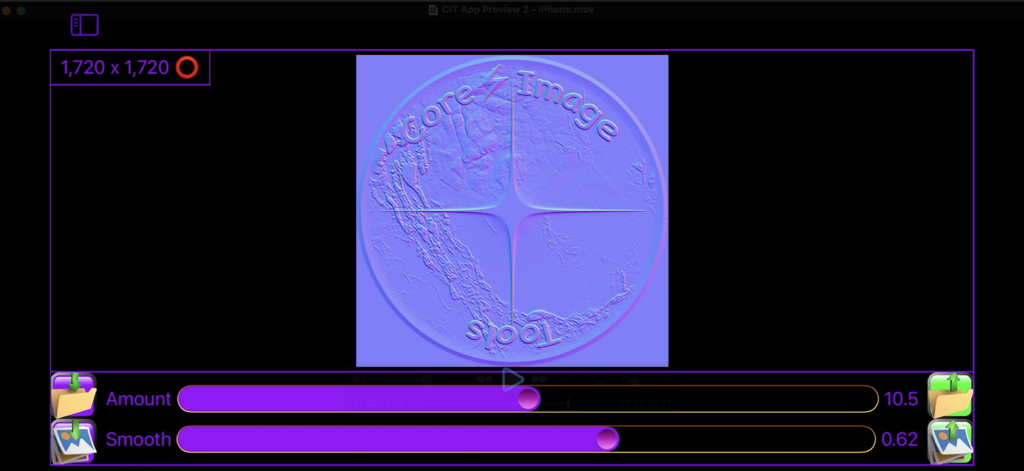
Core Image Tools - 양 및 스무딩 슬라이더를 사용하여 로고용 노멀 맵 텍스처를 생성하는 Core Image Tools 인터페이스
양 및 스무딩 슬라이더를 사용하여 로고용 노멀 맵 텍스처를 생성하는 Core Image Tools 인터페이스

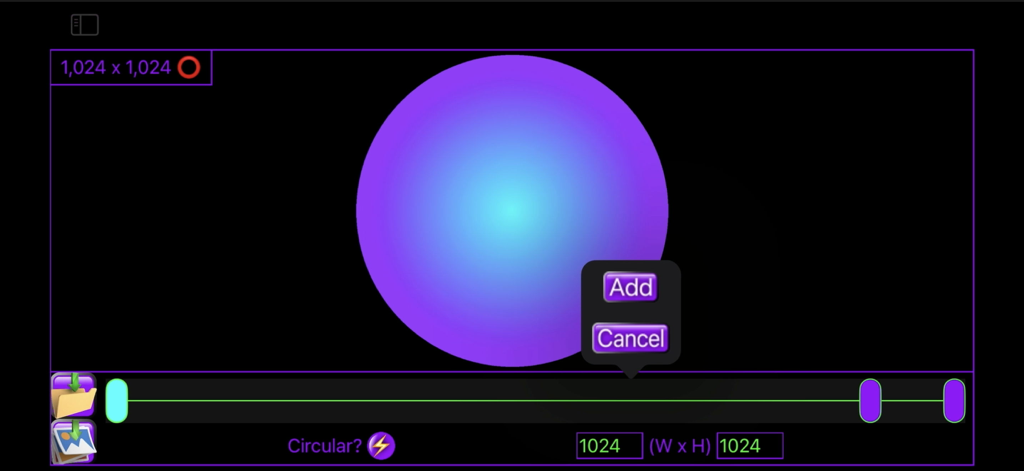
Core Image Tools - 1024 x 1024 치수 설정과 추가 버튼으로 방사형 그라데이션 원을 생성하는 사용자 인터페이스
1024 x 1024 치수 설정과 추가 버튼으로 방사형 그라데이션 원을 생성하는 사용자 인터페이스

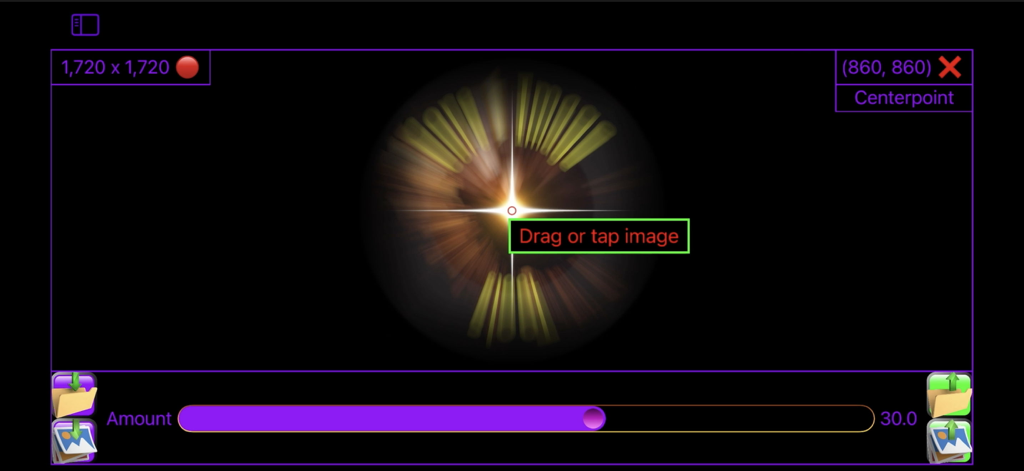
Core Image Tools - 컨트롤 슬라이더와 좌표 표시가 있는 방사형 줌 블러 효과를 보여주는 Core Image Tools 앱 인터페이스
컨트롤 슬라이더와 좌표 표시가 있는 방사형 줌 블러 효과를 보여주는 Core Image Tools 앱 인터페이스

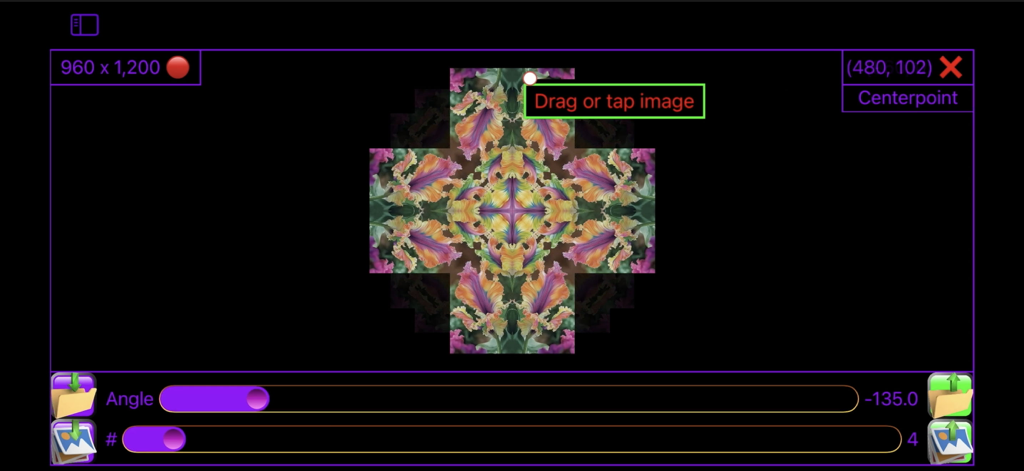
Core Image Tools - 각도 및 반사 횟수 슬라이더가 있는 꽃 모양 만화경 효과를 보여주는 Core Image Tools 앱의 사용자 인터페이스
각도 및 반사 횟수 슬라이더가 있는 꽃 모양 만화경 효과를 보여주는 Core Image Tools 앱의 사용자 인터페이스

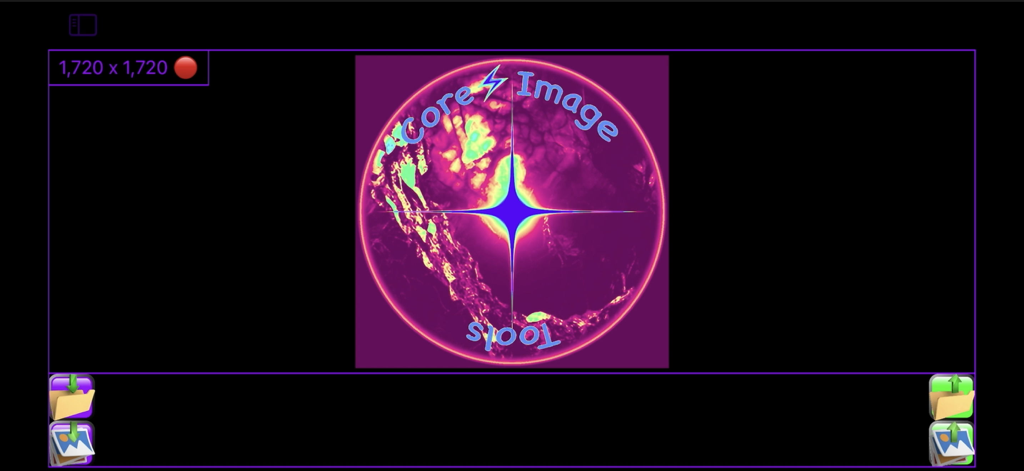
Core Image Tools - 빛나는 로고와 이미지 해상도 표시가 특징인 Core Image Tools 앱의 메인 화면
빛나는 로고와 이미지 해상도 표시가 특징인 Core Image Tools 앱의 메인 화면

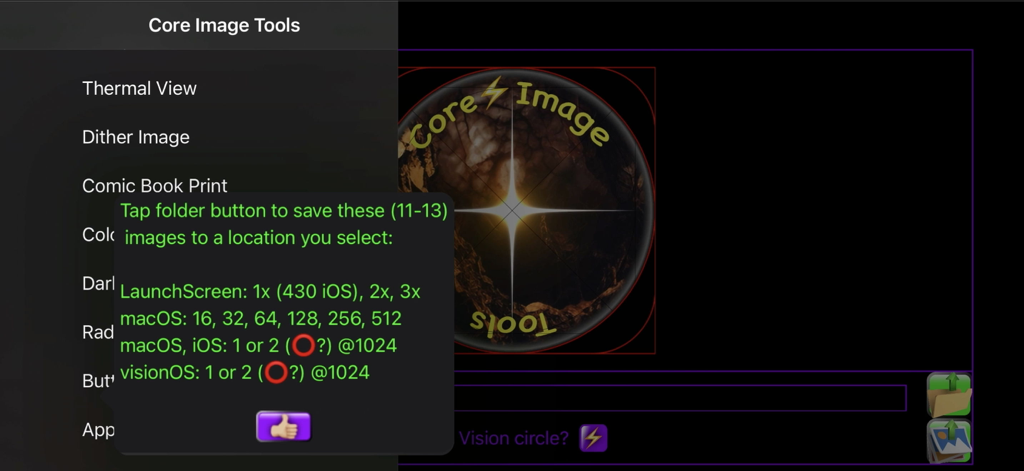
Core Image Tools - iOS, macOS 및 visionOS 아이콘 내보내기 옵션을 보여주는 Core Image Tools 앱의 스크린샷.

iOS, macOS 및 visionOS 아이콘 내보내기 옵션을 보여주는 Core Image Tools 앱의 스크린샷.

설명

Over 100 code files of powerful image editing tools, presented in the simplest user interface. Like most workshops, you use several tools to accomplish a task. Core Image Tools is a large toolbox to reach into, to accomplish many complex effects, one simple step at a time. Lightweight yet Powerful: Edit, enhance, resize, rotate, & add effects to your photos|images from the palm of your hand, while you're on the go, or also from your desktop|laptop. Multi-Platform: Use the same app across your devices - iPhones, iPads, Macs, & Vision. Super-Simple Workflow: Pick a Photos image, apply an effect, tap save - done! Want more? Pick that saved image, apply some other effect to it, tap save - done! Loop the image through as many edits|effects as desired & always have a hardcopy in Photos of each step along the way. Plus you'll always have your original, & never had to type in a single filename throughout the entire process. Resize Images: ACTUALLY resize images, not just crop them down or zoom in. Also, you can ADD color|transparent|semi-transparent pixels to any edge of an image to resize it, or offset it, using 'Border'. Flip|Mirror: Quickly mask|mirror a brand name out of your selfie. Flip|mirror an image, horizontally and|or vertically, with one tap. Use 'Skew' to straighten, keystone-correct, zoom, mirror, & crop all at once. Smooth: Use 'Blur, Selfie Smoother' to iron out a few wrinkles, de-focus skin blemishes, or smooth out other unwanted details. Line|Edge Drawn: Make an image look as if it was drawn|sketched using an ink pen, pencil, charcoal, colored pencils, colored chalk, light-pen, watercolored, wax-scratched (scratch-art), or made entirely out of dots|square pixels|points|hex-pixels|or crystalized. Bump Distortion: Kids of all ages (Mom? Dad?) love to swell up, or shrink down, faces & parts of people - give dad a superhero chin, a sibling one big eye & one little one, a bubbled alien-forehead of a friend - endless fun. Wish you had a smaller nose - shrink it. Wish you had bigger biceps or shoulders - pump 'em up. Wonder what implants would look like - find out. Zoom in on, & bring attention to, any feature in an image, especially for technical uses, like highlighting a capacitor on a PCB, or a component of a wiring schematic. Overlay Images: Including resizing, repositioning, & rotating them. Overlay your logo or business card over an image. Also, you can make an entire image of a transparent, or semi-transparent color & overlay that over your image, adding a color filter effect to the entire image. Chroma-Keyers (6 types!): Remove red, green, or blue-screen, or any color. Maybe make transparent overlays out of them? Maybe use 'Polygon|Star' to make color-keyed shapes for transparency masks. Checkerboard: Make checkerboard designs - just pick your colors, including clear|transparent. Blurs: Gaussian Blur, Zoom Blur, Motion Blur, Glow|Bloom, & other blur effects. 3D|Graphics|Cube Images: Make your textures|shaders, tile them, rotate them, make normal|bump maps from them for enhanced lighting effects. Mirrored|seamless tiles, multicolored gradients (linear & radial, plus gradients scale perfectly & tile infinitely from one small image - very efficient). Use 'Alpha to Grayscale' to map out image transparencies for your texture|shader's opacity channel. The best skybox|cube image tools too! Color & Light Adjusters: Many options - brightness, contrast, saturation, exposure, gamma, vibrance, opacity. Try 'Dark Document Enhancer' on a dark document or a scan that you want to enhance. Grayscale Images: Select from 5 grayscale modes each honed for specific imaging challenges. Animated Image Player: Play, pause, slow down, speed-up, & reverse animated images. Kaleidoscopes: Do you like kaleidoscopes? Oh yeah! Gotcha covered there! Over a dozen types. Infinite possibilities just from one image, & the default image is of the most beautifully colored flowers. Developers: Make App Icons, Buttons, & Radio buttons.

Download

다운로드: App Store

이 페이지는 앱이나 개발자의 공식 페이지가 아니며, 정보 제공 및 논평을 목적으로 작성된 독립 편집 간행물입니다. 명시적으로 달리 언급되지 않는 한, 해당 앱이나 개발자는 MWM, Apple, Google Play, 앱 퍼블리셔 또는 앱 개발자와 제휴, 보증, 후원, 승인 또는 공식적으로 연결되어 있지 않으며, 이 페이지의 어떤 내용도 해당 앱이 MWM의 서비스를 사용하여 개발되었음을 의미하지 않습니다. 모든 상표, 로고, 스크린샷 및 기타 콘텐츠는 해당 소유자의 자산입니다.







