Cursive Touch and Write
다운로드: App Store

이 페이지는 앱이나 개발자의 공식 페이지가 아니며, 정보 제공 및 논평을 목적으로 작성된 독립 편집 간행물입니다. 명시적으로 달리 언급되지 않는 한, 해당 앱이나 개발자는 MWM, Apple, Google Play, 앱 퍼블리셔 또는 앱 개발자와 제휴, 보증, 후원, 승인 또는 공식적으로 연결되어 있지 않으며, 이 페이지의 어떤 내용도 해당 앱이 MWM의 서비스를 사용하여 개발되었음을 의미하지 않습니다. 모든 상표, 로고, 스크린샷 및 기타 콘텐츠는 해당 소유자의 자산입니다.

로고: Cursive Touch and Write
다운로드: App Store

Cursive Touch and Write

교실에서 검증된 셰이빙 크림, 젤로, 페인트로 쓰는 재미를 아이의 손가락 끝으로 가져오세요. 교사가 개발한 저희의 어질러지지 않는 멀티센서리 앱은 촉각적 참여와 맞춤형 연습을 통해 아이들이 필기체와 철자를 마스터하도록 돕습니다.

주요 수치

다운로드

50K+

사용자 평점

3.8/5

총 평가 수

0

개발사

FIZZBRAIN LLC

카테고리

Education

지원 언어

1

최신 버전

5.0

크기

68.5 MB

출시일

2012년 6월 4일
기능

감각 학습으로 필기 예술 잠금 해제

아이가 촉각 놀이와 맞춤형 연습을 통해 필기 마스터를 위한 어질러지지 않는, 교사가 승인한 방법입니다.

촉각 감각 경험

참여도와 기억력을 높이기 위해 셰이빙 크림 및 프로스팅과 같은 18가지 이상의 독특한 질감으로 교실 감각 상자를 시뮬레이션합니다.

맞춤형 철자 목록

모든 연습 세션을 관련성 있고 보람 있게 만들기 위해 자녀의 이름이나 주간 학교 철자 단어를 쉽게 입력하십시오.

다음 스크린샷과 설명은 앱의 공식 스토어 목록에서 직접 가져온 것이며 앱 개발자의 자산입니다.

앱 스토어

스크린샷
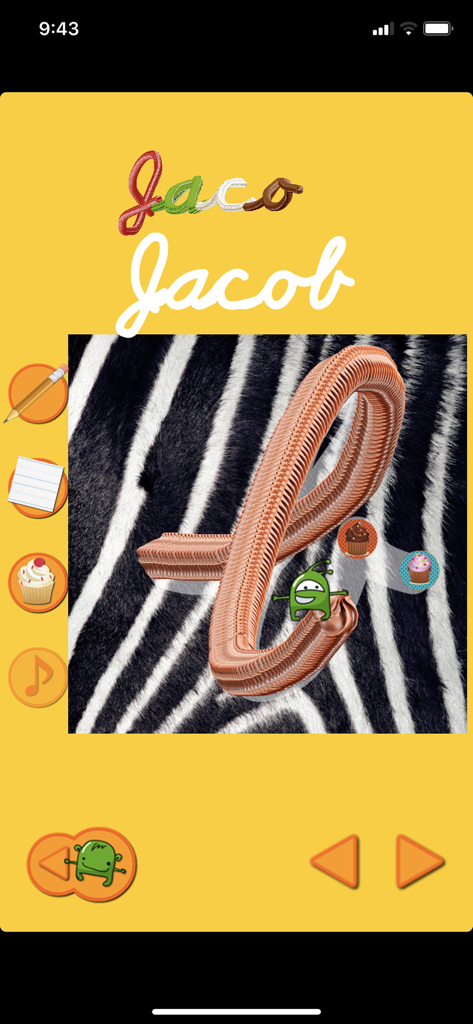
Cursive Touch and Write - 필기체 따라 쓰기 앱에서 얼룩말 배경에 필기체 연습

필기체 따라 쓰기 앱에서 얼룩말 배경에 필기체 연습

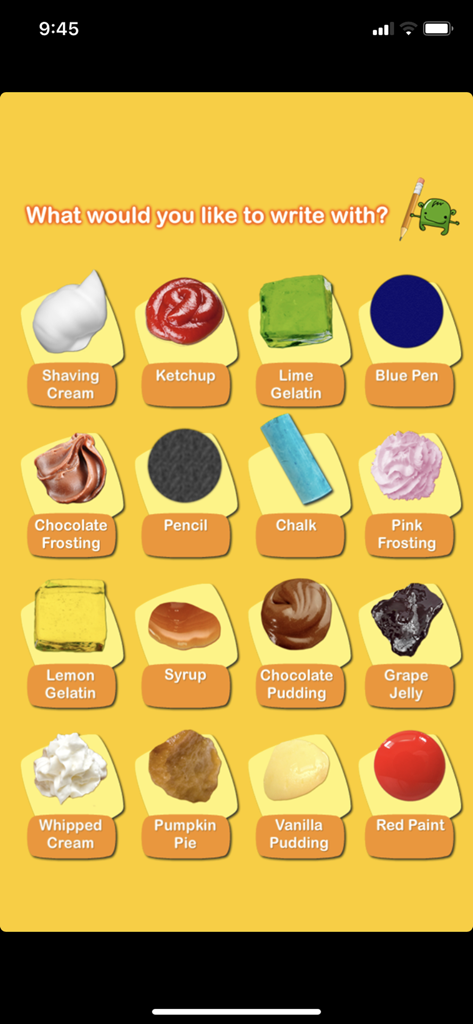
Cursive Touch and Write - 셰이빙 크림, 케첩, 초콜릿 프로스팅을 포함한 16가지 창의적인 글쓰기 질감이 있는 화면으로 멀티센서리 필기 연습
셰이빙 크림, 케첩, 초콜릿 프로스팅을 포함한 16가지 창의적인 글쓰기 질감이 있는 화면으로 멀티센서리 필기 연습

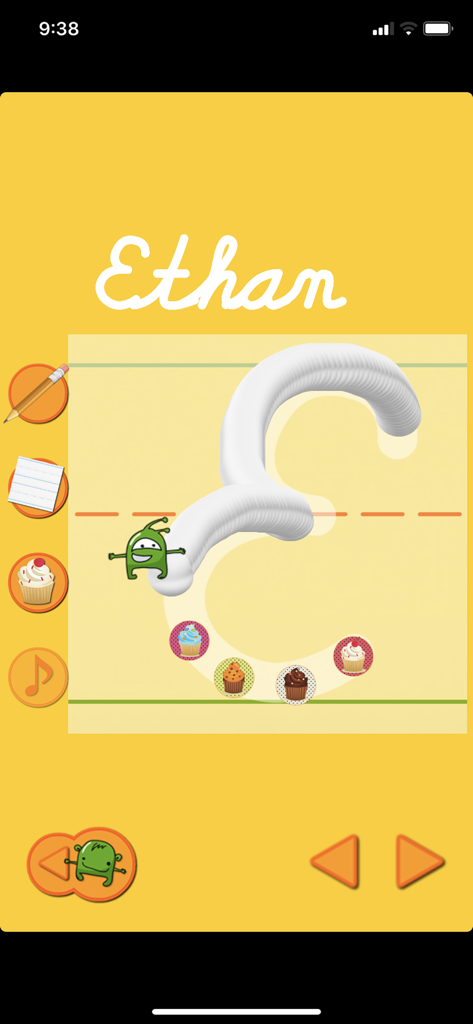
Cursive Touch and Write - 필기체 따라 쓰기 앱 스크린샷으로 노란색 배경에 셰이빙 크림 질감으로 필기체 대문자 E를 따라 쓰는 아이를 보여줌
필기체 따라 쓰기 앱 스크린샷으로 노란색 배경에 셰이빙 크림 질감으로 필기체 대문자 E를 따라 쓰는 아이를 보여줌

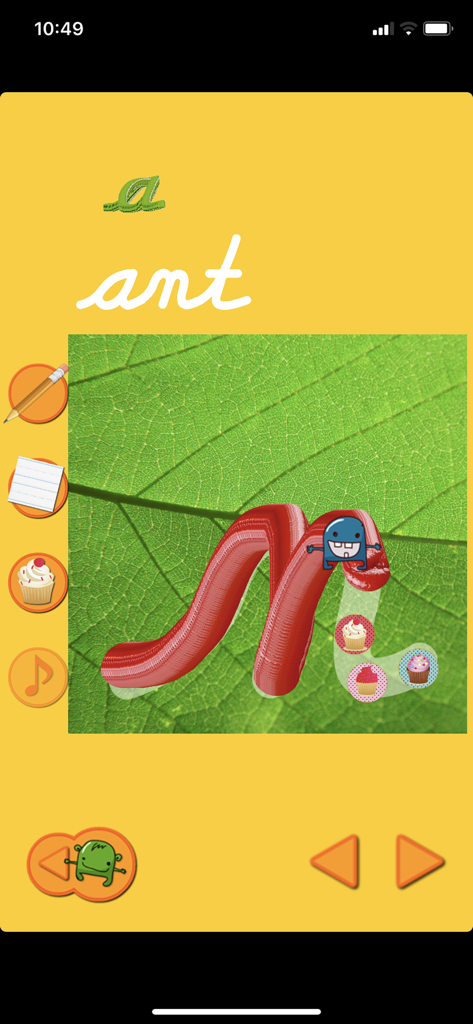
Cursive Touch and Write - 녹색 잎 배경에 빨간색 페인트 질감으로 필기체 소문자 n을 따라 쓰는 아이를 보여주는 교육용 앱 화면
녹색 잎 배경에 빨간색 페인트 질감으로 필기체 소문자 n을 따라 쓰는 아이를 보여주는 교육용 앱 화면

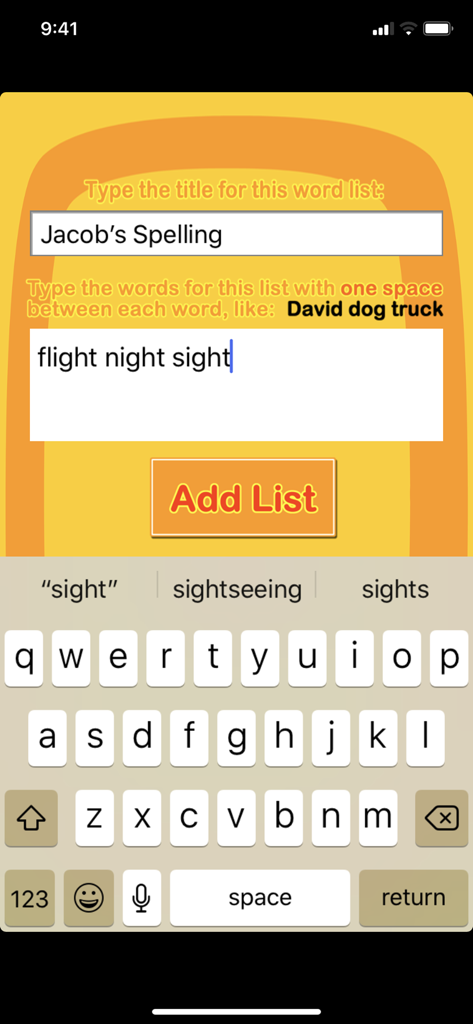
Cursive Touch and Write - 필기체 따라 쓰기 모바일 앱에서 맞춤 철자 목록을 만들기 위한 화면
필기체 따라 쓰기 모바일 앱에서 맞춤 철자 목록을 만들기 위한 화면

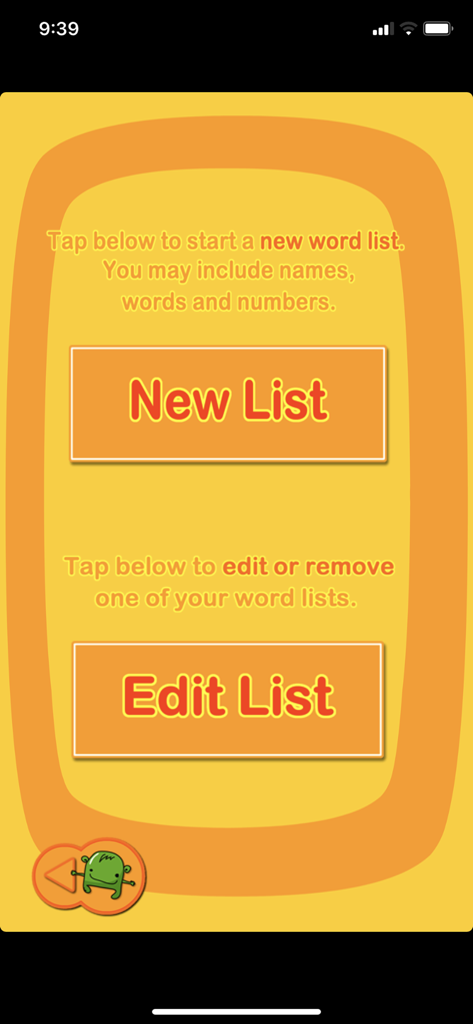
Cursive Touch and Write - 필기체 따라 쓰기 앱에서 사용자 정의 단어 목록을 만들고 편집하기 위한 화면
필기체 따라 쓰기 앱에서 사용자 정의 단어 목록을 만들고 편집하기 위한 화면

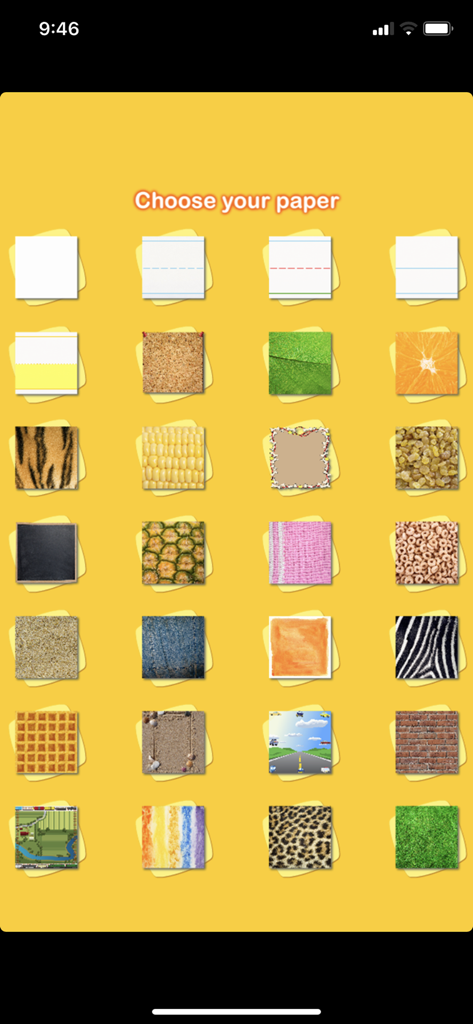
Cursive Touch and Write - 필기체 따라 쓰기 앱에서 필기 연습을 위한 다양한 감각 용지 질감 및 줄 스타일의 그리드
필기체 따라 쓰기 앱에서 필기 연습을 위한 다양한 감각 용지 질감 및 줄 스타일의 그리드

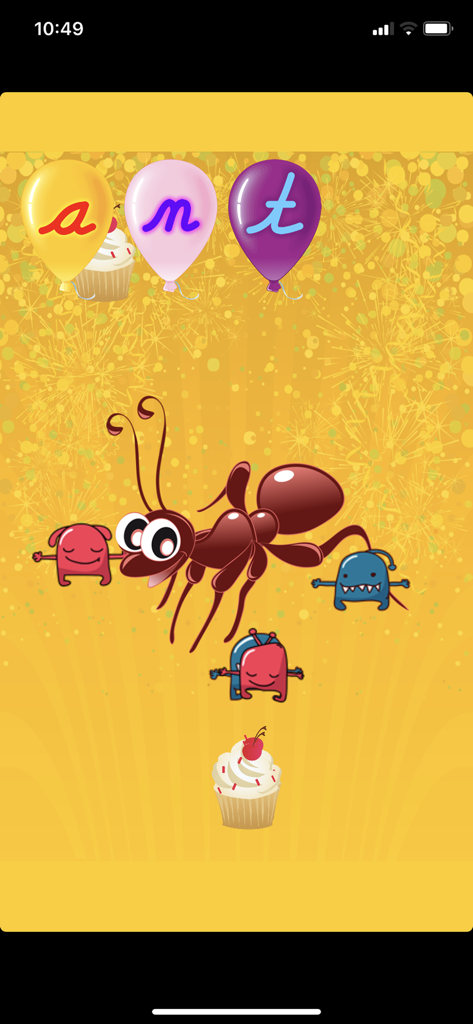
Cursive Touch and Write - 필기체 따라 쓰기 앱의 보상 화면으로 풍선에 필기체로 쓰여진 '개미'라는 단어와 만화 개미 캐릭터가 보임
필기체 따라 쓰기 앱의 보상 화면으로 풍선에 필기체로 쓰여진 '개미'라는 단어와 만화 개미 캐릭터가 보임

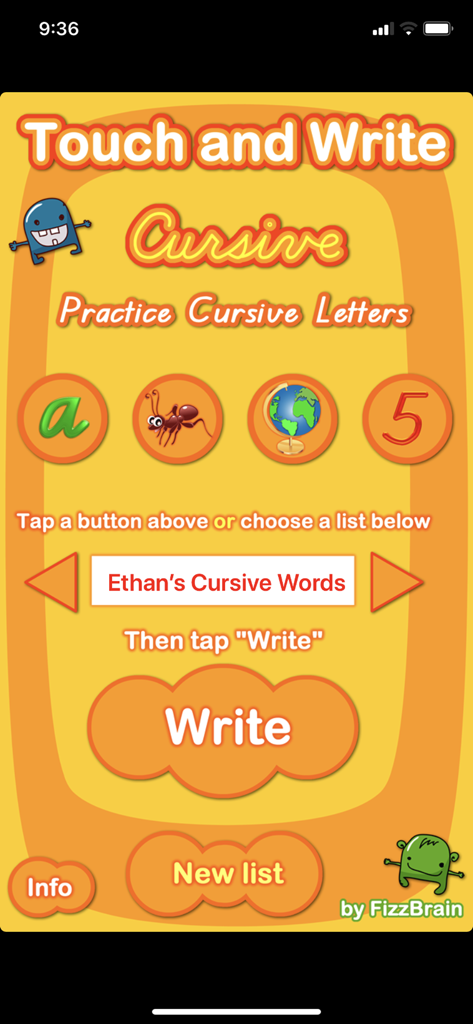
Cursive Touch and Write - 필기체 따라 쓰기 앱의 메인 메뉴로 연습 옵션과 아이들을 위한 사용자 정의 가능한 단어 목록 표시

필기체 따라 쓰기 앱의 메인 메뉴로 연습 옵션과 아이들을 위한 사용자 정의 가능한 단어 목록 표시

설명

Kids love learning to write cursive - especially when they can use shaving cream, paint, and jello! "Cursive Touch and Write" was developed by teachers, and recreates the fun and effective teaching strategy used in classrooms every day: learning writing with shaving cream, jello, finger paint, and more! Practice single letters in "Single Letter Mode" for more support, then switch to "Whole Word Mode" to write entire words with connected letters! (Note: "Whole Word Mode" is only available for the iPad version.) "Cursive Touch and Write" allows you easily to create your own lists of children's names, spelling lists and favorite words so that you can individualize the learning experience! FEATURES: ‣Comes with 18 different writing textures: shaving cream, ketchup, lime gelatin, chocolate frosting, chalk, pencil, blue pen, lemon gelatin, chocolate pudding, syrup, grape jelly, whipped cream, pumpkin pie, red paint, and vanilla pudding! iPhone/iPod Touch version comes with 16 textures. ‣Comes with 35 different writing papers, including different line patterns children are most likely to find in real classrooms, food papers, animal papers, nature papers, and papers for children with visual impairments! iPhone/iPod Touch version comes with 28 papers. ‣Children can practice writing their own names and create individualized lists of spelling words or favorite words. ‣Comes with the following word lists: ABC Countries of the World (and 1 City), 50 States, The Quick Brown Fox Jumps Over the Lazy Dog, ABC Words, Palindromes, Alphabet Letters, Numbers – and of course you may add as many of your own lists as you like! ‣As children write, their actual letter formation is displayed next to a standard letter, so children can compare and work to improve their cursive. ‣Brief reward at the end of each word reinforces learning and motivates children, without becoming a distraction. You may change the length of this reward or remove it altogether on the "Settings" page. ‣Created by practicing classroom teachers – based on best teaching practices! Please contact us at fizzbrain@gmail.com with any questions, problems, or suggestions. We will get right back to you – we listen to our customers! And if you have additional textures or papers you would like to see included in an update, let us know!

Download

다운로드: App Store

이 페이지는 앱이나 개발자의 공식 페이지가 아니며, 정보 제공 및 논평을 목적으로 작성된 독립 편집 간행물입니다. 명시적으로 달리 언급되지 않는 한, 해당 앱이나 개발자는 MWM, Apple, Google Play, 앱 퍼블리셔 또는 앱 개발자와 제휴, 보증, 후원, 승인 또는 공식적으로 연결되어 있지 않으며, 이 페이지의 어떤 내용도 해당 앱이 MWM의 서비스를 사용하여 개발되었음을 의미하지 않습니다. 모든 상표, 로고, 스크린샷 및 기타 콘텐츠는 해당 소유자의 자산입니다.