Custom Widgets by Clockology
다운로드: App Store

이 페이지는 앱이나 개발자의 공식 페이지가 아니며, 정보 제공 및 논평을 목적으로 작성된 독립 편집 간행물입니다. 명시적으로 달리 언급되지 않는 한, 해당 앱이나 개발자는 MWM, Apple, Google Play, 앱 퍼블리셔 또는 앱 개발자와 제휴, 보증, 후원, 승인 또는 공식적으로 연결되어 있지 않으며, 이 페이지의 어떤 내용도 해당 앱이 MWM의 서비스를 사용하여 개발되었음을 의미하지 않습니다. 모든 상표, 로고, 스크린샷 및 기타 콘텐츠는 해당 소유자의 자산입니다.

로고: Custom Widgets by Clockology
다운로드: App Store

Custom Widgets by Clockology

수백만 명의 크리에이터와 함께 기본 템플릿에서 벗어나세요. 실시간 날씨, 건강 지표, 맞춤 비주얼로 인터랙티브하고 데이터가 풍부한 화면을 만들거나, 전 세계 커뮤니티에서 수천 개의 멋진 스타일을 즉시 가져오세요.

주요 수치

다운로드

895K+

사용자 평점

4.7/5

총 평가 수

8K+

개발사

Clockology, LLC

카테고리

Graphics & Design

지원 언어

15

최신 버전

2.3.8

크기

77.5 MB

출시일

2021년 11월 12일
기능

당신의 손목, 당신의 규칙

표준 템플릿에서 벗어나 전문적인 디자인 도구와 실시간 데이터 통합으로 Apple Watch를 개인화된 걸작으로 바꿔보세요.

프로 수준의 크리에이티브 편집기

맞춤 이미지, 글꼴, 그라디언트를 레이어링하여 독특한 스타일을 표현하고 당신의 미학에 완벽하게 맞는 디자인을 만드세요.

통합 건강 및 유틸리티

Apple Health 활동 맞춤 컴플리케이션, 실시간 날씨 업데이트, 배터리 수명 등 가장 중요한 것을 추적하세요. 이 모든 것이 항상 켜져 있는 디스플레이에 표시됩니다.

다음 스크린샷과 설명은 앱의 공식 스토어 목록에서 직접 가져온 것이며 앱 개발자의 자산입니다.

앱 스토어

스크린샷
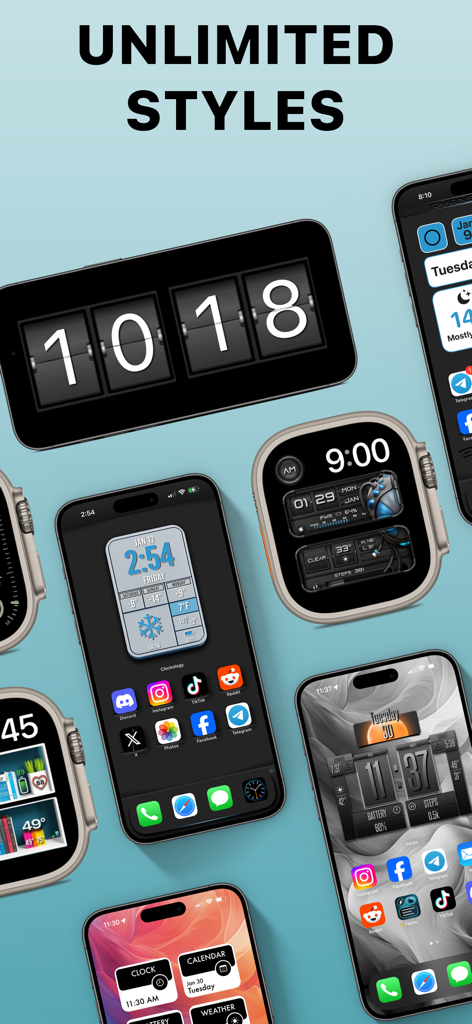
Custom Widgets by Clockology - 다양한 맞춤 디지털 시계 위젯과 시계 화면을 표시하는 여러 iPhone 및 Apple Watch
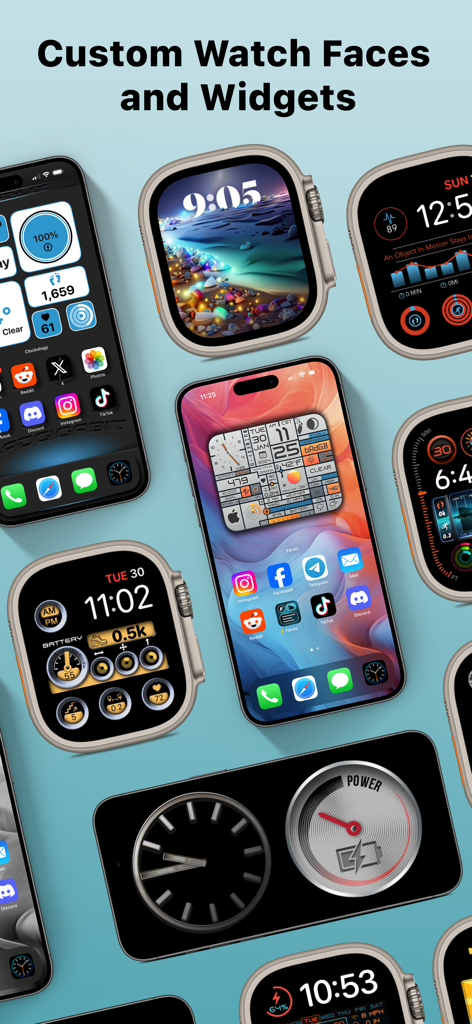
다양한 맞춤 디지털 시계 위젯과 시계 화면을 표시하는 여러 iPhone 및 Apple Watch

Custom Widgets by Clockology - Apple Watch 및 iPhone용 다양한 맞춤 시계 화면 및 위젯 표시
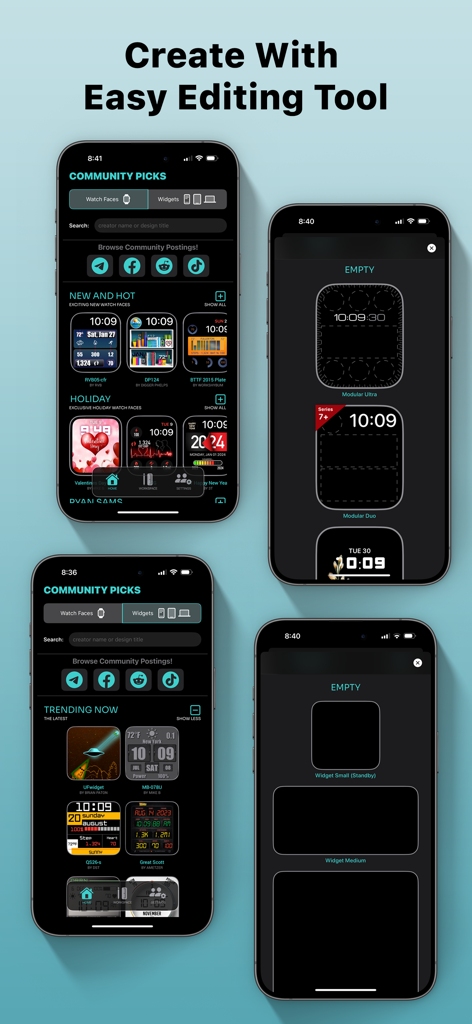
Apple Watch 및 iPhone용 다양한 맞춤 시계 화면 및 위젯 표시

Custom Widgets by Clockology - Clockology 앱에서 맞춤 Apple Watch 화면 및 위젯 디자인 도구를 표시하는 스마트폰 화면
Clockology 앱에서 맞춤 Apple Watch 화면 및 위젯 디자인 도구를 표시하는 스마트폰 화면

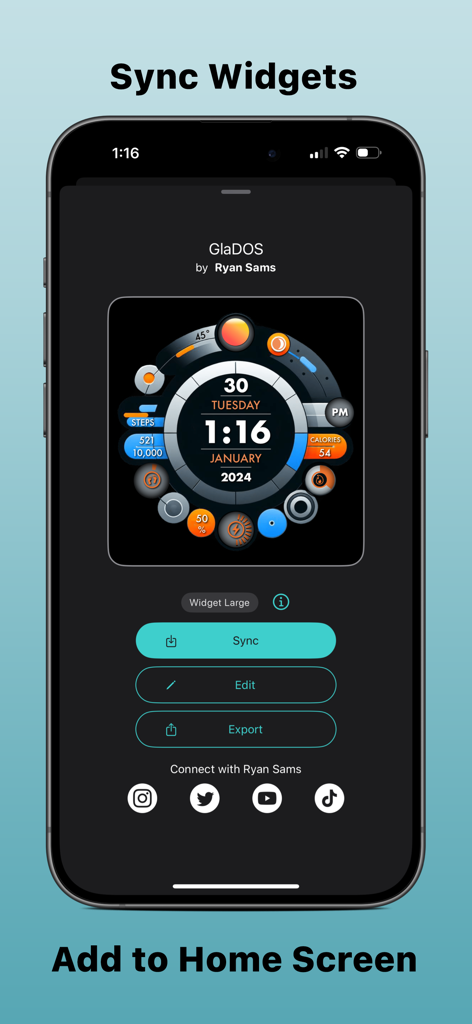
Custom Widgets by Clockology - 설정, 편집, 내보내기 옵션이 있는 맞춤형 GlaDOS 위젯 인터페이스를 보여주는 iPhone 화면
설정, 편집, 내보내기 옵션이 있는 맞춤형 GlaDOS 위젯 인터페이스를 보여주는 iPhone 화면

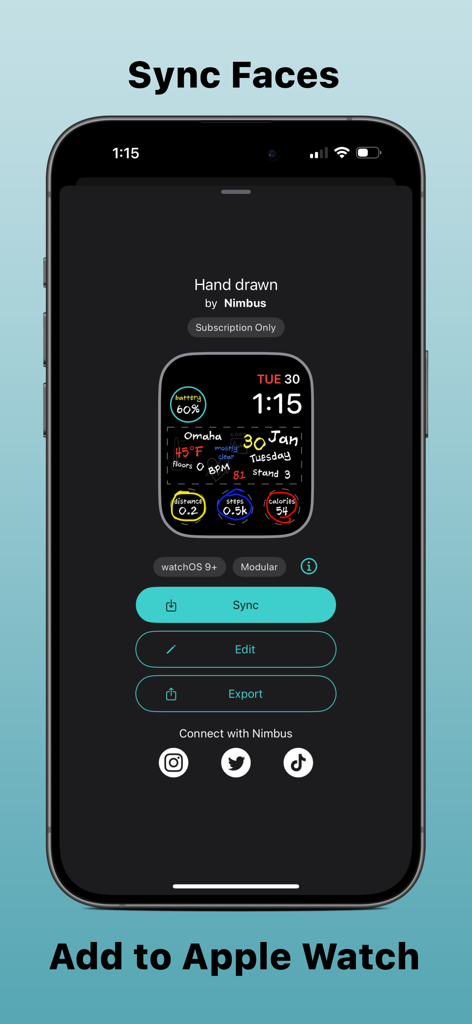
Custom Widgets by Clockology - Apple Watch에 동기화할 준비가 된 맞춤형 손으로 그린 시계 화면을 보여주는 Clockology 앱 인터페이스
Apple Watch에 동기화할 준비가 된 맞춤형 손으로 그린 시계 화면을 보여주는 Clockology 앱 인터페이스

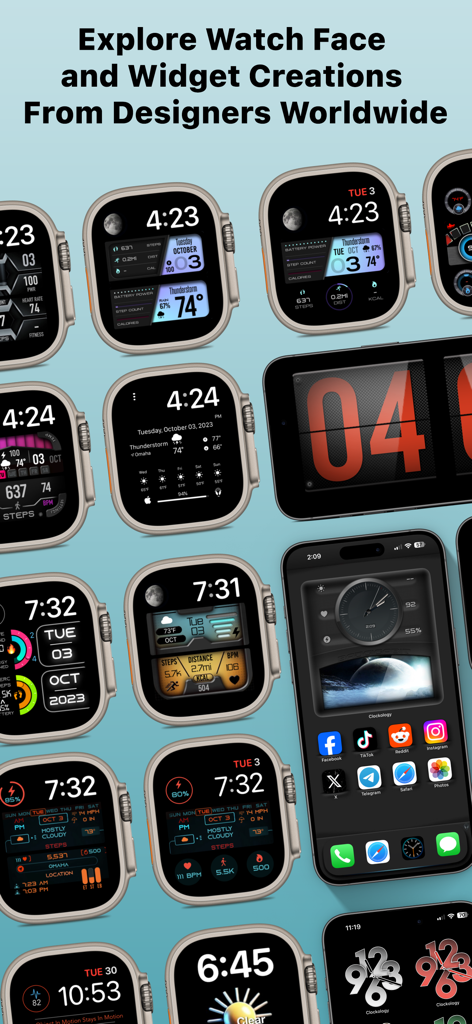
Custom Widgets by Clockology - 다양한 맞춤 디자인 Apple Watch 화면과 iPhone 홈 화면 위젯을 보여주는 갤러리
다양한 맞춤 디자인 Apple Watch 화면과 iPhone 홈 화면 위젯을 보여주는 갤러리

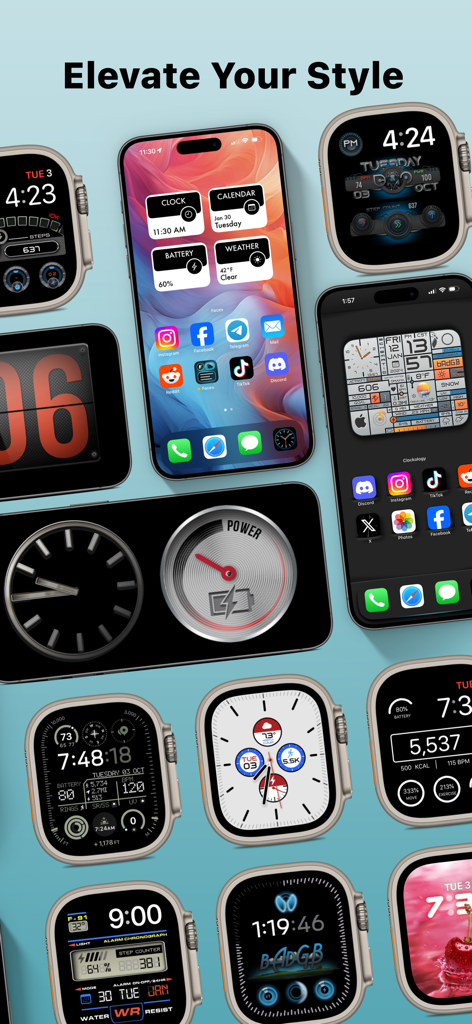
Custom Widgets by Clockology - 다양한 미학적 스타일과 컴플리케이션을 보여주는 다양한 맞춤 Apple Watch 화면 및 iPhone 위젯

다양한 미학적 스타일과 컴플리케이션을 보여주는 다양한 맞춤 Apple Watch 화면 및 iPhone 위젯

설명

Welcome to the future of custom watch faces on your Apple Watch. The possibilities for new styles are endless! Create and view personalized, interactive watch faces that are all compatible with the Always-On display. With a powerful editor, you can tap into your creative side and make your own feature-rich faces using complications custom-tailored to the information and visuals you would like to see. Browse custom watch faces designed exclusively for Watch Faces and Widgets in the Ideas section or the Explore tab. In addition, you can share and import creations from other users around the world. Send Watch Faces directly from your Apple Watch or the iOS Watch app! As a Faces+ subscriber, you get access to premium layer features like weather and image strips. You also gain access to spectacular watch faces designed exclusively for Faces+ Watch Faces and Widgets has support for the following layer types: • Activity & Health: Uses Apple Health integration to show steps and activity goals. The information can be represented as rings, bars, or text • Image: Add PNG or JPG images to your complications and preserve PNG transparency • Date and Time: Used for displaying things like current hour, minute, or seconds with a wide variety of fonts and effects • Icon: Add icons to your creations for visual appeal • Shape: Create shapes to overlay or fill areas of your complications using gradients and effects • Image Strips: Use complex images that change based on dates or time or the phase of the moon • Weather: Using your current location, will show the weather forecast as an icon, temperature, or words • Text: Add custom text using a plethora of fonts, colors, and gradients • Device: Battery level and other device specific information • Hands: Use vectors or custom images to add moving hands to any complication Notes: • Watch Faces and Widgets is intended for use with a paired Apple Watch which is where your configured complications will be displayed. • Watch Faces and Widgets optionally integrates with Apple Health. This data is used during workouts to display your workout metrics to show a summary of your daily activity. Permission for Watch Faces and Widgets to access this data is controlled through the Apple Health app. • Watch Faces and Widgets includes an optional premium Faces+ subscription. This is offered on a monthly or annual basis. If you choose to purchase a subscription, your payment will be charged to your iTunes account. Subscriptions will automatically renew unless canceled within 24-hours before the end of the current period. You can turn off auto-renewal at any time by going to your Account Settings on the App Store after purchase. • Access to weather hosted data is only available to Faces+ premium subscribers. Privacy Policy & Terms: https://clockologyapp.com/privacy-policy-faces-embed/

Download

다운로드: App Store

이 페이지는 앱이나 개발자의 공식 페이지가 아니며, 정보 제공 및 논평을 목적으로 작성된 독립 편집 간행물입니다. 명시적으로 달리 언급되지 않는 한, 해당 앱이나 개발자는 MWM, Apple, Google Play, 앱 퍼블리셔 또는 앱 개발자와 제휴, 보증, 후원, 승인 또는 공식적으로 연결되어 있지 않으며, 이 페이지의 어떤 내용도 해당 앱이 MWM의 서비스를 사용하여 개발되었음을 의미하지 않습니다. 모든 상표, 로고, 스크린샷 및 기타 콘텐츠는 해당 소유자의 자산입니다.







