Designs For Cricut Space
다운로드: App Store

이 페이지는 앱이나 개발자의 공식 페이지가 아니며, 정보 제공 및 논평을 목적으로 작성된 독립 편집 간행물입니다. 명시적으로 달리 언급되지 않는 한, 해당 앱이나 개발자는 MWM, Apple, Google Play, 앱 퍼블리셔 또는 앱 개발자와 제휴, 보증, 후원, 승인 또는 공식적으로 연결되어 있지 않으며, 이 페이지의 어떤 내용도 해당 앱이 MWM의 서비스를 사용하여 개발되었음을 의미하지 않습니다. 모든 상표, 로고, 스크린샷 및 기타 콘텐츠는 해당 소유자의 자산입니다.


로고: Designs For Cricut Space
다운로드: App Store

Designs For Cricut Space

Cricut 기계를 위한 수천 개의 SVG 디자인, 프리미엄 글꼴 및 제작 준비 템플릿을 이용하세요. Pinterest에 어울리는 홈 데코부터 맞춤 Etsy 샵 상품까지, iPhone 또는 iPad에서 바로 전문 등급의 공예품을 디자인하세요.

주요 수치

다운로드

2K+

사용자 평점

4.6/5

총 평가 수

200

개발사

Babar Jan

카테고리

Business

지원 언어

1

최신 버전

1.7

크기

172.3 MB

출시일

2023년 12월 9일
기능

창의력 잠재력을 최대한 발휘하세요

멋진 제작 준비 프로젝트부터 전문 등급 디자인 도구까지, DIY 애호가 및 소규모 비즈니스 제작자를 위한 최고의 창의력 툴킷을 제공합니다.

방대한 창의적 라이브러리

스티커, 홈 데코, 맞춤 선물에 완벽한 수천 가지의 독특한 SVG 디자인, 트렌디한 글꼴, 제작 준비 템플릿을 이용하세요.

언제 어디서든 디자인하세요

원활한 클라우드 동기화로 iPhone 또는 iPad에서 제작하세요. 이동 중에 프로젝트를 시작하고 준비가 되면 Cricut 기계로 보내세요.

다음 스크린샷과 설명은 앱의 공식 스토어 목록에서 직접 가져온 것이며 앱 개발자의 자산입니다.

앱 스토어

스크린샷
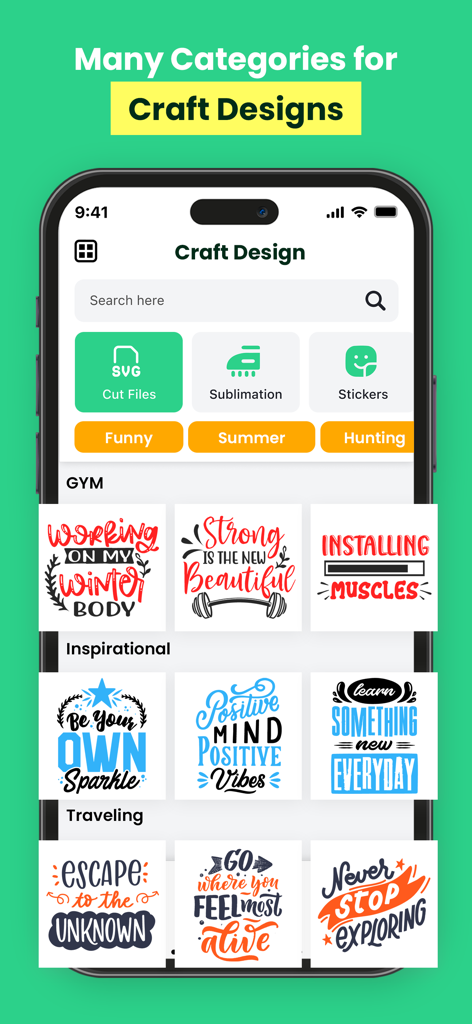
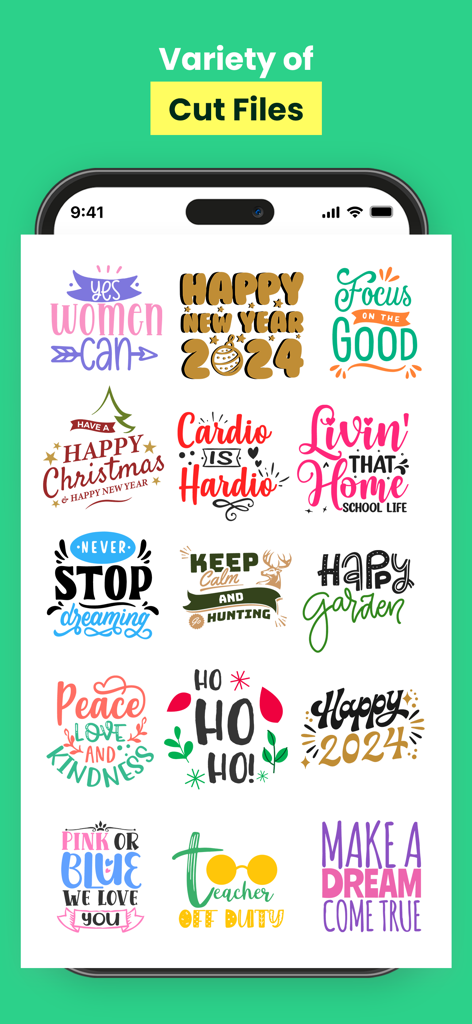
Designs For Cricut Space - Cricut 프로젝트용 공예 디자인 카테고리와 SVG 잘라내기 파일을 보여주는 앱 인터페이스
Cricut 프로젝트용 공예 디자인 카테고리와 SVG 잘라내기 파일을 보여주는 앱 인터페이스

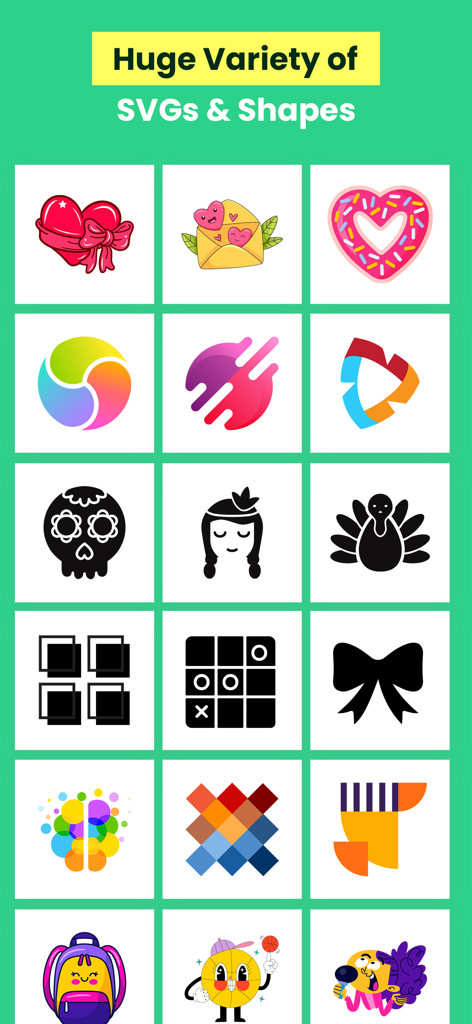
Designs For Cricut Space - 공예 및 DIY 프로젝트를 위한 다양한 SVG 디자인과 모양을 그리드 형식으로 표시
공예 및 DIY 프로젝트를 위한 다양한 SVG 디자인과 모양을 그리드 형식으로 표시

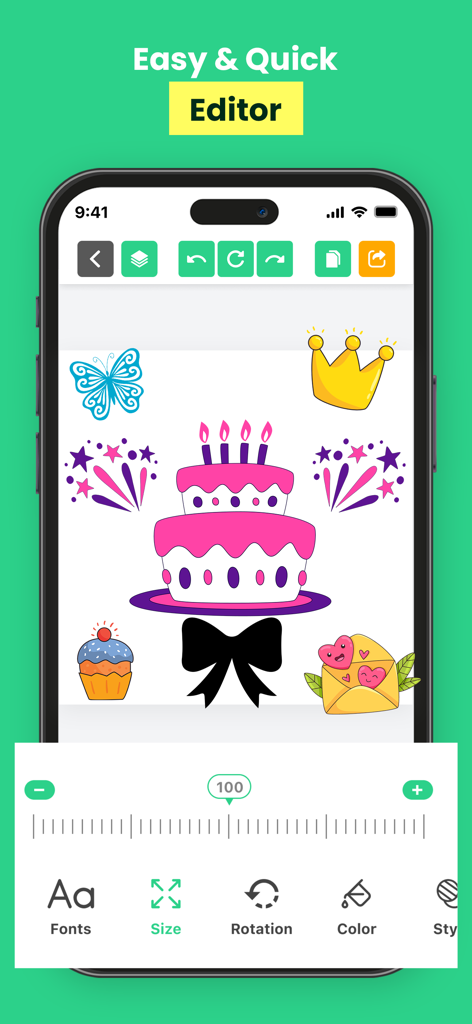
Designs For Cricut Space - 케이크와 왕관 같은 다양한 그래픽 스티커와 크기 조절 도구를 보여주는 Cricut Space용 디자인 앱의 모바일 편집기 인터페이스
케이크와 왕관 같은 다양한 그래픽 스티커와 크기 조절 도구를 보여주는 Cricut Space용 디자인 앱의 모바일 편집기 인터페이스

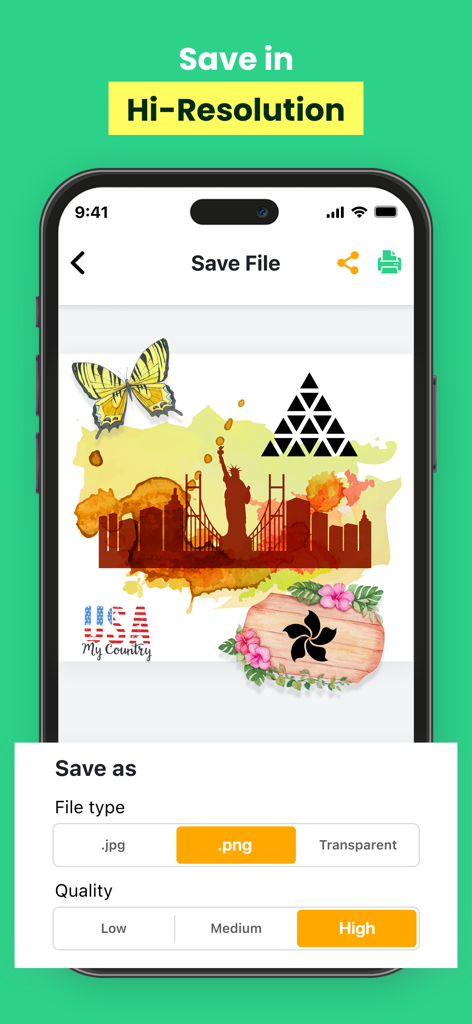
Designs For Cricut Space - 고품질 PNG 파일로 공예 프로젝트를 저장하는 옵션을 보여주는 Designs for Cricut Space 앱의 인터페이스
고품질 PNG 파일로 공예 프로젝트를 저장하는 옵션을 보여주는 Designs for Cricut Space 앱의 인터페이스

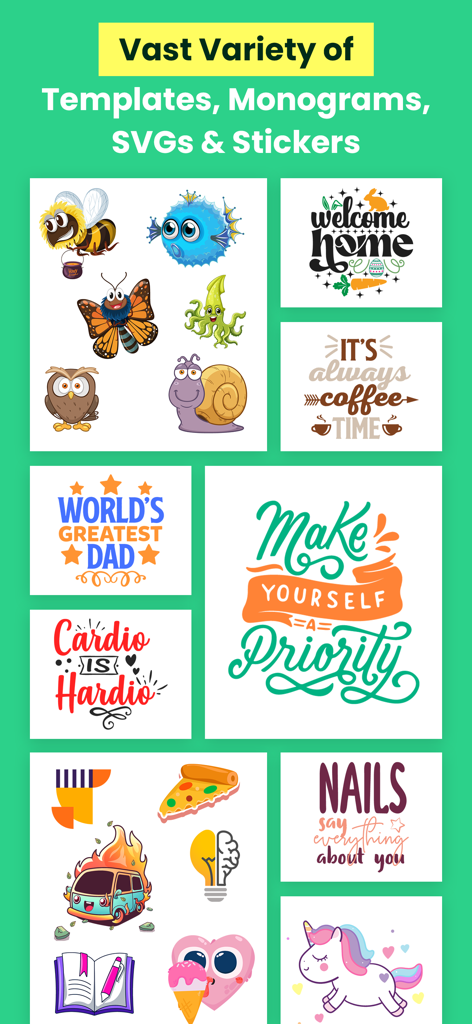
Designs For Cricut Space - Cricut 공예를 위한 템플릿, 모노그램, SVG 및 스티커 모음
Cricut 공예를 위한 템플릿, 모노그램, SVG 및 스티커 모음

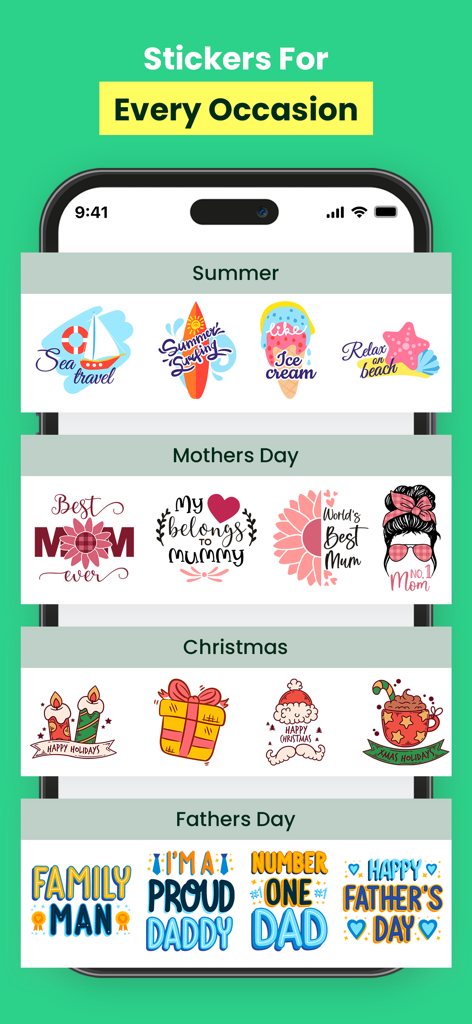
Designs For Cricut Space - 모바일 앱 인터페이스에 여름, 어머니날, 크리스마스 등 다양한 행사를 위한 스티커 모음
모바일 앱 인터페이스에 여름, 어머니날, 크리스마스 등 다양한 행사를 위한 스티커 모음

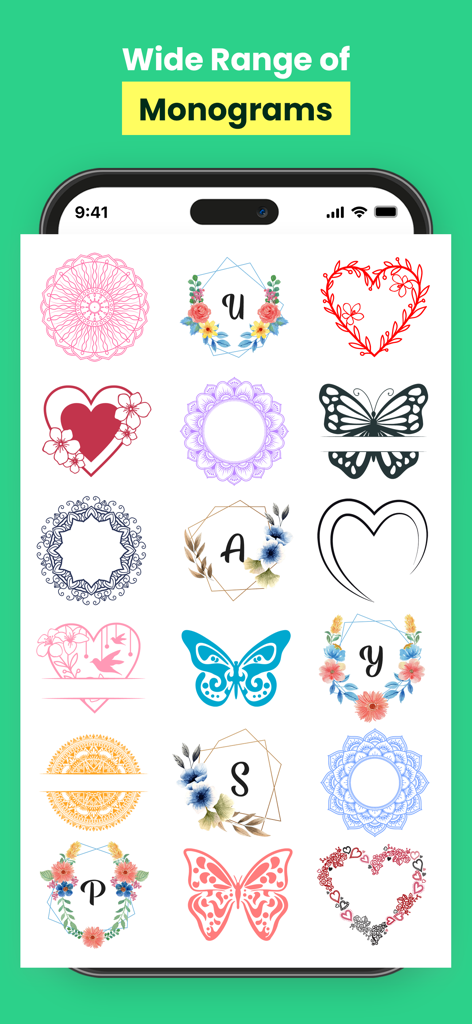
Designs For Cricut Space - 공예를 위한 다양한 꽃 및 기하학적 모노그램 디자인을 표시하는 모바일 앱 화면
공예를 위한 다양한 꽃 및 기하학적 모노그램 디자인을 표시하는 모바일 앱 화면

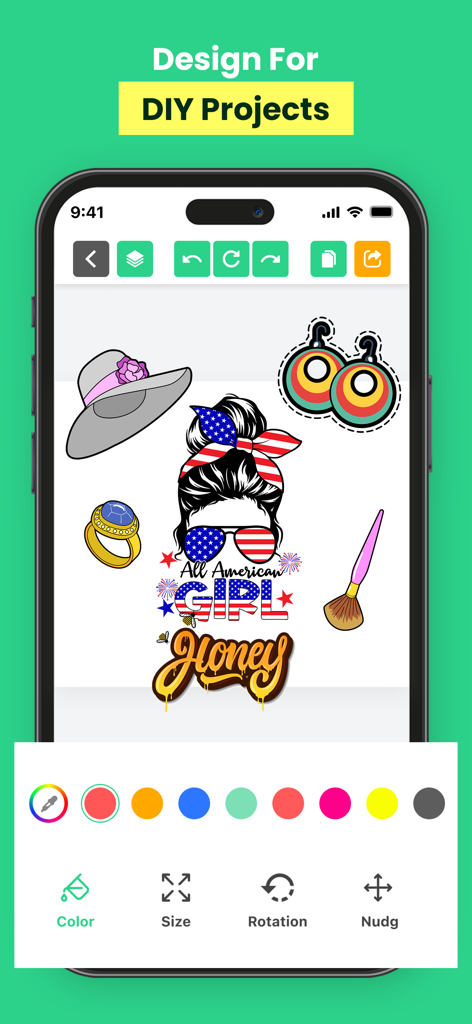
Designs For Cricut Space - DIY 스티커 및 스티커용 편집 도구를 특징으로 하는 Cricut 디자인용 모바일 앱 인터페이스.
DIY 스티커 및 스티커용 편집 도구를 특징으로 하는 Cricut 디자인용 모바일 앱 인터페이스.

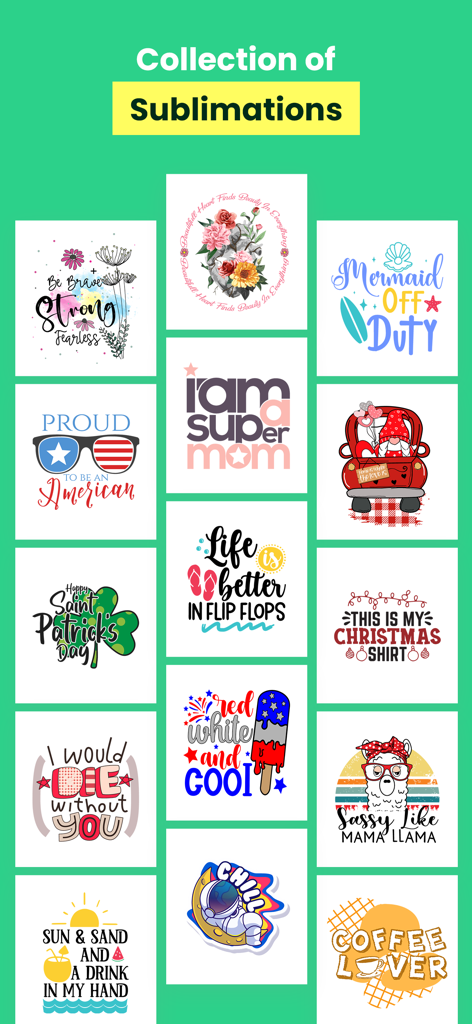
Designs For Cricut Space - DIY 공예 프로젝트를 위한 다채로운 승화 디자인 모음

DIY 공예 프로젝트를 위한 다채로운 승화 디자인 모음

Designs For Cricut Space - DIY 공예 프로젝트를 위한 다채로운 타이포그래피 디자인 템플릿 그리드

DIY 공예 프로젝트를 위한 다채로운 타이포그래피 디자인 템플릿 그리드

설명

DIY & Crafting Designs For Cricut Space app for iOS is an innovative crafting tool designed to enhance the capabilities of Cricut cutting machines. Offering a seamless mobile experience, this app enables users to create, design, and customize a wide range of projects right from their iPhone or iPad. With the Cricut app, users can access a vast library of ready-to-make projects, including designs for cards, decals, stickers, iron-on transfers, home decor, and much more. The app provides intuitive design tools, allowing users to personalize their projects by uploading their own images, creating unique designs, and adding text in various fonts and styles. Moreover, the app enables users to browse and purchase digital images, fonts, and ready-to-make projects from the Cricut library, expanding their creative options. Once designs are created or selected, the app seamlessly connects to compatible Cricut machines, enabling users to wirelessly cut or draw their creations with precision. The user-friendly interface of the Cricut app simplifies the crafting process, offering step-by-step instructions, tutorials, and helpful tips to assist both beginners and experienced crafters. Users can also save their projects in the app's cloud storage, allowing for easy access and editing across multiple devices. Overall, the Cricut app for iOS empowers users to unleash their creativity, offering a convenient, versatile, and intuitive platform to design and produce personalized crafts with precision and ease." Please note that there might have been updates or changes to the app since my last update, so it's a good idea to check the latest version on the App Store for the most current features and functionalities. These prices are for United States customers. Pricing in other countries may vary and actual charges may be converted to your local currency depending on the country of residence. • Payment will be charged to iTunes Account at confirmation of purchase • Subscription automatically renews unless auto-renew is turned off at least 24-hours before the end of the current period • Account will be charged for renewal within 24-hours prior to the end of the current period, and identify the cost of the renewal • Subscriptions may be managed by the user and auto-renewal may be turned off by going to the user's Account Settings after purchase • Any unused portion of a free trial period, if offered, will be forfeited when the user purchases a subscription to that publication, where applicable Read our privacy policy: https://fineartdroid.com/Fineart_Privacy_Policy.html Terms of use: https://fineartdroid.com/ios/Terms_services.html

Download

다운로드: App Store

이 페이지는 앱이나 개발자의 공식 페이지가 아니며, 정보 제공 및 논평을 목적으로 작성된 독립 편집 간행물입니다. 명시적으로 달리 언급되지 않는 한, 해당 앱이나 개발자는 MWM, Apple, Google Play, 앱 퍼블리셔 또는 앱 개발자와 제휴, 보증, 후원, 승인 또는 공식적으로 연결되어 있지 않으며, 이 페이지의 어떤 내용도 해당 앱이 MWM의 서비스를 사용하여 개발되었음을 의미하지 않습니다. 모든 상표, 로고, 스크린샷 및 기타 콘텐츠는 해당 소유자의 자산입니다.