이 페이지는 앱이나 개발자의 공식 페이지가 아니며, 정보 제공 및 논평을 목적으로 작성된 독립 편집 간행물입니다. 명시적으로 달리 언급되지 않는 한, 해당 앱이나 개발자는 MWM, Apple, Google Play, 앱 퍼블리셔 또는 앱 개발자와 제휴, 보증, 후원, 승인 또는 공식적으로 연결되어 있지 않으며, 이 페이지의 어떤 내용도 해당 앱이 MWM의 서비스를 사용하여 개발되었음을 의미하지 않습니다. 모든 상표, 로고, 스크린샷 및 기타 콘텐츠는 해당 소유자의 자산입니다.
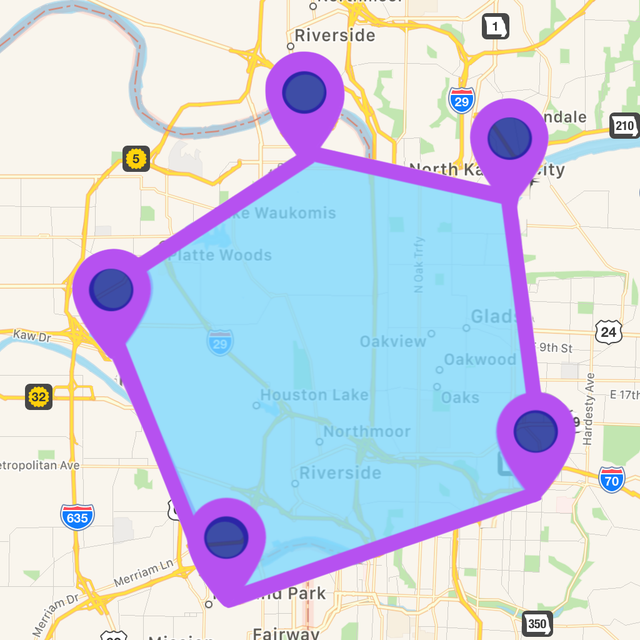
Distance & Area Measure On Map
토지, 들판, 건설 현장에 대해 100% 정확한 측정을 얻으세요. KML 파일을 내보내고, 오프라인으로 작업하며, 최고의 미국 매핑 도구로 작업 흐름을 간소화하세요.
추측은 그만, 이제 측정하세요. 면적을 관리하든, 현장 자재를 추정하든, 경로를 계획하든, 직관적인 GPS 측정 도구로 100% 정확한 데이터를 얻으세요.
정밀 필드 측정
농장, 정원 또는 건설 현장의 토지 면적을 즉시 계산합니다. 실시간 그리기 또는 핀 드롭 모드를 사용하여 에이커, 평방 피트 또는 마일 단위로 정확한 측정을 얻으세요.
오프라인 신뢰성
휴대폰 서비스 없이도 어디서든 작업하세요. 통신 불통 지역에서도 완벽하게 작동하는 고성능 GPS 추적으로 외딴 시골 부지나 산책로를 매핑하세요.
다음 스크린샷과 설명은 앱의 공식 스토어 목록에서 직접 가져온 것이며 앱 개발자의 자산입니다.
앱 스토어
스크린샷
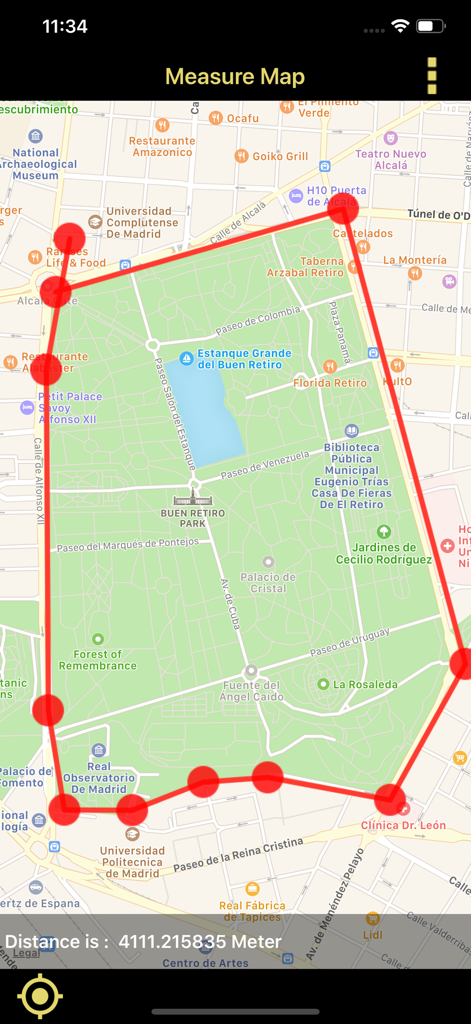
특정 거리를 측정하기 위해 도시 지도에 그려진 빨간색 경계선을 보여주는 모바일 앱 인터페이스
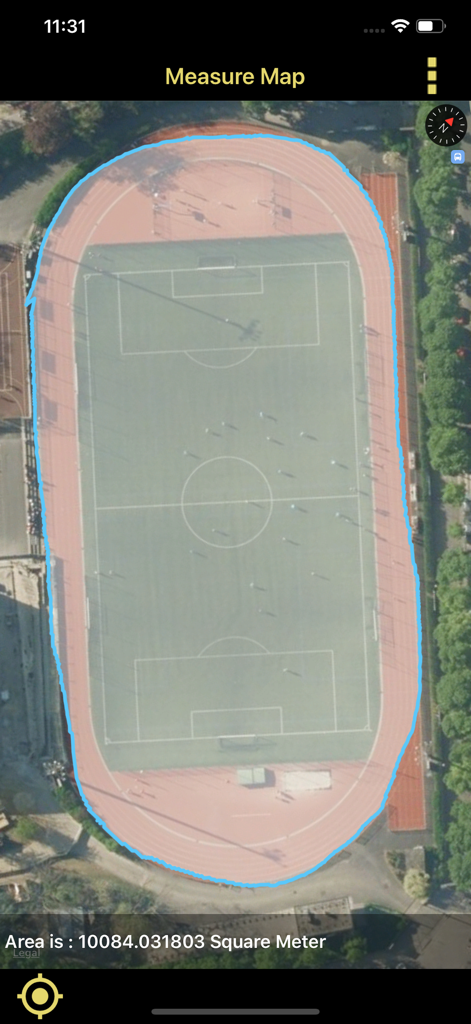
위성 지도에 표시된 스포츠 경기장 면적 측정
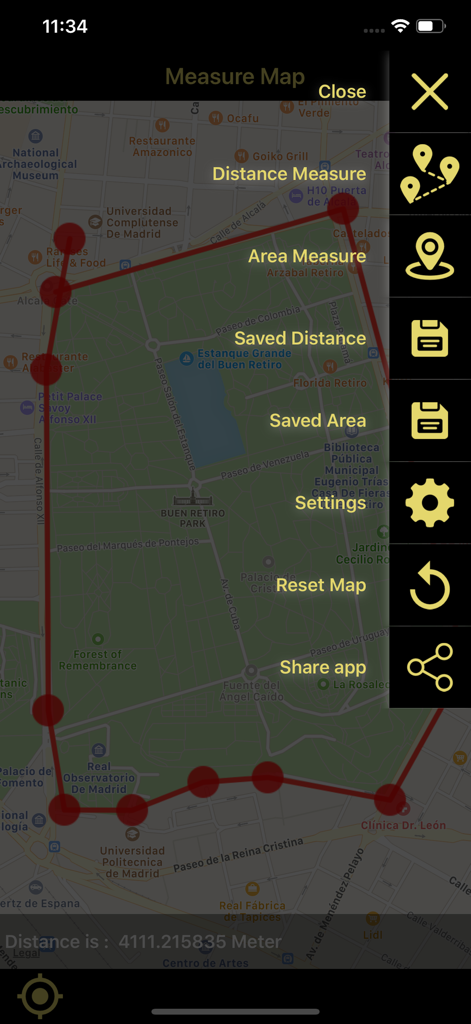
지도에서 거리 및 면적 측정 앱의 인터페이스로, 도시 지도에 측정된 영역과 사이드바 메뉴를 보여줍니다.
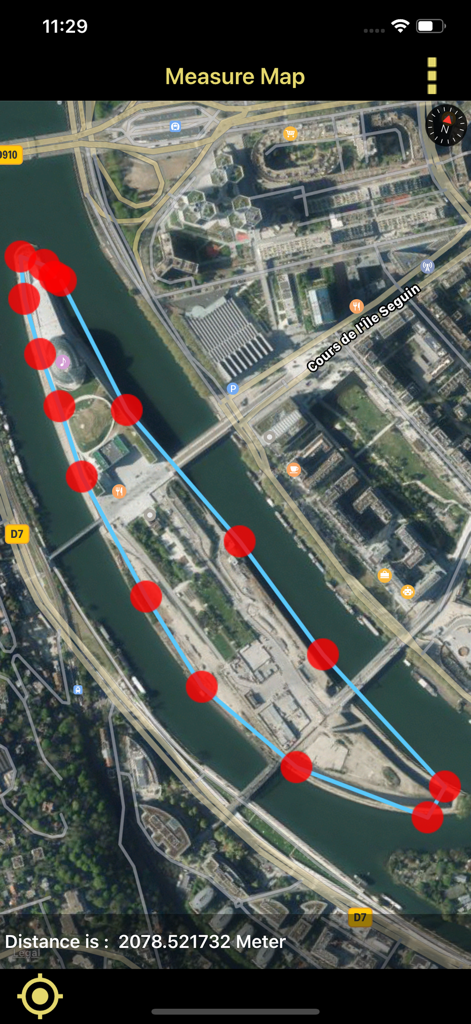
섬 주변에 측정된 경계선과 미터 단위로 계산된 거리를 보여주는 위성 지도 보기
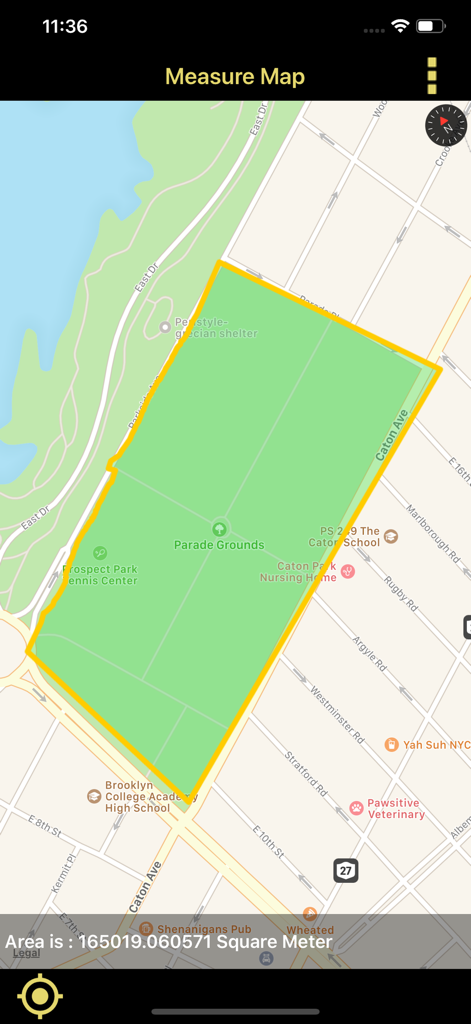
지도에 토지 면적 다각형을 제곱미터로 측정하는 모바일 앱 인터페이스
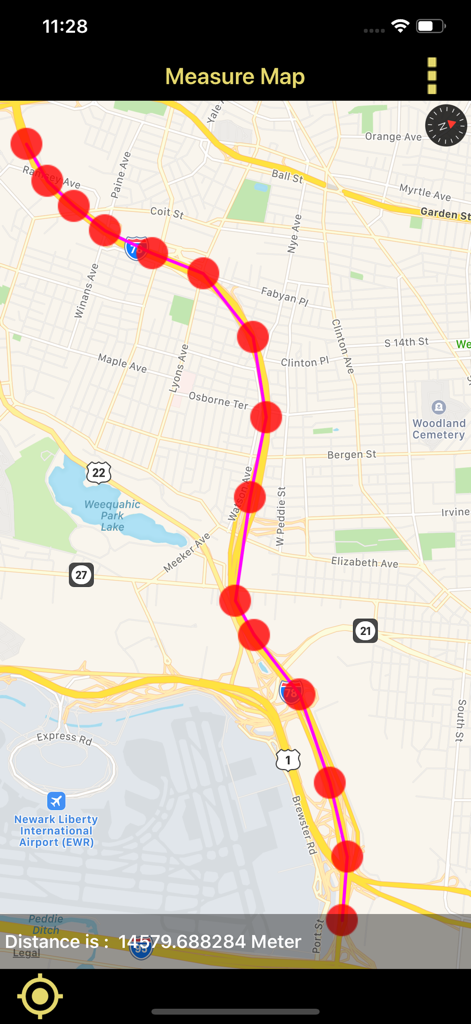
GPS 지도에 측정된 경로와 미터 단위로 계산된 거리를 보여주는 모바일 화면
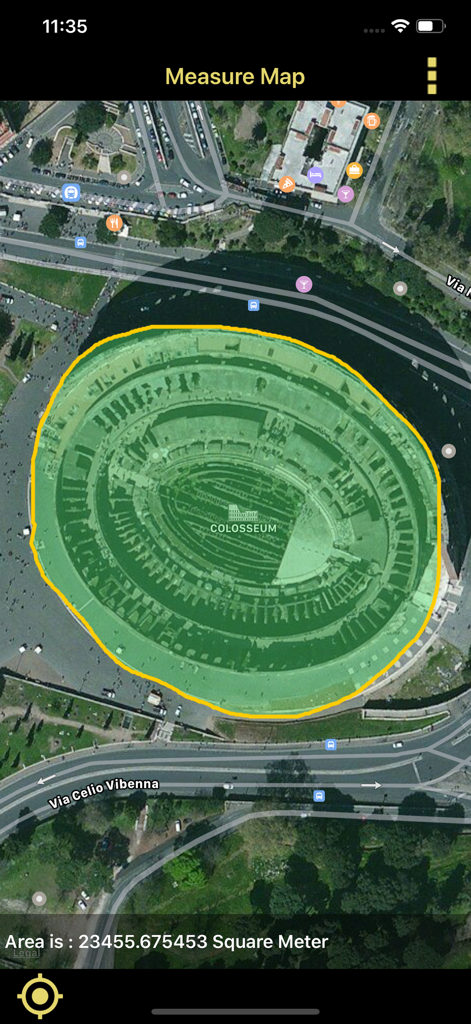
앱을 사용하여 콜로세움의 면적을 제곱미터로 측정한 위성 보기
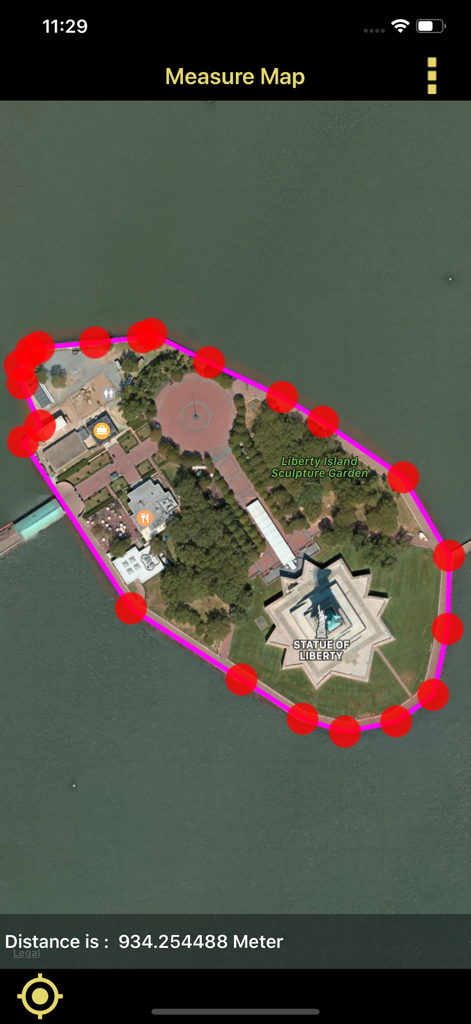
자유의 여신상 섬의 빨간색 핀 경계선과 거리 측정을 위성 지도에 보여주는 모바일 앱 인터페이스
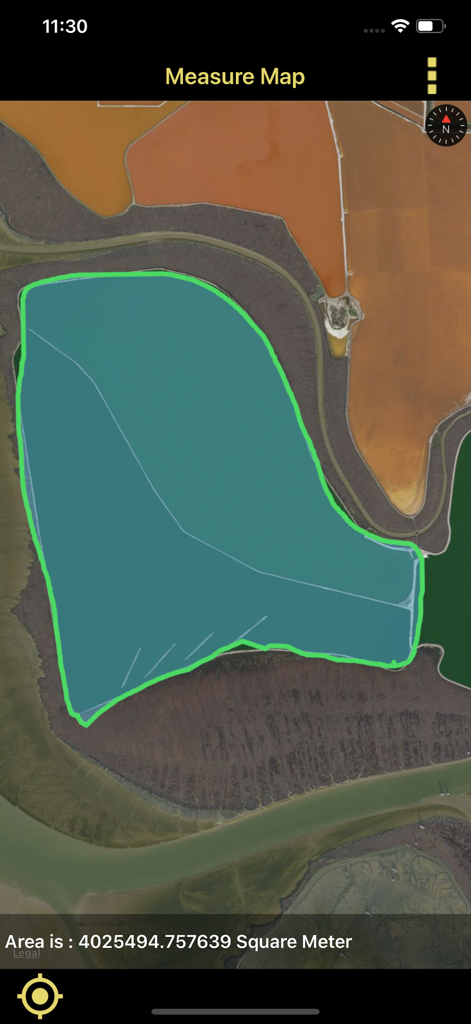
토지 면적을 제곱미터로 측정하는 위성 지도 표시
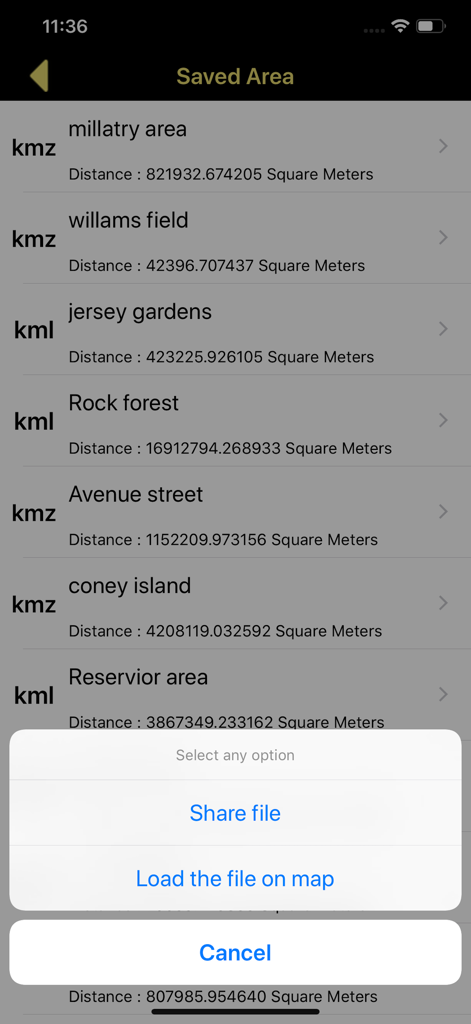
KML 및 KMZ 파일을 공유하거나 불러올 수 있는 옵션이 있는 저장된 지도 면적 측정 목록
설명
Distance,Area draw and Measure On gps Map is an app can easily draw paths, routes, areas, directions, lines, curves, and measures those on Gps map.
Create,load KML and KMZ files easily.
This app works for offline and online.
Features:
• Measure using Pin, Circle or Drawing options.
• 100% accurate measurements.
• Select different metric units.
• Live Drawing : Calculate as you draw.
• Multiple Map Types.
• Undo functionality.
• Calculate the area of a land, Fields, Agricultures, Point to point, lakes, Gardens, Streets, islands,Reservior,stadium,golf clubs,harbor area, parks, farming area, construction area,airports,favourite places, city, etc.
• Calculate the distance of aerial routes.
• High performance and accurate measurements.
• Very intuitive user interface.
App Usage:
Distance Measure:
• In menu click Distance Measure and then long press on gps map to add pointers on map, when two pointers are formed the distance between two pointers will be calculated automatically.
• you can see the count of pointers below the bar and it will be in your control.
• you can change the metric units for measurements like meters,kilometers,feet,yard,mile,Nautical miles etc.
• After completion of measurement you can save it for future reference or you can send it to near or dear through mail.
• you can save the file in two formats kml or kmz and send those to others.
• The saved files will be available in Saved Distance in menu.
• The Saved Distance will be shown in list format and can reload again on gps map.
• Share kml and kmz file to other apps like Email,WhatsApp,Add to Notes,Add to iCloud Drive,Save to files and other apps.
• Easily Export kml or kmz files to Another application
Area Measure:
• In menu click Area Measure and freely draw on map, when the starting point and end point touches then measurement will be calculated automatically.
• you can change the metric units for measurements like hectar,acre,square inch, square meters, square kilometer, square yard, square feet, square mile etc.
• After completion of measurement you can save it for future reference or you can send it to near or dear through mail.
• you can save the file in two formats kml or kmz and send those to others.
• The saved files will be available in Saved Area in menu.
• The Saved Area will be shown in list format and can reload again on gps map.
Available Settings
• User can change Multiple Map types.
• change line color
• change polygon color
Note:
1)This app contains Rich UserInterface.
2)This app contains less labels on map, and more on Menu bar.This helps user easy interaction on Map.
"Continued use of GPS running in the background can dramatically decrease battery life."
--------------------------------------------------------------------------------------------------------------------------------------------------------------------------------------------------------------------------------------------------------
이 페이지는 앱이나 개발자의 공식 페이지가 아니며, 정보 제공 및 논평을 목적으로 작성된 독립 편집 간행물입니다. 명시적으로 달리 언급되지 않는 한, 해당 앱이나 개발자는 MWM, Apple, Google Play, 앱 퍼블리셔 또는 앱 개발자와 제휴, 보증, 후원, 승인 또는 공식적으로 연결되어 있지 않으며, 이 페이지의 어떤 내용도 해당 앱이 MWM의 서비스를 사용하여 개발되었음을 의미하지 않습니다. 모든 상표, 로고, 스크린샷 및 기타 콘텐츠는 해당 소유자의 자산입니다.









