Enpass Password Manager
다운로드: App Store

이 페이지는 앱이나 개발자의 공식 페이지가 아니며, 정보 제공 및 논평을 목적으로 작성된 독립 편집 간행물입니다. 명시적으로 달리 언급되지 않는 한, 해당 앱이나 개발자는 MWM, Apple, Google Play, 앱 퍼블리셔 또는 앱 개발자와 제휴, 보증, 후원, 승인 또는 공식적으로 연결되어 있지 않으며, 이 페이지의 어떤 내용도 해당 앱이 MWM의 서비스를 사용하여 개발되었음을 의미하지 않습니다. 모든 상표, 로고, 스크린샷 및 기타 콘텐츠는 해당 소유자의 자산입니다.

로고: Enpass Password Manager
다운로드: App Store

Enpass Password Manager

암호화된 금고를 저장하고 모든 기기에서 동기화할 위치를 선택할 수 있는 유일한 분산형 비밀번호 관리자로 제어권을 되찾으세요.

주요 수치

다운로드

404K+

사용자 평점

4.3/5

총 평가 수

11K+

개발사

Enpass Technologies Private Limited

카테고리

Productivity

지원 언어

33

최신 버전

6.11.18

크기

98.8 MB

출시일

2011년 8월 13일
기능

디지털 보안을 완벽하게 제어하세요

개인 정보 보호 순수주의자를 위해 설계된 유일한 비밀번호 관리자로, 생산성을 저하시키지 않으면서 암호화된 데이터가 어디에 있는지에 대한 완전한 주권을 제공합니다.

분산 클라우드 동기화

중앙 서버에 대한 신뢰를 중단하세요. iCloud 및 OneDrive부터 자체 개인 WebDAV 또는 완전한 오프라인까지 암호화된 금고를 저장할 위치를 정확히 선택하세요.

비밀번호 키 및 2단계 인증 준비 완료

비밀번호 없는 미래를 위한 완전한 지원과 앱 내에서 직접 6자리 코드를 생성하는 내장 인증기로 신원을 미래에 대비하세요.

다음 스크린샷과 설명은 앱의 공식 스토어 목록에서 직접 가져온 것이며 앱 개발자의 자산입니다.

앱 스토어

스크린샷
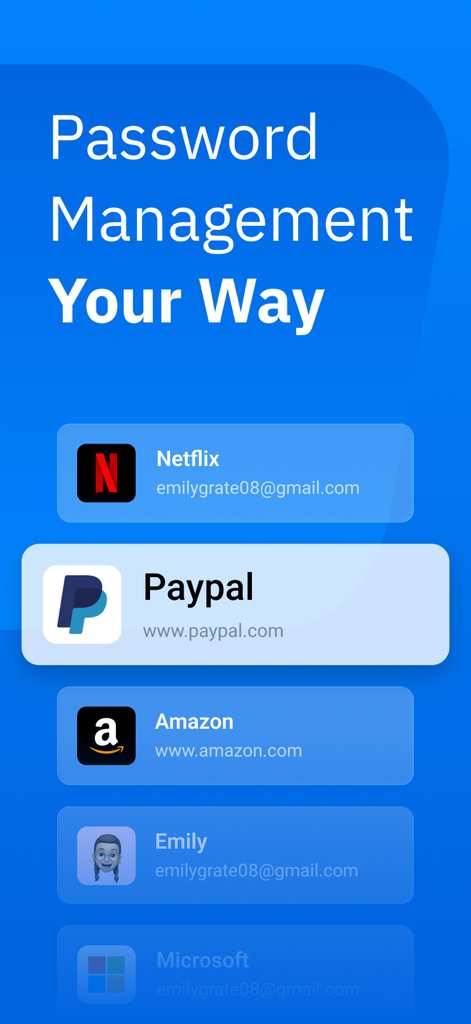
Enpass Password Manager - Enpass 비밀번호 관리자 앱 화면에 PayPal, Amazon, Netflix를 포함한 저장된 디지털 계정 목록 표시
Enpass 비밀번호 관리자 앱 화면에 PayPal, Amazon, Netflix를 포함한 저장된 디지털 계정 목록 표시

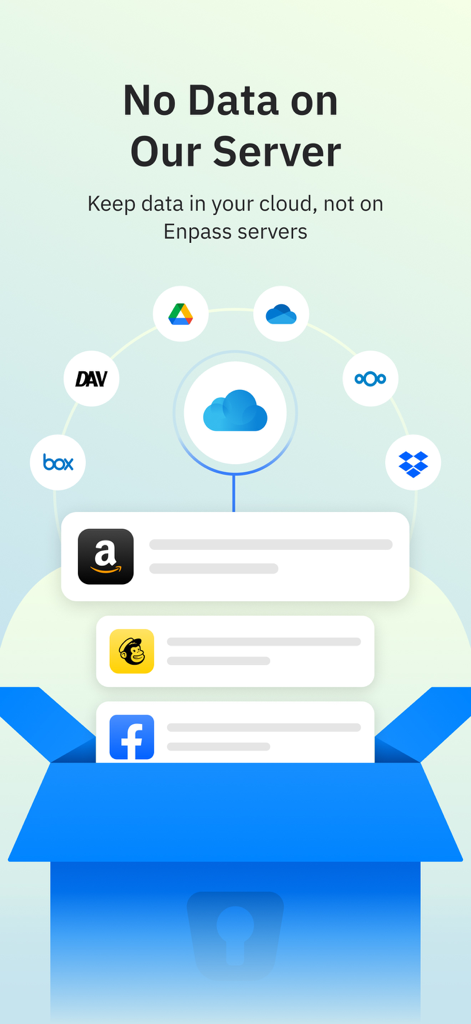
Enpass Password Manager - 사용자 개인 정보 보호를 보장하기 위해 Google Drive 및 Dropbox와 같은 다양한 클라우드 서비스를 제공하는 Enpass 비밀번호 관리자 데이터 저장 옵션을 보여주는 그래픽
사용자 개인 정보 보호를 보장하기 위해 Google Drive 및 Dropbox와 같은 다양한 클라우드 서비스를 제공하는 Enpass 비밀번호 관리자 데이터 저장 옵션을 보여주는 그래픽

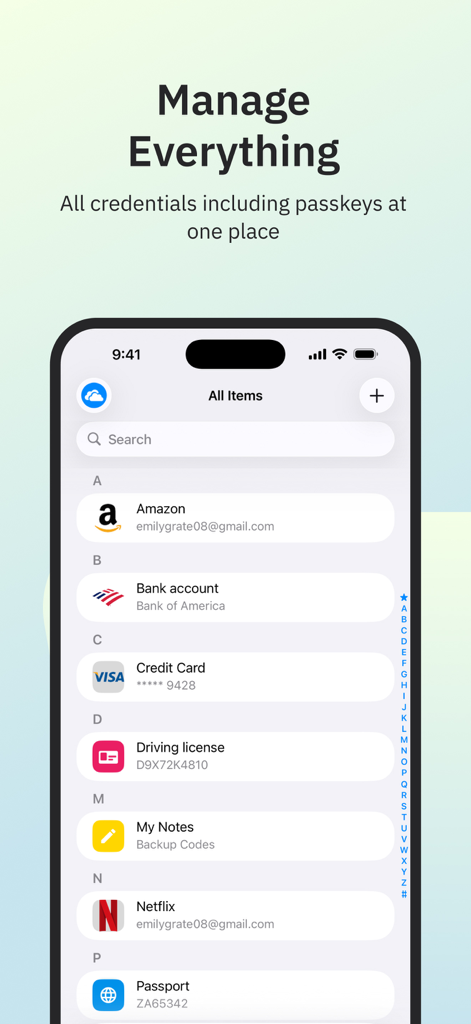
Enpass Password Manager - iPhone에서 저장된 자격 증명 및 비밀번호 키를 보여주는 Enpass 비밀번호 관리자 인터페이스.
iPhone에서 저장된 자격 증명 및 비밀번호 키를 보여주는 Enpass 비밀번호 관리자 인터페이스.

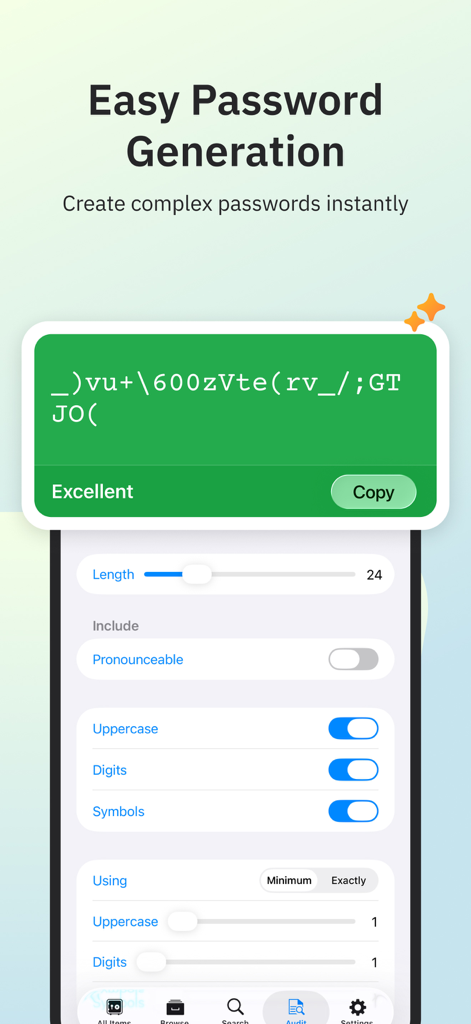
Enpass Password Manager - 사용자 정의 길이 및 문자 설정으로 복잡한 비밀번호를 생성하는 Enpass 모바일 앱 화면.
사용자 정의 길이 및 문자 설정으로 복잡한 비밀번호를 생성하는 Enpass 모바일 앱 화면.

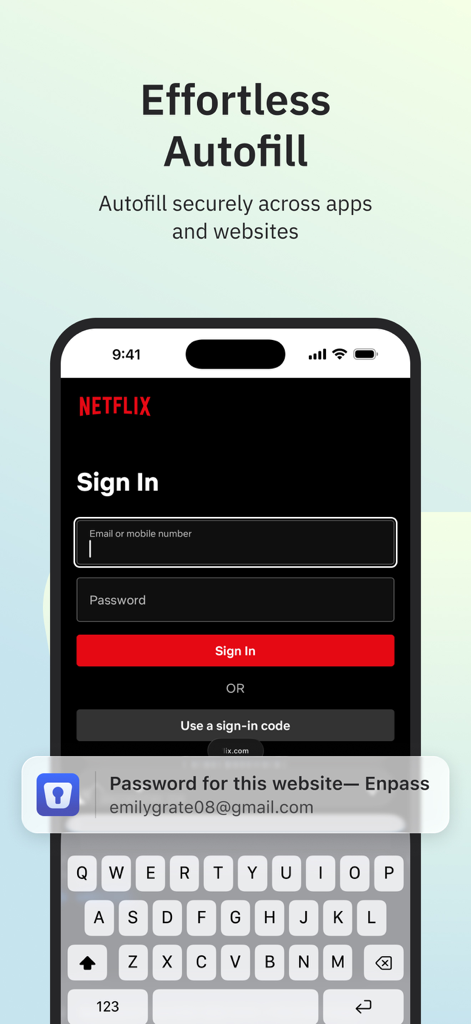
Enpass Password Manager - 모바일 로그인 화면에서 Enpass 비밀번호 관리자의 쉬운 자동 완성
모바일 로그인 화면에서 Enpass 비밀번호 관리자의 쉬운 자동 완성

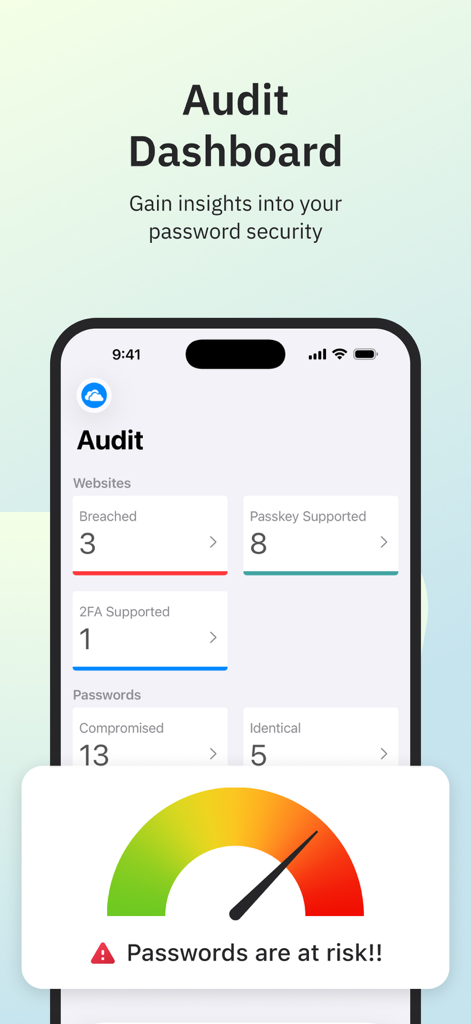
Enpass Password Manager - Enpass 앱 인터페이스에 비밀번호 보안 인사이트 및 침해 경고가 있는 감사 대시보드 표시
Enpass 앱 인터페이스에 비밀번호 보안 인사이트 및 침해 경고가 있는 감사 대시보드 표시

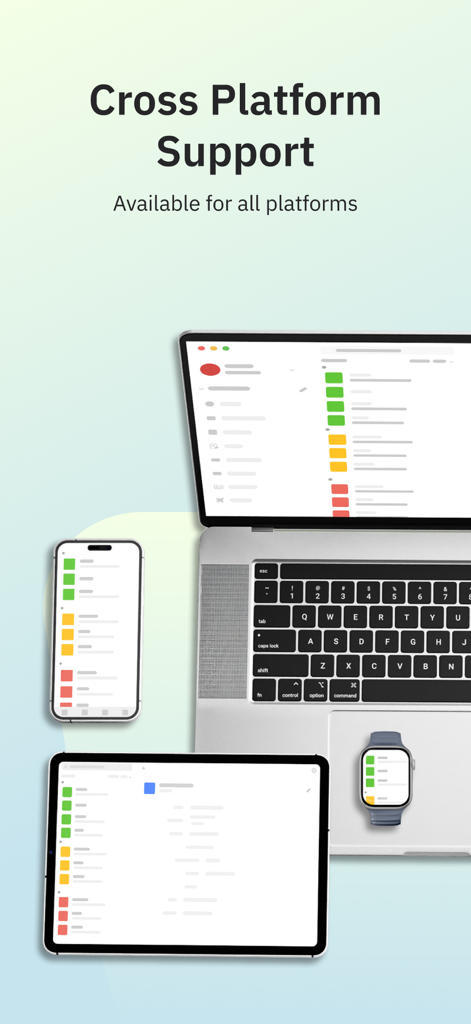
Enpass Password Manager - Enpass 비밀번호 관리자 인터페이스가 노트북, 태블릿, 스마트폰 및 스마트워치에 표시되어 플랫폼 간 지원을 보여줍니다.
Enpass 비밀번호 관리자 인터페이스가 노트북, 태블릿, 스마트폰 및 스마트워치에 표시되어 플랫폼 간 지원을 보여줍니다.

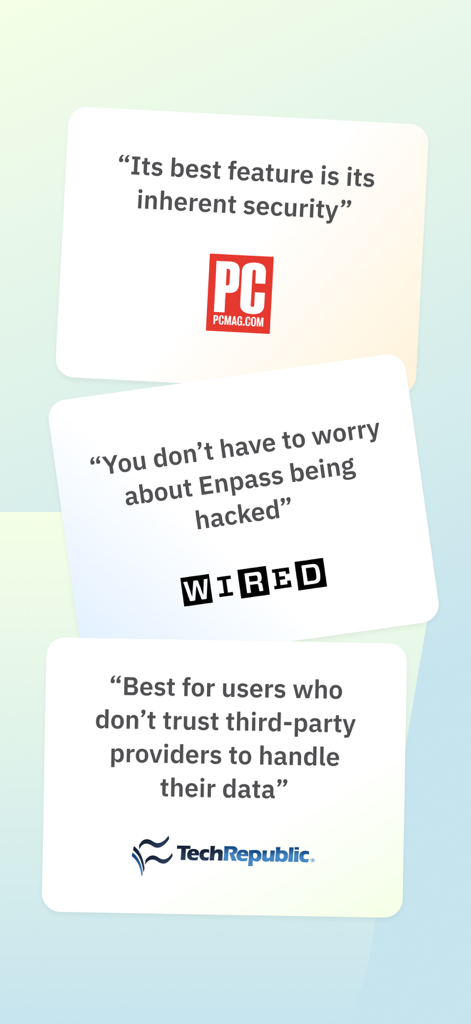
Enpass Password Manager - PCMag, WIRED 및 TechRepublic의 전문가 리뷰에서 Enpass 보안 및 데이터 개인 정보 보호 강조

PCMag, WIRED 및 TechRepublic의 전문가 리뷰에서 Enpass 보안 및 데이터 개인 정보 보호 강조

설명

CHOOSE YOUR OWN SAFEST PLACE TO STORE PASSWORDS & PASSKEYS Enpass believes your data belongs to you. Instead of keeping everyone’s passwords on a central server like most password managers, with Enpass YOU choose where your encrypted vaults are stored and synced. ● Enpass works with iCloud, Google Drive, OneDrive, Box, Dropbox, NextCloud, WebDAV, or completely offline. ● And with support for storing and syncing passkeys across devices, Enpass is ready for the password-less future. WHY YOU NEED A PASSWORD MANAGER ● Creating and typing in passwords is a hassle! ● Truly secure passwords are literally impossible to memorize ● When data breaches happen, you need to change your passwords quickly — and that needs to be easy ● Password managers keep your passwords safer, make them easier to use, and make them easier to change WHY ENPASS IS SAFER ● Most password managers store every user’s vaults in their own central server, making a tempting single target for hackers But with Enpass, hackers would have to - Target you personally - Know which cloud services you’ve chosen for your vaults - Have the credentials to those cloud accounts - Get past each account's multi-factor authentication - And know your Enpass master password ● Enpass also includes password audit & breach monitoring — user-friendly tools to help keep you safe WHY ENPASS IS BETTER ● Store and sync passkeys — ready for the password-less future ● Unlimited vaults — completely separate work passwords from personal, and more ● Wildly customizable — make your own templates, categories, and tags to organize your credentials and private files ● Customize each Item — add, remove, and rearrange fields, or make your own (even multi-line fields) ● Customizable password generator — tweak up to 10 parameters when creating strong new passwords ● Attachments — include documents and images with your saved credentials ● Built-in authenticator (TOTP) — no need for a separate app to get those 6-digit codes AND ENPASS IS AFFORDABLE ● Sync up to 25 items for free (and Enpass desktop is completely free for individual users) ● Enpass Premium starts at just $1.99/mo, Enpass Family at $2.99/mo ● Enpass Business starts at $2.99/user/mo (or $9.99/mo flat for small teams) ● Visit enpass.io/pricing for more details. ** ENPASS IS ALSO BETTER FOR BUSINESS ● Decentralized storage & sync makes Enpass compliance-friendly ● Powerful security and recovery tools, and one-click sharing for teams ● Automatic provisioning and offboarding ● Easy integration with Google Workspace and Microsoft 365 ENPASS IS EVERYWHERE ● Enpass works across Mac, iOS, watchOS, and all major browsers and operating systems SECURITY ● Zero-knowledge AES-256 encryption on 100% of user data ● Certified compliance with ISO/IEC 27001:2013 standards ● Quick unlock with Face ID or Touch ID ● Quick unlock with a PIN ● Unlock with a keyfile as second-factor authentication CONVENIENCE ● Auto-fills passwords, authentication codes, credit cards, and webforms ● Auto-saves new or changed credentials ● Stores and syncs passkeys across devices ● Syncs via your personal cloud accounts or via Wi-Fi PASSWORD SAFETY ● Highly customizable password generator ● Automatically checks for weak or compromised passwords ● Automatically monitors for website breaches ● Retains password history for each Item USABILITY ● watchOS integration ● Easy import from other password managers and CSVs in the desktop app ● Customize tags, categories, fields, and more ● File attachments (add ID cards & other documents to items) ● Copy to Clipboard ● Dark Mode ** For in-app purchases, subscriptions will auto-renew unless disabled in the App Store Account Settings at least 24 hours before the renewal date ● Terms of Use: https://www.enpass.io/legal/terms ● Privacy Policy: https://www.enpass.io/legal/privacy ENPASS SUPPORT Email: support@enpass.io Twitter: @EnpassApp Facebook: Facebook.com/EnpassApp Forums: https://discussion.enpass.io

Download

다운로드: App Store

이 페이지는 앱이나 개발자의 공식 페이지가 아니며, 정보 제공 및 논평을 목적으로 작성된 독립 편집 간행물입니다. 명시적으로 달리 언급되지 않는 한, 해당 앱이나 개발자는 MWM, Apple, Google Play, 앱 퍼블리셔 또는 앱 개발자와 제휴, 보증, 후원, 승인 또는 공식적으로 연결되어 있지 않으며, 이 페이지의 어떤 내용도 해당 앱이 MWM의 서비스를 사용하여 개발되었음을 의미하지 않습니다. 모든 상표, 로고, 스크린샷 및 기타 콘텐츠는 해당 소유자의 자산입니다.







