Epson DocumentScan

Epson DocumentScan

다운로드: App Store다운로드: Google Play
로고: Epson DocumentScan

Epson DocumentScan: 모바일 워크플로우를 위한 전문가급 스캔 기능

Epson 스캐너를 모바일 생산성 허브로 전환하세요. 고품질 문서를 iPhone 또는 iPad로 직접 스캔하고, 다중 페이지 파일을 즉석에서 편집하고, Google Drive 및 Dropbox와 같은 즐겨찾는 클라우드 서비스와 즉시 동기화하세요.

다운로드: App Store

개발사

Seiko Epson Corporation

카테고리

Productivity

다운로드

466K+

사용자 평점

1.9/5

총 평가 수

300

지원 언어

12

한눈에 보는 효율성

이 인터페이스를 사용하는 466K+ 명의 사용자.

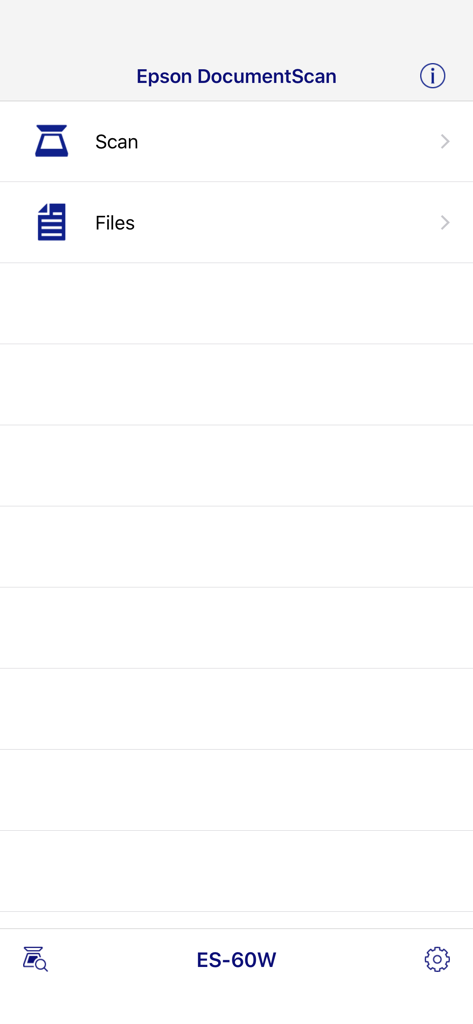
ES 60W 모델에 대한 스캔 및 파일 옵션을 보여주는 Epson DocumentScan 앱의 기본 인터페이스

ES 60W 모델에 대한 스캔 및 파일 옵션을 보여주는 Epson DocumentScan 앱의 기본 인터페이스

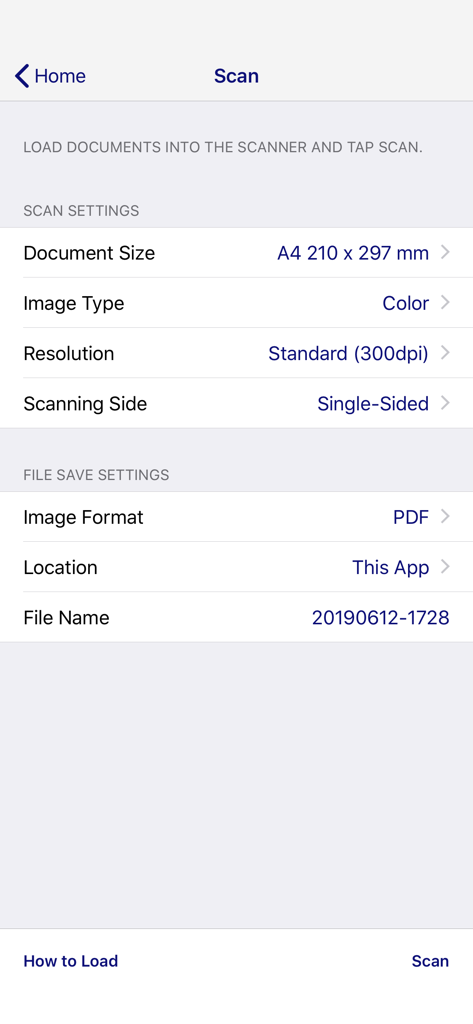
스캔 설정 및 파일 저장 옵션을 표시하는 Epson DocumentScan 모바일 앱 화면.

스캔 설정 및 파일 저장 옵션을 표시하는 Epson DocumentScan 모바일 앱 화면.

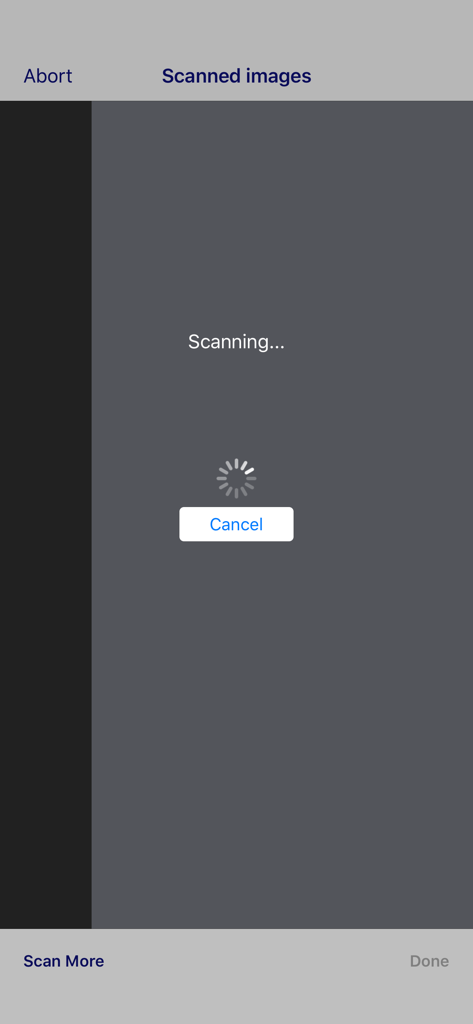
로딩 스피너가 있는 Epson DocumentScan 모바일 앱의 스캔 진행률 화면

로딩 스피너가 있는 Epson DocumentScan 모바일 앱의 스캔 진행률 화면

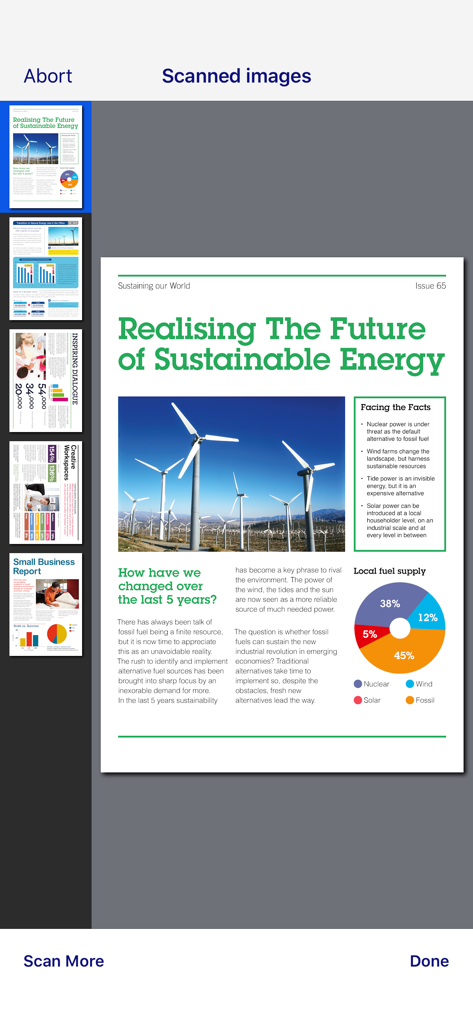
Epson DocumentScan 앱 내에서 여러 스캔된 문서의 미리 보기

Epson DocumentScan 앱 내에서 여러 스캔된 문서의 미리 보기

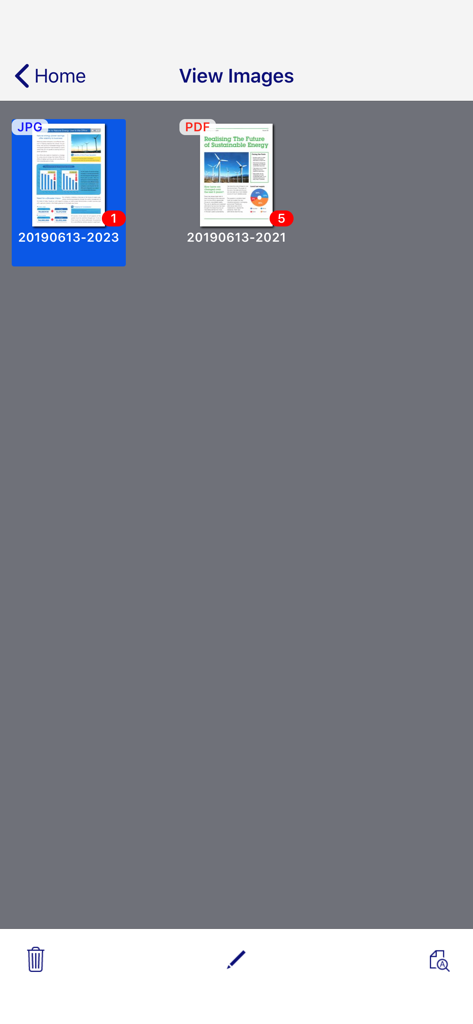
JPG 및 PDF 형식의 스캔된 문서 갤러리를 표시하는 Epson DocumentScan 앱의 화면.

JPG 및 PDF 형식의 스캔된 문서 갤러리를 표시하는 Epson DocumentScan 앱의 화면.

페이퍼리스 워크플로우 간소화

이 앱을 돋보이게 하는 도구, 466K+ 명의 사용자가 선택.

📱

무선 모바일 스캔

데스크톱 컴퓨터 없이도 Epson 장치에서 모바일로 고품질 스캔을 직접 전송합니다.

🔄

전문가급 다중 페이지 편집

앱 내에서 페이지를 쉽게 회전하고 재정렬하여 항상 완벽하게 구성된 문서를 만드세요.

🚀

즉시 클라우드 보관

Dropbox, Google Drive 또는 Evernote로 스캔을 원활하게 전송하여 팀 및 파일의 동기화를 유지하세요.

앱 소개

에 대해 알아야 할 모든 것 Epson DocumentScan.

설명

This app is only for Epson scanners. Make sure that your scanner is supported. Scan documents directly to your iPhone®, iPod touch or iPad®. You can preview scanned data and send it to email, directly to other applications or to cloud services like Box®, DropBox™, Evernote®, Google Drive™ and Microsoft® OneDrive. Scanners Supported https://support.epson.net/appinfo/documentscan/en/index.html Key Features - Directly scan to your iPhone, iPod touch or iPad - Edit scanned pages – multi-page rotation or re-ordering - Send scanned files via email - Send saved data to other applications, or to cloud services including Box, DropBox, Evernote, Google Drive and Microsoft OneDrive*. *Applications must be installed on your iPhone, iPod Touch or iPad. - Send saved data to your PC via iTunes® - Get help with a built-in FAQ section Advanced features - Autosize recognition, auto image type recognition - Multi-page rotation and re-ordering How to Connect Follow your scanner guide to connect your scanner via Wi-Fi® or AP direct connect mode. EPSON and WorkForce are registered trademarks. All other product and brand names are trademarks and/or registered trademarks of their respective companies. Epson disclaims any and all rights in these marks.

최신 버전

1.9.0

크기

21.3 MB

출시일

2014년 3월 6일

오늘 바로 워크플로우를 간소화하세요

모바일 장치에서 전문가 수준의 스캔 기능을 경험하세요. Epson DocumentScan을 다운로드하고 페이퍼리스 사무실을 어디든지 가져가세요.

다운로드: App Store다운로드: Google Play

App information, icons, screenshots, and descriptions displayed on this page are sourced from the Apple App Store and are the property of their respective developers. Download estimates and rankings are based on MWM's proprietary models and may not reflect actual figures. This page is provided for informational and analytical purposes only.

Believe this page infringes your intellectual property? File a dispute