Flash Cards - Flashcards Maker
다운로드: App Store

이 페이지는 앱이나 개발자의 공식 페이지가 아니며, 정보 제공 및 논평을 목적으로 작성된 독립 편집 간행물입니다. 명시적으로 달리 언급되지 않는 한, 해당 앱이나 개발자는 MWM, Apple, Google Play, 앱 퍼블리셔 또는 앱 개발자와 제휴, 보증, 후원, 승인 또는 공식적으로 연결되어 있지 않으며, 이 페이지의 어떤 내용도 해당 앱이 MWM의 서비스를 사용하여 개발되었음을 의미하지 않습니다. 모든 상표, 로고, 스크린샷 및 기타 콘텐츠는 해당 소유자의 자산입니다.


로고: Flash Cards - Flashcards Maker
다운로드: App Store

Flash Cards - Flashcards Maker

USMLE, 변호사 시험, STEM 인증과 같은 중요한 시험을 정복하세요. AI 기반 SM2 알고리즘과 원활한 iCloud 동기화를 활용하여 학습 자료를 고성능 두 번째 뇌로 만드세요.

주요 수치

다운로드

609K+

사용자 평점

4.7/5

총 평가 수

41K+

개발사

嘉夫 张

카테고리

Education

지원 언어

3

최신 버전

6.19

크기

38.0 MB

출시일

2018년 6월 23일
기능

과학적 정확성으로 복잡한 과목 마스터하기

벼락치기는 그만하고 기억하기 시작하세요. AI 기반 간격 반복 학습과 고급 서식을 활용하여 의학, 법률 및 기술 시험을 정복하세요.

AI 기반 간격 반복 학습

당사의 SM2 알고리즘은 망각 곡선을 기반으로 학습 일정을 최적화하여 중요한 시험을 위해 세부 사항을 절대 잊지 않도록 합니다.

풍부한 멀티미디어 및 LaTeX 지원

STEM 및 법학에 완벽합니다. 복잡한 수식, 코드 블록, 표, 오디오를 카드에 직접 삽입하여 포괄적인 학습 경험을 제공합니다.

다음 스크린샷과 설명은 앱의 공식 스토어 목록에서 직접 가져온 것이며 앱 개발자의 자산입니다.

앱 스토어

스크린샷
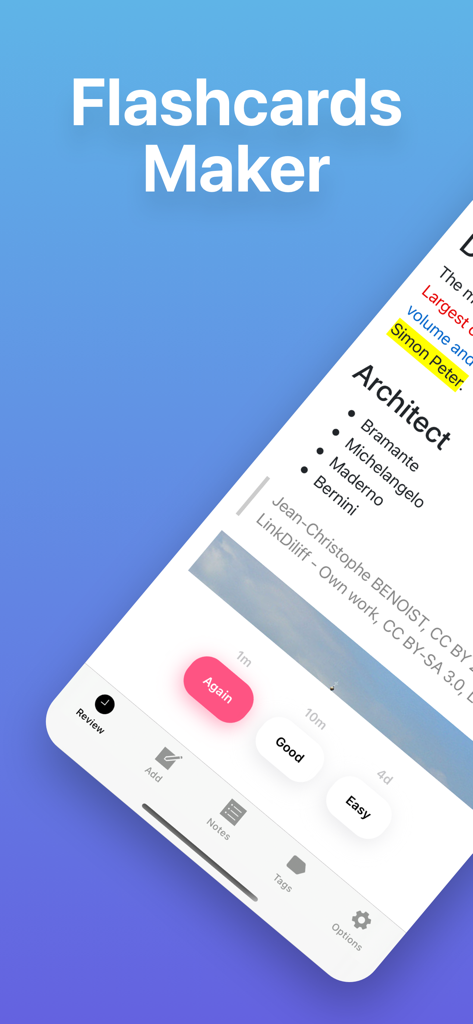
Flash Cards - Flashcards Maker - 간격 반복 학습 검토 버튼이 있는 학습 카드를 보여주는 플래시카드 메이커 앱 인터페이스
간격 반복 학습 검토 버튼이 있는 학습 카드를 보여주는 플래시카드 메이커 앱 인터페이스

Flash Cards - Flashcards Maker - 학습 통계 및 학습 도구가 있는 건축 플래시카드를 보여주는 iPhone 화면
학습 통계 및 학습 도구가 있는 건축 플래시카드를 보여주는 iPhone 화면

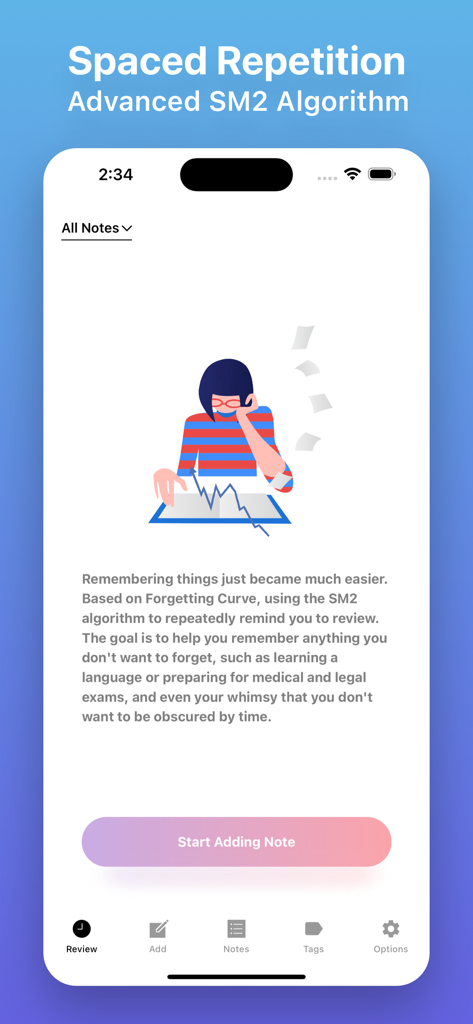
Flash Cards - Flashcards Maker - 플래시카드 메이커 앱의 스크린샷으로, '메모 추가 시작' 버튼과 함께 간격 반복 학습 및 SM2 알고리즘 학습 기능이 표시됩니다.
플래시카드 메이커 앱의 스크린샷으로, '메모 추가 시작' 버튼과 함께 간격 반복 학습 및 SM2 알고리즘 학습 기능이 표시됩니다.

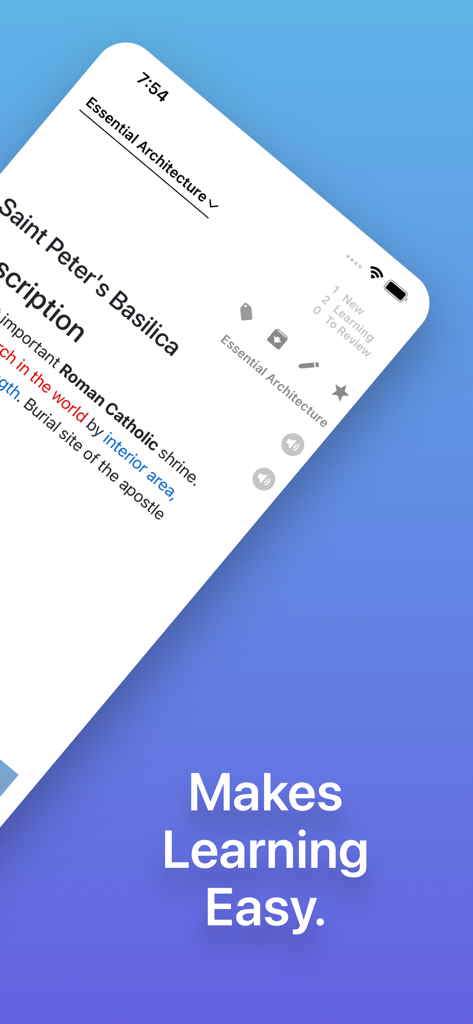
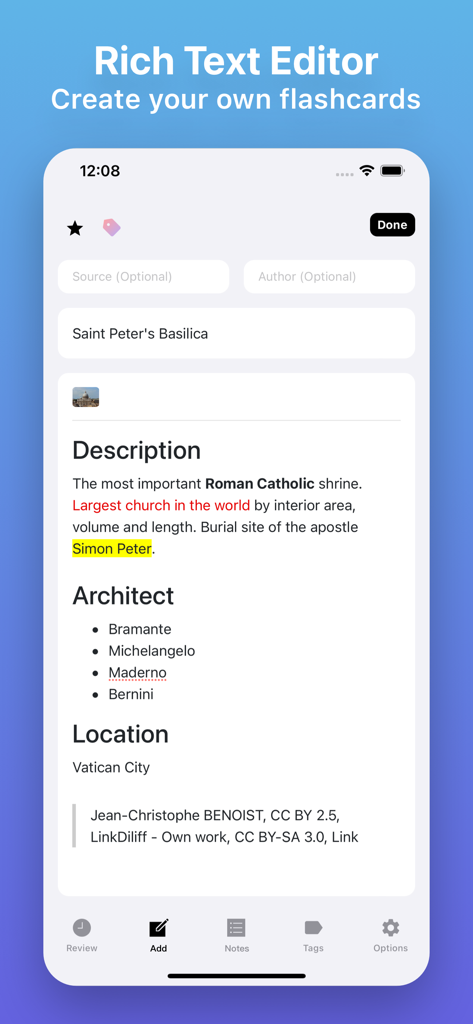
Flash Cards - Flashcards Maker - 성 베드로 대성당에 대한 학습 카드의 상세 텍스트 서식을 보여주는 플래시카드 편집기 모바일 인터페이스
성 베드로 대성당에 대한 학습 카드의 상세 텍스트 서식을 보여주는 플래시카드 편집기 모바일 인터페이스

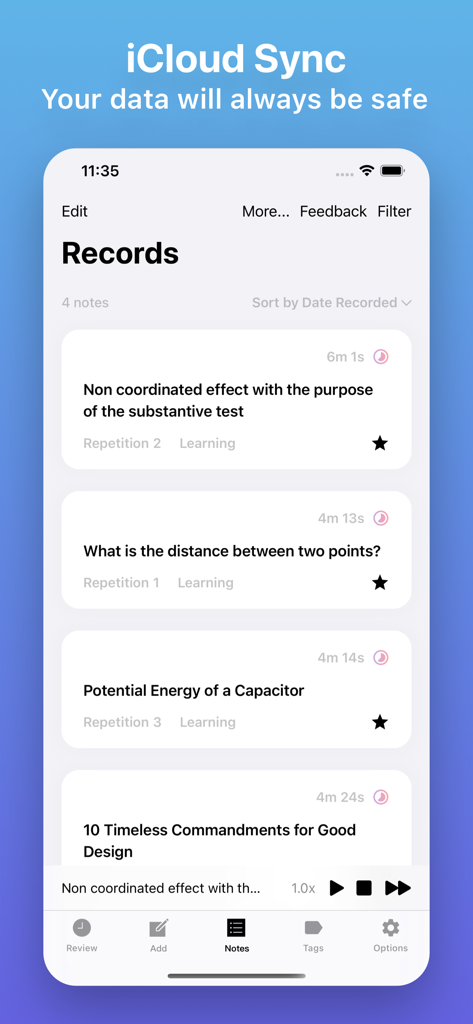
Flash Cards - Flashcards Maker - 데이터 안전을 위한 iCloud 동기화를 강조하는 헤더와 함께 학습 플래시카드 목록을 보여주는 모바일 앱 화면
데이터 안전을 위한 iCloud 동기화를 강조하는 헤더와 함께 학습 플래시카드 목록을 보여주는 모바일 앱 화면

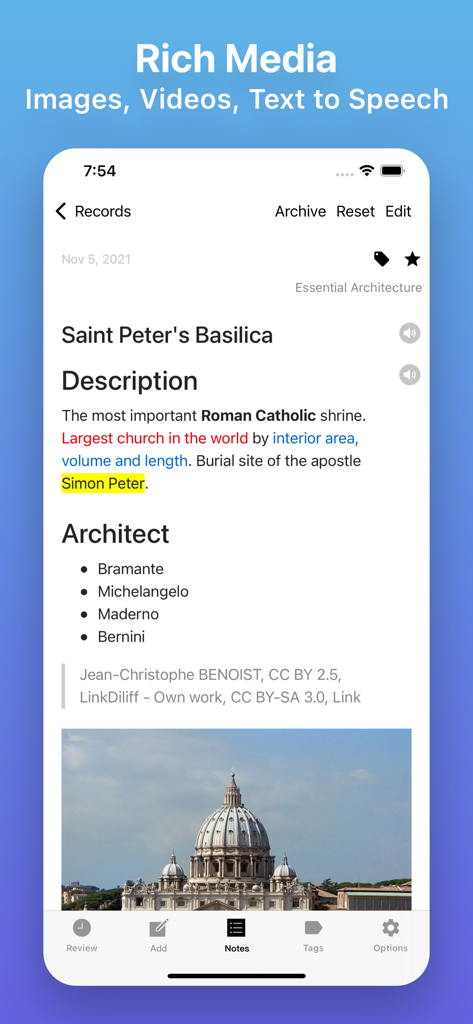
Flash Cards - Flashcards Maker - 플래시 카드 메이커 앱의 학습 카드로, 텍스트 하이라이트와 성 베드로 대성당 이미지가 표시됩니다.
플래시 카드 메이커 앱의 학습 카드로, 텍스트 하이라이트와 성 베드로 대성당 이미지가 표시됩니다.

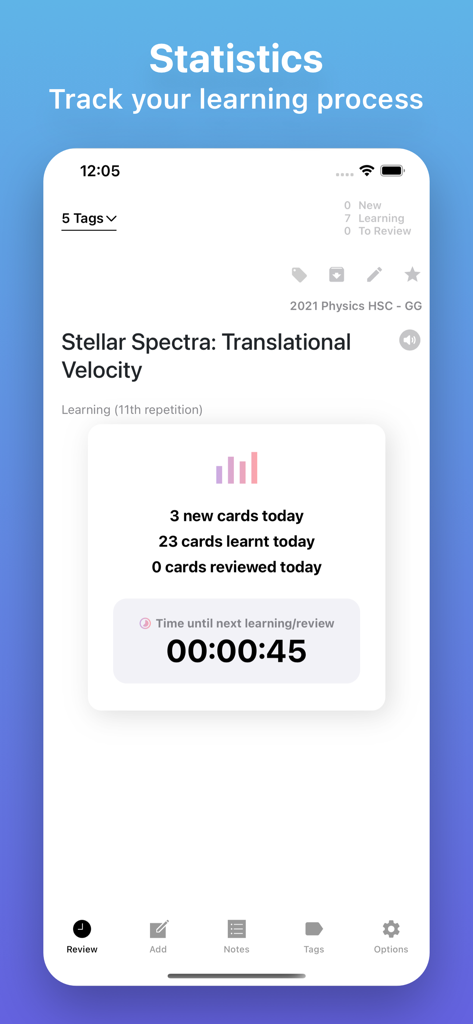
Flash Cards - Flashcards Maker - 카드 진행 상황 및 학습 카운트다운 타이머를 보여주는 학습 통계 대시보드
카드 진행 상황 및 학습 카운트다운 타이머를 보여주는 학습 통계 대시보드

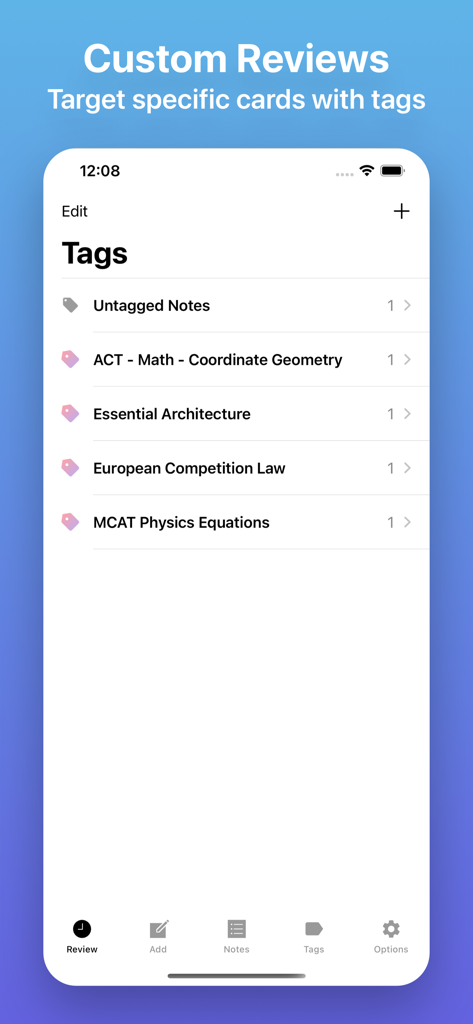
Flash Cards - Flashcards Maker - MCAT 및 법과 같은 학습 자료를 정리하기 위한 태그를 보여주는 플래시 카드 앱 인터페이스
MCAT 및 법과 같은 학습 자료를 정리하기 위한 태그를 보여주는 플래시 카드 앱 인터페이스

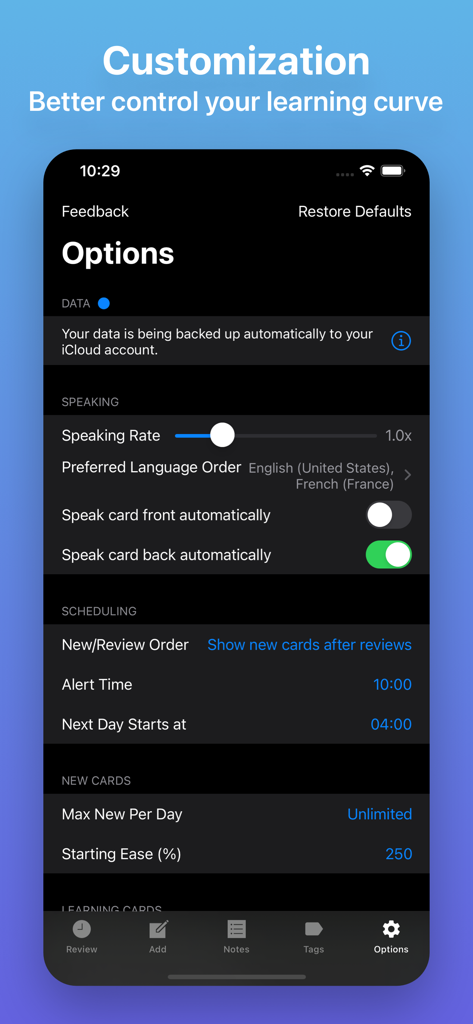
Flash Cards - Flashcards Maker - 학습 일정, 말하기 속도, iCloud 백업에 대한 사용자 정의 설정을 보여주는 플래시카드 메이커 앱의 모바일 인터페이스
학습 일정, 말하기 속도, iCloud 백업에 대한 사용자 정의 설정을 보여주는 플래시카드 메이커 앱의 모바일 인터페이스

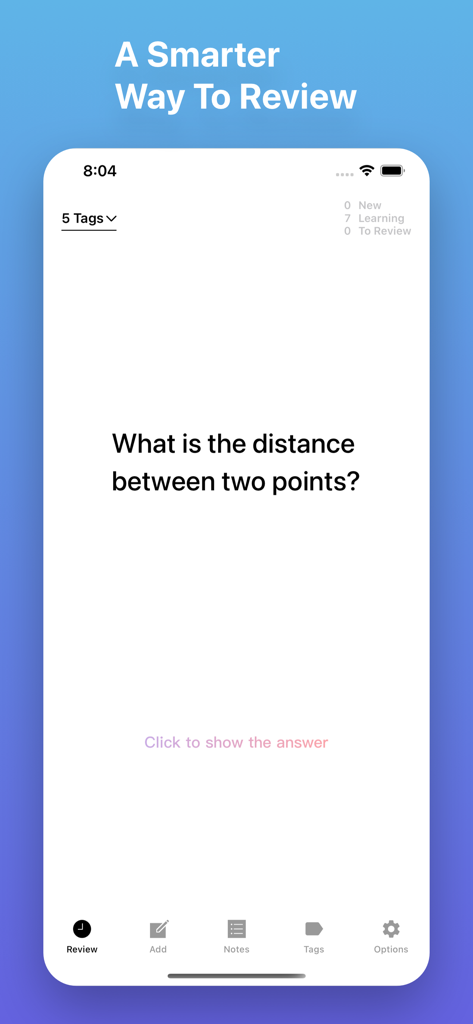
Flash Cards - Flashcards Maker - 학습 질문 및 진행 통계를 보여주는 플래시카드 복습 인터페이스

학습 질문 및 진행 통계를 보여주는 플래시카드 복습 인터페이스

설명

Remembering things just became much easier. Based on Forgetting Curve, using the SM2 algorithm to repeatedly remind you to review. The goal is to help you remember anything you don't want to forget, such as learning a language or preparing for medical and legal exams, and even your whimsy that you don't want to be obscured by time. You can set questions for card front, then recall the answer according to the question. Your data will be backed up automatically to your iCloud account. That means all your stuff — flashcards, tags, preferences, and more — is safe, up to date, and available on all your devices. You can share notes with other users and invite them to contribute to your notes. Some of Flash Cards' features include: · Backed up by iCloud automatically (supported with iOS 13+) · Sync between multiple devices · Advanced spaced repetition algorithm (SRS), built with Artificial Intelligence (AI) · Able to import data from Anki files (*.apkg, *colpkg, *zip) · Support for organizing notes by tags · Support for adding images, videos, audio, tables, checklists. · Support for inserting, editing, and viewing mathematical equations and formulas. · Support for Speech Synthesis, and listening to your notes in the background. · Support for scanning and inserting documents. · Support for marking up images. · Support for setting font size of the text to make it catch the eye of the reader. · Support for different font families to help differentiate between sections of the content that serve various purposes (e.g. main text and a side quotation or a recap). · Support for both markers (background color) and pens (text color) to make the text stand out even more and draw attention. · Support for advanced text styling features such as subscript, superscript, link and code. · You can embed online video and audio players within notes. · The Code Block feature which allows inserting and embedding syntax color highlighted code snippets into the editor. · Support for finding and replacing any text in the editor easily. · Support for auto formatting which employs Markdown-like inline codes as you type for a faster and more efficient editing workflow. · Handy keyboard shortcuts to speed up your workflow · Support for Dynamic Type · Support for Live Text.

Download

다운로드: App Store

이 페이지는 앱이나 개발자의 공식 페이지가 아니며, 정보 제공 및 논평을 목적으로 작성된 독립 편집 간행물입니다. 명시적으로 달리 언급되지 않는 한, 해당 앱이나 개발자는 MWM, Apple, Google Play, 앱 퍼블리셔 또는 앱 개발자와 제휴, 보증, 후원, 승인 또는 공식적으로 연결되어 있지 않으며, 이 페이지의 어떤 내용도 해당 앱이 MWM의 서비스를 사용하여 개발되었음을 의미하지 않습니다. 모든 상표, 로고, 스크린샷 및 기타 콘텐츠는 해당 소유자의 자산입니다.