Floating Video and YouTube
다운로드: App Store

이 페이지는 앱이나 개발자의 공식 페이지가 아니며, 정보 제공 및 논평을 목적으로 작성된 독립 편집 간행물입니다. 명시적으로 달리 언급되지 않는 한, 해당 앱이나 개발자는 MWM, Apple, Google Play, 앱 퍼블리셔 또는 앱 개발자와 제휴, 보증, 후원, 승인 또는 공식적으로 연결되어 있지 않으며, 이 페이지의 어떤 내용도 해당 앱이 MWM의 서비스를 사용하여 개발되었음을 의미하지 않습니다. 모든 상표, 로고, 스크린샷 및 기타 콘텐츠는 해당 소유자의 자산입니다.

로고: Floating Video and YouTube
다운로드: App Store

Floating Video and YouTube

YouTube 및 개인 파일에 대해 PIP(Picture-in-Picture) 멀티태스킹과 끊김 없는 백그라운드 재생 기능을 잠금 해제하세요. 구독 없이도 중단 없는 프리미엄 시청 경험을 즐기세요.

주요 수치

다운로드

26K+

사용자 평점

4.6/5

총 평가 수

900

개발사

Muat Turun

카테고리

Photo & Video

지원 언어

33

최신 버전

2.0

크기

36.4 MB

출시일

2024년 9월 30일
기능

시청 경험을 한 단계 업그레이드

백그라운드 재생, 광고 차단, 멀티태스킹과 같은 프리미엄 기능을 구독료 없이 즐기세요.

진정한 멀티태스킹

기기에서 문자 메시지를 보내거나, 작업하거나, 탐색하는 동안 플로팅 창으로 시청하거나 백그라운드에서 들으세요.

방해 없는 스트리밍

성가신 광고에 작별을 고하고 모든 YouTube 또는 웹 소스에서 끊김 없는 고화질 비디오 재생을 즐기세요.

다음 스크린샷과 설명은 앱의 공식 스토어 목록에서 직접 가져온 것이며 앱 개발자의 자산입니다.

앱 스토어

스크린샷
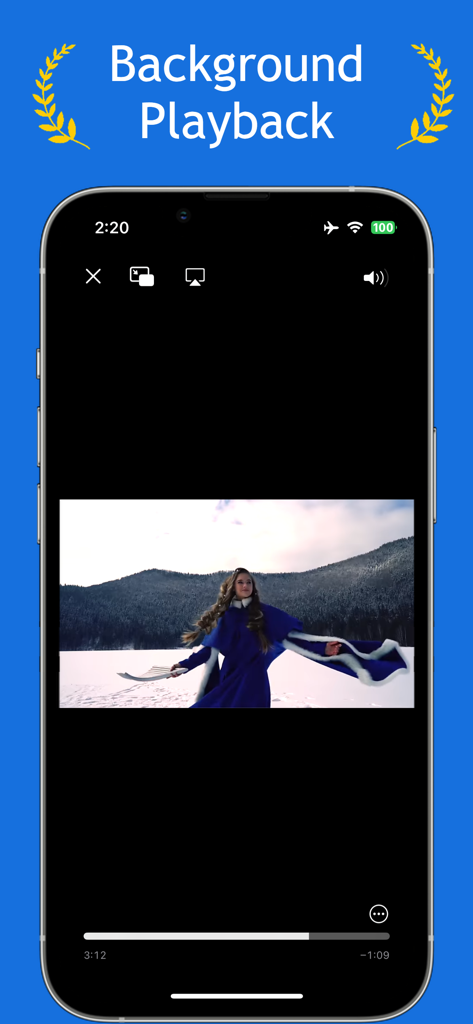
Floating Video and YouTube - 백그라운드 재생 기능을 보여주는 플로팅 비디오 앱 인터페이스

백그라운드 재생 기능을 보여주는 플로팅 비디오 앱 인터페이스

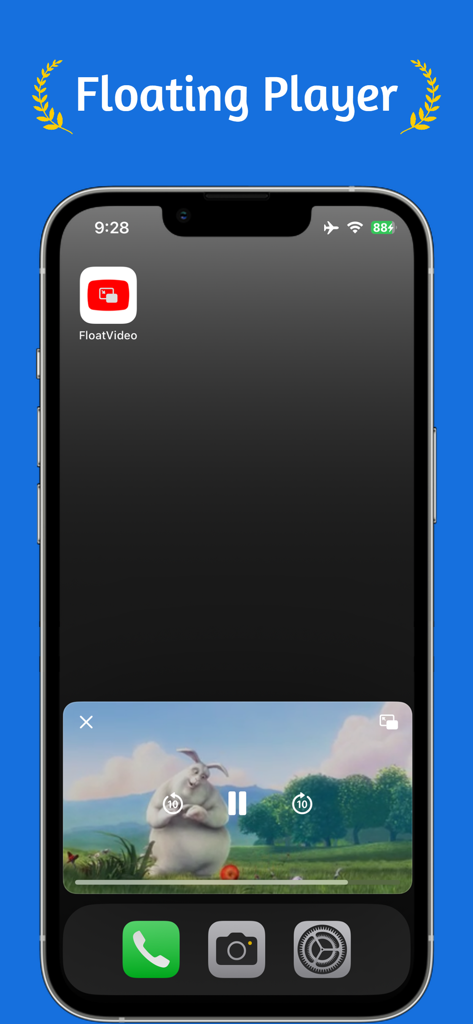
Floating Video and YouTube - PIP 모드를 보여주는 플로팅 비디오 플레이어 창이 있는 iPhone 홈 화면
PIP 모드를 보여주는 플로팅 비디오 플레이어 창이 있는 iPhone 홈 화면

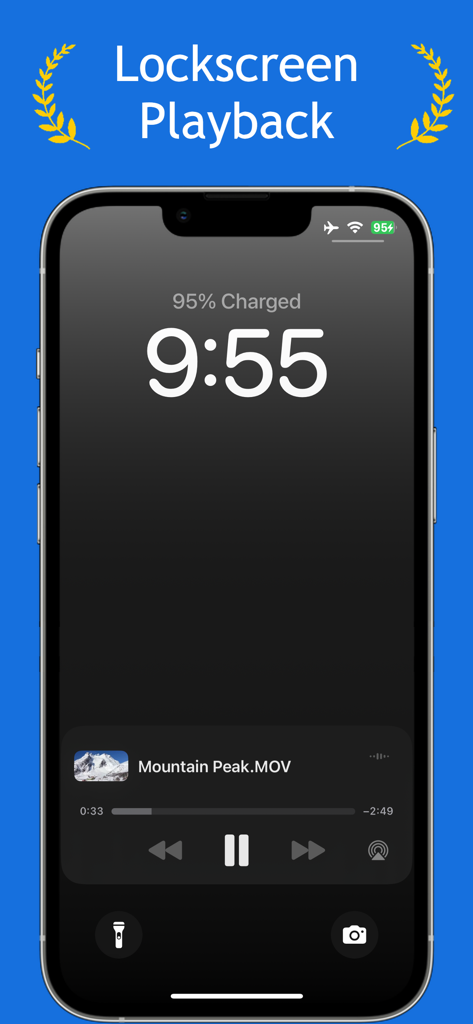
Floating Video and YouTube - Mountain Peak MOV라는 파일의 비디오 재생 위젯이 표시된 iPhone 잠금 화면
Mountain Peak MOV라는 파일의 비디오 재생 위젯이 표시된 iPhone 잠금 화면

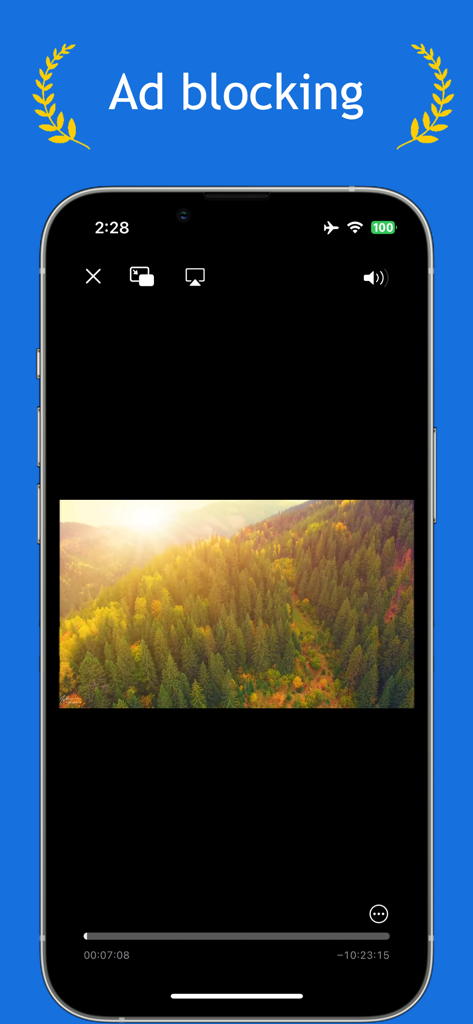
Floating Video and YouTube - 플로팅 비디오 및 YouTube 앱의 광고 차단 기능을 보여주는 스마트폰 화면

플로팅 비디오 및 YouTube 앱의 광고 차단 기능을 보여주는 스마트폰 화면

설명

Enhance your video watching experience with our advanced video player that supports background playback, picture-in-picture, and ad-blocking capabilities. Designed for uninterrupted viewing, our app offers a suite of features to elevate your media consumption. Key Features: • Background Playback: Enjoy videos even when the app is running in the background. • Picture in Picture Playback: Seamlessly multitask by enabling video playback in a small, floating window on your screen. • Ad Blocking: Watch your favorite videos without interruptions from ads. • High-Definition Playback: Experience videos in stunning HD quality. • 360° Video Support: Immerse yourself in panoramic scenes with full 360-degree video playback. • Video Management: Organize your videos into groups for streamlined accessibility. • Broad File Compatibility: Supports a wider range of file types compared to other video apps. Adding Videos for Playback: 1. Tap on "Add Video". 2. Choose your source: File, Photo Library, Online URL, or YouTube URL. • File: Import videos directly from the Files app. • Photo Library: Select videos stored in your Photos app. • Online URL: Stream videos via an online URL. If the URL directs to a webpage, it will display the webpage and block any ads. • YouTube URL: Stream content directly from YouTube URLs. Video Playback Options: Upon adding a video, it will display on the main page. Tap on the video to choose your playback preference: • Normal Videos: Engage in typical playback with options like Picture in Picture for multitasking. • 360 Videos: Use your device’s motion to explore 360-degree videos, allowing for a full panoramic experience. This app is designed to offer a seamless and enhanced viewing experience, combining functionality with convenience for all video enthusiasts.

Download

다운로드: App Store

이 페이지는 앱이나 개발자의 공식 페이지가 아니며, 정보 제공 및 논평을 목적으로 작성된 독립 편집 간행물입니다. 명시적으로 달리 언급되지 않는 한, 해당 앱이나 개발자는 MWM, Apple, Google Play, 앱 퍼블리셔 또는 앱 개발자와 제휴, 보증, 후원, 승인 또는 공식적으로 연결되어 있지 않으며, 이 페이지의 어떤 내용도 해당 앱이 MWM의 서비스를 사용하여 개발되었음을 의미하지 않습니다. 모든 상표, 로고, 스크린샷 및 기타 콘텐츠는 해당 소유자의 자산입니다.