Fonts for Stories and Chats
다운로드: App Store

이 페이지는 앱이나 개발자의 공식 페이지가 아니며, 정보 제공 및 논평을 목적으로 작성된 독립 편집 간행물입니다. 명시적으로 달리 언급되지 않는 한, 해당 앱이나 개발자는 MWM, Apple, Google Play, 앱 퍼블리셔 또는 앱 개발자와 제휴, 보증, 후원, 승인 또는 공식적으로 연결되어 있지 않으며, 이 페이지의 어떤 내용도 해당 앱이 MWM의 서비스를 사용하여 개발되었음을 의미하지 않습니다. 모든 상표, 로고, 스크린샷 및 기타 콘텐츠는 해당 소유자의 자산입니다.


로고: Fonts for Stories and Chats
다운로드: App Store

Fonts for Stories and Chats

다른 사람들과 똑같은 기본 스타일은 이제 그만. 200개 이상의 프리미엄 글꼴과 무한한 사용자 정의 기능을 통해 바이럴 준비가 된 인스타그램 스토리, 틱톡 릴, 그리고 당신의 독특한 분위기를 반영하는 스타일리시한 메시지를 만들어 보세요.

주요 수치

다운로드

52K+

사용자 평점

4.9/5

총 평가 수

100

개발사

Aleksei Varochko

카테고리

Graphics & Design

지원 언어

5

최신 버전

1.4.2.1

크기

61.7 MB

출시일

2021년 9월 30일
기능

모든 피드에서 돋보이세요

현대 크리에이터를 위해 디자인된 200개 이상의 미적 글꼴 라이브러리로 스크롤을 멈추고 소셜 존재감을 높여보세요.

미적 라이브러리

우아한 세리프부터 트렌디한 스크립트까지, 200개 이상의 디자이너 글꼴을 만나보고 인스타그램 스토리와 틱톡에 완벽하게 맞춰보세요.

즉각적인 작업 흐름

몇 초 만에 텍스트를 변환하고 모든 앱에 붙여넣으세요. 데스크톱 소프트웨어는 필요 없습니다. 순수한 고속 창의성만 있으면 됩니다.

다음 스크린샷과 설명은 앱의 공식 스토어 목록에서 직접 가져온 것이며 앱 개발자의 자산입니다.

앱 스토어

스크린샷
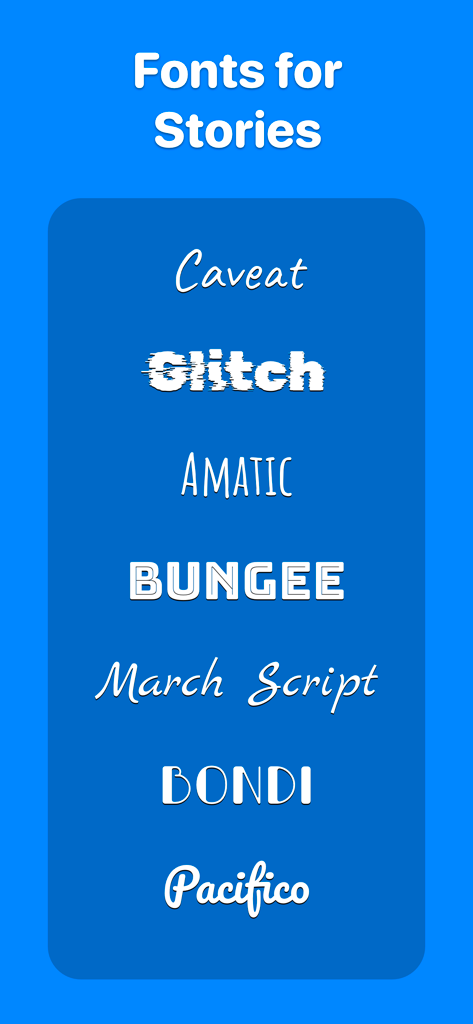
Fonts for Stories and Chats - 소셜 미디어 스토리를 위한 스크립트 및 글리치 글꼴을 포함한 장식적인 글꼴 스타일 목록
소셜 미디어 스토리를 위한 스크립트 및 글리치 글꼴을 포함한 장식적인 글꼴 스타일 목록

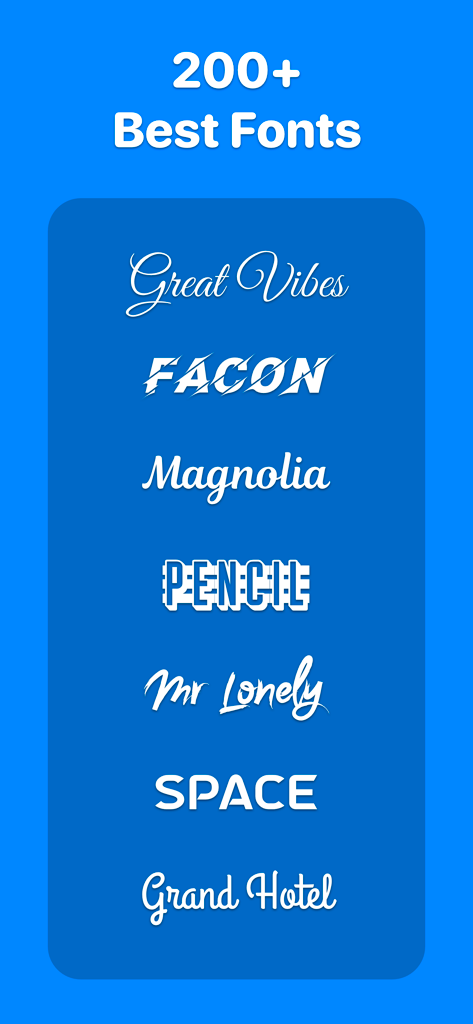
Fonts for Stories and Chats - 소셜 미디어 콘텐츠 크리에이터를 위한 스크립트 및 굵은 스타일을 포함한 스타일리시하고 장식적인 글꼴 쇼케이스
소셜 미디어 콘텐츠 크리에이터를 위한 스크립트 및 굵은 스타일을 포함한 스타일리시하고 장식적인 글꼴 쇼케이스

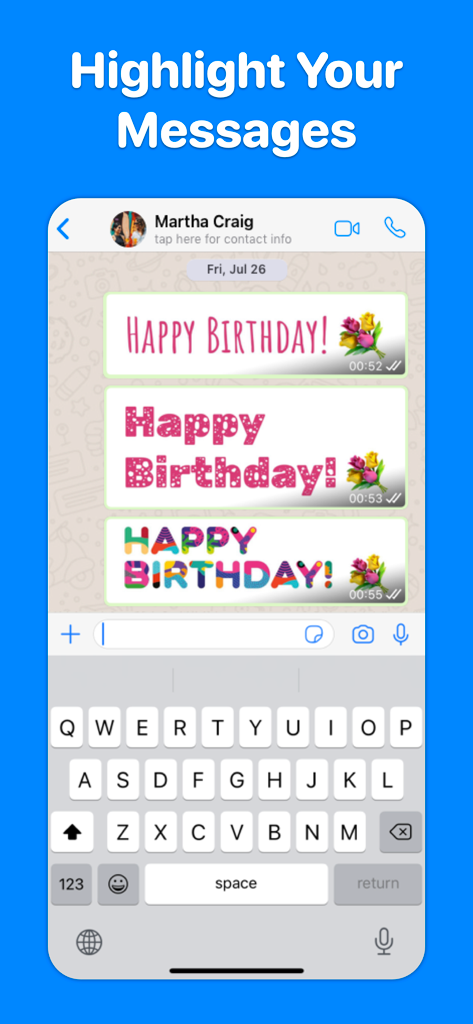
Fonts for Stories and Chats - 채팅 대화에서 행복한 생일 메시지를 위한 다양한 예술적 글꼴 스타일을 보여주는 모바일 화면
채팅 대화에서 행복한 생일 메시지를 위한 다양한 예술적 글꼴 스타일을 보여주는 모바일 화면

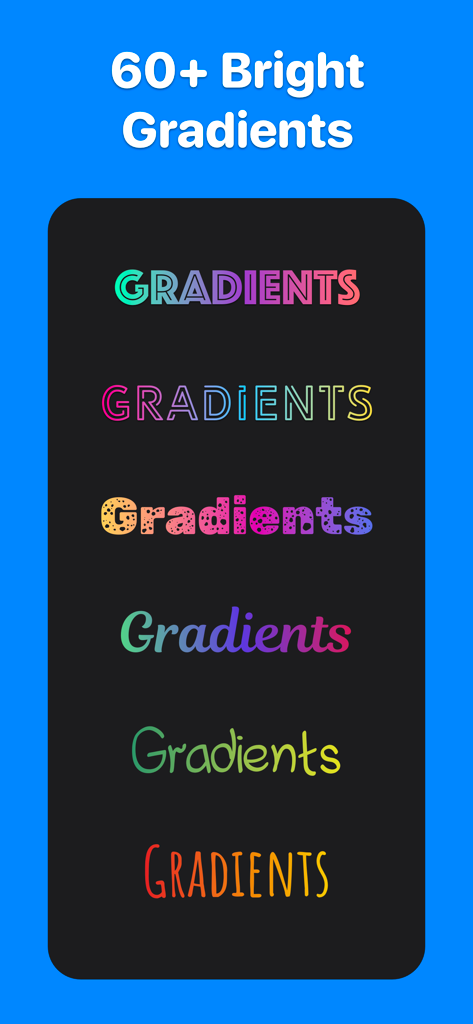
Fonts for Stories and Chats - 소셜 미디어 게시물을 위한 다양한 그라데이션 및 패턴 글꼴 스타일 컬렉션
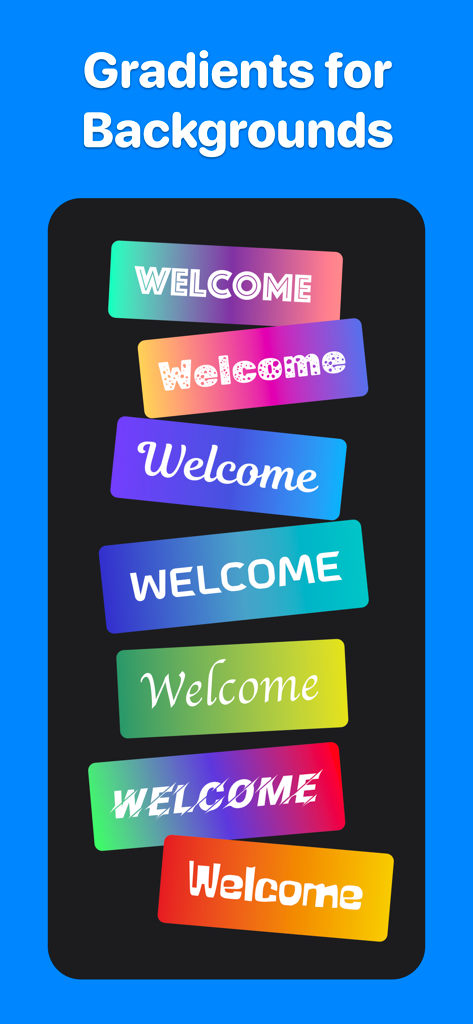
소셜 미디어 게시물을 위한 다양한 그라데이션 및 패턴 글꼴 스타일 컬렉션

Fonts for Stories and Chats - 생생한 그라데이션 배경 상자에 표시되는 다양한 글꼴 스타일 컬렉션

생생한 그라데이션 배경 상자에 표시되는 다양한 글꼴 스타일 컬렉션
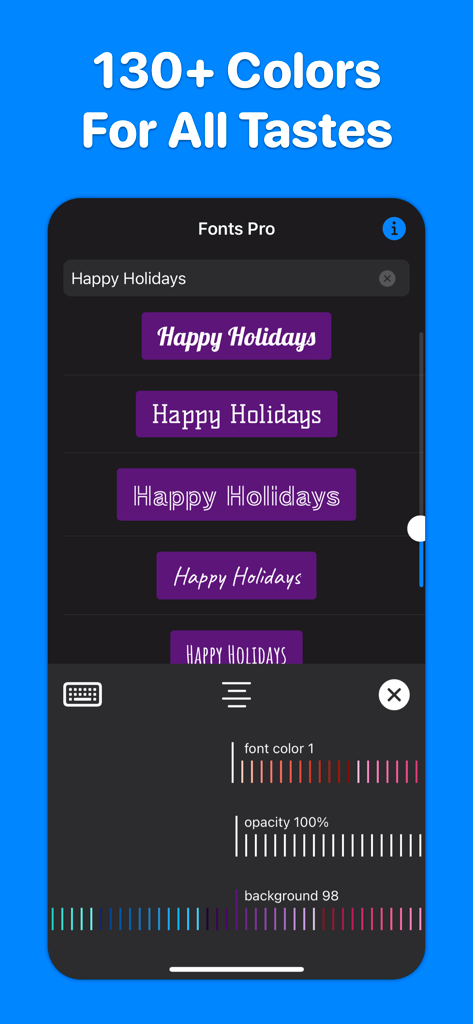
Fonts for Stories and Chats - 스타일리시한 소셜 미디어 글꼴에 대한 색상 및 불투명도 사용자 정의를 보여주는 앱 인터페이스

스타일리시한 소셜 미디어 글꼴에 대한 색상 및 불투명도 사용자 정의를 보여주는 앱 인터페이스

설명

200+ best fonts for your Stories and Reels! Each font can be flexibly customized: change color, transparency, alignment, add color substrates. More than 130 colors available. INSTAGRAM : 1. Select “Create Story” or “Create Reels” on Instagram. 2. Open our application, enter the text you want, select the font you like by simply clicking on it. The font will be copied to the clipboard. 3. Go back to Instagram. A banner with the copied font will appear in the lower left corner. Click on the banner. The font is added to the center of the screen. 4. If the banner in the lower left corner does not appear, click on the Add text icon in Instagram, make a quick double-click on the center of the screen and select Insert from the menu that appears. 5. Adjust the position, slant and size of the font, if necessary. TikTok : 1. Open our application, enter the text you want. Hold your finger on the font you like until the Share screen appears. 2. Tap Save Image on the Share screen. The font will be saved in Photos. 3. Open TikTok, create a Story, click on the Stickers icon, select the Photos icon. 5. Select the font previously saved in the Photo. 6. The font is added to the center of the screen. Adjust the size, slant, and position of the inserted font if necessary. WHATSAPP, TELEGRAM, MESSAGES, FACEBOOK MESSENGER ... : Do you want to highlight your message in a chat or send a beautiful congratulation on a colored background? You can send any font from our application to any messenger - just copy the font you like and paste it into the message input field of your messenger. _______ If you like our app, please leave a good review or rating. The success of the application development directly depends on your feedback and assessment! _______ Support and feedback: aleksei.varochko@icloud.com Privacy policy: https://bio.cash/pro/privacy Terms of use: https://bio.cash/pro/termsofuse

Download

다운로드: App Store

이 페이지는 앱이나 개발자의 공식 페이지가 아니며, 정보 제공 및 논평을 목적으로 작성된 독립 편집 간행물입니다. 명시적으로 달리 언급되지 않는 한, 해당 앱이나 개발자는 MWM, Apple, Google Play, 앱 퍼블리셔 또는 앱 개발자와 제휴, 보증, 후원, 승인 또는 공식적으로 연결되어 있지 않으며, 이 페이지의 어떤 내용도 해당 앱이 MWM의 서비스를 사용하여 개발되었음을 의미하지 않습니다. 모든 상표, 로고, 스크린샷 및 기타 콘텐츠는 해당 소유자의 자산입니다.







