GPX Viewer-Converter-Tracking

GPX Viewer-Converter-Tracking

다운로드: App Store
로고: GPX Viewer-Converter-Tracking

GPX 뷰어-컨버터-트래킹: 전문 오프라인 내비게이션 및 데이터 관리

야외 활동 데이터를 완벽하게 제어하세요. 정밀한 매핑, 웨이포인트 관리 및 원격지 모험을 위한 완벽한 오프라인 지원을 통해 GPS 트랙을 원활하게 가져오고, 변환하고, 기록할 수 있습니다.

다운로드: App Store

개발사

m sagar

카테고리

Navigation

다운로드

57K+

사용자 평점

1.0/5

총 평가 수

0

지원 언어

1

픽셀 하나하나에 담긴 정밀함

이 인터페이스를 사용하는 57K+ 명의 사용자.

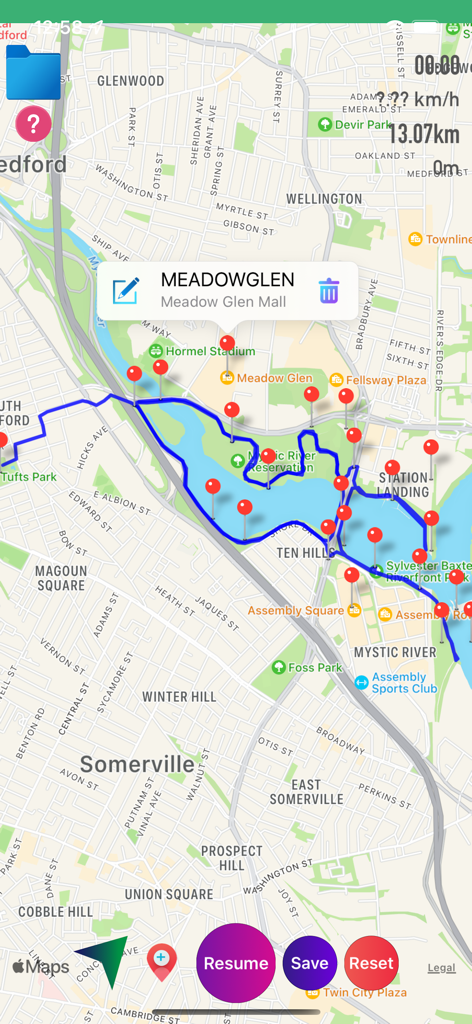
파란색 추적 선과 빨간색 웨이포인트 마커를 보여주는 GPX 뷰어 앱의 지도 보기
파란색 추적 선과 빨간색 웨이포인트 마커를 보여주는 GPX 뷰어 앱의 지도 보기

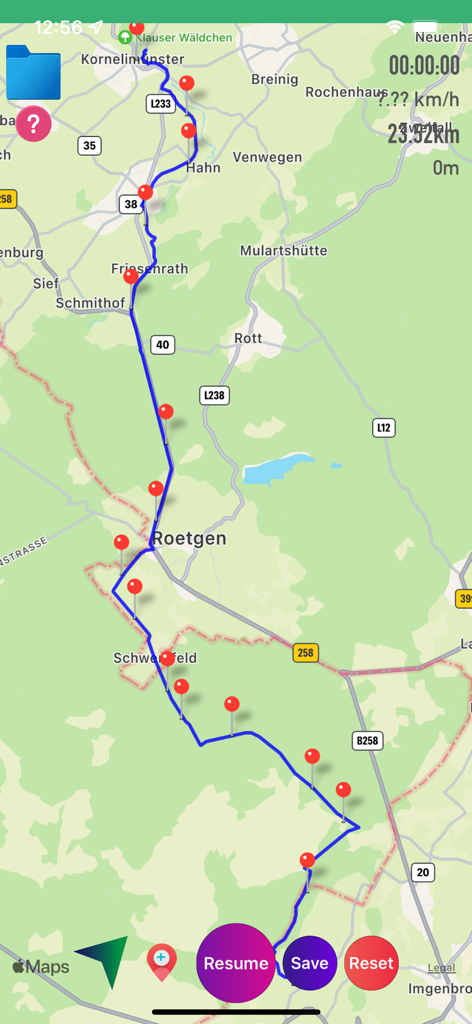
파란색 경로와 빨간색 웨이포인트 및 여행 통계를 표시하는 GPS 추적 지도
파란색 경로와 빨간색 웨이포인트 및 여행 통계를 표시하는 GPS 추적 지도

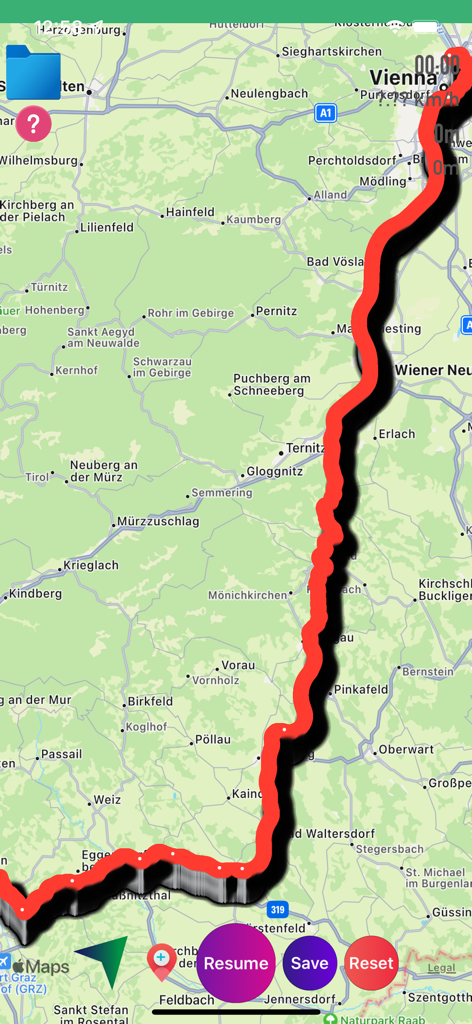
제어 버튼과 함께 지도상에 빨간색으로 추적된 경로를 표시하는 GPX 뷰어 앱의 인터페이스
제어 버튼과 함께 지도상에 빨간색으로 추적된 경로를 표시하는 GPX 뷰어 앱의 인터페이스

마커와 통계가 포함된 추적 경로를 표시하는 GPX 뷰어 앱 지도.
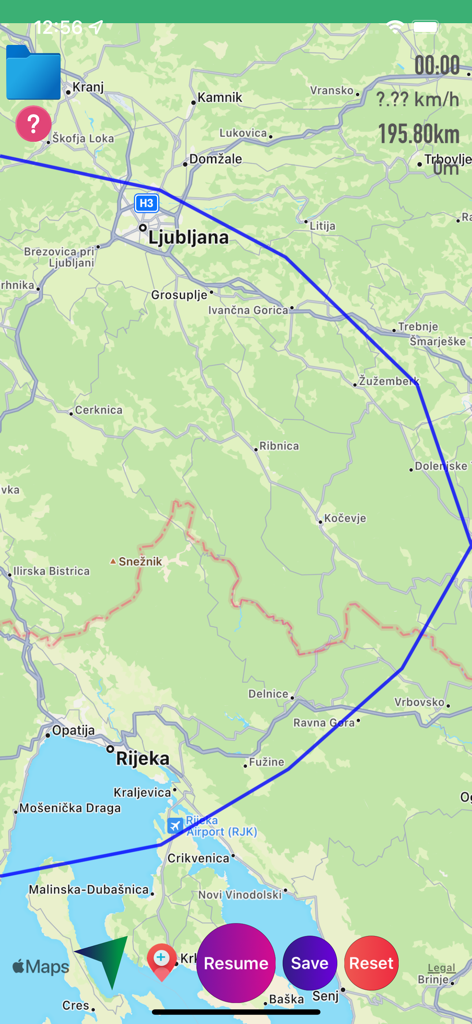
마커와 통계가 포함된 추적 경로를 표시하는 GPX 뷰어 앱 지도.

거리 및 속도 통계와 함께 지도상에 파란색 경로 트랙을 보여주는 GPX 뷰어 앱 인터페이스
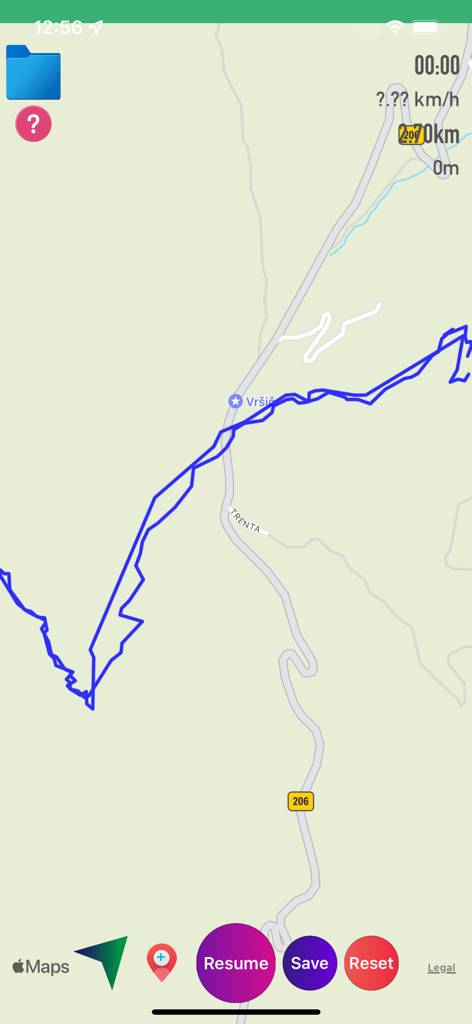
거리 및 속도 통계와 함께 지도상에 파란색 경로 트랙을 보여주는 GPX 뷰어 앱 인터페이스

재개 및 저장 제어 기능과 함께 파란색 GPS 트랙 선을 보여주는 지도 인터페이스
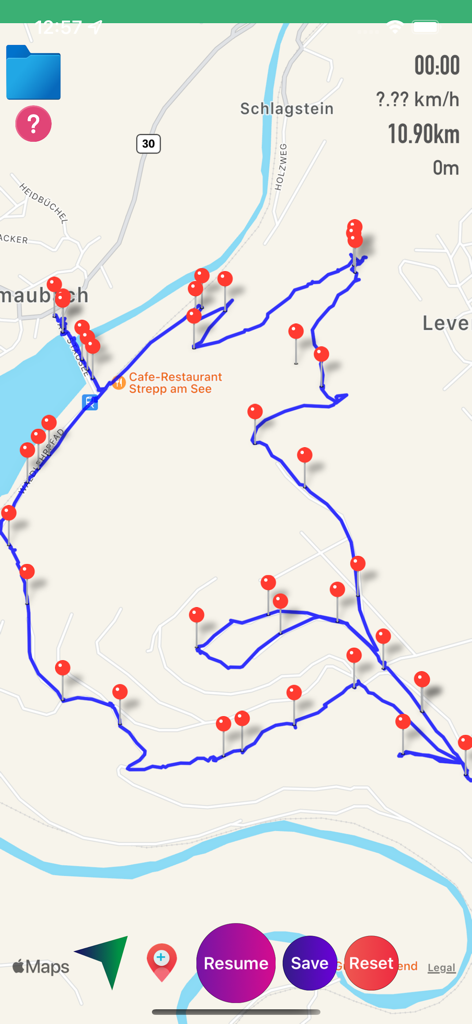
재개 및 저장 제어 기능과 함께 파란색 GPS 트랙 선을 보여주는 지도 인터페이스

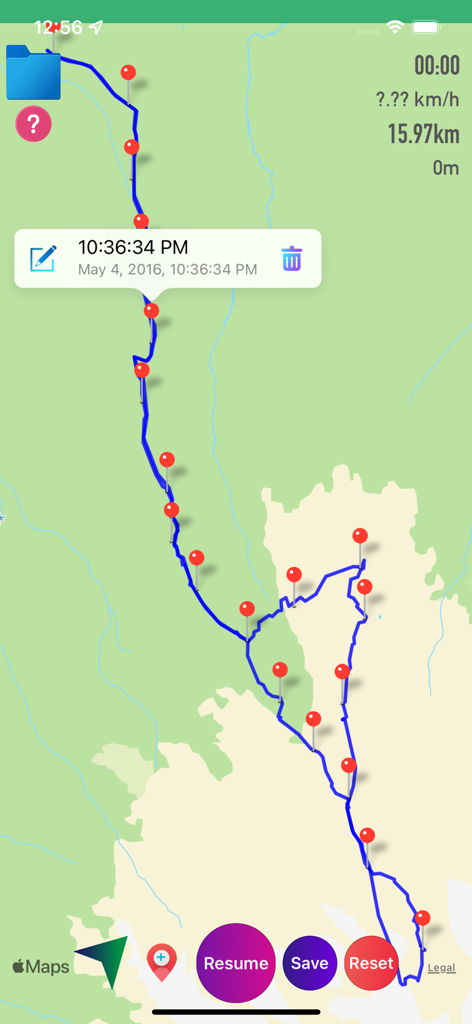
여러 개의 빨간색 핀 마커와 경로 통계와 함께 파란색 GPS 트랙을 표시하는 GPX 뷰어 앱의 지도 화면
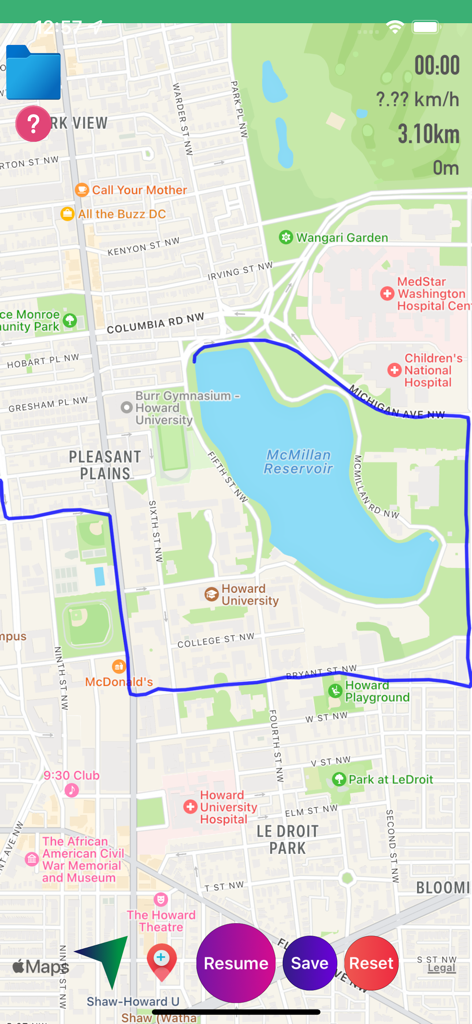
여러 개의 빨간색 핀 마커와 경로 통계와 함께 파란색 GPS 트랙을 표시하는 GPX 뷰어 앱의 지도 화면

실시간 통계 및 내비게이션 버튼과 함께 맥밀란 저수지 주변의 추적된 경로를 표시하는 GPX 뷰어 앱의 지도 화면
실시간 통계 및 내비게이션 버튼과 함께 맥밀란 저수지 주변의 추적된 경로를 표시하는 GPX 뷰어 앱의 지도 화면

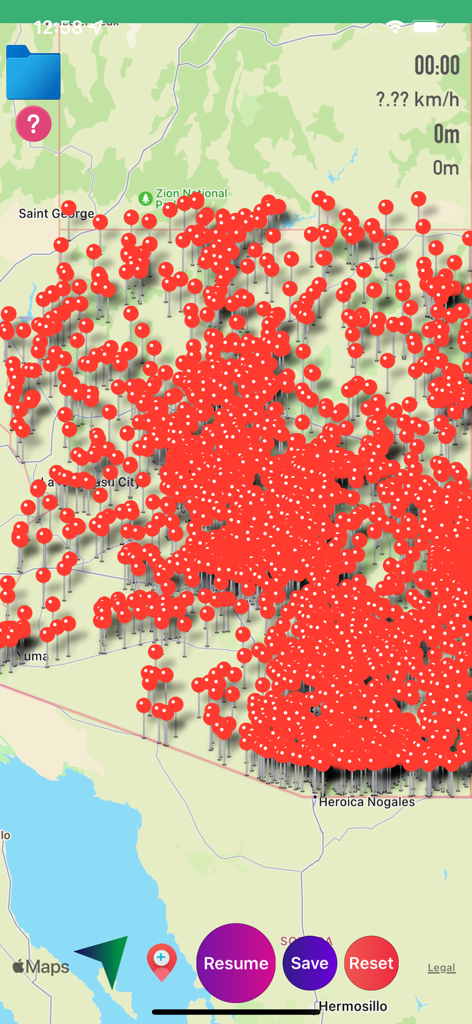
내비게이션 및 경로 추적을 위한 빨간색 핀 웨이포인트로 가득 찬 GPX 뷰어 앱의 지도 인터페이스.
내비게이션 및 경로 추적을 위한 빨간색 핀 웨이포인트로 가득 찬 GPX 뷰어 앱의 지도 인터페이스.

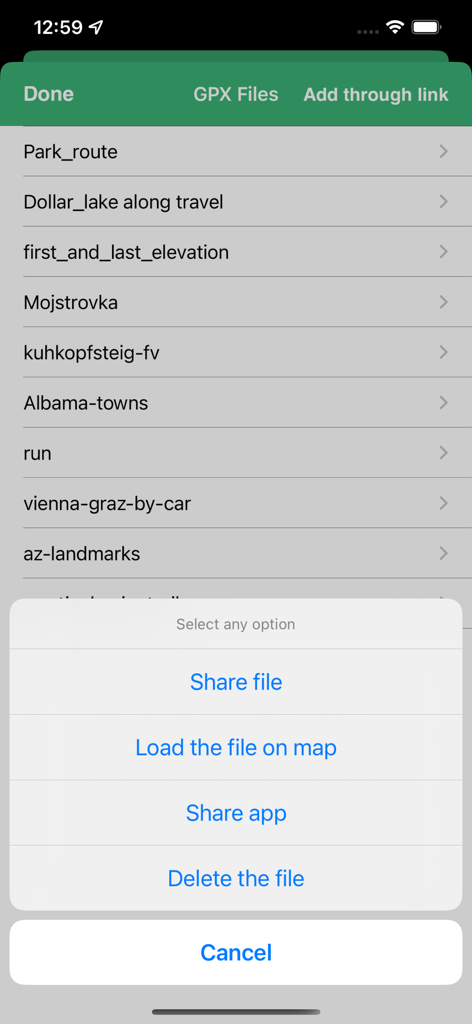
트랙 공유, 로드 또는 삭제를 위한 메뉴가 있는 GPX 파일 관리 화면

트랙 공유, 로드 또는 삭제를 위한 메뉴가 있는 GPX 파일 관리 화면

모든 모험을 위한 프로급 GPS 도구

이 앱을 돋보이게 하는 도구, 57K+ 명의 사용자가 선택.

🛰️

정밀 실시간 추적

속도, 시간, 거리에 대한 실시간 지표로 모든 움직임을 기록하세요. 오프그리드 상태에서도 완벽하게 작동하는 고정밀 파란색 선으로 경로를 추적하세요.

📥

원활한 파일 관리

이메일, 웹 링크 또는 iTunes를 통해 .gpx 파일을 가져오고 내보낼 수 있습니다. 독점적인 소셜 생태계나 구독 플랫폼에 얽매이지 않고 데이터 주권을 완벽하게 유지하세요.

📍

사용자 지정 웨이포인트 매핑

드래그 앤 드롭 마커로 중요한 위치를 정확히 지정하세요. 웨이포인트를 추가, 편집 및 이름을 지정하여 경로를 계획하거나 사용자 지정 트레일 맵에서 필수 랜드마크를 강조 표시하세요.

앱 소개

에 대해 알아야 할 모든 것 GPX Viewer-Converter-Tracking.

설명

GPX Viewer-Converter-Tracking is an application provides you to load the gpx files, convert gpx files and create gpx track over the map. This app works for offline and online. GPX all in one app is a simple to use but powerful tool that helps you to load .gpx files, track your way and convert files. App features: How to add or view .gpx files into the Application You can view, add or import or export .gpx files into the application in multiple ways 1)Keep the .gpx files to the mail or any places in mobile, then long press on gpx file that shows the application icon.click to import the file over the map. 2)Click on folder icon on map.Then “Add through link” enter .gpx files link to add the files in to the application. 3)Connect your iPhone or iPad to System then iTunes will automatically opens an window.Click phone symbol on top left—>Apps.Here you can scroll down to see the Gpx viewer app then click on app icon to add .gpx files. 4)Tap on the file to share or export to the other Applications How to create Gpx Tarck 1)first ON Gps to create Gpx track, This will draw a blue coloured line when you move from one location to another location. 2)Once the tracking is started you can see “Time”, “Speed”, “Distance” values will changes.When you move one location to another location, you can see lots of data is tracking.You feel an Live experience. 3)Pause / Resume tracking. 4)You can add waypoints or Markers along the way. 5)Long press on map to add waypoints or markers. 6)Click Marker red icon on map to add waypoint along the Gpx track. 7)Edit waypoint name. 8)Drag & Drop waypoint Marker or pin. 9)You can Remove waypoints. 10)Load on map a saved Track and waypoints and continue with tracking. 11)If you drive a car, riding on bike or walking along path or hiking tour, GPX tracking will be tracing your geo data. How to convert Gpx file 1)After successfully loading file over the map, you can convert the file. 2)you can Share or send your favourite tracking and waypoints to your friends Through mail. This app is universal app compatible with all iOS devices with GPS. This app requires a GPS-enabled device to be really useful.Without GPS on your device, you will be able to view GPX files and convert GPX files, but you will not able to use the GPS tracking. "Continued use of GPS running in the background can dramatically decrease battery life."

최신 버전

1.7.8

크기

13.5 MB

출시일

2016년 9월 15일

여정의 모든 순간을 마스터하세요

정밀한 오프라인 추적과 원활한 데이터 관리를 위해 GPX 뷰어를 신뢰하는 수천 명의 야외 활동 애호가와 함께하세요. 지금 다운로드하여 트랙을 완벽하게 제어해 보세요.

다운로드: App Store

App information, icons, screenshots, and descriptions displayed on this page are sourced from the Apple App Store and are the property of their respective developers. Download estimates and rankings are based on MWM's proprietary models and may not reflect actual figures. This page is provided for informational and analytical purposes only.

Believe this page infringes your intellectual property? File a dispute