Hidden Folder - KYMS &  KYCALC
Hidden Folder - KYMS & KYCALC
다운로드: App Store

이 페이지는 앱이나 개발자의 공식 페이지가 아니며, 정보 제공 및 논평을 목적으로 작성된 독립 편집 간행물입니다. 명시적으로 달리 언급되지 않는 한, 해당 앱이나 개발자는 MWM, Apple, Google Play, 앱 퍼블리셔 또는 앱 개발자와 제휴, 보증, 후원, 승인 또는 공식적으로 연결되어 있지 않으며, 이 페이지의 어떤 내용도 해당 앱이 MWM의 서비스를 사용하여 개발되었음을 의미하지 않습니다. 모든 상표, 로고, 스크린샷 및 기타 콘텐츠는 해당 소유자의 자산입니다.

로고: Hidden Folder - KYMS &  KYCALC
다운로드: App Store

Hidden Folder - KYMS & KYCALC

교묘한 위장 뒤에 개인 사진, 동영상, 민감한 문서를 안전하게 보관하세요. 가짜 암호와 은밀한 아이콘으로 휴대폰을 건네줄 때에도 엿보는 눈으로부터 개인적인 삶을 보호하세요.

주요 수치

다운로드

10K+

사용자 평점

4.0/5

총 평가 수

0

개발사

ADAPPS SOFTWARE BILISIM TEKNOLOJI VE TICARET LIMITED SIRKETI

카테고리

Photo & Video

지원 언어

32

최신 버전

2.3.4

크기

75.4 MB

출시일

2021년 5월 18일
기능

질문 없는 프라이버시

홈 화면에 자연스럽게 녹아드는 교묘한 위장 뒤에 숨겨진, 공유하고 싶지 않은 모든 것을 위한 궁극의 안전한 공간.

디자인상 보이지 않음

보관소를 계산기 또는 유틸리티 앱 아이콘으로 위장하세요. 개인 정보는 눈에 잘 띄지 않게 숨겨져 친구나 가족의 어색한 질문을 피할 수 있습니다.

궁극의 위장

가짜 암호를 사용하여 위장 갤러리를 여세요. 다른 사람에게 휴대폰을 잠금 해제하라는 압박을 받을 때 완벽한 순간을 위한 것입니다.

다음 스크린샷과 설명은 앱의 공식 스토어 목록에서 직접 가져온 것이며 앱 개발자의 자산입니다.

앱 스토어

스크린샷
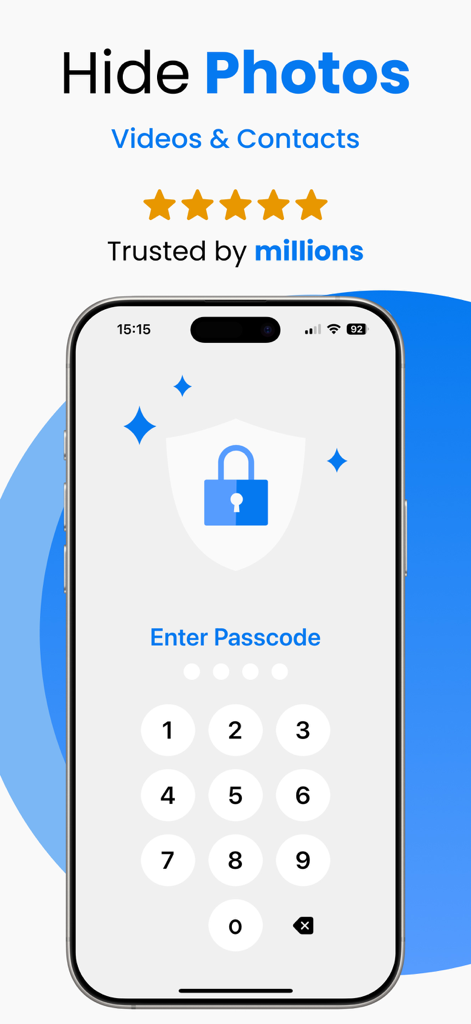
Hidden Folder - KYMS &  KYCALC - 보안 사진 보관소 앱의 숫자 암호 화면

보안 사진 보관소 앱의 숫자 암호 화면

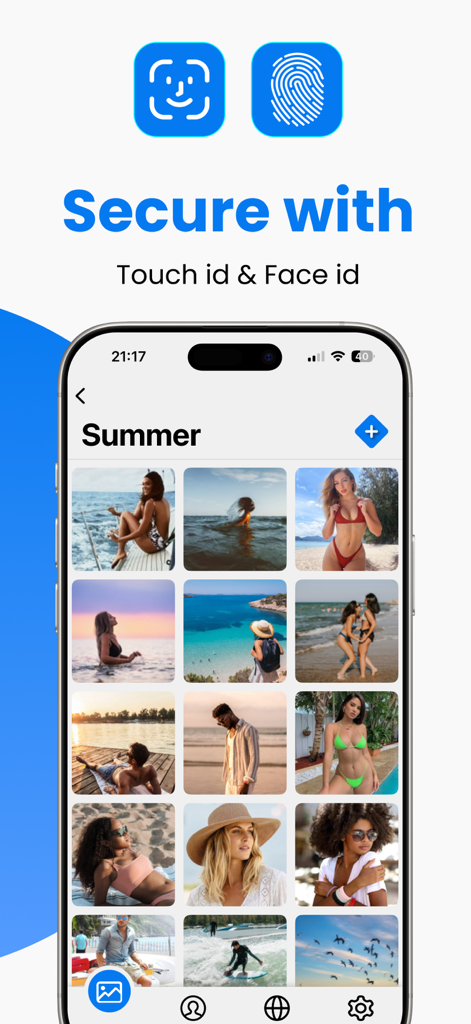
Hidden Folder - KYMS &  KYCALC - Touch ID 및 Face ID 옵션을 보여주는 보안 사진 저장 앱 인터페이스
Touch ID 및 Face ID 옵션을 보여주는 보안 사진 저장 앱 인터페이스

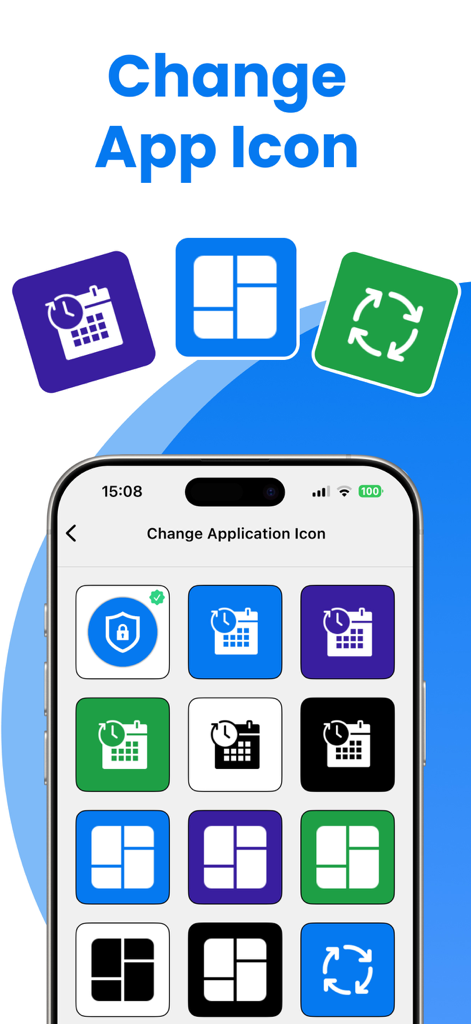
Hidden Folder - KYMS &  KYCALC - 앱 아이콘을 변경하고 비밀 사진 보관소를 눈에 띄지 않게 숨기는 사용자 인터페이스
앱 아이콘을 변경하고 비밀 사진 보관소를 눈에 띄지 않게 숨기는 사용자 인터페이스

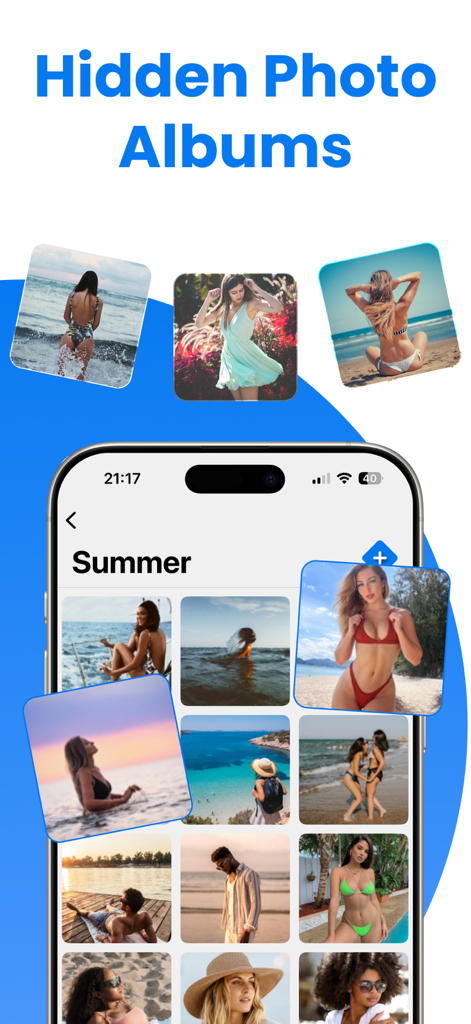
Hidden Folder - KYMS &  KYCALC - 숨겨진 사진 앨범과 보안 개인 갤러리를 표시하는 스마트폰 화면.

숨겨진 사진 앨범과 보안 개인 갤러리를 표시하는 스마트폰 화면.

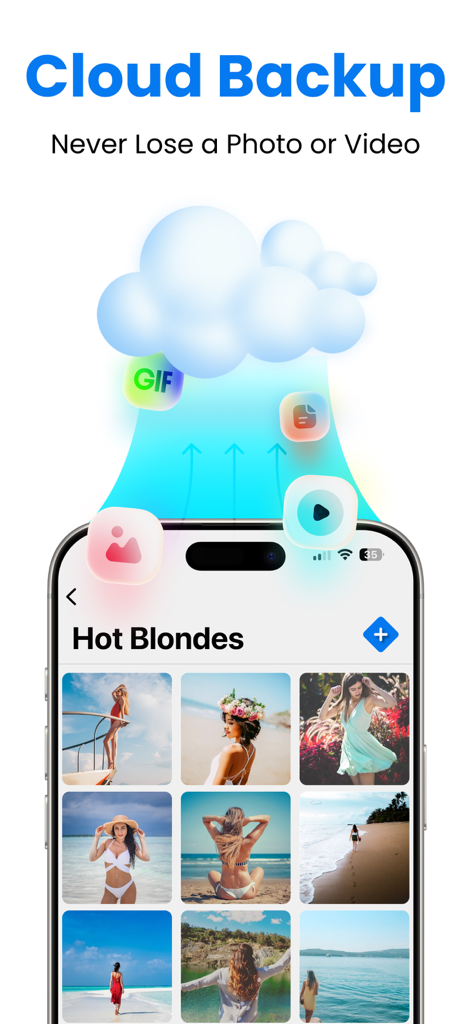
Hidden Folder - KYMS &  KYCALC - 숨겨진 폴더 앱의 보안 사진 및 비디오 저장을 위한 클라우드 백업 기능
숨겨진 폴더 앱의 보안 사진 및 비디오 저장을 위한 클라우드 백업 기능

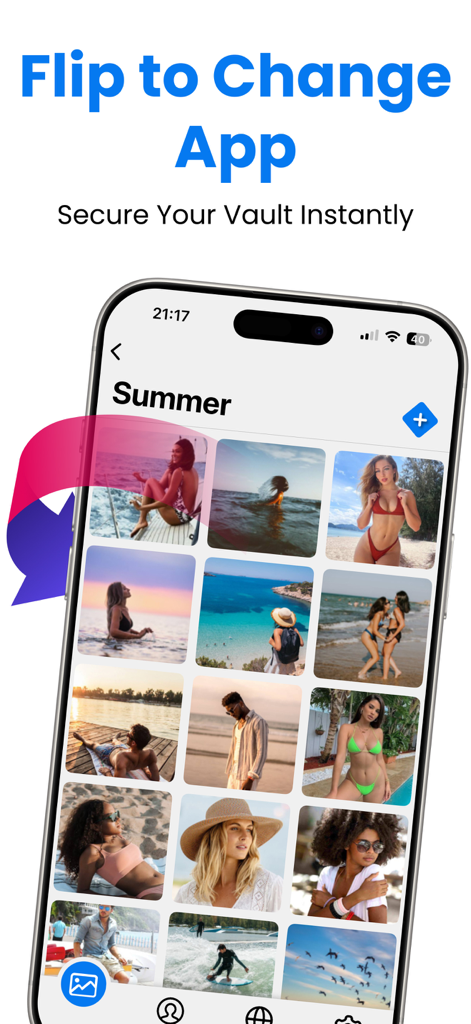
Hidden Folder - KYMS &  KYCALC - 보안을 위해 앱을 즉시 뒤집고 숨기는 기능을 갖춘 개인 사진 갤러리를 표시하는 iPhone
보안을 위해 앱을 즉시 뒤집고 숨기는 기능을 갖춘 개인 사진 갤러리를 표시하는 iPhone

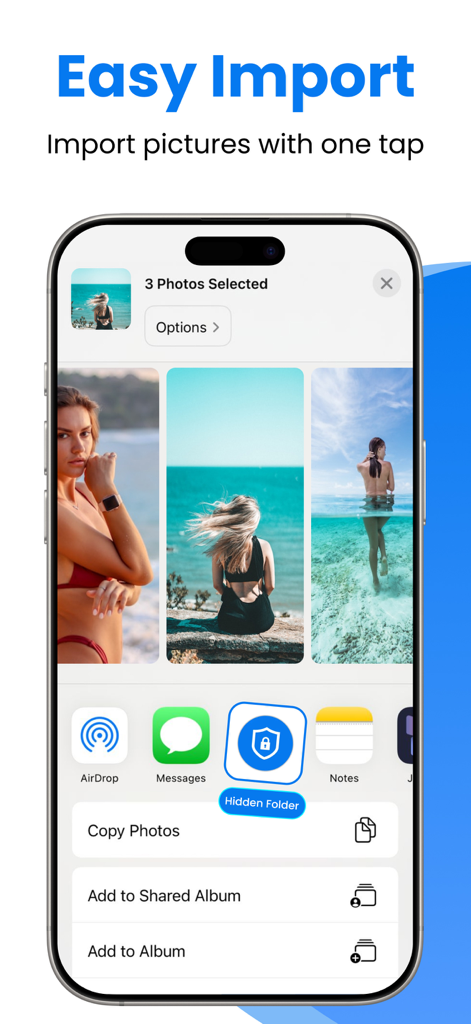
Hidden Folder - KYMS &  KYCALC - 보안 숨김 폴더로 쉬운 사진 가져오기를 보여주는 스마트폰

보안 숨김 폴더로 쉬운 사진 가져오기를 보여주는 스마트폰

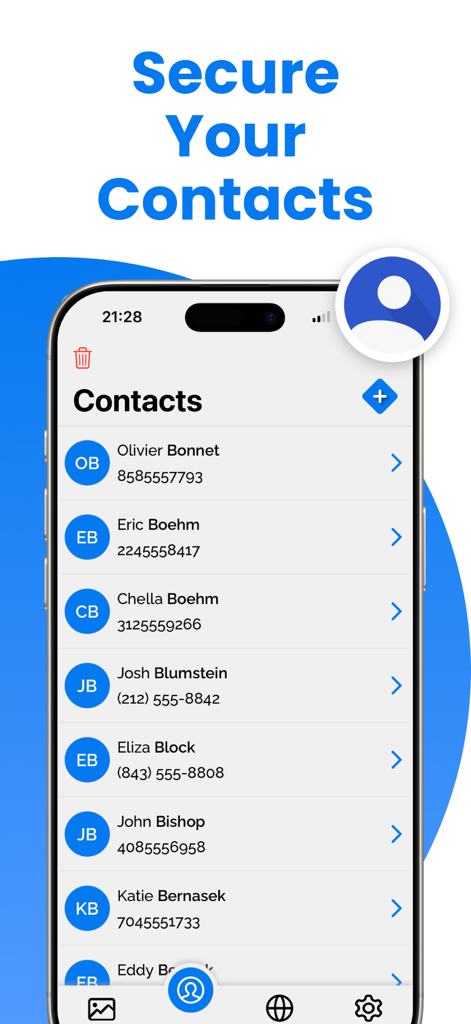
Hidden Folder - KYMS &  KYCALC - Hidden Folder 개인 정보 보호 앱의 보안 연락처 기능을 보여주는 모바일 화면

Hidden Folder 개인 정보 보호 앱의 보안 연락처 기능을 보여주는 모바일 화면

설명

Welcome to Keep Private Photos Safe, the ultimate app for protecting your private photos and videos on your iOS device. With Keep Private Photos Safe, you can ensure that your personal media is secure and only accessible by you. Our app offers robust security features, making it the best choice to keep your memories and important documents safe. Key Features: * Hide Videos or Photos: Securely hide your videos and photos from prying eyes. * Support Passcode and Fake Passcode: Protect your data with a passcode. Create a fake passcode that opens a fake gallery, adding an extra layer of security. * Sharing Photos and Videos: Easily share your hidden photos and videos when needed. * Change App Icon: Disguise the app with a different icon to make it look like another app. * No Storage Limitation: Hide unlimited photos and videos without any storage restrictions. * Private Web Browser: Browse the web privately within the app, without leaving any traces. * Preserving Special Memories: Keep your precious memories safe and secure. * Storing Family Photos: Protect your family photos from unauthorized access. * Protecting Copies of Important Documents: Securely store copies of your driver's license, ID cards, and credit cards. * Organizing Important Documents: Keep your important documents organized and easily accessible. * Premium Features: Upgrade to Keep Private Photos Safe Premium to unlock additional powerful features: * Unlimited Storage: Enjoy unlimited storage for all your photos and videos. * Cloud Backup: Automatically back up your photos and videos to the cloud to prevent data loss. Keep your memories safe even if you lose your device. * Ad-Free Experience: Enjoy an ad-free experience with Keep Private Photos Safe Premium. * Priority Support: Get priority customer support for any issues or questions. Why Choose Keep Private Photos Safe? * Enhanced Security Features: Fake Gallery with Fake Password: Create a decoy gallery with a fake password to fool intruders. This way, your real private photos and videos remain secure in the hidden vault. Discreet App Icon: Change the app icon to make it look like another app, enhancing the privacy of your hidden data. No Storage Limitations: Unlike other apps, Keep Private Photos Safe does not limit the number of photos and videos you can hide, allowing you to secure all your important media. Keep Safe with Ease: Using Keep Private Photos Safe is simple and intuitive. Here's how to get started: * Download and Install: Get Keep Private Photos Safe from the App Store and install it on your iPhone. * Set Up Your Security: Choose a passcode to lock your private vault. Optionally, set up a fake passcode for the fake gallery. * Import Photos and Videos: Import the photos and videos you want to keep safe into the app. Organize them into albums for easy access. * Change App Icon: Customize the app icon to disguise Keep Private Photos Safe as another app. * Browse Privately: Use the built-in private web browser to surf the internet without leaving any traces. * Download Keep Private Photos Safe Today! Don’t wait any longer to protect your privacy. Download Keep Private Photos Safe today and start securing your photos, videos, and important documents with the best security features available. Keep your memories safe and enjoy peace of mind knowing that your personal data is protected. Upgrade to Keep Private Photos Safe Premium for an enhanced experience and additional security features. Keep Private Photos Safe is the ultimate app for anyone who values their privacy and wants to keep their personal media secure. Download now and experience the best in photo and video security. Privacy Policy: https://sites.google.com/view/secret-photo-vault-privacy Terms: https://sites.google.com/view/secret-photo-vault-terms

Download

다운로드: App Store

이 페이지는 앱이나 개발자의 공식 페이지가 아니며, 정보 제공 및 논평을 목적으로 작성된 독립 편집 간행물입니다. 명시적으로 달리 언급되지 않는 한, 해당 앱이나 개발자는 MWM, Apple, Google Play, 앱 퍼블리셔 또는 앱 개발자와 제휴, 보증, 후원, 승인 또는 공식적으로 연결되어 있지 않으며, 이 페이지의 어떤 내용도 해당 앱이 MWM의 서비스를 사용하여 개발되었음을 의미하지 않습니다. 모든 상표, 로고, 스크린샷 및 기타 콘텐츠는 해당 소유자의 자산입니다.